Build this if
Creators have enough channel history for an audit and will edit, schedule, and test ideas instead of treating model output as guaranteed advice.
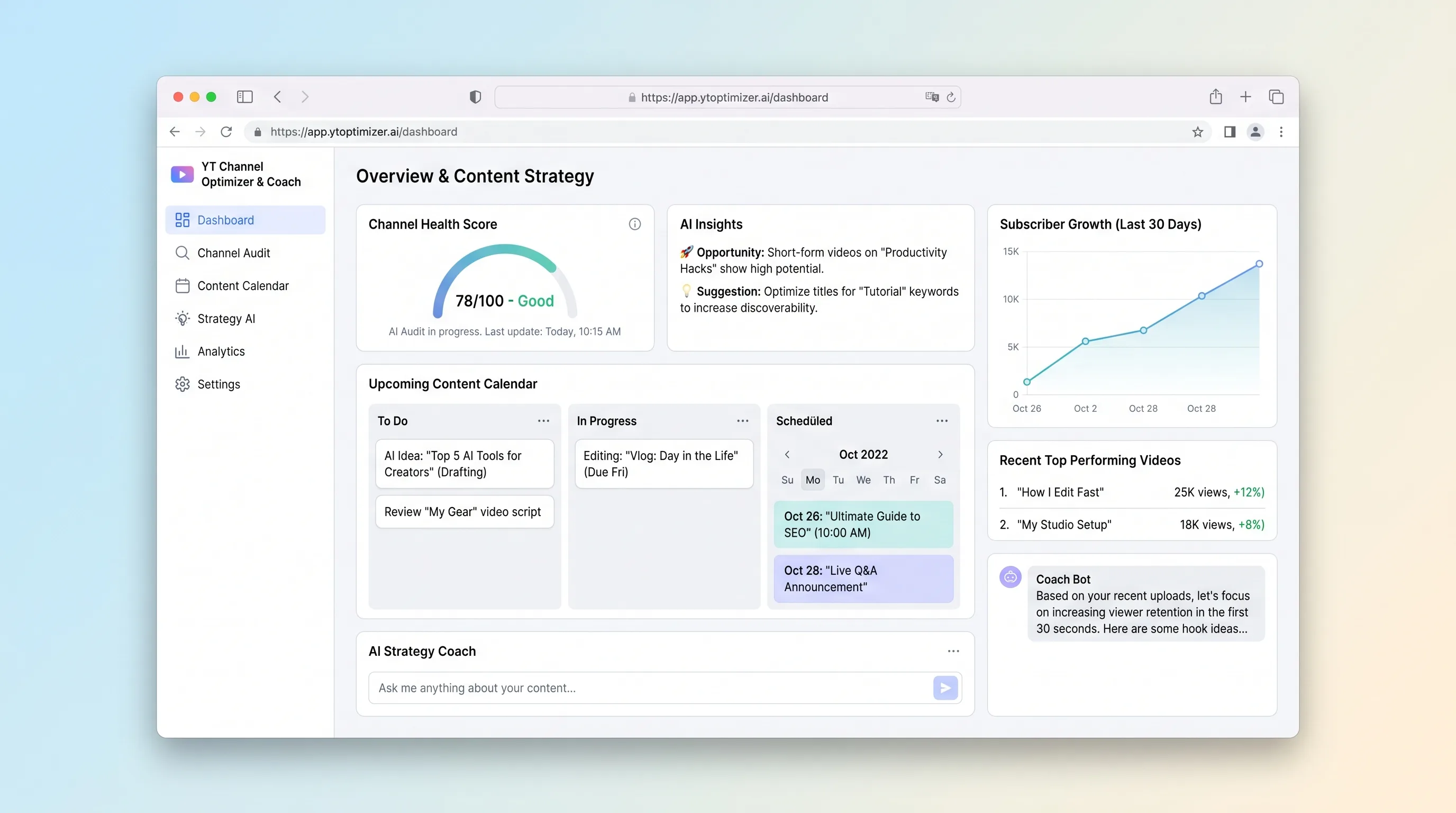
An AI-assisted channel audit that turns authorized YouTube data into a prioritized improvement plan, editable video ideas, and a four-week publishing calendar.
Decision snapshot
Creators have enough channel history for an audit and will edit, schedule, and test ideas instead of treating model output as guaranteed advice.
The product must guarantee views, automate publishing, or infer private competitor performance unavailable through supported APIs.
Onboard 20 creators and verify that at least half accept or revise three audit actions, schedule four ideas, and return to record outcomes after publishing.
Problem and target customer
Creators bounce between analytics, competitor videos, idea notes, and calendars without a clear sequence for fixing channel packaging and planning the next month of content.
Solo YouTube creators and small teams with an existing video catalog who want a structured audit-to-calendar planning session.
Monthly creator subscription with limits on connected channels and generated planning sessions.
Editorial note
The product is a guided planning session, not an endless idea generator. Deterministic findings establish what changed; generated concepts are useful only when the creator can trace, edit, reject, and schedule them.
Keep this distinct from broad performance intelligence: it optimizes one channel audit into a four-week plan. The key validation is whether creators act on the plan and return with outcomes, not how many ideas the model can produce.
Choose your next step
Evaluate the operating tradeoffs quickly, or inspect how to build the MVP.
Compare the three operating paths at the default workload before opening the full calculator.
See cost preview Build this ideaInspect the build blueprintReview MVP scope, workflow, states, data rules, architecture, and acceptance criteria.
Open blueprintEvaluation preview
Directional infrastructure estimates for the current 100 channel audits assumption. Open the full calculator when you are ready to change it.
App, database, backups, and logs for YouTube audit snapshots, generated ideas, and calendar plans with minimal platform operations.
Lowest operating effortA small cloud server runs YouTube audit snapshots, generated ideas, and calendar plans, PostgreSQL, and scheduled backups.
Lowest baseline costSeparate web, data, and background capacity for YouTube audit snapshots, generated ideas, and calendar plans when operational isolation matters.
Most separation and controlBuild blueprint
Product goal
MVP scope
UX and user flow
Choose the channel, history window, goals, and data included in the planning session.
Review ordered findings and open the exact evidence behind each explanation.
Edit proposed concepts and assign approved items to four weeks.
Core entity outline
Freezes the channel snapshot, creator goal, rule version, and audit status.
Stores one deterministic check, priority, explanation, evidence ids, and creator decision.
Represents an editable concept tied to audience goal and audit evidence.
Architecture and data flow
Manage OAuth, quota accounting, and bounded channel snapshots.
Run versioned checks and prioritize findings from stored facts.
Request structured explanations and ideas, validate evidence ids, and await creator decisions.
Deliverables and acceptance
Recommended stack
Supports OAuth onboarding, audit review, idea editing, and calendar interactions.
Stores channel snapshots, findings, evidence, ideas, calendar entries, and creator decisions.
Provides authorized channel and video metadata under a documented quota model.
Explains deterministic findings and proposes structured, editable ideas grounded in supplied evidence.
Deterministic checks create a stable audit baseline; the model adds explanation and planning options. The creator remains responsible for relevance, final wording, and schedule decisions.
Copy the build prompt, model the operating cost, and choose where to deploy.
Execution
Once the blueprint is clear, use the prompt, cost model, and deployment options to start building.
Build prompt
Use a TypeScript application with PostgreSQL and background jobs; prototype the planning UX in Lovable, then enforce structured model output and evidence checks server-side.
Build prompt
Open the prompt pack whenever you are ready to take this blueprint into your builder.
Build prompt ready
Copy the prompt into your builder, then use the cost model below to choose how you want to run it.
Use the cost model to choose a deployment path that matches the build plan.
Cost calculator
A technical run-cost estimate for the first production version. Team, acquisition, payment fees, and business COGS are excluded.
$11-$34 per 50 channel audits
Low and high values allow for usage variance and plan headroom.
App, database, backups, and logs for YouTube audit snapshots, generated ideas, and calendar plans with minimal platform operations.
50K channel audits included, then $8-$20 per 50K channel auditsExplains one deterministic channel audit and proposes structured video ideas that retain evidence references for creator review.
100 channel audits x 12K input + 2.5K output tokensThe estimate combines the selected infrastructure path, required operating modules, selected optional modules, and usage above included monthly allowances. Taxes and regional uplifts are excluded.
Deployment options
Choose based on operating preference, not only the headline price.
Deploy the channel audit, idea generation, and planning calendar with managed services, environment variables, logs, and a short path from prototype to beta.
Usage-based compute needs budget alerts as activity grows.
Run the app, worker, and database on one small Vultr VPS with Docker Compose and explicit backups.
The operator owns database maintenance and incident response.
Separate application, worker, data, storage, and backup responsibilities as the workload grows.
More moving parts increase setup and observability work.
Start building
Design connection, audit priorities, evidence drawers, idea editing, and four-week calendar states around one planning session.
Open Lovable 02AutomationSend planning reminders onlyUse Make only for an optional reminder about an approved calendar entry; do not let it publish videos or approve model output.
Open Make 03DeployDeploy the audit workersRun OAuth callbacks, audit jobs, PostgreSQL, and bounded model requests with quota, retry, and spend visibility.
Open RailwayKeep exploring
AI ToolCreator Economy & Media
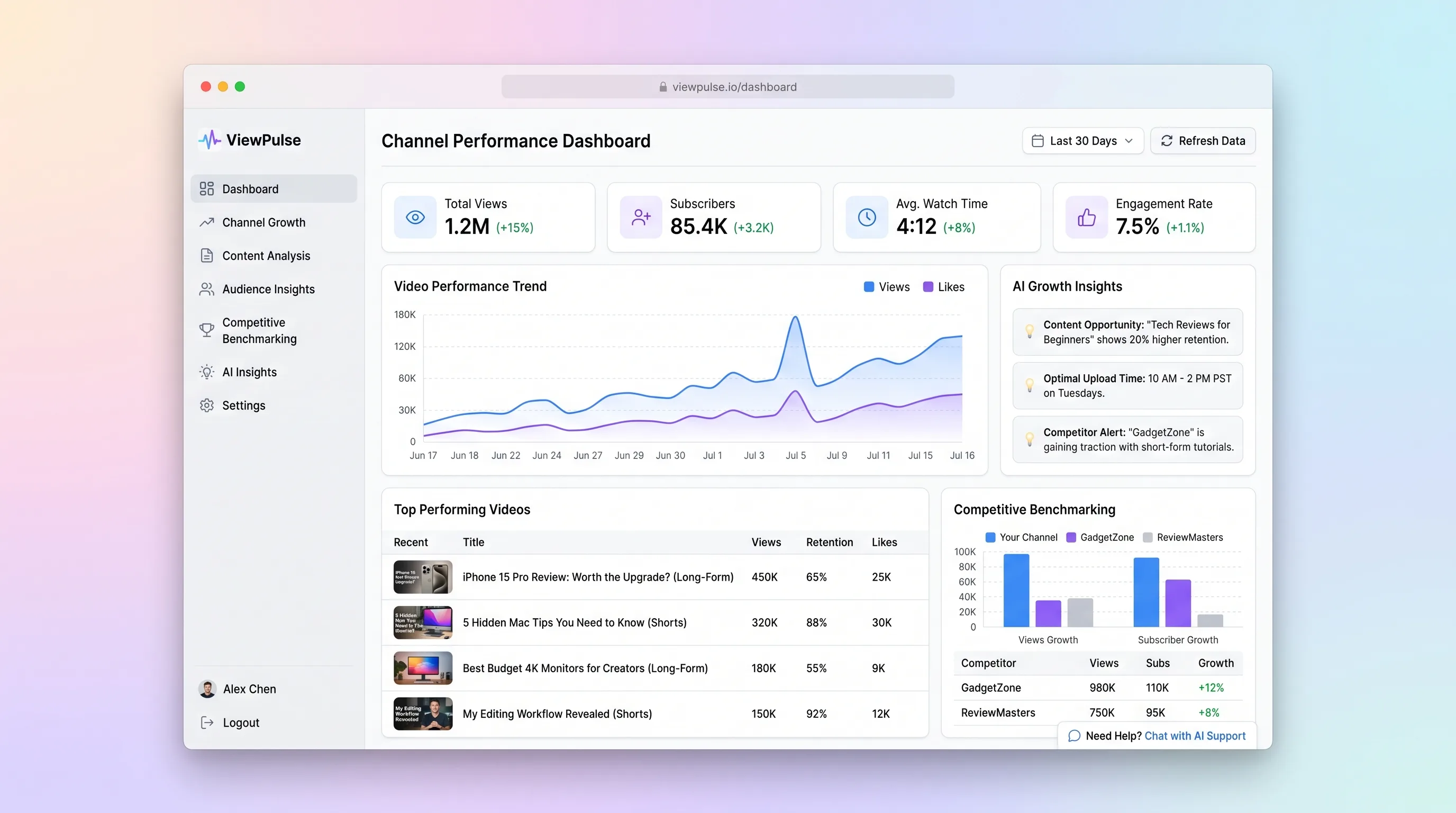
A weekly analysis workspace that groups YouTube videos by content pillar and format, benchmarks selected channels, and explains repeatable growth patterns.
AI ToolCreator Economy & Media
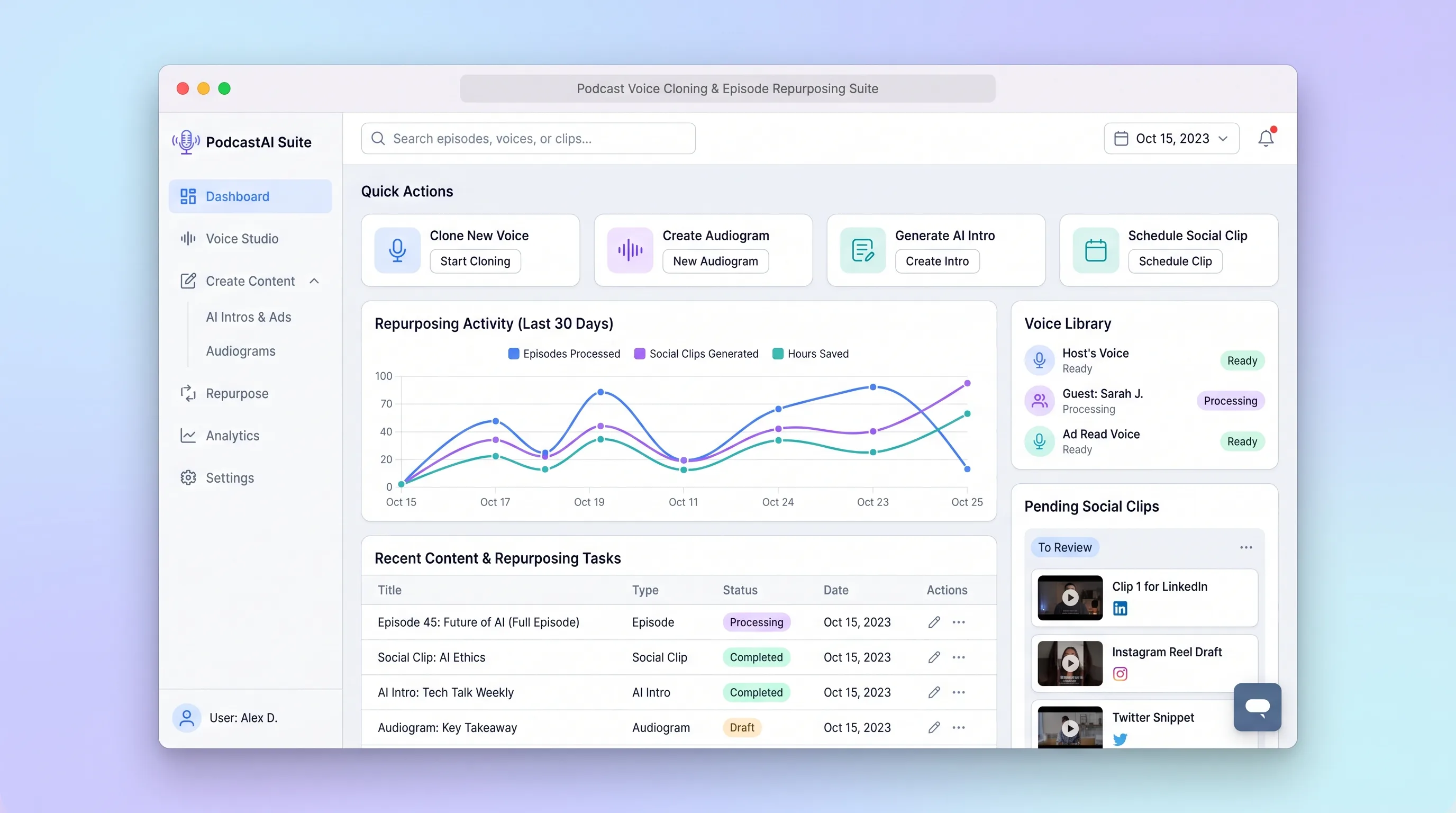
A production workspace for podcasters to transcribe an episode, create consented voice assets, select clip moments, and review channel-ready copy in one run.
AI ToolCreator Economy & Media
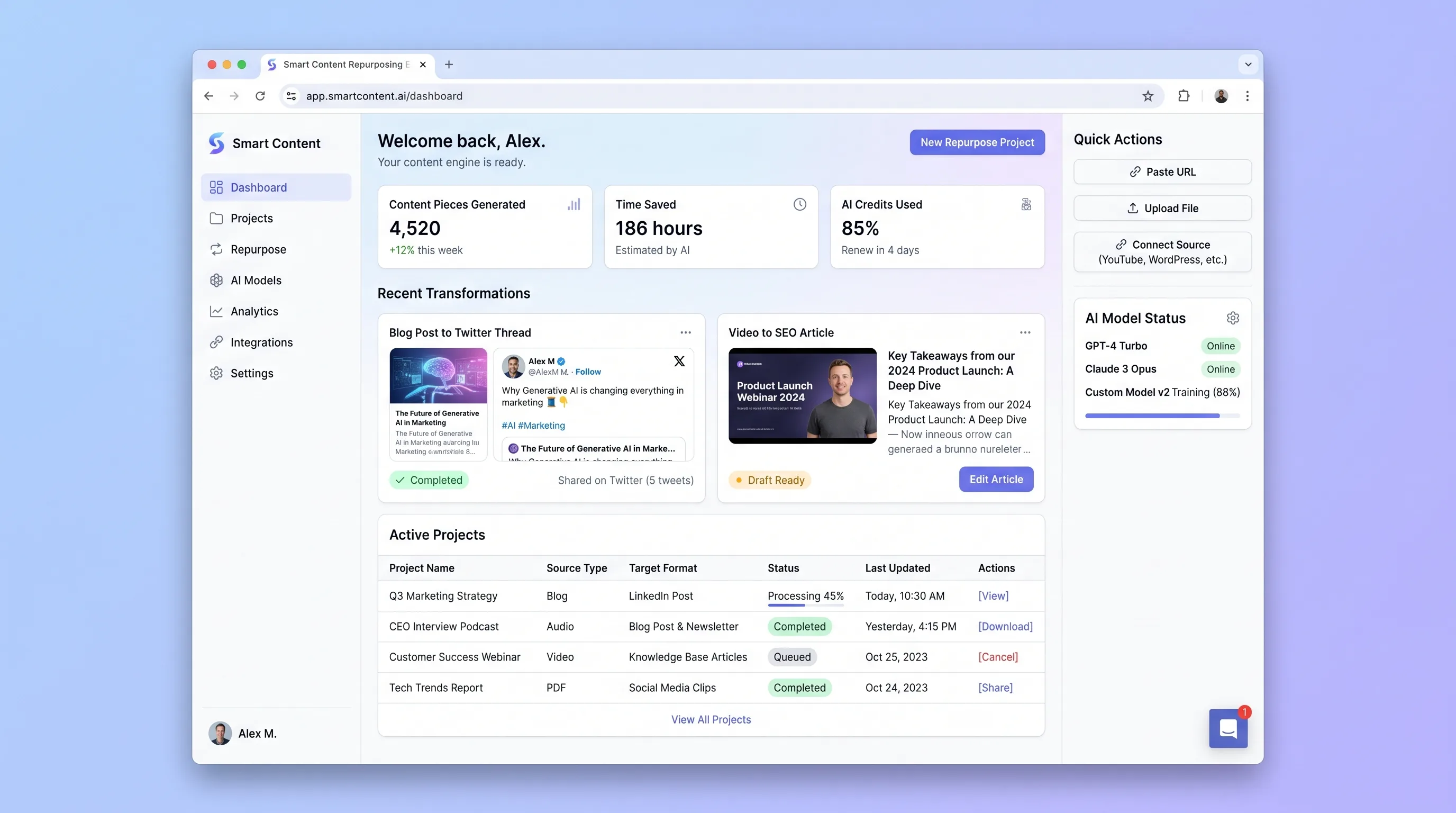
A review-first engine that analyzes an article, transcript, or video and produces editable channel-specific drafts linked to the original source.
AI ToolCreator Economy & Media
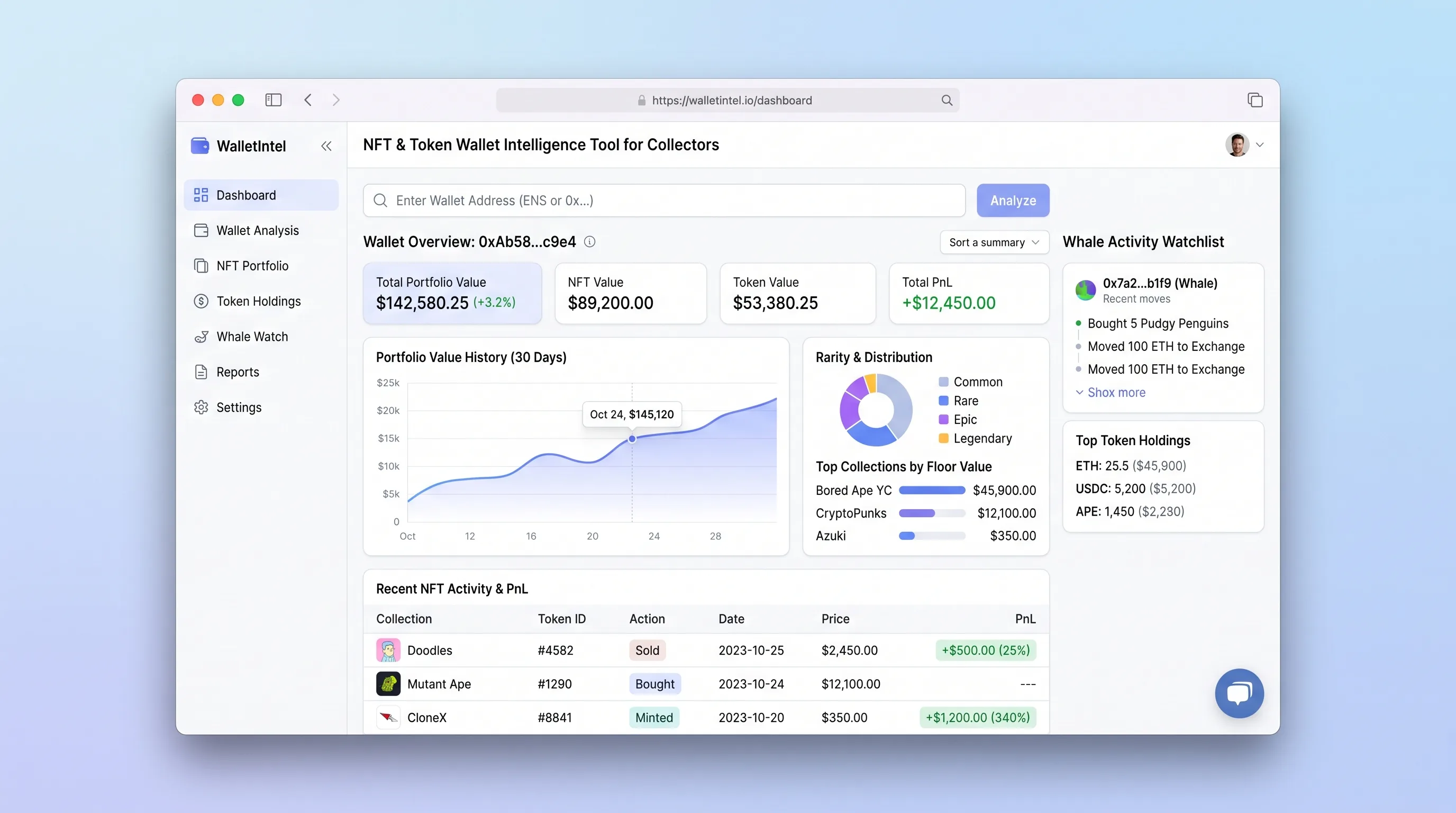
Paste any public wallet address and within seconds see a complete NFT and token breakdown—floor value, rarity, realized PnL, and whale activity—with no login required.
AI ToolSales & Marketing
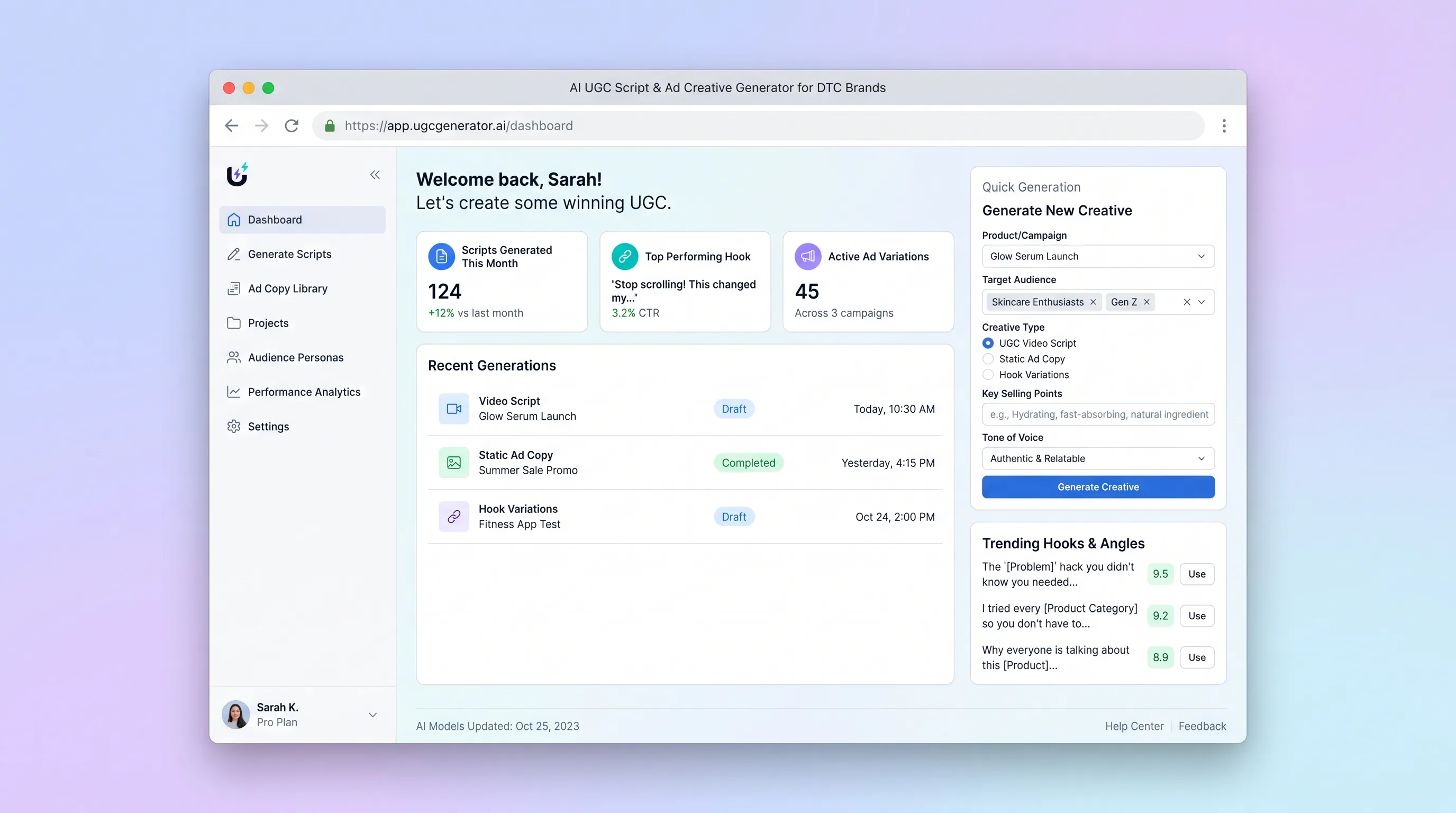
A brand-safe creative workspace that transforms approved product facts and audience personas into editable UGC scripts, hooks, static copy, and creator briefs.
AI ToolBusiness Operations
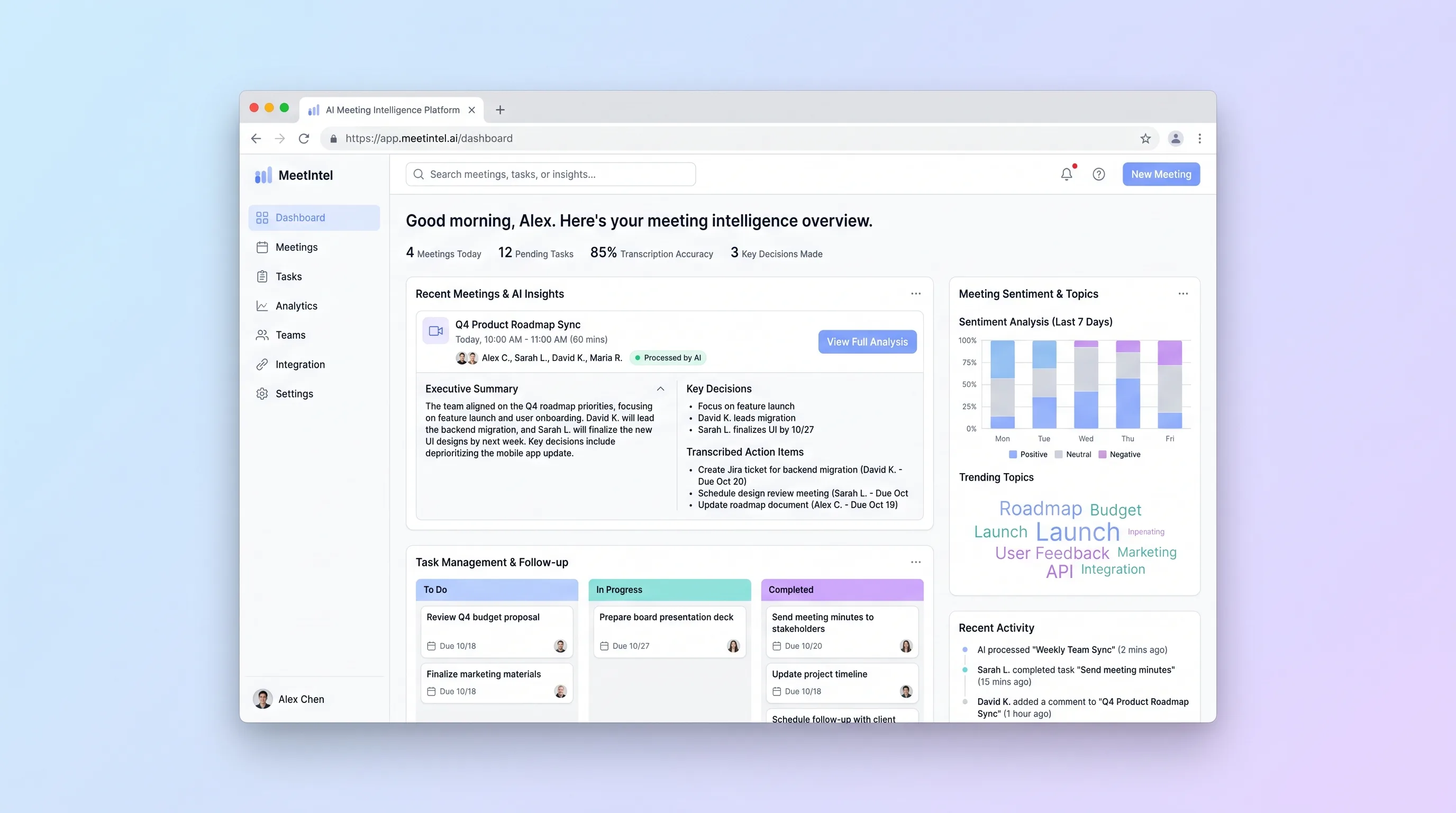
An upload-first processor for teams that need a dependable transcript, editable call summary, and assignable actions from a recorded video meeting.