Build this if
Solopreneurs in coaching or consulting niches confirm they spend 10+ minutes daily rearranging tasks and frequently miss deep-work blocks due to poor energy-task alignment.
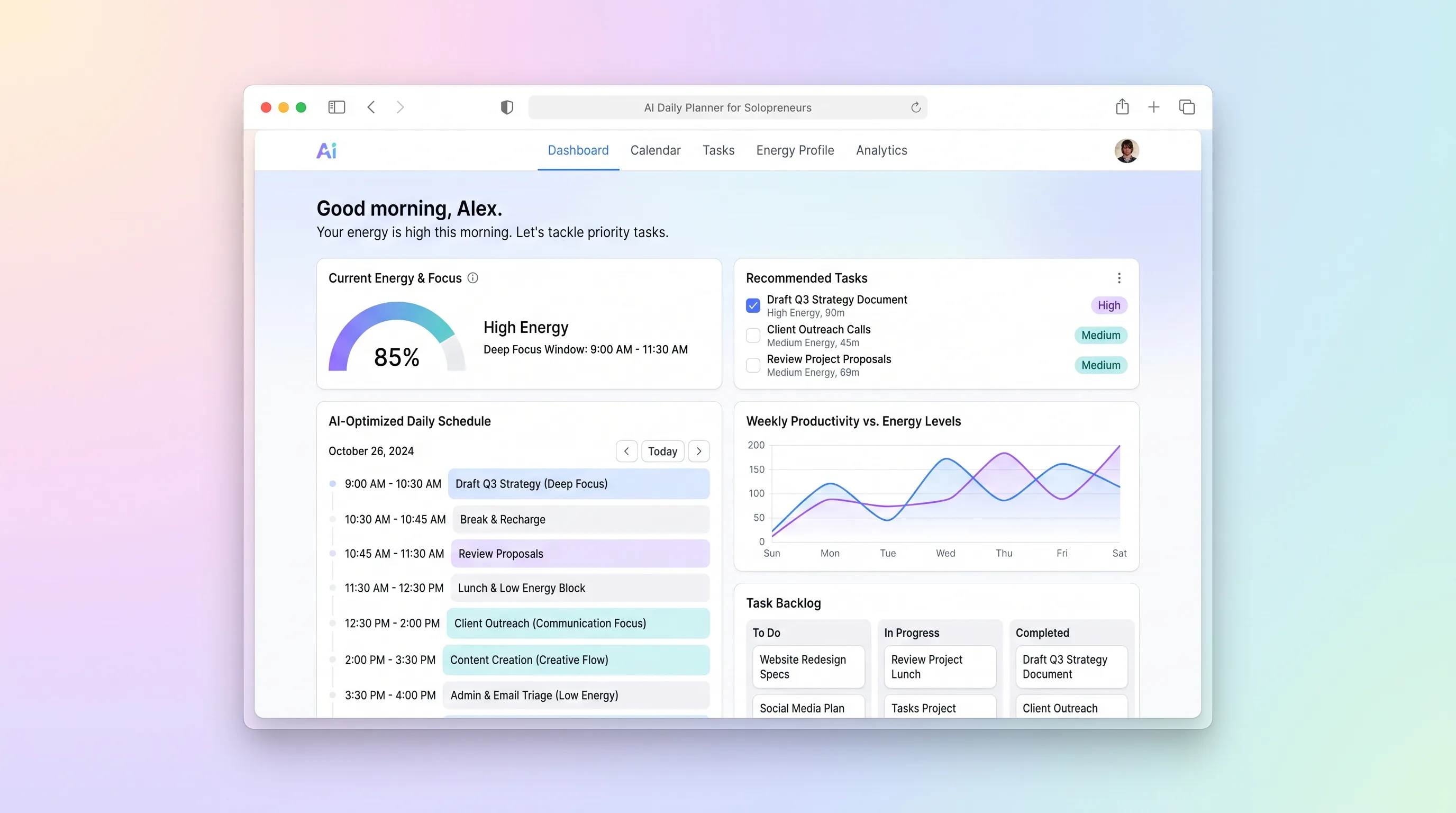
A daily planning tool that maps solopreneur tasks to personal energy windows using AI prioritization, calendar sync, and CSV import from existing task tools.
Decision snapshot
Solopreneurs in coaching or consulting niches confirm they spend 10+ minutes daily rearranging tasks and frequently miss deep-work blocks due to poor energy-task alignment.
Target users are already satisfied with time-blocking in existing calendar apps and show no willingness to pay above $10/month for AI-assisted scheduling.
Recruit 20 solopreneurs to use a clickable prototype for one week; measure whether they complete the daily plan in under 3 minutes and report at least one reclaimed focus block per day.
Problem and target customer
Solopreneurs juggle client work, admin, and content creation across generic task lists without accounting for when their energy and focus actually peak, leading to misplaced deep-work blocks and afternoon slumps spent on high-cognitive tasks.
Solo fitness coaches, consultants, and creators who manage 15-40 weekly tasks across client sessions, programming, and business admin and need a plan that respects their natural energy curve.
Monthly subscription with a free single-workspace tier and a paid multi-workspace tier for solopreneurs managing multiple brands or client rosters.
Editorial note
Solopreneurs rarely lack a task list; they lack a plan that respects when they can actually do deep work. EnergyMatch turns a flat task dump into a single-day schedule by asking one question most planners ignore: when does your brain work best?
The MVP keeps scope tight: one user, one workspace, one daily plan generated by a single LLM call. CSV import from Notion or Todoist means users do not have to abandon their existing task tool—they bring their list and get back a plan.
Calendar sync ensures the AI does not schedule a content-writing block on top of a client session. The confirmed plan pushes back to Google Calendar so the solopreneur's existing reminders still fire.
Choose your next step
Evaluate the operating tradeoffs quickly, or inspect how to build the MVP.
Compare the three operating paths at the default workload before opening the full calculator.
See cost preview Build this ideaInspect the build blueprintReview MVP scope, workflow, states, data rules, architecture, and acceptance criteria.
Open blueprintEvaluation preview
Directional infrastructure estimates for the current 1,000 generated outputs assumption. Open the full calculator when you are ready to change it.
Managed app hosting, database, backups, and basic observability for the ai-generation workflow.
Lowest operating effortOne small VPS running the app, database, media volume, and backup job.
Lowest baseline costSeparate app, data, storage, and worker capacity for cleaner operations.
Most separation and controlBuild blueprint
Product goal
MVP scope
UX and user flow
Let user define morning, midday, and evening energy levels and fixed commitments.
Display imported and manually added tasks with duration and cognitive load.
Show AI-generated daily plan in large-typography vertical timeline color-coded by energy match.
Show existing Google Calendar events alongside confirmed plan blocks to surface conflicts.
Core entity outline
Top-level container for a solopreneur's settings, tasks, and plans.
The solopreneur account with energy profile and calendar connection.
A single actionable item with cognitive load and duration metadata.
A generated daily schedule for a specific date.
A time slot in the plan mapping a task to a specific window.
Architecture and data flow
Accepts energy profile, tasks, and calendar events; calls LLM; returns structured daily plan.
Parses Notion and Todoist CSV exports into Task records with field mapping.
Receives confirmed plan and creates Google Calendar events via Make scenario.
Workspace-scoped authentication using Supabase row-level security.
Deliverables and acceptance
Recommended stack
Rapid build of the pastel, large-typography timeline UI with drag-to-reorder and responsive layout for solo users.
Managed Postgres for workspace, user, task, and plan records with row-level security per workspace.
Single LLM call per plan generation that takes energy profile, tasks, and calendar events as structured input and returns a ranked daily schedule.
Bounded webhook handler that receives confirmed plan from the app and pushes blocks to Google Calendar via Calendar API.
Deploys the backend API and any scheduled jobs for daily plan reminders without managing infrastructure.
Lovable handles the visual-first timeline UI that solopreneurs interact with daily. Supabase provides durable storage for energy profiles and task records with per-workspace isolation. OpenAI powers the single plan-generation call that is central to the product. Make acts as optional glue for calendar sync webhooks only. Railway hosts the API layer and any cron-based reminder jobs.
Copy the build prompt, model the operating cost, and choose where to deploy.
Execution
Once the blueprint is clear, use the prompt, cost model, and deployment options to start building.
Build prompt
Lovable
Build prompt
Open the prompt pack whenever you are ready to take this blueprint into your builder.
Build prompt ready
Copy the prompt into your builder, then use the cost model below to choose how you want to run it.
Use the cost model to choose a deployment path that matches the build plan.
Cost calculator
A technical run-cost estimate for the first production version. Team, acquisition, payment fees, and business COGS are excluded.
$17-$48 per 500 generated outputs
Low and high values allow for usage variance and plan headroom.
Managed app hosting, database, backups, and basic observability for the ai-generation workflow.
50K generated outputs included, then $8-$20 per 100K generated outputsLLM API is implied by the source workflow or feature list.
1K generated outputs x 2.5K input + 700 output tokensObject storage is implied by the source workflow or feature list.
Monthly allowance from this idea's operating profileThe estimate combines the selected infrastructure path, required operating modules, selected optional modules, and usage above included monthly allowances. Taxes and regional uplifts are excluded.
Deployment options
Choose based on operating preference, not only the headline price.
Fast Docker deployment for the app, database, worker, and preview workflow without managing a VPS.
Usage billing needs active monitoring as traffic and jobs grow.
Run the app, worker, and database on one small Vultr VPS with Docker Compose and explicit backups.
You own patching, backups, monitoring, and incident response.
Separate application, worker, data, storage, and backup responsibilities as the workload grows.
You own server setup, patching, backups, and operational monitoring.
Start building
Create the energy profile editor, task list with CSV import, large-typography timeline view, and drag-to-reorder confirmation screen in Lovable.
Open Lovable 02AutomationWire calendar syncSet up a Make scenario that receives the confirmed plan via webhook and creates Google Calendar events for each block, returning success or conflict status.
Open Make 03DeployDeploy backend and LLM endpointHost the Express or Fastify API on Railway with an endpoint that accepts energy profile, tasks, and calendar events, calls OpenAI, and returns the structured daily plan.
Open RailwayKeep exploring
SaaS WorkflowProfessional Services
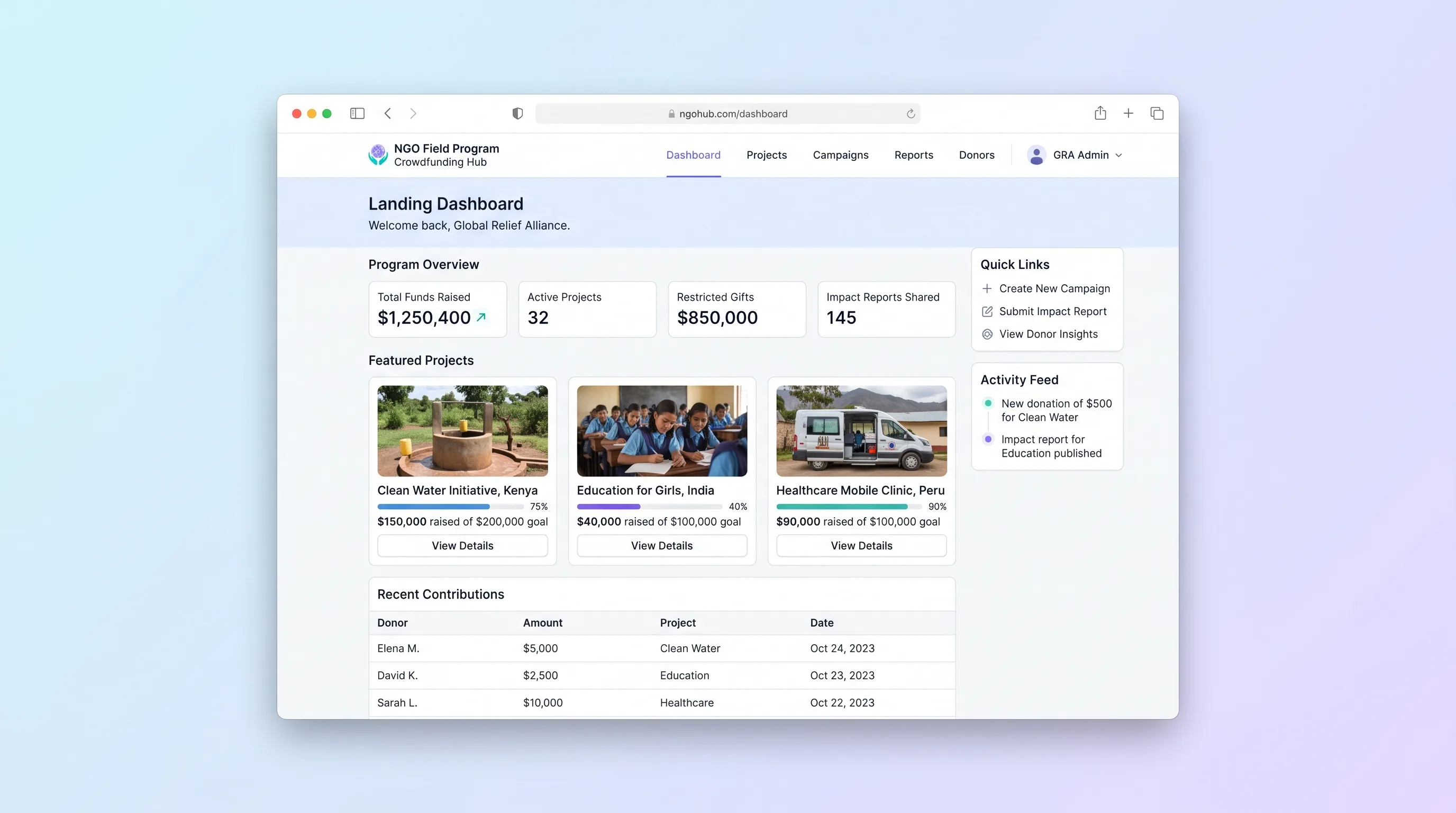
A multi-project crowdfunding portal where NGOs publish field programs, collect restricted gifts with donor dedications, and send field updates back to funders through a branded donor portal.
Website & Lead GenerationCreator Economy & Media
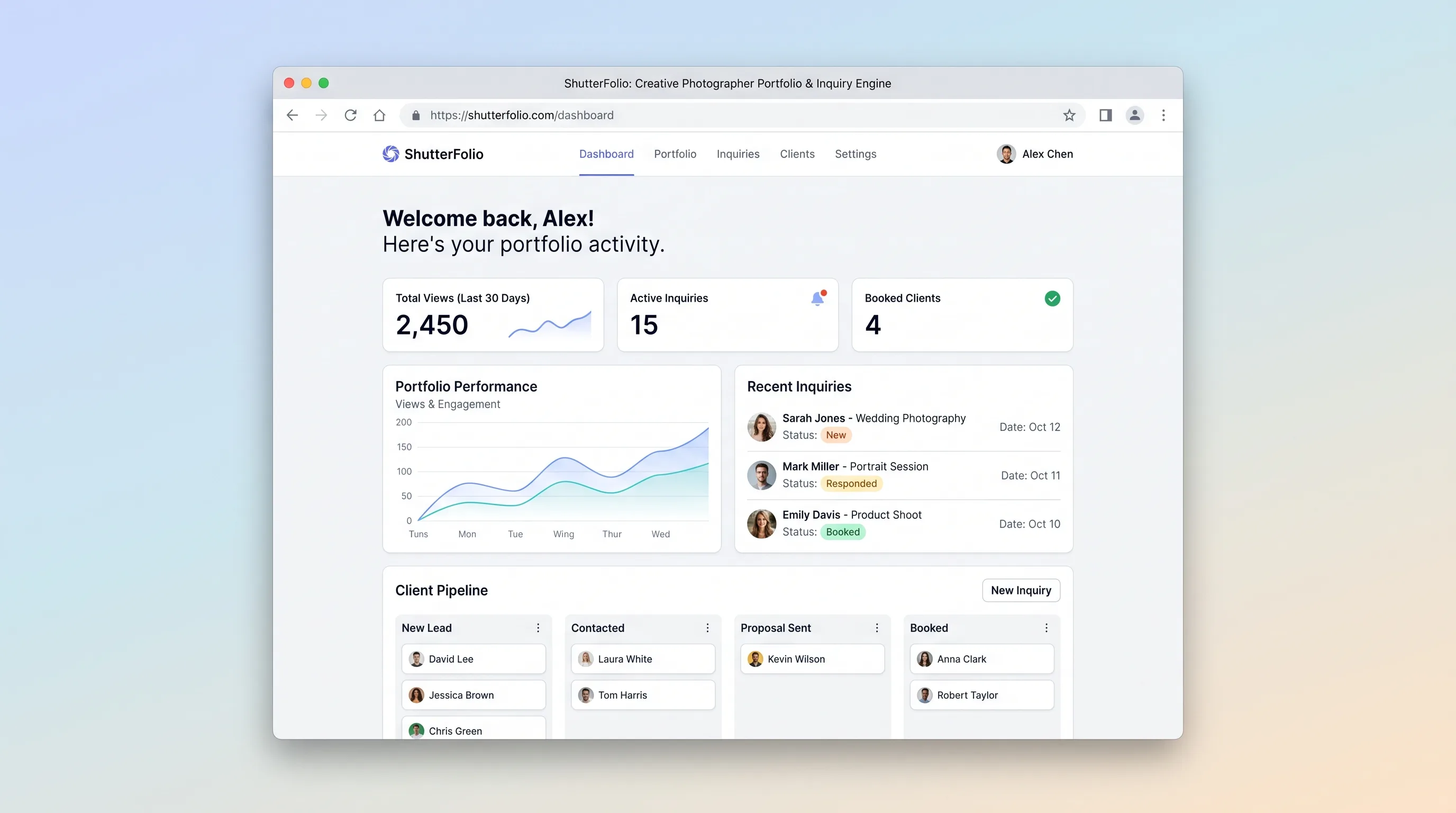
A portfolio site builder that lets freelance photographers publish genre-organized galleries and capture structured booking inquiries, replacing scattered generic website tools with a single cinematic workflow.
SaaS WorkflowBusiness Operations
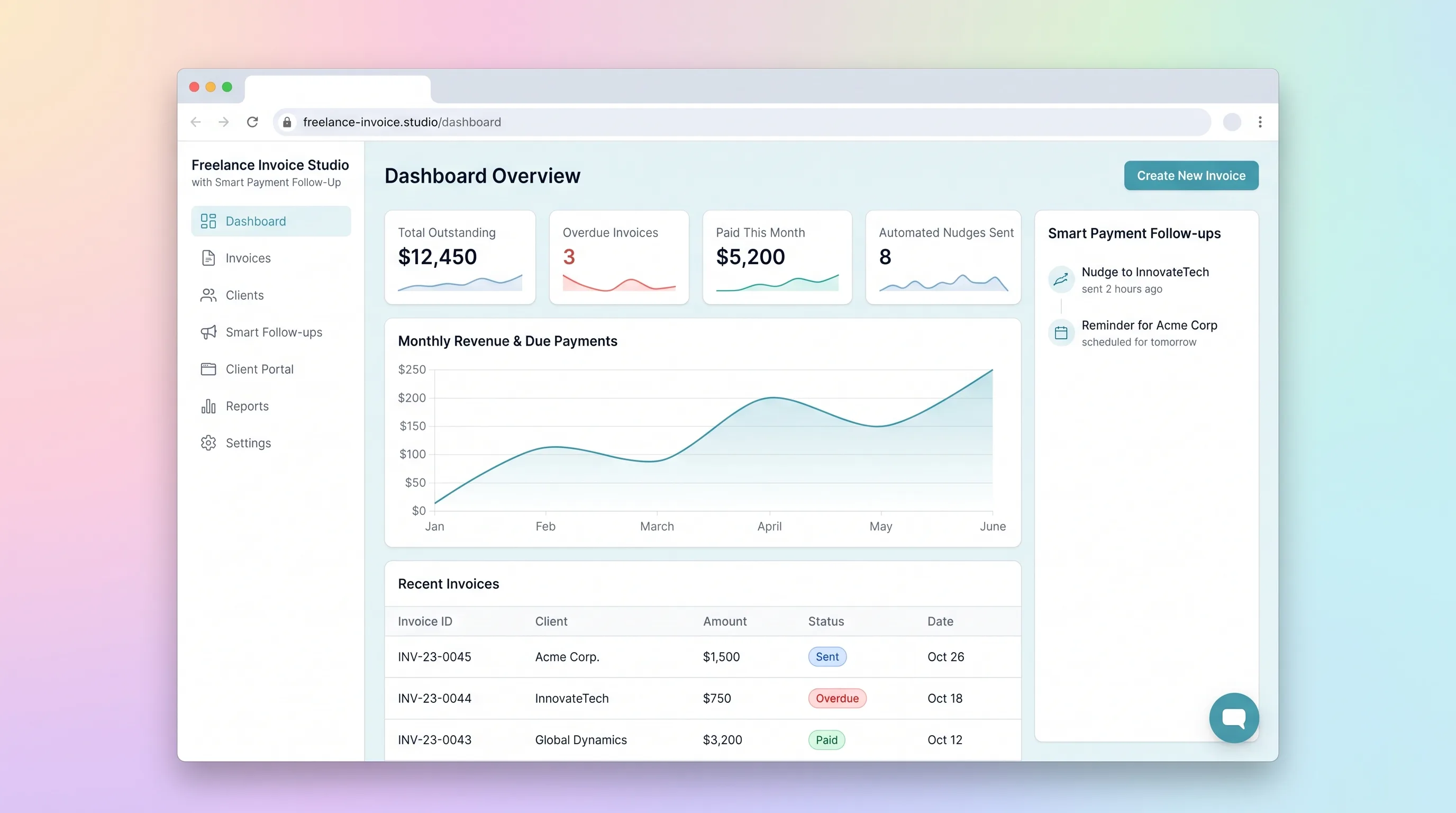
A focused invoicing workflow for freelancers to create, send, and track invoices with automated late-payment reminders and a client-facing payment portal.
AI ToolBusiness Operations
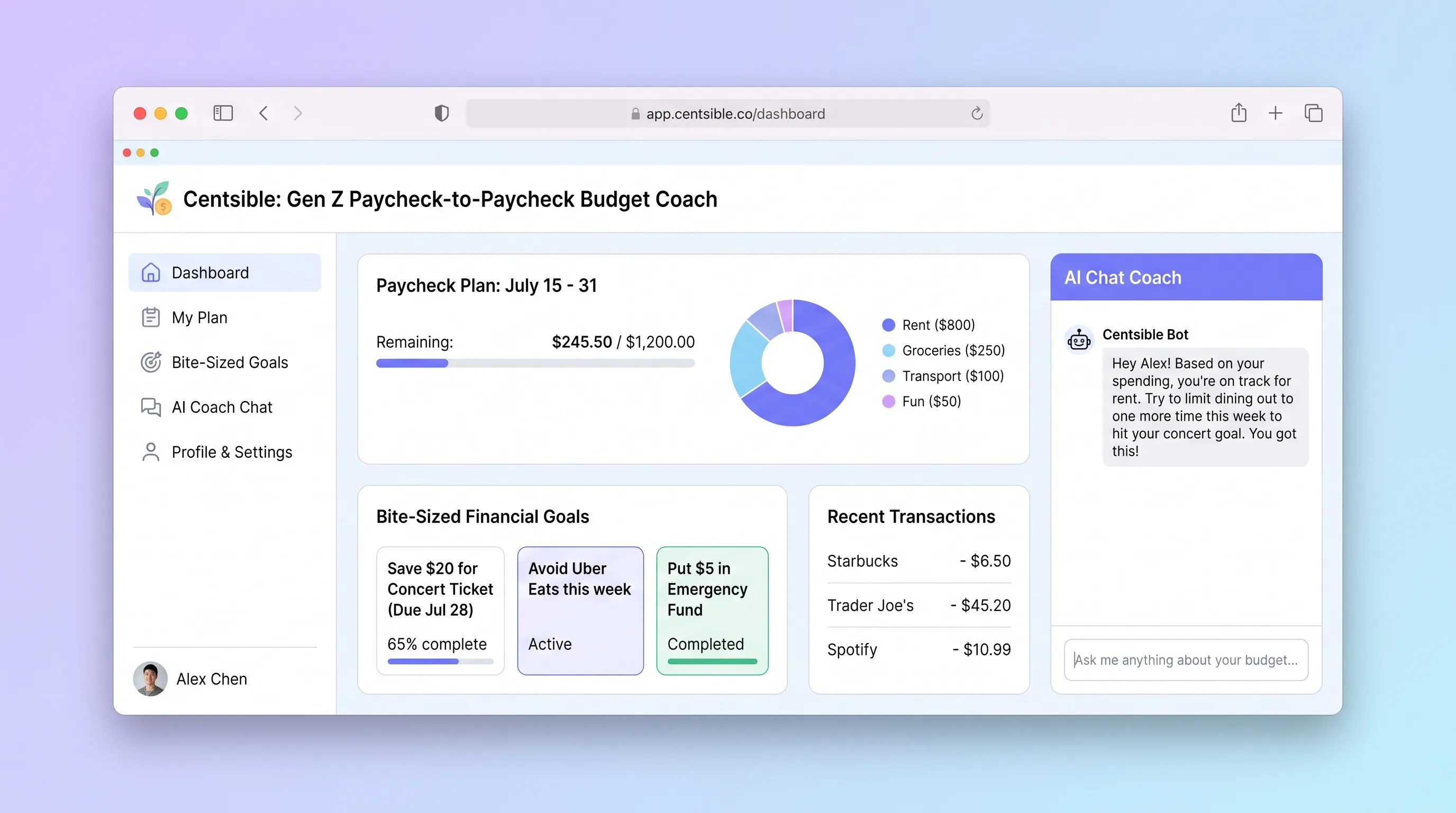
An AI-guided mobile budgeting app that helps Gen Z adults living paycheck to paycheck log expenses in seconds, understand their remaining budget instantly, and receive one plain-English money decision per week.
AI ToolBusiness Operations
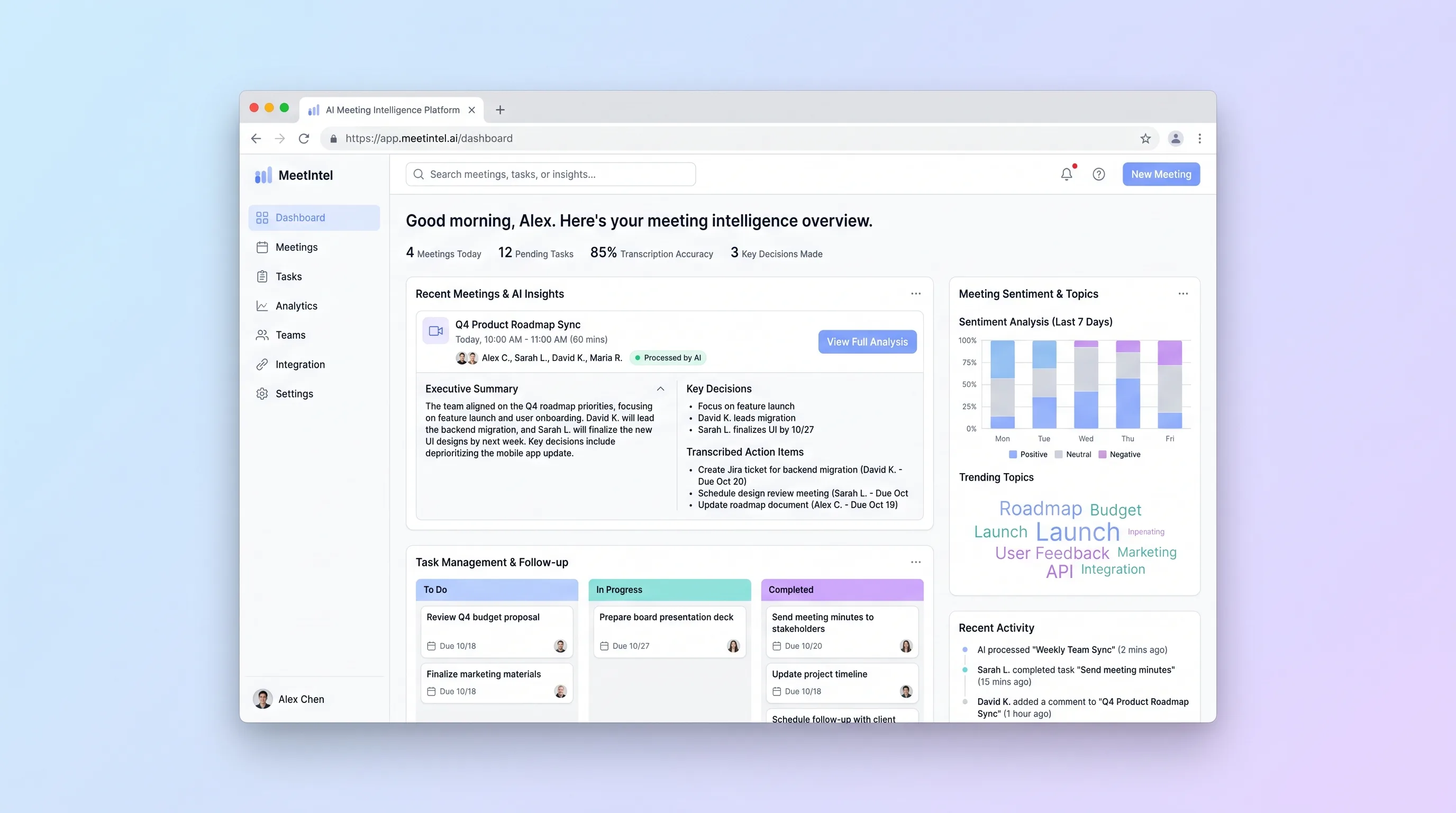
An upload-first processor for teams that need a dependable transcript, editable call summary, and assignable actions from a recorded video meeting.
AI ToolBusiness Operations
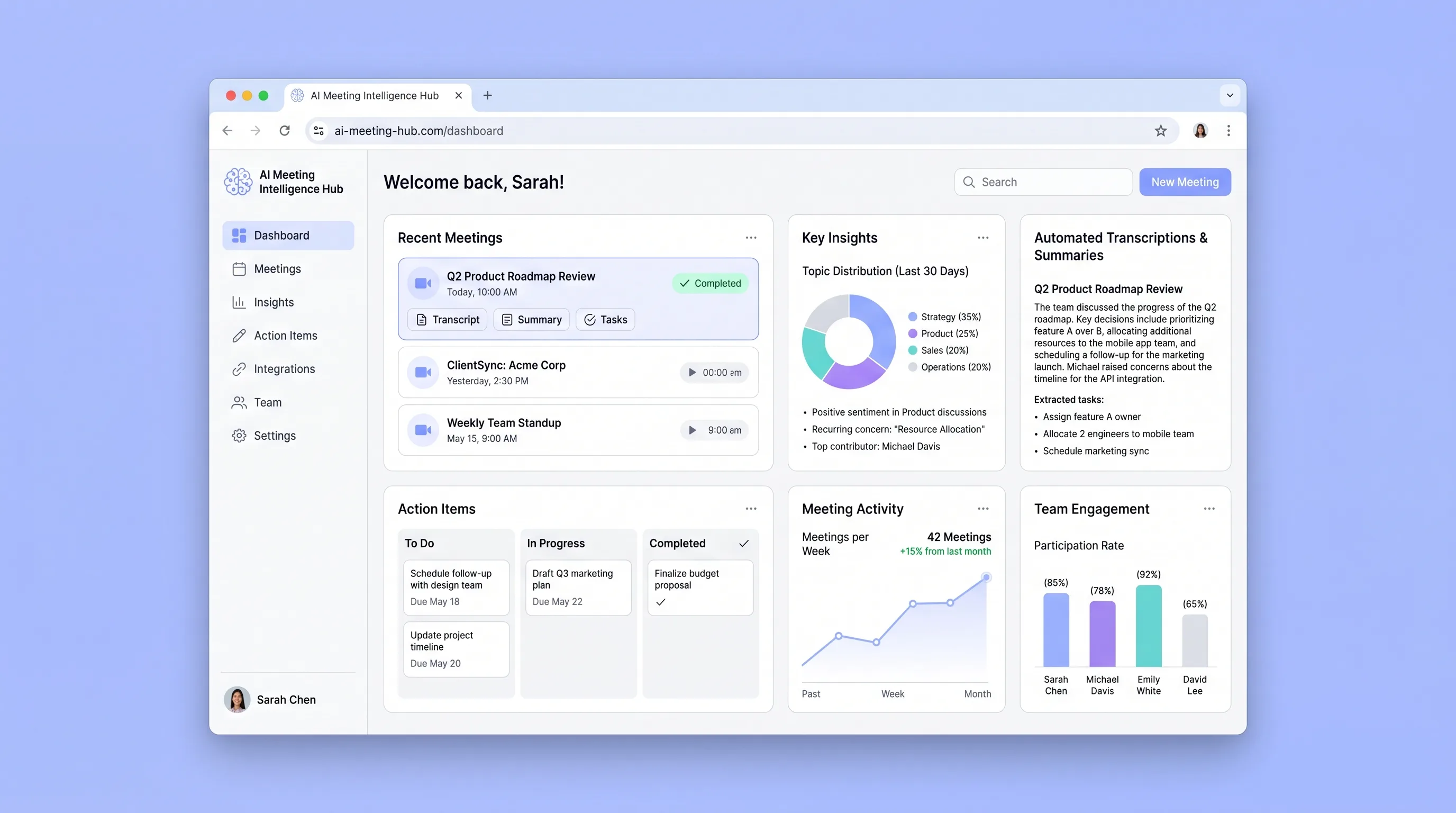
A connected team library that turns recurring meetings into searchable transcripts, cited summaries, and action items with clear ownership.