Build this if
Freelancers confirm they spend more than 30 minutes per week chasing unpaid invoices across disconnected tools.
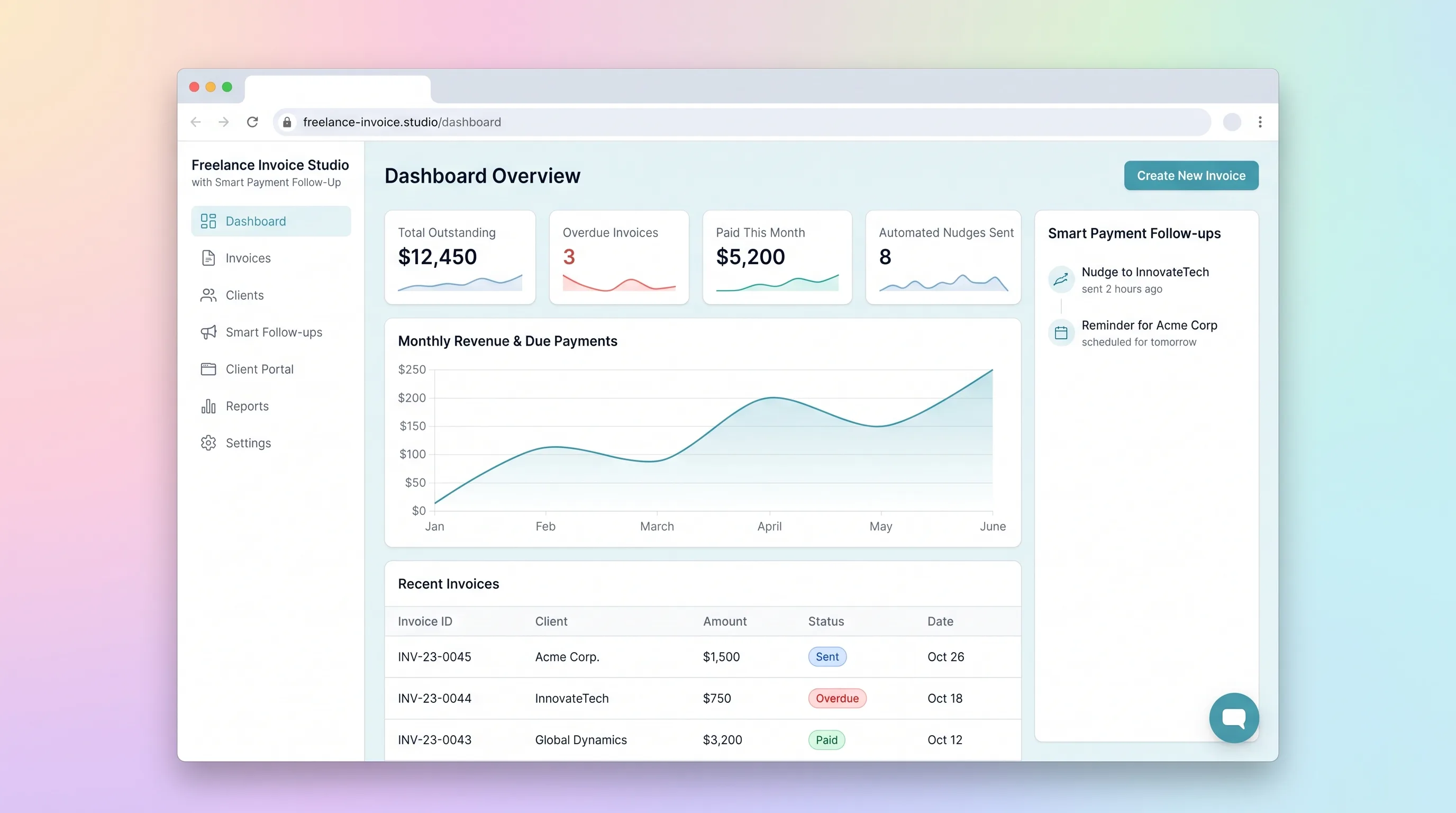
A focused invoicing workflow for freelancers to create, send, and track invoices with automated late-payment reminders and a client-facing payment portal.
Decision snapshot
Freelancers confirm they spend more than 30 minutes per week chasing unpaid invoices across disconnected tools.
Target users already use a full-featured accounting platform and only need basic PDF generation.
Onboard 10 freelancers, measure whether invoice creation takes under 2 minutes and overdue follow-up emails reduce average payment time by 20%.
Problem and target customer
Freelancers split invoicing across generic tools, spreadsheets, and manual follow-up, leading to delayed payments and inconsistent client communication.
Indie builders and small business operators who bill clients regularly and need a production-ready invoicing workflow without custom software.
Monthly subscription with a paid workspace tier for freelancers managing recurring client billing.
Editorial note
Freelance Invoice Studio focuses on one workflow: create an invoice, send it, track whether it gets paid, and automatically nudge clients when it does not. The MVP avoids full accounting features and instead nails the invoice-to-payment loop with smart follow-up.
The smart follow-up layer uses an LLM to generate reminder email copy that escalates in tone based on how many days an invoice is overdue. Reminder rules are configurable so freelancers control when and how often nudges fire.
The client payment portal gives payees a clean link to view and settle invoices without logging into a freelancer tool, reducing friction and accelerating payment collection.
Choose your next step
Evaluate the operating tradeoffs quickly, or inspect how to build the MVP.
Compare the three operating paths at the default workload before opening the full calculator.
See cost preview Build this ideaInspect the build blueprintReview MVP scope, workflow, states, data rules, architecture, and acceptance criteria.
Open blueprintEvaluation preview
Directional infrastructure estimates for the current 1,000 generated outputs assumption. Open the full calculator when you are ready to change it.
Managed app hosting, database, backups, and basic observability for the ai-generation workflow.
Lowest operating effortOne small VPS running the app, database, media volume, and backup job.
Lowest baseline costSeparate app, data, storage, and worker capacity for cleaner operations.
Most separation and controlBuild blueprint
Product goal
MVP scope
UX and user flow
List all invoices with status badges (pending, paid, overdue) and quick-create button.
Form for entering client details, line items, amounts, and due date with live total preview.
Client-facing page showing invoice details and Stripe checkout button.
Configure delay intervals and escalation tone for overdue follow-up emails.
Audit trail of every invoice and reminder email sent with delivery status.
Core entity outline
Core billing record with line items, client reference, due date, and status.
Records payment attempts and confirmations from Stripe.
Configurable schedule for when overdue nudge emails fire and with what tone.
Audit trail of every invoice send and reminder email with delivery status.
Payee record with contact details for invoicing and portal access.
Architecture and data flow
Invoice editor, dashboard, client payment portal, and reminder settings UI.
Stores invoices, payments, reminder rules, email logs, and client records with row-level security.
Daily scheduled check for overdue invoices and orchestration of LLM reminder generation and email sending.
Handles Stripe webhooks, updates payment status, and serves API endpoints.
Deliverables and acceptance
Recommended stack
Rapid build of invoice editor, dashboard, and client payment portal with responsive UI.
Relational storage for invoices, payments, reminder rules, and email logs with row-level security for client portal access.
Scheduled scenario checks overdue invoices and triggers reminder email generation via LLM API.
Transactional email delivery for invoice sends and late-payment nudges with delivery tracking.
Client payment portal checkout with webhook callbacks to update invoice payment status.
Deploys backend services and scheduled jobs for reminder rule evaluation.
Lovable handles the invoice editor and dashboard UI; Supabase stores durable invoice and payment records with client-safe access; Make runs scheduled overdue checks and orchestrates LLM-generated reminder copy; Resend ensures reliable transactional delivery; Stripe powers the client payment portal; Railway hosts backend services for reminder scheduling.
Copy the build prompt, model the operating cost, and choose where to deploy.
Execution
Once the blueprint is clear, use the prompt, cost model, and deployment options to start building.
Build prompt
lovable
Build prompt
Open the prompt pack whenever you are ready to take this blueprint into your builder.
Build prompt ready
Copy the prompt into your builder, then use the cost model below to choose how you want to run it.
Use the cost model to choose a deployment path that matches the build plan.
Cost calculator
A technical run-cost estimate for the first production version. Team, acquisition, payment fees, and business COGS are excluded.
$15-$68 per 500 generated outputs
Low and high values allow for usage variance and plan headroom.
Managed app hosting, database, backups, and basic observability for the ai-generation workflow.
50K generated outputs included, then $8-$20 per 100K generated outputsTransactional email is implied by the source workflow or feature list.
3K generated outputs includedPayment processor is implied by the source workflow or feature list.
100 included, then $0-$5 per 100 generated outputsObject storage is implied by the source workflow or feature list.
Monthly allowance from this idea's operating profileThe estimate combines the selected infrastructure path, required operating modules, selected optional modules, and usage above included monthly allowances. Taxes and regional uplifts are excluded.
Deployment options
Choose based on operating preference, not only the headline price.
Fast Docker deployment for the app, database, worker, and preview workflow without managing a VPS.
Usage billing needs active monitoring as traffic and jobs grow.
Run the app, worker, and database on one small Vultr VPS with Docker Compose and explicit backups.
You own patching, backups, monitoring, and incident response.
Separate application, worker, data, storage, and backup responsibilities as the workload grows.
You own server setup, patching, backups, and operational monitoring.
Start building
Build the freelancer-facing invoice creation form, dashboard with status badges, and client payment portal view using Lovable with teal-navy accent styling on white backgrounds.
Open Lovable 02AutomationOverdue Reminder AutomationConfigure a Make scheduled scenario that queries overdue invoices daily, calls the LLM API for reminder copy, and sends nudges through Resend while logging to the email log table.
Open Make 03DeployBackend and Webhook HostingDeploy backend services on Railway to handle Stripe payment webhooks, update invoice statuses, and expose API endpoints for the frontend.
Open RailwayKeep exploring
SaaS WorkflowProfessional Services
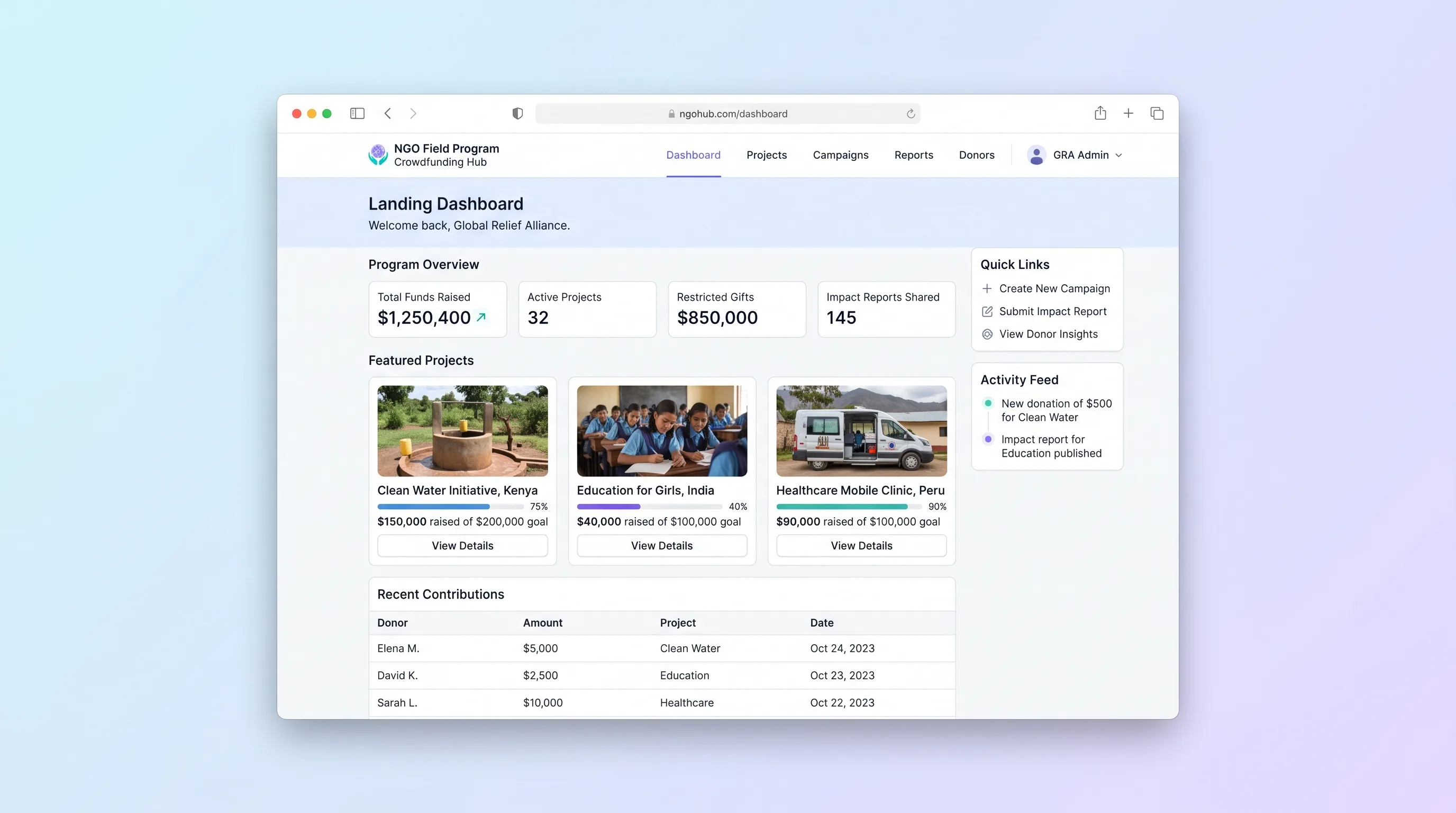
A multi-project crowdfunding portal where NGOs publish field programs, collect restricted gifts with donor dedications, and send field updates back to funders through a branded donor portal.
Website & Lead GenerationCreator Economy & Media
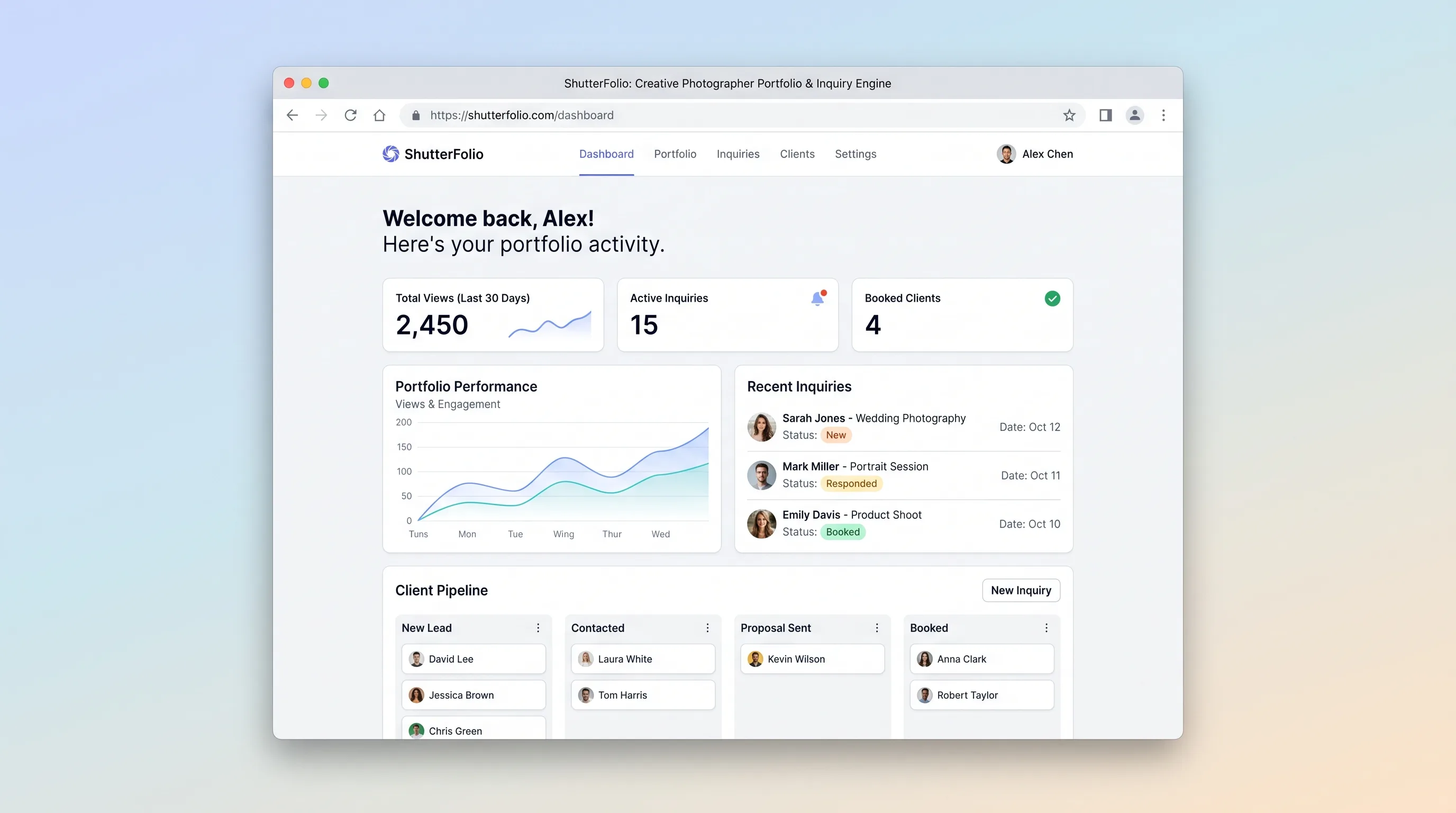
A portfolio site builder that lets freelance photographers publish genre-organized galleries and capture structured booking inquiries, replacing scattered generic website tools with a single cinematic workflow.
AI ToolBusiness Operations
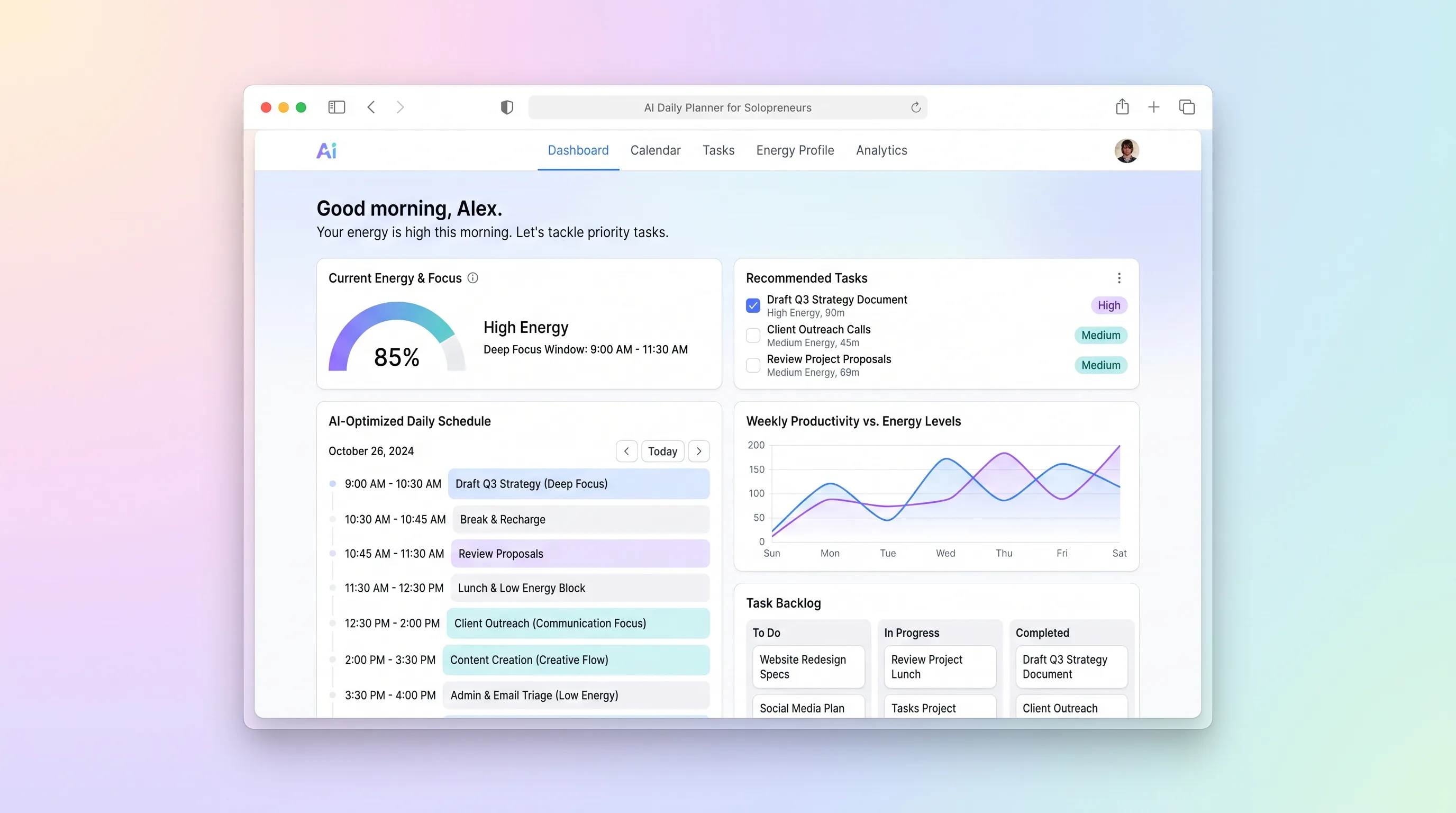
A daily planning tool that maps solopreneur tasks to personal energy windows using AI prioritization, calendar sync, and CSV import from existing task tools.
SaaS WorkflowBusiness Operations
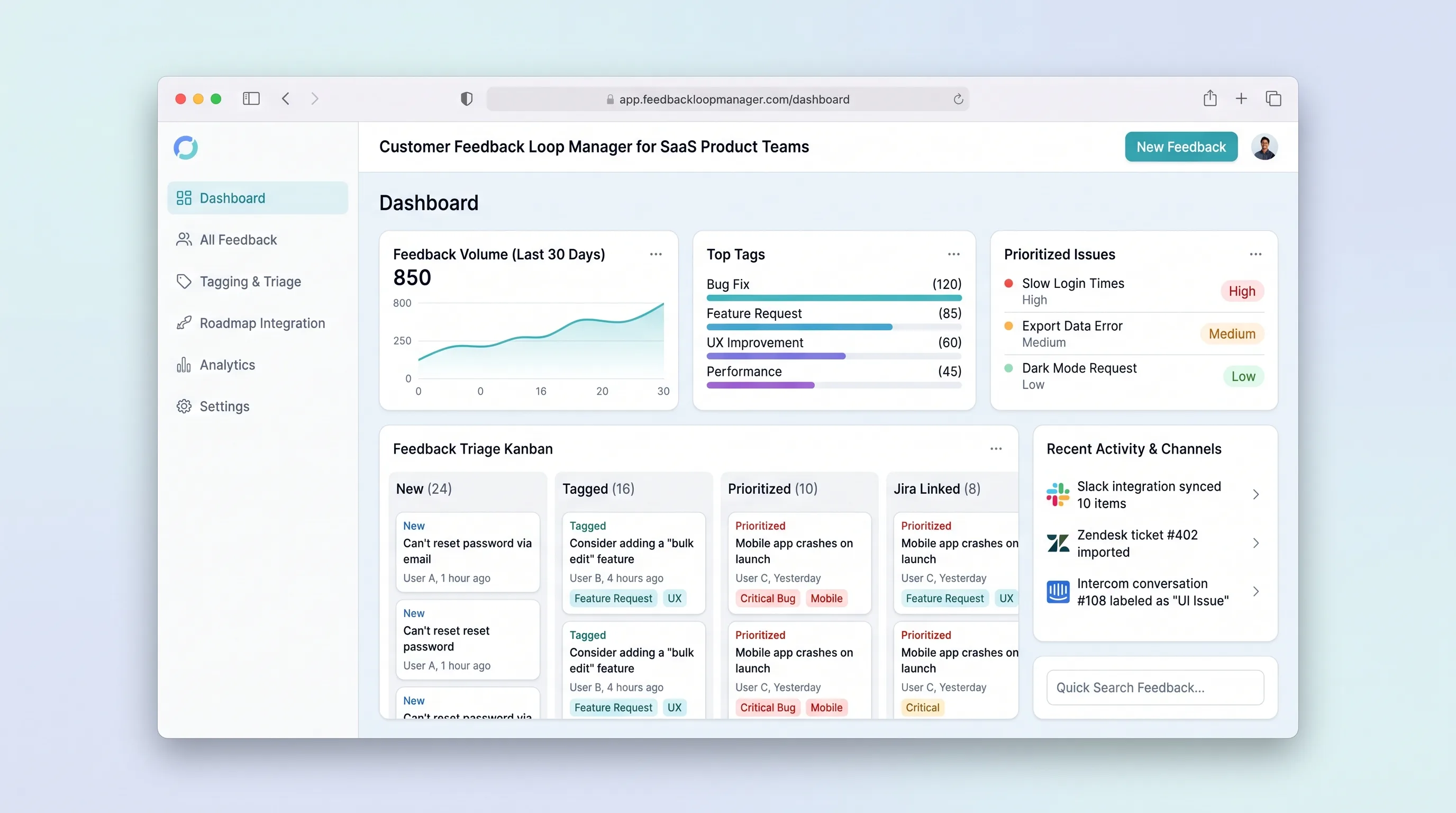
Collect, tag, and prioritize user feedback from multiple channels into a single prioritized backlog that feeds roadmap decisions with traceable evidence.
SaaS WorkflowProfessional Services
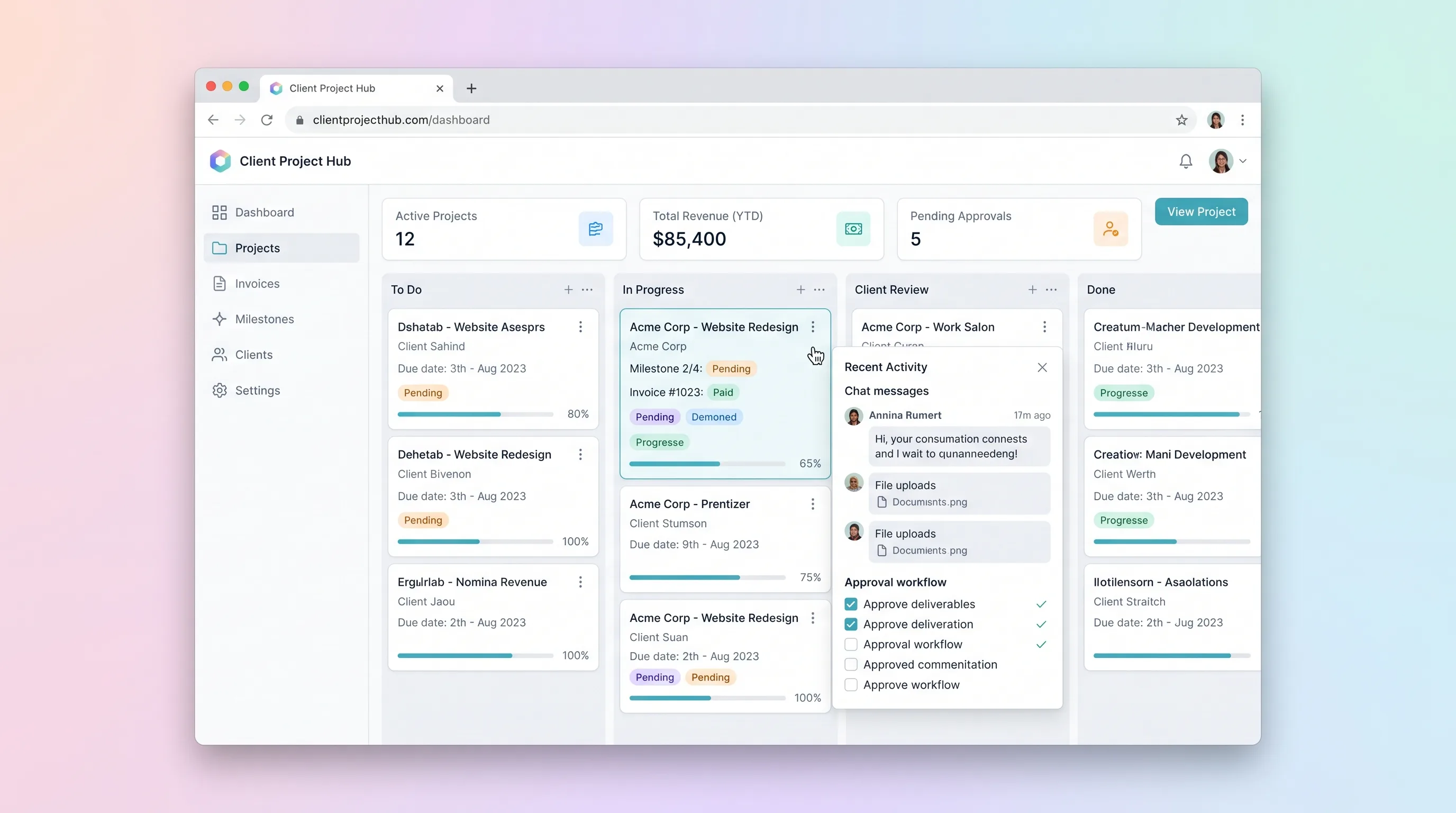
A kanban-driven workspace where freelancers and small agencies track client project milestones, route deliverables through an approval workflow, and auto-generate invoices upon approval.
SaaS WorkflowBusiness Operations
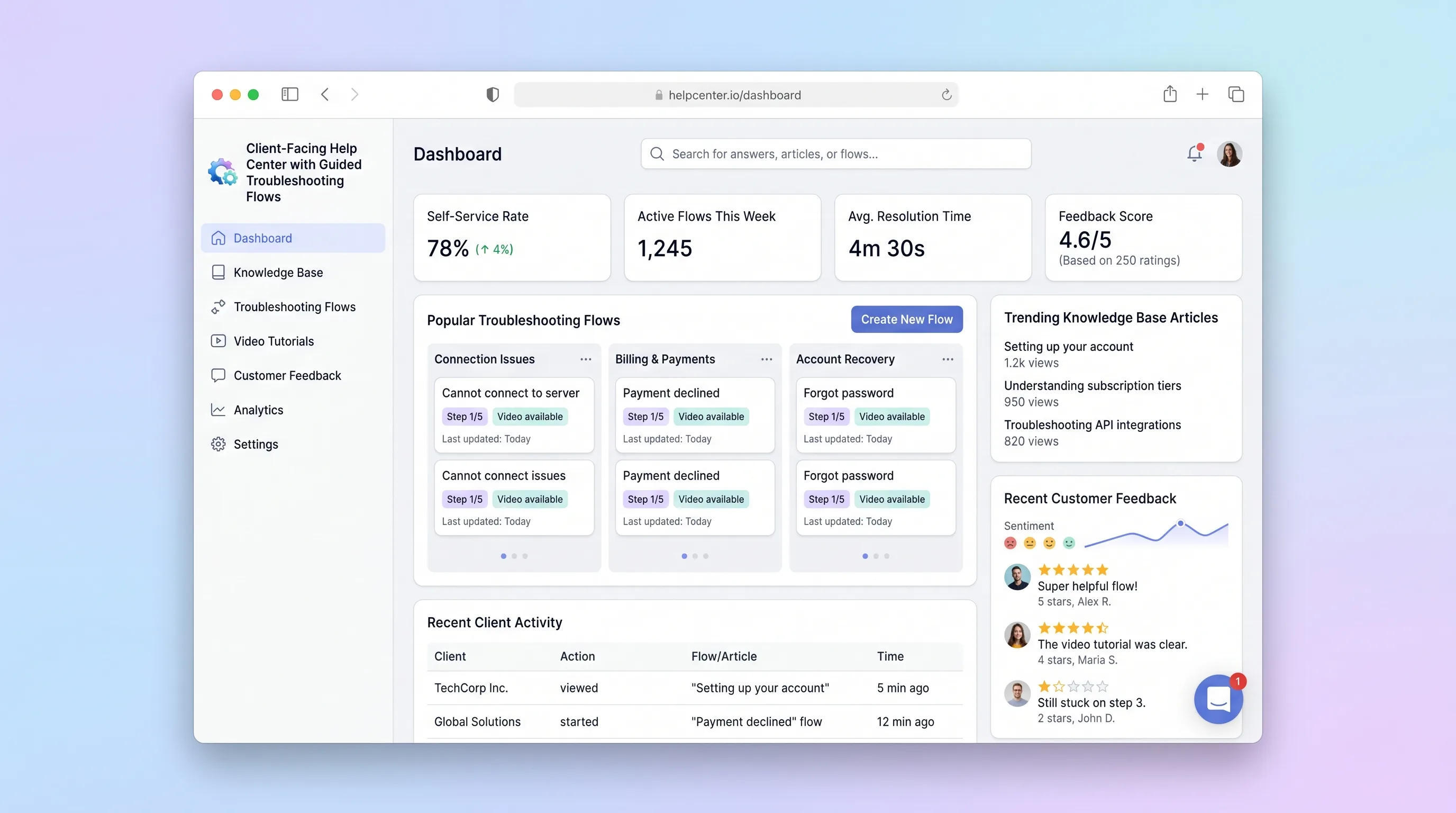
A self-service help center where SaaS teams publish interactive troubleshooting wizards and knowledge articles, and end customers resolve issues through guided step-by-step flows with built-in feedback capture.