Build this if
You can reach 20+ SaaS product teams within 90 days and they currently spend 3+ hours weekly manually triaging feedback across tools.
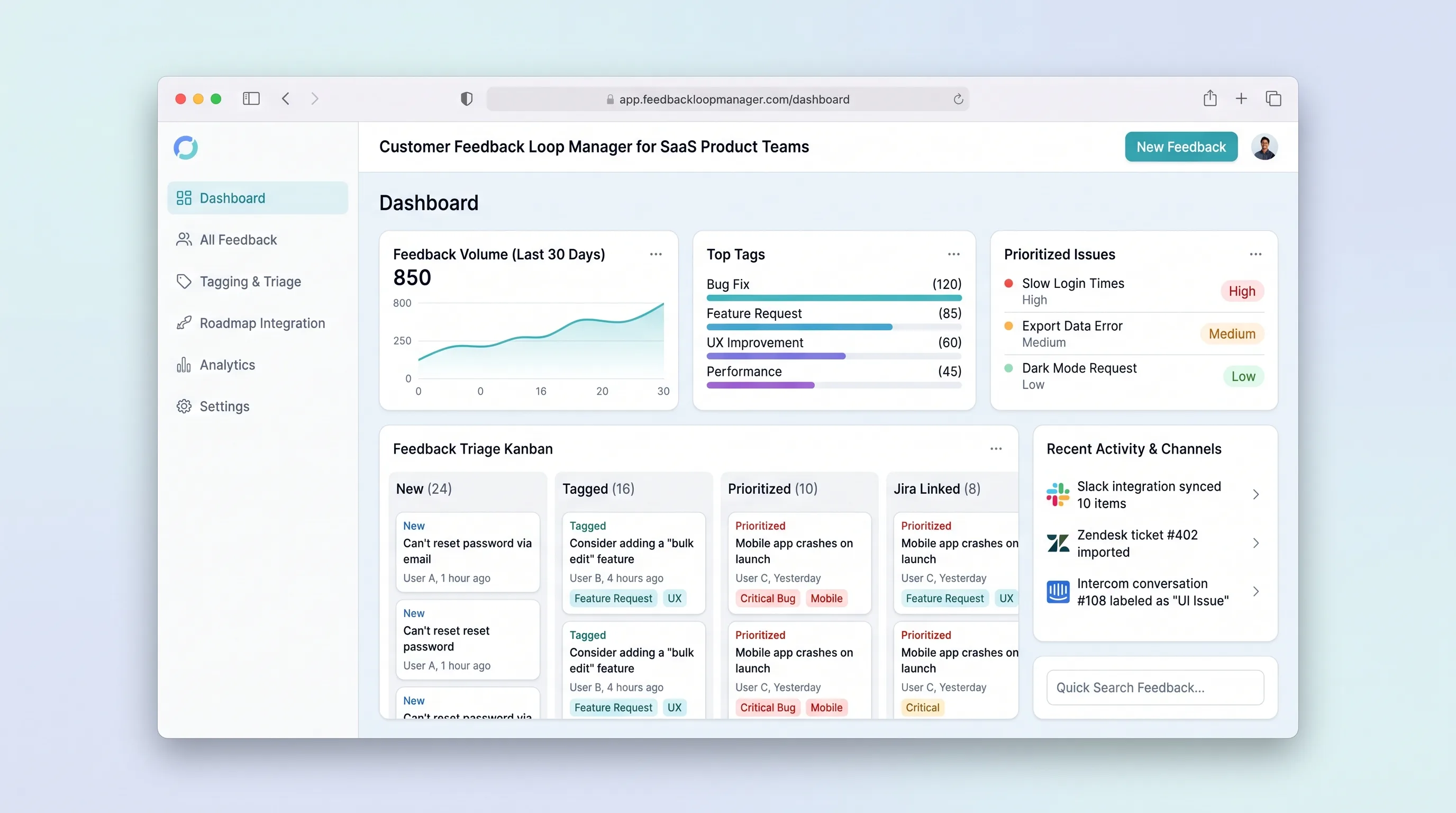
Collect, tag, and prioritize user feedback from multiple channels into a single prioritized backlog that feeds roadmap decisions with traceable evidence.
Decision snapshot
You can reach 20+ SaaS product teams within 90 days and they currently spend 3+ hours weekly manually triaging feedback across tools.
Your target users already use a mature product like Productboard or Canny and have no willingness to switch.
Recruit 5 indie SaaS founders, give them workspace access, and measure whether they import at least 30 feedback items and tag 10 within the first week.
Problem and target customer
SaaS product teams receive feedback scattered across support tickets, NPS surveys, sales calls, and in-app forms. Without a centralized loop, raw input stays untagged, duplicates pile up, and prioritization relies on anecdote rather than structured evidence.
Indie SaaS founders and small product teams (2-10 people) who need a production-ready feedback workflow without building custom software or juggling spreadsheets.
Monthly subscription with a paid workspace tier for teams that need multi-channel ingestion and prioritization reporting.
Editorial note
SaaS product teams lose hours reconciling feedback spread across support tickets, NPS responses, and sales notes. A focused feedback loop manager compresses that chaos into one tagged, prioritized backlog.
The MVP keeps scope tight: ingest, tag, prioritize, and export. No public voting portal, no live widget, no sentiment AI. The goal is a calm, traceable workflow that turns raw input into roadmap-ready evidence.
Validation hinges on whether indie founders will import real feedback and complete triage within the first week. If they do, the loop is sticky enough to justify a paid workspace tier.
Choose your next step
Evaluate the operating tradeoffs quickly, or inspect how to build the MVP.
Compare the three operating paths at the default workload before opening the full calculator.
See cost preview Build this ideaInspect the build blueprintReview MVP scope, workflow, states, data rules, architecture, and acceptance criteria.
Open blueprintEvaluation preview
Directional infrastructure estimates for the current 250 content jobs assumption. Open the full calculator when you are ready to change it.
Managed app hosting, database, backups, and basic observability for the content workflow.
Lowest operating effortOne small VPS running the app, database, media volume, and backup job.
Lowest baseline costSeparate app, data, storage, and worker capacity for cleaner operations.
Most separation and controlBuild blueprint
Product goal
MVP scope
UX and user flow
Card-based list of all feedback items with status badges and quick filters.
View raw text, source channel, customer, tags, priority, and linked items.
CSV upload modal mapping columns to feedback fields.
Sorted view of triaged items ready for roadmap decisions.
Core entity outline
Top-level isolation boundary for a team.
Team member with a role within a workspace.
Core record capturing one piece of customer feedback.
Audit trail of changes to feedback items.
Architecture and data flow
Renders inbox, detail, import, and backlog screens with workspace-scoped data.
Enforces validation, status transitions, and workspace isolation.
Stores workspaces, users, feedback items, and activity logs.
Sends transactional emails on status changes via Make.
Deliverables and acceptance
Recommended stack
Rapid build of sidebar navigation, card inbox, and status badge UI with a calm blue-gray palette.
Relational database with row-level security for workspace isolation and activity logging.
Optional glue for CSV import triggers and transactional email notifications on status changes.
Deploy backend services and scheduled jobs with minimal DevOps overhead.
Lovable handles the minimal productivity SaaS UI pattern described in the source. Supabase provides durable records, statuses, and reporting. Make acts as bounded glue for email and import automation. Railway hosts any background workers or cron jobs for exports.
Copy the build prompt, model the operating cost, and choose where to deploy.
Execution
Once the blueprint is clear, use the prompt, cost model, and deployment options to start building.
Build prompt
Lovable
Build prompt
Open the prompt pack whenever you are ready to take this blueprint into your builder.
Build prompt ready
Copy the prompt into your builder, then use the cost model below to choose how you want to run it.
Use the cost model to choose a deployment path that matches the build plan.
Cost calculator
A technical run-cost estimate for the first production version. Team, acquisition, payment fees, and business COGS are excluded.
$13-$33 per 125 content jobs
Low and high values allow for usage variance and plan headroom.
Managed app hosting, database, backups, and basic observability for the content workflow.
50K content jobs included, then $8-$20 per 100K content jobsMaps API is implied by the source workflow or feature list.
1K content jobs includedThe estimate combines the selected infrastructure path, required operating modules, selected optional modules, and usage above included monthly allowances. Taxes and regional uplifts are excluded.
Deployment options
Choose based on operating preference, not only the headline price.
Fast Docker deployment for the app, database, worker, and preview workflow without managing a VPS.
Usage billing needs active monitoring as traffic and jobs grow.
Run the app, worker, and database on one small Vultr VPS with Docker Compose and explicit backups.
You own patching, backups, monitoring, and incident response.
Separate application, worker, data, storage, and backup responsibilities as the workload grows.
You own server setup, patching, backups, and operational monitoring.
Start building
Create sidebar navigation, card-based inbox with pastel status badges, tag and priority panels, and CSV import modal using a calm blue-gray palette.
Open Lovable 02AutomationWire email and import automationSet up bounded Make scenarios for transactional email on status changes and optional CSV-to-database import triggers.
Open Make 03DeployDeploy backend and scheduled jobsHost Supabase-connected backend services and any cron jobs for weekly prioritized backlog exports.
Open RailwayKeep exploring
SaaS WorkflowProfessional Services
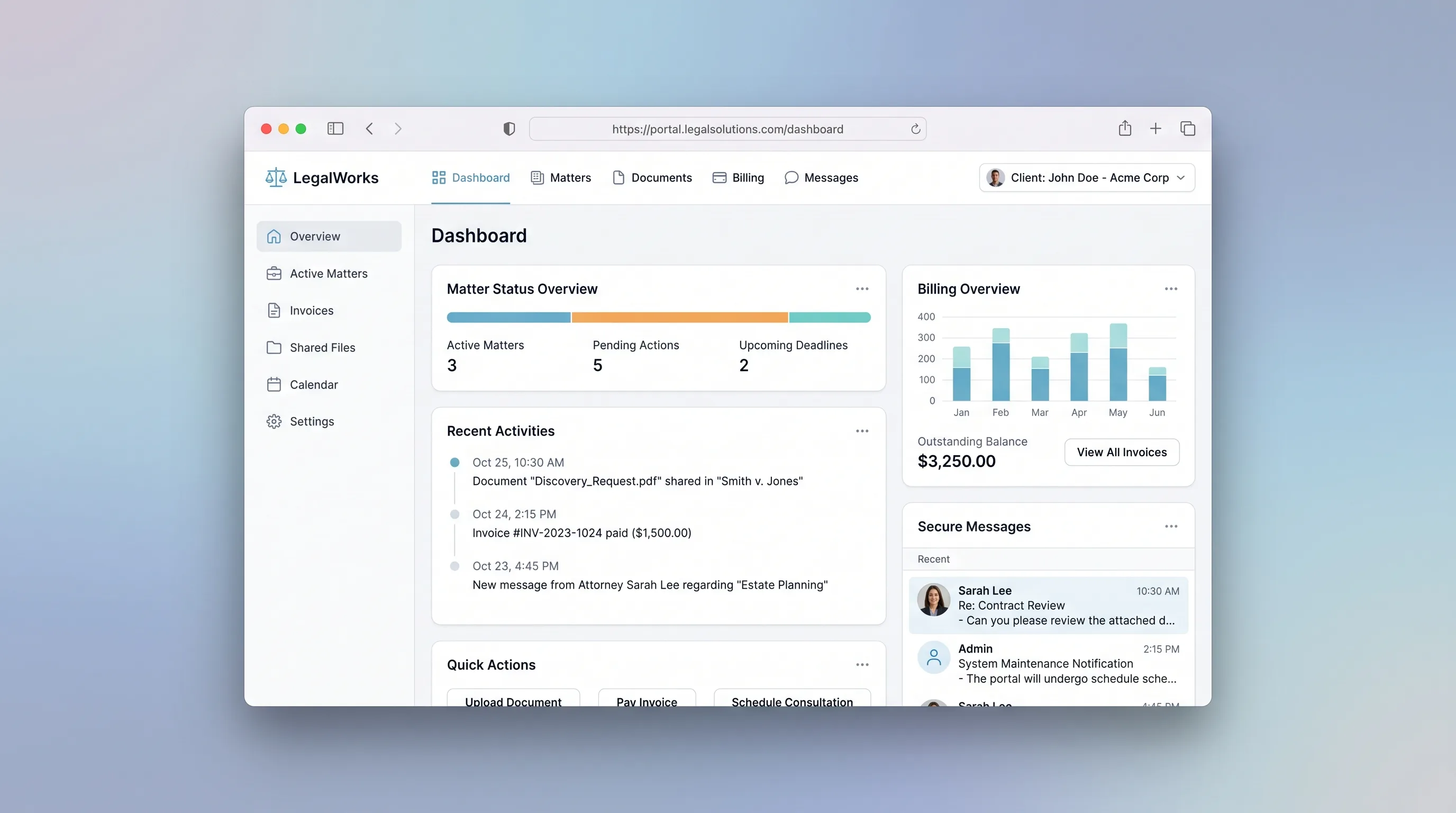
A branded portal where law firms manage client matters, share documents, log billable time, and collect invoice payments in one secure place.
MarketplaceHospitality & Travel
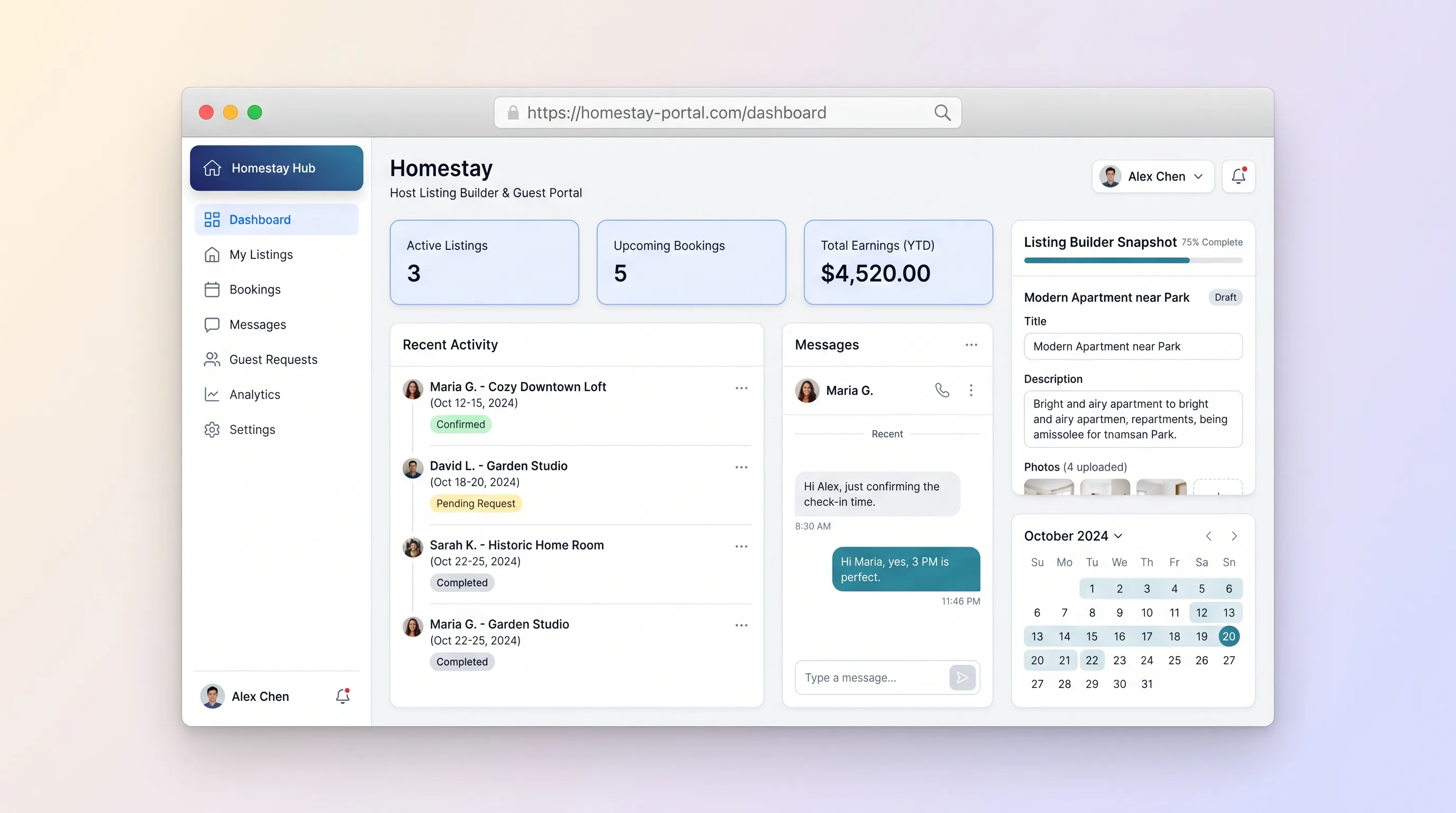
A dual-sided marketplace where homestay hosts create rich property listings with photos, amenities, and pricing, and guests search by location, message hosts, submit booking requests, and track status from pending to confirmed.
SaaS WorkflowBusiness Operations
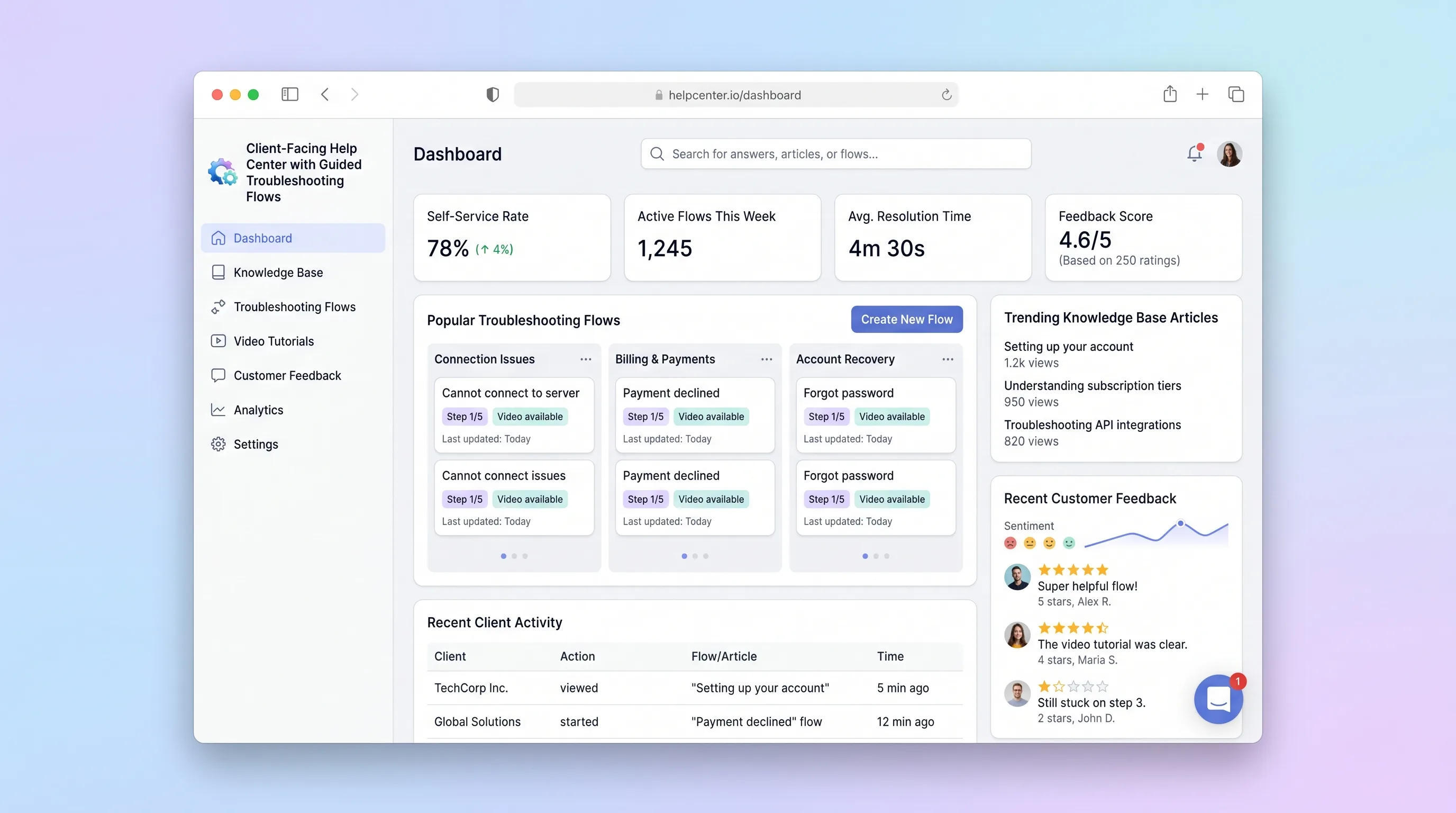
A self-service help center where SaaS teams publish interactive troubleshooting wizards and knowledge articles, and end customers resolve issues through guided step-by-step flows with built-in feedback capture.
SaaS WorkflowBusiness Operations
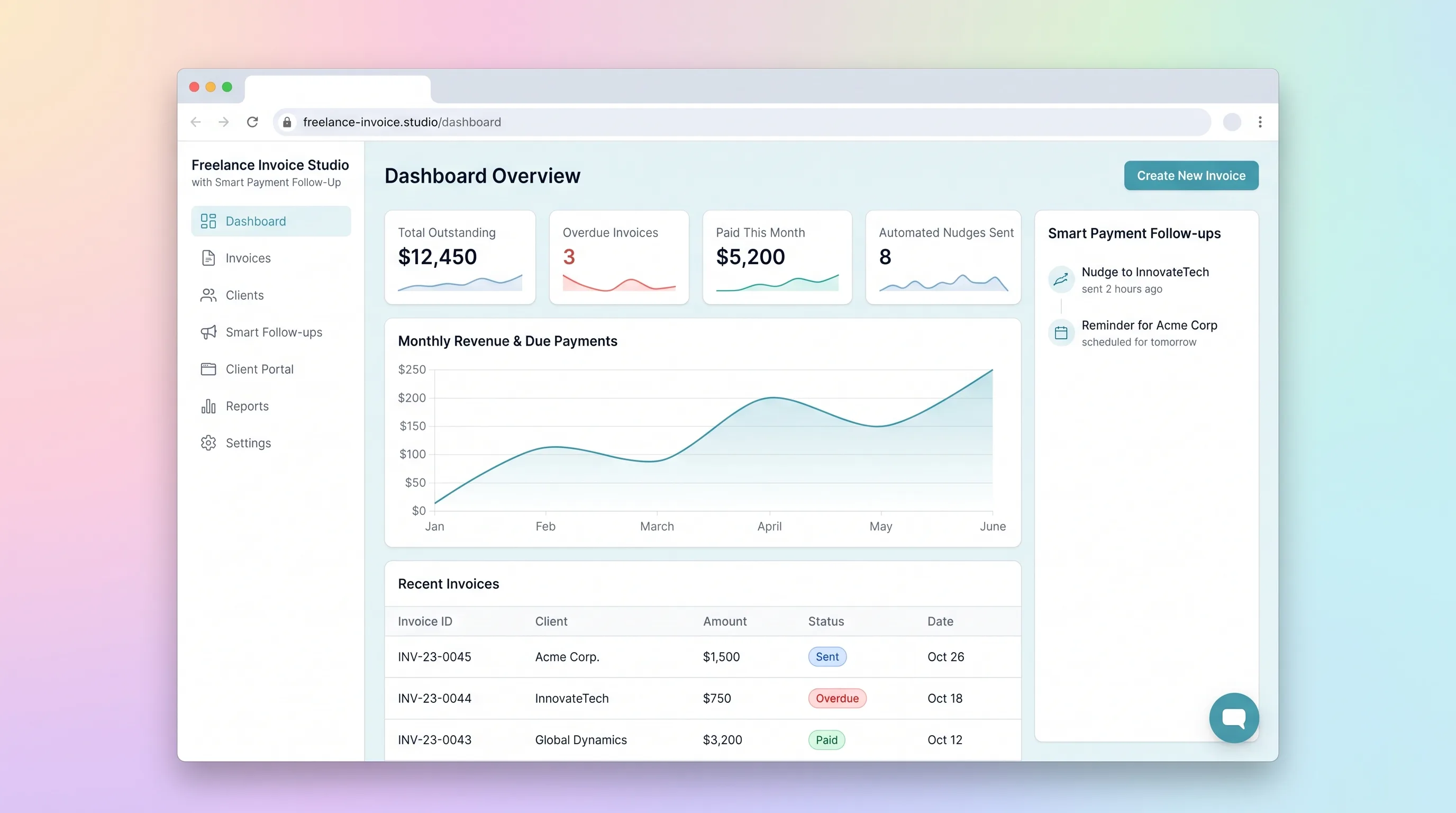
A focused invoicing workflow for freelancers to create, send, and track invoices with automated late-payment reminders and a client-facing payment portal.
SaaS WorkflowBusiness Operations
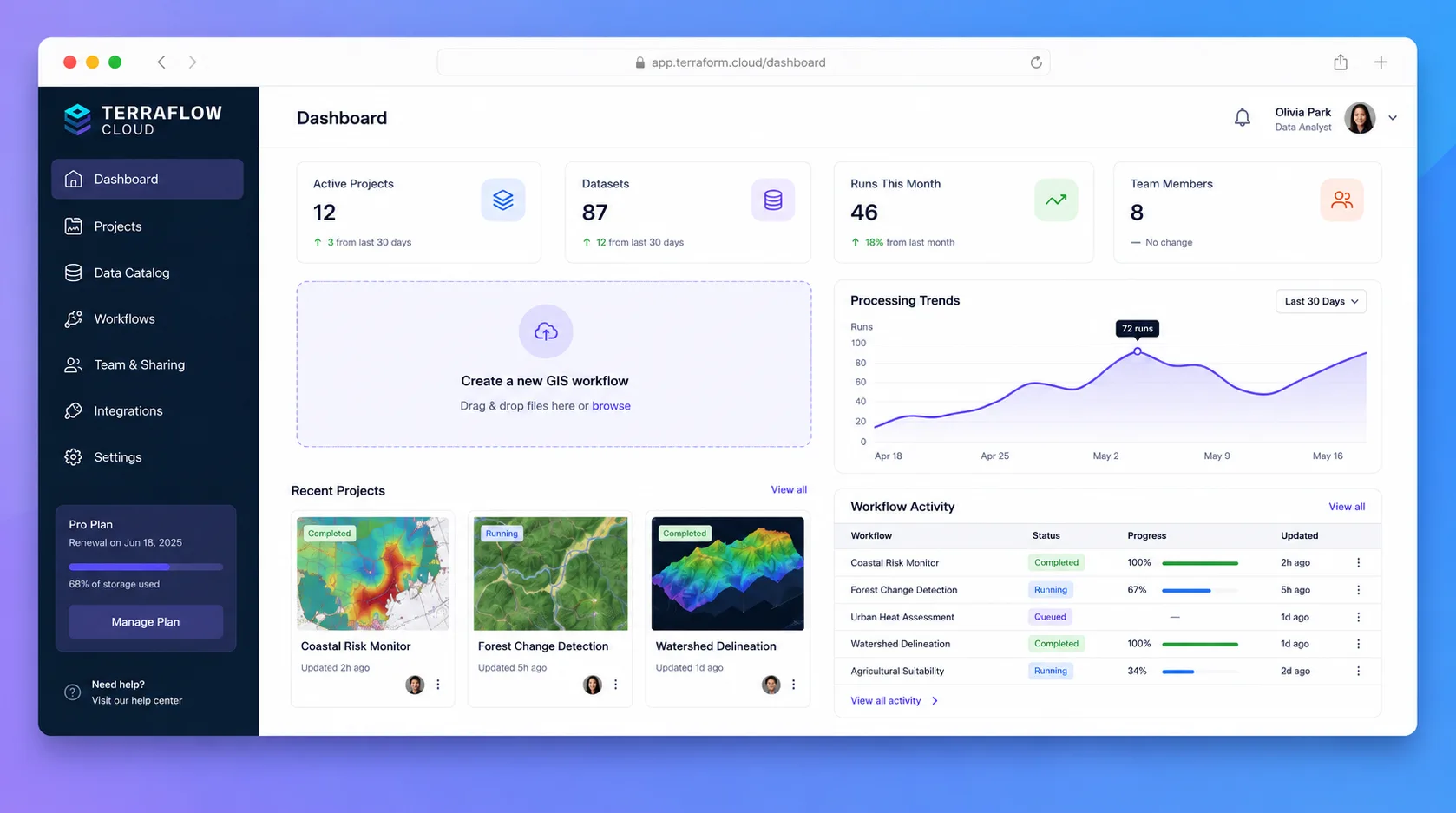
A browser-based geospatial workspace where analysts import local spatial files, style layers on an interactive map, run spatial SQL via DuckDB-WASM, and share projects as embeddable links—all without uploading data to a remote server.
SaaS WorkflowRetail
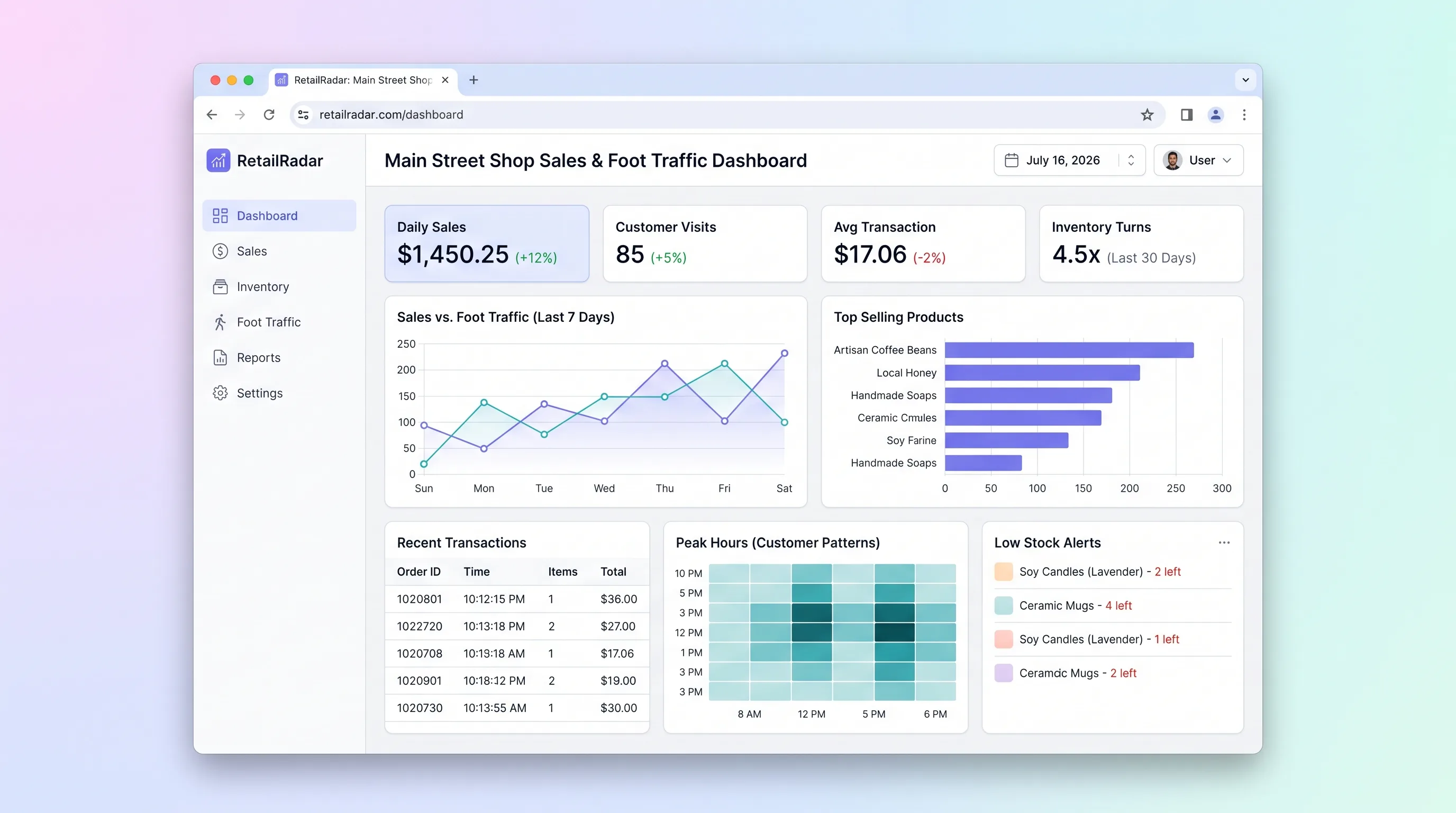
Analytics hub for independent retail store owners to import daily sales data, visualize best and worst performing days and products, flag low-stock SKUs, and set revenue goals.