Build this if
Small firms are losing time coordinating matter updates and chasing invoice payments across email and separate billing tools.
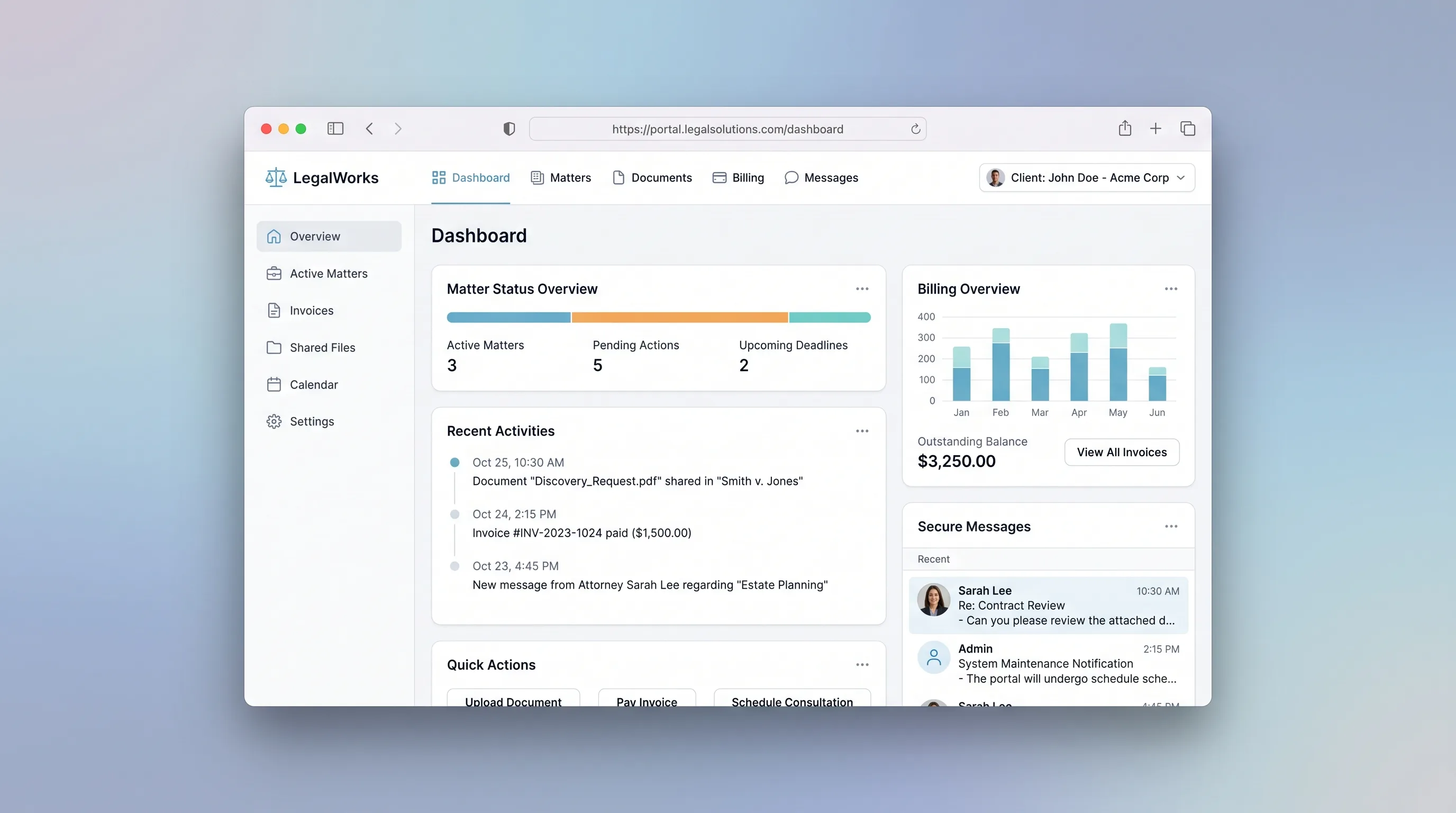
A branded portal where law firms manage client matters, share documents, log billable time, and collect invoice payments in one secure place.
Decision snapshot
Small firms are losing time coordinating matter updates and chasing invoice payments across email and separate billing tools.
Target firms already use an all-in-one practice management suite like Clio or MyCase that includes a client portal.
Recruit 5 small firms; confirm at least 3 complete a full cycle of matter creation, document upload, and invoice payment within the portal within two weeks.
Problem and target customer
Law firms rely on email threads and separate billing tools to keep clients updated on case status, share documents, and collect payments. Clients lack a single trusted place to see matter progress, download files, and pay invoices, which creates friction and delays cash collection.
Solo practitioners and small law firms (2-15 attorneys) handling ongoing client matters who need a professional client-facing portal without building custom software.
Law firms pay a monthly subscription for a branded workspace. A free tier supports one active matter; paid tiers unlock unlimited matters, document storage, and client messaging.
Editorial note
Small law firms lose billable hours coordinating matter updates and chasing payments across email and disconnected billing tools. This portal gives each client a single branded view of their matter status, shared documents, and outstanding invoices.
The MVP keeps one workflow: a firm creates a matter, invites the client, shares documents, logs time, generates an invoice, and the client pays inside the portal. An LLM module polishes time entry descriptions into client-readable invoice line items so firms do not manually rewrite attorney notes.
Out of scope are e-signature, court calendaring, trust accounting, and internal task management. These belong in full practice management suites and would dilute the first release.
Choose your next step
Evaluate the operating tradeoffs quickly, or inspect how to build the MVP.
Compare the three operating paths at the default workload before opening the full calculator.
See cost preview Build this ideaInspect the build blueprintReview MVP scope, workflow, states, data rules, architecture, and acceptance criteria.
Open blueprintEvaluation preview
Directional infrastructure estimates for the current 1,000 generated outputs assumption. Open the full calculator when you are ready to change it.
Managed app hosting, database, backups, and basic observability for the ai-generation workflow.
Lowest operating effortOne small VPS running the app, database, media volume, and backup job.
Lowest baseline costSeparate app, data, storage, and worker capacity for cleaner operations.
Most separation and controlBuild blueprint
Product goal
MVP scope
UX and user flow
Shows the client their active matters with status badges, recent document uploads, and outstanding balance.
Displays a single matter's status timeline, shared documents, and related invoices.
Lists documents shared on a matter with upload timestamps and download links.
Shows invoice line items, total, and a pay button for the client.
Firm staff log billable hours, rate, and description against a matter.
Core entity outline
Represents a client case with status and associated documents, time entries, and invoices.
A file shared between the firm and the client on a specific matter.
A billable time record logged by firm staff against a matter.
A bill generated from selected time entries and presented to the client for payment.
The client account that authenticates and accesses their matters and invoices.
Architecture and data flow
Renders client and firm screens, handles auth, and calls the backend API.
Manages matter, document, time entry, and invoice CRUD with access control.
Stores all relational records with foreign-key constraints between matters, documents, time entries, and invoices.
Stores case document files with signed URLs scoped to matter access.
Transforms raw time entry descriptions into polished invoice line items during invoice generation.
Sends invitation, invoice-ready, and payment-confirmation emails via Make scenarios.
Deliverables and acceptance
Recommended stack
Rapid build of the client-facing portal UI with Supabase auth, navy-blue branding, and responsive matter and invoice screens.
Hosts the relational schema for matters, documents, time entries, and invoices with a thin API layer for payment and document access control.
Triggers transactional emails on matter creation, invoice issuance, and payment confirmation without embedding email logic in the core app.
Stores case documents with signed URLs scoped to the matter's client access permissions.
Transforms raw attorney time entry descriptions into polished, client-readable invoice line items during invoice generation.
Lovable handles the portal frontend and auth quickly. Railway with Postgres provides durable relational storage for matters and invoices. Make handles email notifications as bounded glue. Supabase Storage secures document access per matter. OpenAI polishes invoice line items so clients see professional descriptions rather than raw attorney shorthand.
Copy the build prompt, model the operating cost, and choose where to deploy.
Execution
Once the blueprint is clear, use the prompt, cost model, and deployment options to start building.
Build prompt
Lovable
Build prompt
Open the prompt pack whenever you are ready to take this blueprint into your builder.
Build prompt ready
Copy the prompt into your builder, then use the cost model below to choose how you want to run it.
Use the cost model to choose a deployment path that matches the build plan.
Cost calculator
A technical run-cost estimate for the first production version. Team, acquisition, payment fees, and business COGS are excluded.
$15-$45 per 500 generated outputs
Low and high values allow for usage variance and plan headroom.
Managed app hosting, database, backups, and basic observability for the ai-generation workflow.
50K generated outputs included, then $8-$20 per 100K generated outputsTransactional email is implied by the source workflow or feature list.
3K generated outputs includedObject storage is implied by the source workflow or feature list.
Monthly allowance from this idea's operating profileThe estimate combines the selected infrastructure path, required operating modules, selected optional modules, and usage above included monthly allowances. Taxes and regional uplifts are excluded.
Deployment options
Choose based on operating preference, not only the headline price.
Fast Docker deployment for the app, database, worker, and preview workflow without managing a VPS.
Usage billing needs active monitoring as traffic and jobs grow.
Run the app, worker, and database on one small Vultr VPS with Docker Compose and explicit backups.
You own patching, backups, monitoring, and incident response.
Separate application, worker, data, storage, and backup responsibilities as the workload grows.
You own server setup, patching, backups, and operational monitoring.
Start building
Create the auth flow, matter dashboard, document center, and invoice payment screens with navy-blue branding and responsive tables. Connect to Supabase for auth and storage.
Open Lovable 02AutomationWire transactional email automationSet up scenarios that send branded invitation emails on matter creation, invoice-ready notifications, and payment confirmation receipts by listening to database or webhook triggers.
Open Make 03DeployDeploy backend API and PostgresHost the relational schema for matters, documents, time entries, and invoices. Expose endpoints for invoice generation, LLM line-item polishing, and payment status updates.
Open RailwayKeep exploring
MarketplaceHospitality & Travel
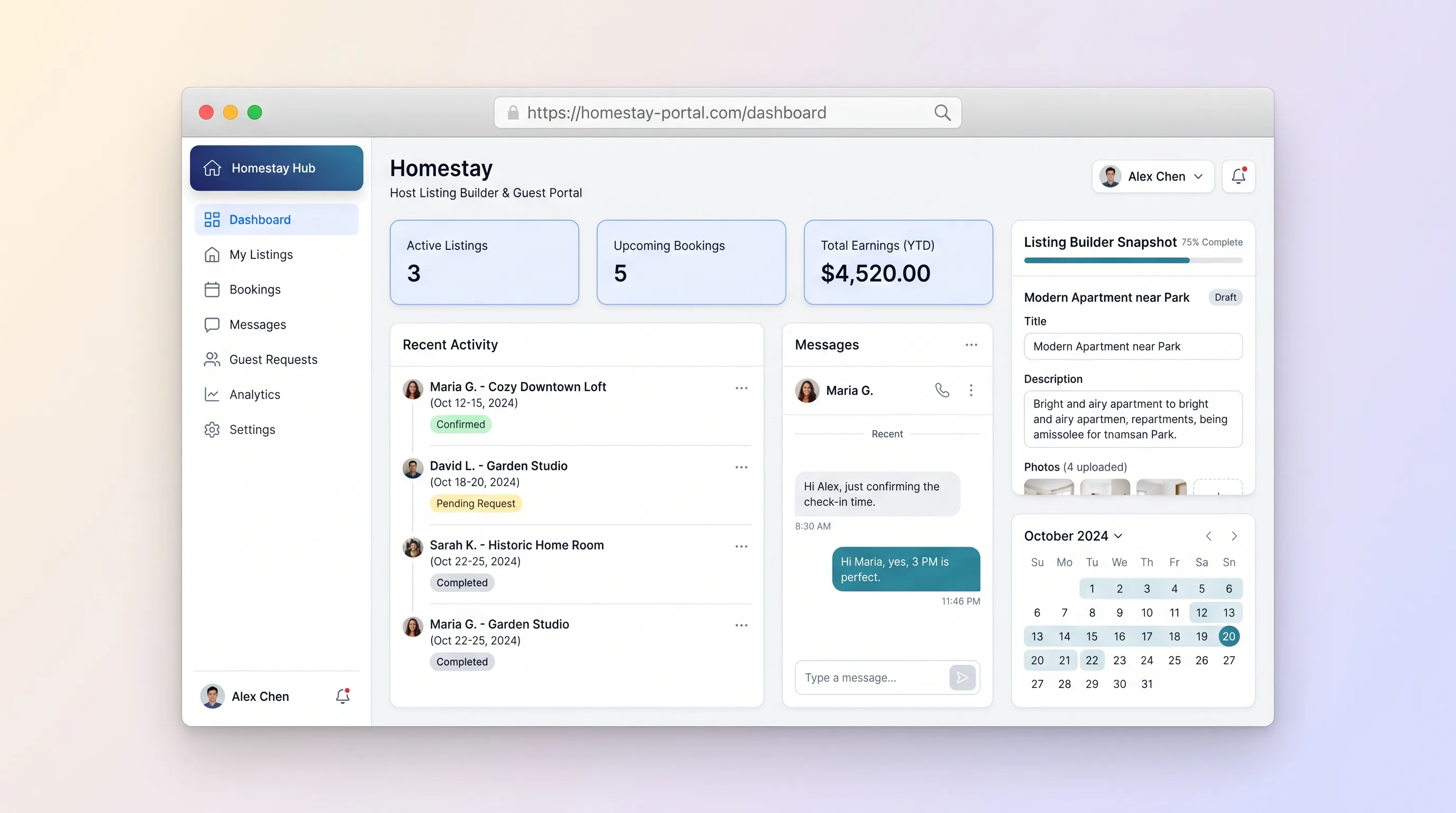
A dual-sided marketplace where homestay hosts create rich property listings with photos, amenities, and pricing, and guests search by location, message hosts, submit booking requests, and track status from pending to confirmed.
SaaS WorkflowBusiness Operations
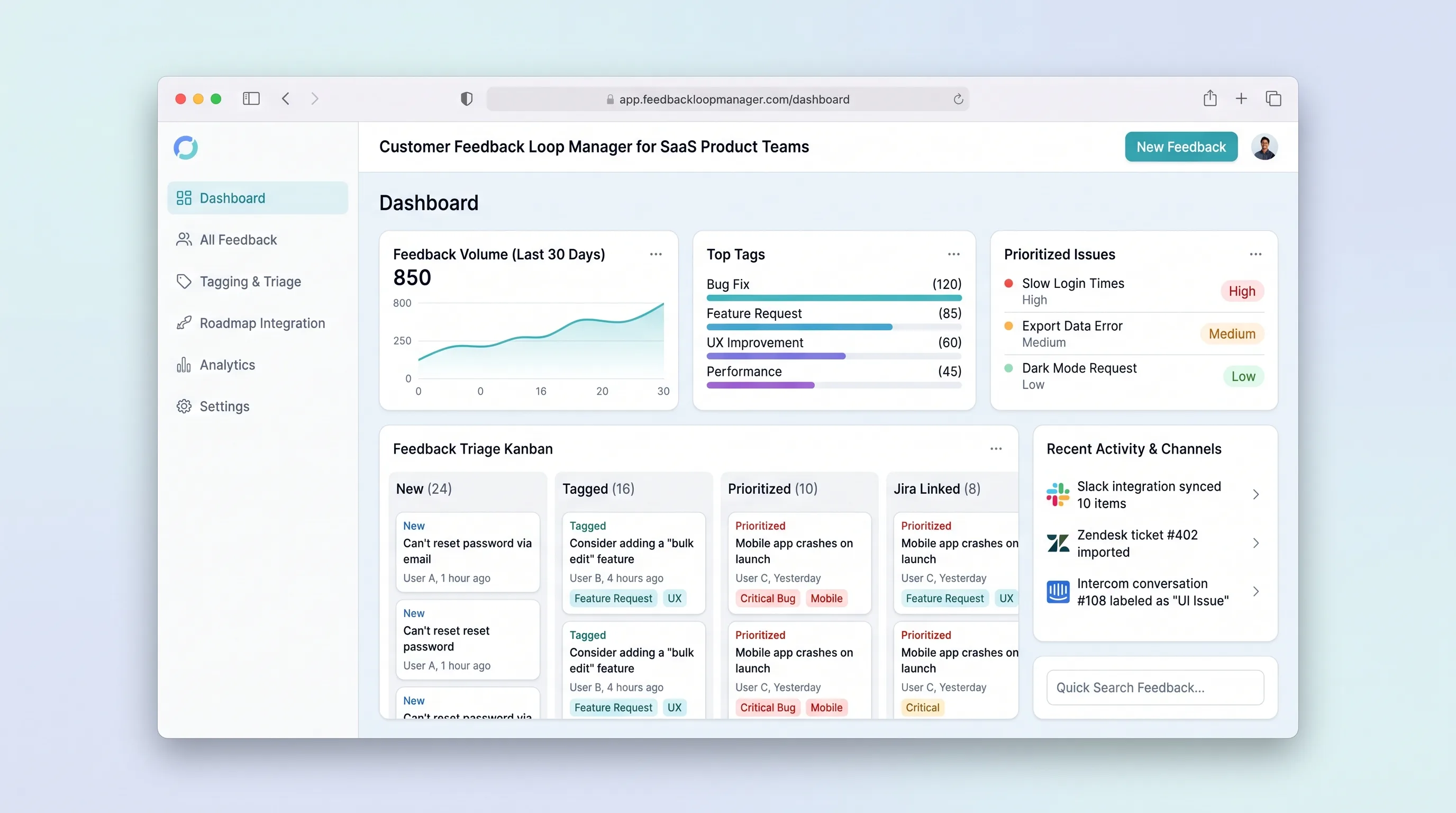
Collect, tag, and prioritize user feedback from multiple channels into a single prioritized backlog that feeds roadmap decisions with traceable evidence.
SaaS WorkflowBusiness Operations
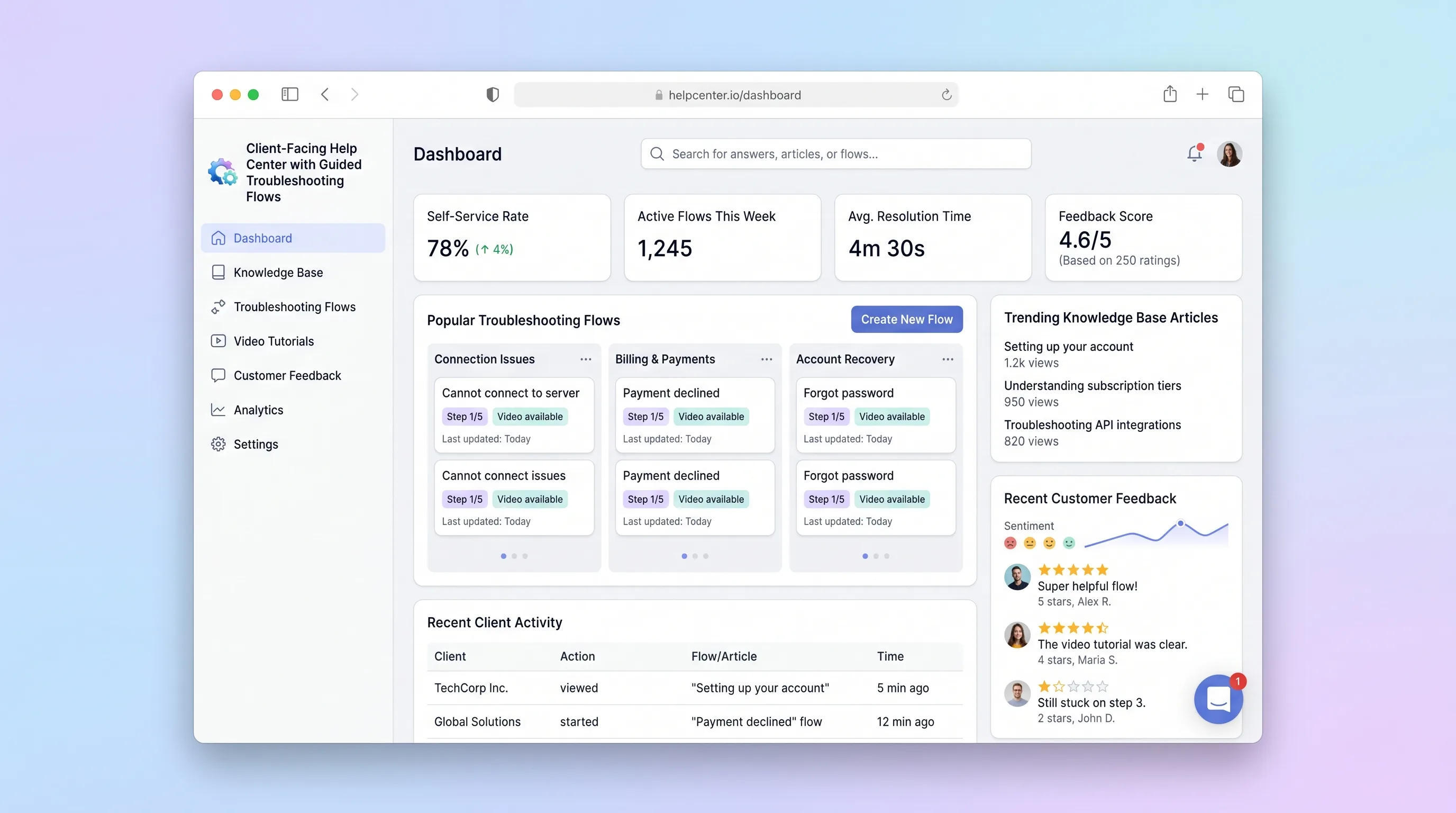
A self-service help center where SaaS teams publish interactive troubleshooting wizards and knowledge articles, and end customers resolve issues through guided step-by-step flows with built-in feedback capture.
SaaS WorkflowProfessional Services
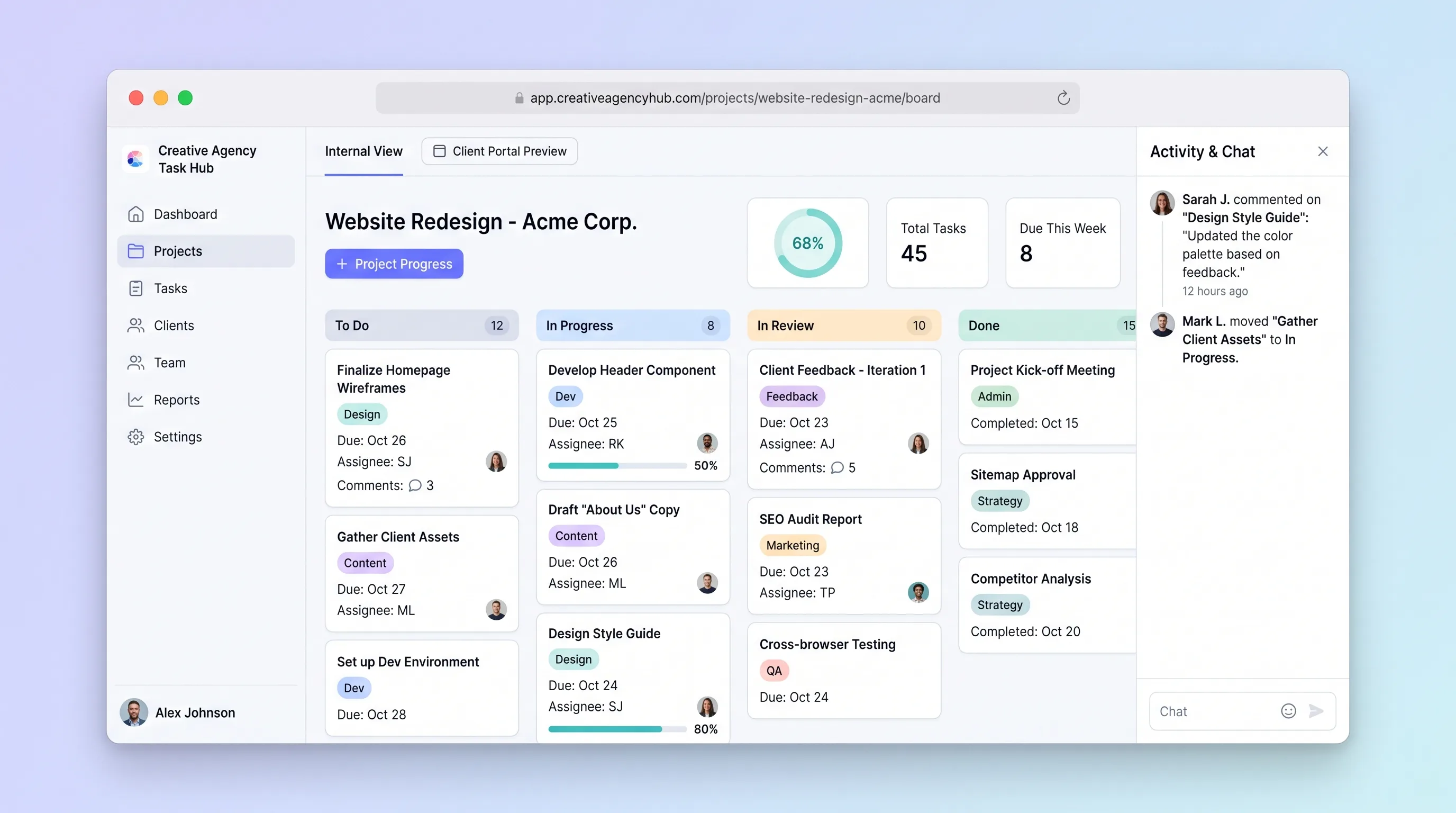
A focused project tracker where small creative agencies manage deliverables on an internal kanban board and share branded client portals for progress review and approvals without email chains.
SaaS WorkflowProfessional Services
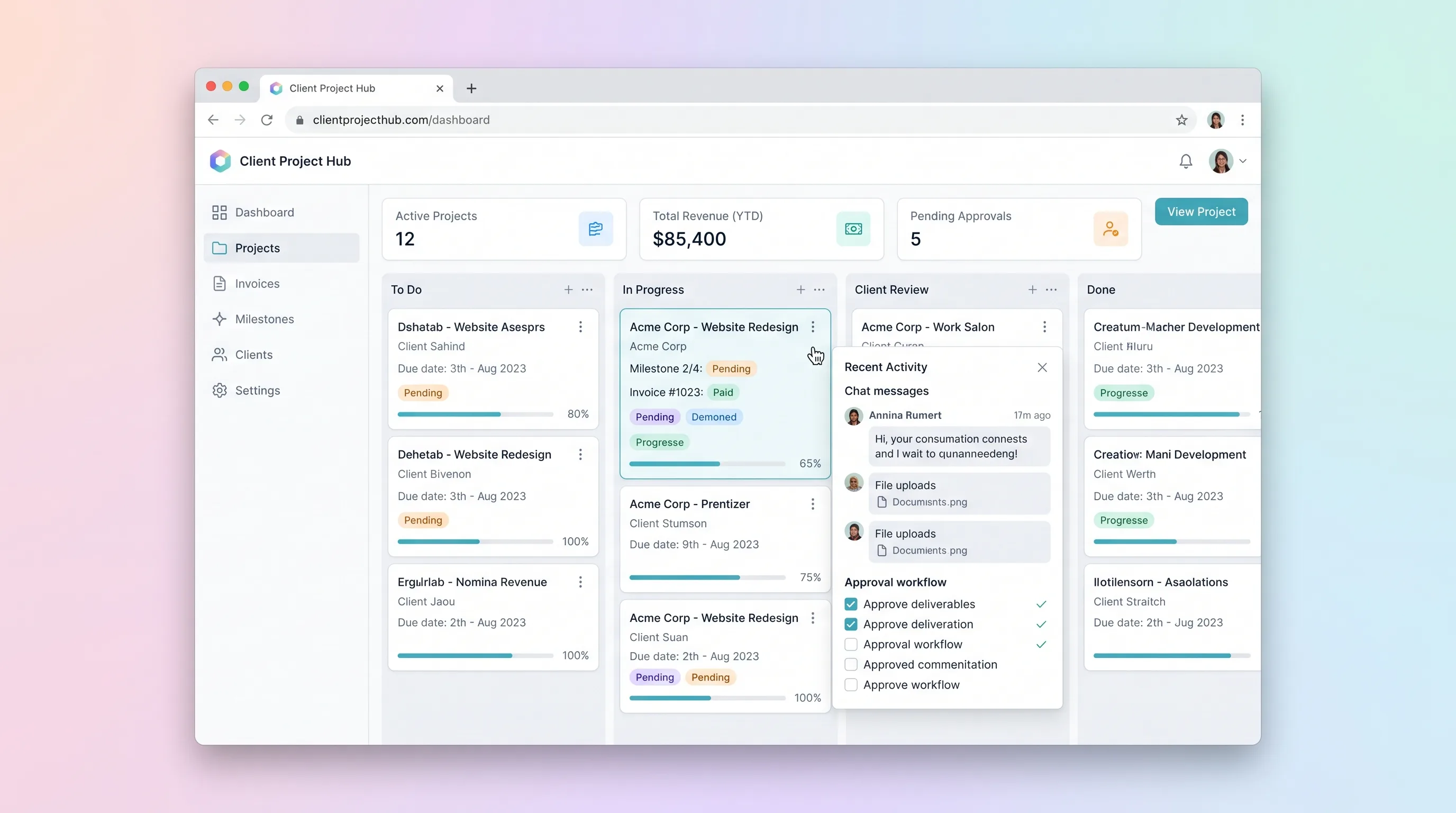
A kanban-driven workspace where freelancers and small agencies track client project milestones, route deliverables through an approval workflow, and auto-generate invoices upon approval.
SaaS WorkflowProfessional Services
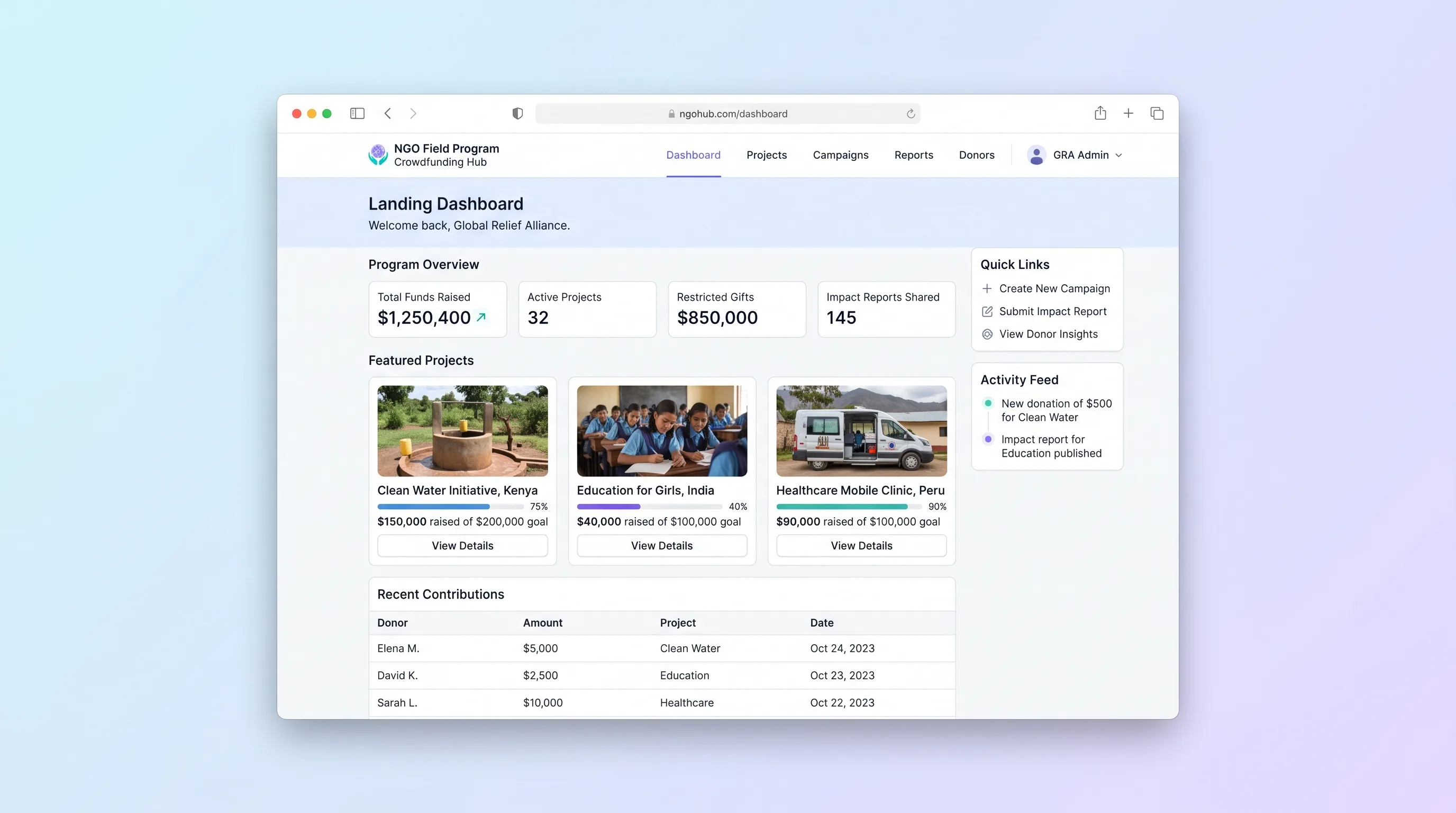
A multi-project crowdfunding portal where NGOs publish field programs, collect restricted gifts with donor dedications, and send field updates back to funders through a branded donor portal.