Build this if
You serve creative agencies that lose billable hours to approval chaos and lack a branded client-facing progress surface.
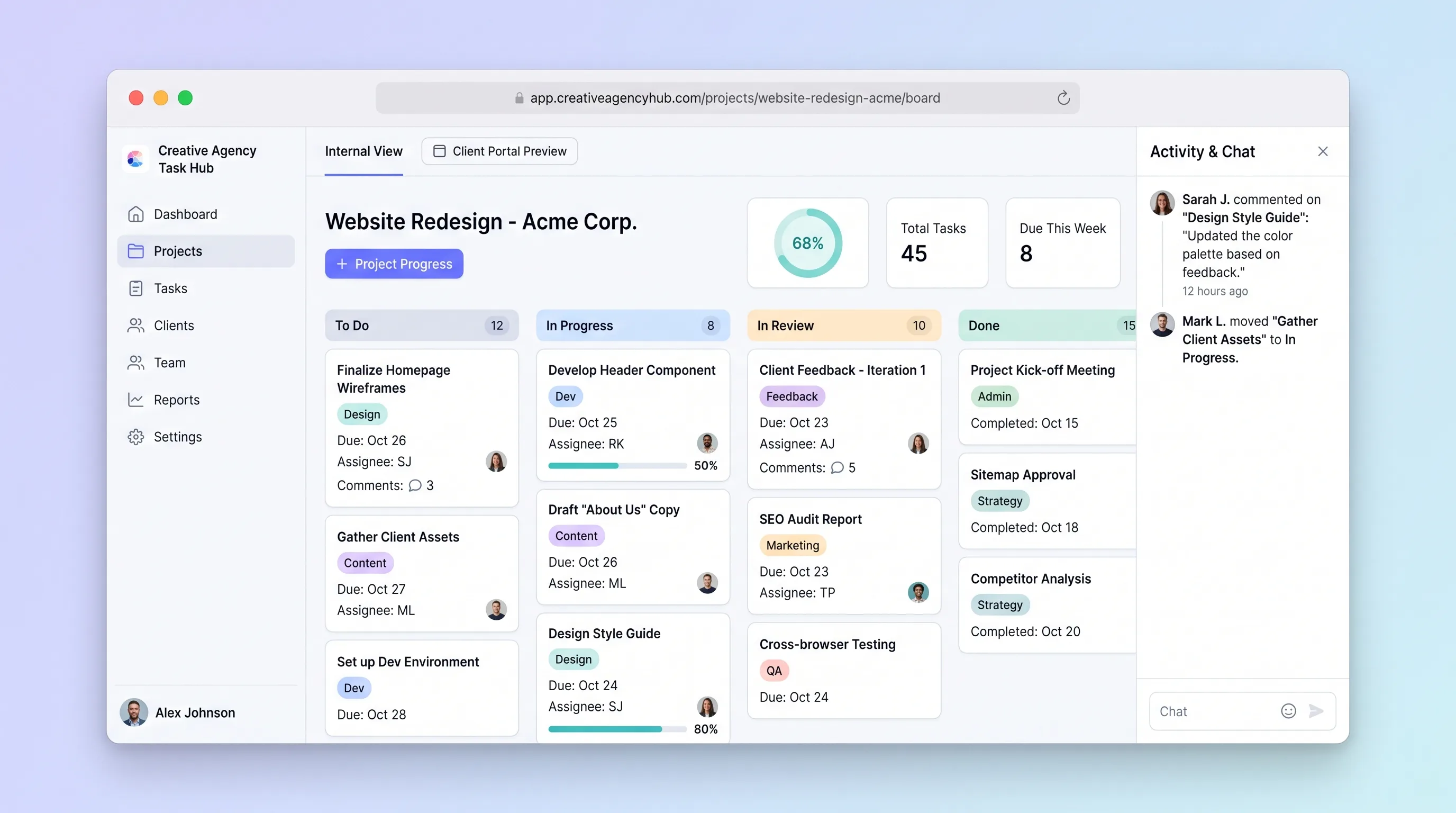
A focused project tracker where small creative agencies manage deliverables on an internal kanban board and share branded client portals for progress review and approvals without email chains.
Decision snapshot
You serve creative agencies that lose billable hours to approval chaos and lack a branded client-facing progress surface.
Your target users already standardize on an all-in-one agency management platform and have no appetite for a narrower, workflow-specific tool.
Onboard 5 agencies, have each create a client project in under 5 minutes, and confirm at least 3 clients use the portal link to approve a deliverable without an email follow-up.
Problem and target customer
Small creative agencies juggle client deliverables across generic tools, spreadsheets, and email threads. Approvals get buried in inboxes, time per deliverable goes untracked, and clients lack a single place to see project progress.
Indie creative agency operators and small studio owners managing 5-30 concurrent client projects who need structured task tracking and a professional client-facing experience without enterprise software overhead.
Monthly subscription with a paid workspace tier for agencies managing multiple concurrent client projects.
Editorial note
Creative agencies lose billable hours when approvals scatter across email and task status lives in a tool clients never see. This hub keeps internal kanban work and client-facing progress in one system, so an operator can move a task to Review and know the client will see it without a follow-up message.
The MVP deliberately excludes invoicing, Gantt charts, and team chat. Those features pull scope into a full agency management platform. The first version proves that a narrow, workflow-specific tracker with a branded client portal reduces approval friction and gives agencies a professional surface to share with clients.
Choose your next step
Evaluate the operating tradeoffs quickly, or inspect how to build the MVP.
Compare the three operating paths at the default workload before opening the full calculator.
See cost preview Build this ideaInspect the build blueprintReview MVP scope, workflow, states, data rules, architecture, and acceptance criteria.
Open blueprintEvaluation preview
Directional infrastructure estimates for the current 1,000 generated outputs assumption. Open the full calculator when you are ready to change it.
Managed app hosting, database, backups, and basic observability for the ai-generation workflow.
Lowest operating effortOne small VPS running the app, database, media volume, and backup job.
Lowest baseline costSeparate app, data, storage, and worker capacity for cleaner operations.
Most separation and controlBuild blueprint
Product goal
MVP scope
UX and user flow
Guide the operator through creating a client project with name, deliverables, and team assignments in under 5 minutes.
Display all project tasks as draggable cards across stages so the team can manage work visually.
Show clients a read-only progress timeline with deliverable statuses and approval buttons without requiring an account.
Provide a side panel or modal with full task information including time entries, assignee, and approval history.
Core entity outline
Represents an agency workspace containing projects, team members, and branding settings.
Represents a single client engagement with a set of deliverable tasks and a portal link.
Represents an individual deliverable tracked on the kanban board with time entries and approval state.
Records a client decision made through the portal for a specific task.
Timestamped record of all status changes, time entries, and approval events for audit and progress display.
Architecture and data flow
Render task cards in stage columns with drag-and-drop reordering and inline timer controls.
Serve a read-only project view using a portal token, displaying progress and approval buttons.
Process client approval or change-request submissions and update task stage and activity log.
Trigger transactional emails to operators and clients when task stages change or approvals are submitted.
Deliverables and acceptance
Recommended stack
Rapidly build the dual-view interface with kanban interactions and client portal pages using a visual builder with Supabase integration.
Relational storage for projects, tasks, approvals, and activity logs with row-level security separating agency and client data access.
Route approval notifications and status-change emails without embedding email infrastructure in the core app.
Host any serverless functions for portal link generation and webhook handlers alongside the database with simple deployment.
Store agency logos and deliverable attachments referenced by task cards and the client portal.
Lovable handles the dual-view UI complexity with built-in Supabase bindings, while Railway provides reliable backend hosting for any edge functions. Make acts as bounded glue for email notifications triggered by approval events, keeping the core app focused on task and portal logic.
Copy the build prompt, model the operating cost, and choose where to deploy.
Execution
Once the blueprint is clear, use the prompt, cost model, and deployment options to start building.
Build prompt
Lovable
Build prompt
Open the prompt pack whenever you are ready to take this blueprint into your builder.
Build prompt ready
Copy the prompt into your builder, then use the cost model below to choose how you want to run it.
Use the cost model to choose a deployment path that matches the build plan.
Cost calculator
A technical run-cost estimate for the first production version. Team, acquisition, payment fees, and business COGS are excluded.
$15-$45 per 500 generated outputs
Low and high values allow for usage variance and plan headroom.
Managed app hosting, database, backups, and basic observability for the ai-generation workflow.
50K generated outputs included, then $8-$20 per 100K generated outputsTransactional email is implied by the source workflow or feature list.
3K generated outputs includedObject storage is implied by the source workflow or feature list.
Monthly allowance from this idea's operating profileThe estimate combines the selected infrastructure path, required operating modules, selected optional modules, and usage above included monthly allowances. Taxes and regional uplifts are excluded.
Deployment options
Choose based on operating preference, not only the headline price.
Fast Docker deployment for the app, database, worker, and preview workflow without managing a VPS.
Usage billing needs active monitoring as traffic and jobs grow.
Run the app, worker, and database on one small Vultr VPS with Docker Compose and explicit backups.
You own patching, backups, monitoring, and incident response.
Separate application, worker, data, storage, and backup responsibilities as the workload grows.
You own server setup, patching, backups, and operational monitoring.
Start building
Create the internal kanban board with drag-and-drop stages, task cards with time tracking, and the client-facing portal with read-only progress and approval buttons. Wire both views to Supabase tables with row-level security policies separating agency and client access.
Open Lovable 02AutomationAutomate approval and status notificationsSet up Make scenarios that listen for task status changes and client approval events from Supabase webhooks, then send transactional emails to agency operators and clients via an email provider.
Open Make 03DeployHost backend functions and databaseDeploy Supabase or a Postgres instance on Railway for relational storage of projects, tasks, approvals, and activity logs. Host any serverless functions for portal link generation and webhook signature verification.
Open RailwayKeep exploring
SaaS WorkflowHealthcare & Wellness
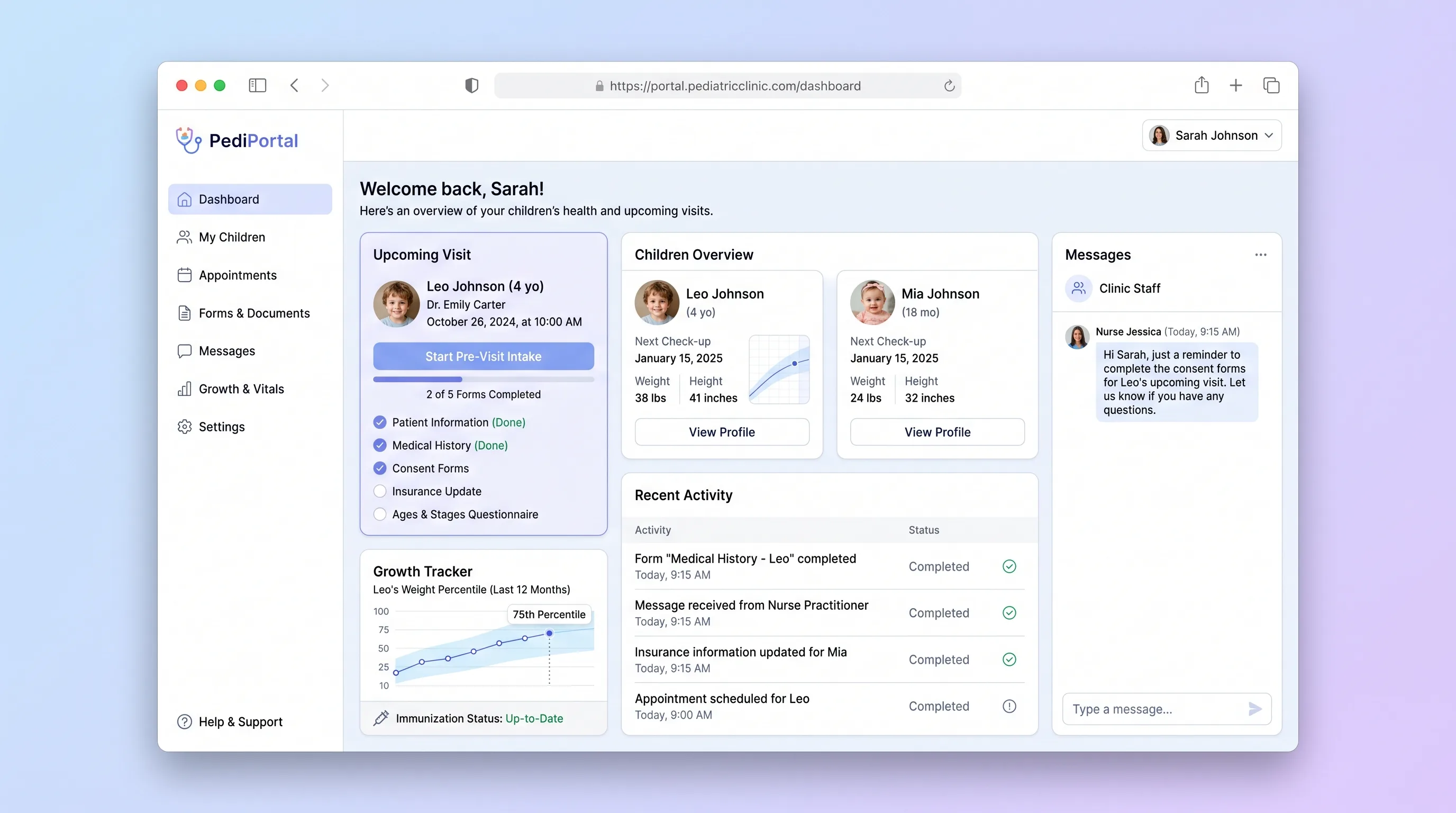
A parent-facing intake portal for pediatric clinics that digitizes pre-visit forms, tracks child immunization status, and delivers a visit prep checklist before families arrive.
Booking PlatformEvents & Community
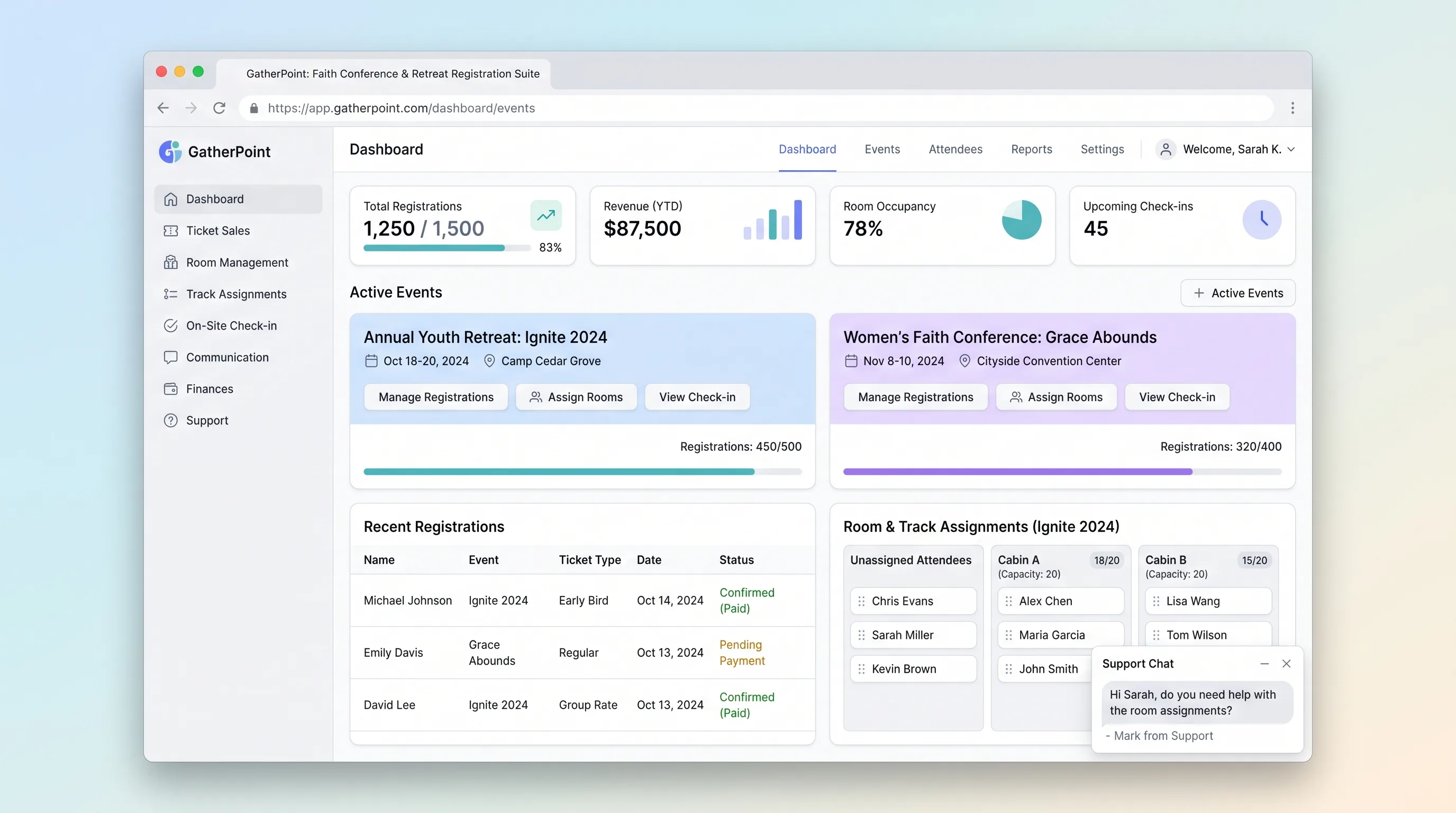
A focused registration platform for multi-day church conferences, retreats, and youth camps that handles group sign-ups, lodging and track assignment, and on-site QR-badge check-in.
SaaS WorkflowReal Estate
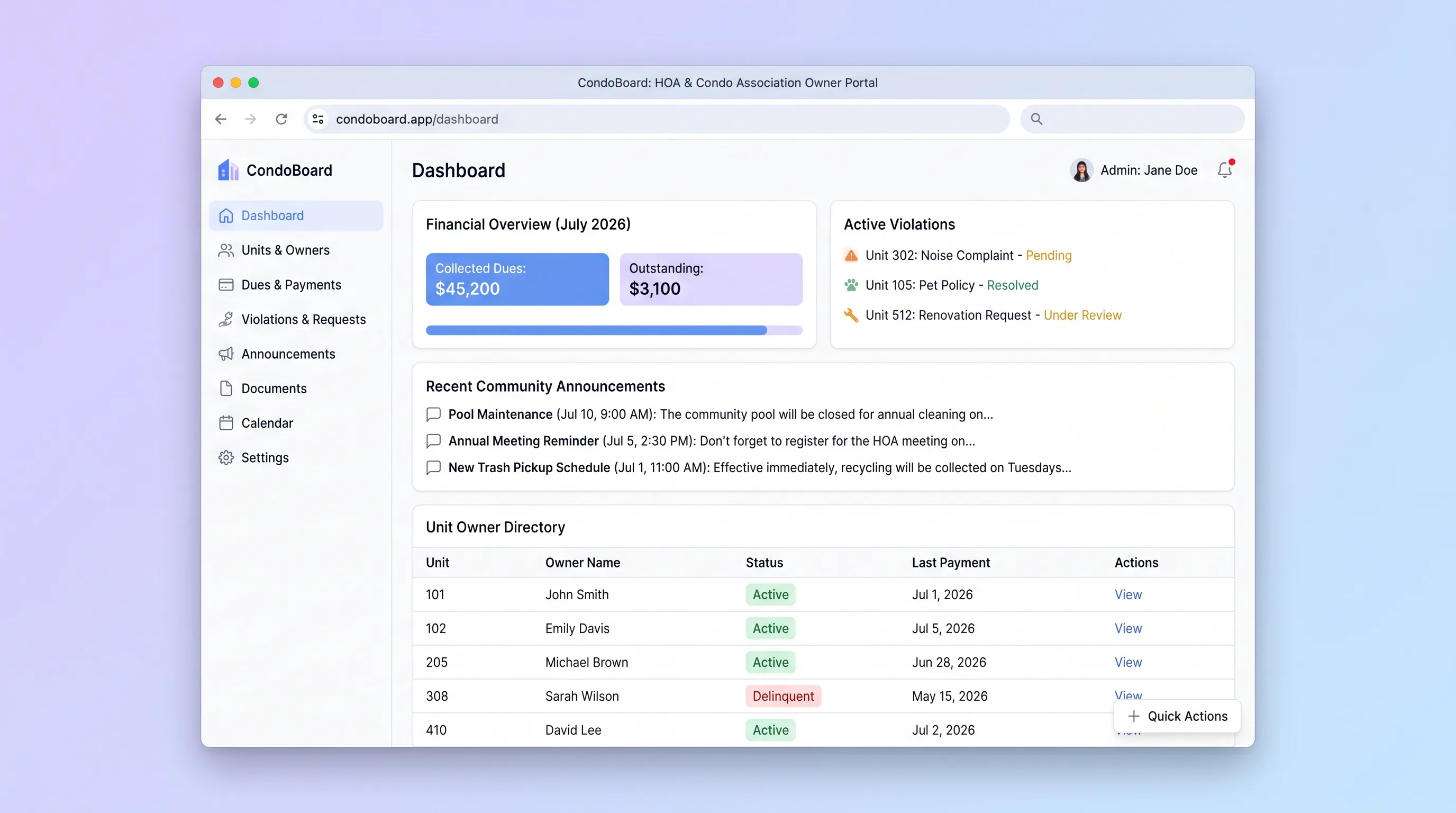
Self-service portal where condo association boards manage unit owners, track dues payments, log violations, and publish community announcements without spreadsheets or email threads.
SaaS WorkflowProfessional Services
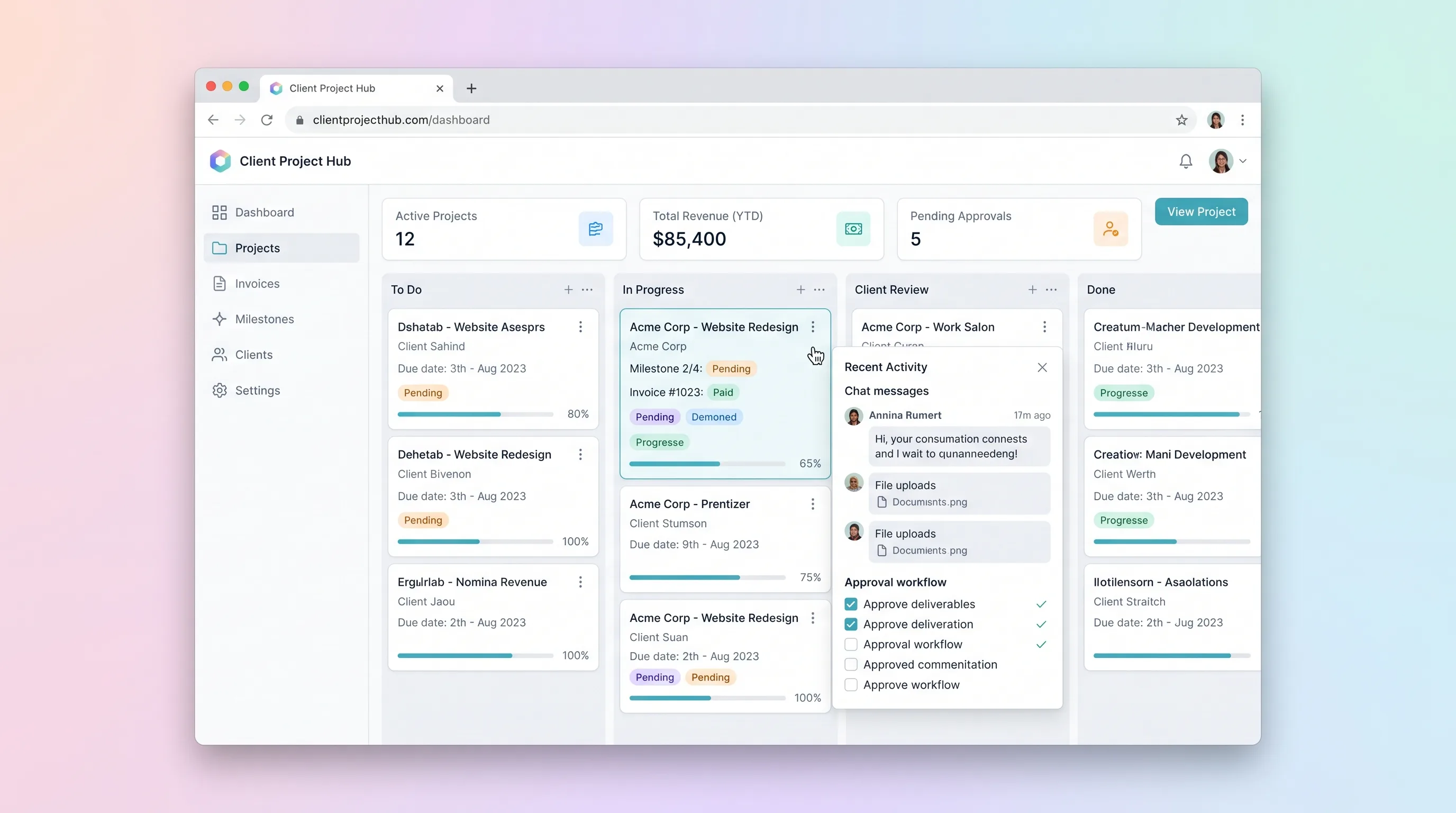
A kanban-driven workspace where freelancers and small agencies track client project milestones, route deliverables through an approval workflow, and auto-generate invoices upon approval.
SaaS WorkflowProfessional Services
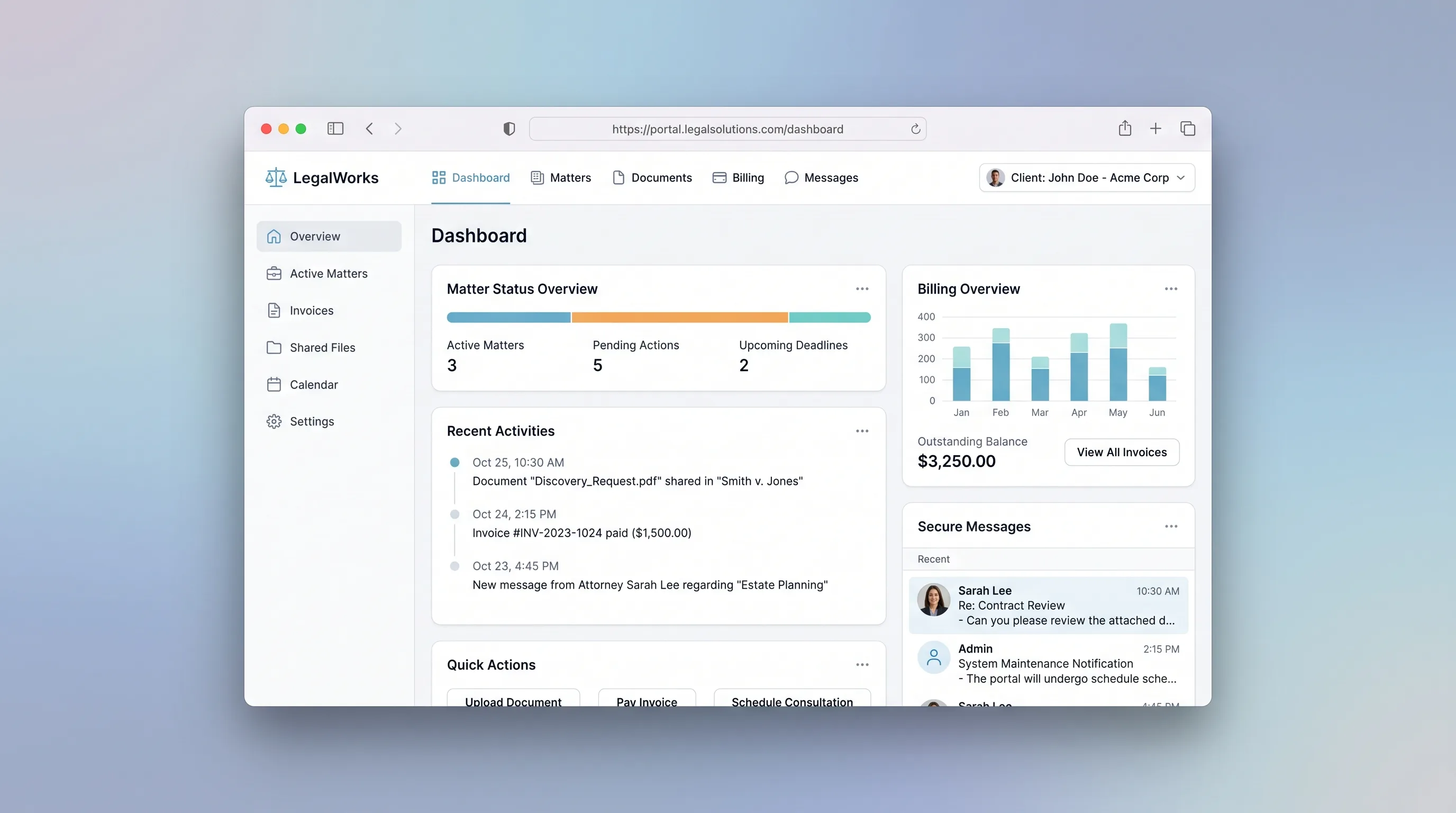
A branded portal where law firms manage client matters, share documents, log billable time, and collect invoice payments in one secure place.
SaaS WorkflowProfessional Services
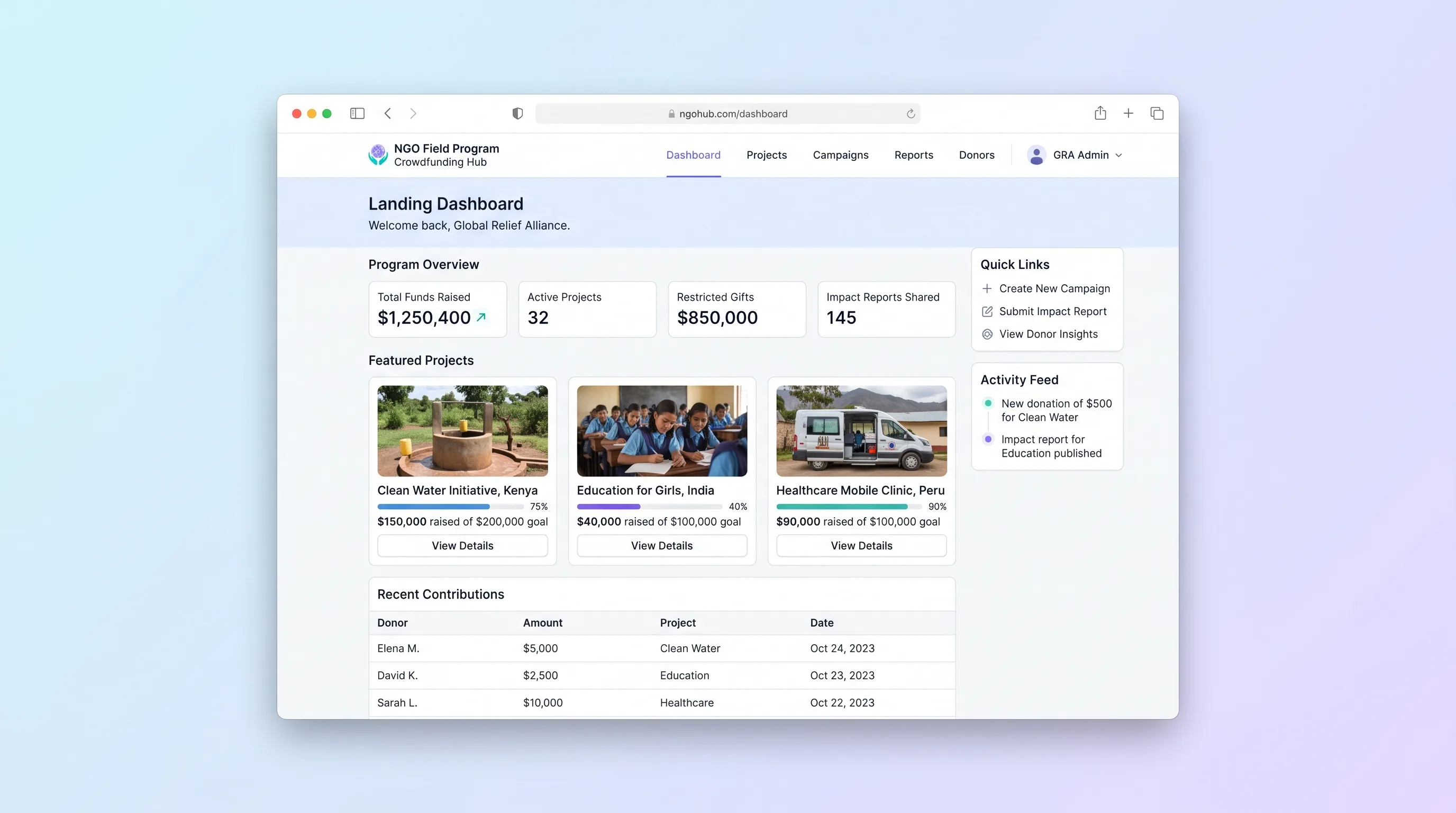
A multi-project crowdfunding portal where NGOs publish field programs, collect restricted gifts with donor dedications, and send field updates back to funders through a branded donor portal.