Build this if
You can reach church operations teams who run recurring multi-day events and currently rely on spreadsheets plus a generic ticketing tool that lacks lodging and track assignment.
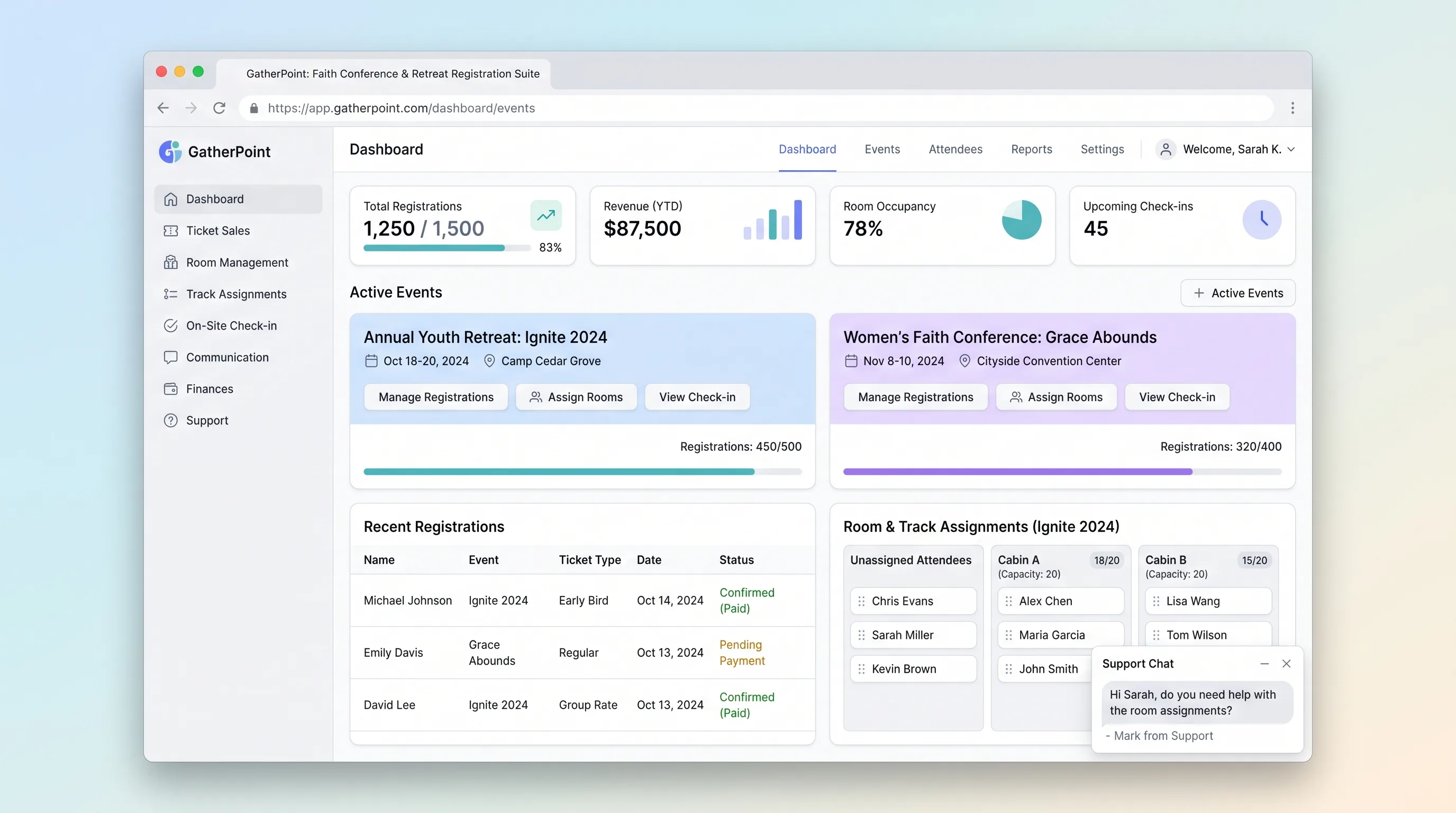
A focused registration platform for multi-day church conferences, retreats, and youth camps that handles group sign-ups, lodging and track assignment, and on-site QR-badge check-in.
Decision snapshot
You can reach church operations teams who run recurring multi-day events and currently rely on spreadsheets plus a generic ticketing tool that lacks lodging and track assignment.
Your target buyers run single-day events with no lodging or breakout track complexity—generic ticketing tools already cover that.
Recruit 3 church operations teams to run a real retreat through the MVP; measure whether a family of four completes registration with lodging and track selections in under 4 minutes and whether a volunteer checks in each person in under 5 seconds.
Problem and target customer
Church operations teams coordinate multi-day conferences across spreadsheets and generic tools, leading to manual lodging assignment errors, blind capacity on breakout sessions, and slow on-site check-in lines.
Church operations teams running 50–500 attendee conferences, retreats, or youth camps who need a production-ready registration workflow without building custom software.
Monthly subscription for event operators plus a per-transaction fee on ticket sales.
Editorial note
GatherPoint targets a workflow that generic ticketing platforms handle poorly: multi-day faith events where a family registers together, picks lodging and breakout tracks, and checks in on-site with a scannable badge. The MVP keeps scope tight around five concrete steps—event setup, group registration, confirmation and badge delivery, lodging assignment, and on-site check-in.
The source success criteria translate directly into acceptance tests: a family of four completes registration in under four minutes, admins see live capacity per track and lodging unit, and a volunteer scans a badge and confirms attendance in under five seconds. Features like waitlist auto-promotion, dynamic date-based pricing, and discount codes are excluded from the first version to ship faster.
Although the source lists an LLM API and SMS provider among integrations, no LLM-driven feature appears in the core workflow and SMS reminders are excluded from MVP scope. Both can be added after beta usage is measured and a paying customer requests them.
Choose your next step
Evaluate the operating tradeoffs quickly, or inspect how to build the MVP.
Compare the three operating paths at the default workload before opening the full calculator.
See cost preview Build this ideaInspect the build blueprintReview MVP scope, workflow, states, data rules, architecture, and acceptance criteria.
Open blueprintEvaluation preview
Directional infrastructure estimates for the current 1,500 relationship records assumption. Open the full calculator when you are ready to change it.
Managed app hosting, database, backups, and basic observability for the crm workflow.
Lowest operating effortOne small VPS running the app, database, media volume, and backup job.
Lowest baseline costSeparate app, data, storage, and worker capacity for cleaner operations.
Most separation and controlBuild blueprint
Product goal
MVP scope
UX and user flow
Display dates, location, schedule, speakers, and pricing tiers to drive registration.
Let one registrant sign up themselves and dependents, select add-ons and tracks, and pay in one transaction.
Let attendees view schedule, download QR badge, and edit dietary or accessibility needs before cutoff.
Configure events, manage rosters, assign lodging, and monitor capacity conflicts.
Let volunteers scan QR badges and log attendance quickly.
Core entity outline
Top-level conference or retreat with dates, location, and pricing tiers.
An individual attendee linked to a group registration and payment.
A breakout session or track with a time slot and capacity cap.
A room or cabin with a type and bed capacity.
Record of on-site attendance confirmation by badge scan.
Architecture and data flow
Handles group registration creation, dependent adds, track selection validation, and payment initiation.
Enforces per-track and per-lodging-unit capacity limits during registration and assignment.
Auto-assigns registrants to lodging units based on type preference and capacity, with manual override support.
Validates QR badge tokens and writes check-in log entries.
Serves event builder, roster, lodging manager, and capacity conflict data to admin UI.
Deliverables and acceptance
Recommended stack
Rapid visual builder for photo-forward landing pages and mobile-optimized registration forms with multi-step group flows.
Relational store for events, registrants, sessions, lodging units, and check-in logs with capacity constraints and foreign-key integrity.
Hosts registration logic, capacity validation, lodging assignment algorithms, and check-in endpoints.
Handles ticket transactions, group registration payments, and refund flows with webhook confirmation.
Sends registration confirmations, QR-badge delivery, and pre-event reminder emails.
Lovable accelerates the mobile-first registration UI that source evidence prioritizes. Railway Postgres plus Node.js provides durable relational records and server-side capacity logic that spreadsheets cannot enforce. Stripe and Resend cover the two external dependencies the workflow depends on for payments and confirmations.
Copy the build prompt, model the operating cost, and choose where to deploy.
Execution
Once the blueprint is clear, use the prompt, cost model, and deployment options to start building.
Build prompt
Lovable
Build prompt
Open the prompt pack whenever you are ready to take this blueprint into your builder.
Build prompt ready
Copy the prompt into your builder, then use the cost model below to choose how you want to run it.
Use the cost model to choose a deployment path that matches the build plan.
Cost calculator
A technical run-cost estimate for the first production version. Team, acquisition, payment fees, and business COGS are excluded.
$15-$80 per 750 relationship records
Low and high values allow for usage variance and plan headroom.
Managed app hosting, database, backups, and basic observability for the crm workflow.
50K relationship records included, then $8-$20 per 100K relationship recordsTransactional email is implied by the source workflow or feature list.
3K relationship records includedSMS provider is implied by the source workflow or feature list.
1K included, then $5-$25 per 1K relationship recordsPayment processor is implied by the source workflow or feature list.
100 included, then $0-$5 per 100 relationship recordsThe estimate combines the selected infrastructure path, required operating modules, selected optional modules, and usage above included monthly allowances. Taxes and regional uplifts are excluded.
Deployment options
Choose based on operating preference, not only the headline price.
Fast Docker deployment for the app, database, worker, and preview workflow without managing a VPS.
Usage billing needs active monitoring as traffic and jobs grow.
Run the app, worker, and database on one small Vultr VPS with Docker Compose and explicit backups.
You own patching, backups, monitoring, and incident response.
Separate application, worker, data, storage, and backup responsibilities as the workload grows.
You own server setup, patching, backups, and operational monitoring.
Start building
Build the event landing page, multi-step group registration flow, confirmation portal, admin event builder, roster and lodging manager, and check-in scanner screen in Lovable with a bold accent color on a clean white base optimized for mobile sign-ups.
Open Lovable 02AutomationWebhook and Notification GlueUse Make to connect Stripe payment webhooks to registration confirmation emails via Resend and trigger badge QR generation when a payment succeeds, keeping this layer as optional glue rather than core logic.
Open Make 03DeployAPI and Postgres DeploymentDeploy the Node.js API and Postgres database on Railway to handle registration writes, capacity validation per track and lodging unit, lodging assignment logic, and check-in log entries.
Open RailwayKeep exploring
SaaS WorkflowHealthcare & Wellness
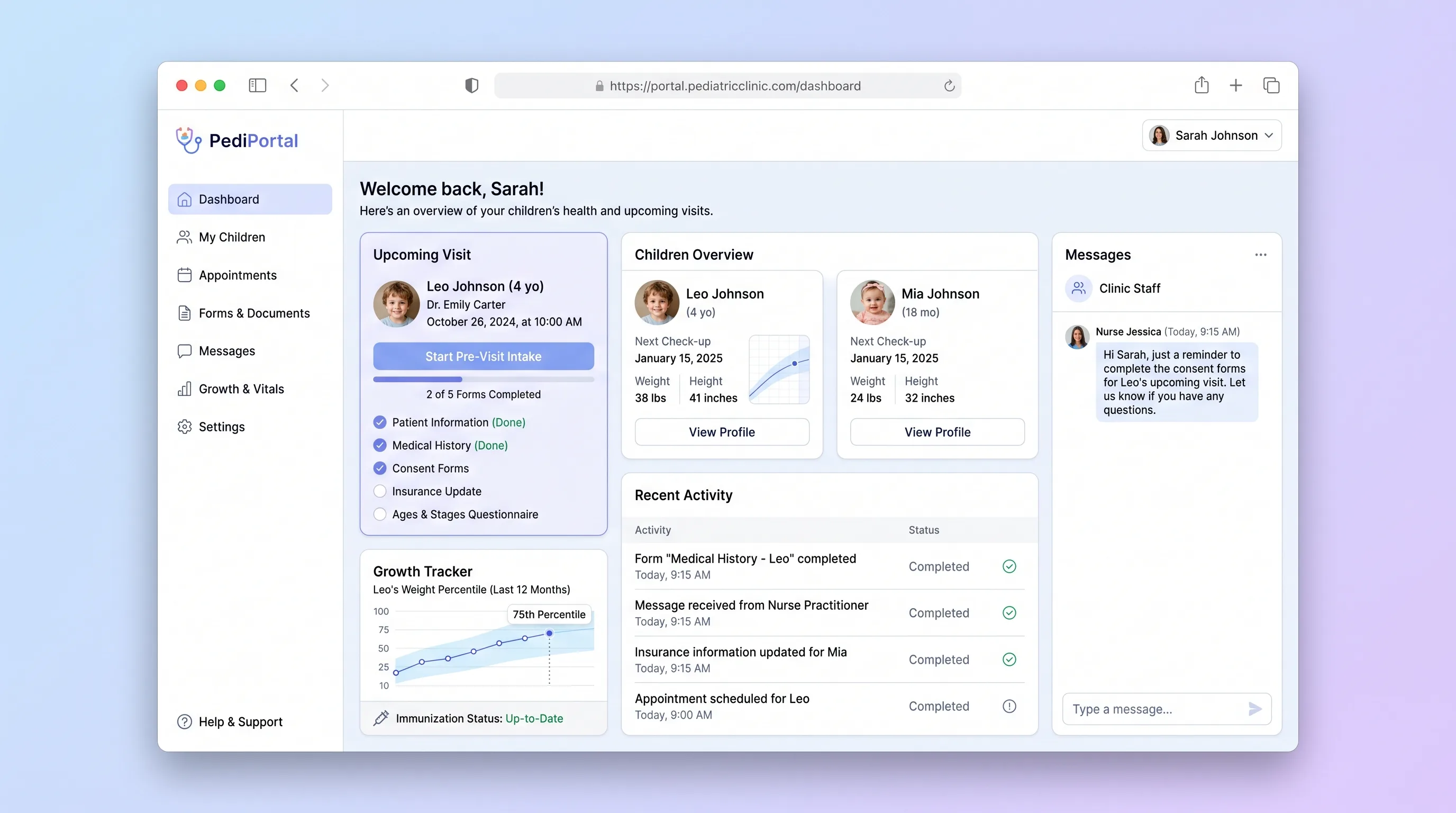
A parent-facing intake portal for pediatric clinics that digitizes pre-visit forms, tracks child immunization status, and delivers a visit prep checklist before families arrive.
SaaS WorkflowProfessional Services
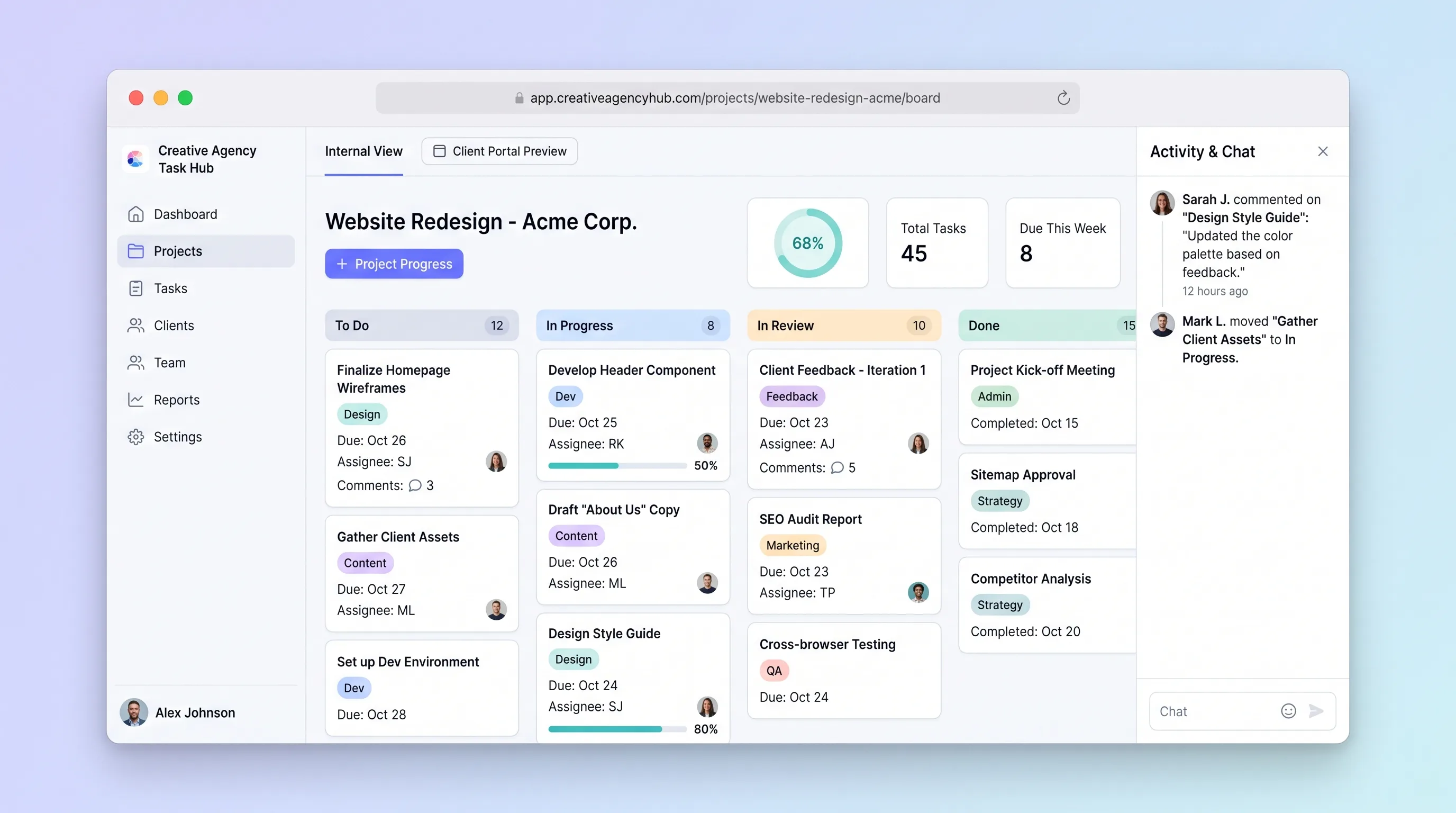
A focused project tracker where small creative agencies manage deliverables on an internal kanban board and share branded client portals for progress review and approvals without email chains.
SaaS WorkflowReal Estate
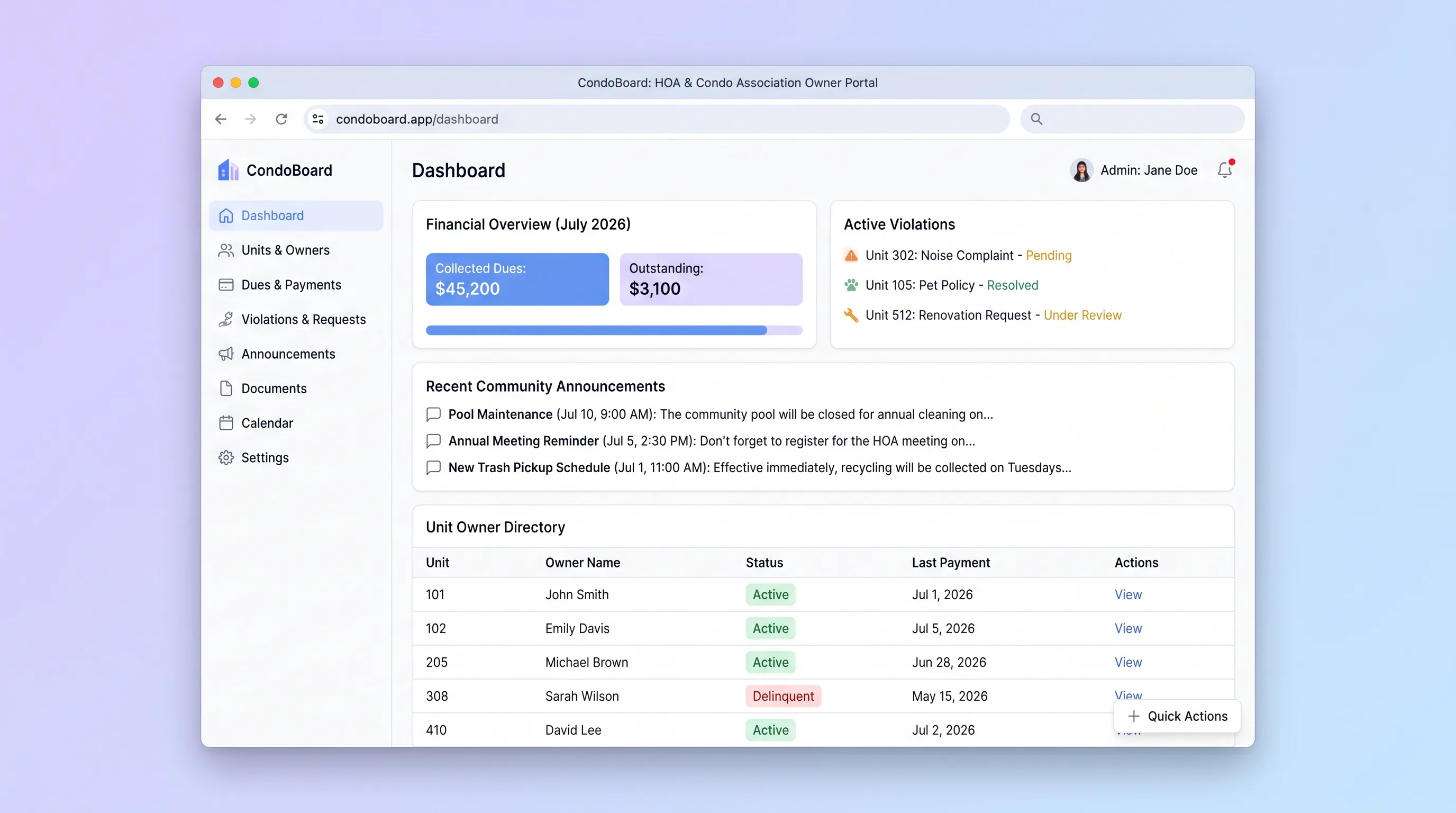
Self-service portal where condo association boards manage unit owners, track dues payments, log violations, and publish community announcements without spreadsheets or email threads.
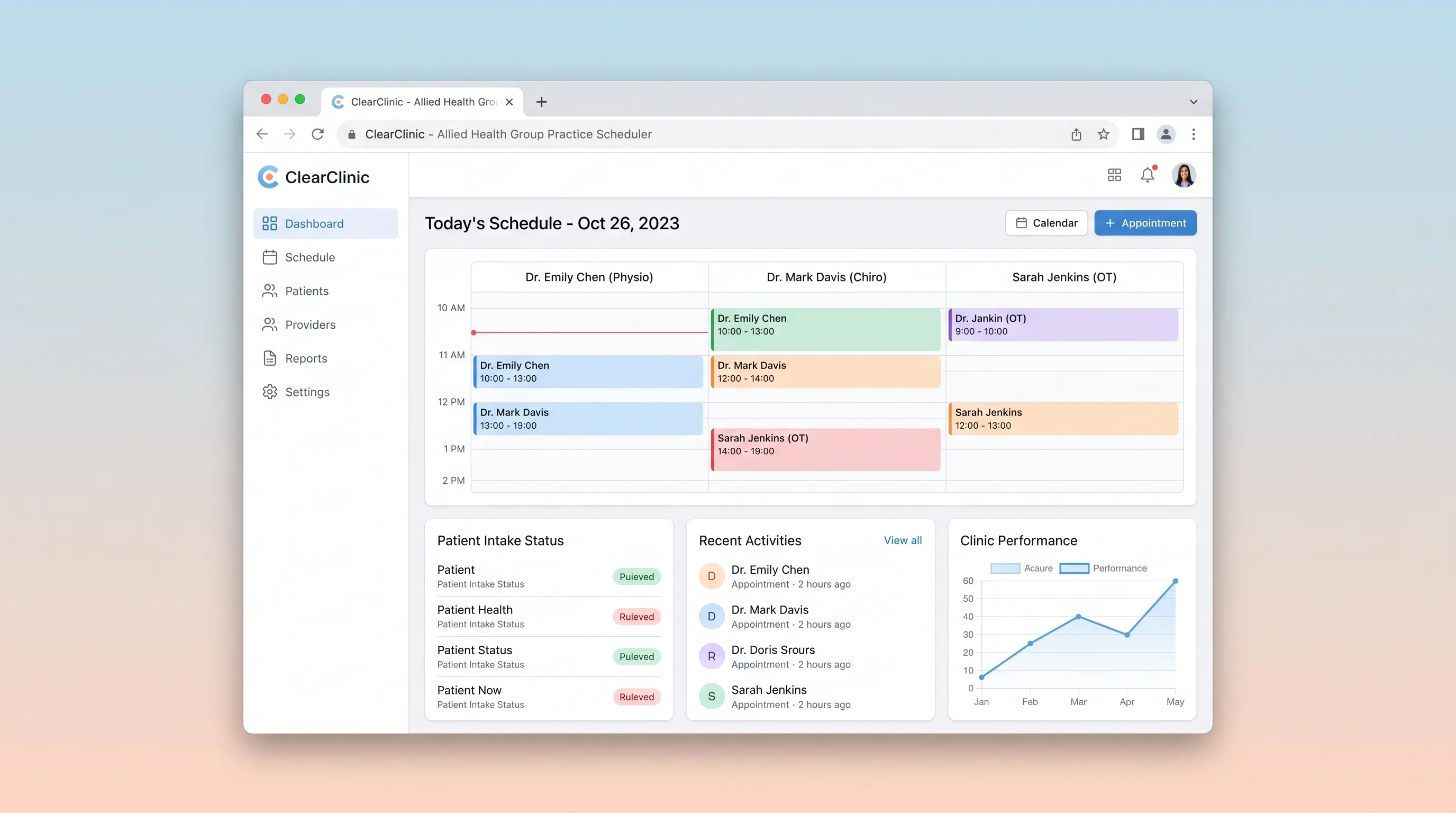
Booking PlatformHealthcare & Wellness
Multi-provider scheduling and patient intake platform for physiotherapy, chiropractic, and allied health group practices.
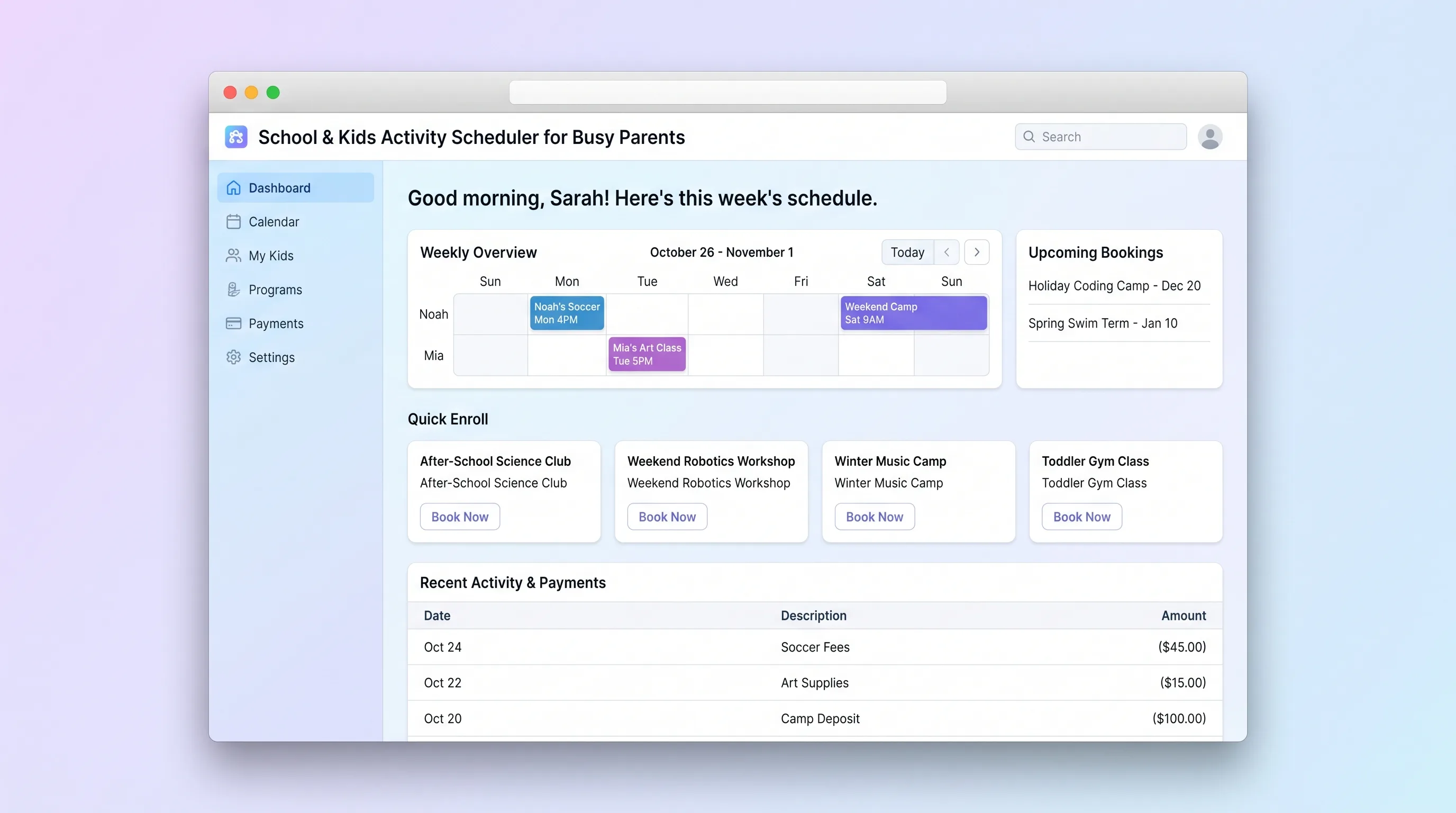
Booking PlatformEducation
A focused booking platform where parents discover, enroll in, and pay for children's after-school programs, holiday camps, and weekend classes, while operators manage class listings, capacities, and enrollments.
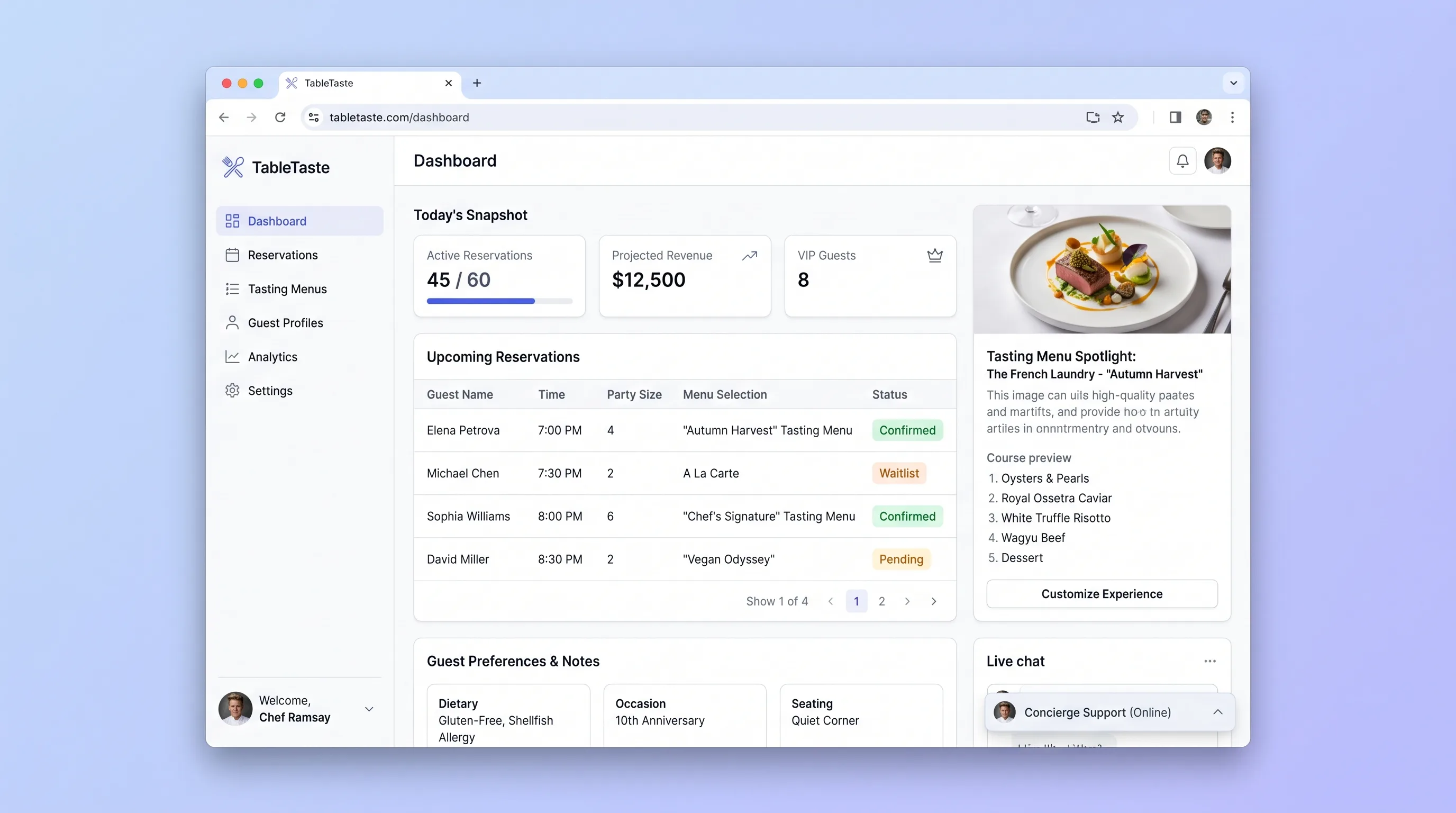
Booking PlatformFood & Beverage
A reservation and tasting-menu showcase platform for upscale restaurants that lets guests preview courses, customize their experience, and book locked time slots while operators manage menus and daily bookings from one screen.