Build this if
You operate or sell to allied health group practices with 3+ practitioners who currently coordinate schedules across spreadsheets and paper intake forms.
Multi-provider scheduling and patient intake platform for physiotherapy, chiropractic, and allied health group practices.
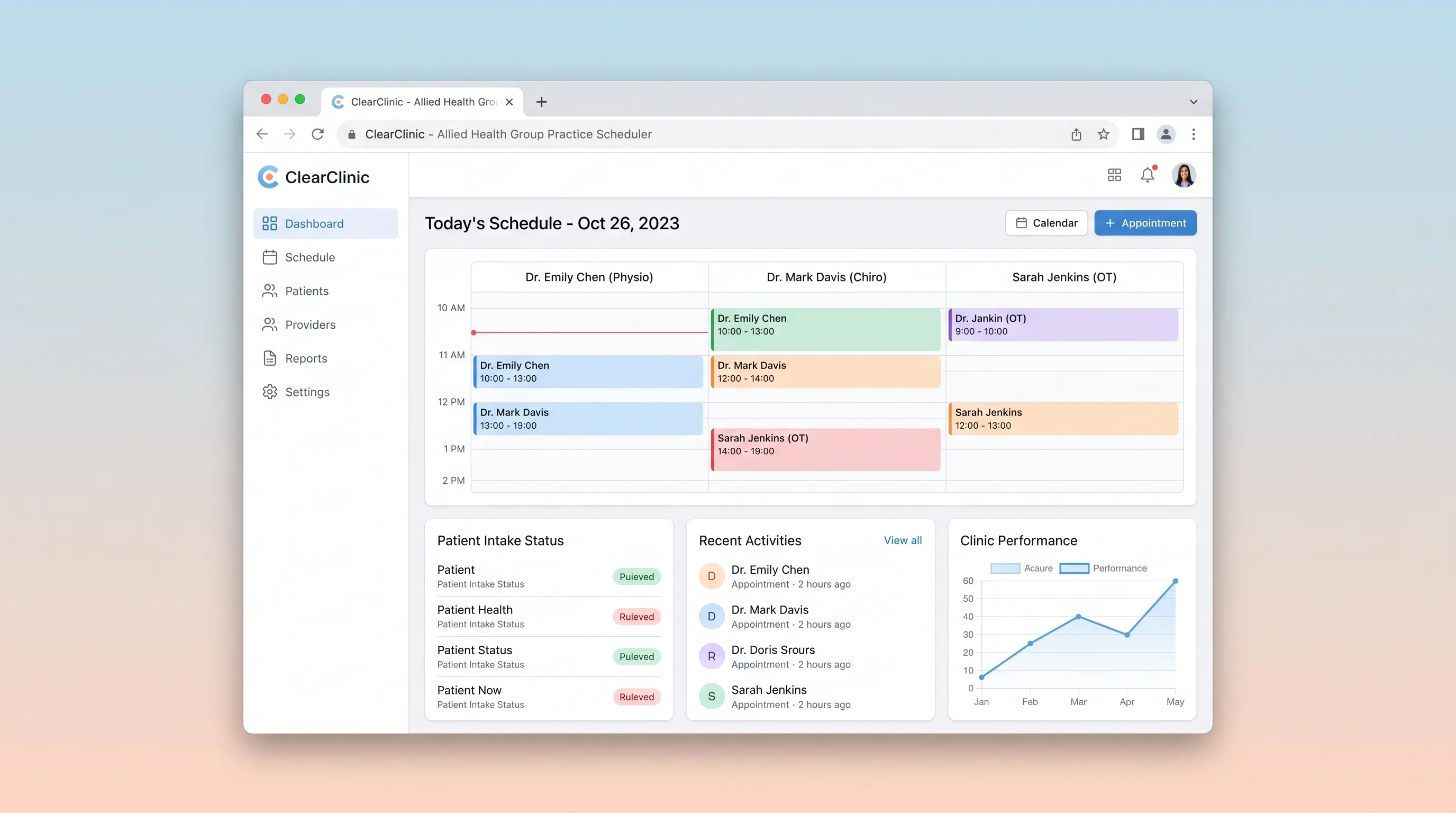
Decision snapshot
You operate or sell to allied health group practices with 3+ practitioners who currently coordinate schedules across spreadsheets and paper intake forms.
Your target is solo practitioners, medical GP clinics, or specialty hospitals that need EHR-grade clinical record keeping beyond scheduling and intake.
Run a 4-week pilot with one allied health clinic: measure booking double-book rate, intake completion rate before appointment, and recall-to-appointment conversion.
Problem and target customer
Allied health clinics with multiple practitioners juggle appointments, rooms, intake forms, and recall schedules across spreadsheets, paper diaries, and generic calendars, causing double bookings, missing intake data, and slow patient follow-up.
Owner-operators of small allied health group practices (physiotherapy, chiropractic, osteopathy, massage) with 3-8 practitioners who need a shared scheduling and intake system without building custom software.
Monthly subscription per practice plus a small per-booking transaction fee for online patient bookings.
Editorial note
Allied health practices lose revenue when intake forms arrive incomplete and recalls slip through manual diaries.
A shared practitioner-room grid prevents double bookings without forcing staff to reconcile spreadsheets.
Recall lists convert past patients into booked appointments, which is the highest-margin revenue lever for allied health clinics.
Per-practitioner subscription aligns cost with clinic size and avoids punishing solo users.
Choose your next step
Evaluate the operating tradeoffs quickly, or inspect how to build the MVP.
Compare the three operating paths at the default workload before opening the full calculator.
See cost preview Build this ideaInspect the build blueprintReview MVP scope, workflow, states, data rules, architecture, and acceptance criteria.
Open blueprintEvaluation preview
Directional infrastructure estimates for the current 500 bookings assumption. Open the full calculator when you are ready to change it.
Managed app hosting, database, backups, and basic observability for the booking workflow.
Lowest operating effortOne small VPS running the app, database, media volume, and backup job.
Lowest baseline costSeparate app, data, storage, and worker capacity for cleaner operations.
Most separation and controlBuild blueprint
Product goal
MVP scope
UX and user flow
Patient booking page
Practitioner schedule grid
Intake form page
Recall list
Patient record detail
Core entity outline
Practitioner
Patient
Appointment
Room
IntakeForm
Architecture and data flow
Lovable front-end
Railway API
Railway relational database
Scheduled job runner
Make glue scenarios
Deliverables and acceptance
Recommended stack
Lovable for the patient booking pages, practitioner schedule grid, and intake form UI
Railway for the API, relational database, and scheduled jobs for reminders and recalls
Make for bounded glue: syncing confirmed bookings to external calendar APIs and forwarding intake form PDFs to practitioner email
Lovable covers the practitioner-facing and patient-facing UI quickly; Railway provides durable storage for appointments, intake forms, and recall schedules; Make handles only the external calendar sync and intake PDF delivery glue that does not belong in the core app.
Copy the build prompt, model the operating cost, and choose where to deploy.
Execution
Once the blueprint is clear, use the prompt, cost model, and deployment options to start building.
Build prompt
Lovable
Build prompt
Open the prompt pack whenever you are ready to take this blueprint into your builder.
Build prompt ready
Copy the prompt into your builder, then use the cost model below to choose how you want to run it.
Use the cost model to choose a deployment path that matches the build plan.
Cost calculator
A technical run-cost estimate for the first production version. Team, acquisition, payment fees, and business COGS are excluded.
$13-$53 per 250 bookings
Low and high values allow for usage variance and plan headroom.
Managed app hosting, database, backups, and basic observability for the booking workflow.
50K bookings included, then $8-$20 per 100K bookingsTransactional email is implied by the source workflow or feature list.
3K bookings includedSMS provider is implied by the source workflow or feature list.
1K bookings includedPayment processor is implied by the source workflow or feature list.
100 included, then $0-$5 per 100 bookingsCalendar API is implied by the source workflow or feature list.
Monthly allowance from this idea's operating profileThe estimate combines the selected infrastructure path, required operating modules, selected optional modules, and usage above included monthly allowances. Taxes and regional uplifts are excluded.
Deployment options
Choose based on operating preference, not only the headline price.
Fast Docker deployment for the app, database, worker, and preview workflow without managing a VPS.
Usage billing needs active monitoring as traffic and jobs grow.
Run the app, worker, and database on one small Vultr VPS with Docker Compose and explicit backups.
You own patching, backups, monitoring, and incident response.
Separate application, worker, data, storage, and backup responsibilities as the workload grows.
You own server setup, patching, backups, and operational monitoring.
Start building
Generate the patient booking page, practitioner schedule grid, intake form renderer, and recall list screens in Lovable, wired to the Railway API for practitioner availability, room conflict checks, and appointment confirmation.
Open Lovable 02AutomationWire external calendar and intake PDF glue in MakeUse Make as bounded glue to mirror confirmed appointments into external calendar APIs and email completed intake PDFs to practitioners, keeping the core app focused on scheduling and intake.
Open Make 03DeployRun ClearClinic API and database on RailwayDeploy the ClearClinic API, relational database for practitioners, patients, appointments, rooms, intake forms, session notes, recall schedules, and billing records, plus scheduled jobs for confirmation, reminder, and recall messages.
Open RailwayKeep exploring
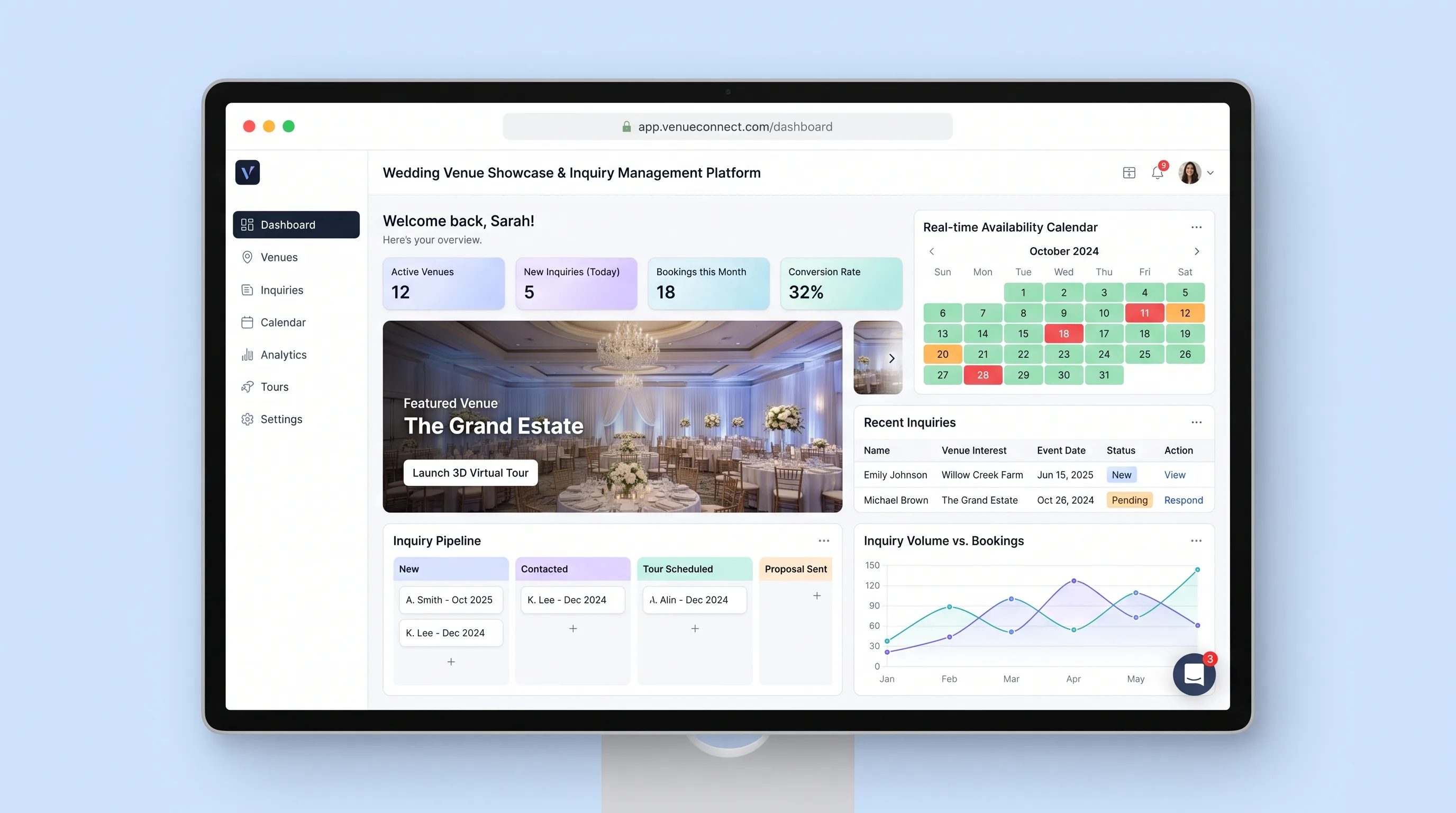
Website & Lead GenerationEvents & Community
A visual venue website that qualifies wedding inquiries against maintained availability and gives coordinators one place to respond and advance leads.
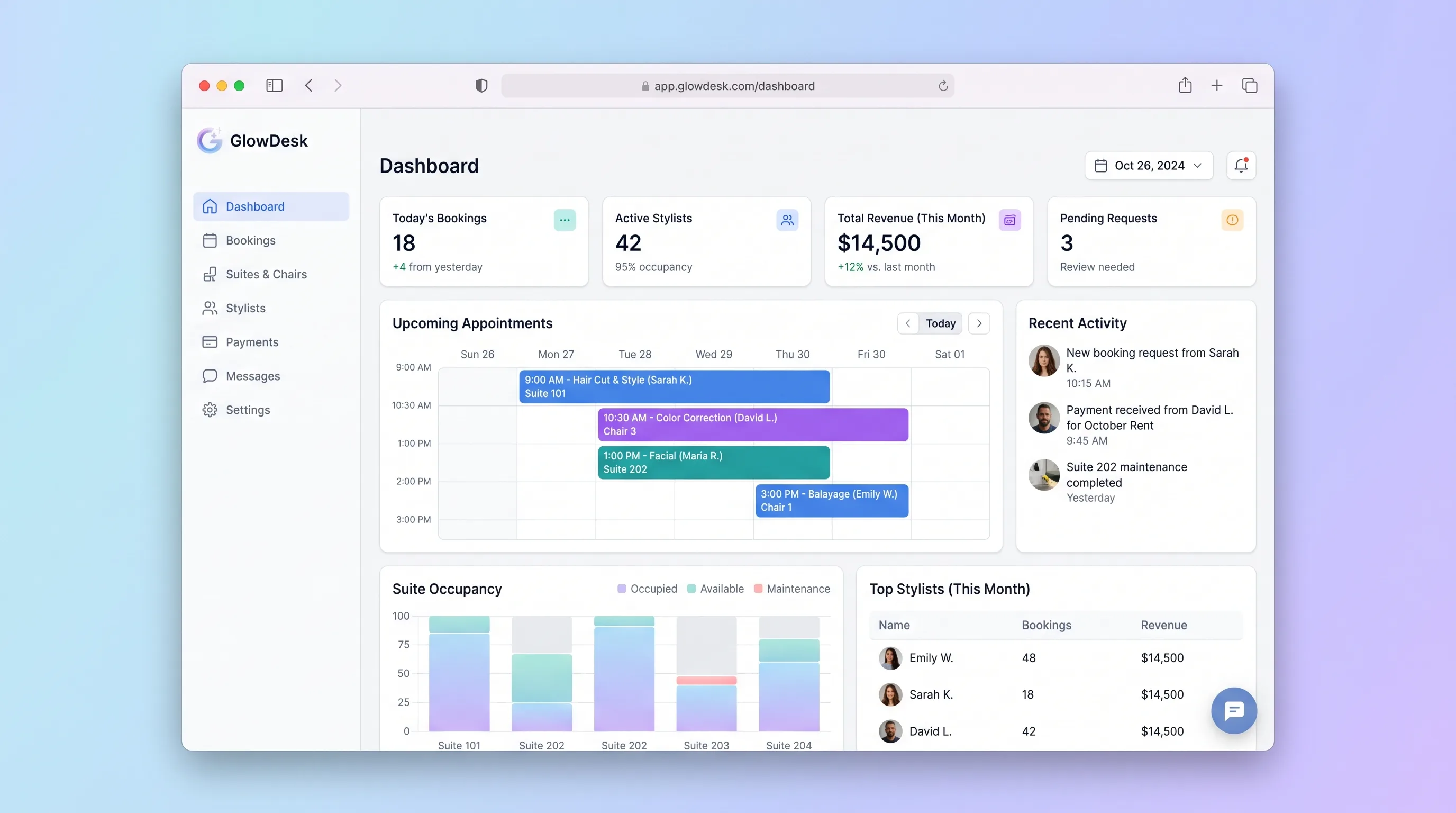
Booking PlatformBeauty & Fashion
A shared schedule for salon suite owners and independent stylists that separates chair access from client appointments while preventing resource conflicts.
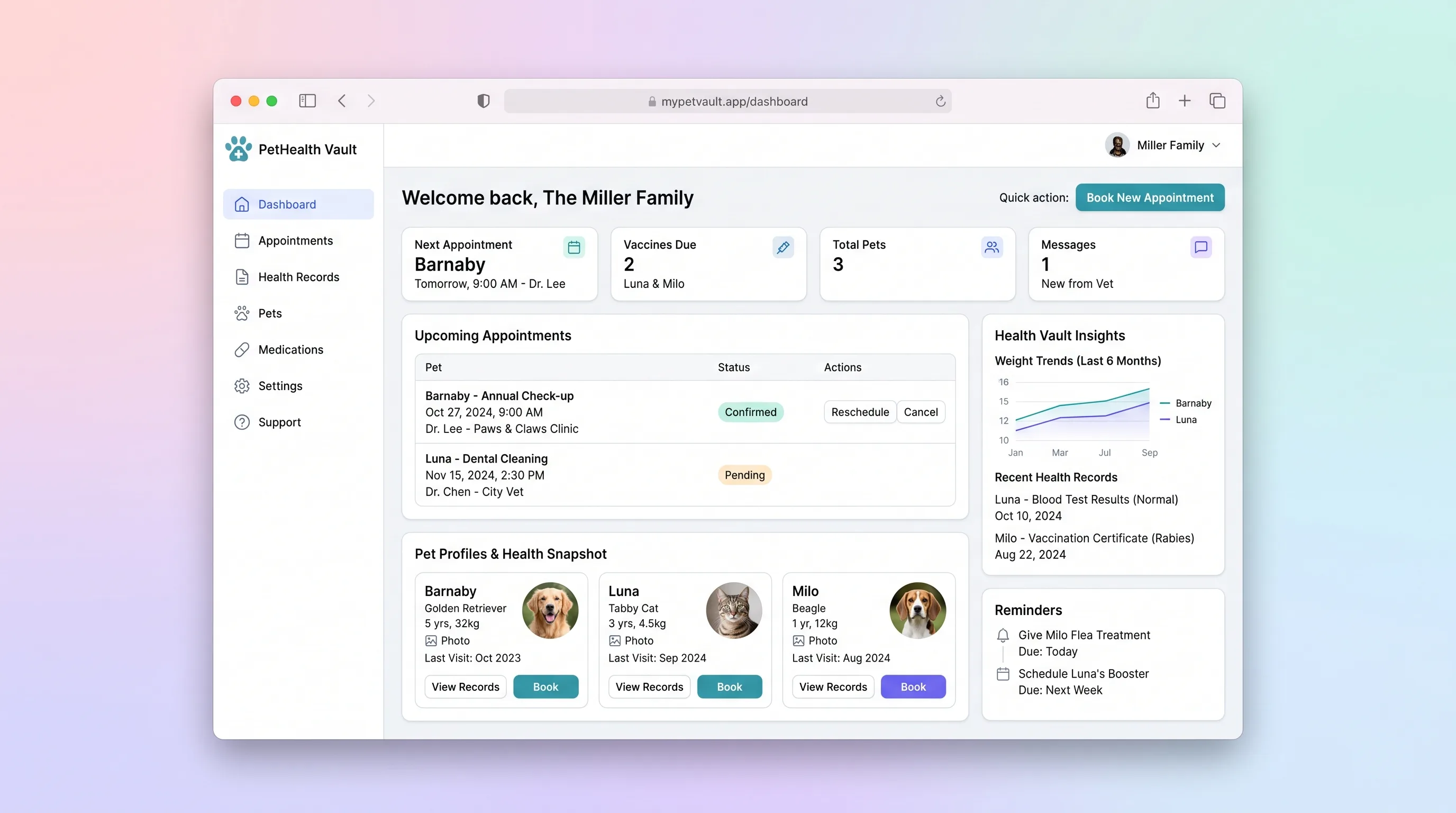
Booking PlatformHealthcare & Wellness
A household-focused app where pet owners manage health records and vaccination history for multiple pets and book vet appointments with automated reminders.
Booking PlatformEvents & Community
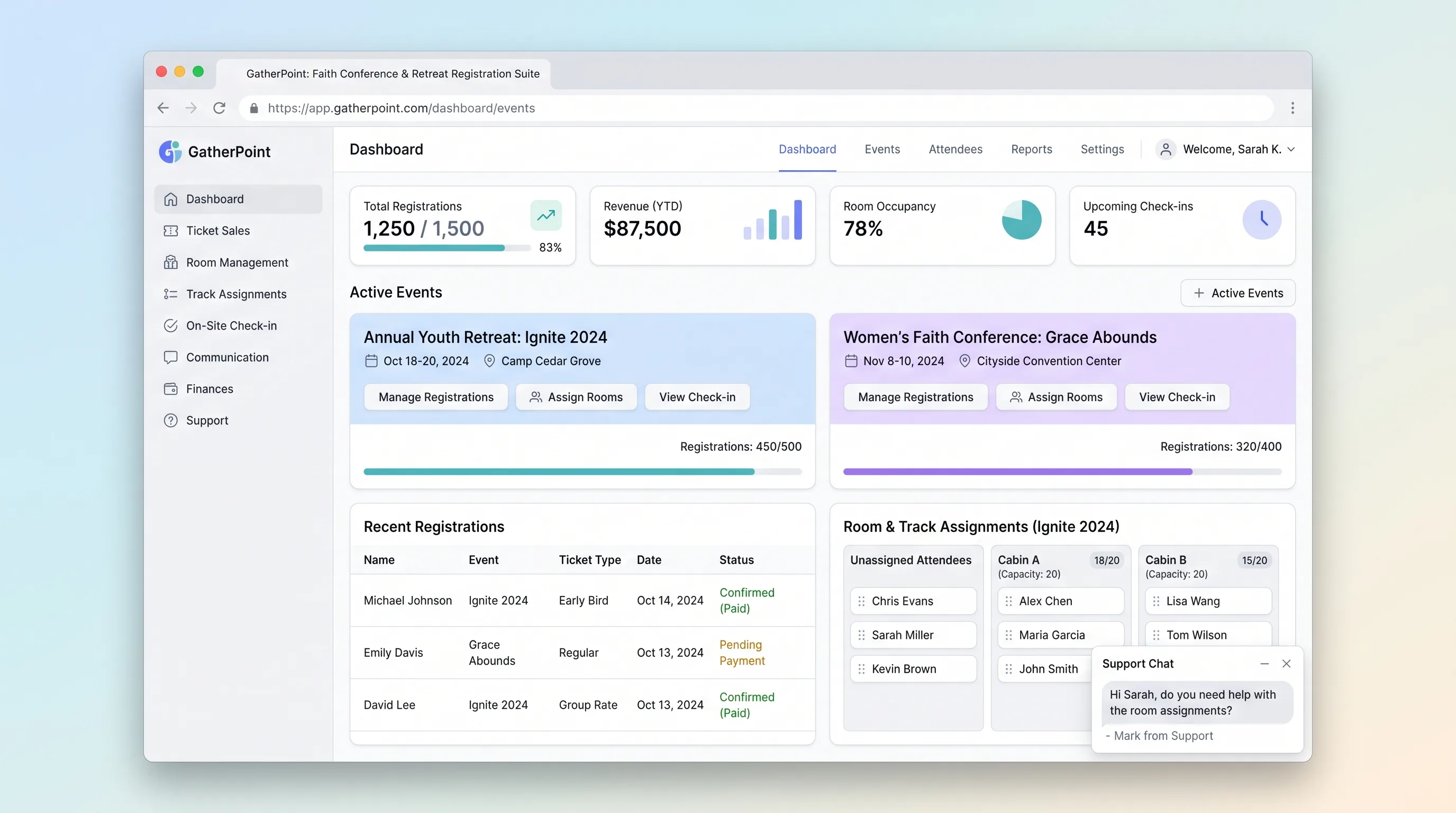
A focused registration platform for multi-day church conferences, retreats, and youth camps that handles group sign-ups, lodging and track assignment, and on-site QR-badge check-in.
Booking PlatformFood & Beverage
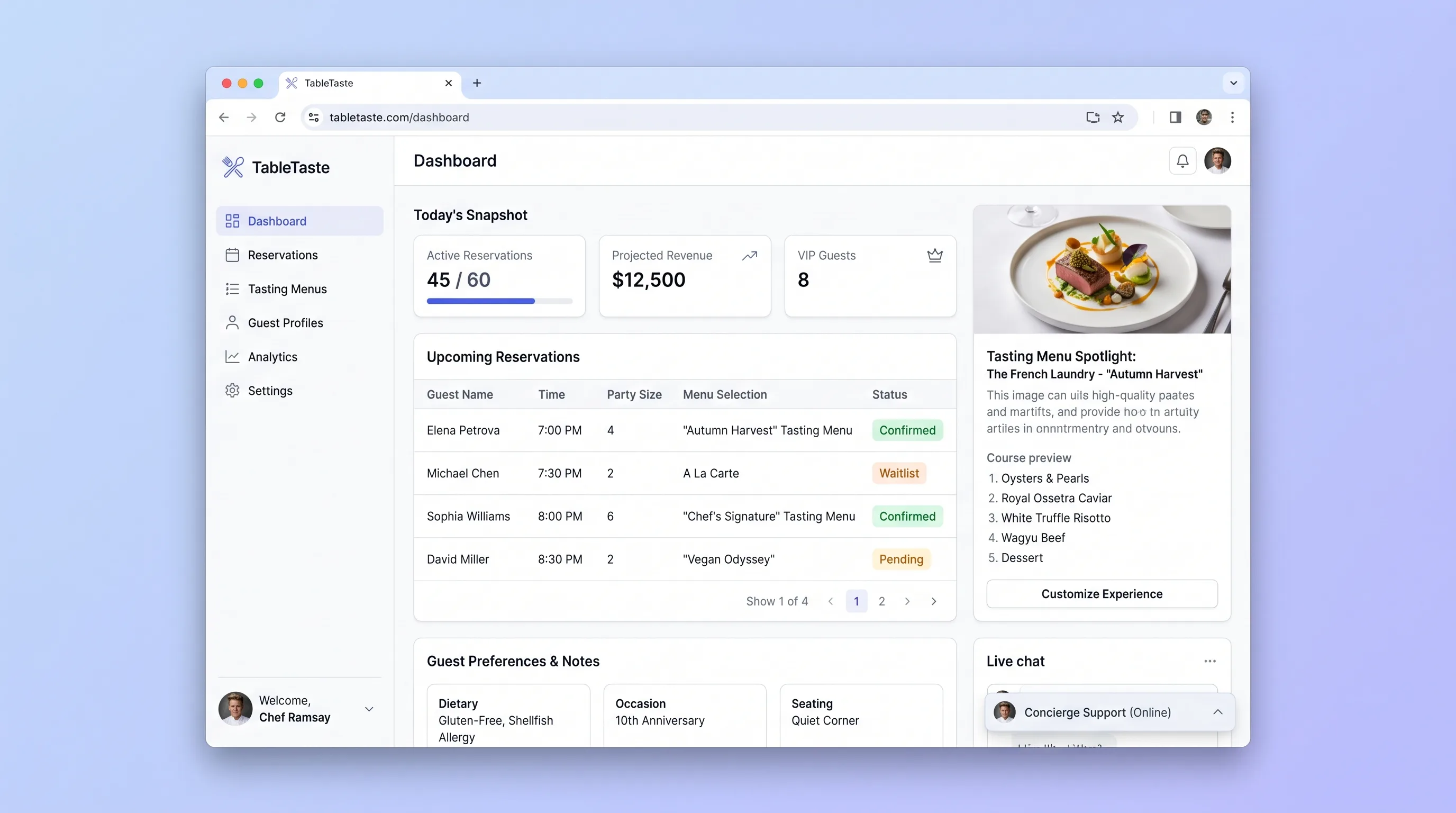
A reservation and tasting-menu showcase platform for upscale restaurants that lets guests preview courses, customize their experience, and book locked time slots while operators manage menus and daily bookings from one screen.
Booking PlatformEducation
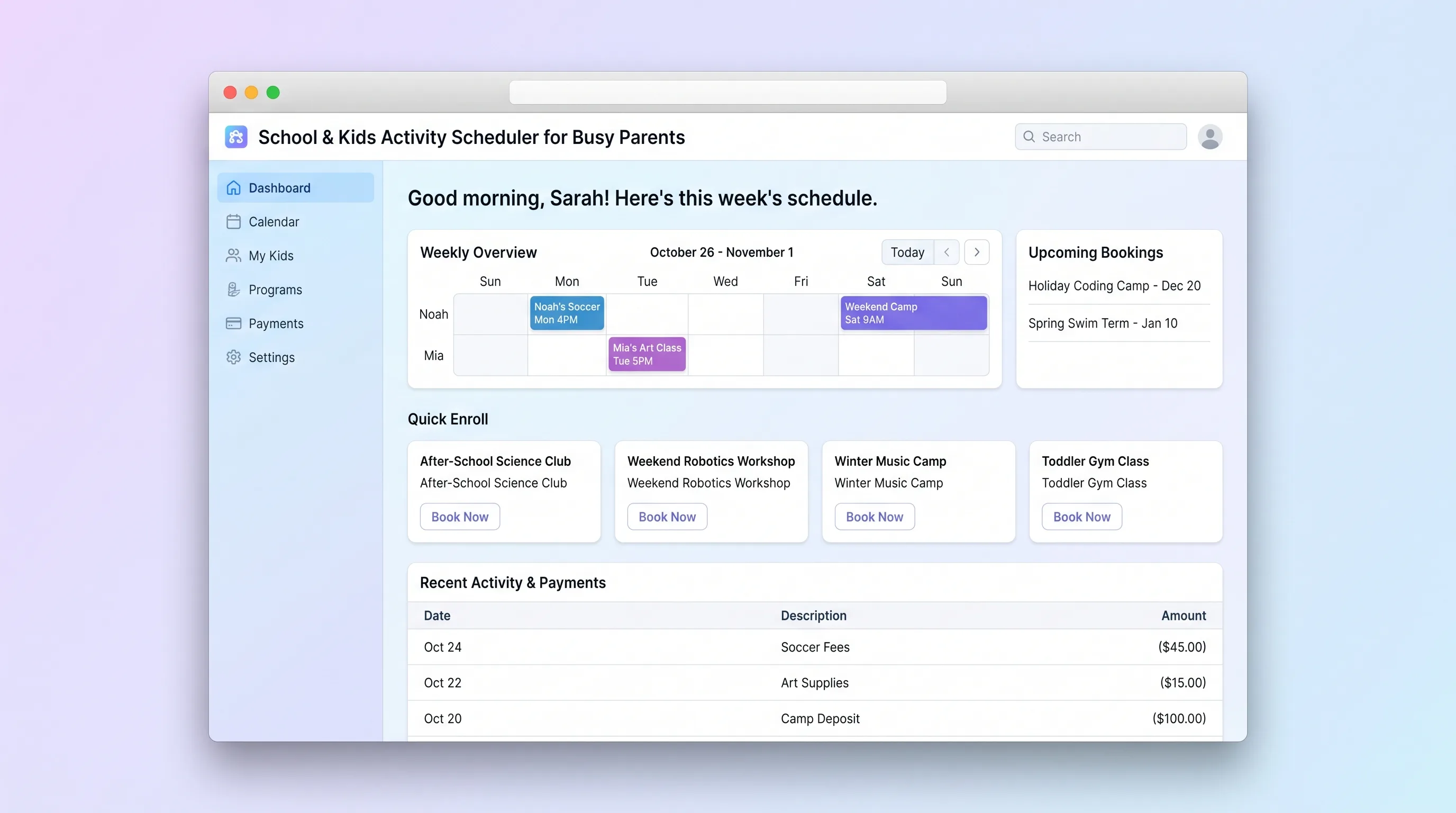
A focused booking platform where parents discover, enroll in, and pay for children's after-school programs, holiday camps, and weekend classes, while operators manage class listings, capacities, and enrollments.