Build this if
You serve a local cluster of activity providers still running enrollments over email and phone and can onboard 5-10 operators for a pilot.
A focused booking platform where parents discover, enroll in, and pay for children's after-school programs, holiday camps, and weekend classes, while operators manage class listings, capacities, and enrollments.
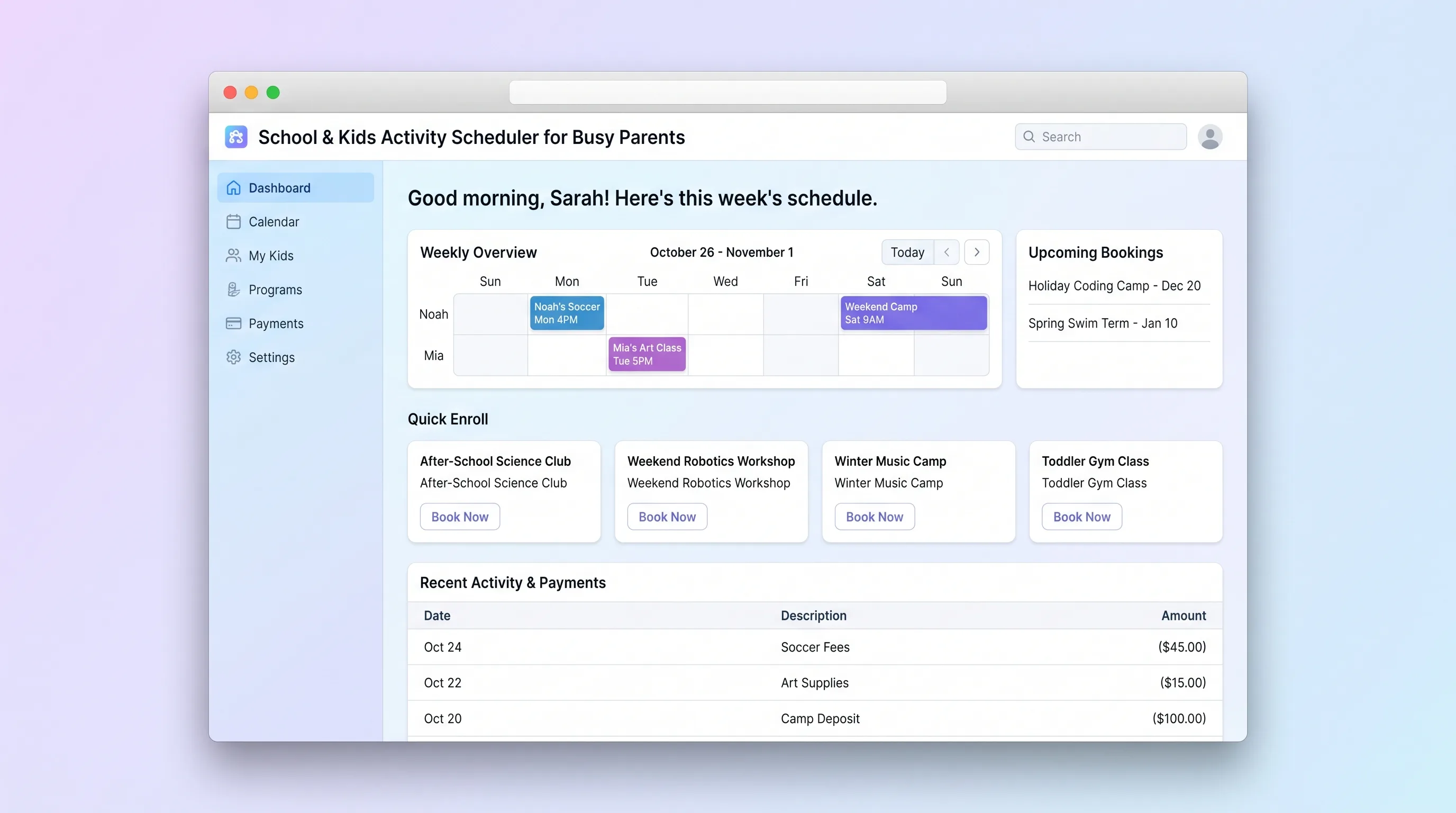
Decision snapshot
You serve a local cluster of activity providers still running enrollments over email and phone and can onboard 5-10 operators for a pilot.
Your target market expects multi-week recurring scheduling, sibling discounts, or transportation logistics as core features.
Pilot with 3 operators for 4 weeks; measure whether at least 60% of enrollments move from phone/email to the platform and parents complete checkout in under 3 minutes.
Problem and target customer
Parents coordinate children's activities across scattered emails, spreadsheets, and paper flyers, losing track of enrollment deadlines, payment status, and scheduling conflicts. Operators lack a lightweight tool to publish sessions, cap attendance, and collect payments without building custom software.
Independent after-school program providers, holiday camp operators, and weekend activity studios serving 25-500 monthly enrollments who need a publishable booking workflow without a full custom platform.
Operators subscribe monthly to list classes and manage enrollments; parents book and pay through the platform with a per-booking transaction fee.
Editorial note
This MVP narrows the scope to a single booking lifecycle: an operator publishes a class, a parent finds and enrolls in it, pays, and sees it on their dashboard. Everything else — recurring billing, sibling discounts, messaging — stays out of the first version so the team can validate whether parents and operators will actually move off email and phone.
The pilot test is simple: if at least 60% of enrollments for participating operators move onto the platform within four weeks and parents complete checkout in under three minutes, the workflow has product-market pull. If parents keep calling to book, the friction is in discovery or trust, not the backend.
Choose your next step
Evaluate the operating tradeoffs quickly, or inspect how to build the MVP.
Compare the three operating paths at the default workload before opening the full calculator.
See cost preview Build this ideaInspect the build blueprintReview MVP scope, workflow, states, data rules, architecture, and acceptance criteria.
Open blueprintEvaluation preview
Directional infrastructure estimates for the current 500 bookings assumption. Open the full calculator when you are ready to change it.
Managed app hosting, database, backups, and basic observability for the booking workflow.
Lowest operating effortOne small VPS running the app, database, media volume, and backup job.
Lowest baseline costSeparate app, data, storage, and worker capacity for cleaner operations.
Most separation and controlBuild blueprint
Product goal
MVP scope
UX and user flow
Parents browse and filter available classes by child age and date range
Show session dates, location, age range, remaining spots, and price
Collect child details and process payment
Show upcoming and past bookings with add-to-calendar links
Manage class listings and view enrollment rosters
Core entity outline
The provider account that creates and manages classes
A bookable activity offering with sessions
A specific dated instance of a class with capacity
A parent's booking of a child into a session
The account booking children into sessions
Architecture and data flow
Renders catalog, checkout, and dashboards for parents and operators
Stores operators, classes, sessions, enrollments, and parents with relational integrity
Handles checkout, captures payment, and emits confirmation webhooks
Maps payment webhooks to enrollment status updates and sends notifications
Auto-closes full sessions and sends reminder emails before sessions start
Deliverables and acceptance
Recommended stack
Rapidly build the parent catalog, operator dashboard, and booking flow with a sky-blue/yellow rounded-card UI.
Provides relational tables for classes, sessions, enrollments, and payments with row-level security for operator vs parent data.
Handles parent payment, confirmation webhooks, and per-booking transaction fees without custom PCI scope.
Glues Stripe payment confirmations to enrollment status updates and sends parent/operator email notifications.
Hosts any custom backend services or scheduled jobs for capacity checks and session reminders.
Lovable covers the parent and operator UI; Supabase stores the relational booking data; Stripe handles checkout and fees; Make connects payment webhooks to enrollment and notification flows; Railway hosts supporting services if needed beyond the BaaS layer.
Copy the build prompt, model the operating cost, and choose where to deploy.
Execution
Once the blueprint is clear, use the prompt, cost model, and deployment options to start building.
Build prompt
Lovable
Build prompt
Open the prompt pack whenever you are ready to take this blueprint into your builder.
Build prompt ready
Copy the prompt into your builder, then use the cost model below to choose how you want to run it.
Use the cost model to choose a deployment path that matches the build plan.
Cost calculator
A technical run-cost estimate for the first production version. Team, acquisition, payment fees, and business COGS are excluded.
$13-$53 per 250 bookings
Low and high values allow for usage variance and plan headroom.
Managed app hosting, database, backups, and basic observability for the booking workflow.
50K bookings included, then $8-$20 per 100K bookingsPayment processor is implied by the source workflow or feature list.
100 included, then $0-$5 per 100 bookingsCalendar API is implied by the source workflow or feature list.
Monthly allowance from this idea's operating profileThe estimate combines the selected infrastructure path, required operating modules, selected optional modules, and usage above included monthly allowances. Taxes and regional uplifts are excluded.
Deployment options
Choose based on operating preference, not only the headline price.
Fast Docker deployment for the app, database, worker, and preview workflow without managing a VPS.
Usage billing needs active monitoring as traffic and jobs grow.
Run the app, worker, and database on one small Vultr VPS with Docker Compose and explicit backups.
You own patching, backups, monitoring, and incident response.
Separate application, worker, data, storage, and backup responsibilities as the workload grows.
You own server setup, patching, backups, and operational monitoring.
Start building
Create the parent-facing class catalog with age and date filters, class detail pages, checkout flow, parent booking dashboard, and operator class management and roster views using a sky-blue and sunshine-yellow rounded-card design.
Open Lovable 02AutomationConnect payment confirmations to enrollmentsUse Make to listen for Stripe checkout-completed webhooks, update the enrollment status in Supabase, and trigger confirmation emails to parents and roster-update notifications to operators.
Open Make 03DeployHost scheduled capacity and reminder jobsDeploy a lightweight cron worker on Railway to auto-close sessions at capacity and send session reminder emails 24 hours before a class starts.
Open RailwayKeep exploring
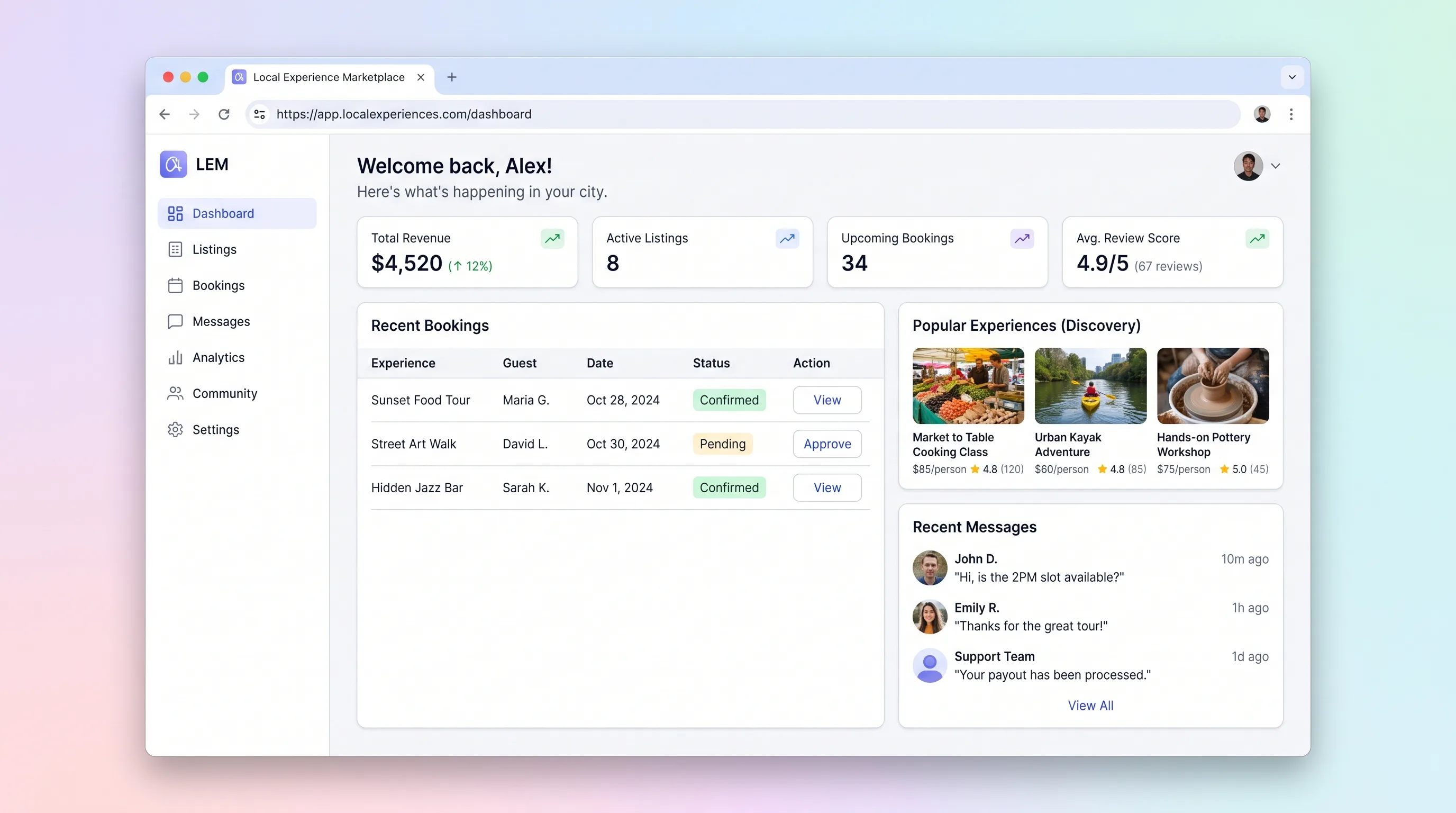
MarketplaceHospitality & Travel
A peer-to-peer marketplace where locals publish city experiences with bookable time slots and travelers search, pay, and receive confirmation without manual coordination.
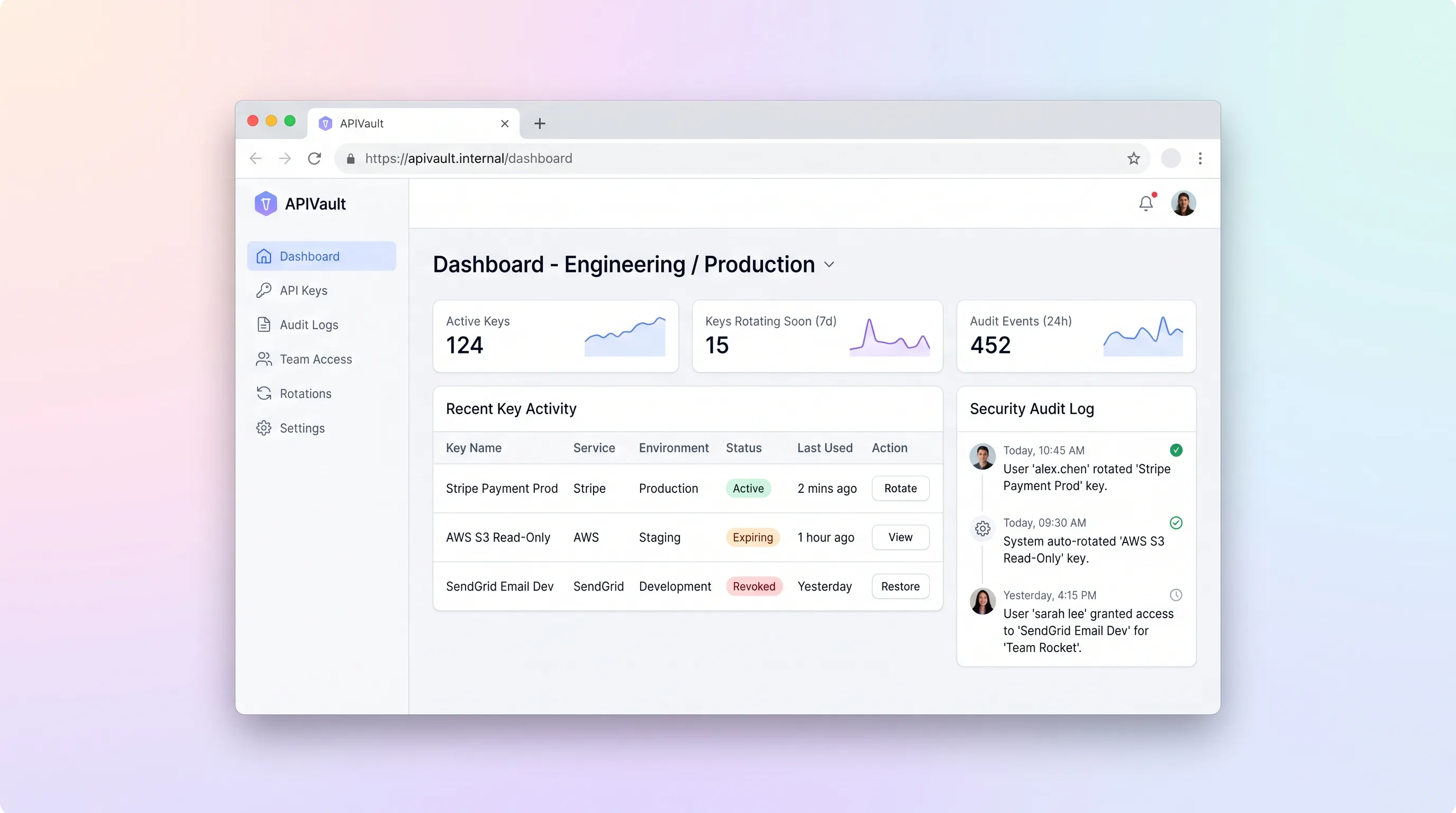
SaaS WorkflowDeveloper & IT Operations
A focused internal tool for indie dev teams to store, rotate, and audit API keys across projects and environments with workspace-level access controls and a full activity trail.
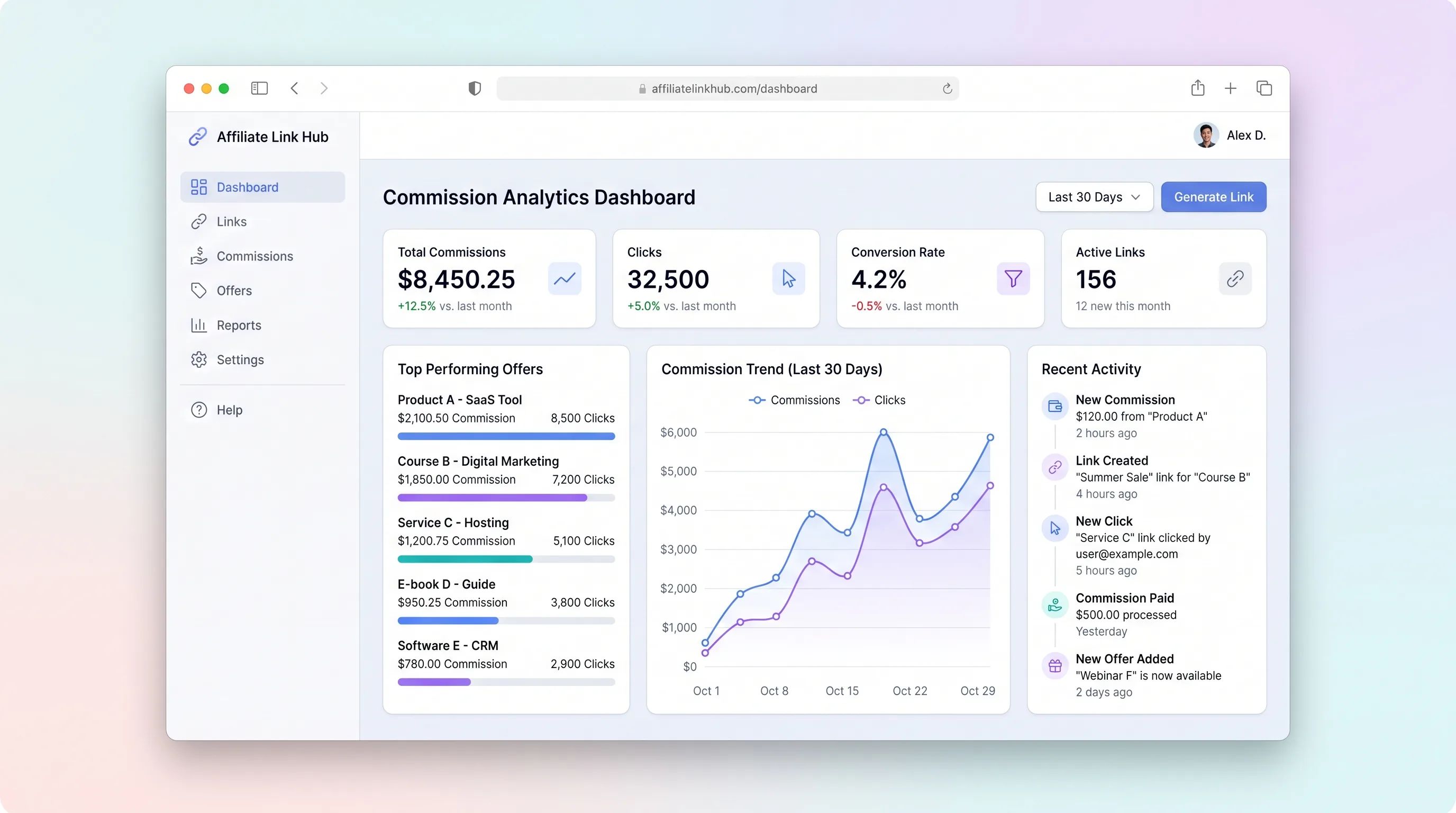
SaaS WorkflowCreator Economy & Media
A focused workspace where creators import affiliate programs, distribute tracked links, monitor click and commission trends, and log payouts without juggling spreadsheets.
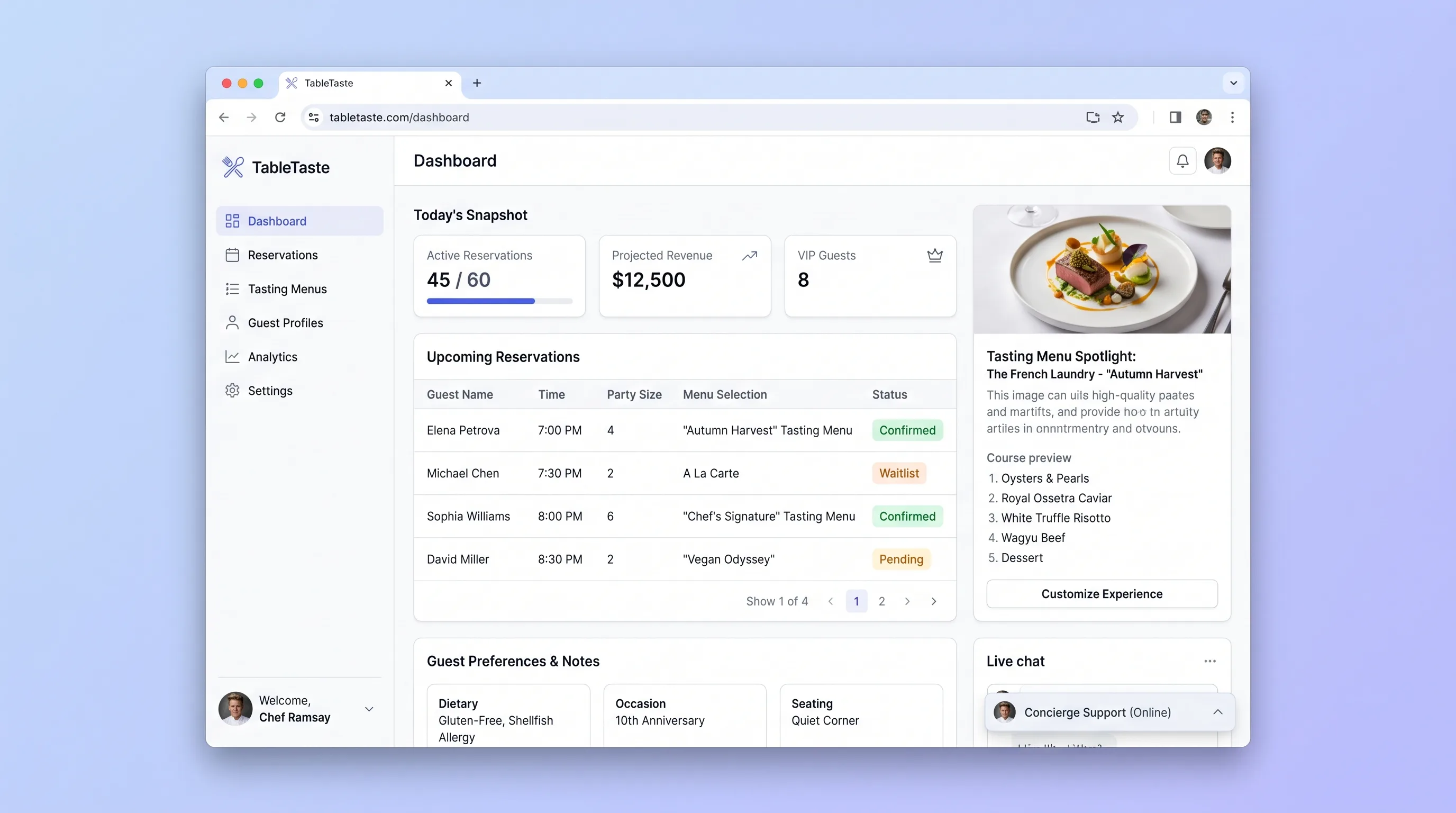
Booking PlatformFood & Beverage
A reservation and tasting-menu showcase platform for upscale restaurants that lets guests preview courses, customize their experience, and book locked time slots while operators manage menus and daily bookings from one screen.
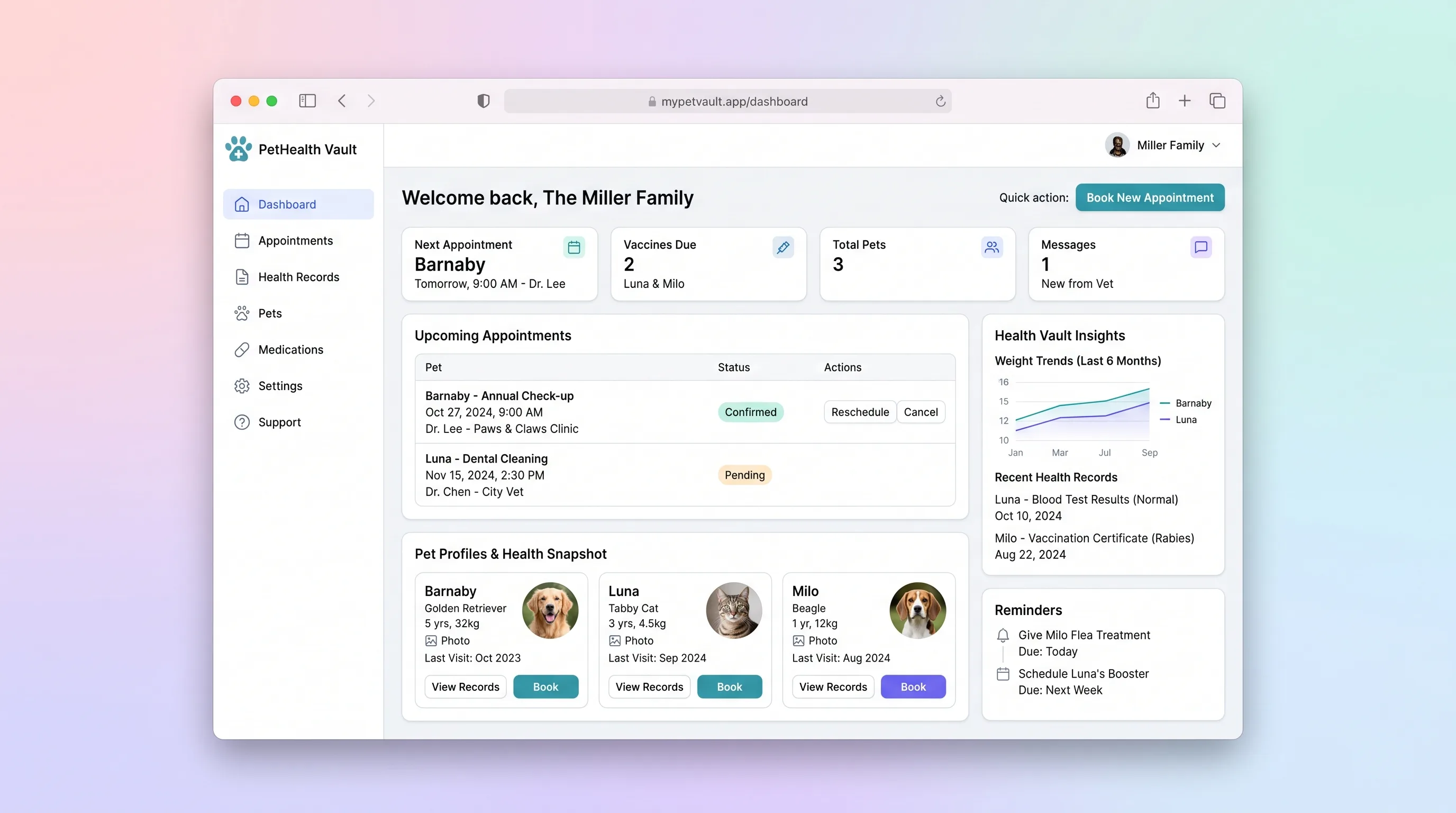
Booking PlatformHealthcare & Wellness
A household-focused app where pet owners manage health records and vaccination history for multiple pets and book vet appointments with automated reminders.
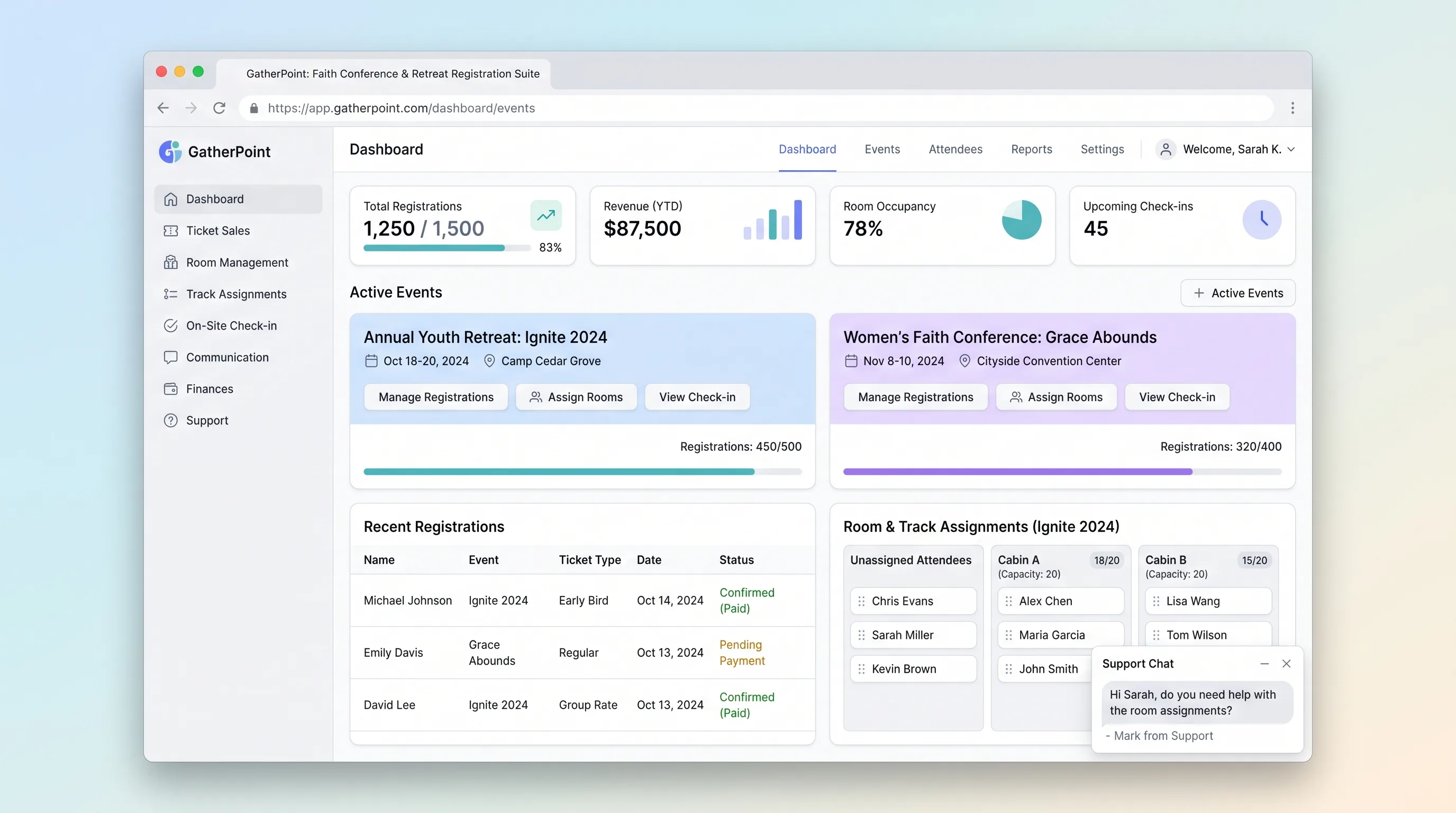
Booking PlatformEvents & Community
A focused registration platform for multi-day church conferences, retreats, and youth camps that handles group sign-ups, lodging and track assignment, and on-site QR-badge check-in.