Build this if
You manage keys across 3+ projects or environments and have lost track of which keys are active, expired, or shared.
A focused internal tool for indie dev teams to store, rotate, and audit API keys across projects and environments with workspace-level access controls and a full activity trail.
Decision snapshot
You manage keys across 3+ projects or environments and have lost track of which keys are active, expired, or shared.
Your team already uses a secrets manager like Doppler or HashiCorp Vault with audit logging.
Onboard 20 keys across 2 workspaces in under 5 minutes and generate an audit report showing who accessed which key.
Problem and target customer
Indie builders and small teams scatter API keys across spreadsheets, env files, and chat messages with no rotation tracking, no audit trail, and no way to revoke access when a teammate leaves.
Indie developers and small engineering teams managing 10-200 API keys across multiple projects and environments who need a single secure vault instead of ad-hoc storage.
Monthly subscription with a free solo tier and a paid workspace tier for teams needing multiple workspaces and role-based access.
Editorial note
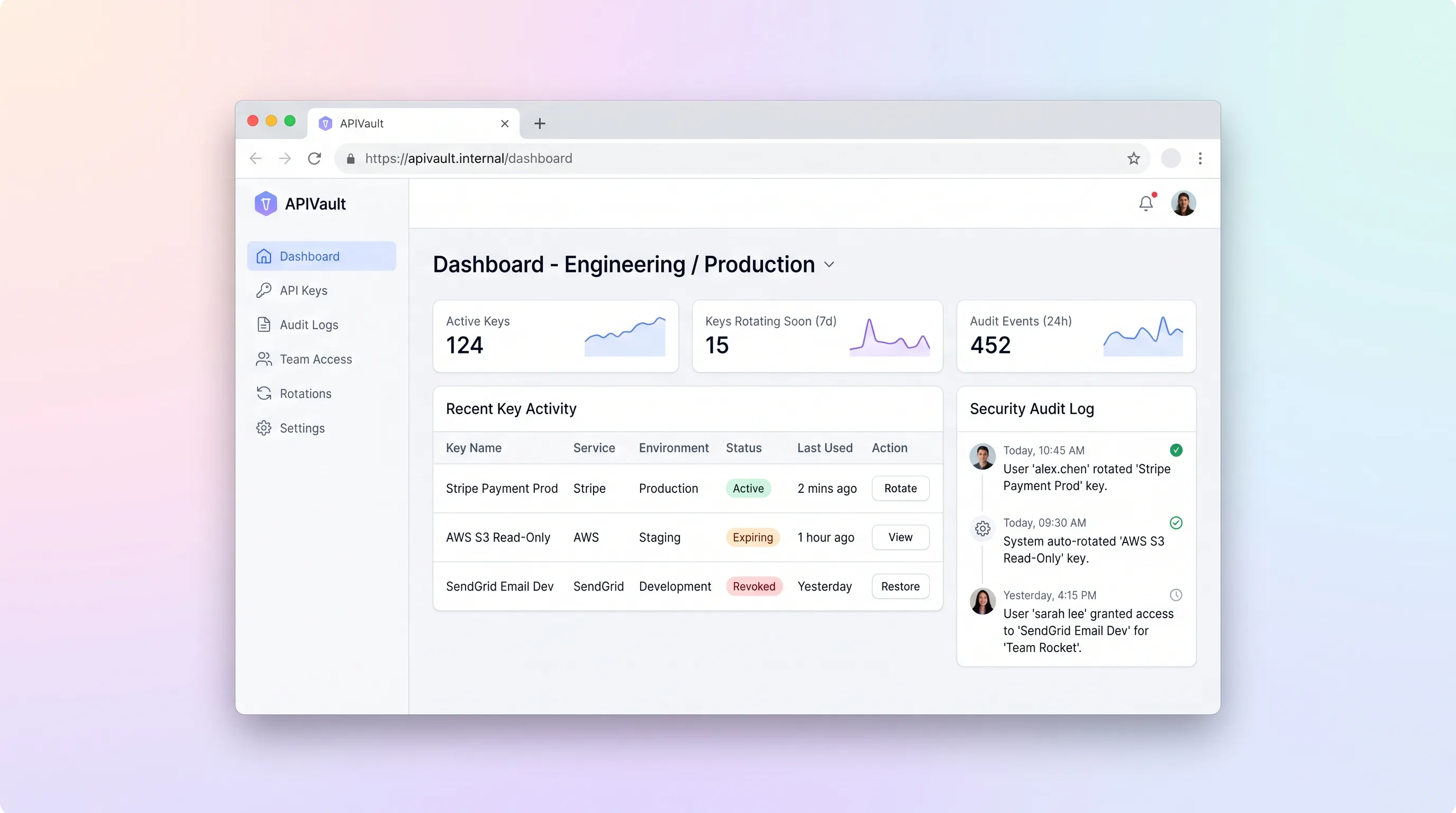
APIVault targets indie developers and small teams who juggle dozens of API keys across projects and environments without a centralized vault. The MVP focuses on one workflow: store keys securely, tag them by environment, track rotation health, and maintain an immutable audit log of every action.
The interface follows a VS Code-inspired dark theme with monospace fonts for key values and traffic-light health badges—green for active, amber for keys nearing rotation age, and red for expired or compromised keys. This visual language is familiar to the target audience and reduces cognitive load when scanning a large key vault.
Team access is scoped per workspace with two roles: admin (full key management and team invites) and viewer (read-only key access for CI or junior developers). The audit log captures every event with actor identity, action type, affected key, and timestamp, giving teams a defensible trail for compliance without the overhead of an enterprise secrets manager.
Choose your next step
Evaluate the operating tradeoffs quickly, or inspect how to build the MVP.
Compare the three operating paths at the default workload before opening the full calculator.
See cost preview Build this ideaInspect the build blueprintReview MVP scope, workflow, states, data rules, architecture, and acceptance criteria.
Open blueprintEvaluation preview
Directional infrastructure estimates for the current 1,200 tracked work items assumption. Open the full calculator when you are ready to change it.
Managed app hosting, database, backups, and basic observability for the developer-ops workflow.
Lowest operating effortOne small VPS running the app, database, media volume, and backup job.
Lowest baseline costSeparate app, data, storage, and worker capacity for cleaner operations.
Most separation and controlBuild blueprint
Product goal
MVP scope
UX and user flow
Overview of key count, health distribution, and recent activity per workspace
Table of all keys in the selected workspace with environment filter, health badge, and last-rotated date
View key metadata, encrypted value reveal toggle, rotation history, and rotate action
Timestamped trail of all actions filtered by workspace, key, or team member
Manage workspace team members and their roles
Core entity outline
Top-level container for a project or team's keys and members
Stored credential with environment tag and rotation history
Retained previous key value for rollback after rotation
User invited to a workspace with a specific role
Immutable record of every key or team action
Architecture and data flow
Dark-mode UI with workspace sidebar, key vault table, health badges, audit log, and team settings
Key CRUD, encryption/decryption, role enforcement, audit log writes, and workspace scoping
Relational storage for workspaces, keys, key versions, team members, and append-only audit log
Webhook listener that forwards rotation and invite events to Slack or email
Deliverables and acceptance
Recommended stack
Rapid dark-mode UI build with monospace key display, health badge components, and workspace sidebar navigation.
Managed Postgres for encrypted key storage and Node runtime for API endpoints with minimal DevOps overhead.
Relational storage for workspaces, keys, team members, and append-only audit log with row-level security per workspace.
Optional webhook to send Slack or email notifications when a key is rotated or a new team member is invited.
Lovable handles the VS Code-inspired dark UI with monospace fonts and badge components without custom design work. Railway provides a single managed environment for Postgres and the Node API, keeping infrastructure simple for a solo builder. Make is optional glue for notifications only, not core key management logic.
Copy the build prompt, model the operating cost, and choose where to deploy.
Execution
Once the blueprint is clear, use the prompt, cost model, and deployment options to start building.
Build prompt
Lovable
Build prompt
Open the prompt pack whenever you are ready to take this blueprint into your builder.
Build prompt ready
Copy the prompt into your builder, then use the cost model below to choose how you want to run it.
Use the cost model to choose a deployment path that matches the build plan.
Cost calculator
A technical run-cost estimate for the first production version. Team, acquisition, payment fees, and business COGS are excluded.
$13-$33 per 600 tracked work items
Low and high values allow for usage variance and plan headroom.
Managed app hosting, database, backups, and basic observability for the developer-ops workflow.
50K tracked work items included, then $8-$20 per 100K tracked work itemsThe estimate combines the selected infrastructure path, required operating modules, selected optional modules, and usage above included monthly allowances. Taxes and regional uplifts are excluded.
Deployment options
Choose based on operating preference, not only the headline price.
Fast Docker deployment for the app, database, worker, and preview workflow without managing a VPS.
Usage billing needs active monitoring as traffic and jobs grow.
Run the app, worker, and database on one small Vultr VPS with Docker Compose and explicit backups.
You own patching, backups, monitoring, and incident response.
Separate application, worker, data, storage, and backup responsibilities as the workload grows.
You own server setup, patching, backups, and operational monitoring.
Start building
Create a dark-mode dashboard with workspace sidebar, key vault table with monospace values and health badges, key detail modal for rotation, audit log view, and team settings page.
Open Lovable 02AutomationWire optional notificationsSet up a Make scenario that listens for rotation and invite webhooks from the backend and sends Slack or email alerts to workspace admins.
Open Make 03DeployDeploy backend and databaseProvision a Railway Postgres instance and Node/Express API handling key encryption, workspace scoping, role-based access, and append-only audit logging.
Open RailwayKeep exploring
MarketplaceProfessional Services
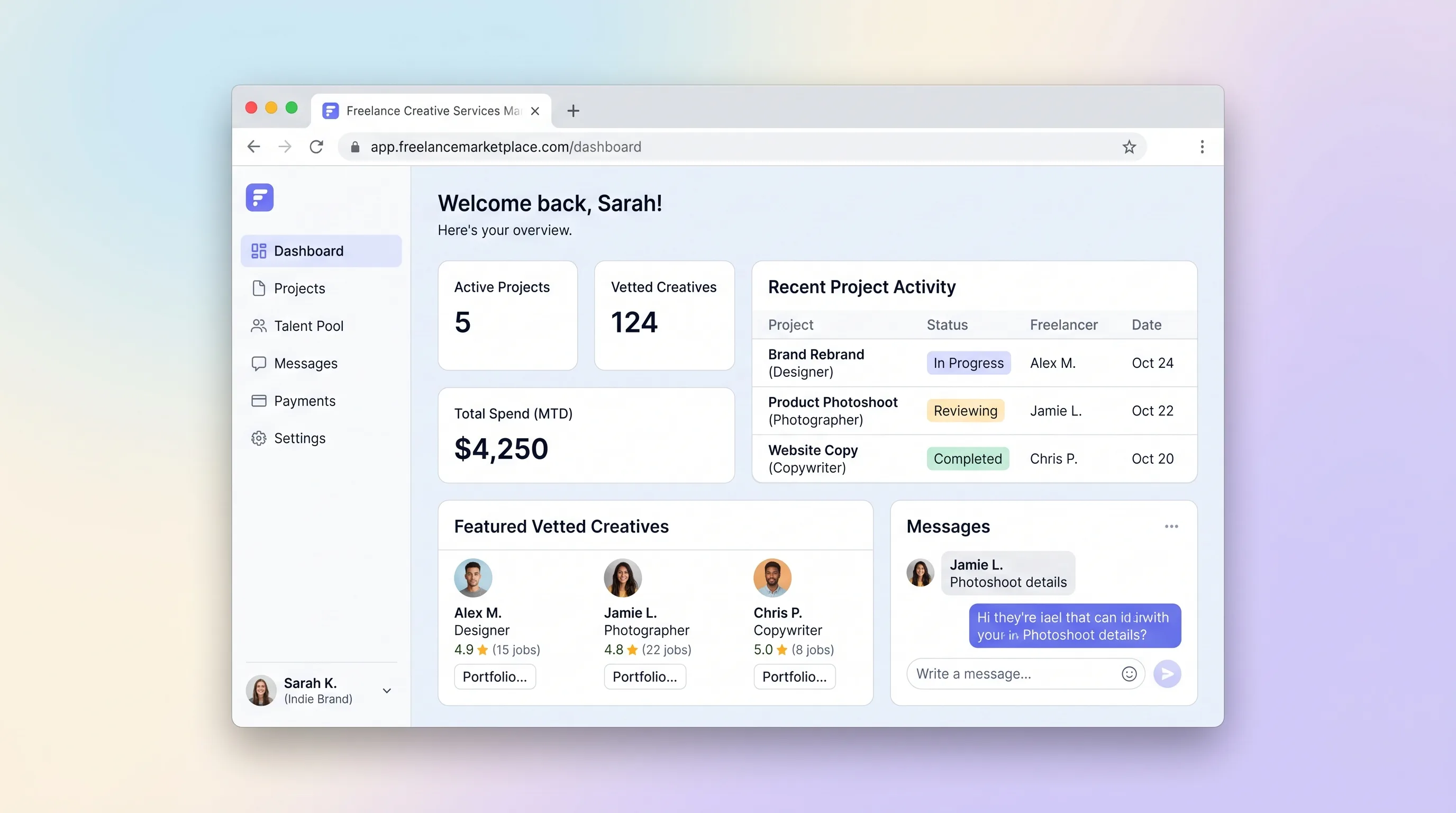
A curated marketplace where indie brands post a project brief in under four minutes and receive at least three matched, vetted freelance creatives—photographers, copywriters, and designers—for project-based work.
Internal ToolBusiness Operations
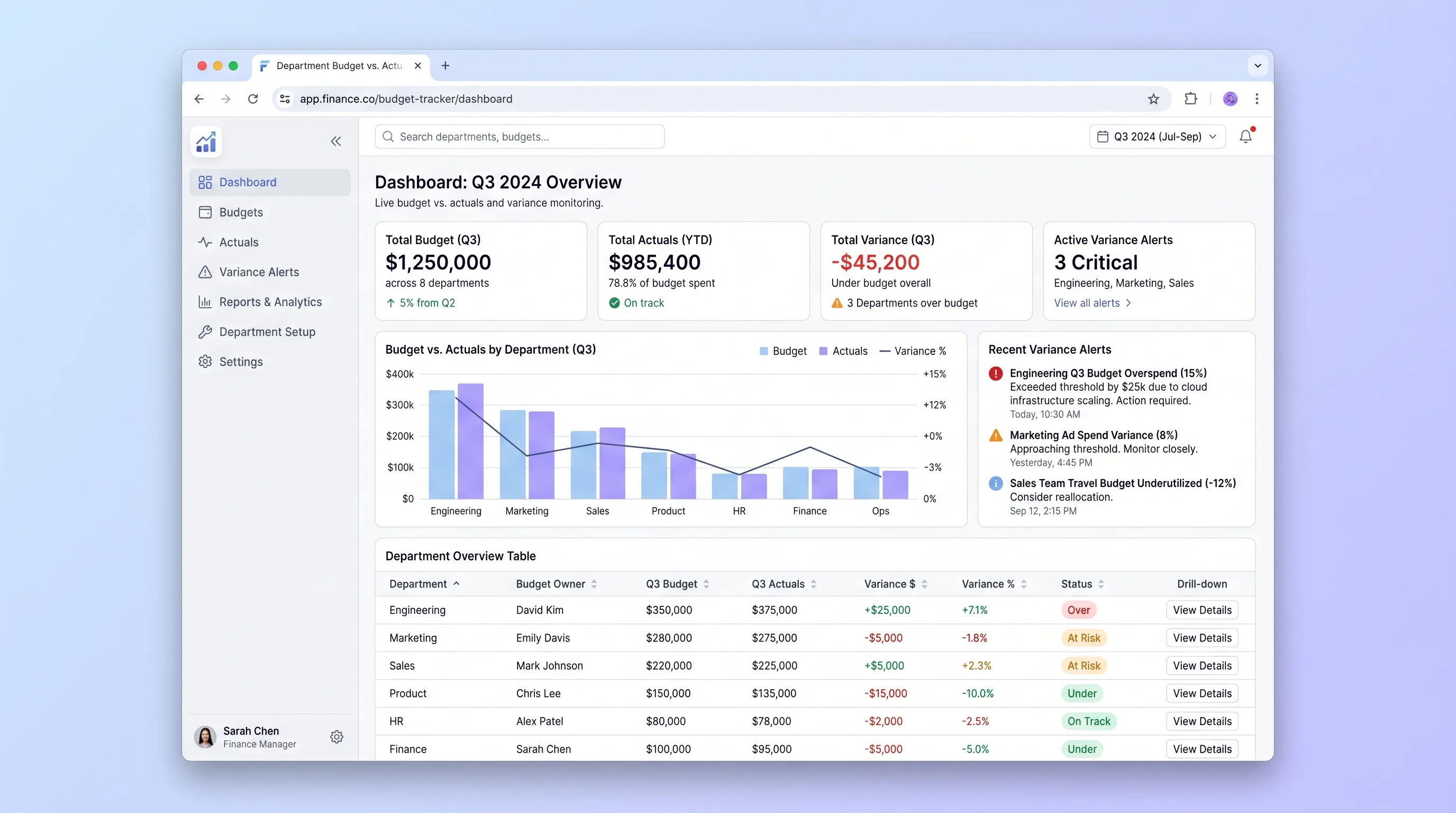
An internal tool that lets finance teams import annual budgets via CSV and gives department heads self-serve visibility into spend against budget with drill-down variance views and same-day threshold alerts.
SaaS WorkflowProfessional Services
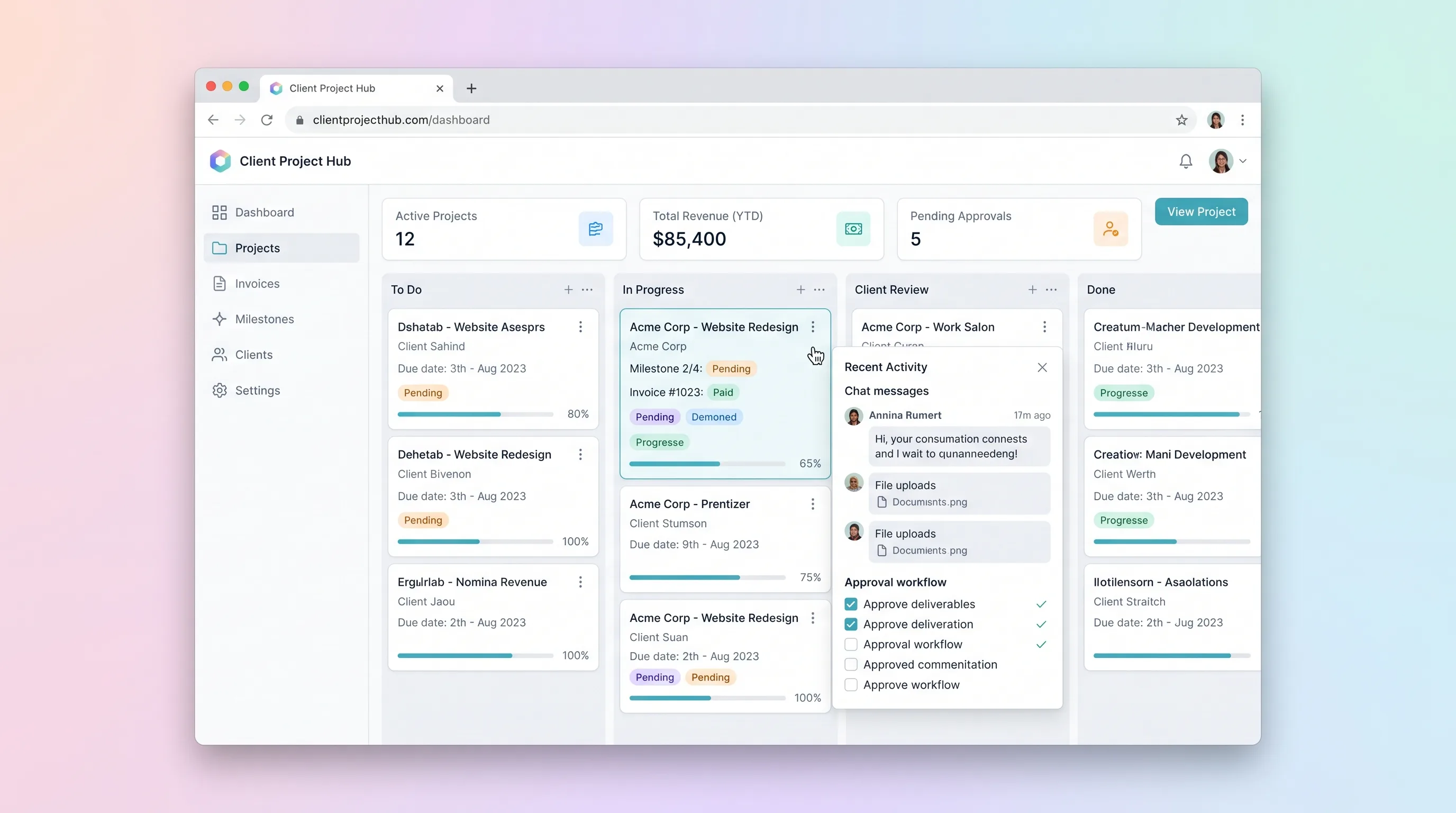
A kanban-driven workspace where freelancers and small agencies track client project milestones, route deliverables through an approval workflow, and auto-generate invoices upon approval.
SaaS WorkflowDeveloper & IT Operations
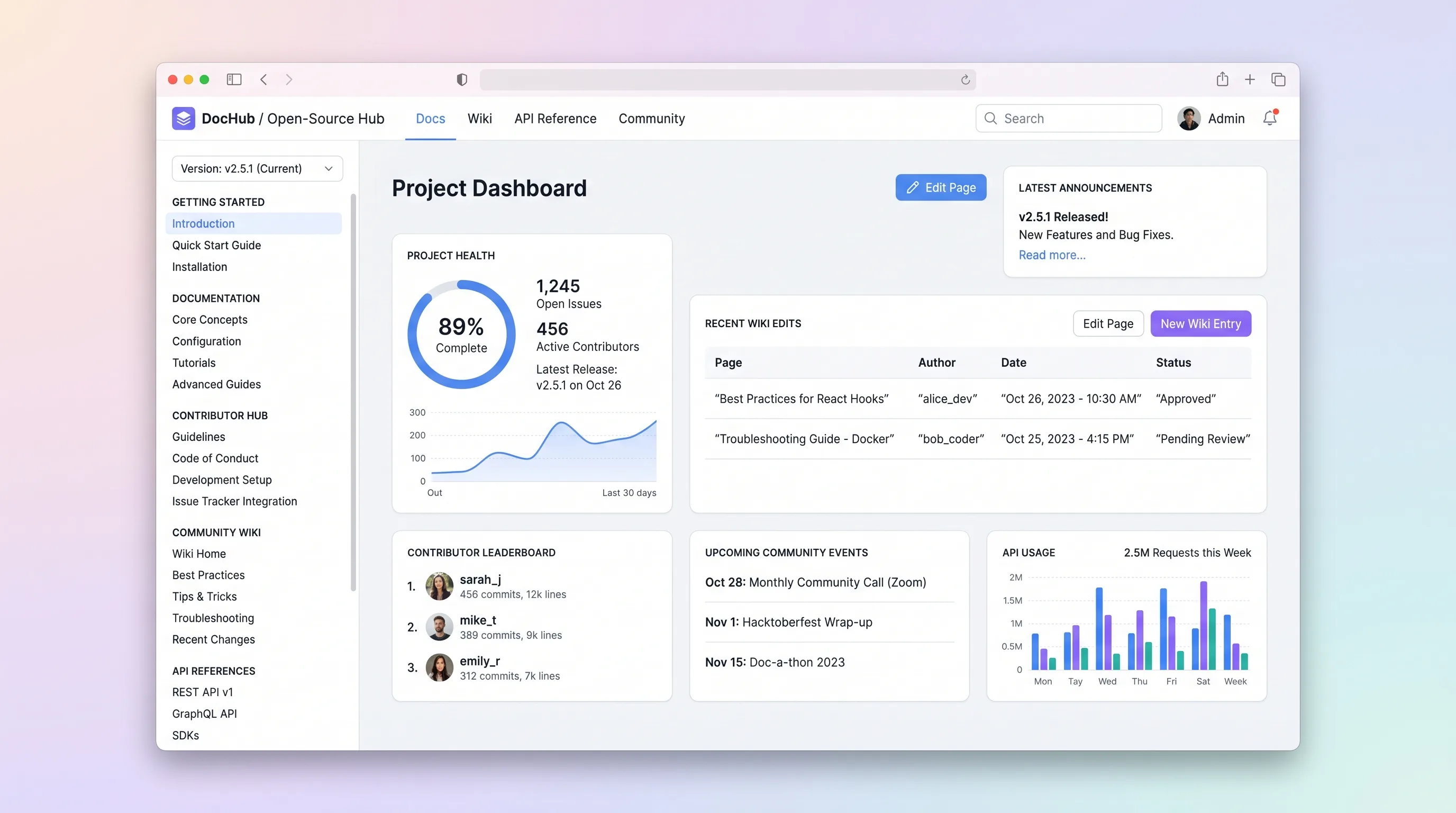
A hosted documentation platform where open-source maintainers publish versioned docs and API references while community contributors submit wiki edits through a review queue.
SaaS WorkflowBusiness Operations
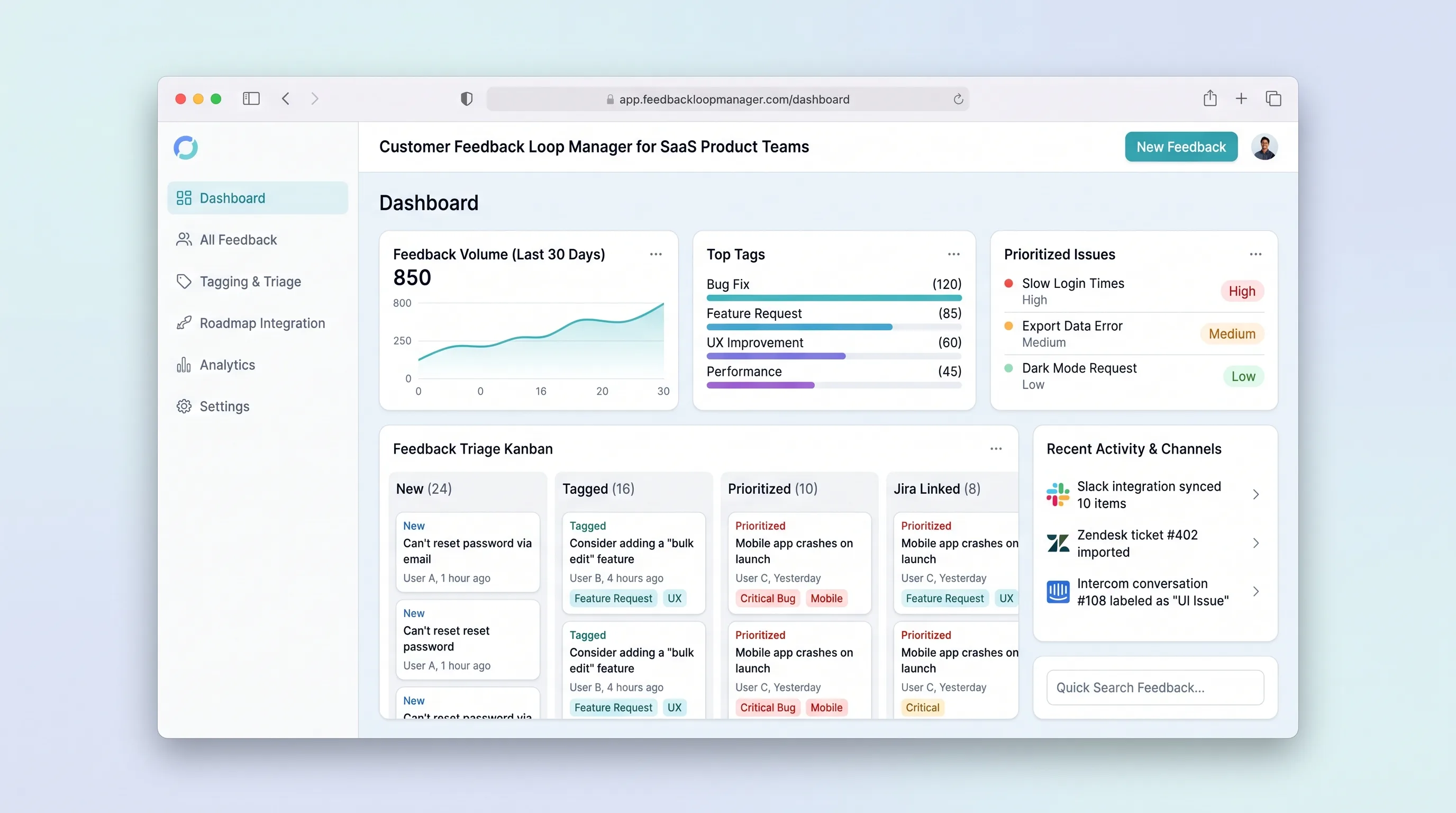
Collect, tag, and prioritize user feedback from multiple channels into a single prioritized backlog that feeds roadmap decisions with traceable evidence.
SaaS WorkflowProfessional Services
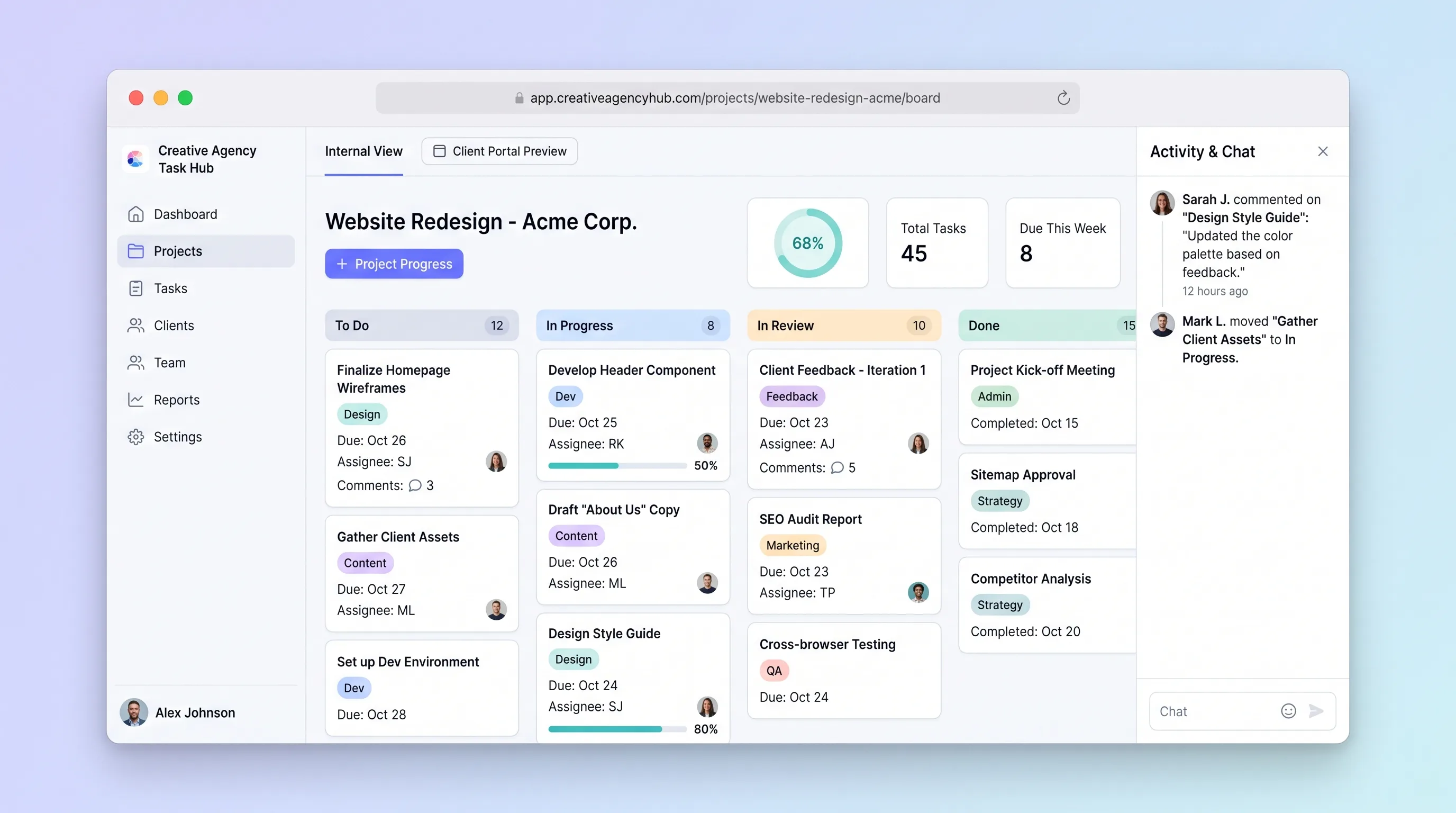
A focused project tracker where small creative agencies manage deliverables on an internal kanban board and share branded client portals for progress review and approvals without email chains.