Build this if
Finance team currently reconciles budget vs. actuals in spreadsheets and variance breaches are discovered days or weeks late.
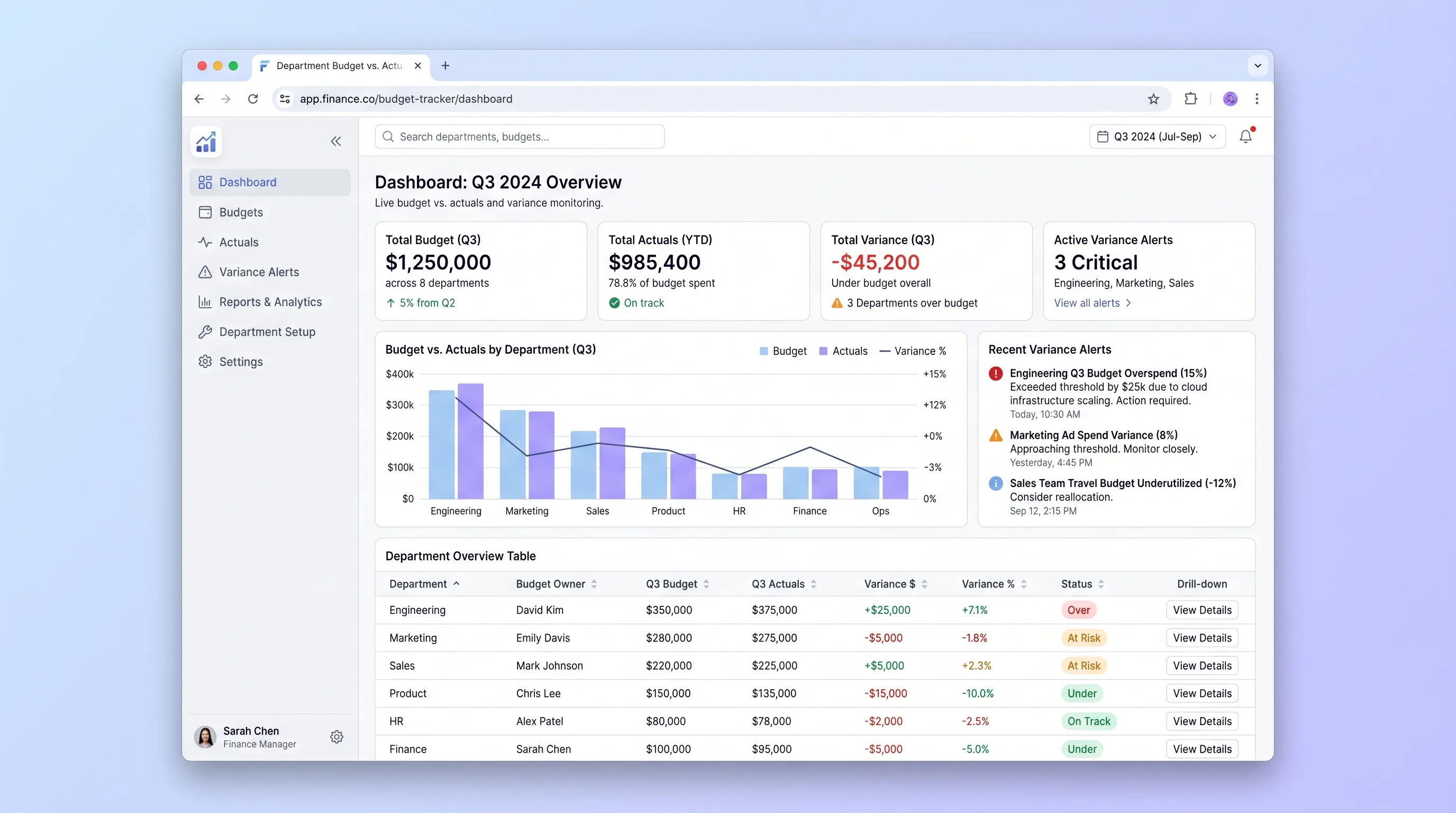
An internal tool that lets finance teams import annual budgets via CSV and gives department heads self-serve visibility into spend against budget with drill-down variance views and same-day threshold alerts.
Decision snapshot
Finance team currently reconciles budget vs. actuals in spreadsheets and variance breaches are discovered days or weeks late.
Organization already uses an ERP or accounting platform with built-in budget tracking and real-time variance reporting.
Import one department's annual budget CSV, log ten expenses, and confirm a variance alert fires within the same business day when spend crosses a configured threshold.
Problem and target customer
Finance teams and department heads track budget vs. actuals across disconnected spreadsheets, requiring manual coordination for updates and delayed awareness of overspend until month-end reconciliation.
Finance managers at small-to-midsize businesses who need a focused budget tracker without enterprise ERP complexity, and department heads who need self-serve spend visibility without emailing finance.
Monthly subscription with a paid workspace tier for multiple departments and alert rules.
Editorial note
Finance teams at growing businesses often reconcile budget versus actuals in spreadsheets that only surface overspend during month-end review. By the time a variance breach is discovered, the window to course-correct has closed.
This tracker compresses that feedback loop to the same business day. Finance imports the annual budget once via CSV, expenses are logged against budget lines as they occur, and variance alerts fire automatically when spend crosses configurable thresholds.
Department heads gain self-serve visibility without requesting reports from finance, and the drill-down view lets them see exactly which budget line is driving the variance. Reforecast requests create a structured feedback path so finance can adjust projections without ad-hoc email threads.
Choose your next step
Evaluate the operating tradeoffs quickly, or inspect how to build the MVP.
Compare the three operating paths at the default workload before opening the full calculator.
See cost preview Build this ideaInspect the build blueprintReview MVP scope, workflow, states, data rules, architecture, and acceptance criteria.
Open blueprintEvaluation preview
Directional infrastructure estimates for the current 1,000 generated outputs assumption. Open the full calculator when you are ready to change it.
Managed app hosting, database, backups, and basic observability for the ai-generation workflow.
Lowest operating effortOne small VPS running the app, database, media volume, and backup job.
Lowest baseline costSeparate app, data, storage, and worker capacity for cleaner operations.
Most separation and controlBuild blueprint
Product goal
MVP scope
UX and user flow
Finance admin uploads annual budget CSV, reviews validation errors, and confirms column mapping to departments and categories
Department head views budgeted vs. actual spend across all budget lines with green, amber, and red variance indicators
Shows all expenses logged against a specific budget line with running variance calculation and threshold status
Department head submits a revised budget amount with written justification for finance review
Finance admin sets variance threshold percentages for amber and red alerts per department or budget line
Core entity outline
Represents an organizational unit with a budget and assigned head
A categorized budget allocation within a department for the fiscal year
An actual spend record logged against a specific budget line
Configured threshold percentages that determine amber and red alert states for a budget line
A department head's request to revise a budget line amount with justification
Architecture and data flow
Cron job on Railway that runs hourly during business hours, recalculates variance per budget line, and writes breach records
Make scenario that detects new breach records, formats alert email, and sends via Resend
Lovable frontend logic that validates uploaded CSV structure, maps columns, and surfaces errors before submission
Deliverables and acceptance
Recommended stack
Rapid internal dashboard with dense data tables, drill-down views, and CSV upload UI without custom frontend engineering.
Relational storage for departments, budget lines, expenses, and variance rules with row-level security for department-scoped access.
Glue layer to trigger transactional email alerts when variance thresholds are breached and route reforecast requests to finance.
Host scheduled variance calculation jobs and any server-side validation logic outside the database.
Transactional email delivery for variance alerts with delivery tracking and template management.
Store uploaded CSV budget files and export artifacts for audit trail.
The MVP centers on structured data relationships between budgets, expenses, and variance rules, making a relational database essential. Lovable handles the dense table UI without custom React work. Make bridges the alert pipeline between the database and email provider. Railway runs the scheduled variance check job that scans for threshold breaches.
Copy the build prompt, model the operating cost, and choose where to deploy.
Execution
Once the blueprint is clear, use the prompt, cost model, and deployment options to start building.
Build prompt
Lovable
Build prompt
Open the prompt pack whenever you are ready to take this blueprint into your builder.
Build prompt ready
Copy the prompt into your builder, then use the cost model below to choose how you want to run it.
Use the cost model to choose a deployment path that matches the build plan.
Cost calculator
A technical run-cost estimate for the first production version. Team, acquisition, payment fees, and business COGS are excluded.
$15-$45 per 500 generated outputs
Low and high values allow for usage variance and plan headroom.
Managed app hosting, database, backups, and basic observability for the ai-generation workflow.
50K generated outputs included, then $8-$20 per 100K generated outputsTransactional email is implied by the source workflow or feature list.
3K generated outputs includedObject storage is implied by the source workflow or feature list.
Monthly allowance from this idea's operating profileThe estimate combines the selected infrastructure path, required operating modules, selected optional modules, and usage above included monthly allowances. Taxes and regional uplifts are excluded.
Deployment options
Choose based on operating preference, not only the headline price.
Fast Docker deployment for the app, database, worker, and preview workflow without managing a VPS.
Usage billing needs active monitoring as traffic and jobs grow.
Run the app, worker, and database on one small Vultr VPS with Docker Compose and explicit backups.
You own patching, backups, monitoring, and incident response.
Separate application, worker, data, storage, and backup responsibilities as the workload grows.
You own server setup, patching, backups, and operational monitoring.
Start building
Create the finance admin import screen, department head dashboard with color-coded variance table, drill-down expense view, and reforecast request form in Lovable using Supabase as the data source.
Open Lovable 02AutomationConfigure threshold alert automationSet up a Make scenario that polls for new variance breaches, formats an alert email with department and budget line details, and sends via Resend to the assigned department head and finance admin.
Open Make 03DeployDeploy scheduled variance calculation jobHost a cron-based service on Railway that runs every hour during business hours, recalculates actual vs. budgeted spend per line, evaluates threshold rules, and writes breach records that trigger the Make alert pipeline.
Open RailwayKeep exploring
SaaS WorkflowSales & Marketing
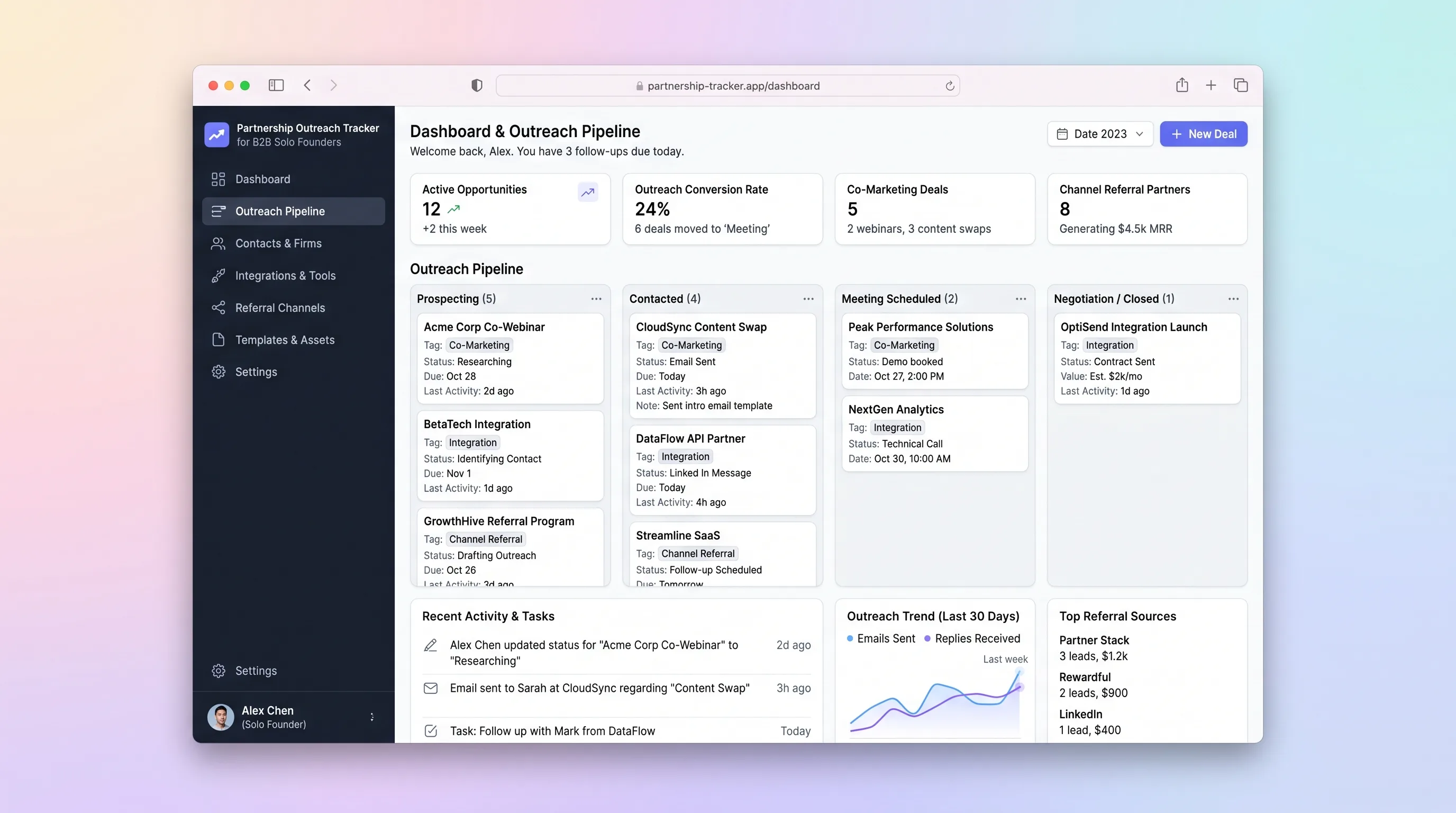
A single-workspace outreach tracker that lets a solo B2B founder run a 30-partner campaign, log email replies, schedule follow-ups, and close co-marketing or integration deals without juggling spreadsheets and Gmail.
SaaS WorkflowProfessional Services
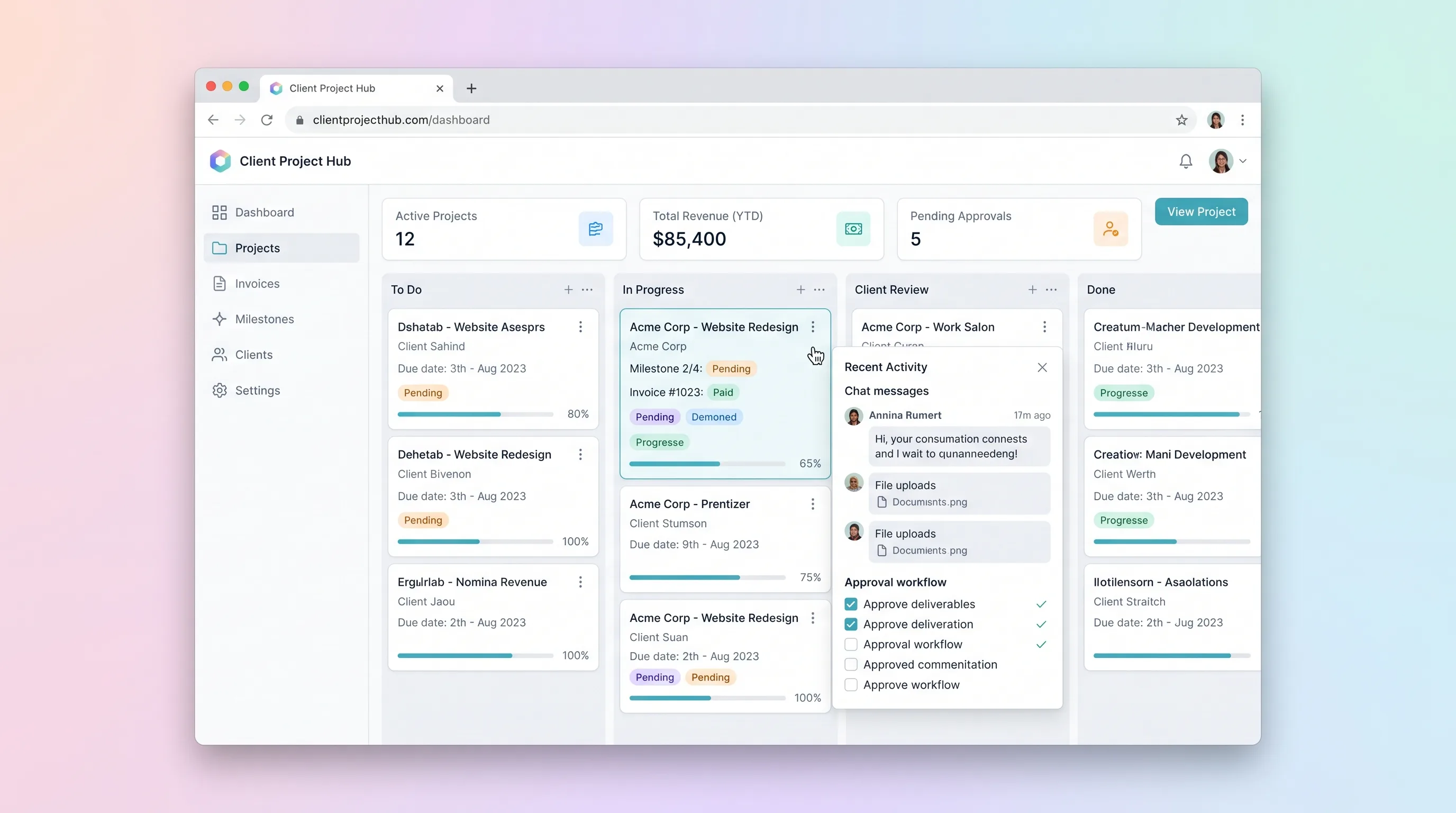
A kanban-driven workspace where freelancers and small agencies track client project milestones, route deliverables through an approval workflow, and auto-generate invoices upon approval.
SaaS WorkflowCreator Economy & Media
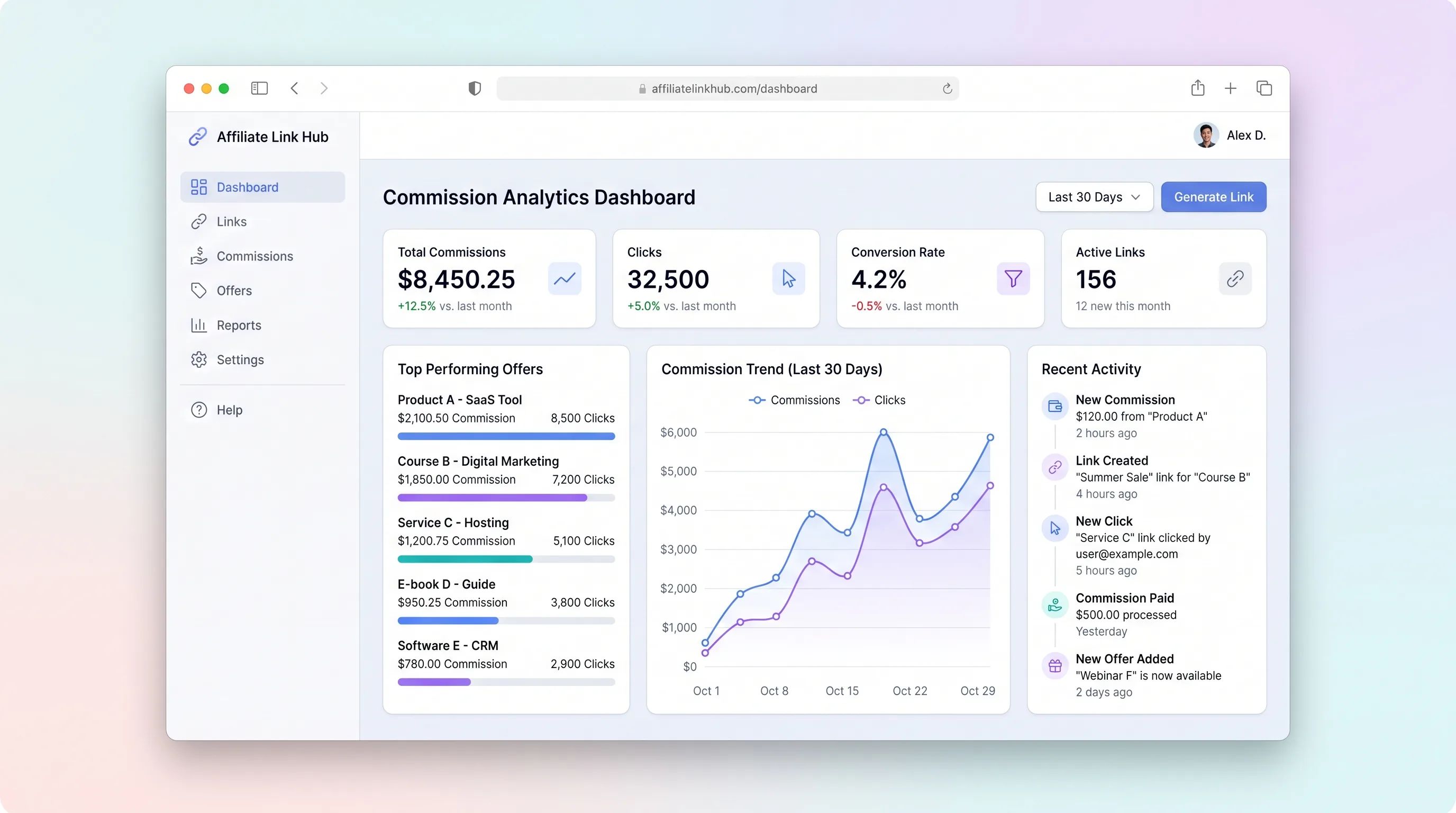
A focused workspace where creators import affiliate programs, distribute tracked links, monitor click and commission trends, and log payouts without juggling spreadsheets.
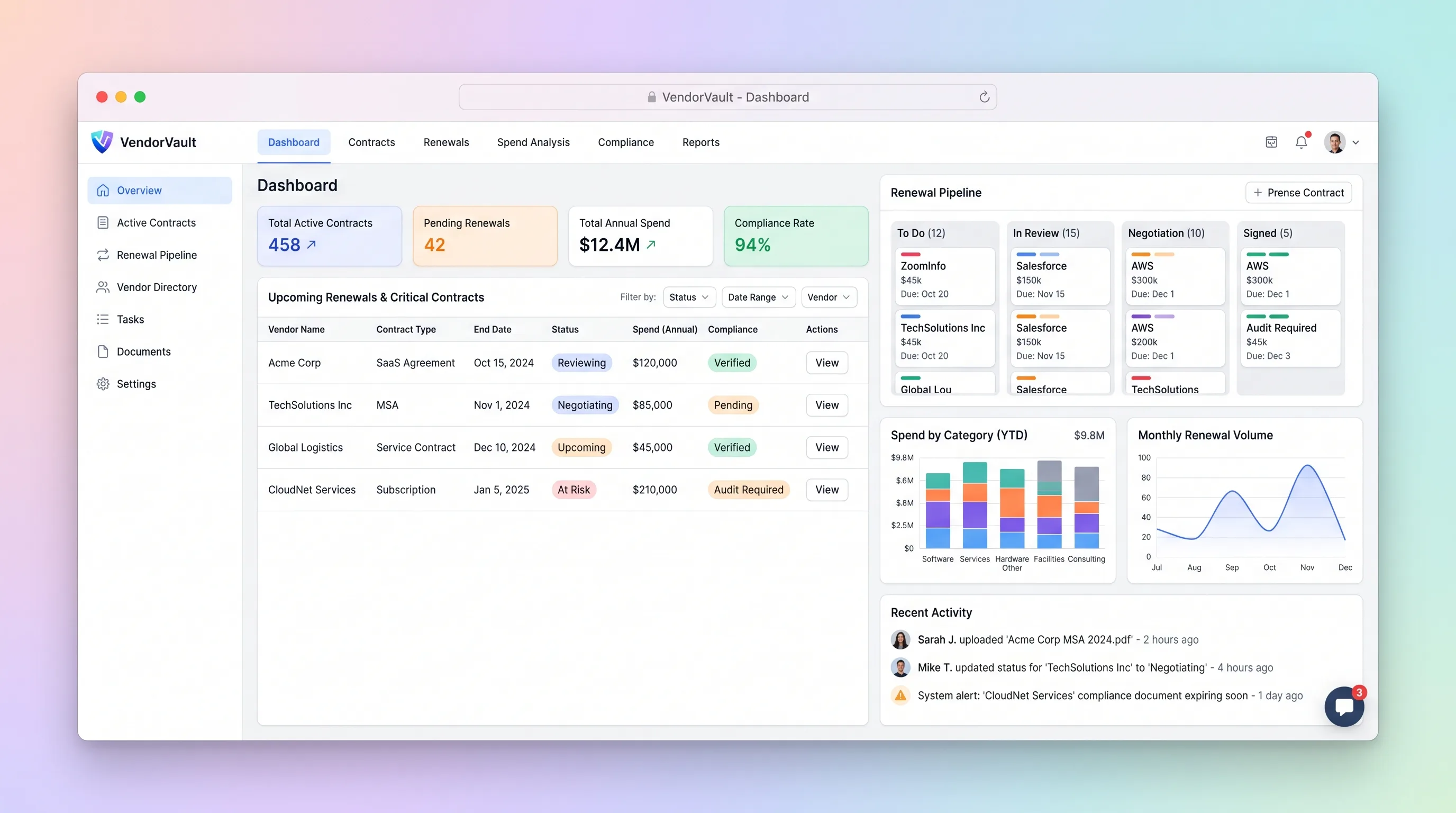
Internal ToolBusiness Operations
A procurement workspace that ties supplier contracts, renewal deadlines, owners, spend, and required documents to one accountable renewal pipeline.
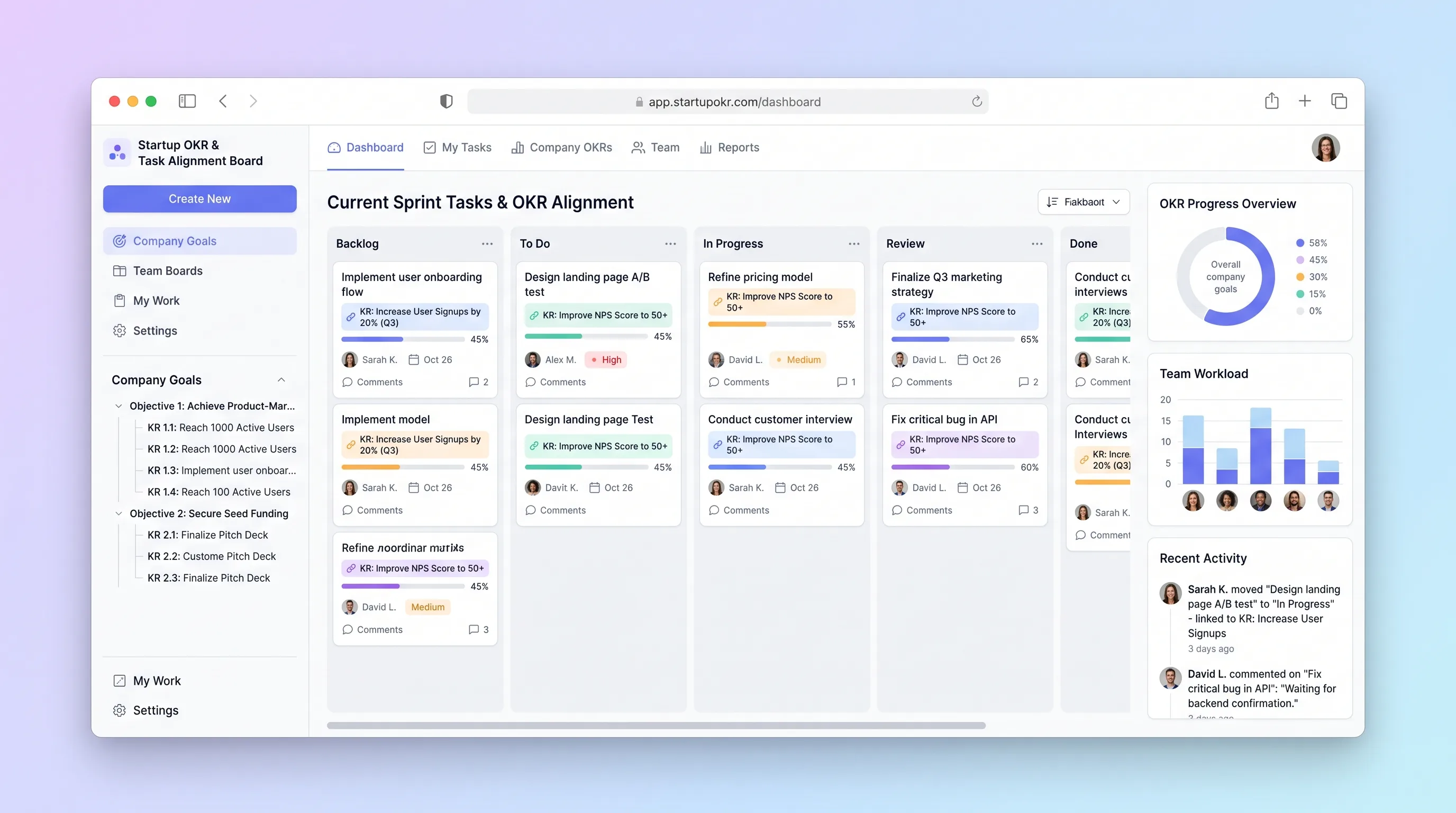
Internal ToolBusiness Operations
A planning board for small startup teams to connect daily tasks to measurable key results, update confidence weekly, and expose unaligned work.
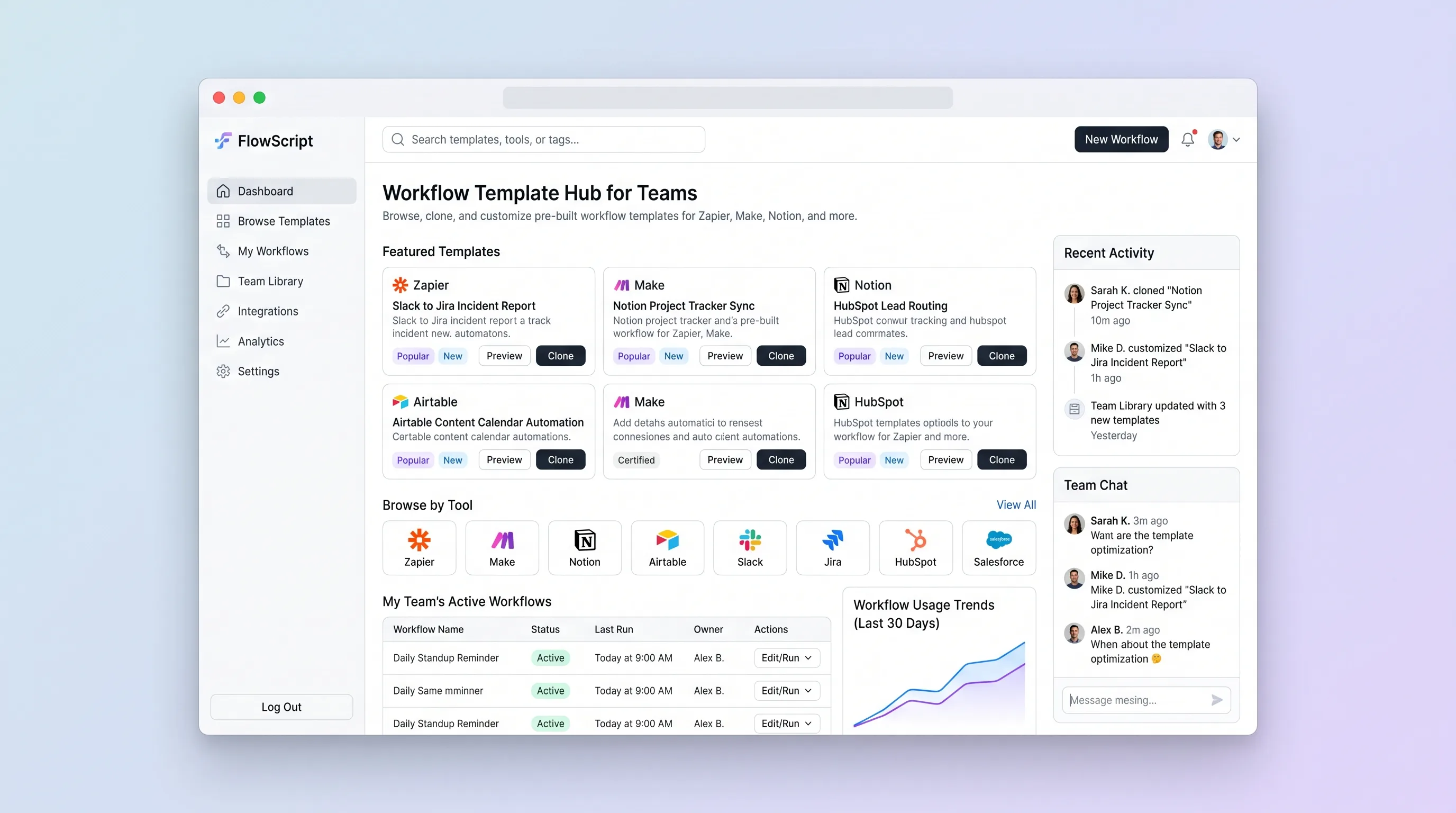
Internal ToolBusiness Operations
A private operations library for finding vetted no-code recipes, cloning a version into a team collection, and recording the local setup notes that make it reusable.