Build this if
You can validate that solo founders running 20-50 partner outreach campaigns will pay for a focused pipeline tool over maintaining a custom spreadsheet.
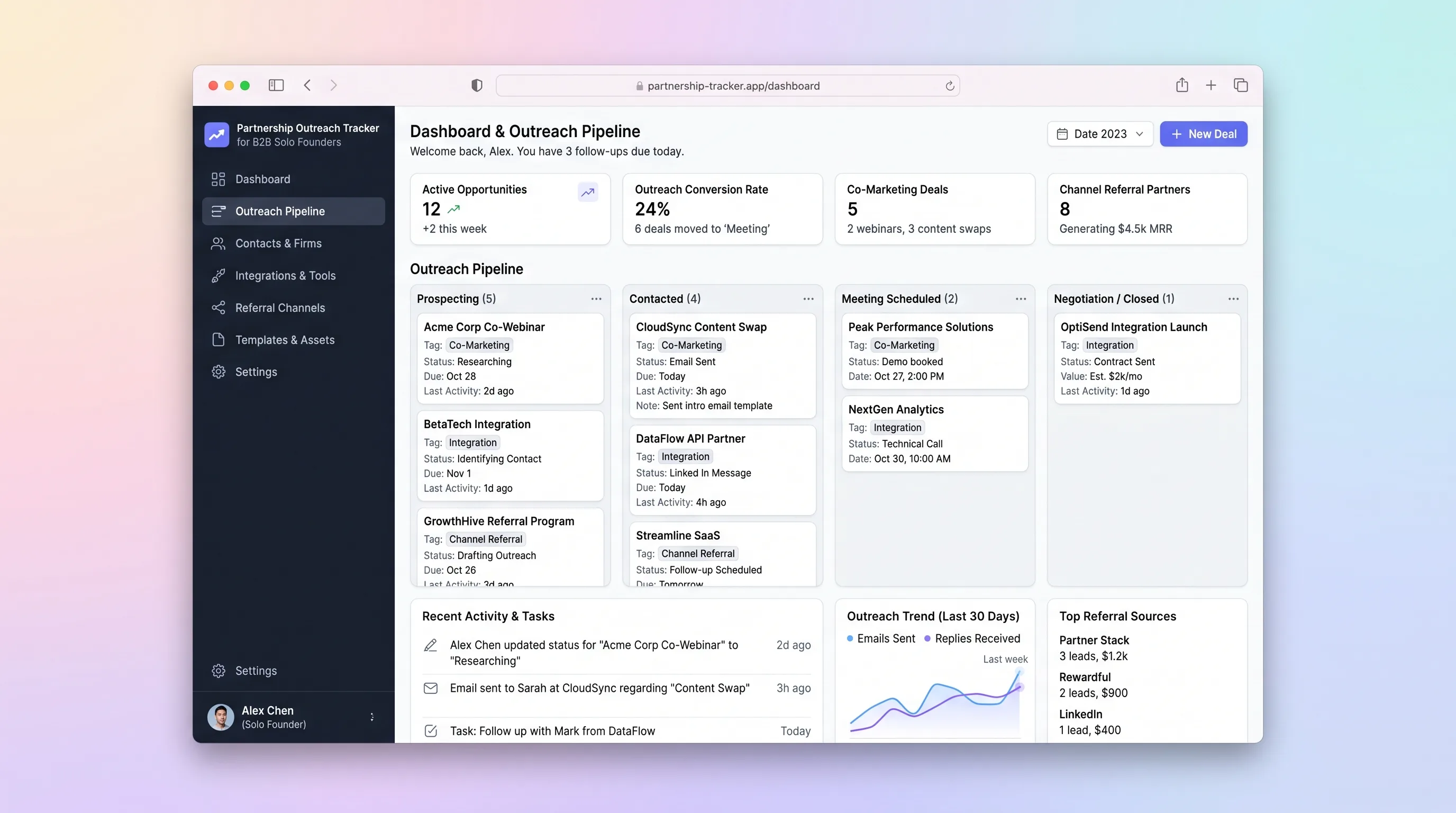
A single-workspace outreach tracker that lets a solo B2B founder run a 30-partner campaign, log email replies, schedule follow-ups, and close co-marketing or integration deals without juggling spreadsheets and Gmail.
Decision snapshot
You can validate that solo founders running 20-50 partner outreach campaigns will pay for a focused pipeline tool over maintaining a custom spreadsheet.
Your target users already operate a full CRM and are unwilling to adopt a second narrow tool for partnerships.
Recruit 5 solo founders to run a real 30-partner campaign through the tracker for 14 days; success is 3+ completing the cycle and at least 1 closing a deal tracked in the tool.
Problem and target customer
Solo B2B founders manage partnership outreach across disconnected spreadsheets and email clients, losing track of reply status, follow-up timing, and deal stage — making it hard to close even a handful of co-marketing or integration deals per quarter.
One-person B2B SaaS founders running targeted partnership campaigns of 20-50 prospects at a time, who need a structured pipeline without the overhead of a full CRM.
Monthly SaaS subscription with usage-based add-ons tied to the number of relationship records updated per month.
Editorial note
A solo B2B founder running partnership outreach typically juggles a spreadsheet of prospects, a Gmail inbox, and a sticky note of follow-up dates. The result is missed replies, forgotten nudges, and deals that stall before a co-marketing agreement or integration is signed.
This tracker collapses that workflow into one workspace. A founder imports 30 prospects, drafts personalized outreach with LLM assistance, sends through a transactional email layer, and advances each prospect through a visible pipeline. Follow-up reminders surface automatically so no prospect goes cold.
The MVP deliberately excludes multi-user collaboration, automated drip sequences, and revenue attribution. The goal is to help one person close three partnership deals from a 30-prospect campaign — not to replicate a full CRM.
Choose your next step
Evaluate the operating tradeoffs quickly, or inspect how to build the MVP.
Compare the three operating paths at the default workload before opening the full calculator.
See cost preview Build this ideaInspect the build blueprintReview MVP scope, workflow, states, data rules, architecture, and acceptance criteria.
Open blueprintEvaluation preview
Directional infrastructure estimates for the current 1,500 relationship records assumption. Open the full calculator when you are ready to change it.
Managed app hosting, database, backups, and basic observability for the crm workflow.
Lowest operating effortOne small VPS running the app, database, media volume, and backup job.
Lowest baseline costSeparate app, data, storage, and worker capacity for cleaner operations.
Most separation and controlBuild blueprint
Product goal
MVP scope
UX and user flow
Shows active campaigns with prospect counts, stage distribution, and overdue follow-up alerts
Compact table of prospects within a campaign with expandable rows showing email thread, stage, and next action
Modal showing LLM-generated outreach draft with editable body and subject before sending via transactional email
Form to mark a prospect as Closed-Won, attach a deal document, and record partnership type
Core entity outline
Groups prospects under a partnership outreach initiative
Represents a single partner target within a campaign
Stores sent outreach emails and logged replies for a prospect
Records a closed partnership agreement with attached document
Surfaces overdue follow-ups on the dashboard
Architecture and data flow
Renders campaign dashboard, pipeline table, draft editor, and deal panel; calls Supabase directly
Stores campaigns, prospects, emails, deals, and reminders with row-level security
Sends outbound outreach emails and fires reply webhooks
Generates personalized outreach email drafts from prospect context
Daily job that queries prospects past follow-up interval and creates reminder records
Maps Resend reply webhooks to prospect stage updates in Supabase
Deliverables and acceptance
Recommended stack
Rapidly builds the React frontend with Supabase auth, dark sidebar layout, and pipeline table UI from a single prompt.
Provides PostgreSQL tables for campaigns, prospects, deals, and reminders plus row-level security for the solo founder workspace.
Developer-friendly API for sending outreach emails and receiving reply webhooks to update prospect status.
Generates personalized outreach email drafts from prospect context with a single completion call per draft request.
Optional webhook handler that maps inbound email reply events from Resend to prospect record updates in Supabase.
Deploys any custom backend service or scheduled cron for follow-up reminders alongside the Lovable-hosted frontend.
Lovable handles the full-stack UI and Supabase connection for a solo founder who needs speed. Resend covers outbound email and reply webhooks. OpenAI powers draft generation only when the founder requests it. Make is optional glue for mapping reply webhooks to database updates. Railway hosts any cron or edge function for reminder scheduling.
Copy the build prompt, model the operating cost, and choose where to deploy.
Execution
Once the blueprint is clear, use the prompt, cost model, and deployment options to start building.
Build prompt
Lovable
Build prompt
Open the prompt pack whenever you are ready to take this blueprint into your builder.
Build prompt ready
Copy the prompt into your builder, then use the cost model below to choose how you want to run it.
Use the cost model to choose a deployment path that matches the build plan.
Cost calculator
A technical run-cost estimate for the first production version. Team, acquisition, payment fees, and business COGS are excluded.
$13-$33 per 750 relationship records
Low and high values allow for usage variance and plan headroom.
Managed app hosting, database, backups, and basic observability for the crm workflow.
50K relationship records included, then $8-$20 per 100K relationship recordsTransactional email is implied by the source workflow or feature list.
3K relationship records includedThe estimate combines the selected infrastructure path, required operating modules, selected optional modules, and usage above included monthly allowances. Taxes and regional uplifts are excluded.
Deployment options
Choose based on operating preference, not only the headline price.
Fast Docker deployment for the app, database, worker, and preview workflow without managing a VPS.
Usage billing needs active monitoring as traffic and jobs grow.
Run the app, worker, and database on one small Vultr VPS with Docker Compose and explicit backups.
You own patching, backups, monitoring, and incident response.
Separate application, worker, data, storage, and backup responsibilities as the workload grows.
You own server setup, patching, backups, and operational monitoring.
Start building
Prompt Lovable to generate a dark-sidebar React app with a campaign list, prospect pipeline table with expandable rows, reply log view, and deal attachment panel — all connected to Supabase tables.
Open Lovable 02AutomationWire Reply Webhooks to Prospect RecordsConfigure a Make scenario that listens for Resend reply webhooks, parses the sender email, matches it to a prospect record in Supabase, and updates the prospect stage to Replied with a timestamp.
Open Make 03DeployDeploy Follow-up Reminder CronDeploy a lightweight Node or Python service on Railway that runs a daily cron query against Supabase for prospects past their follow-up interval and writes reminder records for dashboard surfacing.
Open RailwayKeep exploring
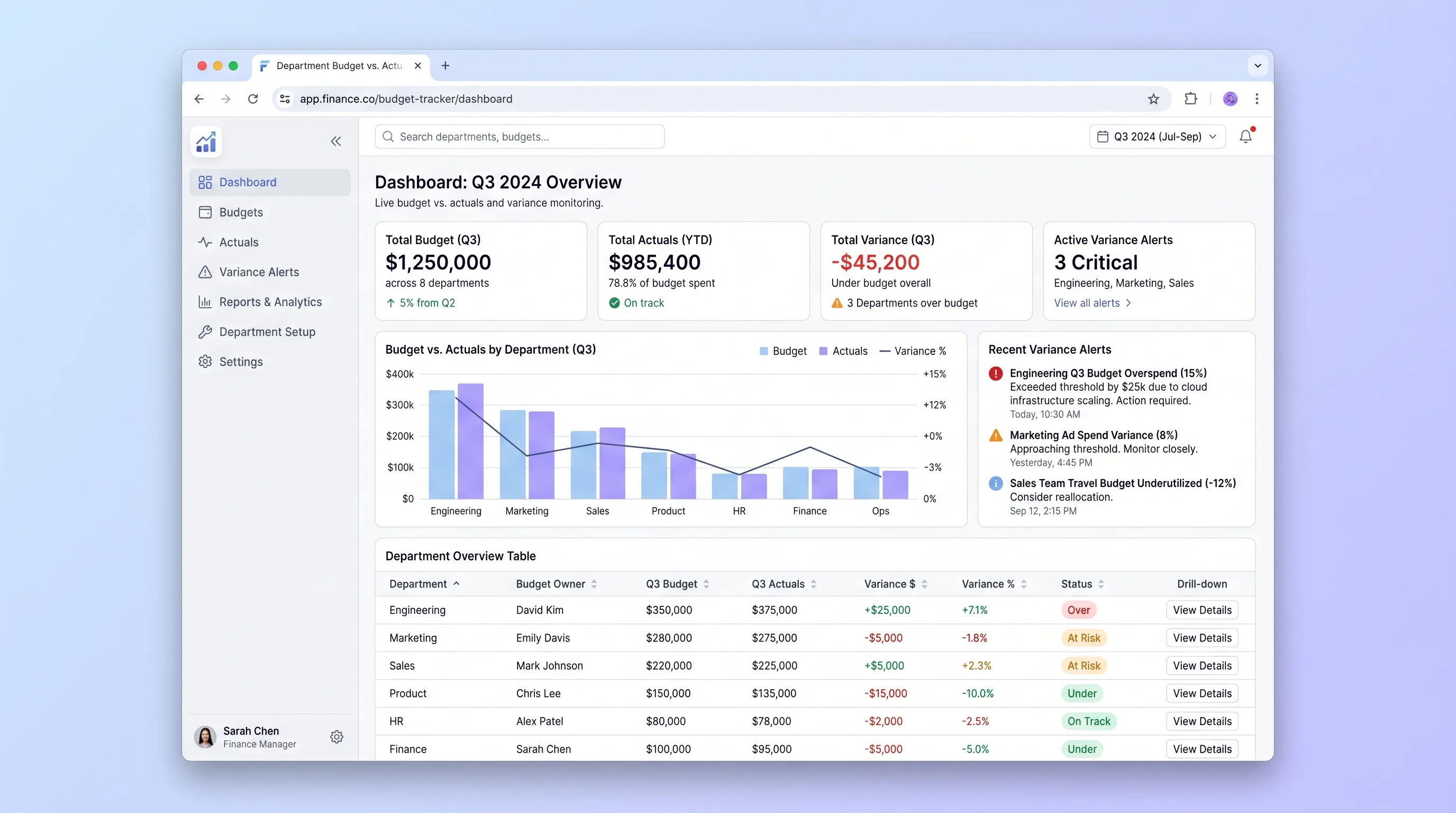
Internal ToolBusiness Operations
An internal tool that lets finance teams import annual budgets via CSV and gives department heads self-serve visibility into spend against budget with drill-down variance views and same-day threshold alerts.
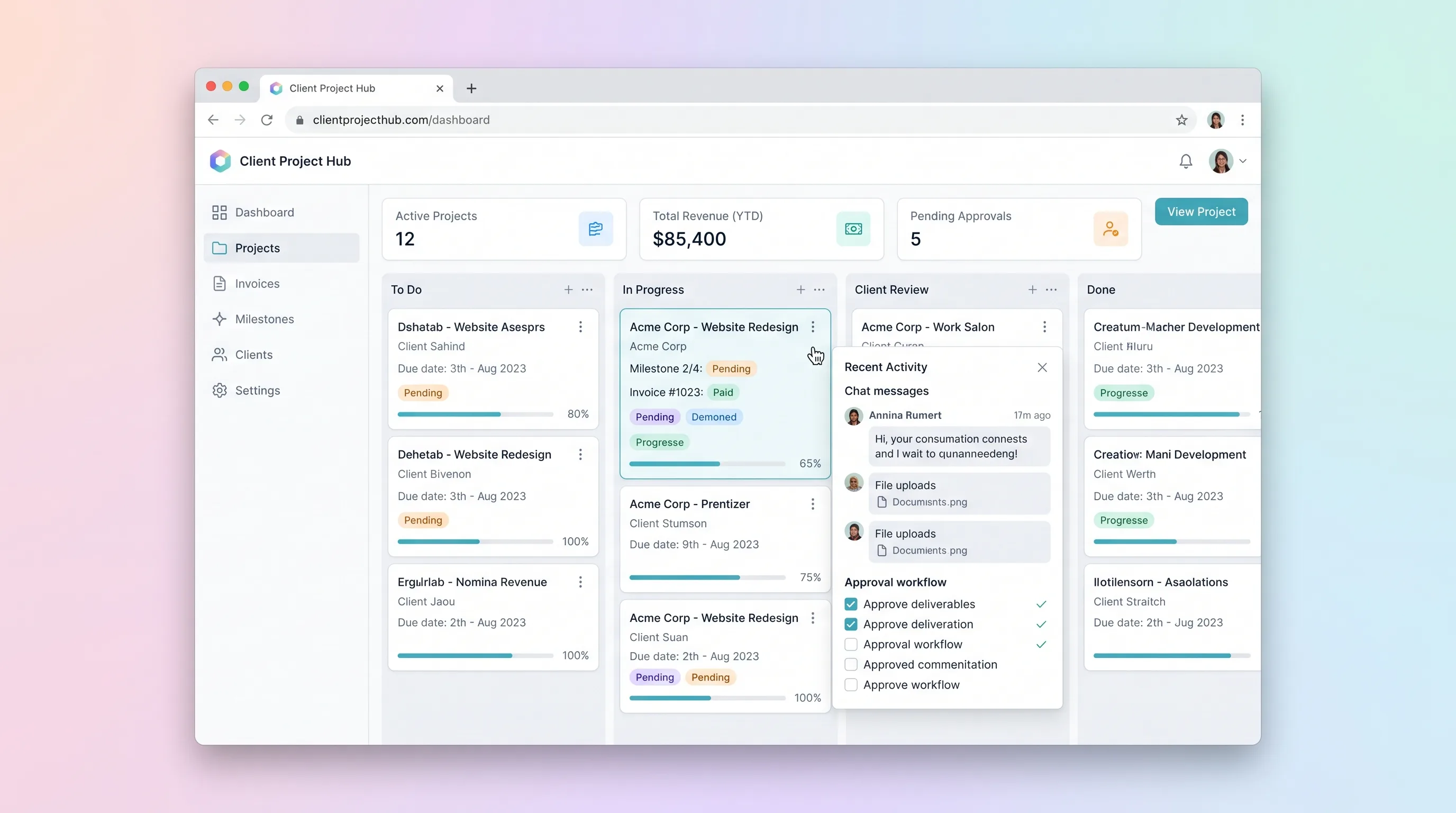
SaaS WorkflowProfessional Services
A kanban-driven workspace where freelancers and small agencies track client project milestones, route deliverables through an approval workflow, and auto-generate invoices upon approval.
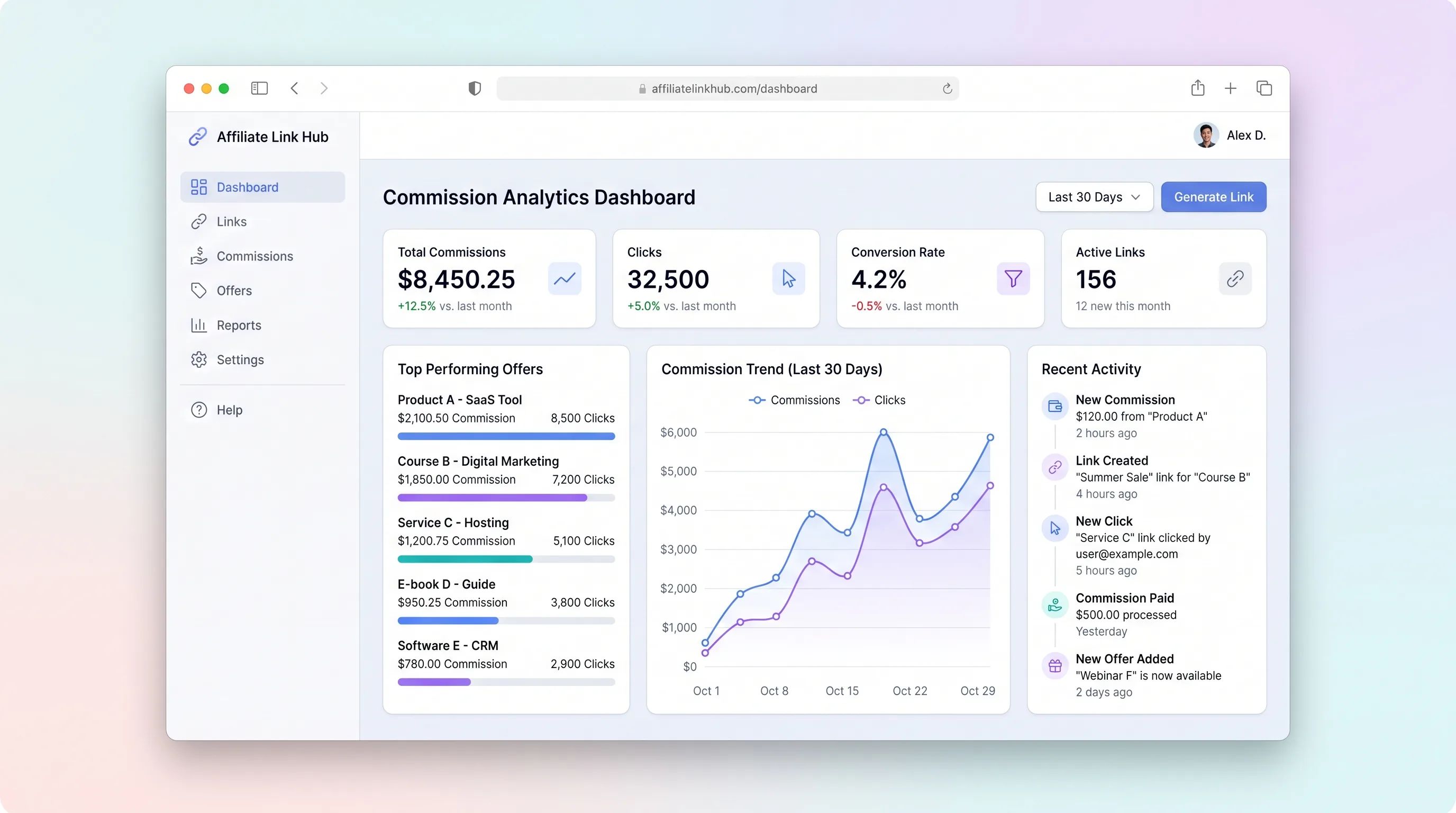
SaaS WorkflowCreator Economy & Media
A focused workspace where creators import affiliate programs, distribute tracked links, monitor click and commission trends, and log payouts without juggling spreadsheets.
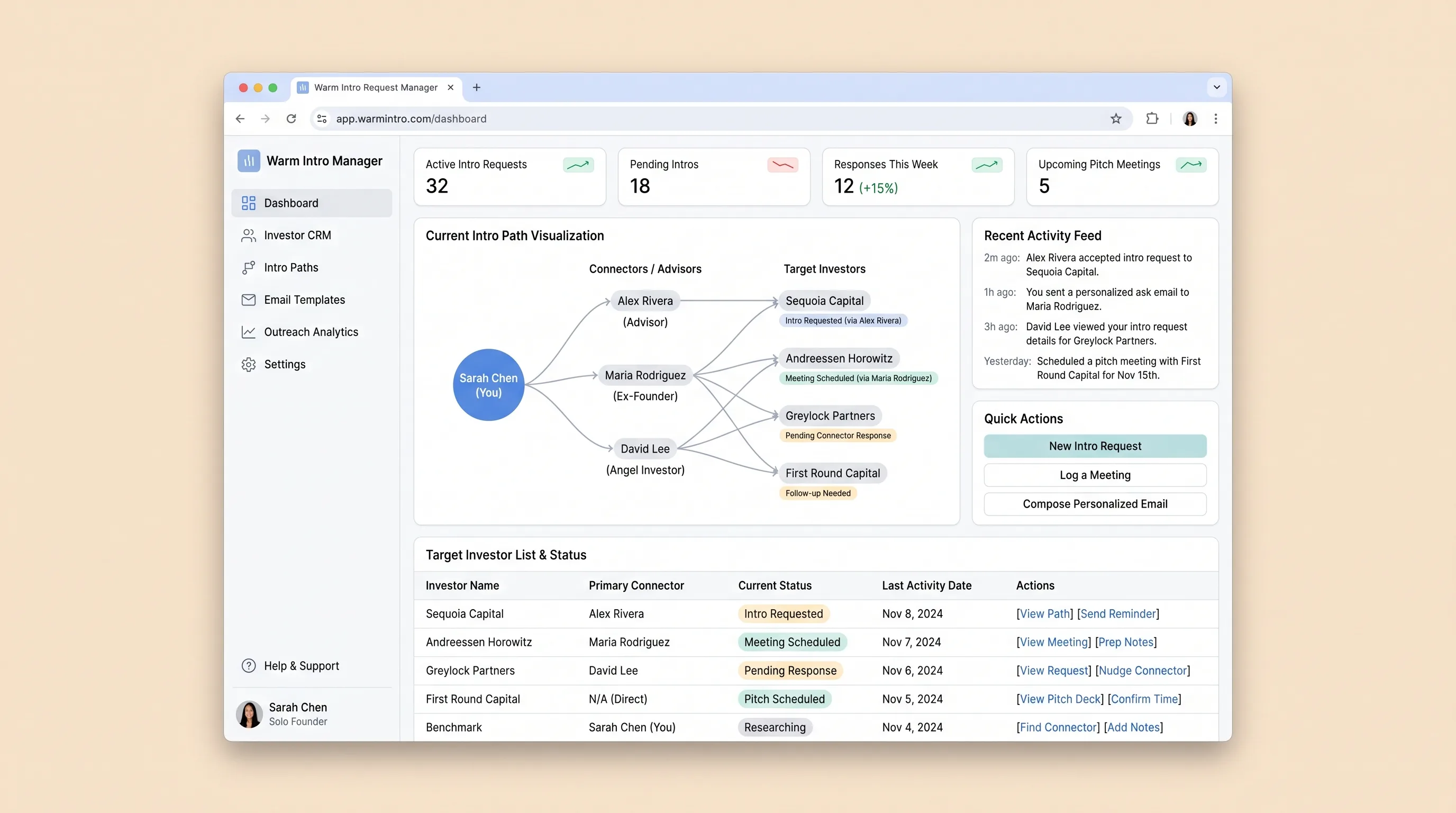
SaaS WorkflowSales & Marketing
A focused SaaS workspace where solo founders map target investors, identify warm intro paths through connectors, and send personalized ask emails without juggling spreadsheets and generic CRM tools.
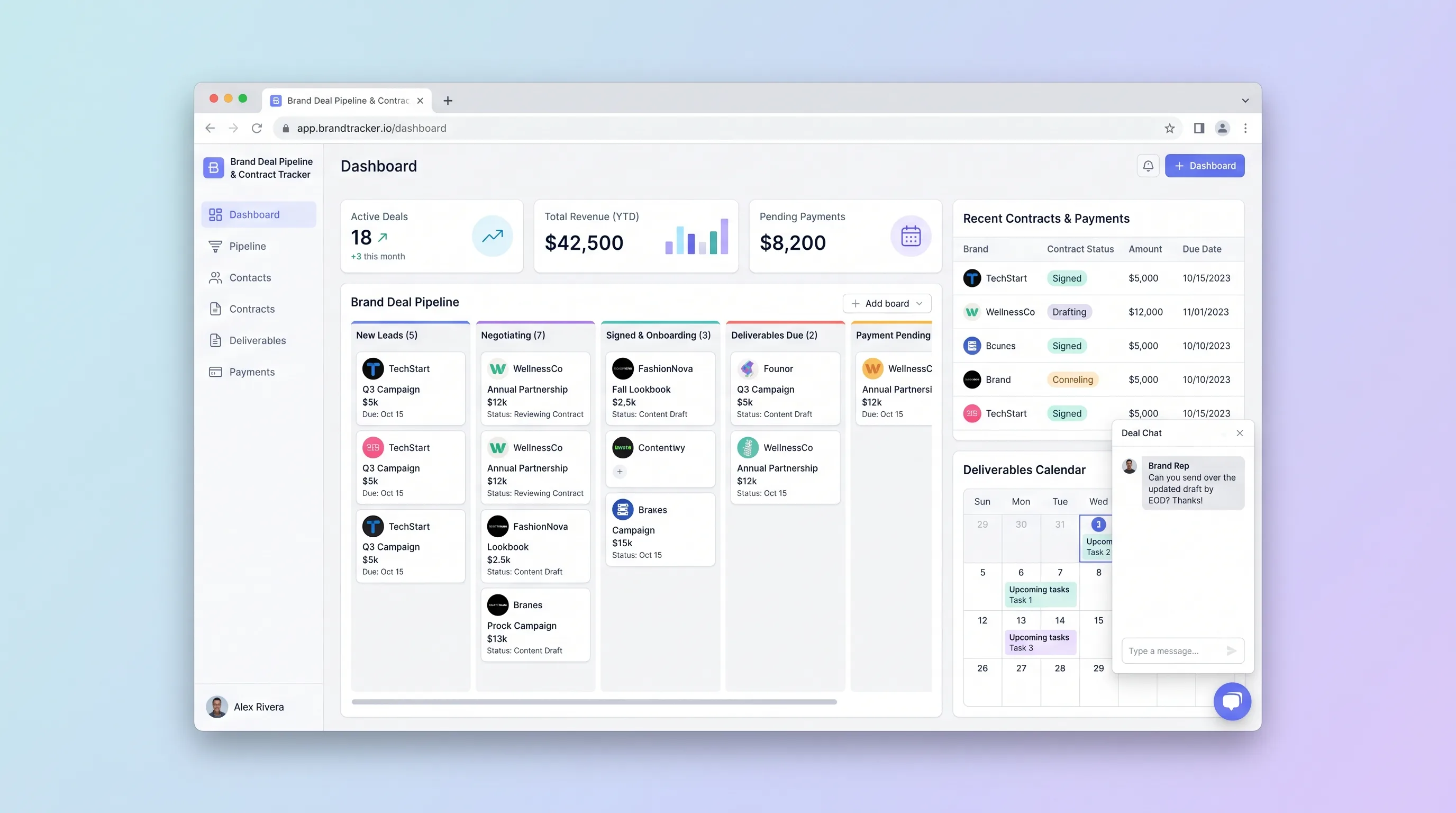
SaaS WorkflowCreator Economy & Media
A focused CRM where solo influencers and small creator teams manage sponsorship leads from first pitch through signed contract, deliverable deadlines, and payment reconciliation.
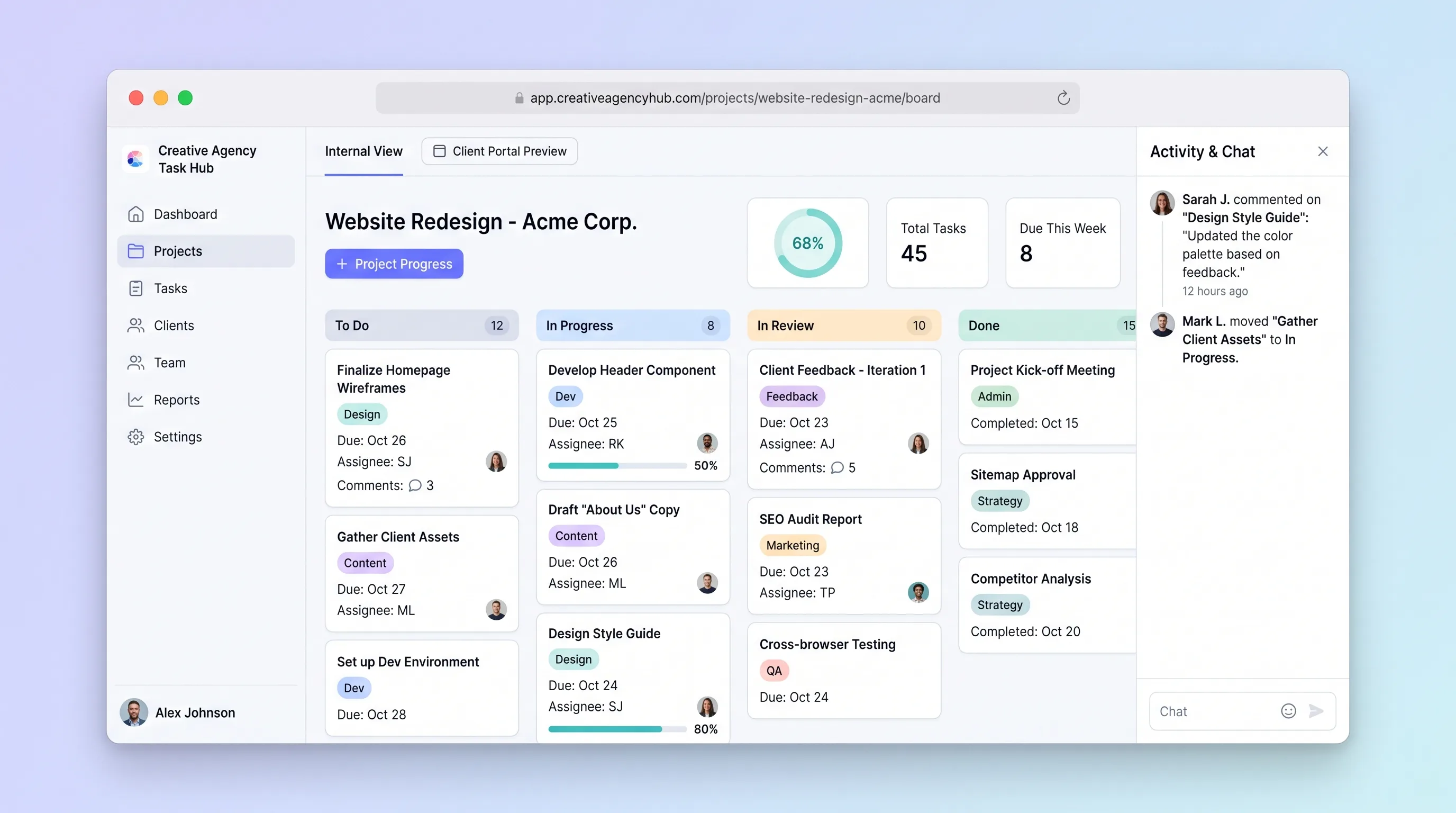
SaaS WorkflowProfessional Services
A focused project tracker where small creative agencies manage deliverables on an internal kanban board and share branded client portals for progress review and approvals without email chains.