Build this if
You manage 10+ affiliate programs and currently rely on spreadsheets to reconcile clicks and commissions.
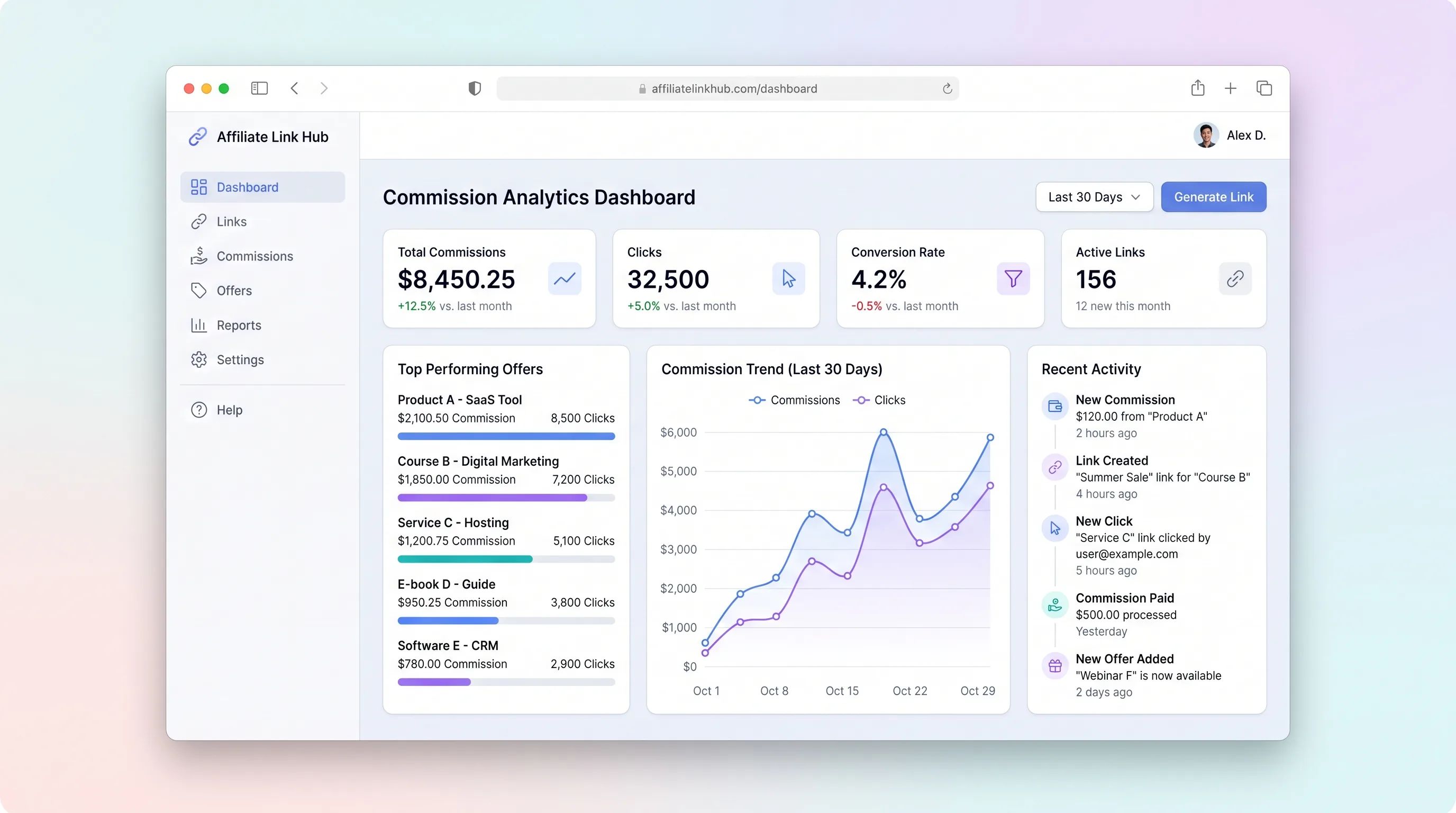
A focused workspace where creators import affiliate programs, distribute tracked links, monitor click and commission trends, and log payouts without juggling spreadsheets.
Decision snapshot
You manage 10+ affiliate programs and currently rely on spreadsheets to reconcile clicks and commissions.
You only run a single affiliate program with built-in merchant analytics.
Recruit 5 creators with 20+ active affiliate links; confirm they log payouts and check the dashboard weekly for 30 days.
Problem and target customer
Creators manage dozens of affiliate links across merchants, spreadsheets, and browser tabs with no unified view of which programs actually convert or what commissions are owed.
Creators and indie builders earning from 10+ affiliate programs who need a single dashboard to track link performance and log payouts.
Monthly SaaS subscription with usage-based add-ons for high-volume link tracking.
Editorial note
Creators juggling multiple affiliate programs lose money simply because they cannot see which links perform and which payouts are outstanding. This hub consolidates program metadata, click tracking, and payout logging into one workspace.
The MVP deliberately avoids automated merchant API reconciliation. Instead, it gives creators a manual but structured payout ledger so they can track what is owed versus what has been received across programs with wildly different reporting formats.
A lightweight LLM module reads aggregated click and payout data weekly to produce a short insight card, helping creators spot declining programs or missed payouts without manually scanning tables.
Choose your next step
Evaluate the operating tradeoffs quickly, or inspect how to build the MVP.
Compare the three operating paths at the default workload before opening the full calculator.
See cost preview Build this ideaInspect the build blueprintReview MVP scope, workflow, states, data rules, architecture, and acceptance criteria.
Open blueprintEvaluation preview
Directional infrastructure estimates for the current 250 content jobs assumption. Open the full calculator when you are ready to change it.
Managed app hosting, database, backups, and basic observability for the content workflow.
Lowest operating effortOne small VPS running the app, database, media volume, and backup job.
Lowest baseline costSeparate app, data, storage, and worker capacity for cleaner operations.
Most separation and controlBuild blueprint
Product goal
MVP scope
UX and user flow
List, add, edit, and import affiliate programs with merchant name, commission rate, cookie duration, and destination URL
Show click trends over time, top-performing programs by click volume, and total logged commissions
Log commission payouts received from merchants and track their reconciliation status
Configure workspace name and manage API keys for LLM insight generation
Core entity outline
Represents an affiliate program with merchant details and tracking configuration
Logs each click on a tracked link with timestamp and referrer
Records a commission payment received from a merchant for a program
Top-level container for a creator's programs, clicks, and payouts
Audit trail of key actions like program creation, payout status changes, and imports
Architecture and data flow
Resolves tracked slug to destination URL and logs click event before redirecting
Computes click trends and top-program rankings from ClickEvent records
Manages payout records and enforces status transition rules
Calls LLM API with aggregated analytics to produce a weekly summary card
Deliverables and acceptance
Recommended stack
Rapidly build the dashboard UI with program cards, analytics charts, and payout table without custom frontend scaffolding.
Durable relational storage for programs, click events, and payouts with status tracking and reporting queries.
Hosts link redirect endpoint, click logging, and analytics aggregation queries alongside the database.
Optional glue for scheduled CSV exports or payout reminder notifications without building a cron system.
Generates weekly performance insight summaries from click and payout data for the dashboard.
Lovable handles the dashboard and form-heavy UI; Railway provides co-located database and API for link redirects and analytics queries; Make adds lightweight scheduled exports without a custom cron layer; OpenAI generates concise performance summaries from structured analytics data.
Copy the build prompt, model the operating cost, and choose where to deploy.
Execution
Once the blueprint is clear, use the prompt, cost model, and deployment options to start building.
Build prompt
Lovable
Build prompt
Open the prompt pack whenever you are ready to take this blueprint into your builder.
Build prompt ready
Copy the prompt into your builder, then use the cost model below to choose how you want to run it.
Use the cost model to choose a deployment path that matches the build plan.
Cost calculator
A technical run-cost estimate for the first production version. Team, acquisition, payment fees, and business COGS are excluded.
$13-$33 per 125 content jobs
Low and high values allow for usage variance and plan headroom.
Managed app hosting, database, backups, and basic observability for the content workflow.
50K content jobs included, then $8-$20 per 100K content jobsThe estimate combines the selected infrastructure path, required operating modules, selected optional modules, and usage above included monthly allowances. Taxes and regional uplifts are excluded.
Deployment options
Choose based on operating preference, not only the headline price.
Fast Docker deployment for the app, database, worker, and preview workflow without managing a VPS.
Usage billing needs active monitoring as traffic and jobs grow.
Run the app, worker, and database on one small Vultr VPS with Docker Compose and explicit backups.
You own patching, backups, monitoring, and incident response.
Separate application, worker, data, storage, and backup responsibilities as the workload grows.
You own server setup, patching, backups, and operational monitoring.
Start building
Create the sidebar navigation, program cards with add/edit forms, analytics dashboard with click trend chart, and payout ledger table with status badges.
Open Lovable 02AutomationSchedule weekly insight generation and CSV exportSet up a weekly scenario that pulls analytics data, calls the LLM for a summary, and optionally emails a CSV performance export to the user.
Open Make 03DeployHost PostgreSQL and the link redirect APIDeploy the relational database and a Node service exposing the tracked-link redirect endpoint, click logging, and analytics aggregation queries.
Open RailwayKeep exploring
SaaS WorkflowSales & Marketing
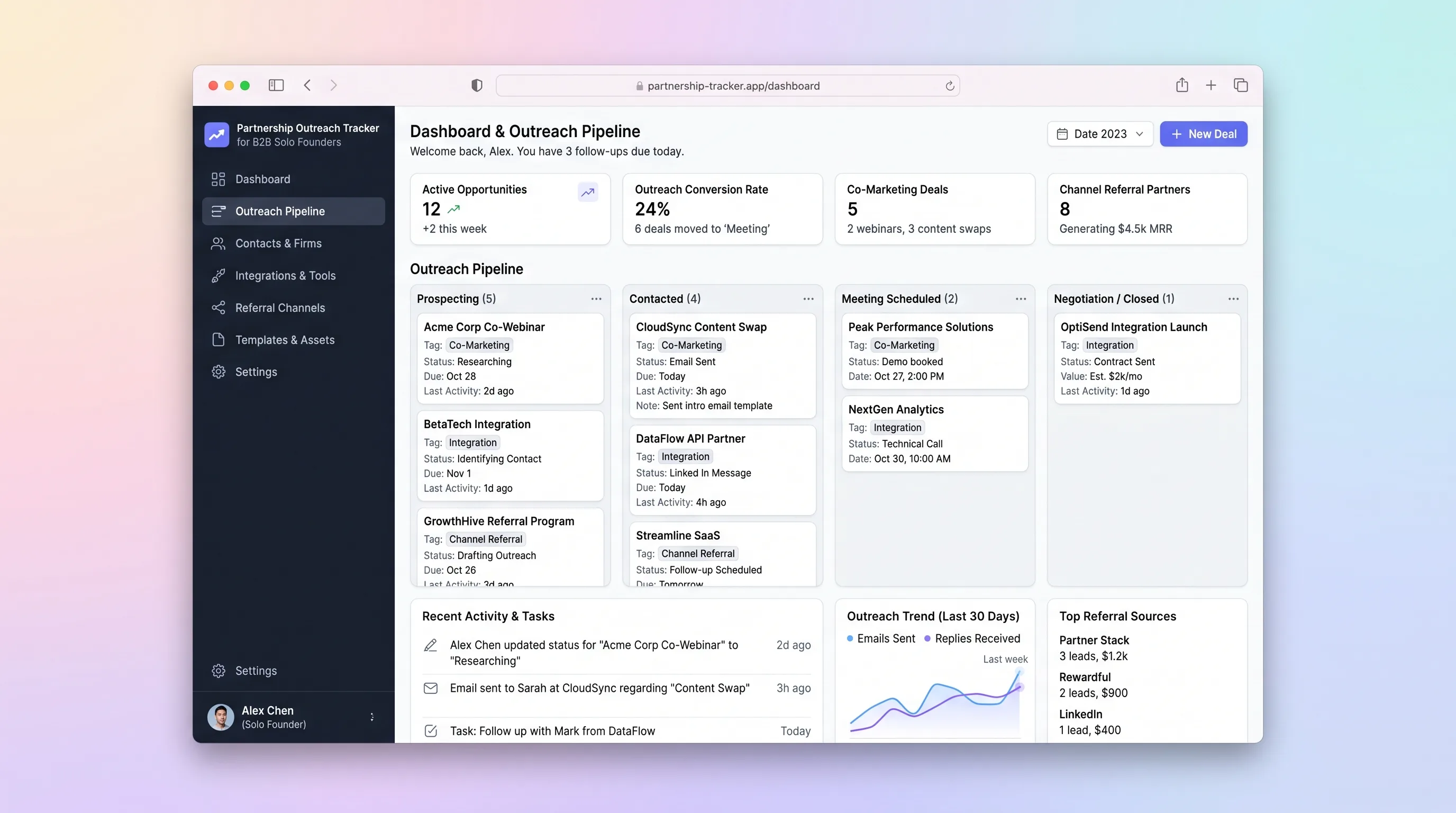
A single-workspace outreach tracker that lets a solo B2B founder run a 30-partner campaign, log email replies, schedule follow-ups, and close co-marketing or integration deals without juggling spreadsheets and Gmail.
Internal ToolBusiness Operations
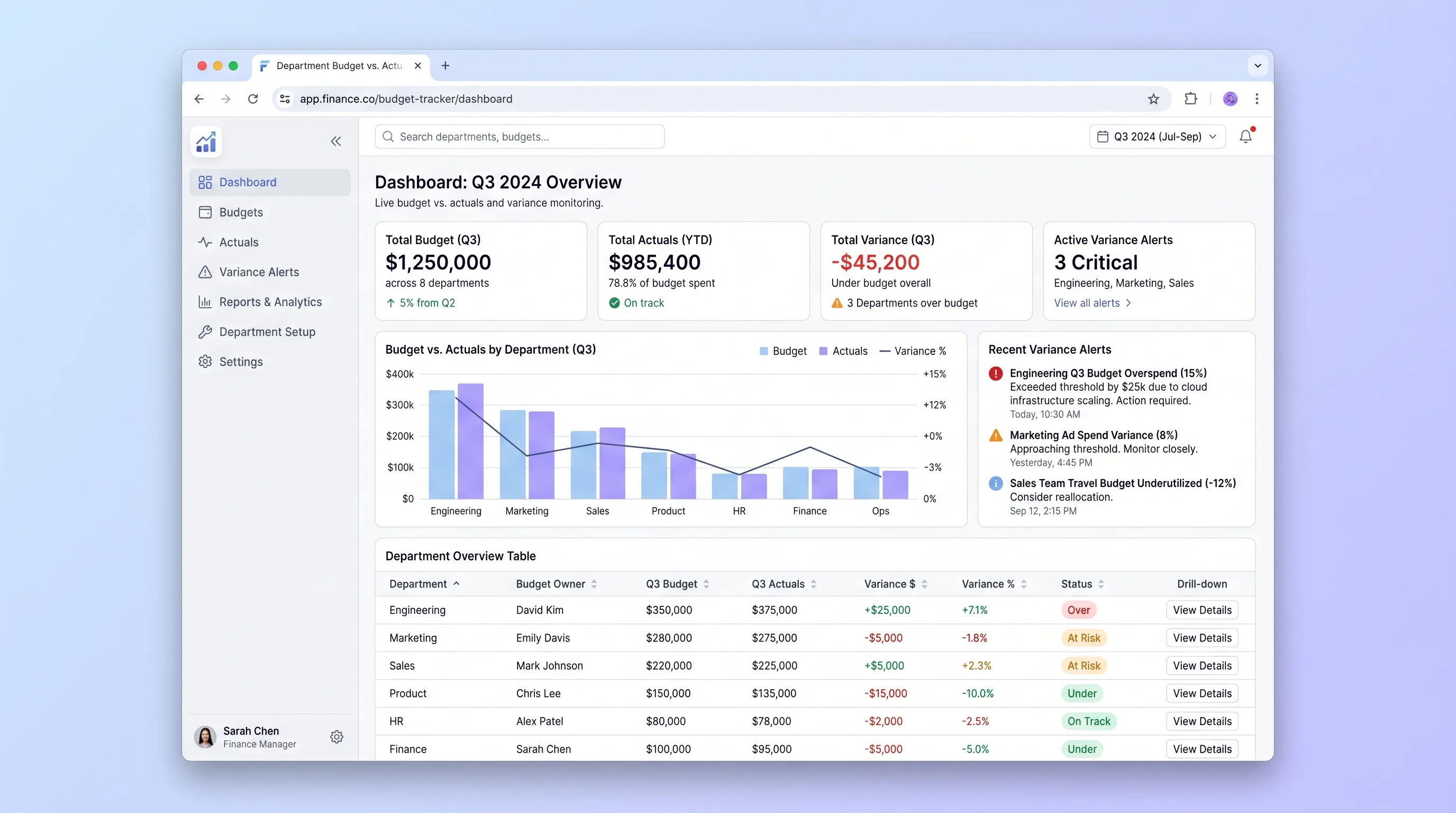
An internal tool that lets finance teams import annual budgets via CSV and gives department heads self-serve visibility into spend against budget with drill-down variance views and same-day threshold alerts.
SaaS WorkflowProfessional Services
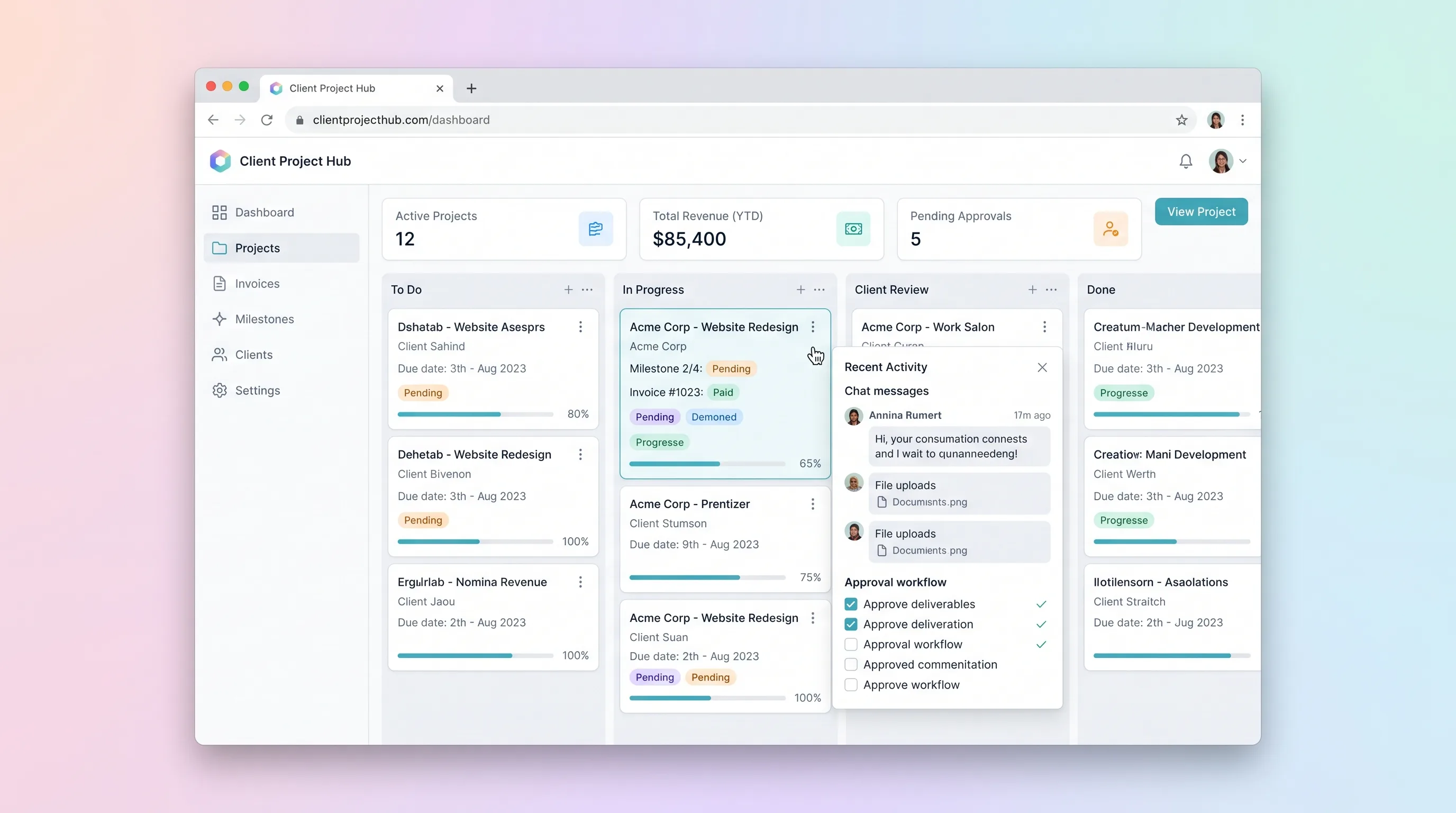
A kanban-driven workspace where freelancers and small agencies track client project milestones, route deliverables through an approval workflow, and auto-generate invoices upon approval.
SaaS WorkflowCreator Economy & Media
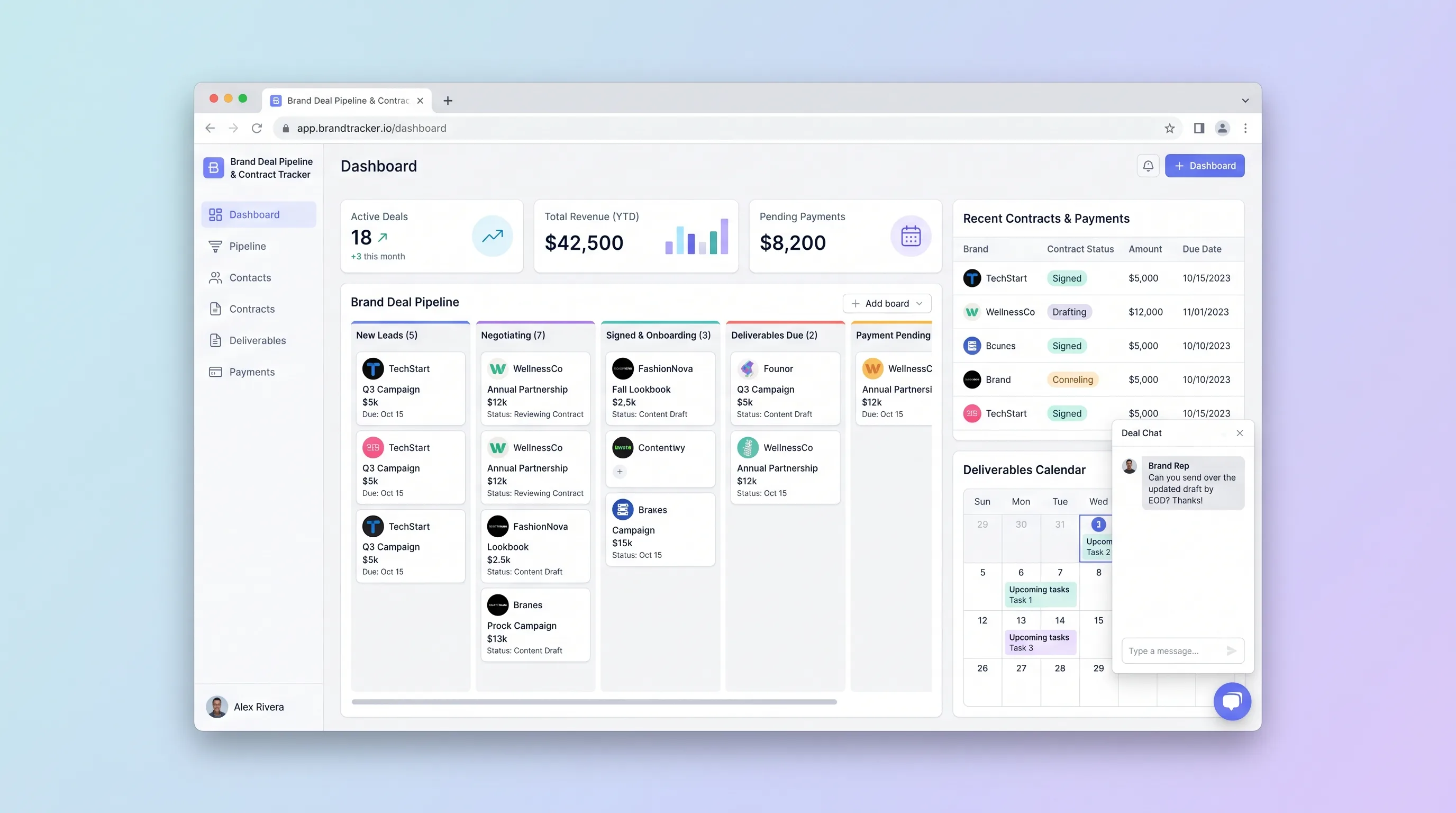
A focused CRM where solo influencers and small creator teams manage sponsorship leads from first pitch through signed contract, deliverable deadlines, and payment reconciliation.
SaaS WorkflowCreator Economy & Media
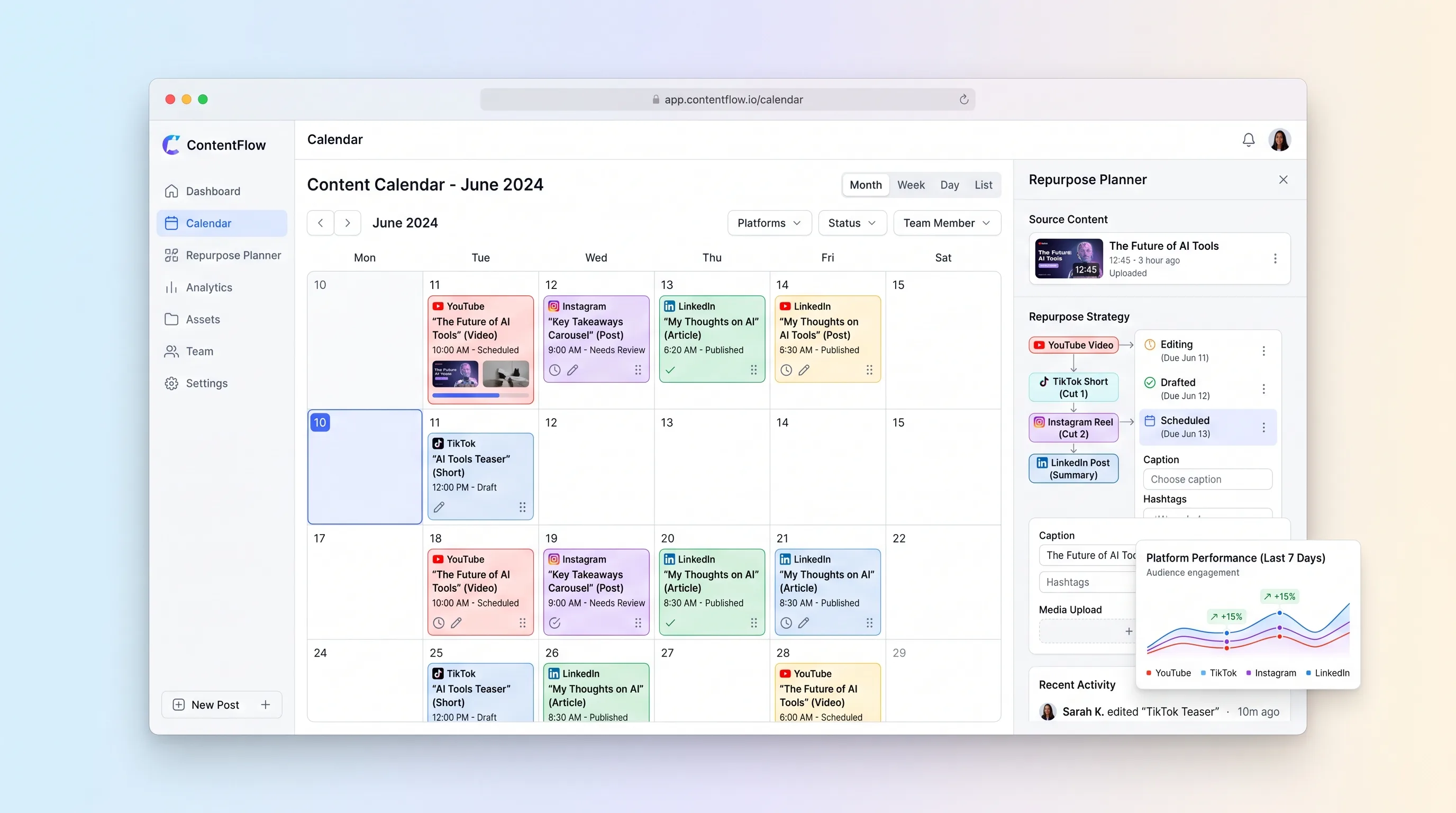
A visual planning workspace that connects each long-form asset to channel-specific derivatives, dates, owners, and publishing status.
SaaS WorkflowReal Estate
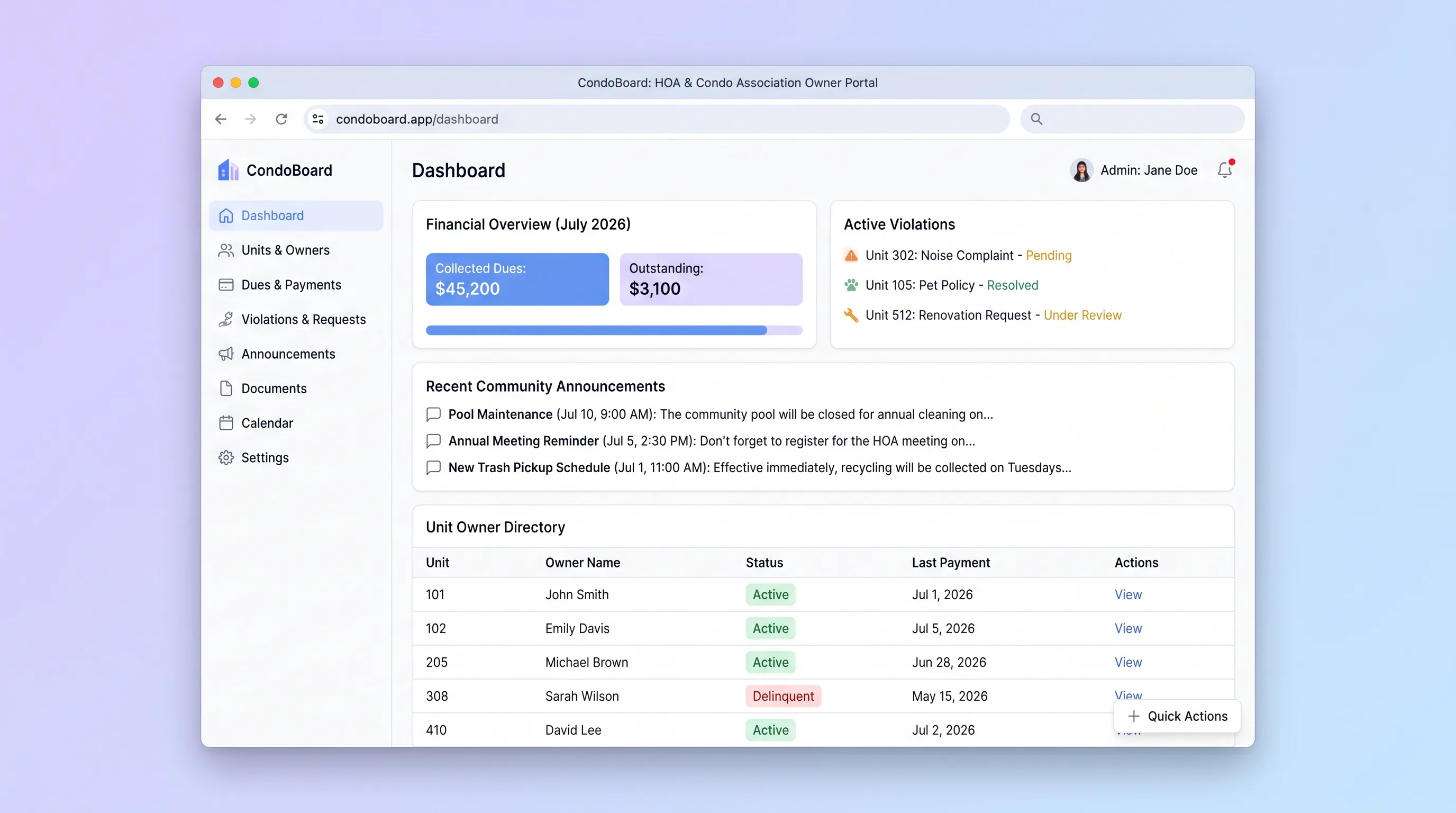
Self-service portal where condo association boards manage unit owners, track dues payments, log violations, and publish community announcements without spreadsheets or email threads.