Build this if
The same source assets are routinely adapted for several channels and the team loses schedule visibility during that handoff.
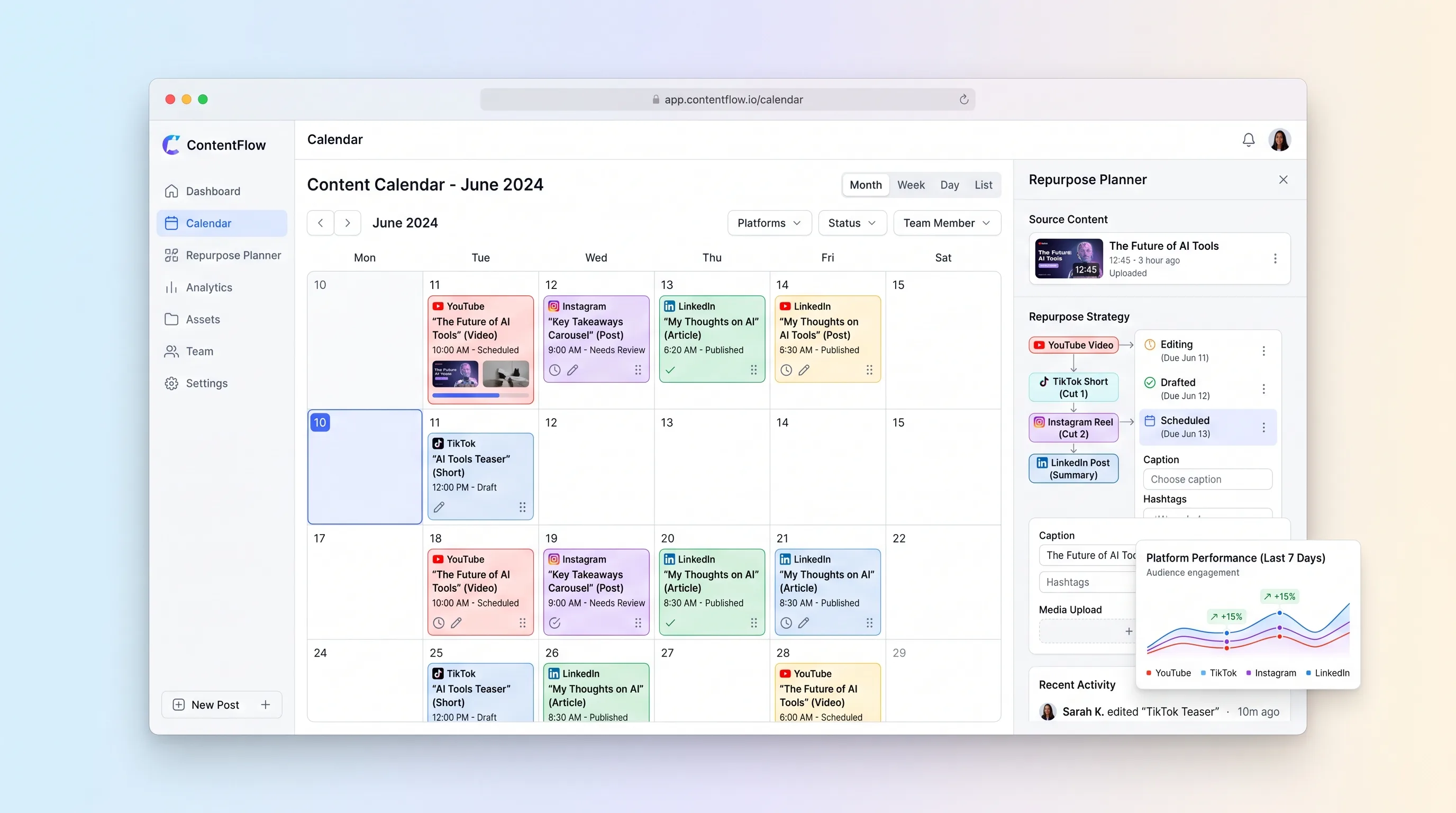
A visual planning workspace that connects each long-form asset to channel-specific derivatives, dates, owners, and publishing status.
Decision snapshot
The same source assets are routinely adapted for several channels and the team loses schedule visibility during that handoff.
The primary need is video editing, automatic posting, social analytics, or AI-generated content.
Plan four hero assets and at least twelve derivatives for a real month, then confirm the creator can find missing coverage and reschedule the week without a second calendar.
Problem and target customer
Creators and small content teams plan one channel at a time, then lose track of which clips, posts, and captions came from the same source asset. Calendar gaps and duplicated work appear because repurposing decisions live in notes rather than the schedule.
Independent video creators and small content teams publishing regularly across YouTube, TikTok, Instagram, and LinkedIn without a dedicated operations manager.
Monthly subscription per creator workspace, with a team tier for additional collaborators and calendars.
Editorial note
The useful organizing object is not a generic calendar card. It is the relationship between one source asset and the distinct pieces a creator intends to publish from it.
Direct publishing would multiply permissions, API edge cases, and review risk before the planning model is proven. Manual completion plus a destination link is enough to test whether the workspace prevents missed repurposing opportunities.
Validation should happen during a real monthly planning session. The product earns a place only if the creator can see coverage and timing decisions more clearly than in a spreadsheet and a separate calendar.
Choose your next step
Evaluate the operating tradeoffs quickly, or inspect how to build the MVP.
Compare the three operating paths at the default workload before opening the full calculator.
See cost preview Build this ideaInspect the build blueprintReview MVP scope, workflow, states, data rules, architecture, and acceptance criteria.
Open blueprintEvaluation preview
Directional infrastructure estimates for the current 500 planned platform posts assumption. Open the full calculator when you are ready to change it.
Managed application and database for calendars, relationships, and exports.
Lowest operating effortOperator-managed application and database on one small instance.
Lowest baseline costSeparate application and database bundles for a larger planning workspace.
Most separation and controlBuild blueprint
Product goal
MVP scope
UX and user flow
Capture potential hero assets and decide which concepts enter production.
Define the YouTube, TikTok, Instagram, and LinkedIn derivatives attached to one source asset.
Schedule planned items by channel and expose collisions, gaps, and overdue work.
Summarize whether each hero asset has the intended channel coverage and next action.
Core entity outline
Stores a potential topic before production commitment.
Represents the source video, article, or episode from which channel pieces are planned.
Defines one channel-specific piece and its production and publishing state.
Stores a workspace's enabled channels and weekly posting target.
Architecture and data flow
Render idea, relationship, calendar, and coverage views with responsive drag interactions.
Validate dates and transitions, persist moves, and calculate coverage.
Store source assets, derivatives, channel plans, owners, and status history.
Produce CSV and iCalendar files from filtered schedule data.
Deliverables and acceptance
Recommended stack
Support responsive planning screens and accessible calendar movement.
Model source-to-derivative relationships, workspace ownership, and status history cleanly.
Provide week and month scheduling while keeping dates in the application's own records.
Create portable calendar files without requiring a third-party calendar account.
The first release is a planning system, so relational content lineage and dependable calendar interactions matter more than publishing integrations. One full-stack application can deliver the entire validated workflow.
Copy the build prompt, model the operating cost, and choose where to deploy.
Execution
Once the blueprint is clear, use the prompt, cost model, and deployment options to start building.
Build prompt
Build a responsive Next.js planner with a relational database and drag-to-reschedule interactions. Keep publishing manual in the MVP and do not add AI writing or unsupported platform APIs.
Build prompt
Open the prompt pack whenever you are ready to take this blueprint into your builder.
Build prompt ready
Copy the prompt into your builder, then use the cost model below to choose how you want to run it.
Use the cost model to choose a deployment path that matches the build plan.
Cost calculator
A technical run-cost estimate for the first production version. Team, acquisition, payment fees, and business COGS are excluded.
$5-$25 per 500 planned platform posts
Low and high values allow for usage variance and plan headroom.
Managed application and database for calendars, relationships, and exports.
5K planned platform posts included, then $5-$15 per 5K planned platform postsThe estimate combines the selected infrastructure path, required operating modules, selected optional modules, and usage above included monthly allowances. Taxes and regional uplifts are excluded.
Deployment options
Choose based on operating preference, not only the headline price.
Host the planner and database with minimal operational setup.
Resource-based billing can rise with larger workspaces and traffic.
Run the app, worker, and database on one small Vultr VPS with Docker Compose and explicit backups.
The operator owns patching, monitoring, and restore tests.
Separate application, worker, data, storage, and backup responsibilities as the workload grows.
More service boundaries increase setup and maintenance work.
Start building
Use Lovable to prototype the idea bank, derivative map, calendar, and weekly coverage review before adding any social publishing connection.
Open Lovable 02AutomationSend lightweight production remindersUse Make as optional glue to notify an assignee when a planned derivative approaches its due date or to copy approved calendar rows into an existing team calendar.
Open Make 03DeployShip the planner as one web serviceDeploy the application and database on Railway so calendar views, derivative relationships, and status updates share a simple release path.
Open RailwayKeep exploring
AI ToolCreator Economy & Media
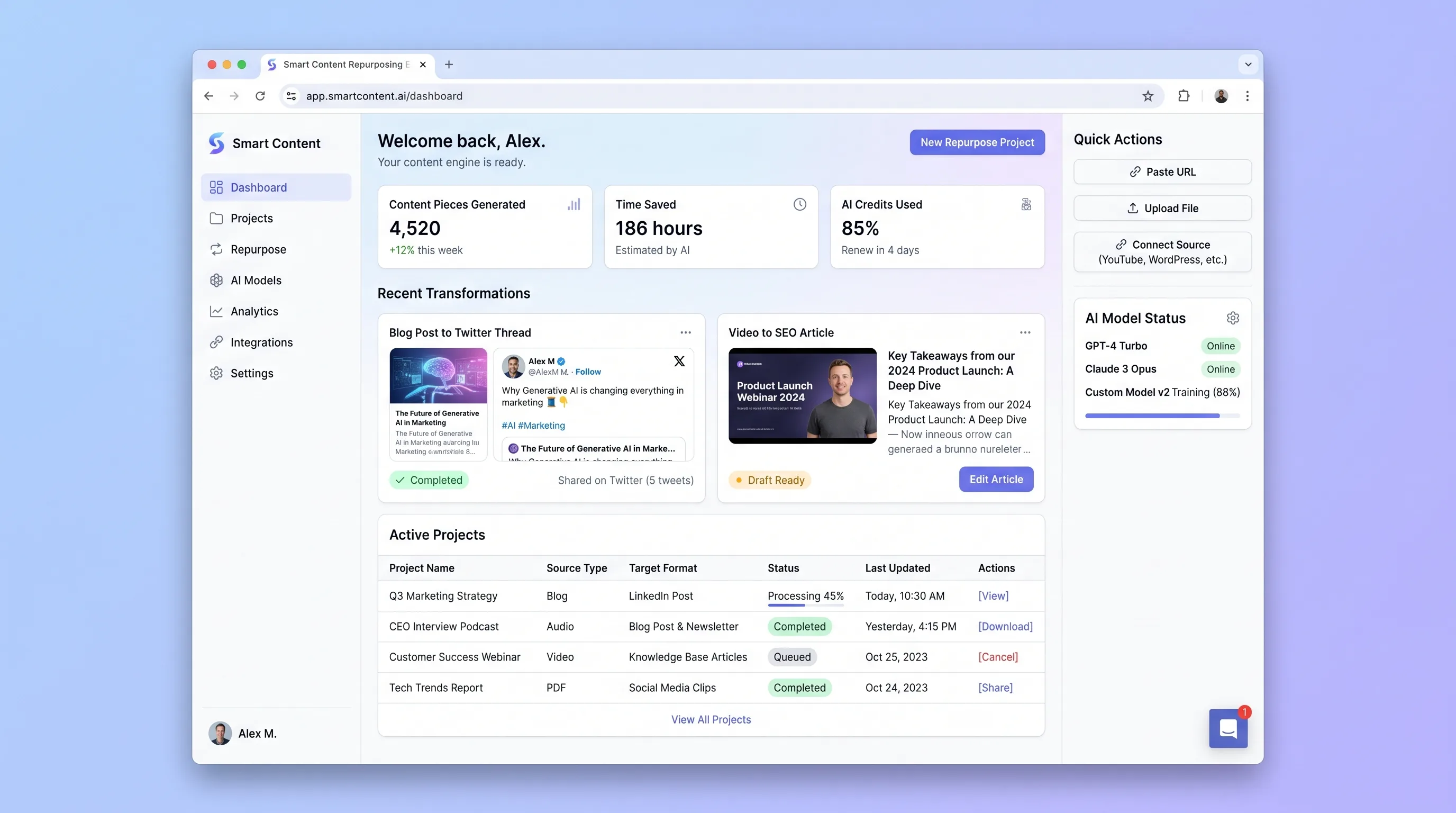
A review-first engine that analyzes an article, transcript, or video and produces editable channel-specific drafts linked to the original source.
Internal ToolCreator Economy & Media
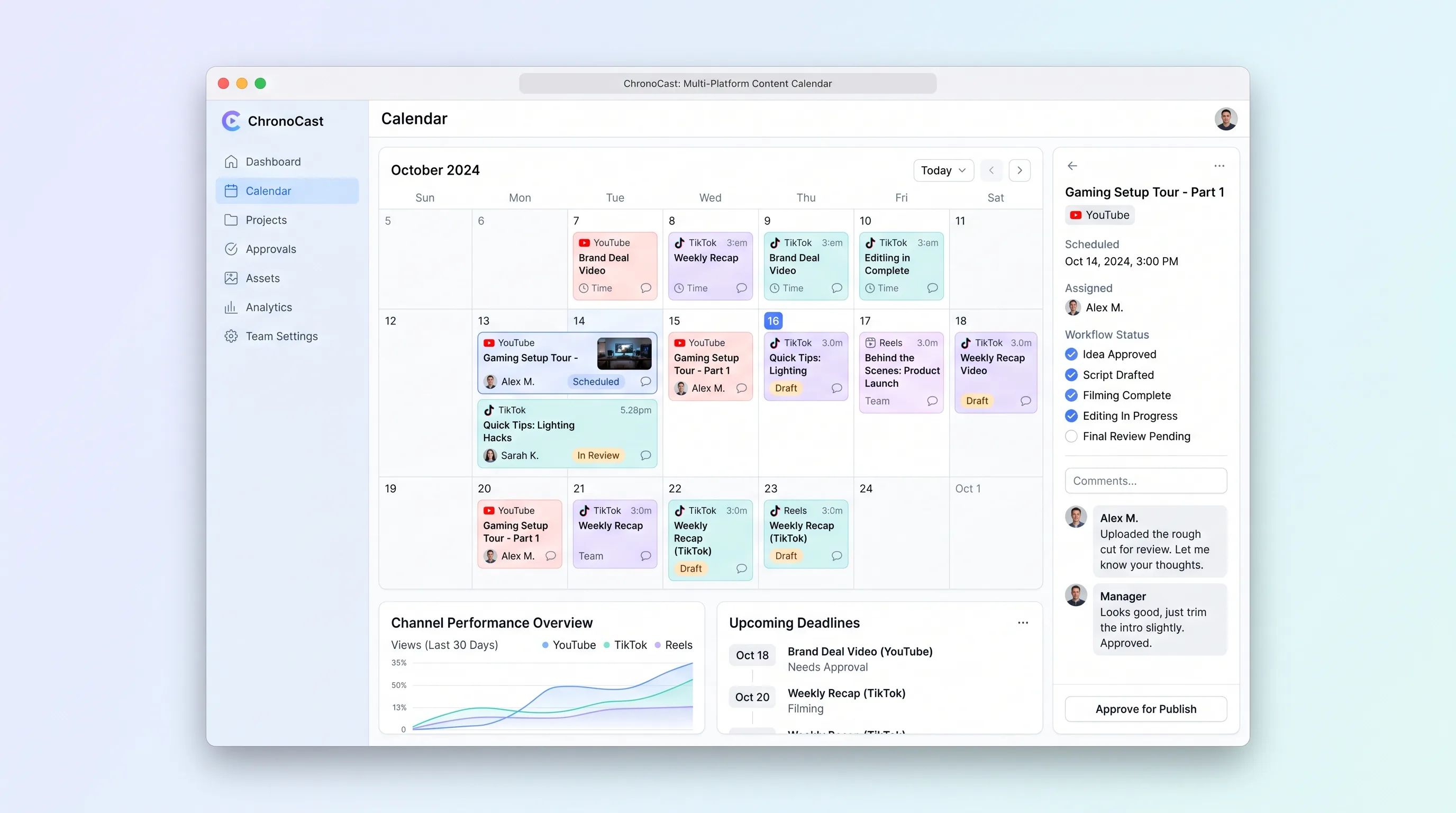
ChronoCast is a shared content calendar for small video teams to plan, schedule, and approve YouTube, TikTok, and Reels posts on one timeline.
SaaS WorkflowCreator Economy & Media
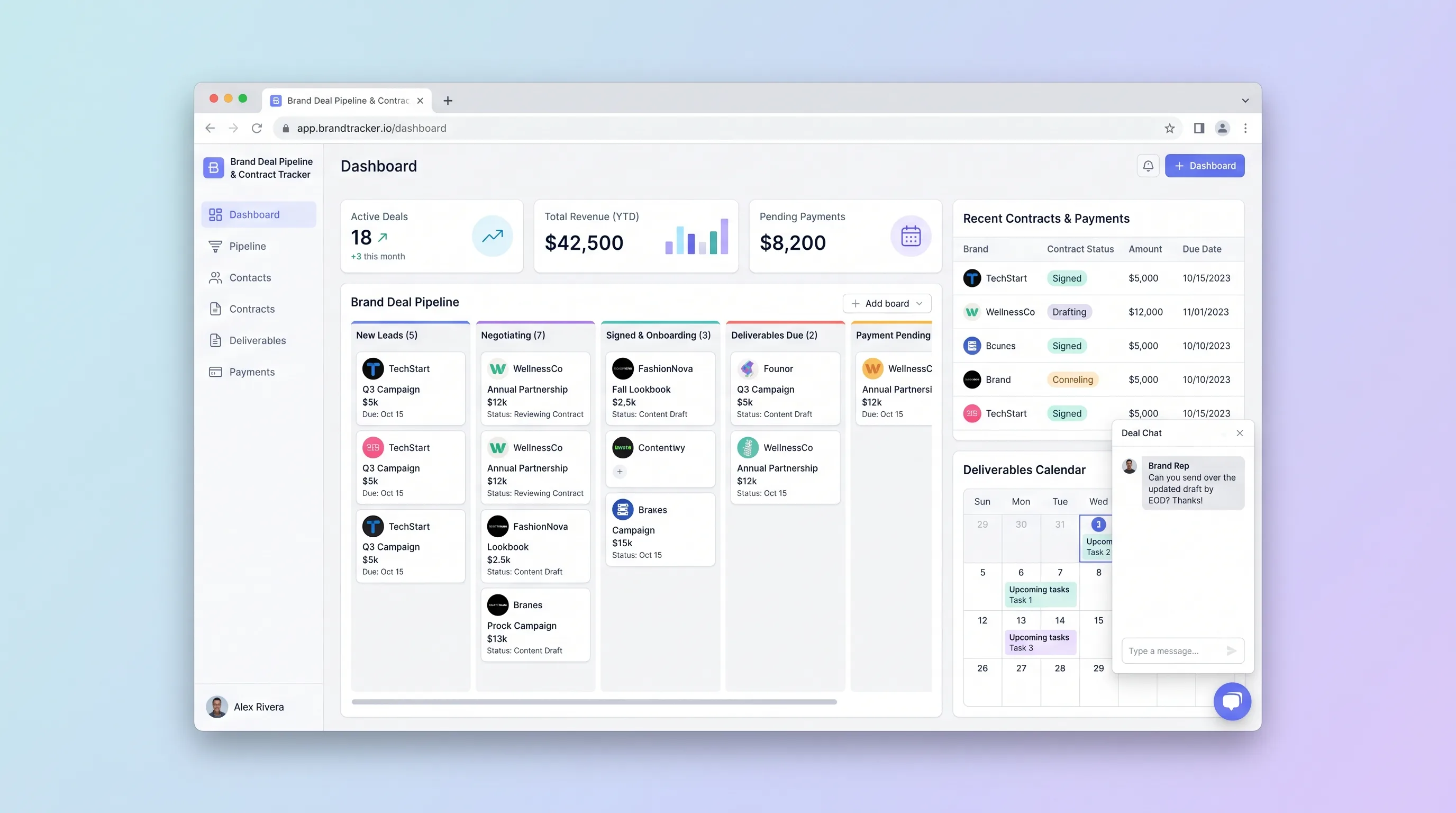
A focused CRM where solo influencers and small creator teams manage sponsorship leads from first pitch through signed contract, deliverable deadlines, and payment reconciliation.
SaaS WorkflowCreator Economy & Media
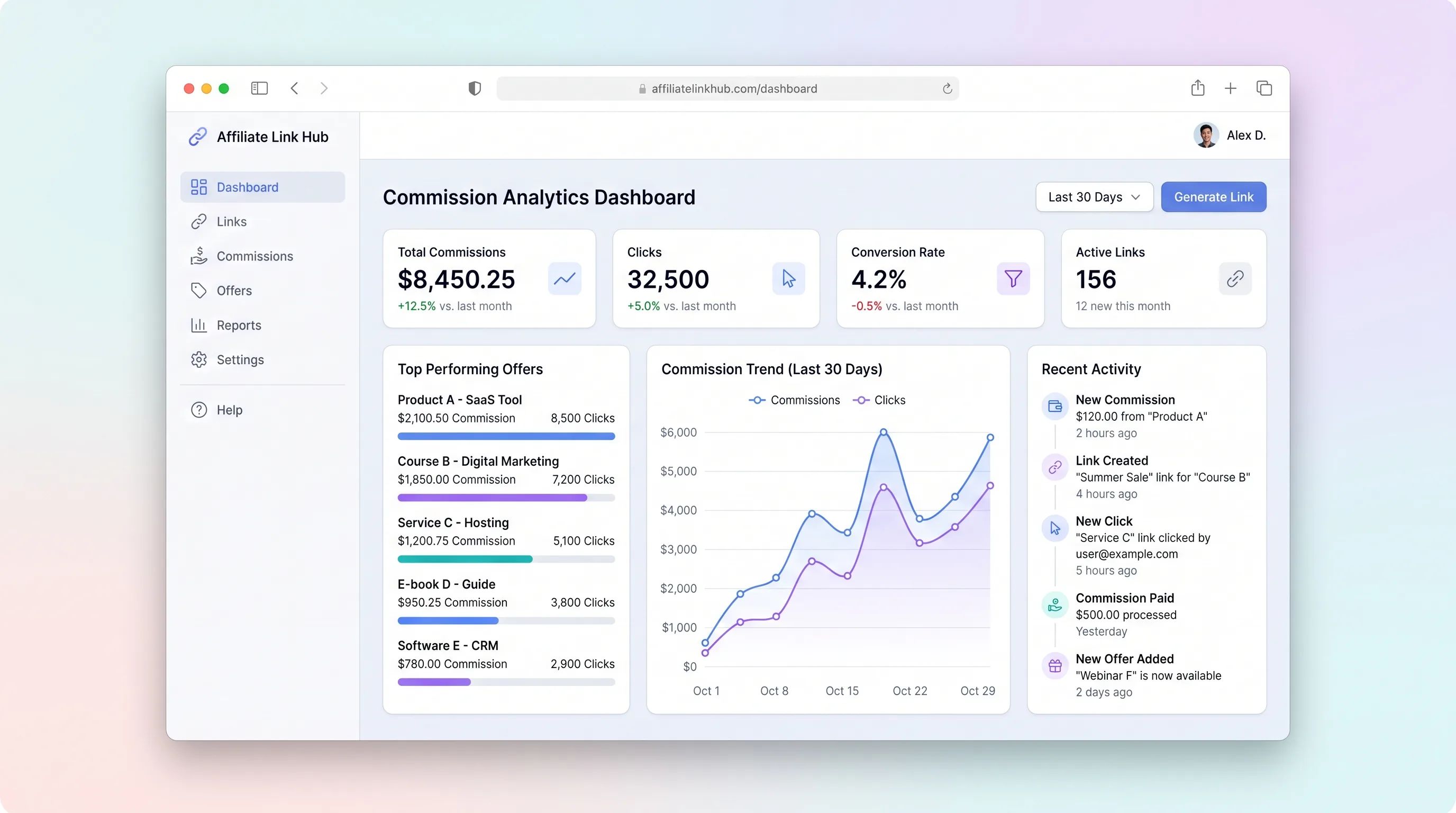
A focused workspace where creators import affiliate programs, distribute tracked links, monitor click and commission trends, and log payouts without juggling spreadsheets.
SaaS WorkflowHealthcare & Wellness
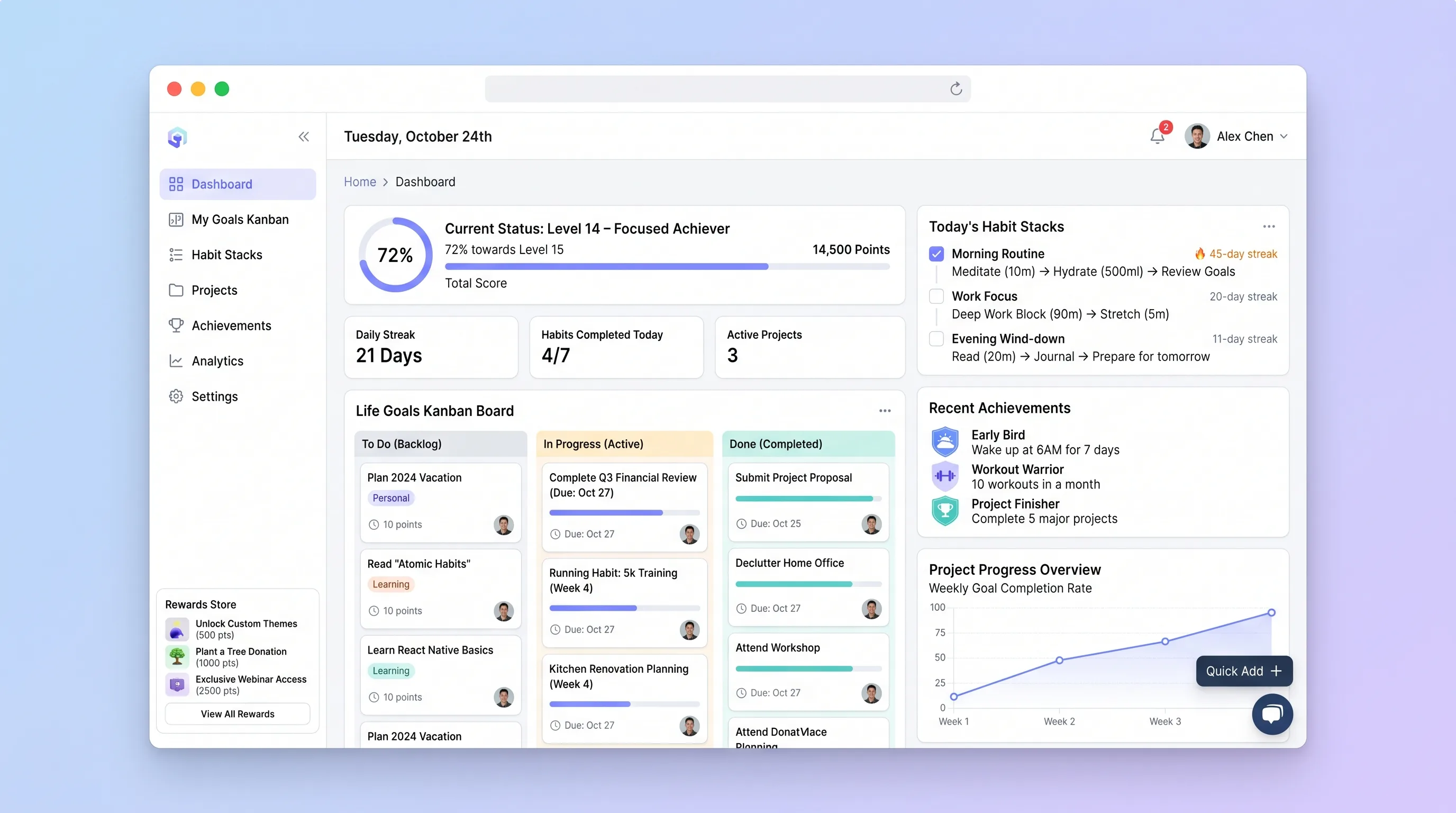
A private progress board that connects long-term goals to repeatable habit sequences, daily evidence, milestones, streaks, and user-defined rewards.
AI ToolCreator Economy & Media
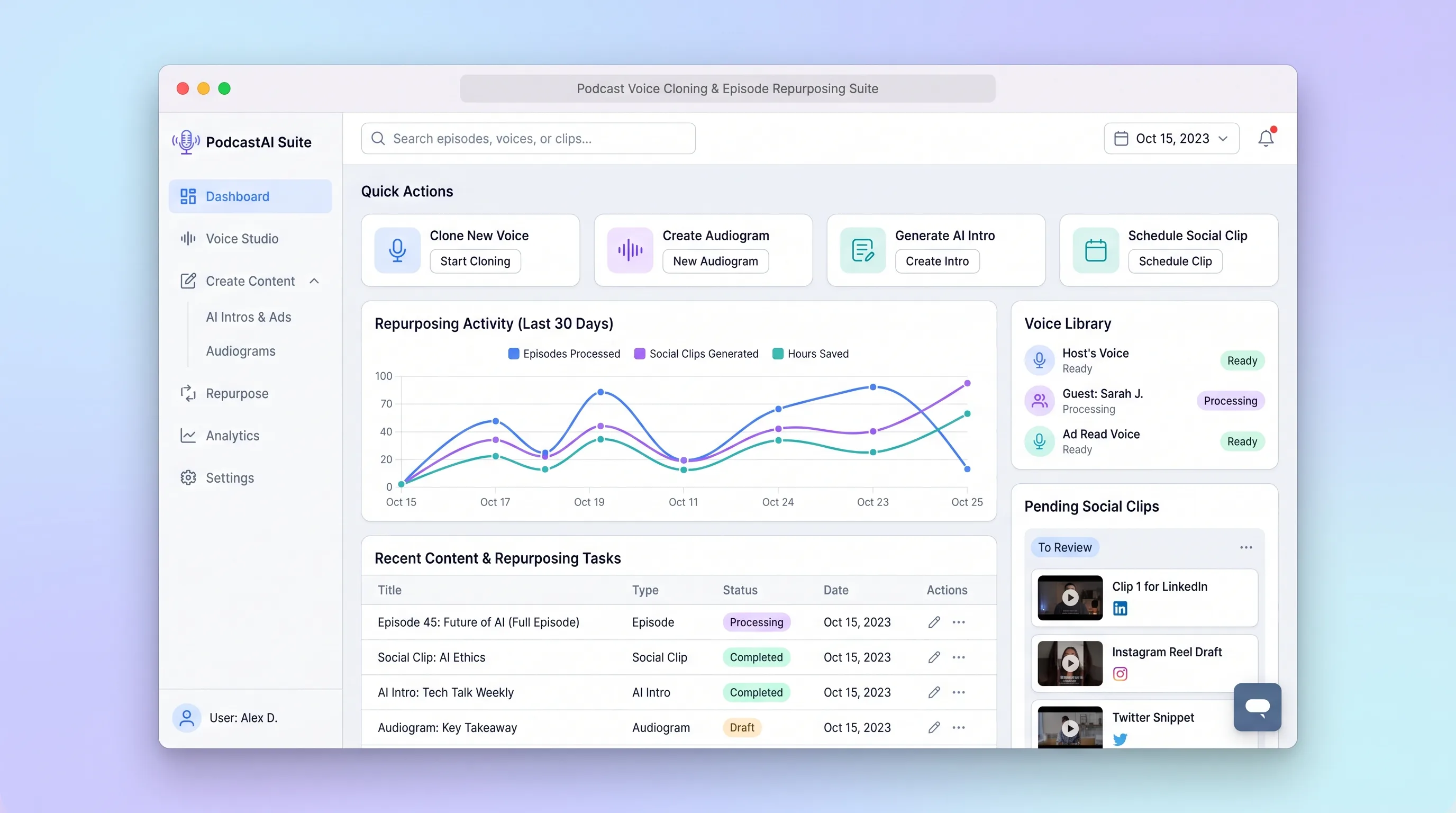
A production workspace for podcasters to transcribe an episode, create consented voice assets, select clip moments, and review channel-ready copy in one run.