Build this if
A small video team needs one shared calendar to plan and approve cross-platform posts without spreadsheets.
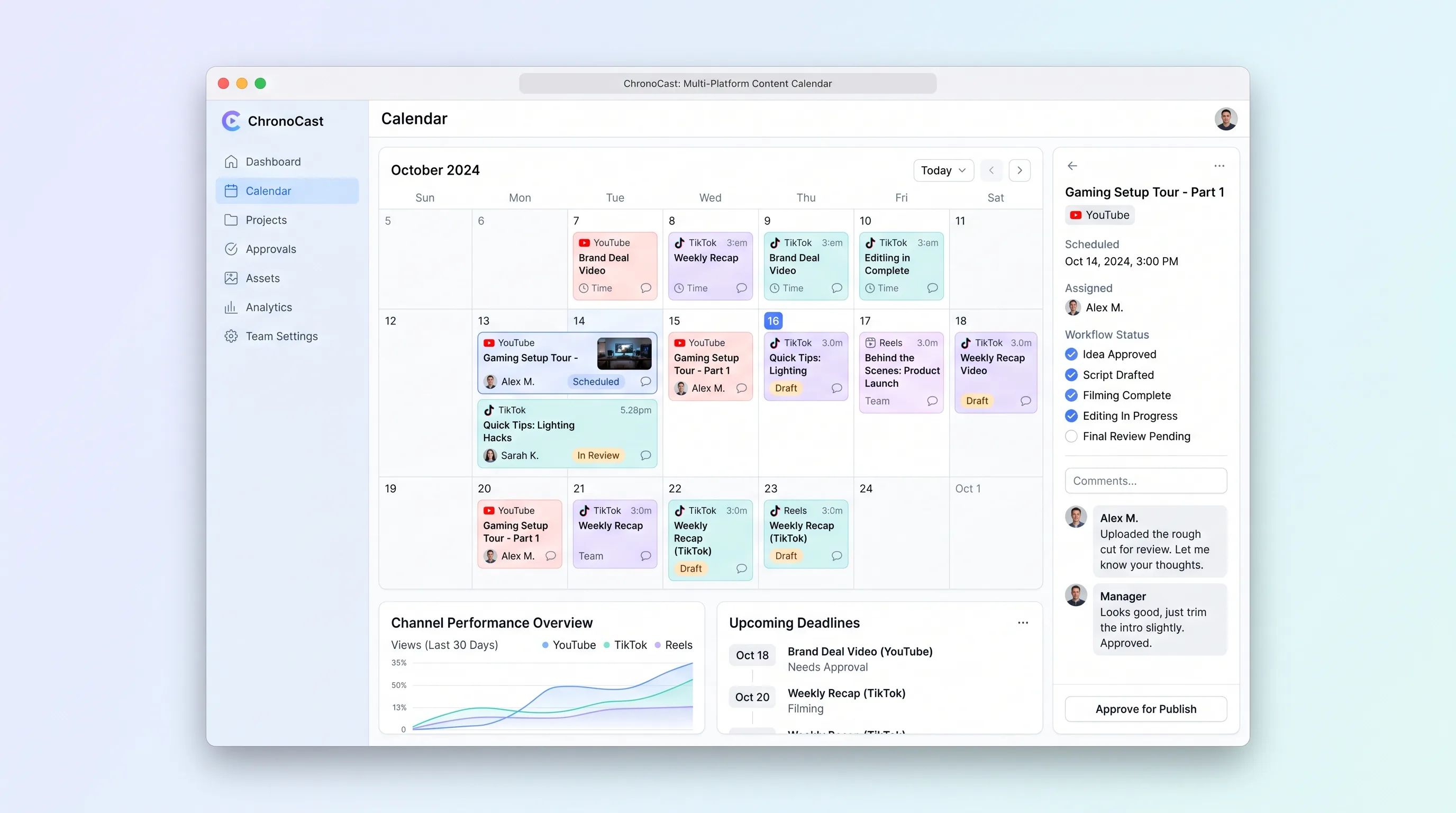
ChronoCast is a shared content calendar for small video teams to plan, schedule, and approve YouTube, TikTok, and Reels posts on one timeline.
Decision snapshot
A small video team needs one shared calendar to plan and approve cross-platform posts without spreadsheets.
The buyer only needs a personal posting reminder or a single-platform scheduler.
A 3-person creator team plans a full month of cross-platform content in under 30 minutes and tracks every video from idea to publish without using a spreadsheet.
Problem and target customer
Small video teams plan cross-platform posts across YouTube, TikTok, and Reels using spreadsheets, chat threads, and memory, which causes missed publish dates and unclear approvals.
3-person creator teams and marketing teams publishing weekly video content across YouTube, TikTok, and Instagram Reels.
Monthly subscription with a paid workspace tier for multi-seat collaboration and approval history.
Editorial note
ChronoCast replaces the spreadsheet-plus-chat workflow with one shared calendar where every video has a platform, an owner, a reviewer, and a publish date.
The MVP is intentionally narrow: plan, approve, and track cross-platform video posts, not auto-publish them.
Color-coded platform cards and a quick-add sidebar keep the editorial workflow visible without burying it in menus.
Choose your next step
Evaluate the operating tradeoffs quickly, or inspect how to build the MVP.
Compare the three operating paths at the default workload before opening the full calculator.
See cost preview Build this ideaInspect the build blueprintReview MVP scope, workflow, states, data rules, architecture, and acceptance criteria.
Open blueprintEvaluation preview
Directional infrastructure estimates for the current 250 content jobs assumption. Open the full calculator when you are ready to change it.
Managed app hosting, database, backups, and basic observability for the content workflow.
Lowest operating effortOne small VPS running the app, database, media volume, and backup job.
Lowest baseline costSeparate app, data, storage, and worker capacity for cleaner operations.
Most separation and controlBuild blueprint
Product goal
MVP scope
UX and user flow
Monthly calendar grid
Content job detail drawer
Quick-add sidebar
Reviewer approval screen
Workspace members page
Core entity outline
Workspace
WorkspaceMember
ContentJob
ReviewComment
ActivityLogEntry
Architecture and data flow
Lovable calendar frontend
Railway-hosted ChronoCast API
Postgres database
Object storage for draft thumbnails
Make scenario runner
Deliverables and acceptance
Recommended stack
Lovable for the calendar UI and approval screens
Railway for the API, Postgres database, and scheduled jobs
Make for syncing approved jobs to a platform export checklist
S3-compatible object storage for draft video thumbnails
Lovable handles the editorial calendar UI, Railway runs the durable content job records and approval state machine, Make bridges approved jobs to external checklists, and object storage holds draft thumbnails referenced by each content job.
Copy the build prompt, model the operating cost, and choose where to deploy.
Execution
Once the blueprint is clear, use the prompt, cost model, and deployment options to start building.
Build prompt
Lovable
Build prompt
Open the prompt pack whenever you are ready to take this blueprint into your builder.
Build prompt ready
Copy the prompt into your builder, then use the cost model below to choose how you want to run it.
Use the cost model to choose a deployment path that matches the build plan.
Cost calculator
A technical run-cost estimate for the first production version. Team, acquisition, payment fees, and business COGS are excluded.
$15-$55 per 125 content jobs
Low and high values allow for usage variance and plan headroom.
Managed app hosting, database, backups, and basic observability for the content workflow.
50K content jobs included, then $8-$20 per 100K content jobsCalendar API is implied by the source workflow or feature list.
Monthly allowance from this idea's operating profileObject storage is implied by the source workflow or feature list.
Monthly allowance from this idea's operating profileThe estimate combines the selected infrastructure path, required operating modules, selected optional modules, and usage above included monthly allowances. Taxes and regional uplifts are excluded.
Deployment options
Choose based on operating preference, not only the headline price.
Fast Docker deployment for the app, database, worker, and preview workflow without managing a VPS.
Usage billing needs active monitoring as traffic and jobs grow.
Run the app, worker, and database on one small Vultr VPS with Docker Compose and explicit backups.
You own patching, backups, monitoring, and incident response.
Separate application, worker, data, storage, and backup responsibilities as the workload grows.
You own server setup, patching, backups, and operational monitoring.
Start building
Use Lovable to build the monthly calendar grid, platform color-coded content job cards, quick-add sidebar, and approval screens for reviewer comments and status changes.
Open Lovable 02AutomationWire Make scenarios for export and notificationsUse Make to watch approved content jobs in Railway and push them to a platform-specific export checklist plus email the owner and reviewer on status changes.
Open Make 03DeployRun ChronoCast backend on RailwayDeploy the ChronoCast API, Postgres schema for workspaces, content jobs, and activity log, plus a scheduled job that reminds owners one day before publish date.
Open RailwayKeep exploring
Internal ToolDeveloper & IT Operations
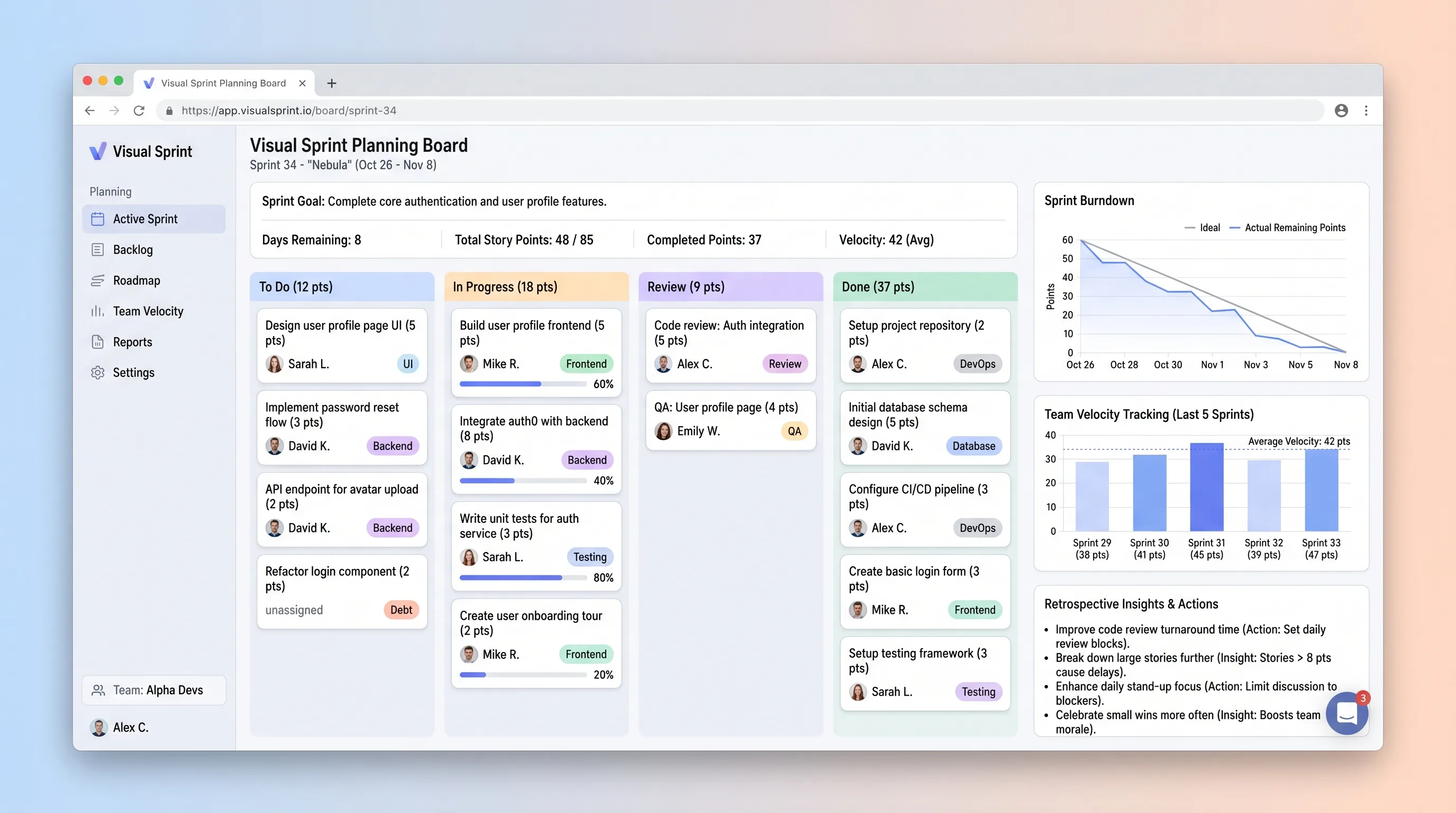
A sprint board that helps small development teams commit work against recent capacity, track story-point movement, and carry evidence into retrospectives.
SaaS WorkflowCreator Economy & Media
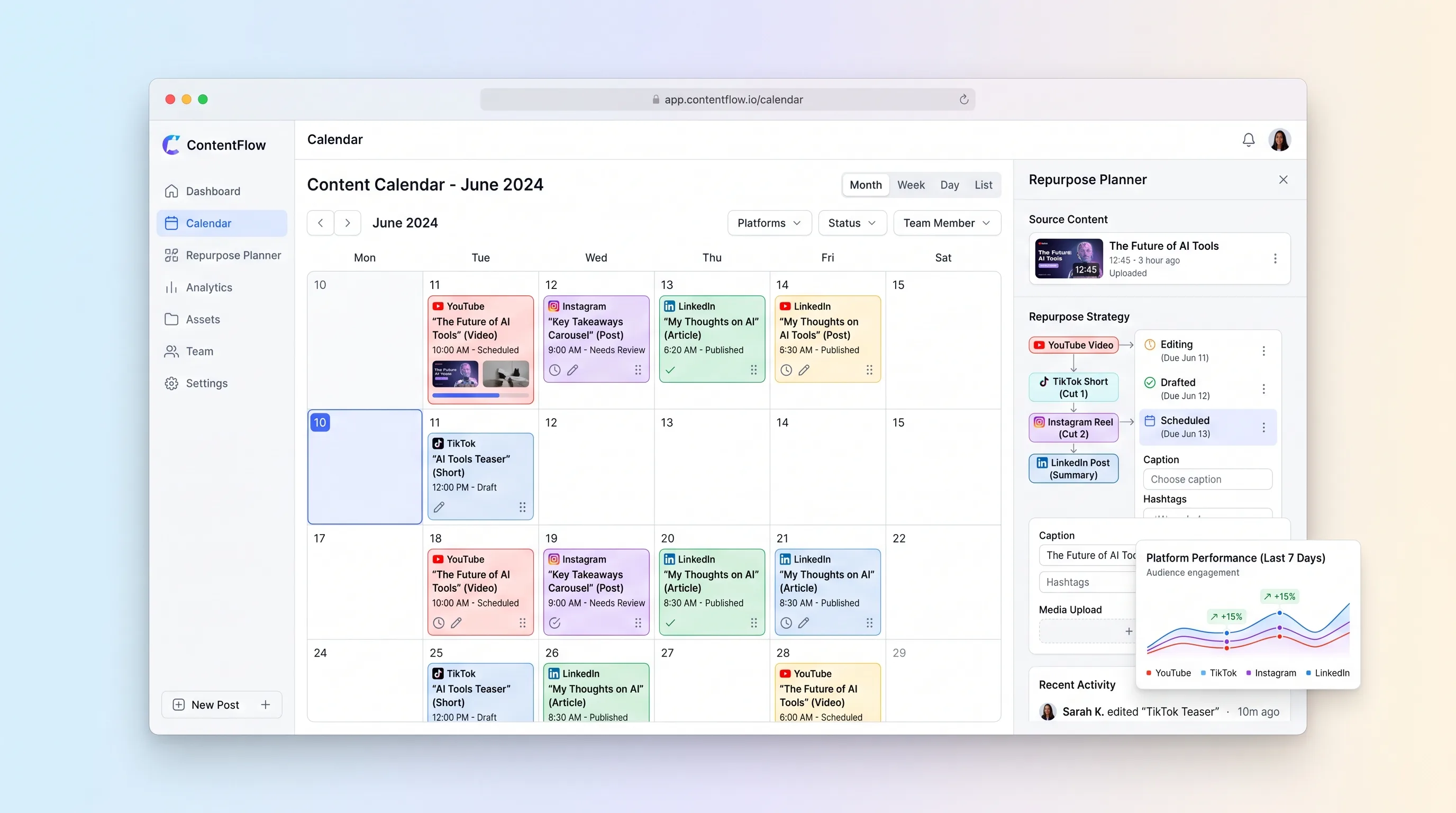
A visual planning workspace that connects each long-form asset to channel-specific derivatives, dates, owners, and publishing status.
Internal ToolBusiness Operations
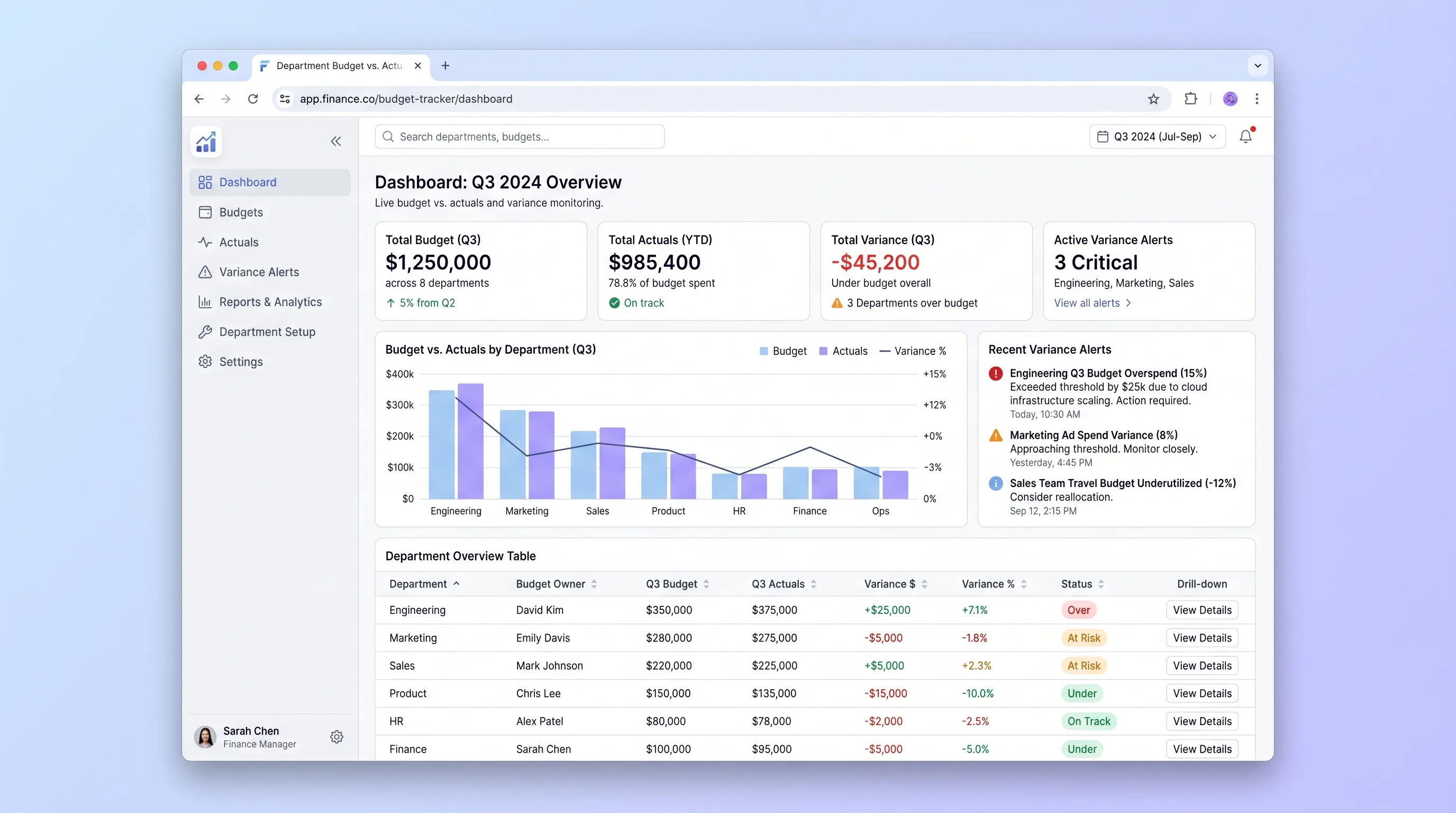
An internal tool that lets finance teams import annual budgets via CSV and gives department heads self-serve visibility into spend against budget with drill-down variance views and same-day threshold alerts.
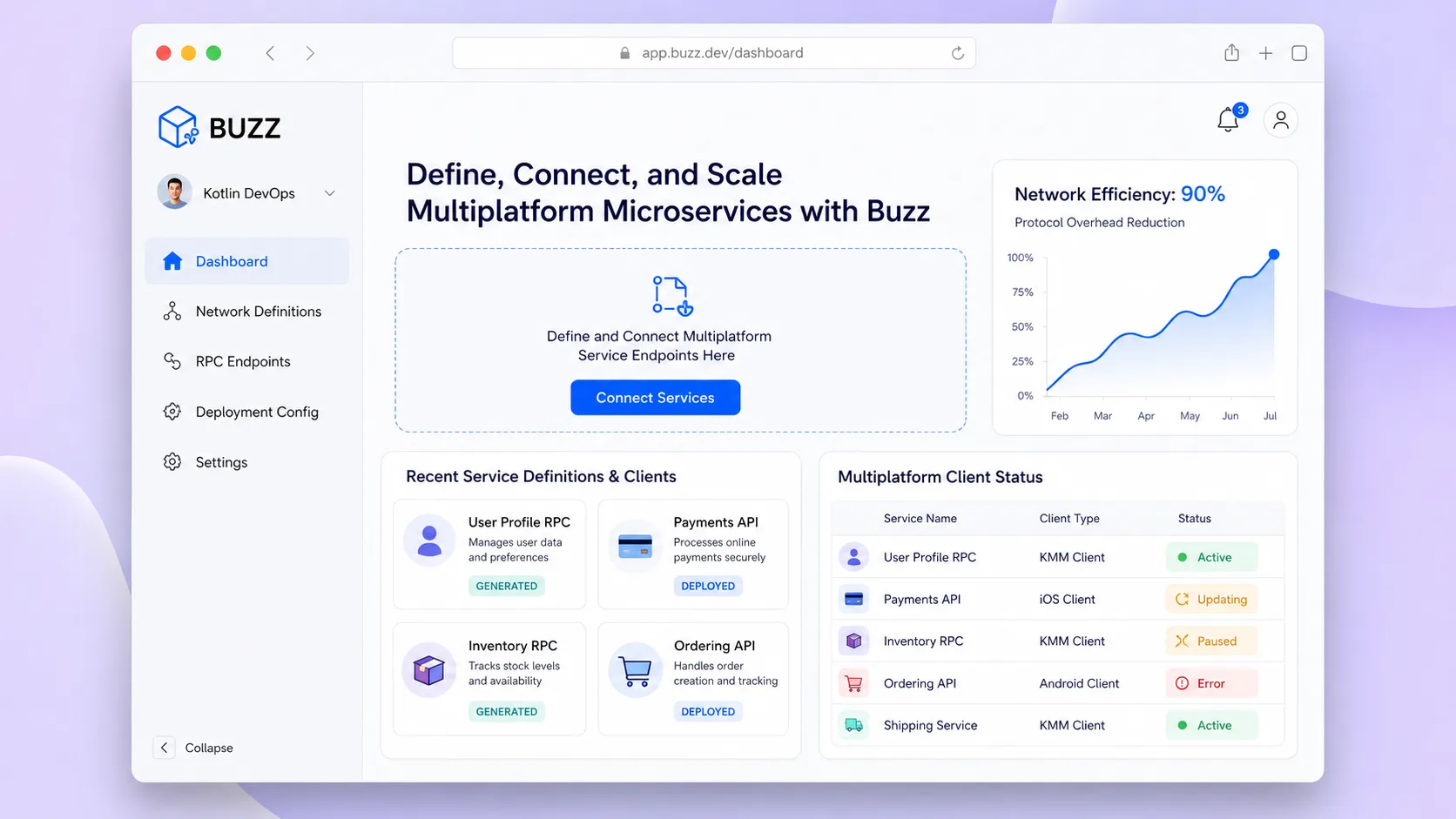
Internal ToolDeveloper & IT Operations
A self-hostable project workspace where humans and AI agents collaborate in signed rooms that unify conversation, code patches, workflow events, and approvals into one searchable, auditable event log.
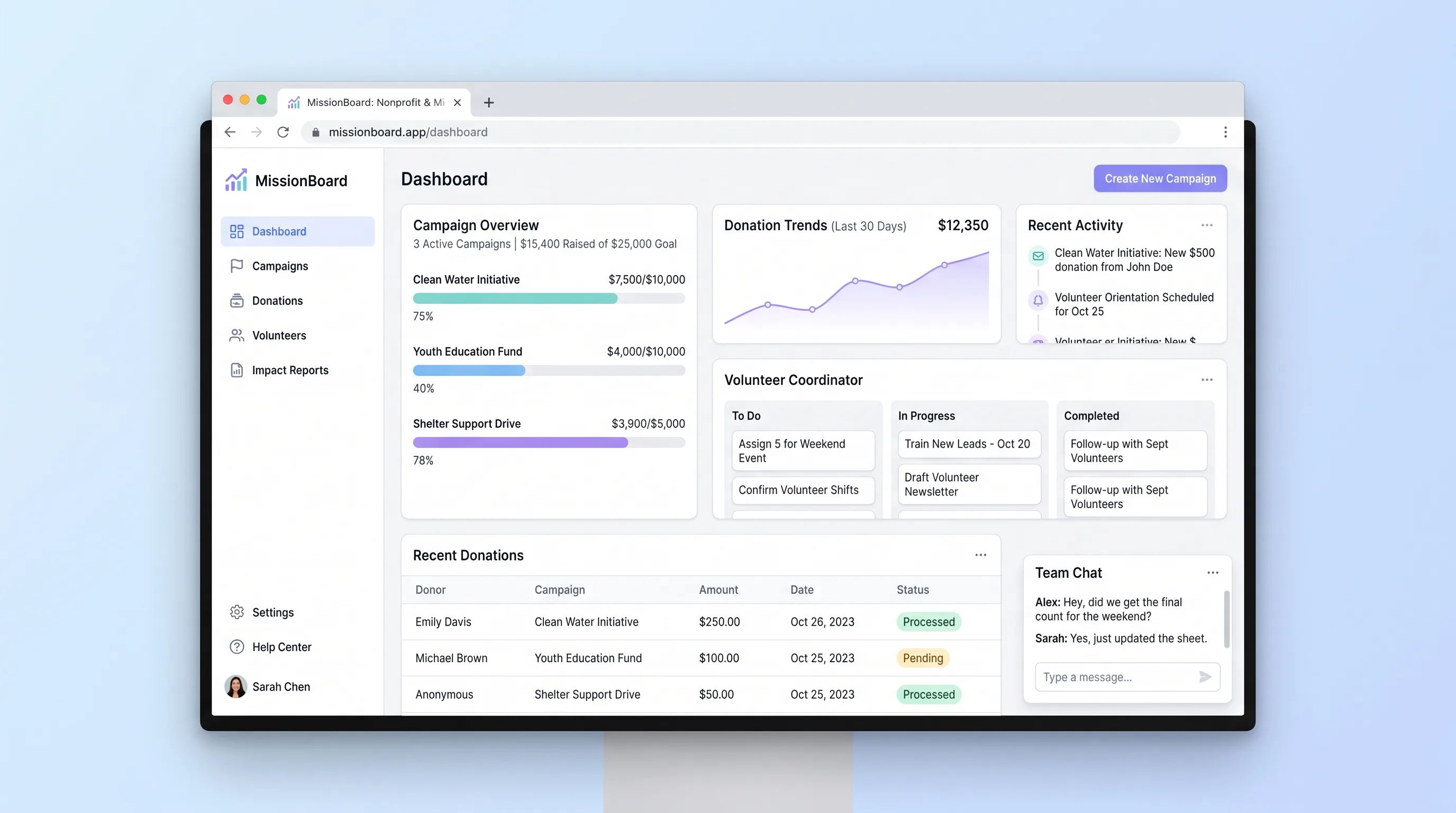
Internal ToolEvents & Community
A shared operations hub for small nonprofits and ministry teams to coordinate campaigns, reconcile contributions and volunteer work, and report outcomes.
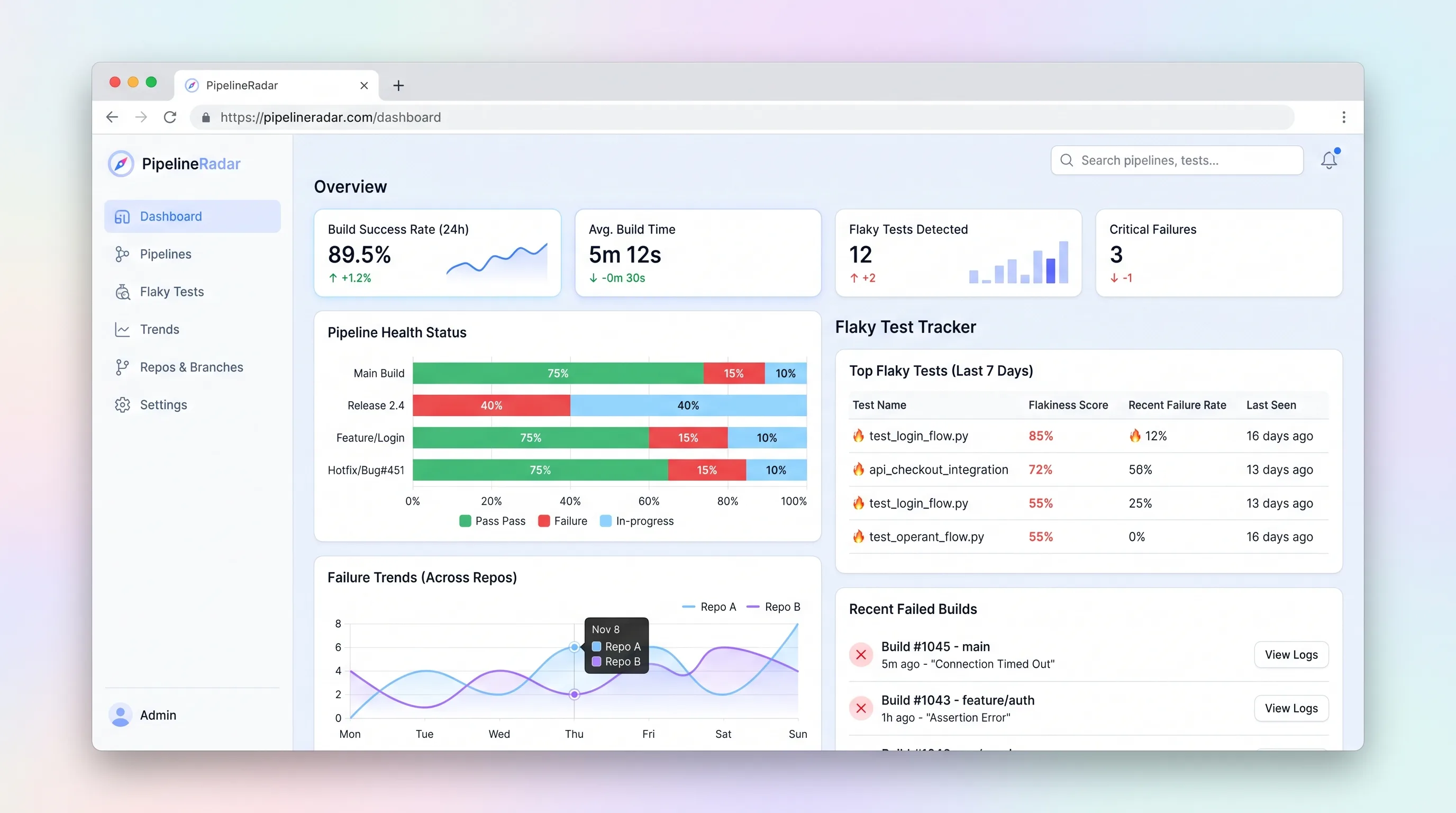
Internal ToolDeveloper & IT Operations
A focused CI/CD pipeline health monitor and flaky test tracker that ingests build events, ranks the top three flakiest tests per repo in under sixty seconds, and surfaces branch-level failure trends for indie developers and small.