Build this if
Your team already runs AI coding agents alongside human engineers and needs a shared, signed audit trail of decisions, patches, and approvals.
A self-hostable project workspace where humans and AI agents collaborate in signed rooms that unify conversation, code patches, workflow events, and approvals into one searchable, auditable event log.
Decision snapshot
Your team already runs AI coding agents alongside human engineers and needs a shared, signed audit trail of decisions, patches, and approvals.
Your team only needs standard chat or a code forge without agent coordination or a unified event log.
Deploy the relay on Railway, invite two humans and one agent identity to a room, attach a patch and an approval, and confirm the event log is searchable and immutable.
Problem and target customer
Engineering teams scatter project context across chat tools, code forges, CI dashboards, and review systems with no single durable record of decisions, evidence, and agent actions.
Software teams and engineering leads who coordinate both human contributors and AI coding agents and need an auditable, self-hosted record of who did what and why.
Self-hosted community edition for technical teams; paid managed relay per workspace or team, with retained event history, access controls, audit search, and enterprise support.
Editorial note
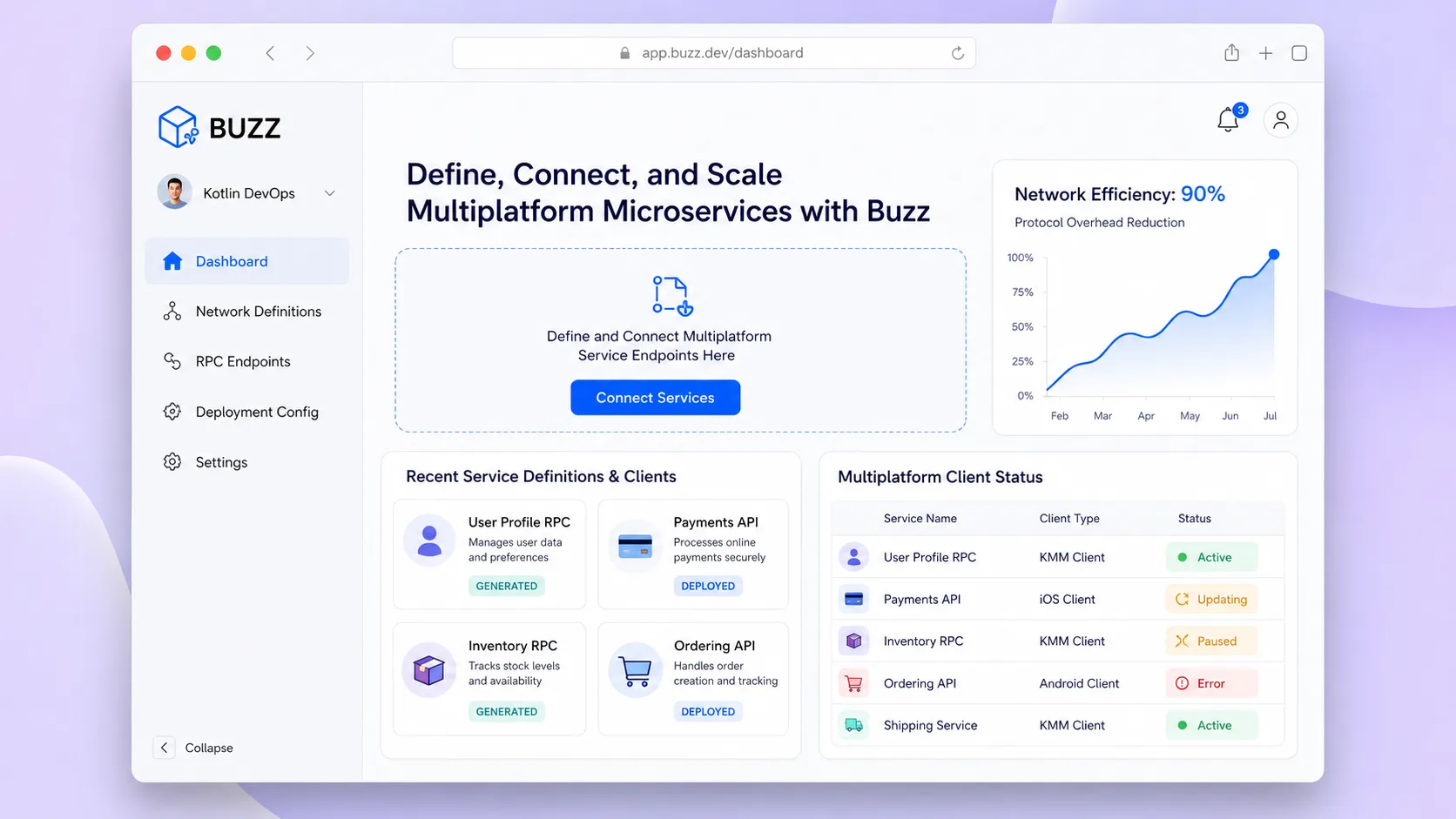
Buzz is a project workspace where human and agent actions share one searchable event log. Conversations, code patches, workflow runs, and approvals become related records instead of separate fragments across chat, repositories, and CI dashboards.
The paid product is the managed relay: teams pay for a hosted workspace that retains their event history, controls access, and keeps agent identities connected without operating the relay themselves. Self-hosting remains a useful adoption path, while enterprise support and private deployment serve teams with stricter control requirements.
The MVP should validate one auditable room containing a conversation, a patch, a workflow result, and an approval. It should not try to replace a full chat suite, code forge, or project-management platform in the first release.
Choose your next step
Evaluate the operating tradeoffs quickly, or inspect how to build the MVP.
Compare the three operating paths at the default workload before opening the full calculator.
See cost preview Build this ideaInspect the build blueprintReview MVP scope, workflow, states, data rules, architecture, and acceptance criteria.
Open blueprintEvaluation preview
Directional infrastructure estimates for the current 20,000 workspace events assumption. Open the full calculator when you are ready to change it.
Managed app, database, and worker capacity for the beta workload.
Lowest operating effortA lower fixed-cost deployment with more setup and maintenance.
Lowest baseline costMore control over service placement and operational capacity.
Most separation and controlBuild blueprint
Product goal
MVP scope
UX and user flow
Display threaded messages, patches, workflow runs, and approvals in a unified event feed
Filter and search across all room events by type, author, and keyword
Create and manage scoped human and agent identities with signing keys
Configure room access, allowed event types, and relay connection
Core entity outline
Top-level grouping that contains one or more project rooms
A signed collaboration space where humans and agents post events
A scoped human or agent participant with an independent signing key
A signed, immutable record of a message, patch, workflow run, or approval
A recorded approval tied to a specific event such as a patch or workflow run
Architecture and data flow
Receive, verify, store, and serve signed events for all rooms
Render rooms, event feeds, search, and identity management; sign events with user or agent keys
Persist signed events durably and support filtered search queries
Manage signing keys for human and agent identities with scoped permissions
Deliverables and acceptance
Recommended stack
Rapidly build the room interface, event feed, and search panel without custom frontend scaffolding.
The product is built around a Nostr relay with signed events; Railway provides documented deployment for self-hosting.
Optional bridge to route git webhook and CI events into the relay as signed events without writing custom integrations for every source.
Buzz centers on a Nostr relay that stores signed events from both humans and agents. The relay is the core; the frontend renders rooms and search; Make optionally pipes external git and CI events into the relay. Railway hosts the relay for teams that want a quick self-hosted path.
Copy the build prompt, model the operating cost, and choose where to deploy.
Execution
Once the blueprint is clear, use the prompt, cost model, and deployment options to start building.
Build prompt
Lovable
Build prompt
Open the prompt pack whenever you are ready to take this blueprint into your builder.
Build prompt ready
Copy the prompt into your builder, then use the cost model below to choose how you want to run it.
Use the cost model to choose a deployment path that matches the build plan.
Cost calculator
A technical run-cost estimate for the first production version. Team, acquisition, payment fees, and business COGS are excluded.
$33-$68 per 5,000 workspace events
Low and high values allow for usage variance and plan headroom.
Managed app, database, and worker capacity for the beta workload.
40K workspace events included, then $5-$20 per 40K workspace eventsModel calls for project search, code review, release drafting, and workflow assistance.
20K workspace events x 5K input + 1K output tokensStorage for signed workspace events, patches, media references, and audit history.
0 included, then $0.02-$0.2 per 100 workspace eventsThe estimate combines the selected infrastructure path, required operating modules, selected optional modules, and usage above included monthly allowances. Taxes and regional uplifts are excluded.
Deployment options
Choose based on operating preference, not only the headline price.
Run the web app, database, and background jobs with a small operational footprint.
Service usage and background workloads can exceed the base plan.
Run the app, worker, and database on one small Vultr VPS with Docker Compose and explicit backups.
You manage more setup, backups, monitoring, and upgrades.
Separate application, worker, data, storage, and backup responsibilities as the workload grows.
Security updates, backups, observability, and scaling remain your responsibility.
Start building
Build the project room view with threaded messages from human and agent identities, inline patch diffs, workflow run badges, and a searchable event log sidebar.
Open Lovable 02AutomationGit and CI event ingestionOptionally route git webhook payloads and CI workflow run events through Make into the relay as signed NIP-34 events so external activity appears in the room.
Open Make 03DeploySelf-hosted relay deploymentDeploy the Nostr relay and event storage on Railway with environment variables for relay URL, database connection, and identity key management.
Open RailwayKeep exploring
Internal ToolDeveloper & IT Operations
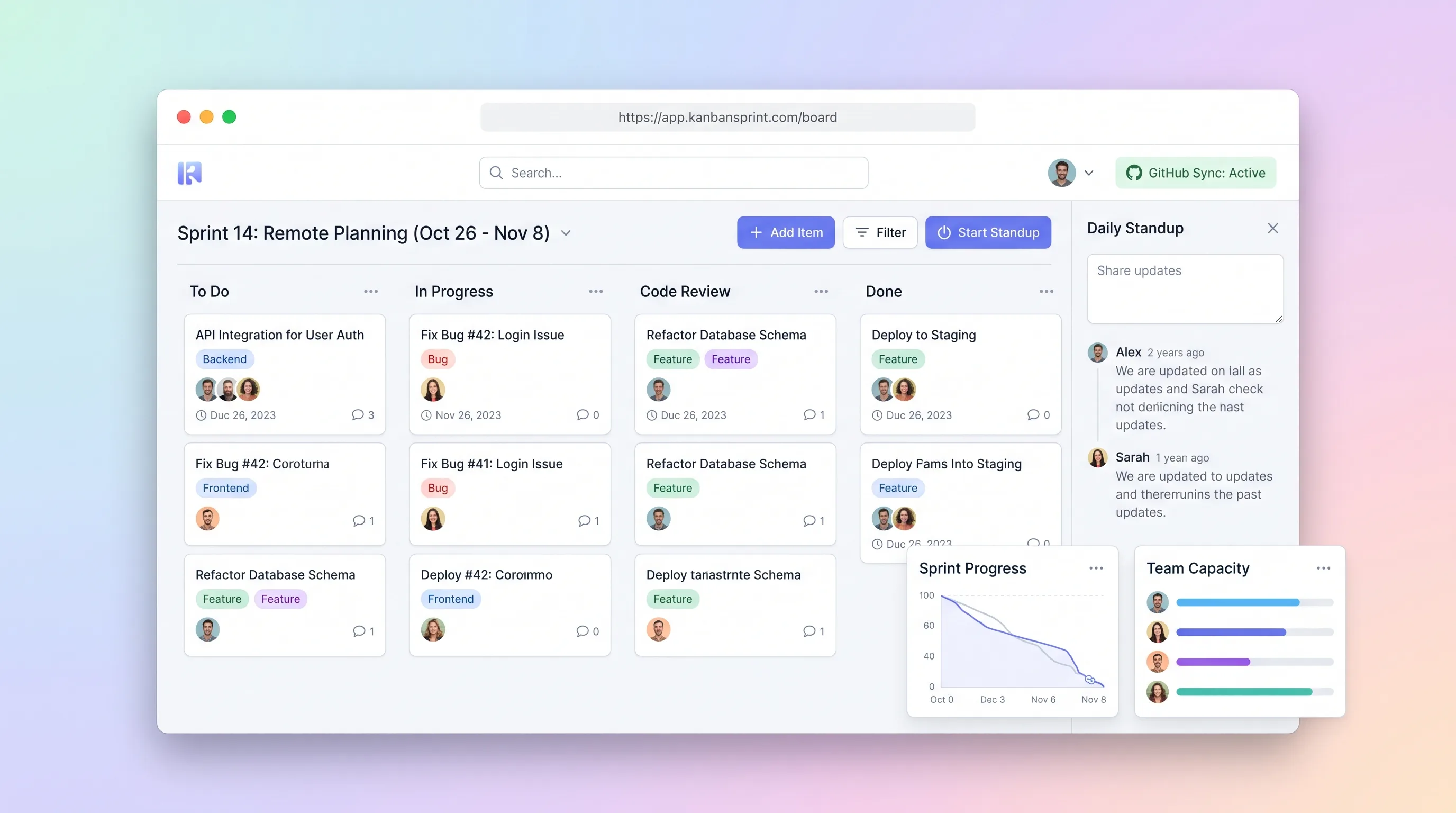
A compact planning workspace that keeps sprint commitments, GitHub issue state, board movement, daily blockers, and end-of-sprint carryover aligned.
Internal ToolDeveloper & IT Operations
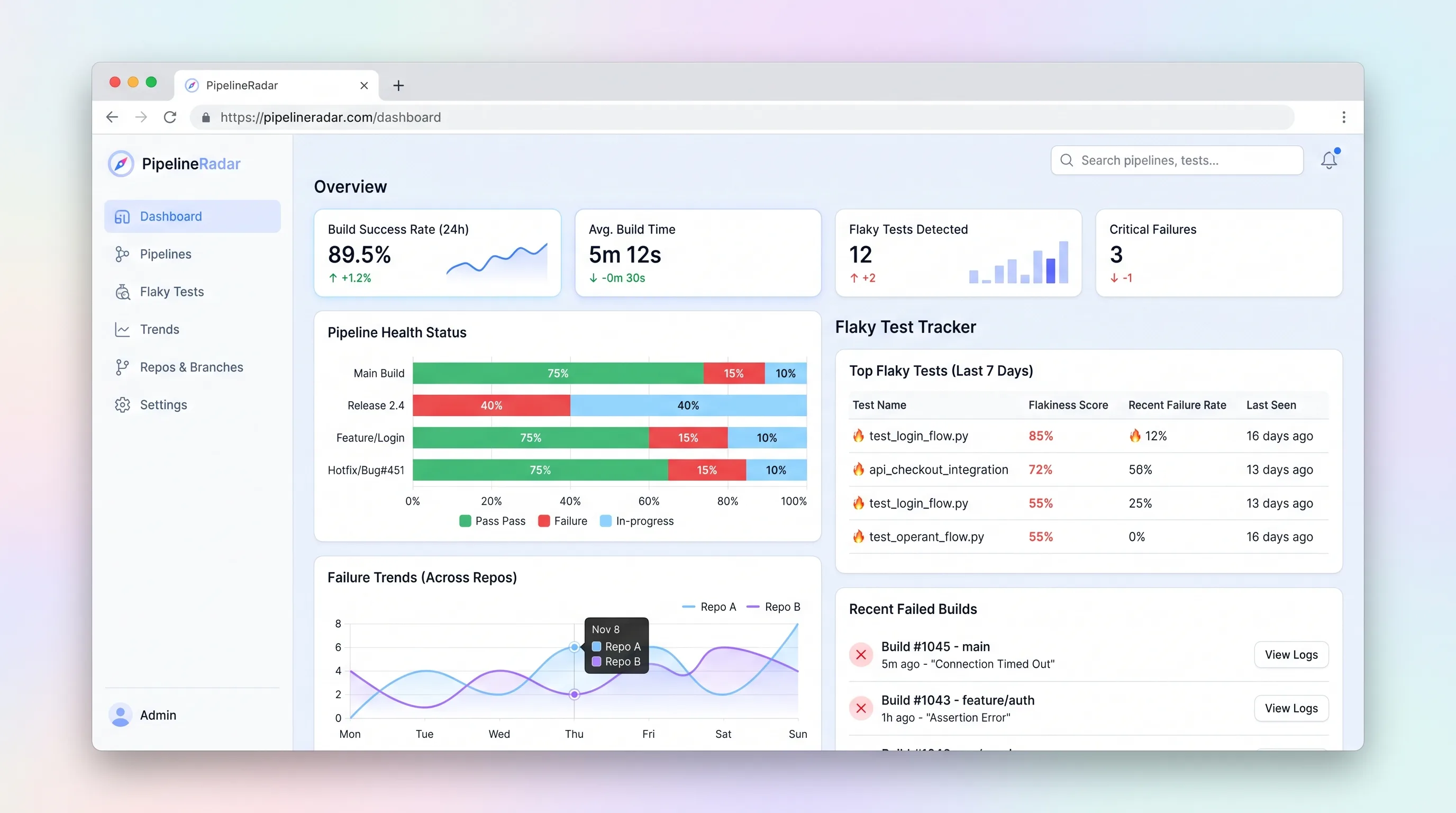
A focused CI/CD pipeline health monitor and flaky test tracker that ingests build events, ranks the top three flakiest tests per repo in under sixty seconds, and surfaces branch-level failure trends for indie developers and small.
Internal ToolDeveloper & IT Operations
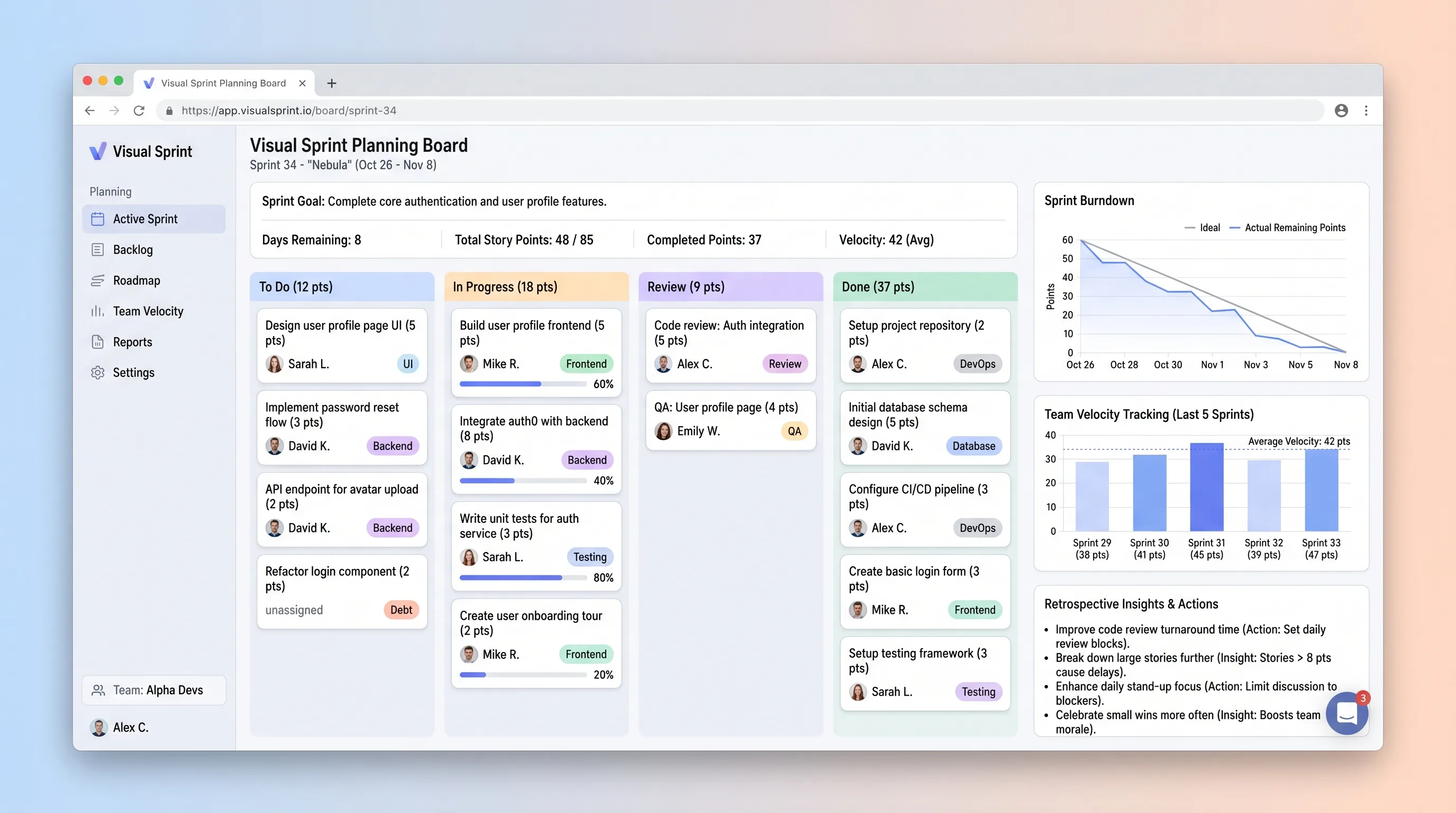
A sprint board that helps small development teams commit work against recent capacity, track story-point movement, and carry evidence into retrospectives.
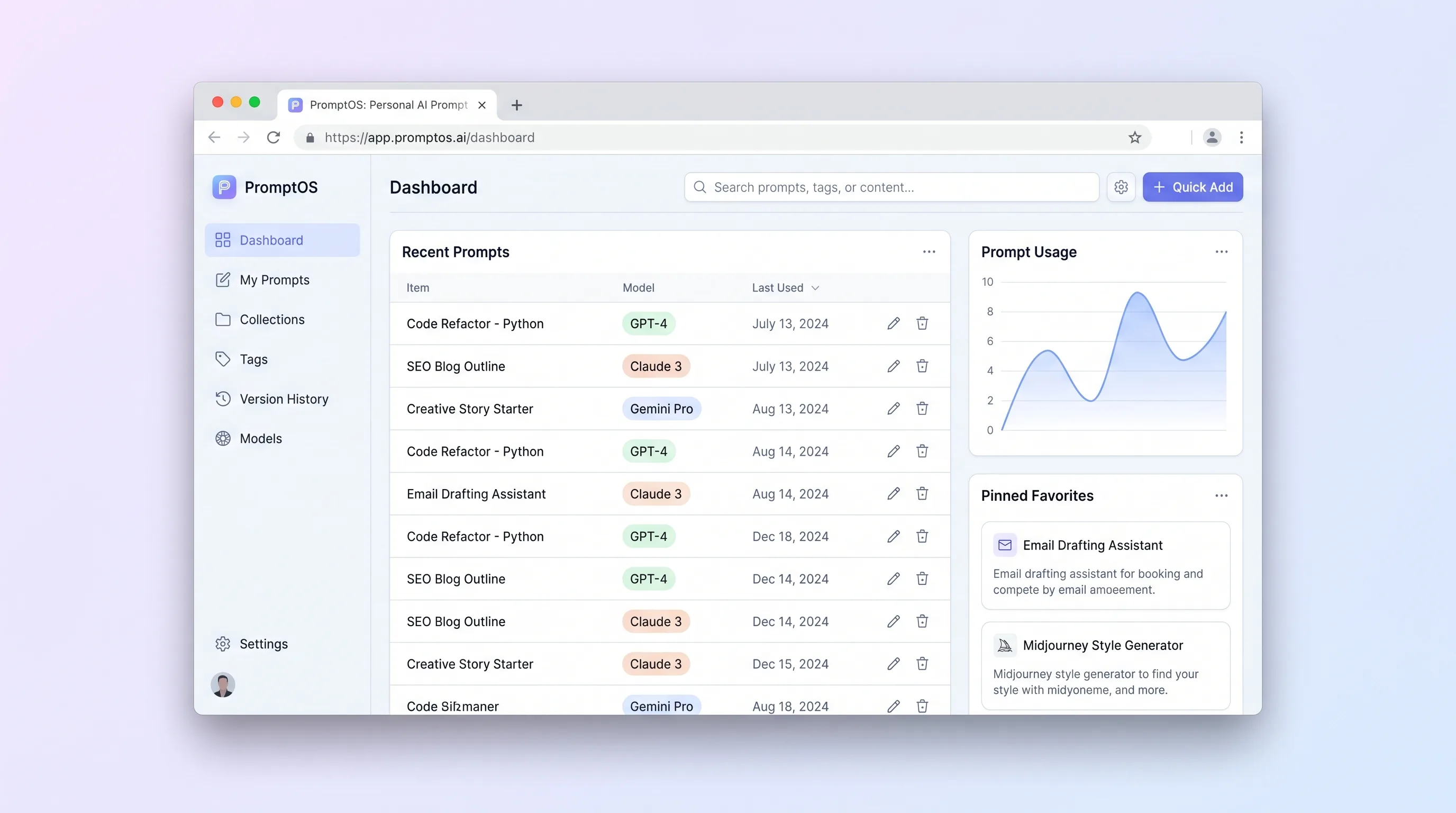
Internal ToolDeveloper & IT Operations
A private library for power users to save, tag, version, parameterize, and retrieve reusable prompts without depending on any model provider.
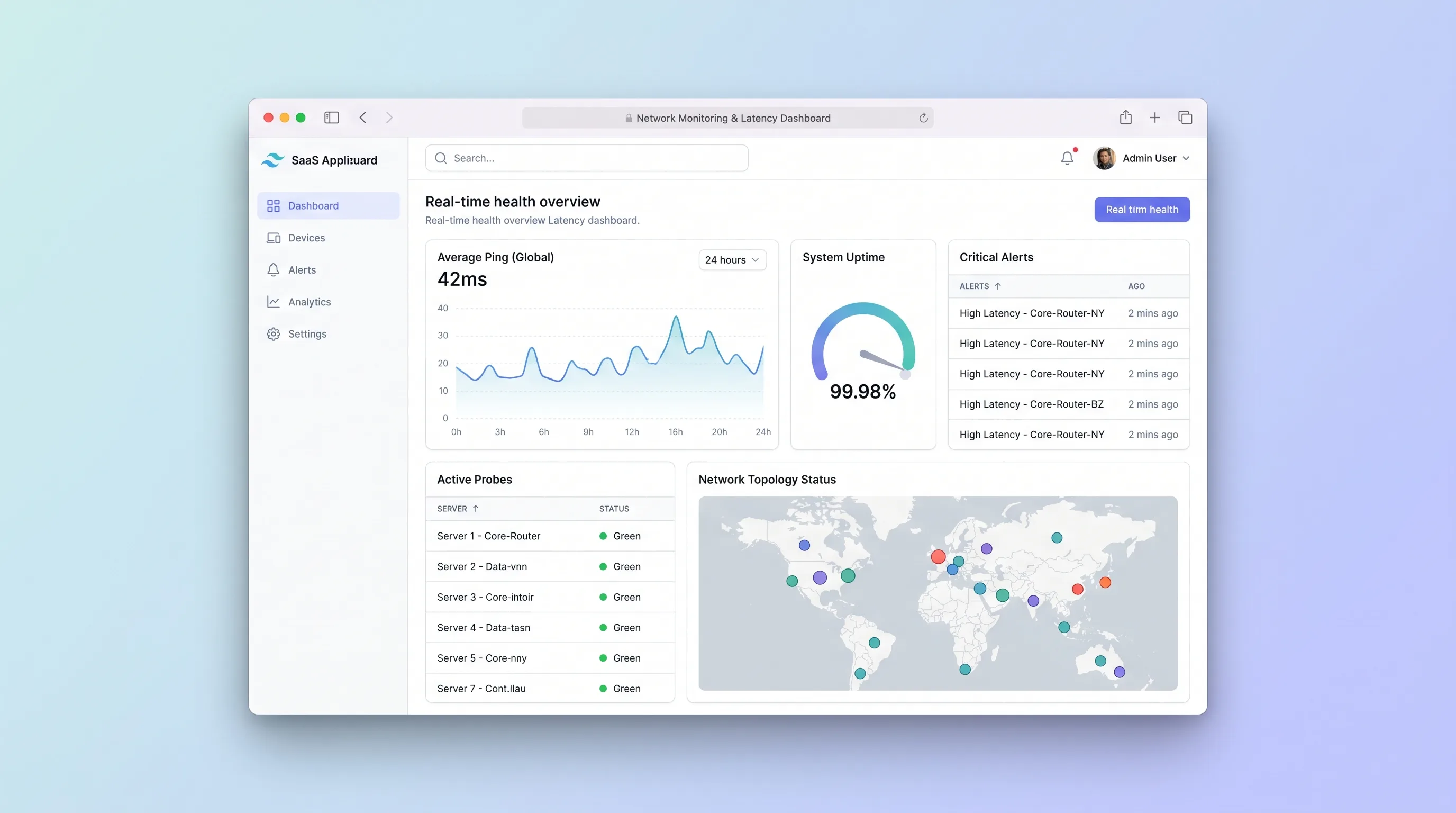
Internal ToolDeveloper & IT Operations
A focused uptime monitor for small IT teams that schedules endpoint checks, separates transient failures from incidents, and preserves alert and latency history.
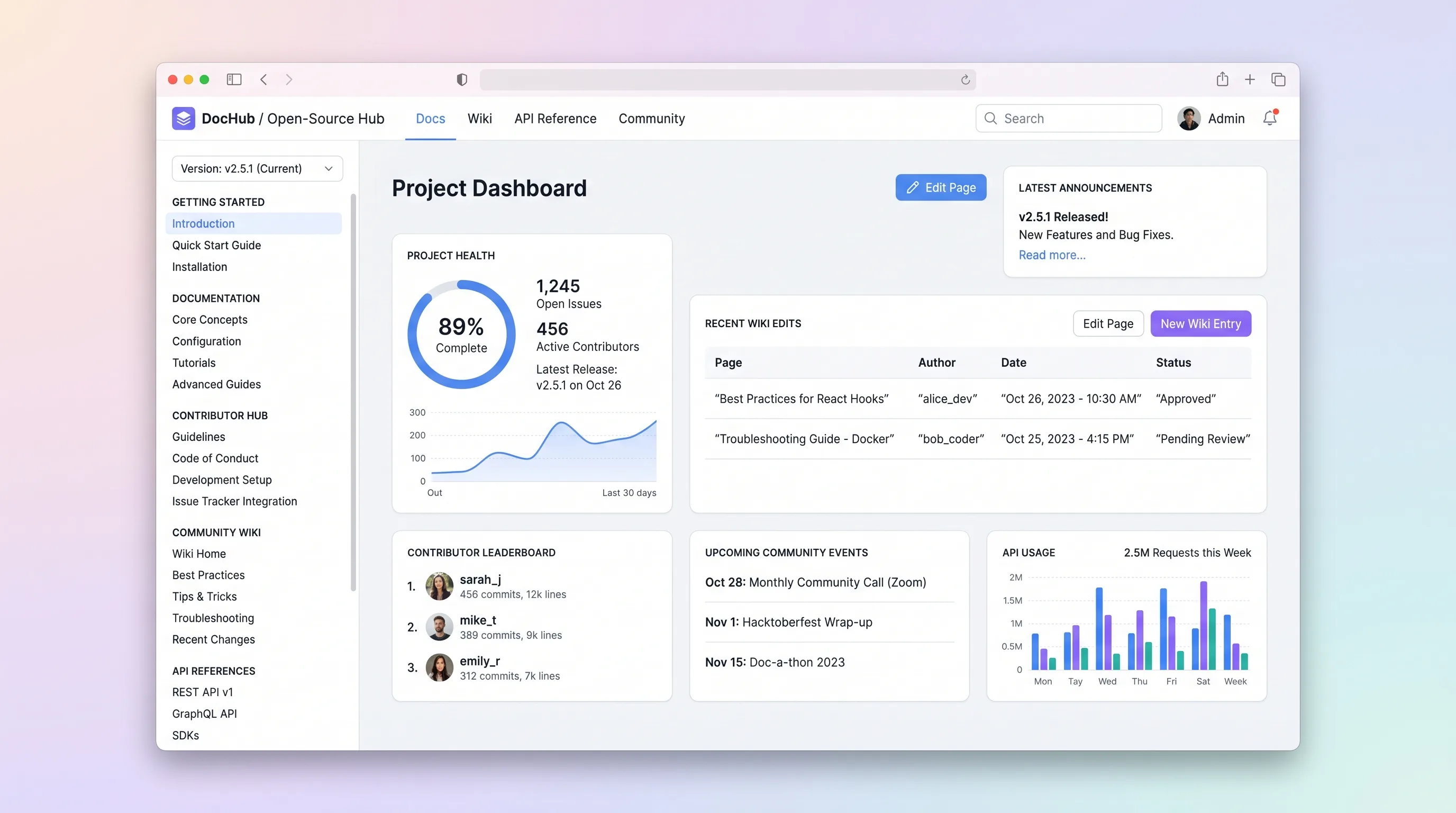
SaaS WorkflowDeveloper & IT Operations
A hosted documentation platform where open-source maintainers publish versioned docs and API references while community contributors submit wiki edits through a review queue.