Build this if
Build when users already maintain dozens of reusable prompts and can name the time lost finding or reconstructing the right version.
A private library for power users to save, tag, version, parameterize, and retrieve reusable prompts without depending on any model provider.
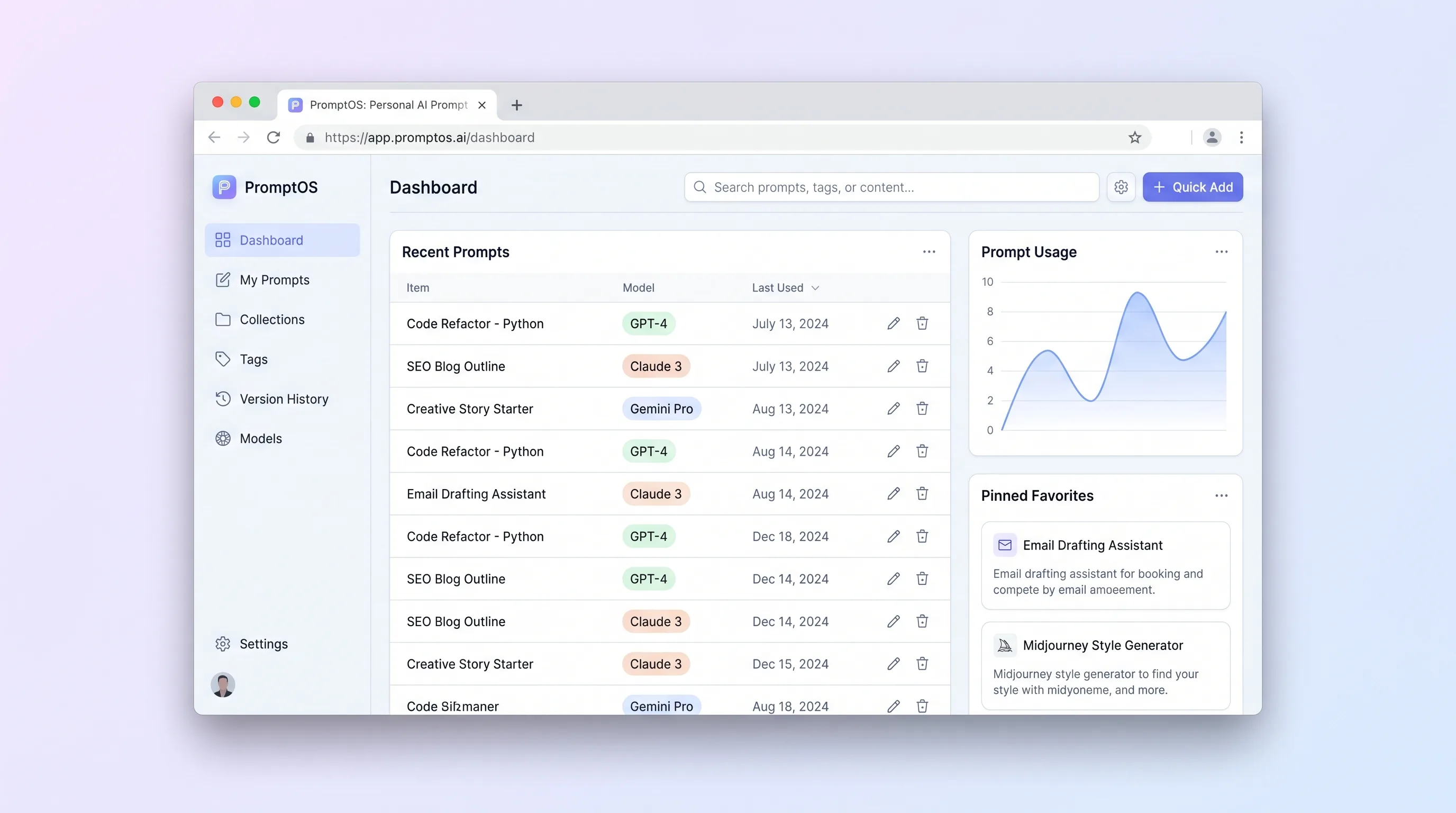
Decision snapshot
Build when users already maintain dozens of reusable prompts and can name the time lost finding or reconstructing the right version.
Avoid if the audience mainly wants an AI writing assistant or a public prompt marketplace rather than private retrieval and version control.
Import fifty real prompts for ten power users and measure whether each can retrieve and resolve a requested version in under ten seconds without opening a second notes app.
Problem and target customer
People who work across several AI tools often keep valuable prompts in chat histories, notes, and scattered documents. They lose provenance, overwrite useful variants, and spend too long reconstructing inputs that previously worked.
Individual AI power users, developers, and content operators who reuse prompts across multiple model interfaces and want a private source of truth.
Freemium personal workspace with a paid tier for encrypted sync, larger history, and shared libraries later.
Editorial note
The product decision is to manage prompts, not execute them. That boundary keeps the first release private, inexpensive, and useful across every model interface while focusing engineering effort on retrieval, version identity, and variable correctness.
Version history should feel deliberate rather than automatic noise. A saved revision records what changed, restoration appends a new version, and the Run Sheet always names the source version so copied text can be reproduced later.
Test the promise with existing libraries, not empty-state enthusiasm. If users cannot migrate fifty messy prompts and find a requested variant quickly, adding AI classification or a marketplace will only hide the underlying organization problem.
Choose your next step
Evaluate the operating tradeoffs quickly, or inspect how to build the MVP.
Compare the three operating paths at the default workload before opening the full calculator.
See cost preview Build this ideaInspect the build blueprintReview MVP scope, workflow, states, data rules, architecture, and acceptance criteria.
Open blueprintEvaluation preview
Directional infrastructure estimates for the current 5,000 prompt library actions assumption. Open the full calculator when you are ready to change it.
A managed app, PostgreSQL database, backups, and observability sized for private prompt saves, revisions, and searches.
Lowest operating effortOne small cloud server for the application, database, worker, and scheduled backups serving private prompt saves, revisions, and searches.
Lowest baseline costSeparate web, data, worker, and monitoring capacity with more headroom for private prompt saves, revisions, and searches.
Most separation and controlBuild blueprint
Product goal
MVP scope
UX and user flow
Browse folders and recent prompts while keeping search and keyboard commands immediately available.
Edit the current draft, define variables, attach model notes, and save a deliberate revision.
Show what changed between two immutable revisions before restoration.
Collect variable values and preview the exact resolved text without sending it to a model.
Export, import, and verify a portable private-library backup.
Core entity outline
Holds the stable identity, title, folder, current revision pointer, and archive state.
Stores an immutable prompt body, variable contract, model notes, and change note.
Defines a named placeholder and its input requirements for one revision.
Provides one optional navigational home for prompts.
Adds many-to-many retrieval labels without changing folder placement.
Records backup imports, validation errors, and conflict decisions.
Architecture and data flow
Provides library navigation, editing, variable resolution, comparisons, and archive operations.
Keeps prompt identity, immutable revisions, folders, tags, and import records transactionally.
Indexes authorized prompt titles, bodies, tags, and folders with deterministic ranking.
Validates JSON imports and creates checksummed exports without exposing library contents publicly.
Deliverables and acceptance
Recommended stack
Supports fast library pages while keeping the editor, command palette, and diff viewer interactive.
Models immutable revisions, tags, folders, and import transactions cleanly.
Meets personal-library retrieval needs without operating a separate search service.
Provides secure owner isolation and account recovery without custom session logic.
Gives users portability before adding complex multi-device synchronization.
This MVP is a privacy-sensitive text library, not an AI inference product. Relational history, owner-scoped search, and reliable import/export cover the core promise with a small operational surface.
Copy the build prompt, model the operating cost, and choose where to deploy.
Execution
Once the blueprint is clear, use the prompt, cost model, and deployment options to start building.
Build prompt
Use Lovable to iterate on the dense keyboard-first interface, backed by a conventional relational database and full-text search deployed on Railway.
Build prompt
Open the prompt pack whenever you are ready to take this blueprint into your builder.
Build prompt ready
Copy the prompt into your builder, then use the cost model below to choose how you want to run it.
Use the cost model to choose a deployment path that matches the build plan.
Cost calculator
A technical run-cost estimate for the first production version. Team, acquisition, payment fees, and business COGS are excluded.
$10-$30 per 2,500 prompt library actions
Low and high values allow for usage variance and plan headroom.
A managed app, PostgreSQL database, backups, and observability sized for private prompt saves, revisions, and searches.
50K prompt library actions included, then $6-$18 per 50K prompt library actionsThe estimate combines the selected infrastructure path, required operating modules, selected optional modules, and usage above included monthly allowances. Taxes and regional uplifts are excluded.
Deployment options
Choose based on operating preference, not only the headline price.
Deploy the web service, database, and background jobs for private prompt storage, search, and revision history from one project.
Usage-based compute and storage need budget alerts.
Run the app, worker, and database on one small Vultr VPS with Docker Compose and explicit backups.
The operator owns patching, backups, monitoring, and recovery.
Separate application, worker, data, storage, and backup responsibilities as the workload grows.
More services increase setup and operational overhead.
Start building
Prototype the keyboard-first library, prompt editor, variable form, version comparison, folders, tags, and search results.
Open Lovable 02AutomationAdd bounded operational handoffsKeep Make optional: trigger an explicit export or backup handoff only after the owner selects a prompt version, never sync private content silently.
Open Make 03DeployDeploy the working serviceDeploy the private web app and relational search index with encrypted secrets and scheduled backups.
Open RailwayKeep exploring
AI ToolCreator Economy & Media
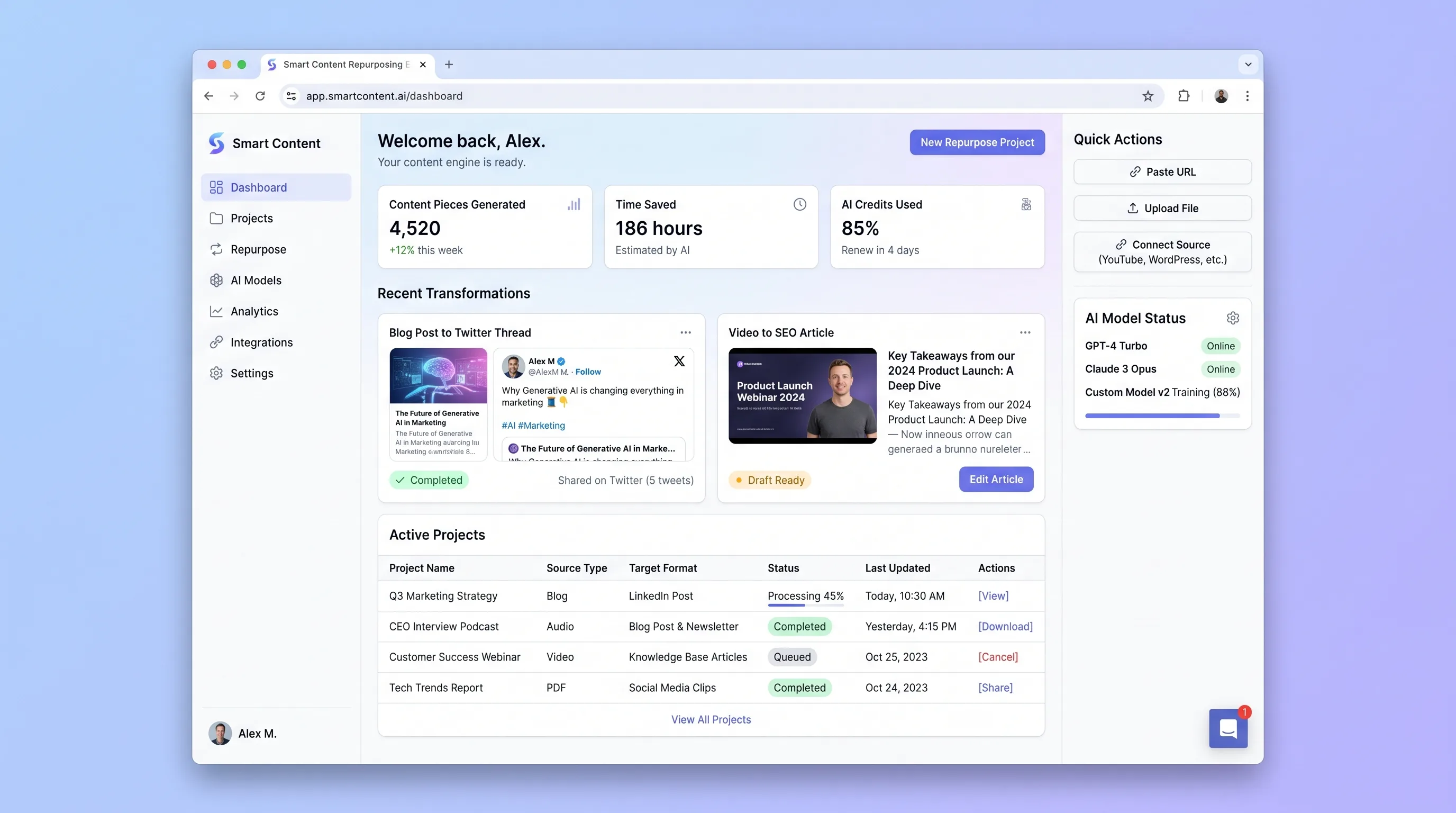
A review-first engine that analyzes an article, transcript, or video and produces editable channel-specific drafts linked to the original source.
Internal ToolDeveloper & IT Operations
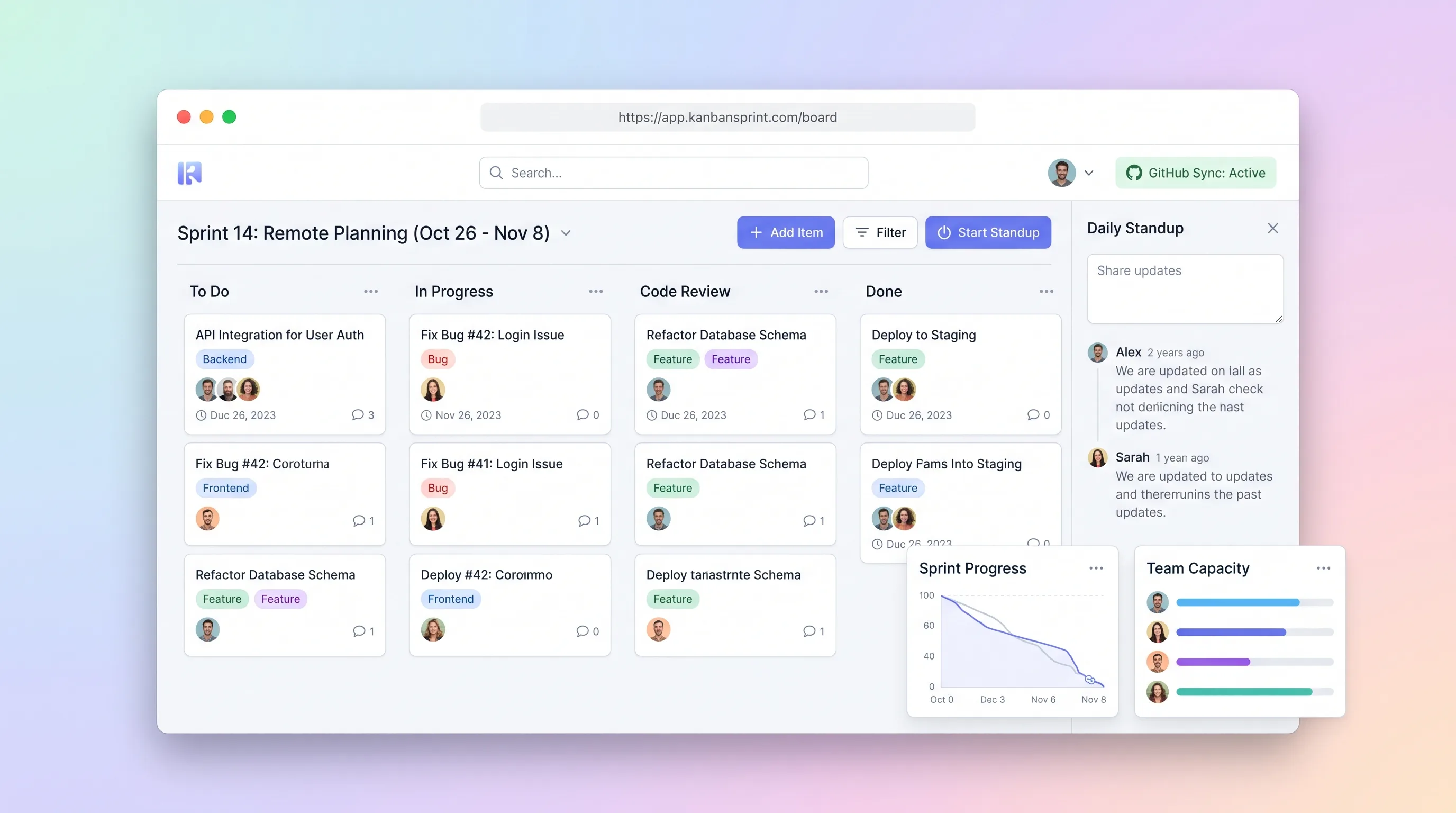
A compact planning workspace that keeps sprint commitments, GitHub issue state, board movement, daily blockers, and end-of-sprint carryover aligned.
Internal ToolDeveloper & IT Operations
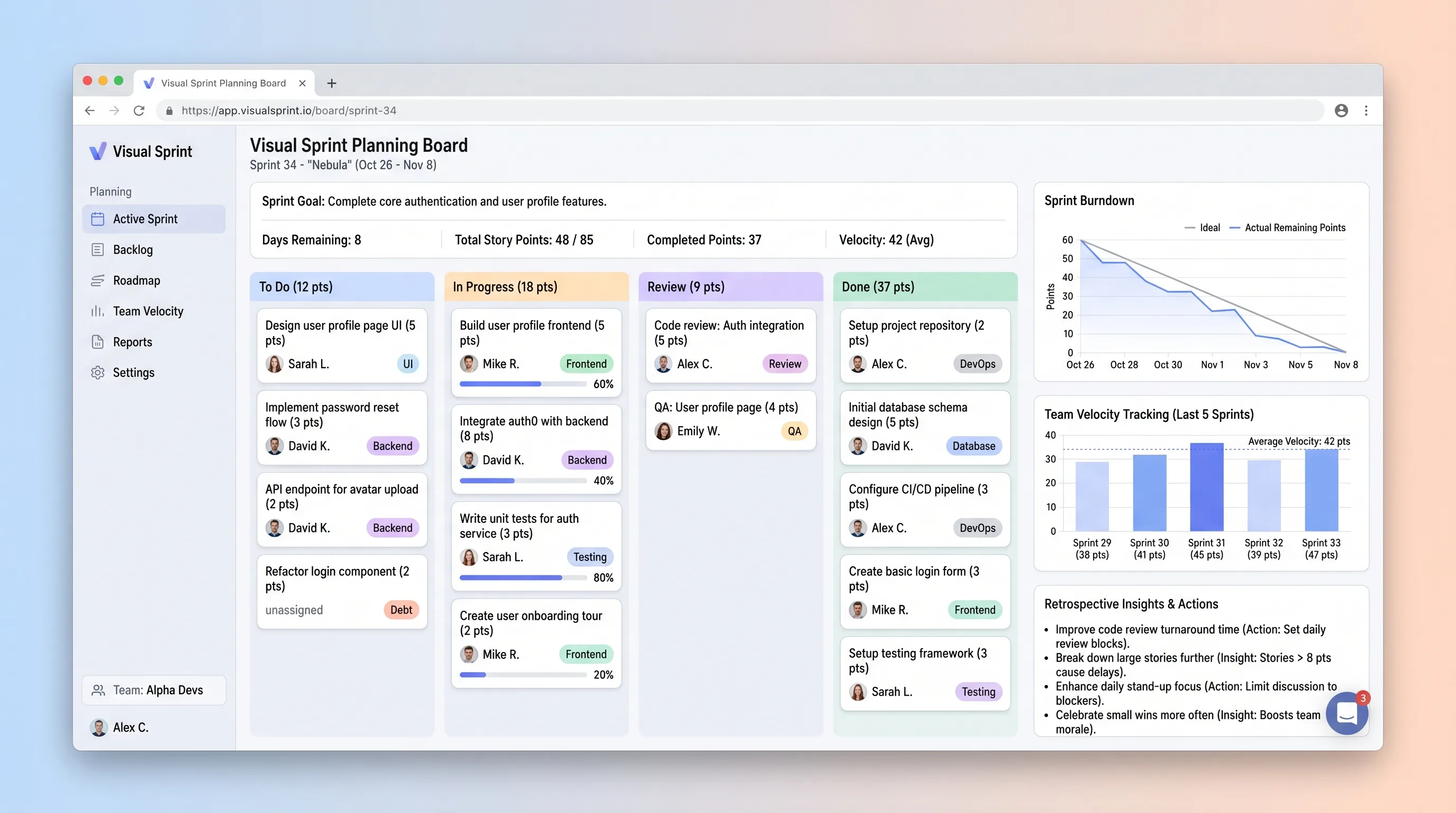
A sprint board that helps small development teams commit work against recent capacity, track story-point movement, and carry evidence into retrospectives.
Internal ToolDeveloper & IT Operations
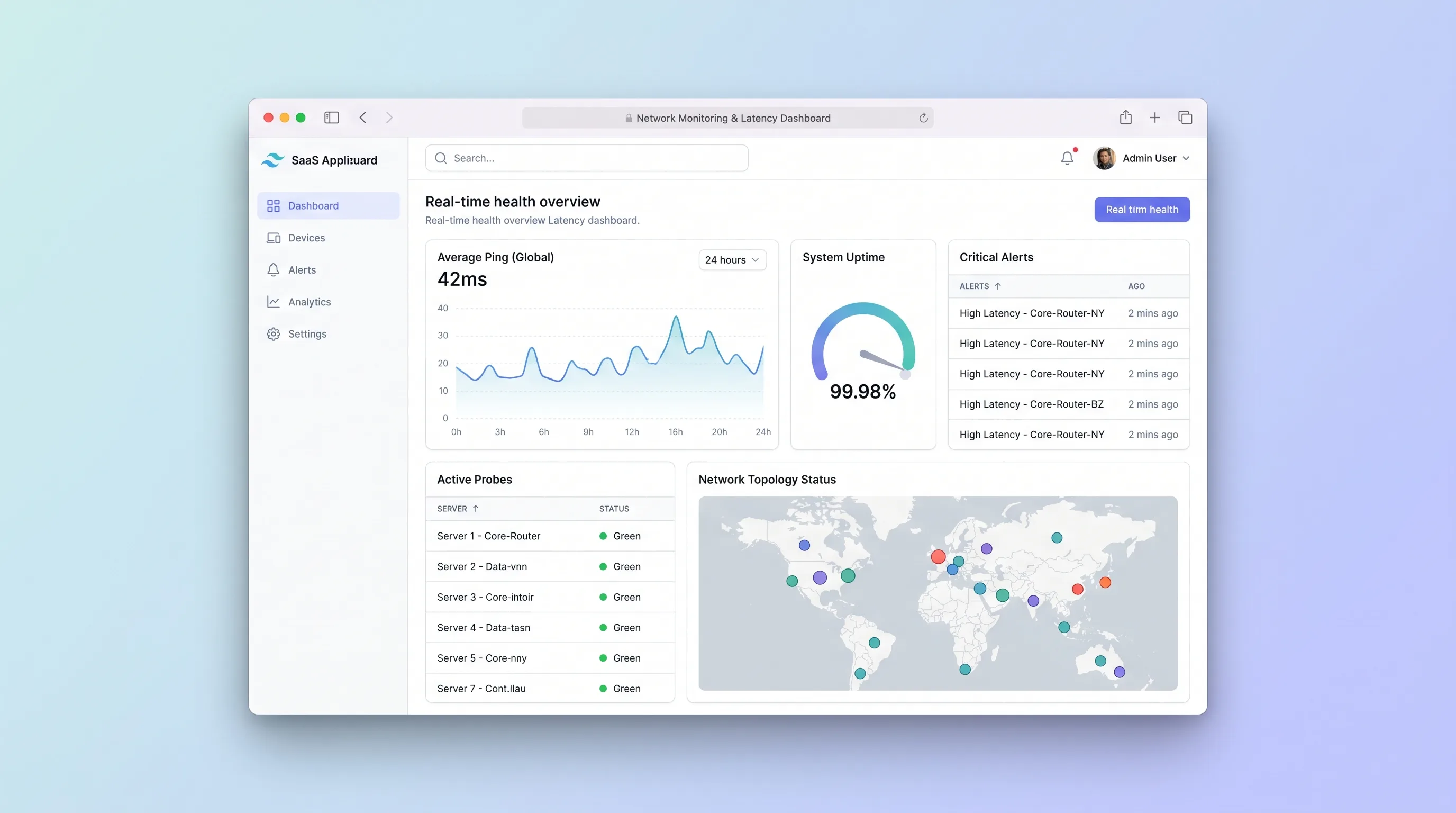
A focused uptime monitor for small IT teams that schedules endpoint checks, separates transient failures from incidents, and preserves alert and latency history.
Internal ToolDeveloper & IT Operations
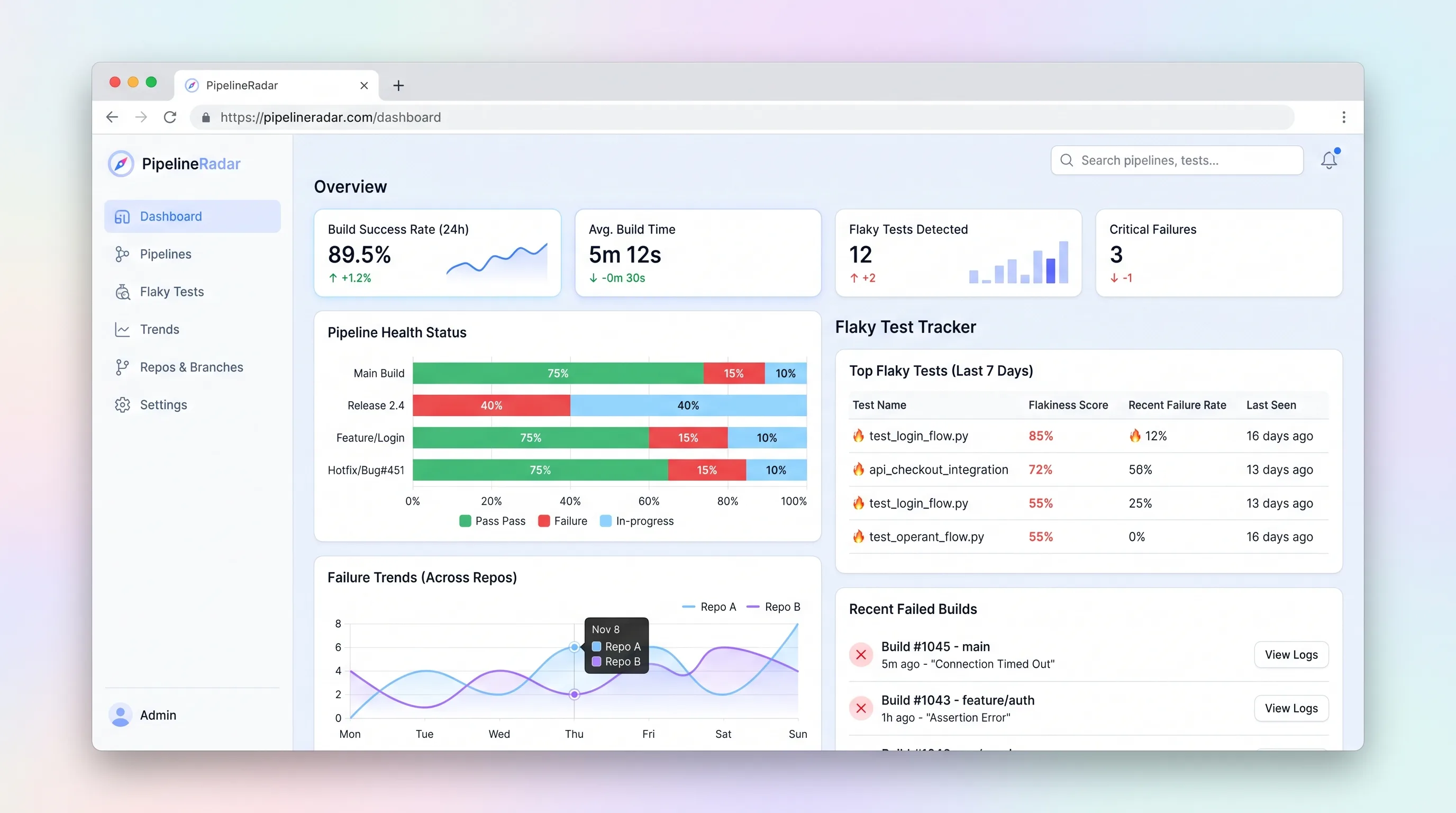
A focused CI/CD pipeline health monitor and flaky test tracker that ingests build events, ranks the top three flakiest tests per repo in under sixty seconds, and surfaces branch-level failure trends for indie developers and small.
Internal ToolDeveloper & IT Operations
A self-hostable project workspace where humans and AI agents collaborate in signed rooms that unify conversation, code patches, workflow events, and approvals into one searchable, auditable event log.