Build this if
Staff run overlapping campaigns and spend recurring time reconciling contribution, volunteer, and outcome records for leadership.
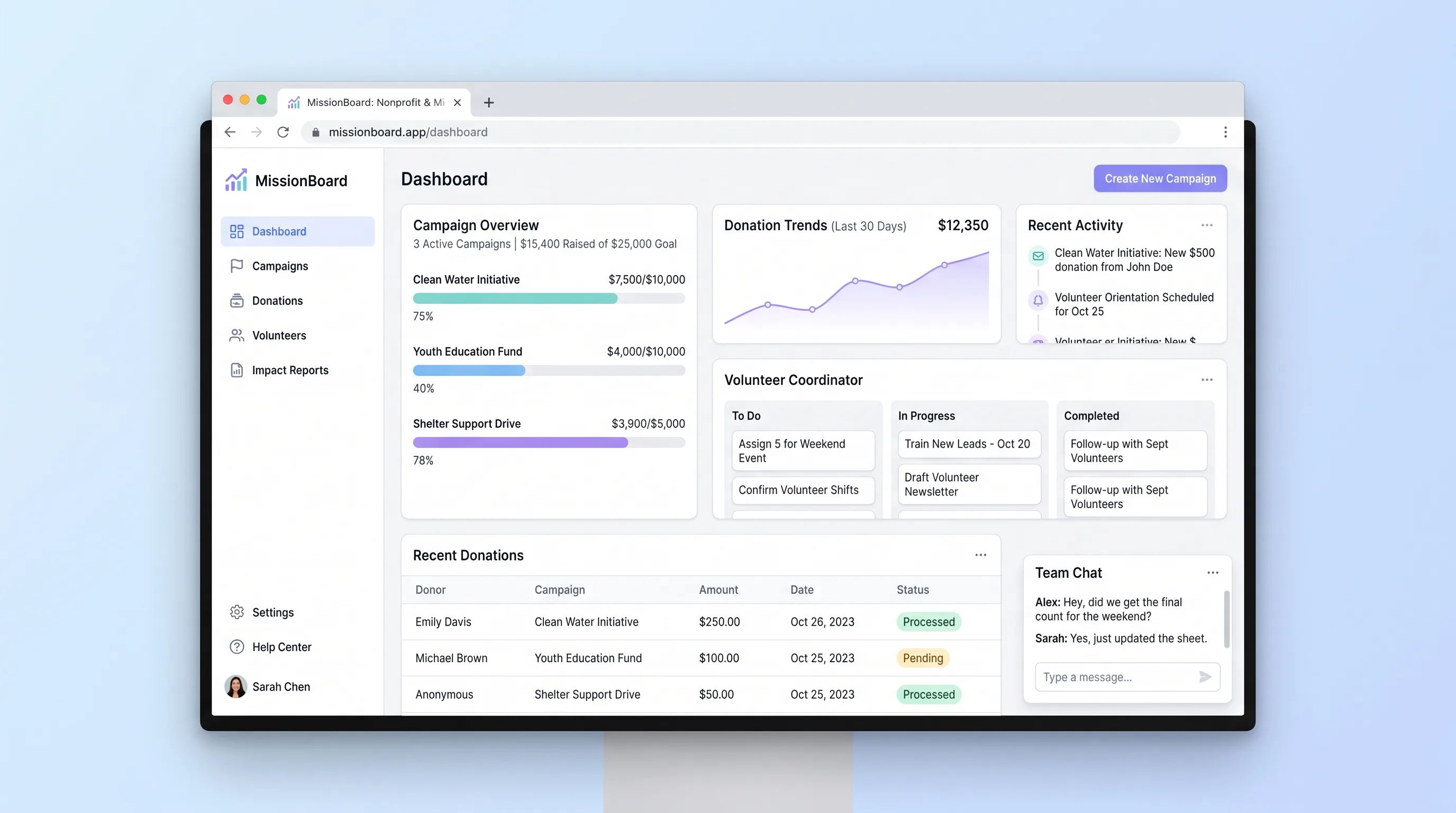
A shared operations hub for small nonprofits and ministry teams to coordinate campaigns, reconcile contributions and volunteer work, and report outcomes.
Decision snapshot
Staff run overlapping campaigns and spend recurring time reconciling contribution, volunteer, and outcome records for leadership.
The organization primarily needs fundraising checkout, accounting, grant management, or a full volunteer community platform.
Run one completed campaign through import, attendance verification, and closeout; the exported totals must match a manual source check without spreadsheet recombination.
Problem and target customer
Campaign details are often split among donation exports, volunteer spreadsheets, event calendars, and staff notes. Leaders cannot see whether a campaign is on track or assemble an impact update without reconciling the same activity by hand.
Operations directors, fundraising leads, and volunteer coordinators at small nonprofits or ministries running several active campaigns with a lean staff.
Monthly workspace subscription priced by organization, with a higher tier for additional active campaigns and reporting history.
Editorial note
The narrow product is a campaign reconciliation and closeout tool, not a nonprofit CRM. Contributions, volunteer delivery, and outcome measures share a campaign boundary so staff can answer one practical question: are we ready to report this initiative?
Imports and attendance need review states because source records are imperfect. Preserving rejected rows and verification decisions is more useful than hiding discrepancies behind a polished total.
A successful beta should shorten the path from the last campaign activity to an approved leadership report while keeping every number traceable to an accepted entry.
Choose your next step
Evaluate the operating tradeoffs quickly, or inspect how to build the MVP.
Compare the three operating paths at the default workload before opening the full calculator.
See cost preview Build this ideaInspect the build blueprintReview MVP scope, workflow, states, data rules, architecture, and acceptance criteria.
Open blueprintEvaluation preview
Directional infrastructure estimates for the current 2,000 campaign activity entries assumption. Open the full calculator when you are ready to change it.
Managed runtime, database, and worker for imports, campaign calculations, and report jobs.
Lowest operating effortOne operator-managed server runs the application, database, and background worker.
Lowest baseline costSeparate application, database, and job capacity for busier multi-campaign operations.
Most separation and controlBuild blueprint
Product goal
MVP scope
UX and user flow
Compare active campaigns by owner, date, contribution progress, volunteer coverage, and reporting status.
Keep goals, contribution batches, shifts, outcome measures, and exceptions together for one initiative.
Assign people to shifts and distinguish signed up, attended, cancelled, and no-show participation.
Freeze reporting inputs, display source totals, and let an authorized owner add narrative context before export.
Core entity outline
Defines the initiative, accountability, targets, dates, and reporting state.
Stores an imported or manually entered contribution used in campaign totals.
Represents a dated staffing need and its capacity.
Tracks one volunteer's commitment, attendance, and verified hours.
Captures a named campaign result with a target, observed value, and staff note.
Architecture and data flow
Provide campaign, roster, reconciliation, and closeout views with role checks.
Validate imports, enforce transitions, calculate totals, and create report revisions.
Persist campaigns, entries, shifts, attendance, outcomes, and audit events.
Send bounded reminders and render requested report exports outside interactive requests.
Store generated report files and optional campaign attachments.
Deliverables and acceptance
Recommended stack
Support dense desktop operations and responsive roster updates in one codebase.
Keep contribution acceptance, attendance, and report revisions relational and role-scoped.
Render reports and deliver reminders with observable retries outside user requests.
Store report exports and attachments without placing binary data in database backups.
Send staff and volunteer notices while preserving delivery state.
The workflow depends on auditable state changes and reliable totals, not generated content. A relational application plus a small job queue keeps imports, attendance, and closeout recovery explicit.
Copy the build prompt, model the operating cost, and choose where to deploy.
Execution
Once the blueprint is clear, use the prompt, cost model, and deployment options to start building.
Build prompt
Build a responsive full-stack web application with role-based staff access, relational campaign records, CSV import, and deterministic progress calculations. Do not add AI to impact reporting.
Build prompt
Open the prompt pack whenever you are ready to take this blueprint into your builder.
Build prompt ready
Copy the prompt into your builder, then use the cost model below to choose how you want to run it.
Use the cost model to choose a deployment path that matches the build plan.
Cost calculator
A technical run-cost estimate for the first production version. Team, acquisition, payment fees, and business COGS are excluded.
$5-$30 per 2,000 campaign activity entries
Low and high values allow for usage variance and plan headroom.
Managed runtime, database, and worker for imports, campaign calculations, and report jobs.
10K campaign activity entries included, then $5-$15 per 10K campaign activity entriesObject storage for generated reports and supporting campaign files after the free allowance.
Monthly allowance from this idea's operating profileThe estimate combines the selected infrastructure path, required operating modules, selected optional modules, and usage above included monthly allowances. Taxes and regional uplifts are excluded.
Deployment options
Choose based on operating preference, not only the headline price.
Run the app, database, worker, and storage credentials with minimal platform setup.
Usage billing can rise as report jobs and retained data grow.
Run the app, worker, and database on one small Vultr VPS with Docker Compose and explicit backups.
Patching, monitoring, and restore testing remain the operator's responsibility.
Separate application, worker, data, storage, and backup responsibilities as the workload grows.
The additional components require more configuration and monitoring.
Start building
Use Lovable to test campaign setup, contribution and volunteer entry, progress views, and the closeout report with the staff who reconcile the work.
Open Lovable 02AutomationAdd bounded staff remindersUse Make only after the record flow works to send an overdue shift reminder or copy a closed-campaign summary into the team's existing communication channel.
Open Make 03DeployHost campaign records and reports togetherDeploy the web app, relational database, scheduled reminder job, and stored report assets on Railway as one manageable service boundary.
Open RailwayKeep exploring
Internal ToolBusiness Operations
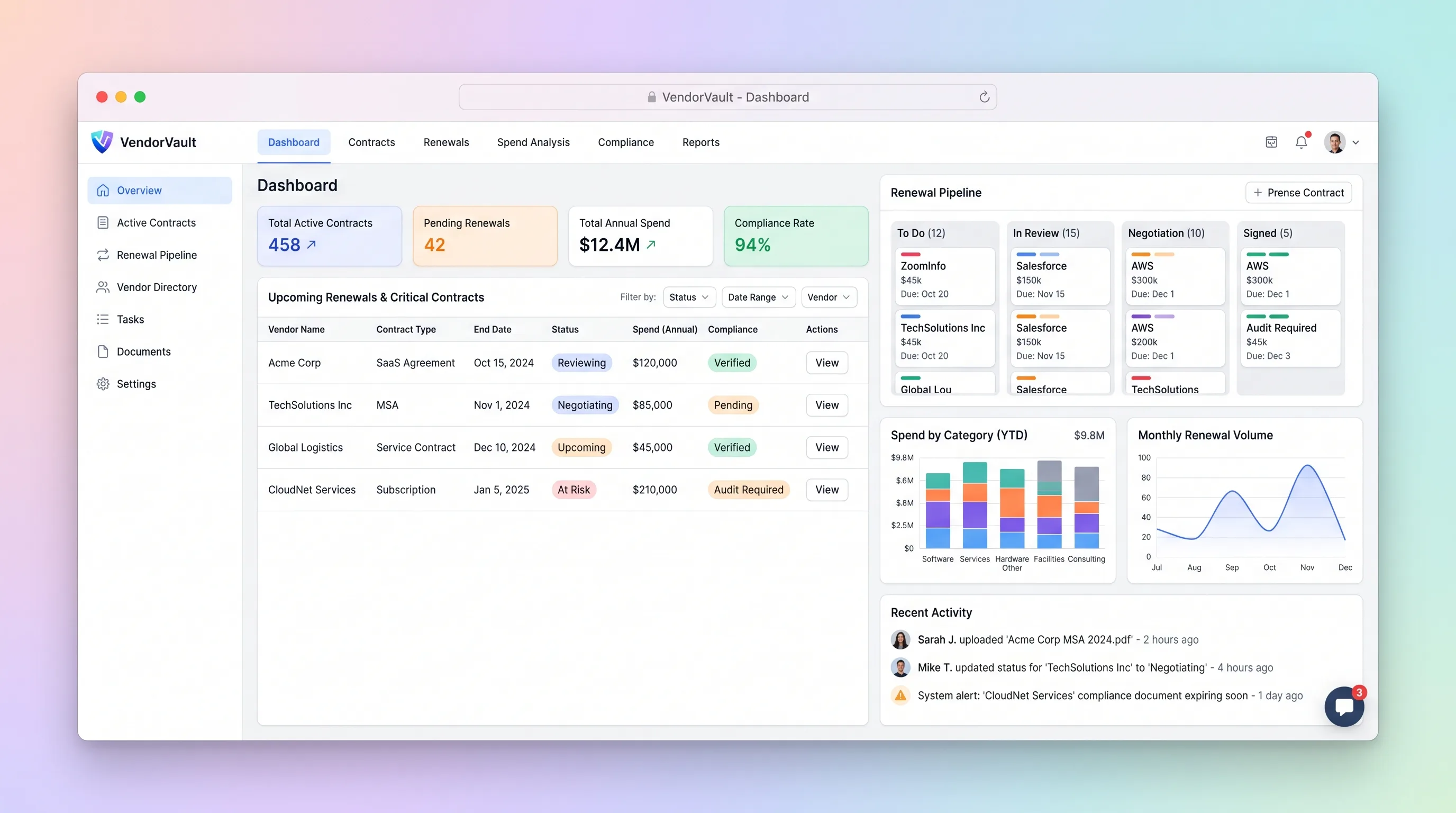
A procurement workspace that ties supplier contracts, renewal deadlines, owners, spend, and required documents to one accountable renewal pipeline.
Website & Lead GenerationHome & Local Services
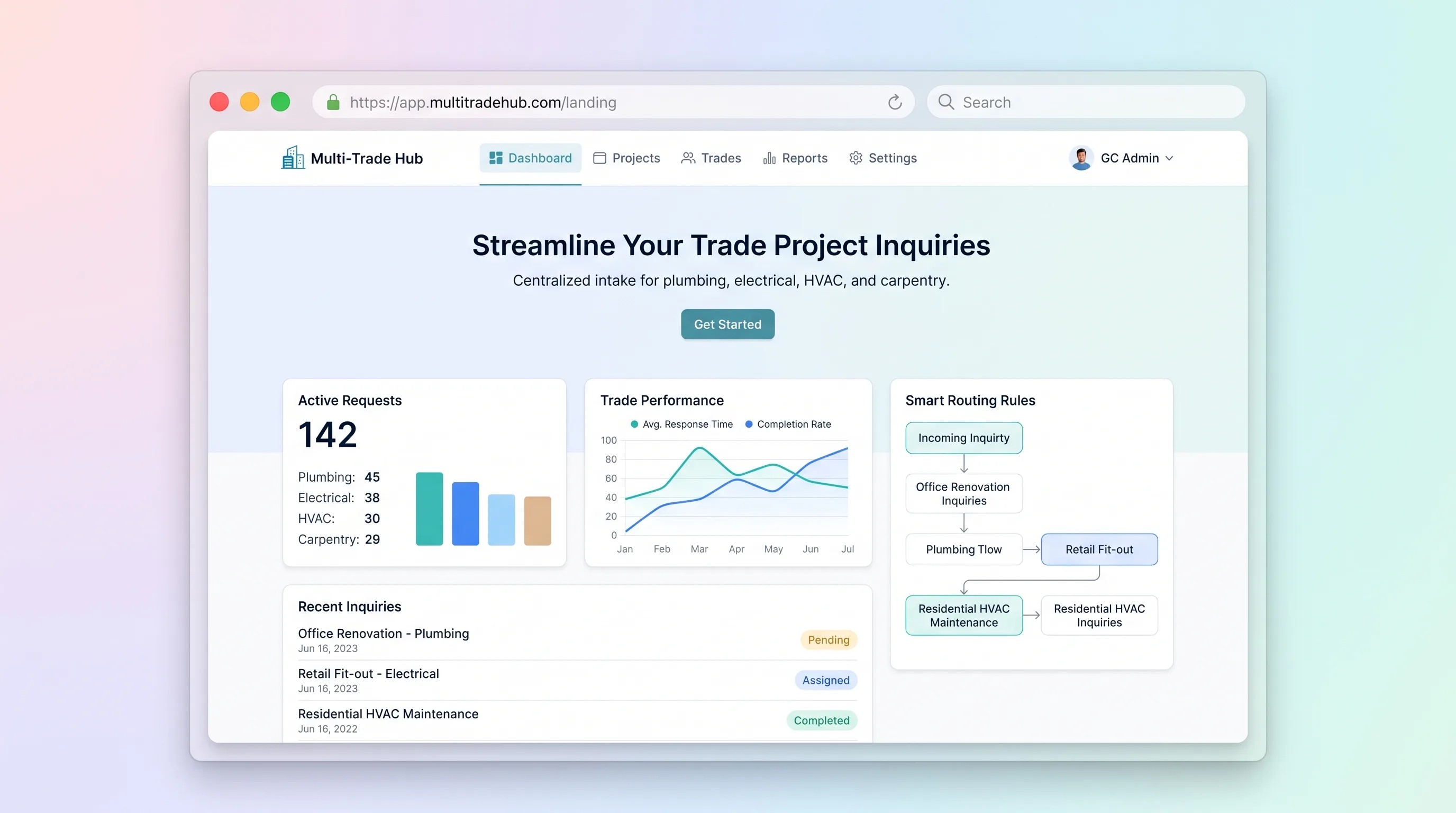
A structured inquiry and estimating handoff for general contractors handling plumbing, electrical, HVAC, and carpentry requests across one project.
Internal ToolHealthcare & Wellness
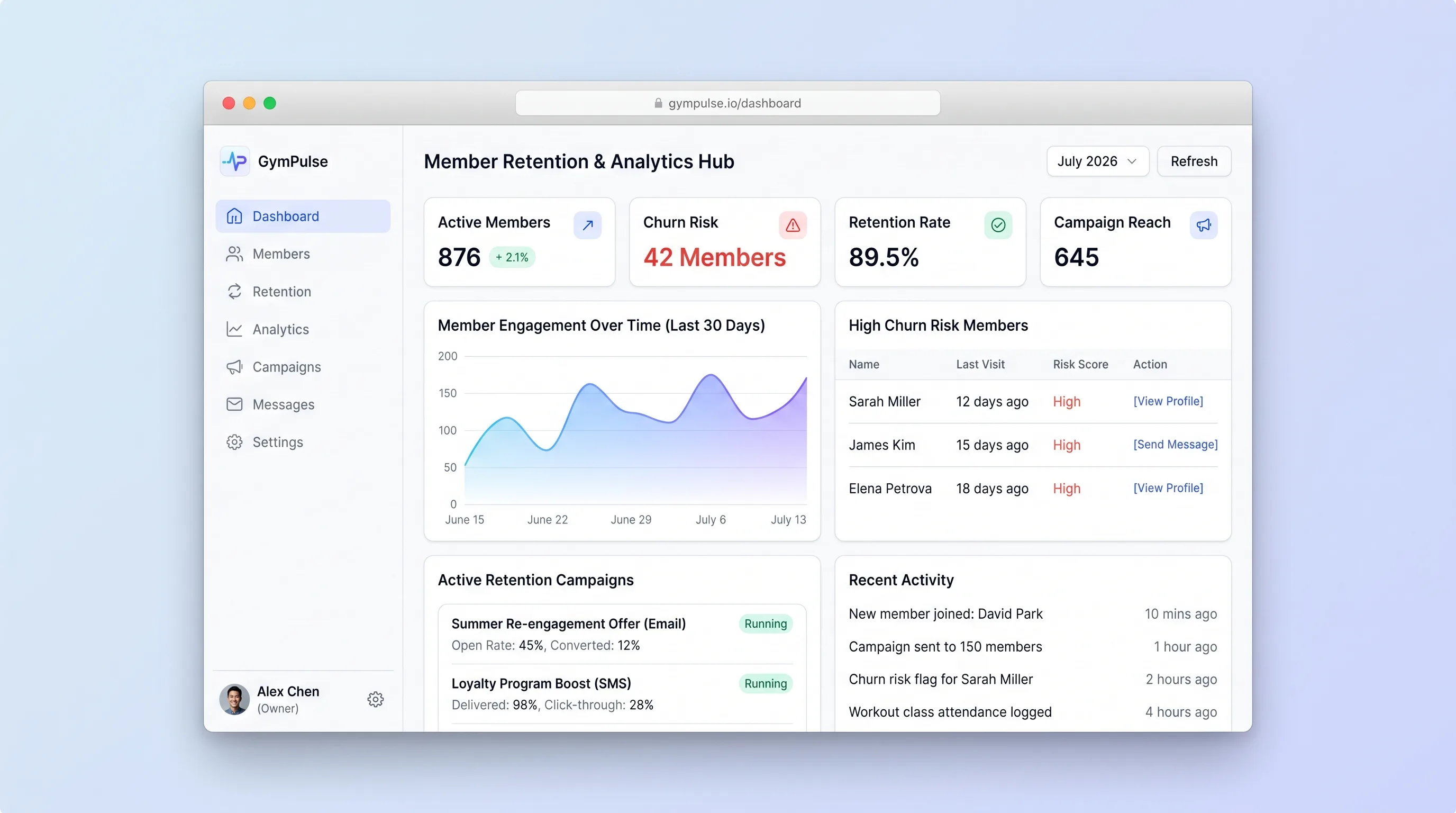
A manager-facing hub that explains attendance-based risk flags, supports consent-checked outreach, and records member responses in one place.
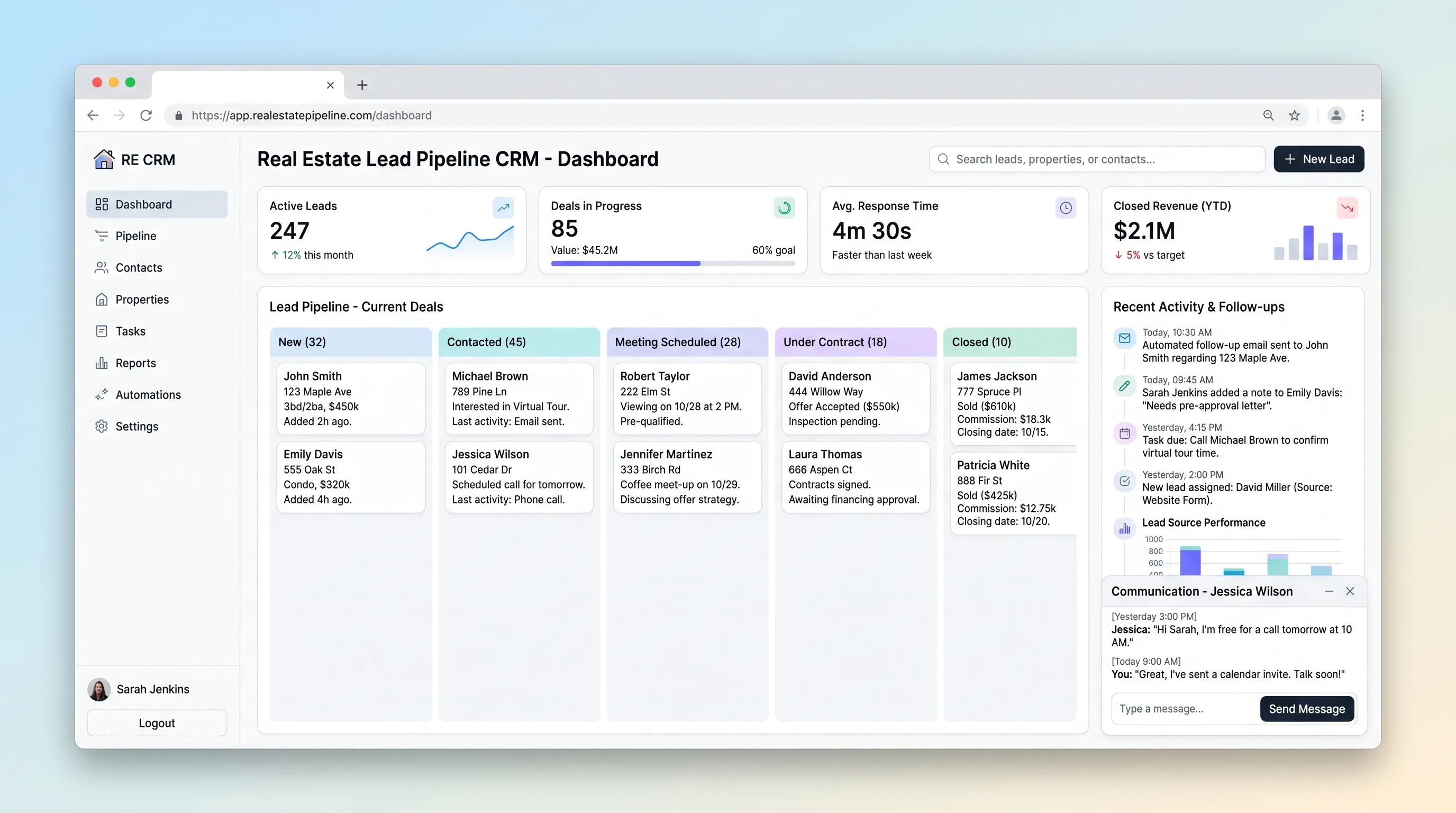
Internal ToolReal Estate
A focused CRM for agents to qualify property inquiries, schedule the next contact, move opportunities through deal stages, and see overdue follow-ups.
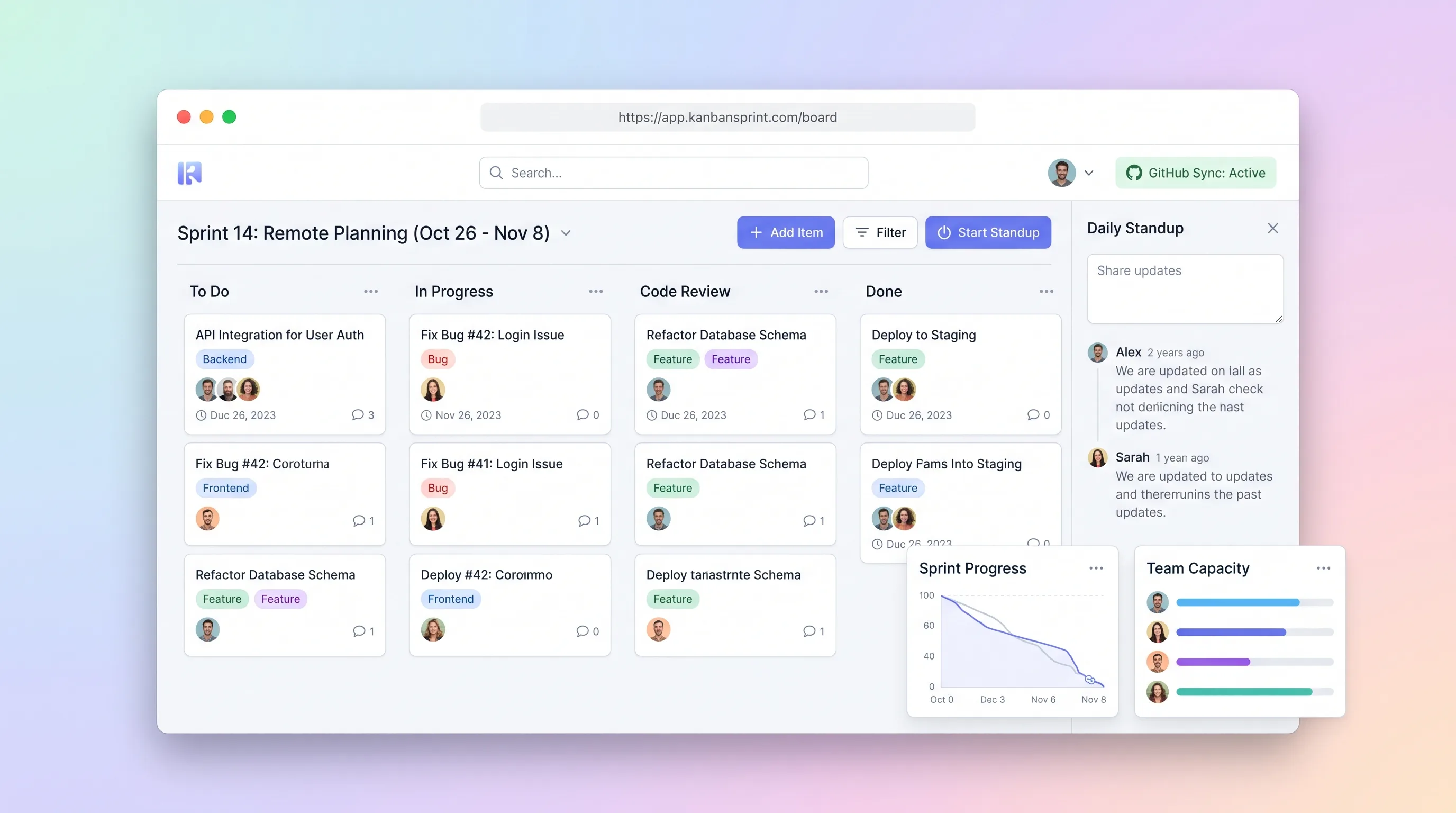
Internal ToolDeveloper & IT Operations
A compact planning workspace that keeps sprint commitments, GitHub issue state, board movement, daily blockers, and end-of-sprint carryover aligned.
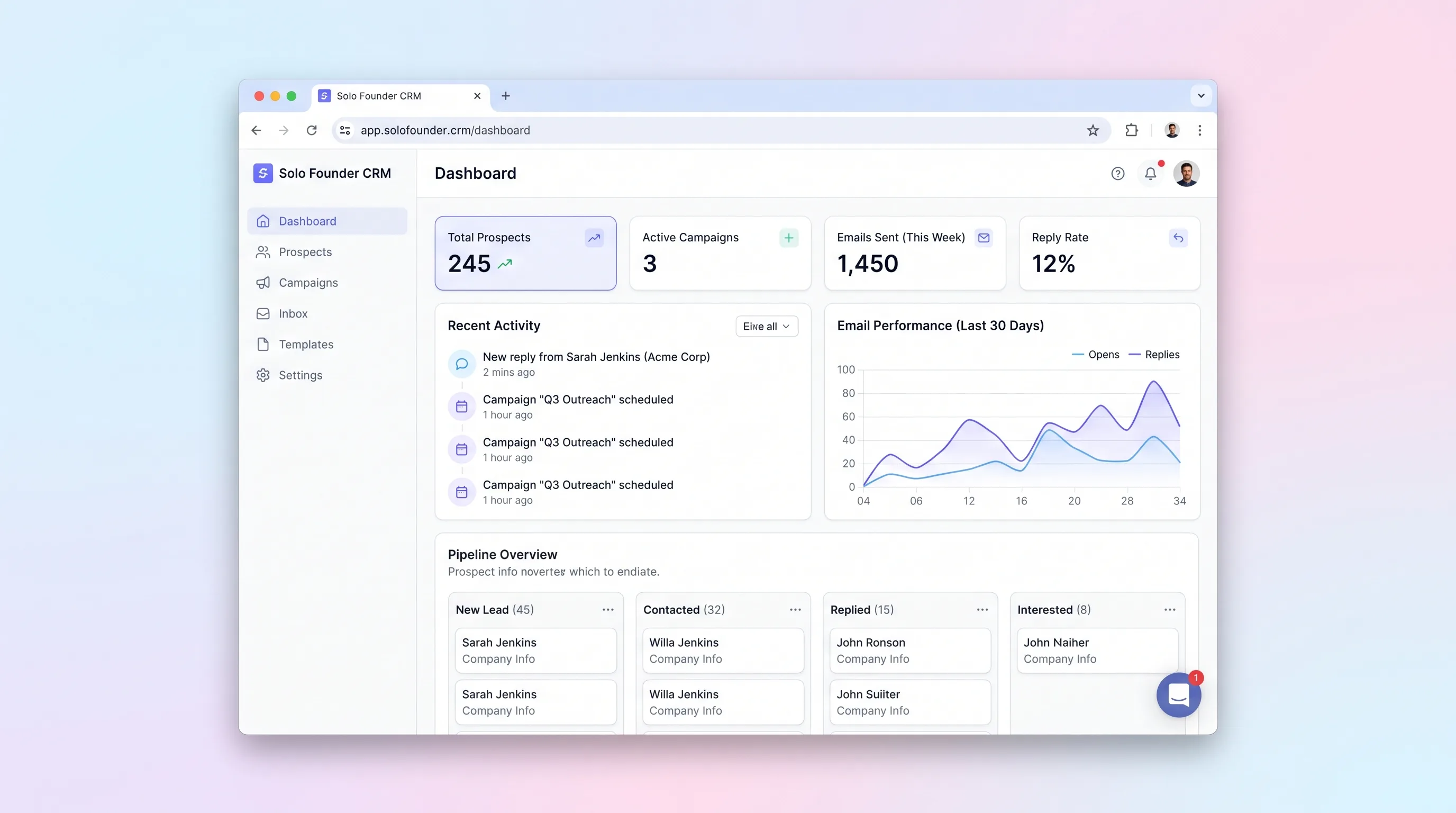
Internal ToolSales & Marketing
A lightweight founder sales desk for importing prospects, enrolling approved contacts in short email sequences, tracking replies, and stopping outreach safely.