Build this if
Build when solo founders already send small targeted campaigns and value one trustworthy queue more than a broad enterprise CRM.
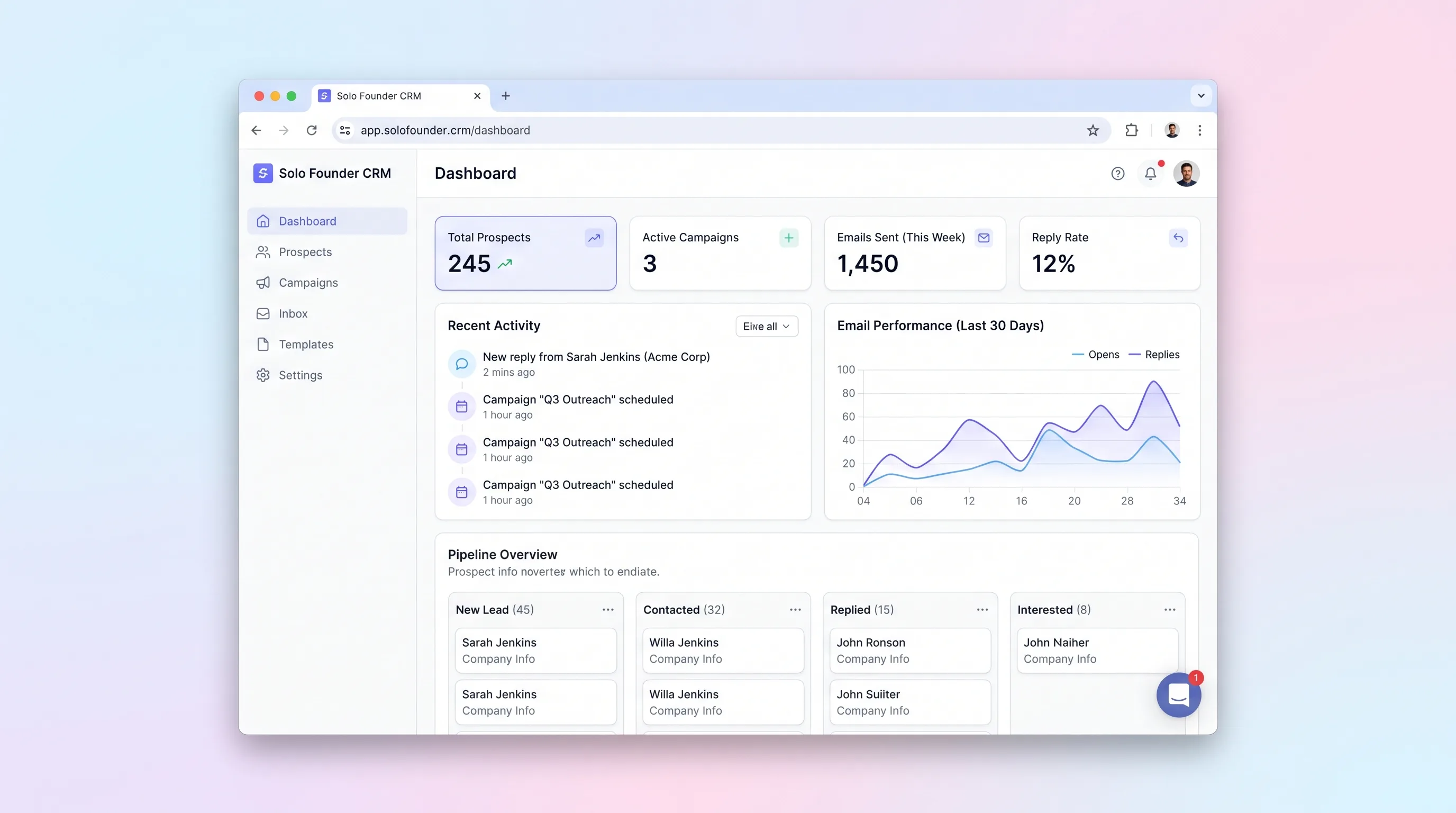
A lightweight founder sales desk for importing prospects, enrolling approved contacts in short email sequences, tracking replies, and stopping outreach safely.
Decision snapshot
Build when solo founders already send small targeted campaigns and value one trustworthy queue more than a broad enterprise CRM.
Avoid if the acquisition plan depends on scraping, domain rotation, high-volume blasts, or autonomous AI replies.
Have ten founders import fifty real prospects and run one short campaign; measure duplicate sends, stopped-after-reply failures, queue review time, and interested replies moved to a next action.
Problem and target customer
Solo founders often move prospect data between spreadsheets, mail-merge tools, and inbox searches. They cannot reliably see who is queued, which message was sent, who replied, or whether a bounce or unsubscribe should stop future steps.
B2B solo founders running small, targeted outbound campaigns from a domain and mailbox they control, without a sales operations team.
Monthly subscription with tiers based on active prospects and outbound email allowance.
Editorial note
The daily approval queue is the product's control point. It gives a founder one place to catch missing variables, stale context, and unsuitable recipients before the scheduler touches a sending provider.
Reply tracking is valuable only when it changes future behavior. Bounces, complaints, unsubscribes, and human replies must reach the same durable suppression and enrollment rules, including events that arrive late or more than once.
Do not validate this tool by messages sent. Track duplicate-send incidents, inappropriate follow-ups after a reply, time spent reviewing the queue, and whether interested conversations receive a concrete next action.
Choose your next step
Evaluate the operating tradeoffs quickly, or inspect how to build the MVP.
Compare the three operating paths at the default workload before opening the full calculator.
See cost preview Build this ideaInspect the build blueprintReview MVP scope, workflow, states, data rules, architecture, and acceptance criteria.
Open blueprintEvaluation preview
Directional infrastructure estimates for the current 5,000 outbound sequence emails assumption. Open the full calculator when you are ready to change it.
Managed application, database, workers, backups, and observability for prospect imports, queue checks, and inbound events.
Lowest operating effortOne small cloud server runs the application, database, workers, and backups for prospect imports, queue checks, and inbound events.
Lowest baseline costSeparate application, data, worker, and monitoring capacity for prospect imports, queue checks, and inbound events.
Most separation and controlBuild blueprint
Product goal
MVP scope
UX and user flow
Map CSV columns, validate addresses, find duplicates, and preview excluded rows.
Build a bounded series with delays, sending windows, variables, and stop conditions.
Review exact recipients and resolved messages before releasing the day's sends.
Triage replies, bounces, complaints, and unsubscribes with the related prospect context.
Track engaged prospects from replied through meeting, proposal, won, or lost.
Core entity outline
Stores the company contact, source, custom fields, suppression status, and pipeline stage.
Defines an ordered, versioned set of outbound steps and sending policy.
Stores one template and delay relative to the previous completed step.
Links one eligible prospect to a frozen sequence version and current progress.
Stores the resolved message, scheduled time, provider id, and delivery status.
Records verified delivery, bounce, complaint, unsubscribe, or reply events.
Keeps one founder-owned follow-up for an engaged prospect.
Architecture and data flow
Provides imports, sequence editing, daily approval, reply triage, and the lightweight pipeline.
Stores prospects, frozen sequence versions, enrollments, messages, events, suppression, and next actions.
Claims approved due messages, rechecks stop conditions, and sends with idempotency.
Uses a connected sender service and verifies delivery and inbound event webhooks.
Streams CSV rows, maps fields, normalizes addresses, and creates a reversible import report.
Deliverables and acceptance
Recommended stack
Supports compact data screens and secure server-side sequence mutations.
Keeps enrollment, queue, event, and suppression invariants transactionally consistent.
Claims approved sends and delays sequence steps with recovery state.
Provides verified sending and event webhooks without coupling the CRM to one inbox UI.
Secures the single-owner workspace and sensitive prospect exports.
Outbound safety depends on durable sequence versions, idempotent queue claims, and inbound stop events. A conventional relational system is preferable to AI generation or a complex sales platform.
Copy the build prompt, model the operating cost, and choose where to deploy.
Execution
Once the blueprint is clear, use the prompt, cost model, and deployment options to start building.
Build prompt
Use Lovable to refine the dense daily workflow, then implement queue locking, sender-domain checks, inbound events, and suppression rules in a Railway-hosted service.
Build prompt
Open the prompt pack whenever you are ready to take this blueprint into your builder.
Build prompt ready
Copy the prompt into your builder, then use the cost model below to choose how you want to run it.
Use the cost model to choose a deployment path that matches the build plan.
Cost calculator
A technical run-cost estimate for the first production version. Team, acquisition, payment fees, and business COGS are excluded.
$4.1-$13 per 1,000 outbound sequence emails
Low and high values allow for usage variance and plan headroom.
Managed application, database, workers, backups, and observability for prospect imports, queue checks, and inbound events.
25K outbound sequence emails included, then $6-$18 per 25K outbound sequence emailsSends founder-approved sequence messages and receives delivery events from a verified sender.
0 included, then $0.1-$1 per 1K outbound sequence emailsThe estimate combines the selected infrastructure path, required operating modules, selected optional modules, and usage above included monthly allowances. Taxes and regional uplifts are excluded.
Deployment options
Choose based on operating preference, not only the headline price.
Deploy prospect imports, guarded send queues, and inbound event processing with managed data and scheduled jobs in one project.
Usage billing needs budget alerts.
Run the app, worker, and database on one small Vultr VPS with Docker Compose and explicit backups.
Patching, monitoring, backups, and recovery are operator responsibilities.
Separate application, worker, data, storage, and backup responsibilities as the workload grows.
More services increase operational work.
Start building
Build CSV import, prospect detail, sequence editor, daily approval queue, send history, reply inbox, suppression state, and compact pipeline.
Open Lovable 02AutomationAdd bounded handoffsUse Make only to add explicitly mapped prospects from a form or to notify the founder of qualified replies; sequencing state remains inside the CRM.
Open Make 03DeployDeploy the working serviceDeploy the authenticated CRM, database, scheduler, sender adapter, and signed inbound webhooks with auditable delivery state.
Open RailwayKeep exploring
Internal ToolReal Estate
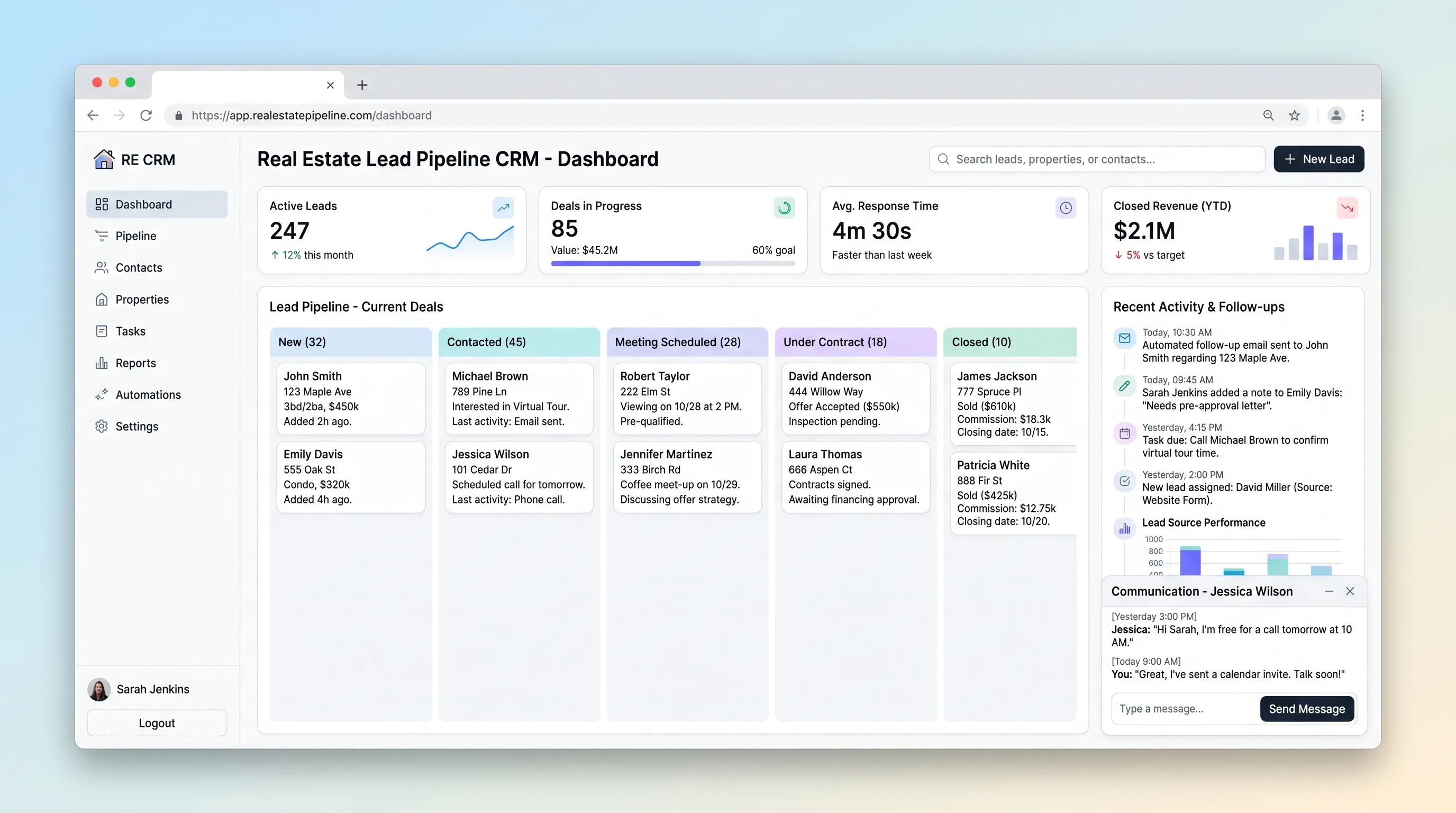
A focused CRM for agents to qualify property inquiries, schedule the next contact, move opportunities through deal stages, and see overdue follow-ups.
Internal ToolEvents & Community
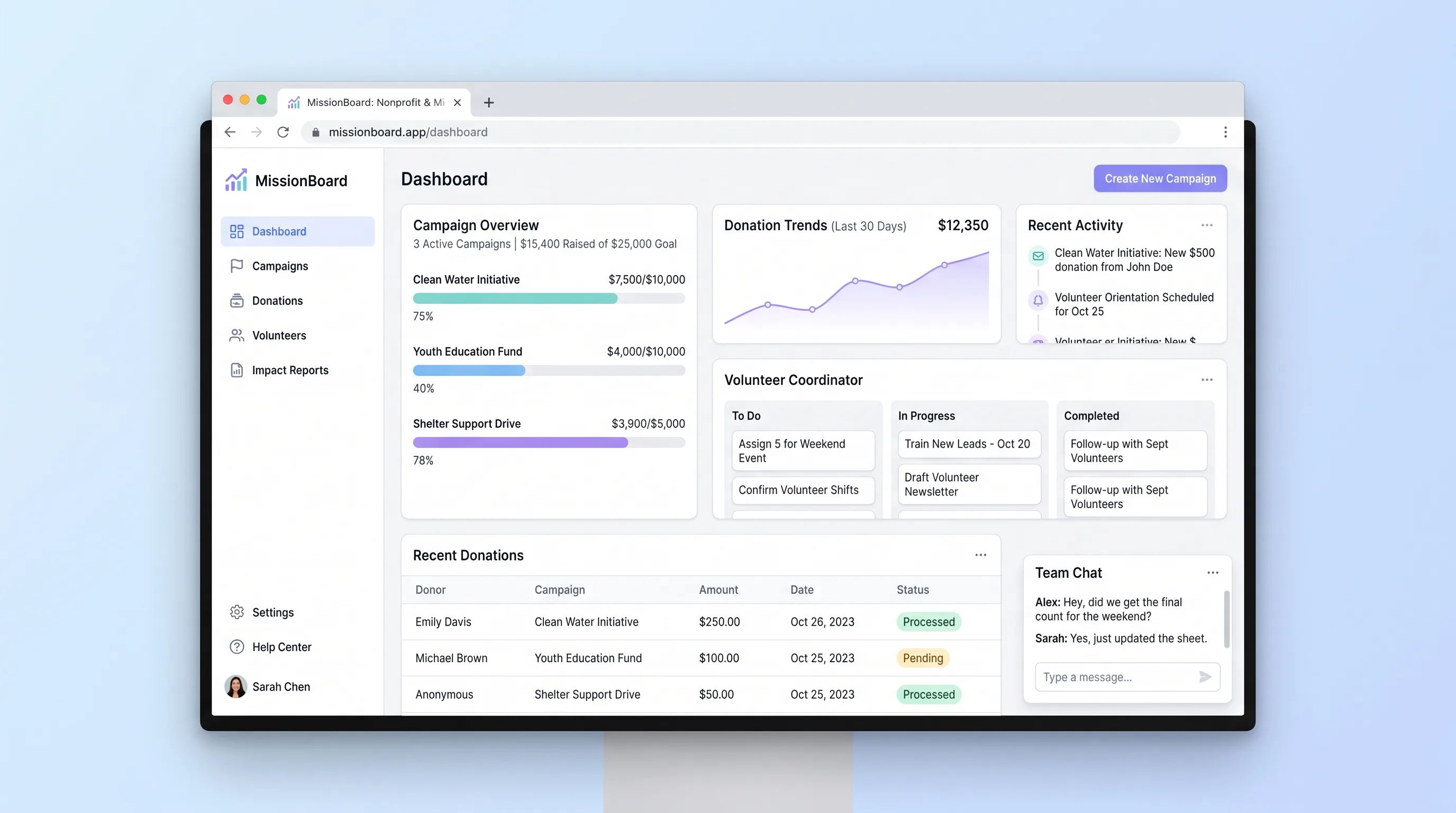
A shared operations hub for small nonprofits and ministry teams to coordinate campaigns, reconcile contributions and volunteer work, and report outcomes.
Internal ToolHealthcare & Wellness
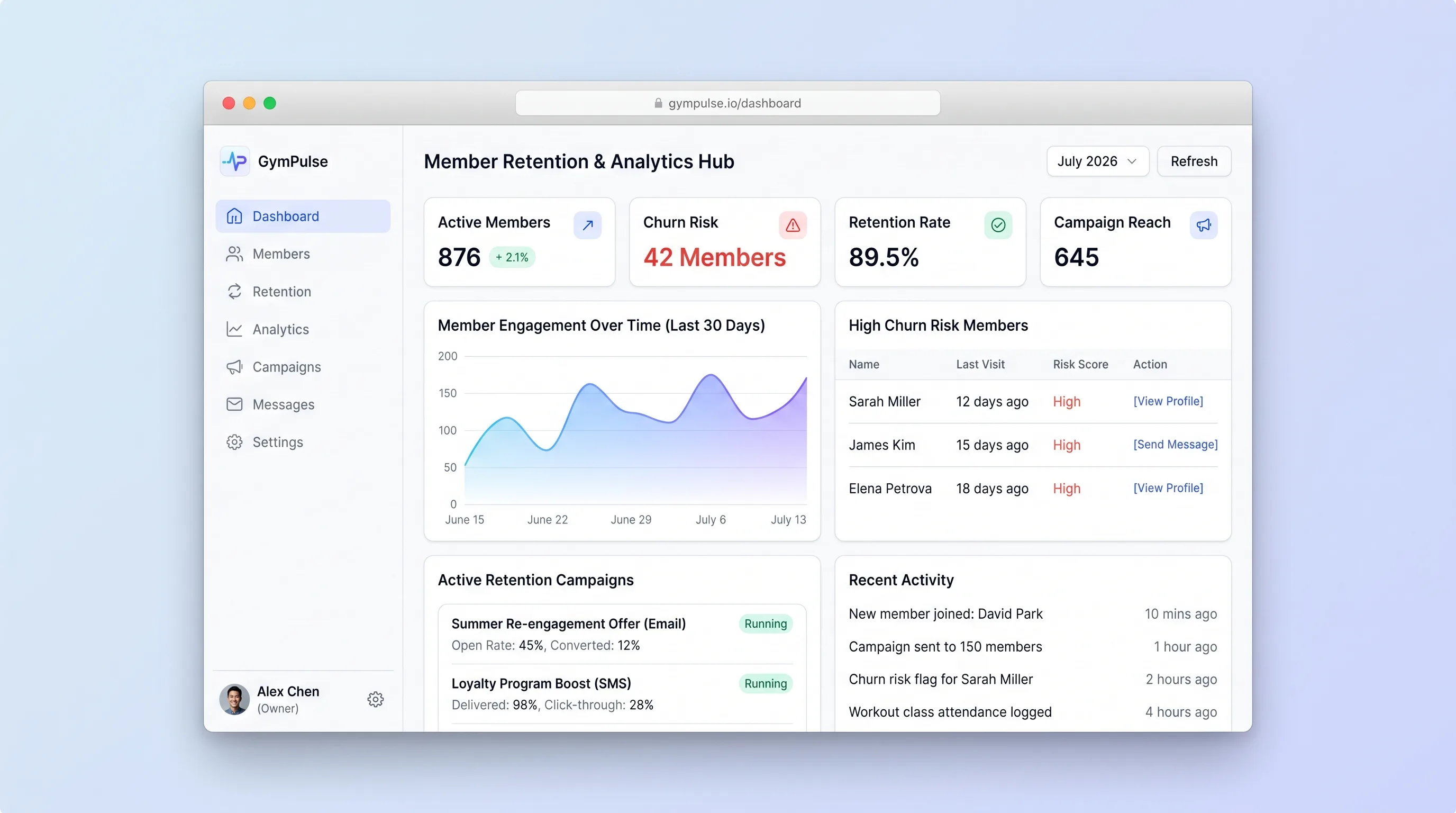
A manager-facing hub that explains attendance-based risk flags, supports consent-checked outreach, and records member responses in one place.
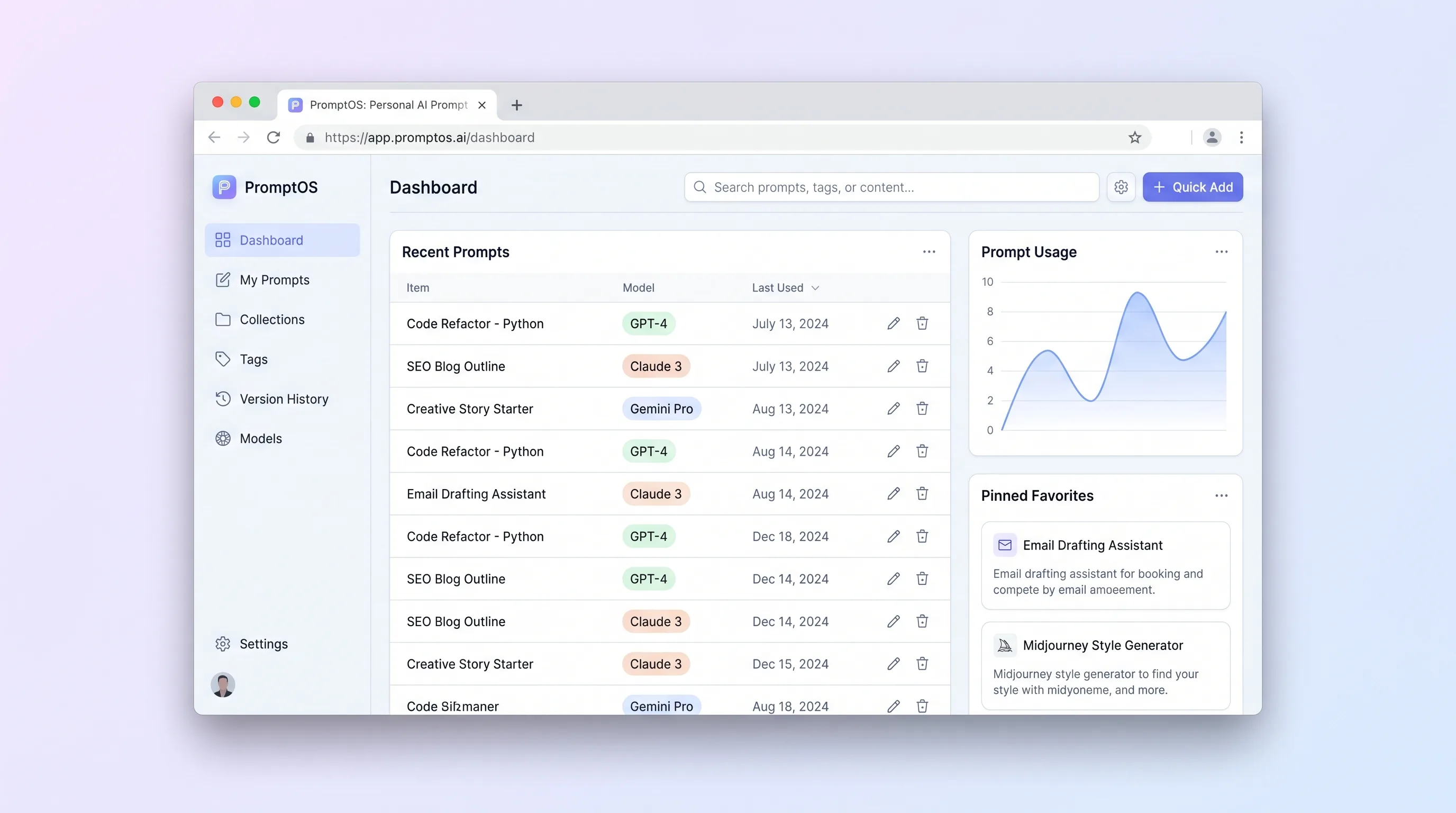
Internal ToolDeveloper & IT Operations
A private library for power users to save, tag, version, parameterize, and retrieve reusable prompts without depending on any model provider.
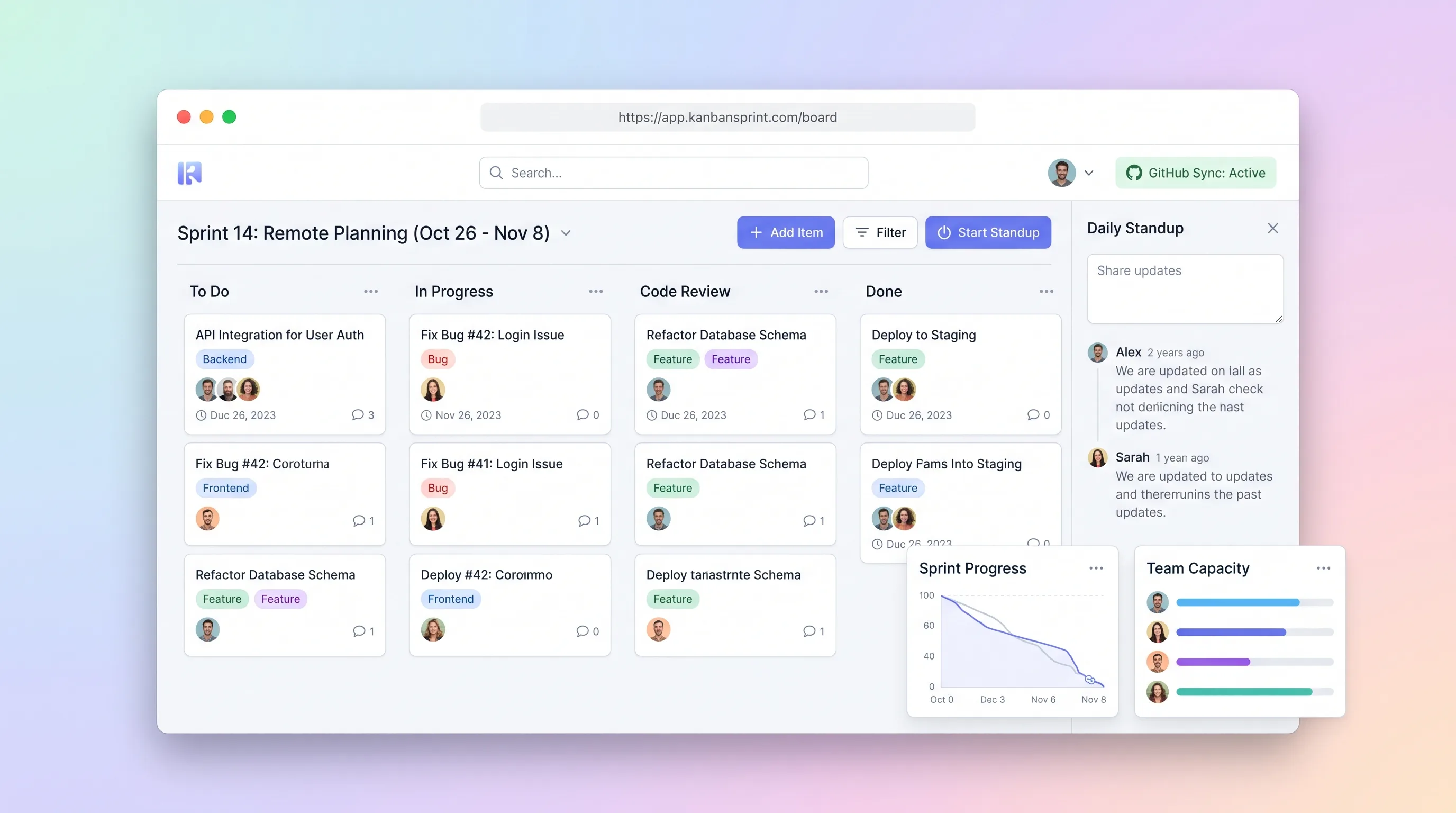
Internal ToolDeveloper & IT Operations
A compact planning workspace that keeps sprint commitments, GitHub issue state, board movement, daily blockers, and end-of-sprint carryover aligned.
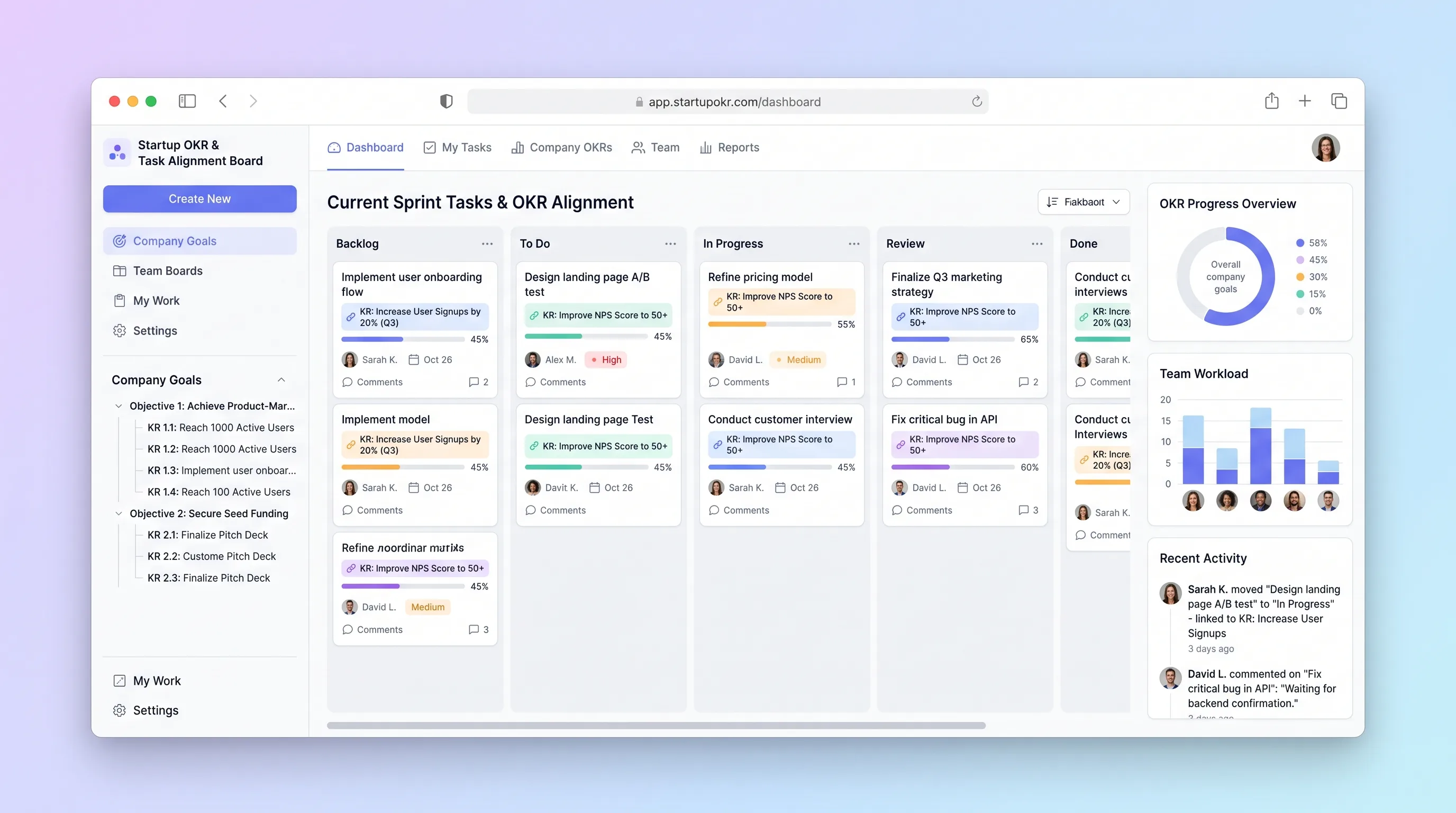
Internal ToolBusiness Operations
A planning board for small startup teams to connect daily tasks to measurable key results, update confidence weekly, and expose unaligned work.