Build this if
Build when the team already holds weekly check-ins but cannot connect its task board to measurable quarterly outcomes.
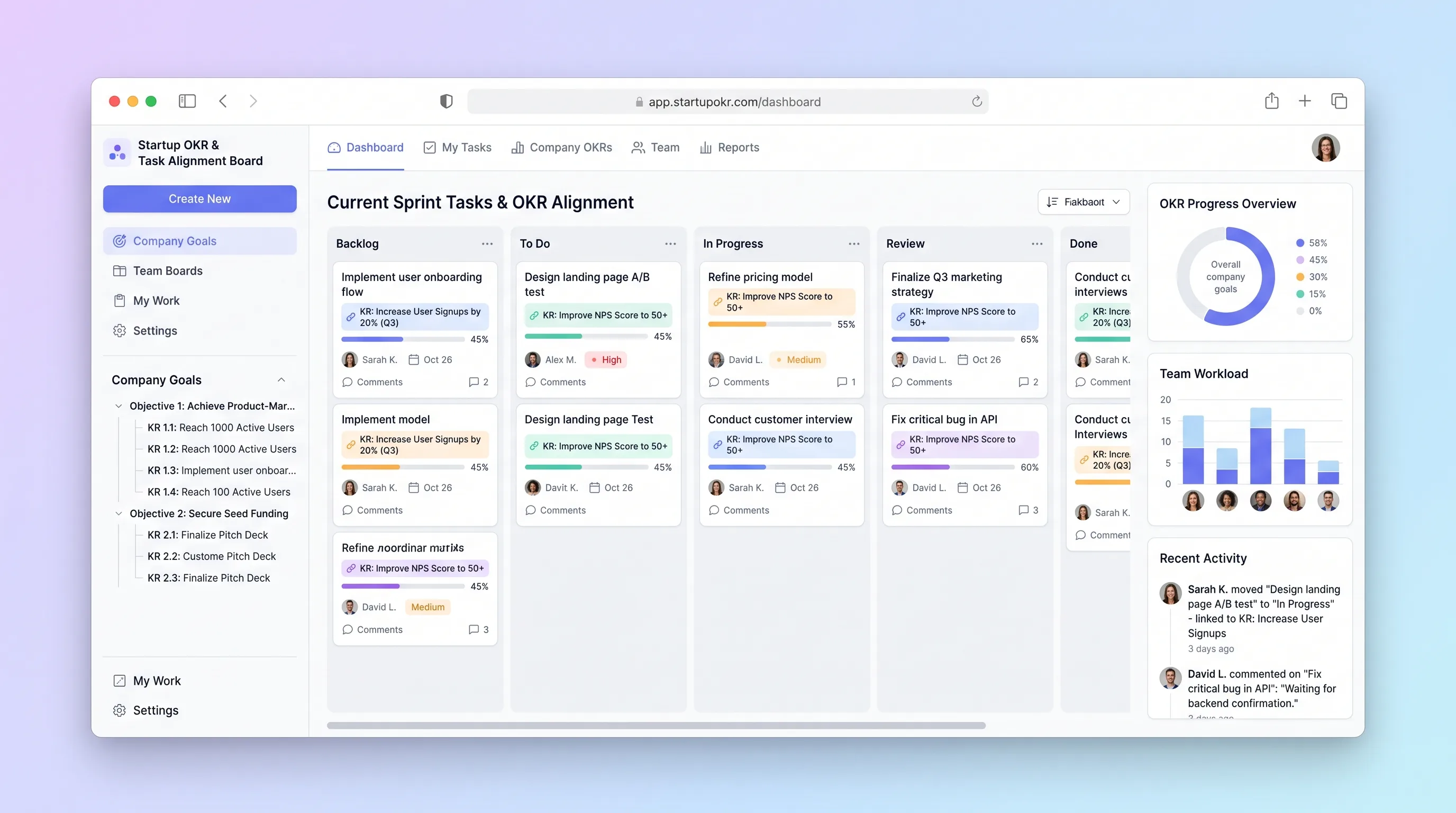
A planning board for small startup teams to connect daily tasks to measurable key results, update confidence weekly, and expose unaligned work.
Decision snapshot
Build when the team already holds weekly check-ins but cannot connect its task board to measurable quarterly outcomes.
Avoid if buyers expect enterprise portfolio planning, employee scoring, or deep synchronization with several task systems at launch.
Run one four-week cycle with three startup teams and measure missing key-result updates, unaligned task count, blocked-work visibility, and time needed for the Friday review.
Problem and target customer
Small startup teams often keep quarterly goals in a document and daily work in a separate kanban board. Task completion then looks productive without showing which key result moved, which owner is blocked, or whether confidence changed.
Startup teams of three to twenty people that set quarterly objectives and already run a weekly operating check-in.
Monthly workspace subscription with a member allowance.
Editorial note
Task alignment should be explicit. A completed card is not evidence that a key result moved, so the board links work to outcomes while the weekly owner still records the actual metric and confidence.
The Friday check-in is the operating heartbeat: one dated value, one confidence judgment, one blocker, and one next commitment. Stale or missing updates should be more prominent than polished progress graphics.
Test whether the review conversation improves. If teams surface unaligned work and risks earlier, the product is helping; if they merely maintain another board, deeper integrations will add maintenance without alignment.
Choose your next step
Evaluate the operating tradeoffs quickly, or inspect how to build the MVP.
Compare the three operating paths at the default workload before opening the full calculator.
See cost preview Build this ideaInspect the build blueprintReview MVP scope, workflow, states, data rules, architecture, and acceptance criteria.
Open blueprintEvaluation preview
Directional infrastructure estimates for the current 5,000 task and check-in updates assumption. Open the full calculator when you are ready to change it.
Managed application, database, workers, backups, and observability for task updates, weekly check-ins, and progress queries.
Lowest operating effortOne small cloud server runs the application, database, workers, and backups for task updates, weekly check-ins, and progress queries.
Lowest baseline costSeparate application, data, worker, and monitoring capacity for task updates, weekly check-ins, and progress queries.
Most separation and controlBuild blueprint
Product goal
MVP scope
UX and user flow
Define the quarter, objectives, measurable key results, owners, baselines, targets, and units.
Manage daily tasks while showing their key-result connection and unaligned reason.
Collect current values, confidence, blockers, and next commitments from each key-result owner.
Expose stale key results, objective rollups, blocked tasks, and work without strategic linkage.
Keep task outcome, owner, due date, key-result link, status history, and blocker context together.
Core entity outline
Defines one planning period and whether teams may edit or only review it.
States one qualitative outcome and owns an ordered set of key results.
Defines a measurable baseline, target, unit, owner, current value, and confidence.
Represents one observable piece of work with status, owner, due date, and strategic link.
Records a dated value, confidence, narrative, blocker, and next commitment for a key result.
Preserves task movement and blocker history for the weekly review.
Architecture and data flow
Provides cycle setup, aligned board, check-in, task detail, and progress review.
Stores goal hierarchy, task links, check-ins, and status history with cycle constraints.
Finds key results missing the current week's check-in and creates bounded notifications.
Computes normalized key-result and objective views from stored values without editing source records.
Deliverables and acceptance
Recommended stack
Keeps review pages fast while supporting interactive task movement and check-in forms.
Models the objective hierarchy, dated check-ins, and task history with strong constraints.
Provides workspace membership and owner controls without custom session code.
Creates bounded check-in reminders without requiring a separate automation platform.
The MVP is a linked planning system with weekly human judgment. Relational constraints and clear calculations matter more than external integrations or AI-generated objectives.
Copy the build prompt, model the operating cost, and choose where to deploy.
Execution
Once the blueprint is clear, use the prompt, cost model, and deployment options to start building.
Build prompt
Prototype objective context, linked task cards, and the weekly check-in in Lovable, then implement relational progress rules and conflict-safe updates on Railway.
Build prompt
Open the prompt pack whenever you are ready to take this blueprint into your builder.
Build prompt ready
Copy the prompt into your builder, then use the cost model below to choose how you want to run it.
Use the cost model to choose a deployment path that matches the build plan.
Cost calculator
A technical run-cost estimate for the first production version. Team, acquisition, payment fees, and business COGS are excluded.
$10-$30 per 2,500 task and check-in updates
Low and high values allow for usage variance and plan headroom.
Managed application, database, workers, backups, and observability for task updates, weekly check-ins, and progress queries.
50K task and check-in updates included, then $6-$18 per 50K task and check-in updatesThe estimate combines the selected infrastructure path, required operating modules, selected optional modules, and usage above included monthly allowances. Taxes and regional uplifts are excluded.
Deployment options
Choose based on operating preference, not only the headline price.
Deploy goal check-ins, aligned task updates, and progress review with managed data and scheduled jobs in one project.
Usage billing needs budget alerts.
Run the app, worker, and database on one small Vultr VPS with Docker Compose and explicit backups.
Patching, monitoring, backups, and recovery are operator responsibilities.
Separate application, worker, data, storage, and backup responsibilities as the workload grows.
More services increase operational work.
Start building
Build cycle setup, objective and key-result editing, an aligned task board, a Friday check-in, and a progress-risk review screen.
Open Lovable 02AutomationAdd bounded handoffsUse Make only to send a scheduled check-in reminder or copy an approved summary to the team's existing chat; it does not calculate progress.
Open Make 03DeployDeploy the working serviceDeploy the collaborative web app and relational database with optimistic updates, backups, and a small reminder job.
Open RailwayKeep exploring
Internal ToolSales & Marketing
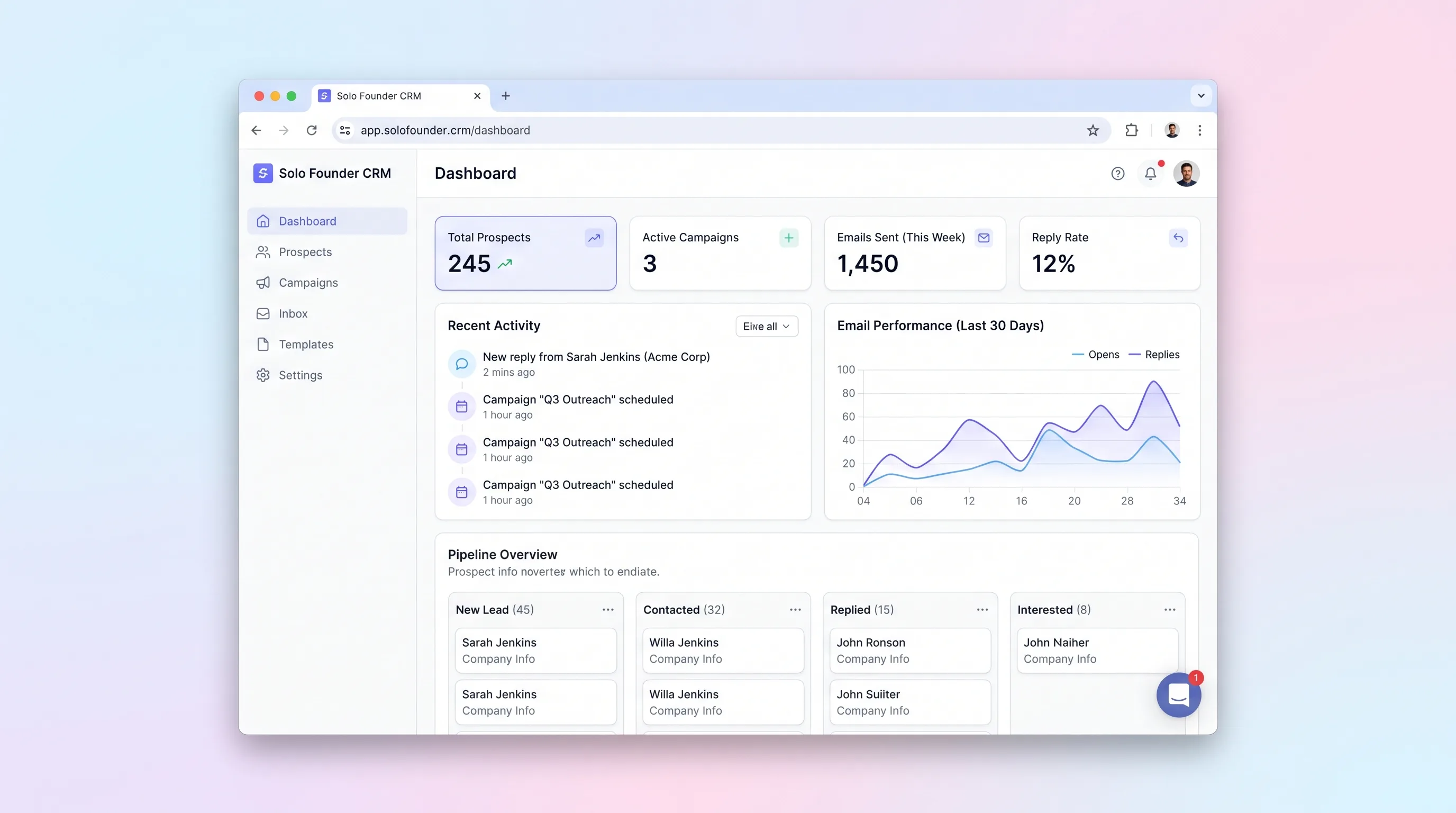
A lightweight founder sales desk for importing prospects, enrolling approved contacts in short email sequences, tracking replies, and stopping outreach safely.
Internal ToolBusiness Operations
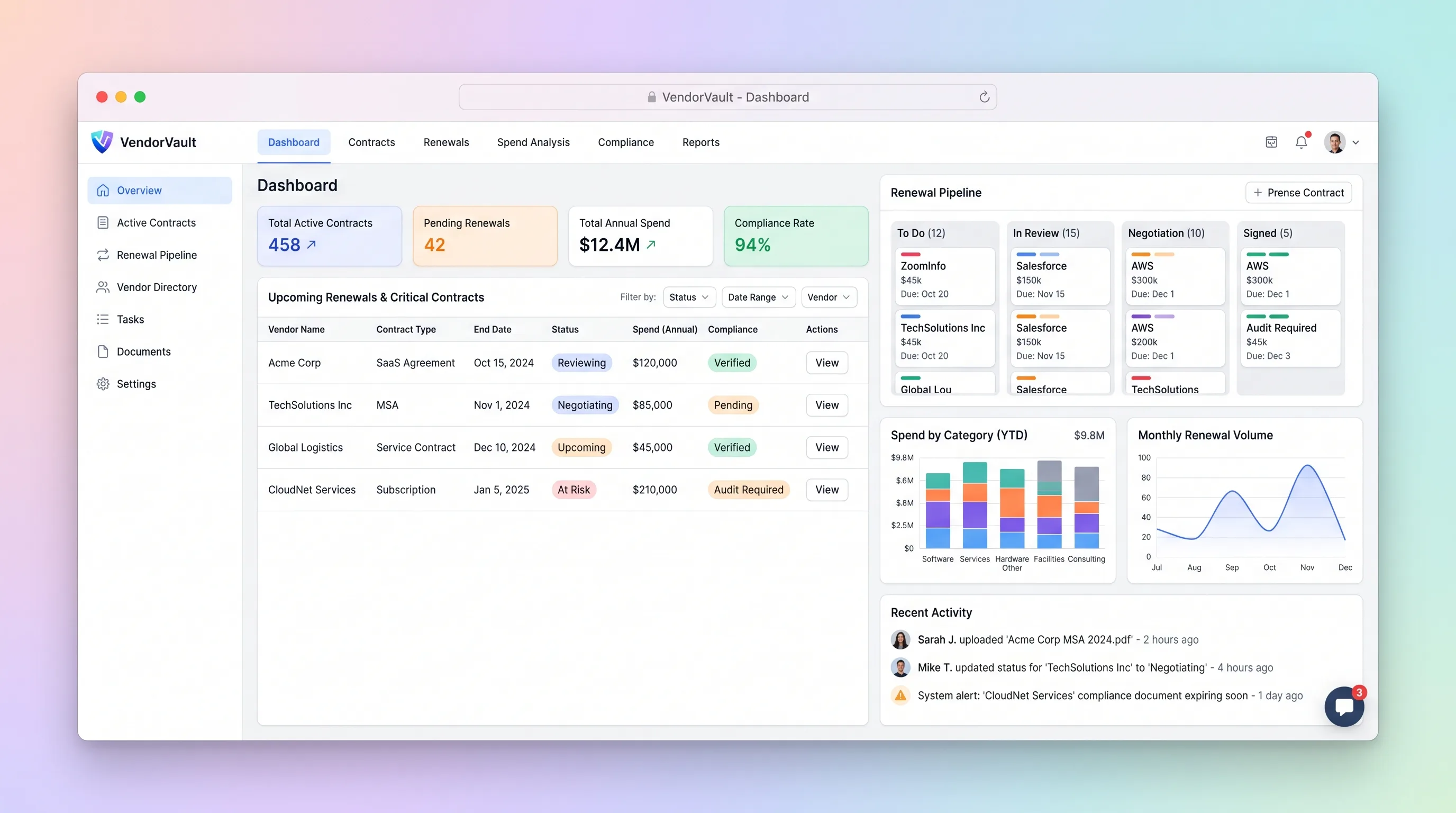
A procurement workspace that ties supplier contracts, renewal deadlines, owners, spend, and required documents to one accountable renewal pipeline.
Internal ToolBusiness Operations
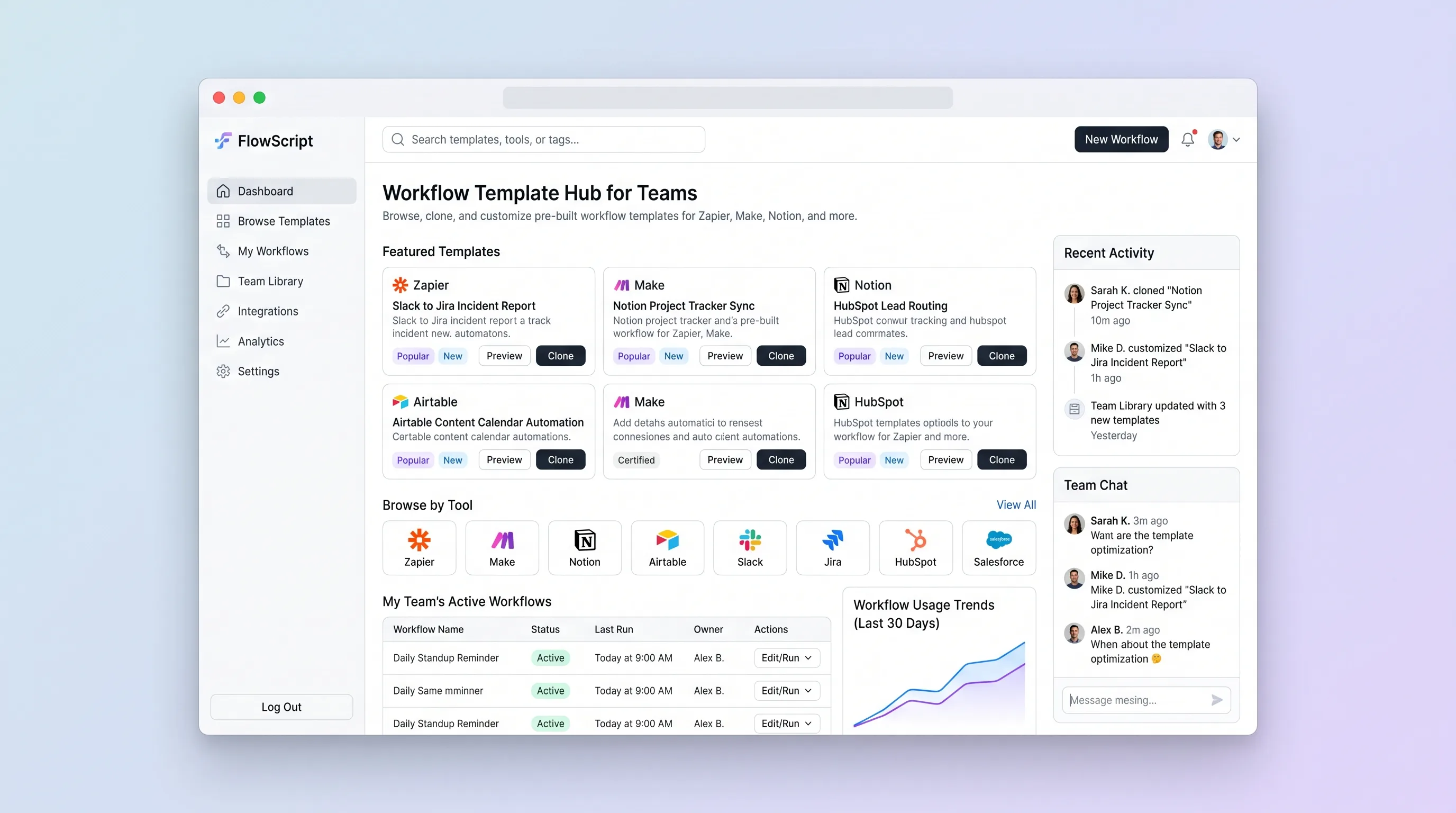
A private operations library for finding vetted no-code recipes, cloning a version into a team collection, and recording the local setup notes that make it reusable.
Internal ToolBusiness Operations
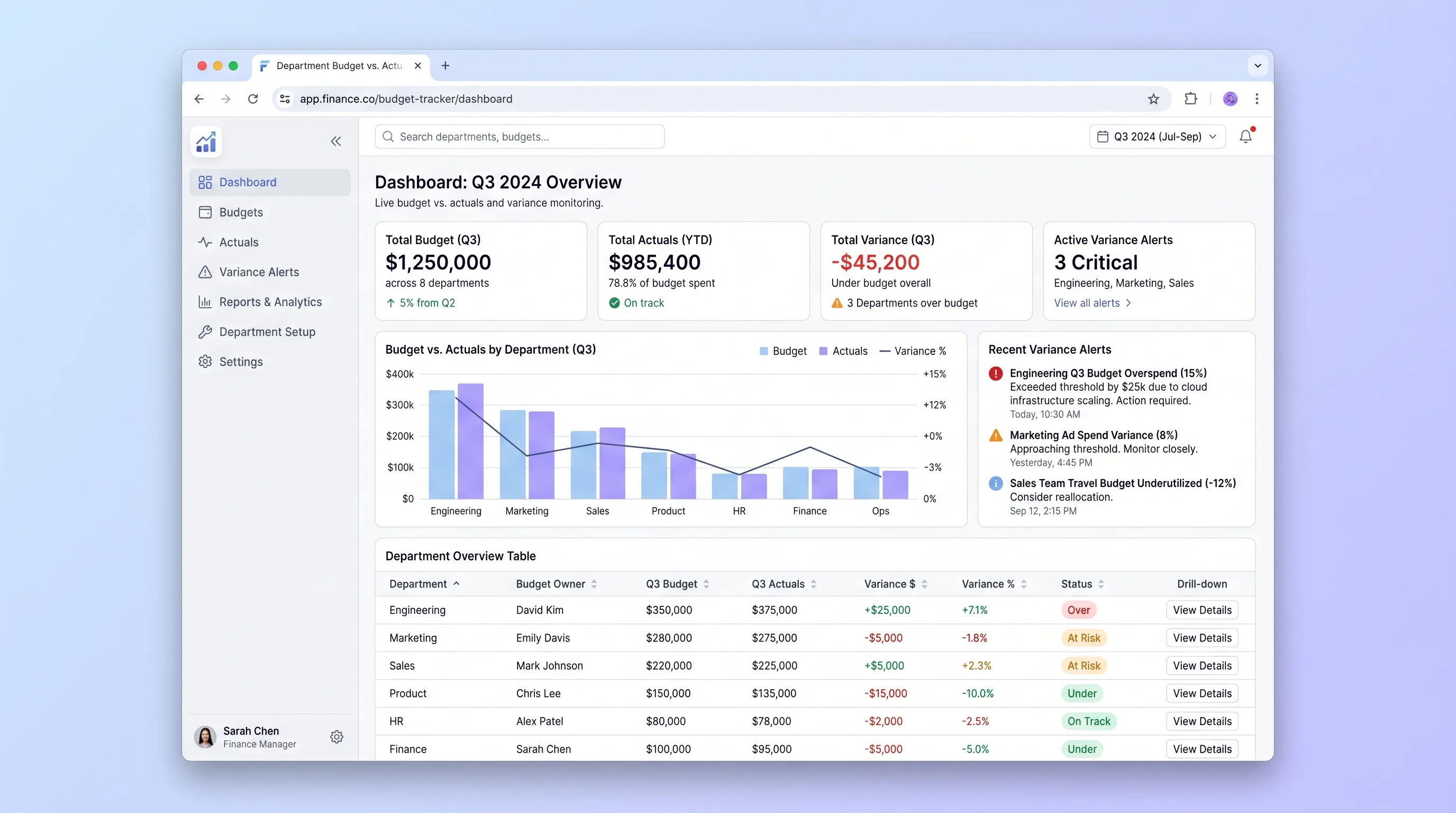
An internal tool that lets finance teams import annual budgets via CSV and gives department heads self-serve visibility into spend against budget with drill-down variance views and same-day threshold alerts.
Internal ToolDeveloper & IT Operations
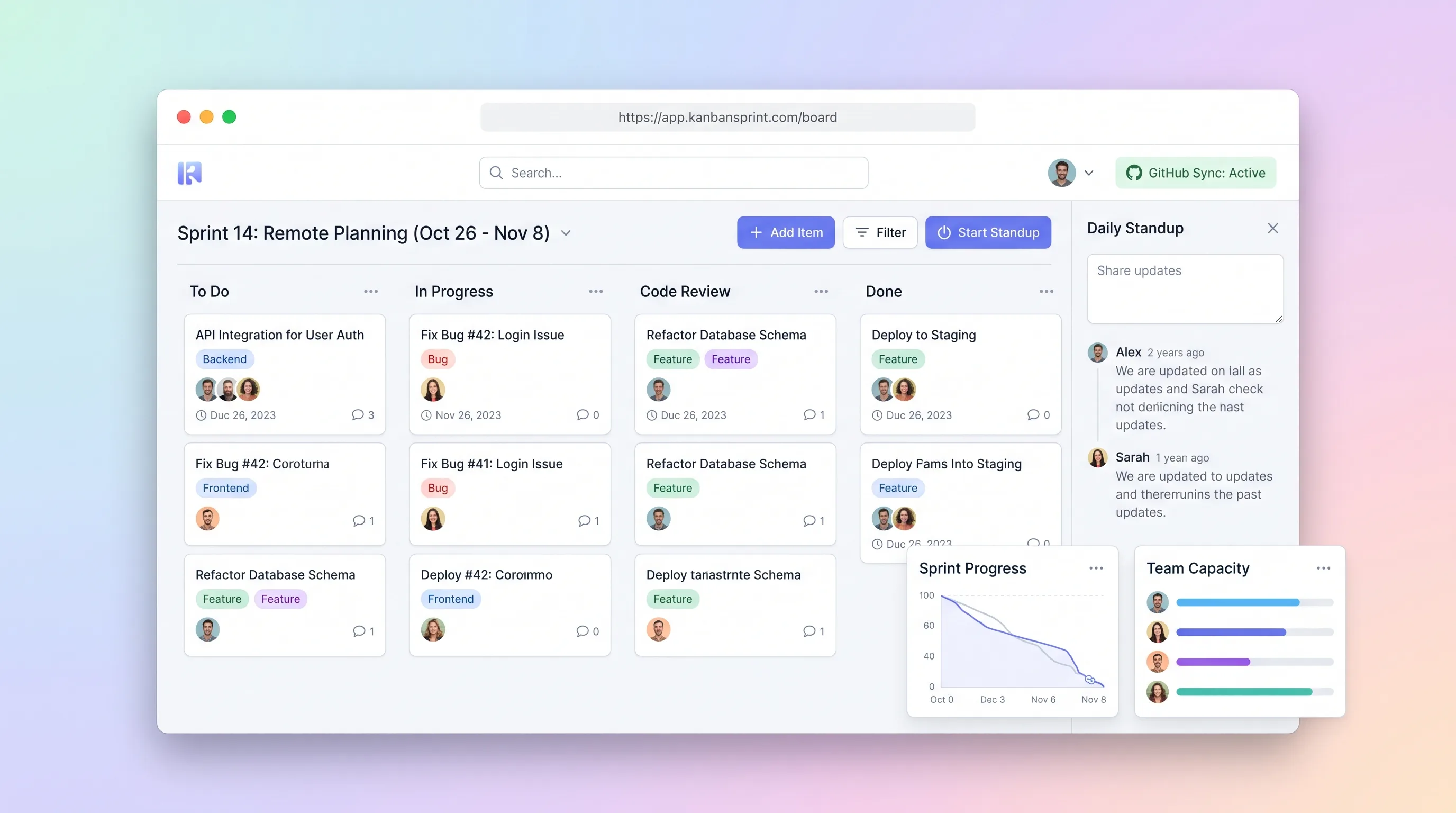
A compact planning workspace that keeps sprint commitments, GitHub issue state, board movement, daily blockers, and end-of-sprint carryover aligned.
Internal ToolDeveloper & IT Operations
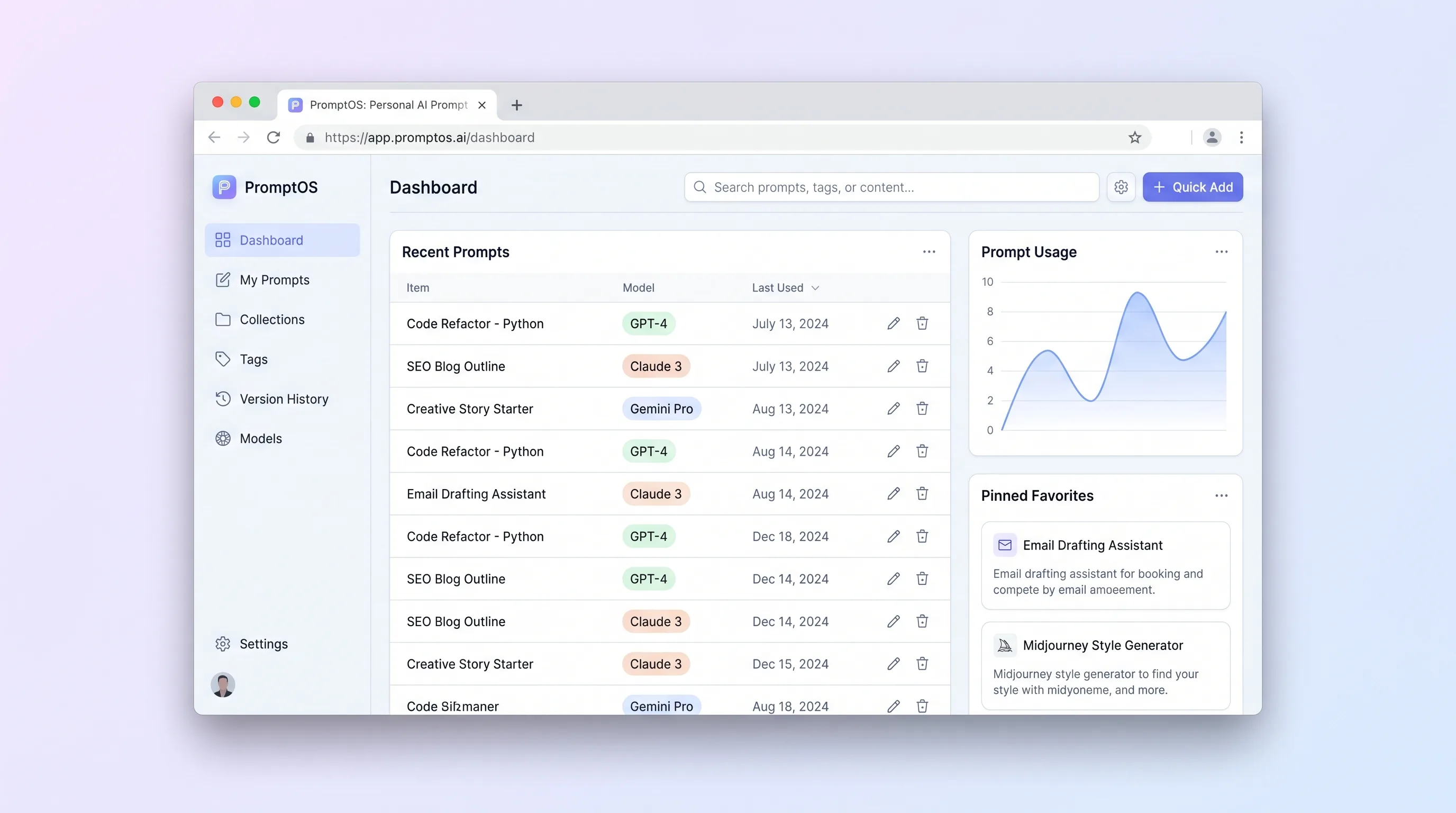
A private library for power users to save, tag, version, parameterize, and retrieve reusable prompts without depending on any model provider.