Build this if
You support a SaaS product with recurring technical issues that follow diagnosable decision trees and want to deflect repetitive support tickets.
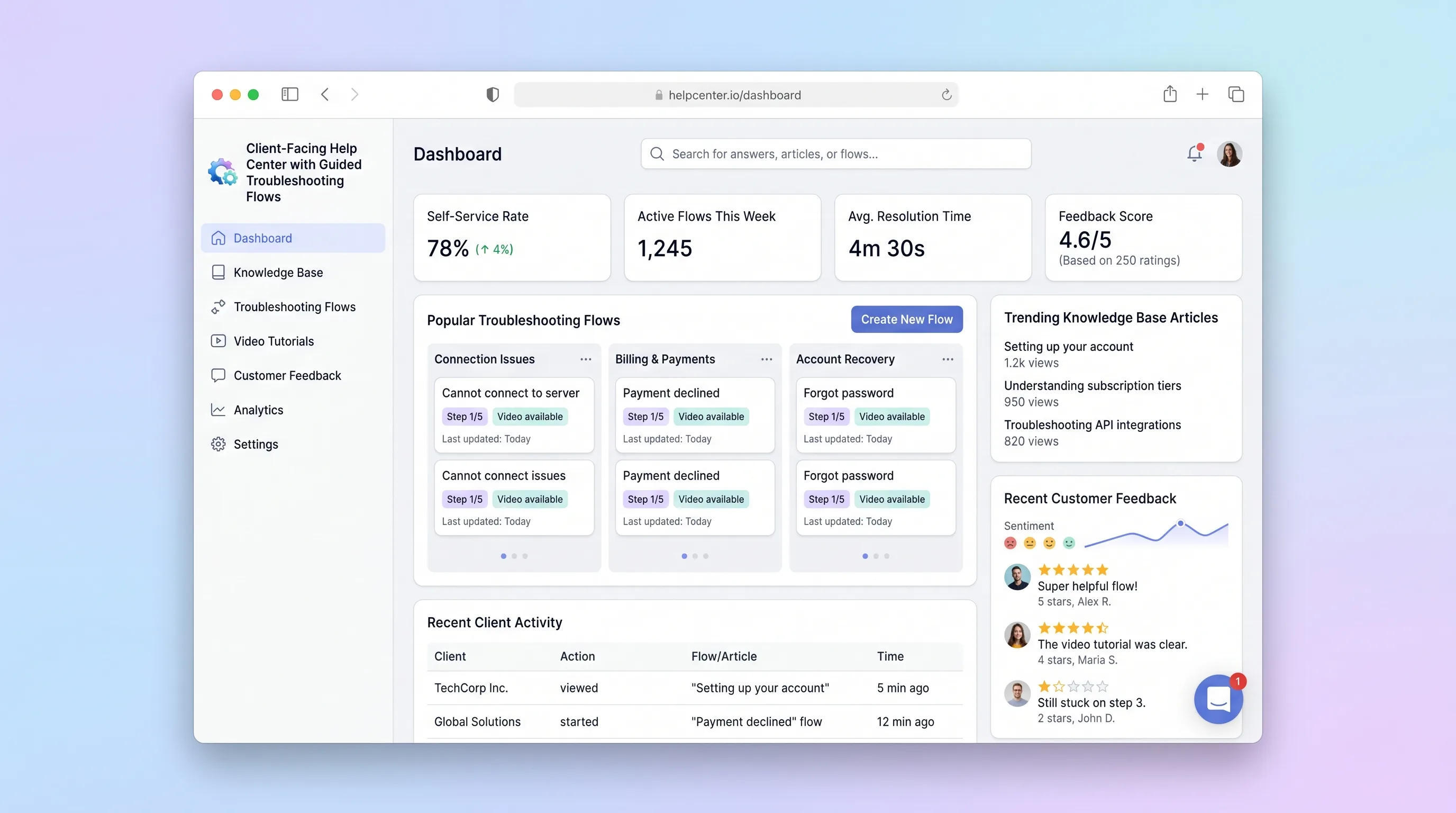
A self-service help center where SaaS teams publish interactive troubleshooting wizards and knowledge articles, and end customers resolve issues through guided step-by-step flows with built-in feedback capture.
Decision snapshot
You support a SaaS product with recurring technical issues that follow diagnosable decision trees and want to deflect repetitive support tickets.
Your support issues are highly bespoke per customer and cannot be structured into repeatable troubleshooting paths.
Publish 5 troubleshooting flows for real recurring issues and measure whether end customers complete flows and submit feedback without contacting support.
Problem and target customer
SaaS support teams rely on static FAQ pages that don't guide customers through multi-step diagnosis. Customers bounce between articles trying to piece together a resolution, and teams have no structured feedback on which troubleshooting paths actually work.
Indie SaaS founders and small product teams who need a branded self-service help center with interactive troubleshooting flows but cannot justify building custom support tooling from scratch.
Monthly subscription with a paid workspace tier. Teams pay for their branded help center, flow builder access, and feedback analytics.
Editorial note
This help center focuses on one thing: turning repetitive support issues into guided troubleshooting flows that customers can resolve on their own. Instead of static FAQ pages, admins build branching decision trees where each step asks a diagnostic question and routes the customer toward a specific resolution or escalation.
The MVP keeps scope tight by excluding live chat, video hosting, and SSO. The core value is the flow builder and wizard player. Feedback capture at the end of each flow gives teams structured data on which troubleshooting paths work and which need revision.
Teams validate the product by publishing five flows for their most common support issues and watching completion rates. If customers consistently reach resolutions and submit feedback without escalating to support, the deflection model is working.
Choose your next step
Evaluate the operating tradeoffs quickly, or inspect how to build the MVP.
Compare the three operating paths at the default workload before opening the full calculator.
See cost preview Build this ideaInspect the build blueprintReview MVP scope, workflow, states, data rules, architecture, and acceptance criteria.
Open blueprintEvaluation preview
Directional infrastructure estimates for the current 250 content jobs assumption. Open the full calculator when you are ready to change it.
Managed app hosting, database, backups, and basic observability for the content workflow.
Lowest operating effortOne small VPS running the app, database, media volume, and backup job.
Lowest baseline costSeparate app, data, storage, and worker capacity for cleaner operations.
Most separation and controlBuild blueprint
Product goal
MVP scope
UX and user flow
Public landing page where customers search for issues or browse categories to find relevant troubleshooting flows.
Interactive step-by-step player that walks the customer through diagnostic questions to a resolution.
Admin interface for creating and editing branching troubleshooting flows with decision-tree logic.
Admin view of flow completion rates and customer feedback across all published flows.
Core entity outline
Represents a SaaS team's branded help center with its own flows and settings.
A branching troubleshooting wizard published to the help center for a specific problem category.
A single step in the decision tree with a question, answer options, and branch targets or resolution text.
Tracks an end customer's progress through a published flow from start to resolution or abandonment.
Customer rating and optional comment submitted after completing or abandoning a troubleshooting flow.
Architecture and data flow
Public React app rendering search, categories, and the interactive wizard player.
Authenticated admin interface for creating and editing decision-tree flows.
Background job that traverses a flow's decision tree to verify all paths reach a resolution or escalation.
Make scenario that forwards new feedback submissions to Slack or email for the workspace admin.
Deliverables and acceptance
Recommended stack
Rapidly build the admin flow builder, public help center, and wizard player as a unified React app.
Postgres for flows, steps, feedback, and workspace records with row-level security for public vs admin access.
Route feedback submissions to Slack or email notifications and sync completion metrics to a spreadsheet.
Host any server-side validation workers for flow logic checks and scheduled analytics aggregation.
Lovable handles the interactive wizard UI and admin builder in one codebase. Supabase provides durable storage for branching flow data with public read access and admin write access. Make connects feedback events to team notifications without building a notification service. Railway runs validation jobs for flow completeness checks before publishing.
Copy the build prompt, model the operating cost, and choose where to deploy.
Execution
Once the blueprint is clear, use the prompt, cost model, and deployment options to start building.
Build prompt
Lovable
Build prompt
Open the prompt pack whenever you are ready to take this blueprint into your builder.
Build prompt ready
Copy the prompt into your builder, then use the cost model below to choose how you want to run it.
Use the cost model to choose a deployment path that matches the build plan.
Cost calculator
A technical run-cost estimate for the first production version. Team, acquisition, payment fees, and business COGS are excluded.
$13-$38 per 125 content jobs
Low and high values allow for usage variance and plan headroom.
Managed app hosting, database, backups, and basic observability for the content workflow.
50K content jobs included, then $8-$20 per 100K content jobsPayment processor is implied by the source workflow or feature list.
100 included, then $0-$5 per 100 content jobsThe estimate combines the selected infrastructure path, required operating modules, selected optional modules, and usage above included monthly allowances. Taxes and regional uplifts are excluded.
Deployment options
Choose based on operating preference, not only the headline price.
Fast Docker deployment for the app, database, worker, and preview workflow without managing a VPS.
Usage billing needs active monitoring as traffic and jobs grow.
Run the app, worker, and database on one small Vultr VPS with Docker Compose and explicit backups.
You own patching, backups, monitoring, and incident response.
Separate application, worker, data, storage, and backup responsibilities as the workload grows.
You own server setup, patching, backups, and operational monitoring.
Start building
Create the public help center with search and category browsing, the admin flow builder with decision-tree editor, and the interactive wizard player with step navigation and feedback capture.
Open Lovable 02AutomationConnect feedback notificationsSet up a scenario that triggers on new feedback submissions and sends a Slack or email notification to the workspace admin with the flow name, rating, and comment.
Open Make 03DeployDeploy flow validation workerHost a background job that checks unpublished flows for incomplete branches—paths that don't end in a resolution or escalation—before allowing publication.
Open RailwayKeep exploring
SaaS WorkflowProfessional Services
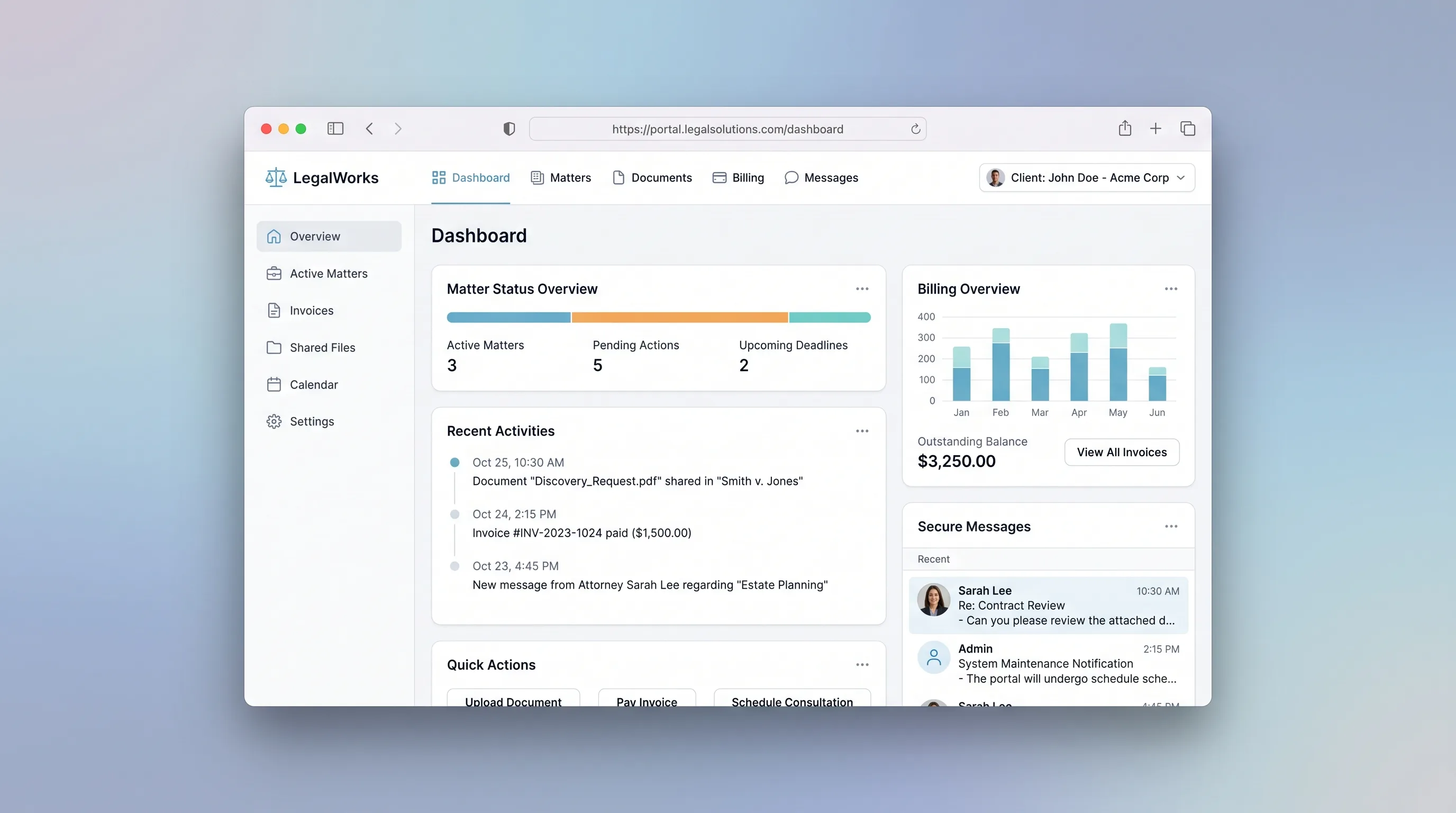
A branded portal where law firms manage client matters, share documents, log billable time, and collect invoice payments in one secure place.
MarketplaceHospitality & Travel
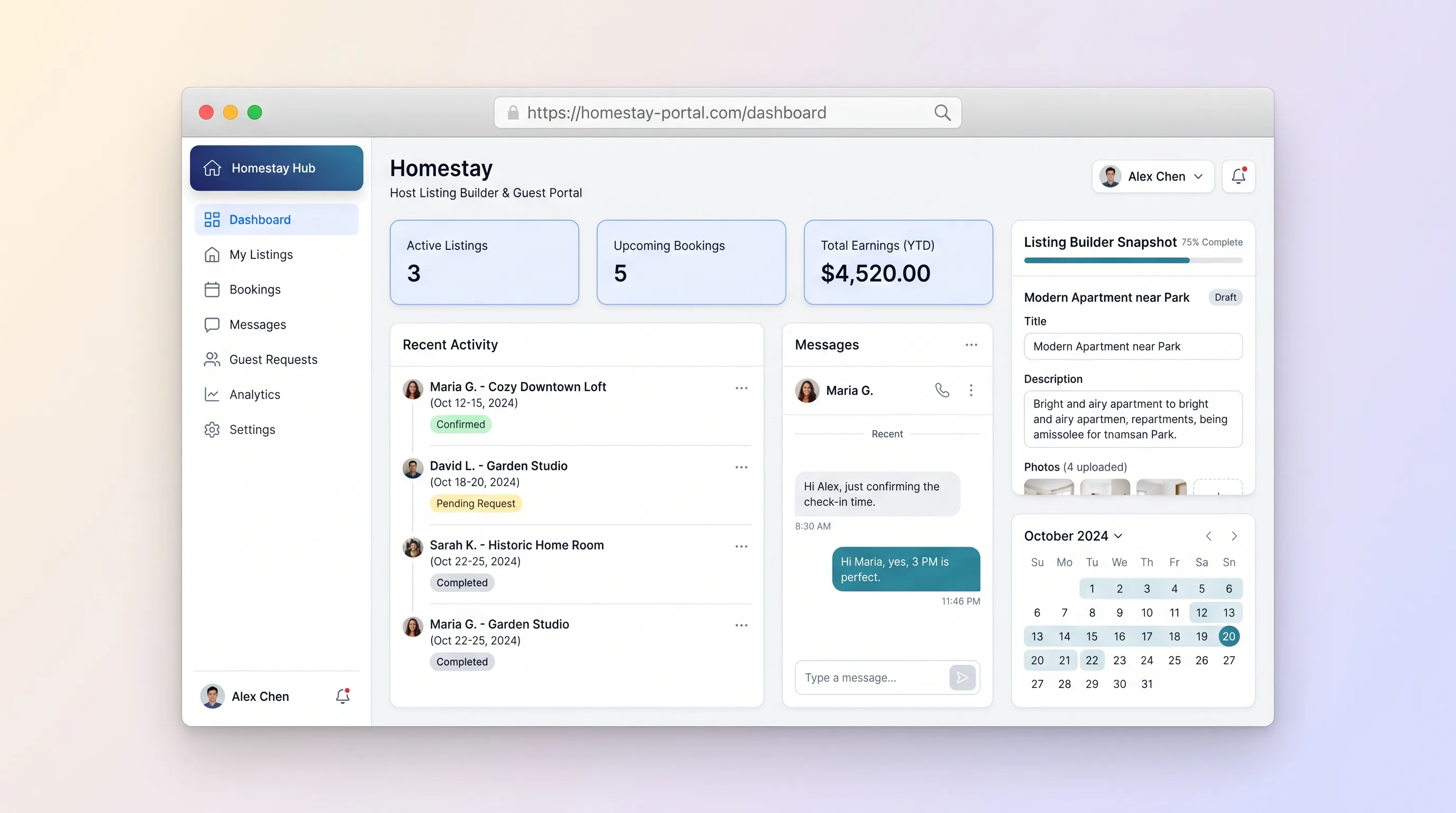
A dual-sided marketplace where homestay hosts create rich property listings with photos, amenities, and pricing, and guests search by location, message hosts, submit booking requests, and track status from pending to confirmed.
SaaS WorkflowBusiness Operations
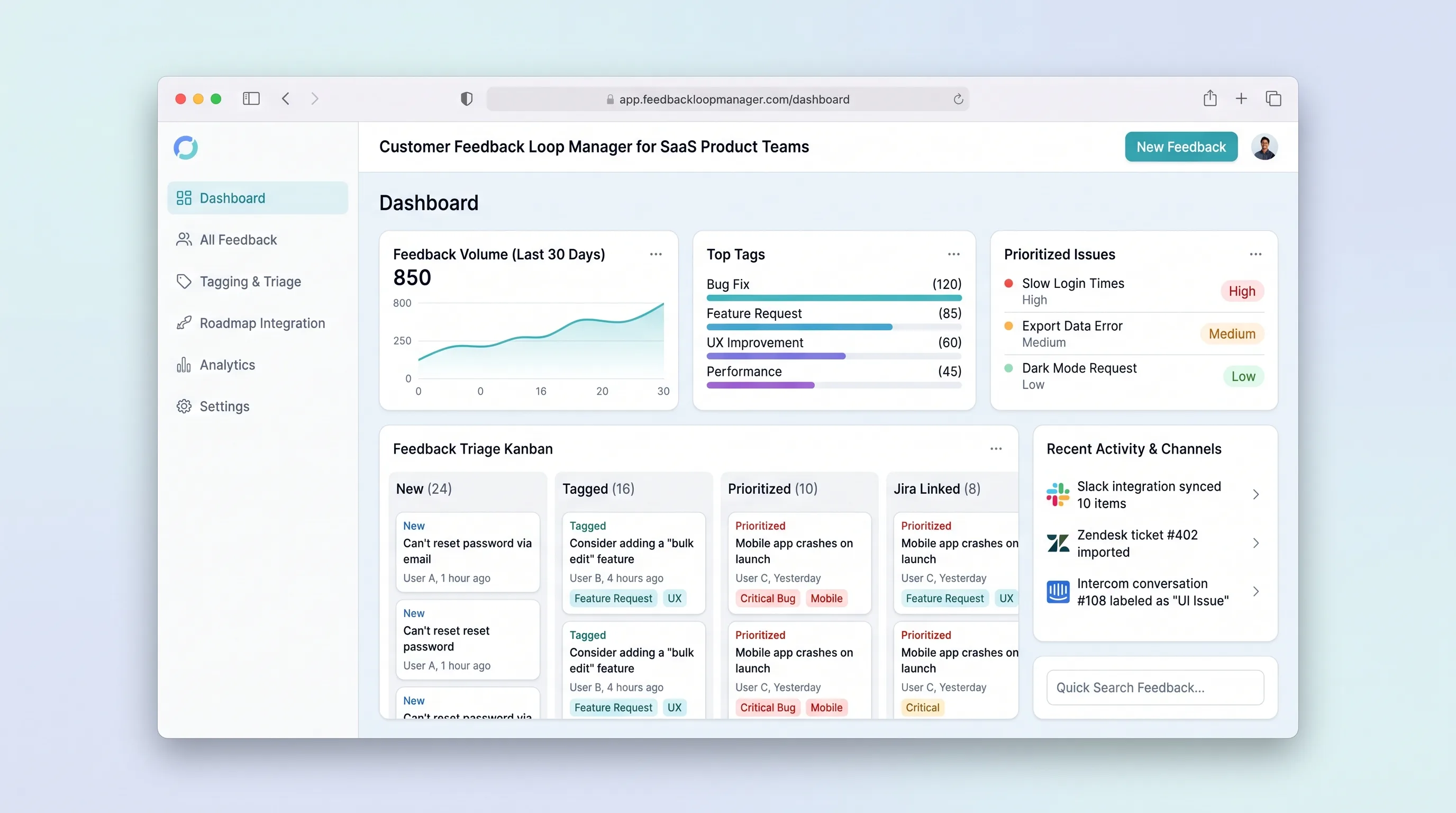
Collect, tag, and prioritize user feedback from multiple channels into a single prioritized backlog that feeds roadmap decisions with traceable evidence.
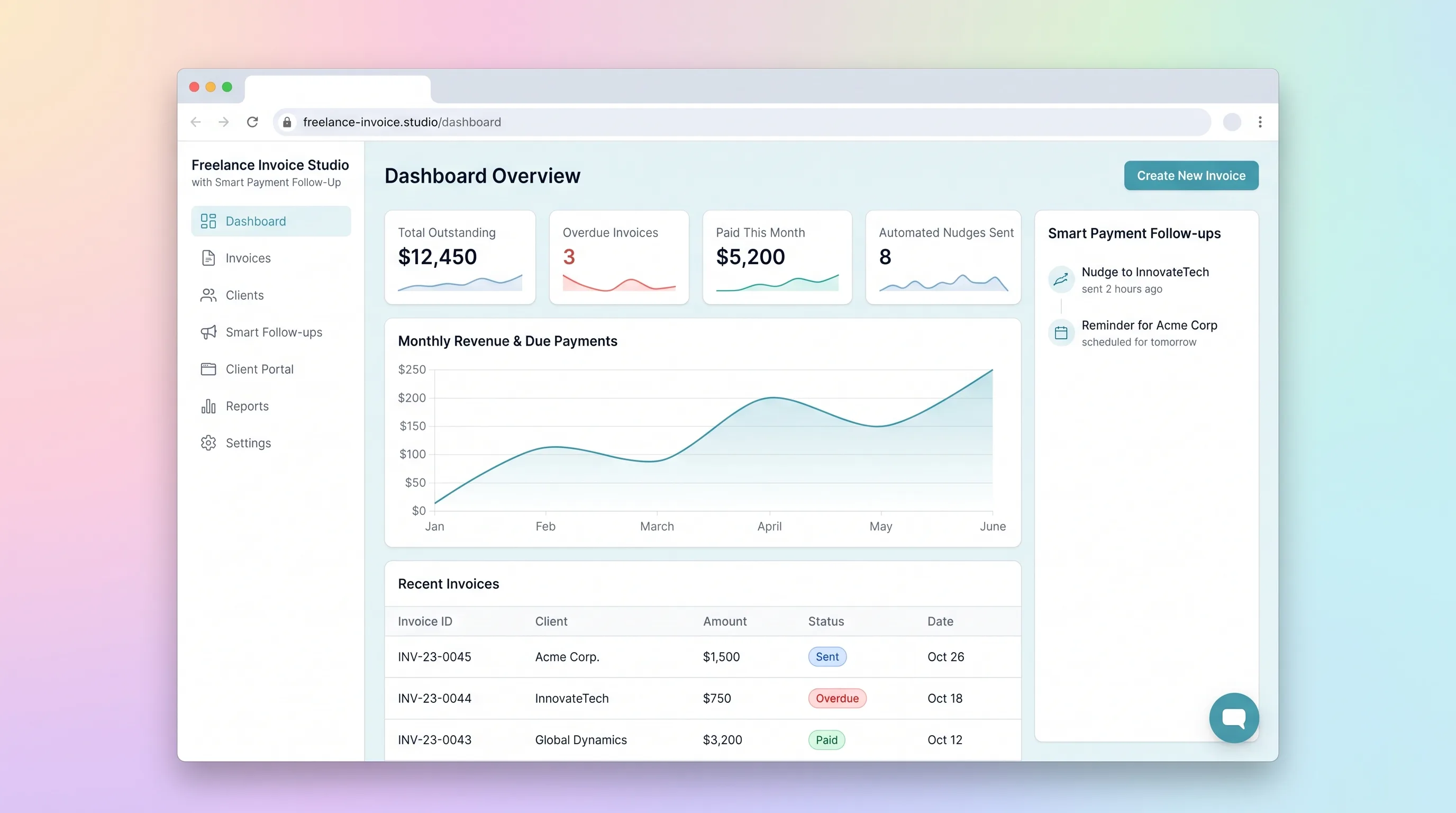
SaaS WorkflowBusiness Operations
A focused invoicing workflow for freelancers to create, send, and track invoices with automated late-payment reminders and a client-facing payment portal.
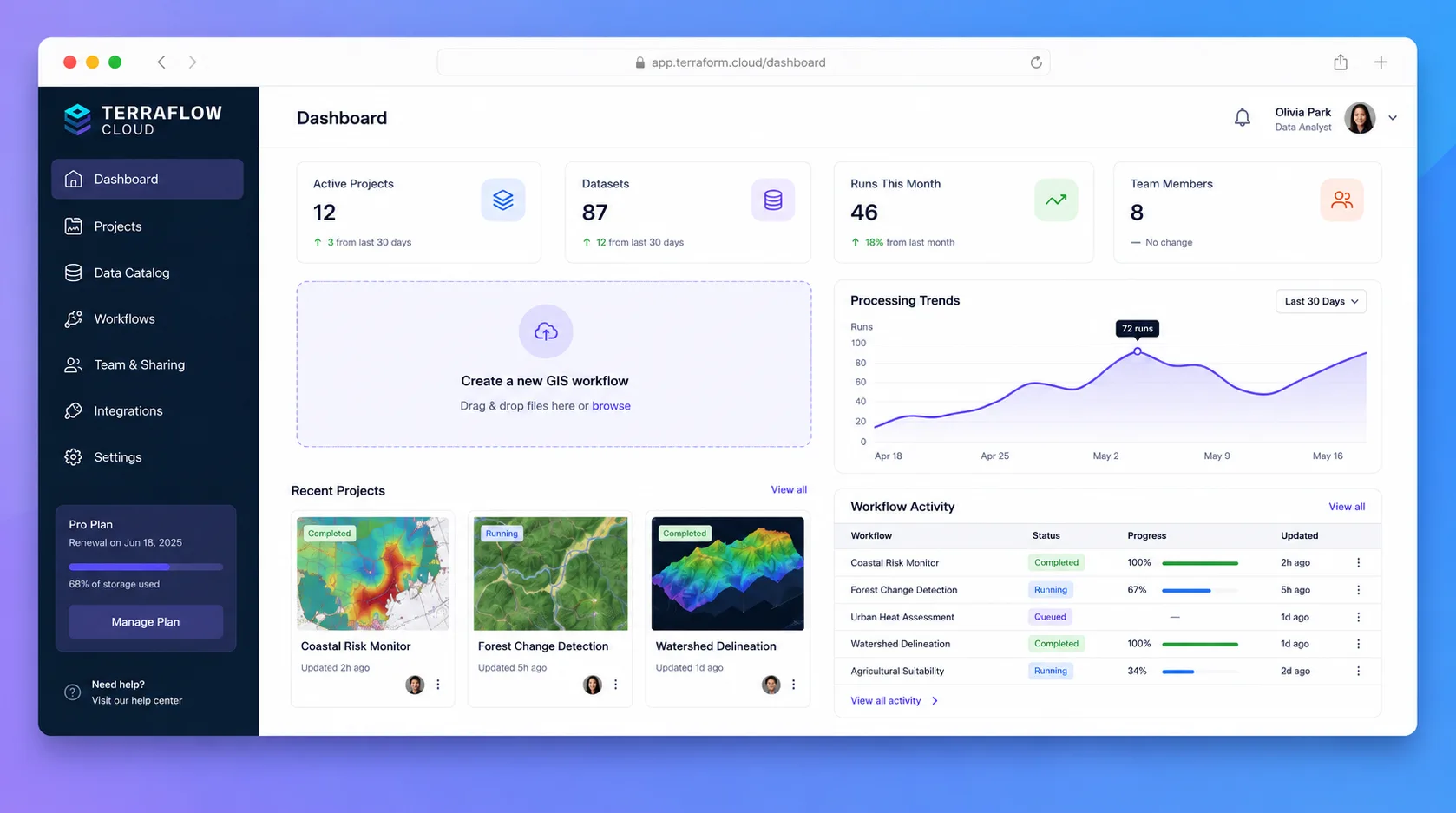
SaaS WorkflowBusiness Operations
A browser-based geospatial workspace where analysts import local spatial files, style layers on an interactive map, run spatial SQL via DuckDB-WASM, and share projects as embeddable links—all without uploading data to a remote server.
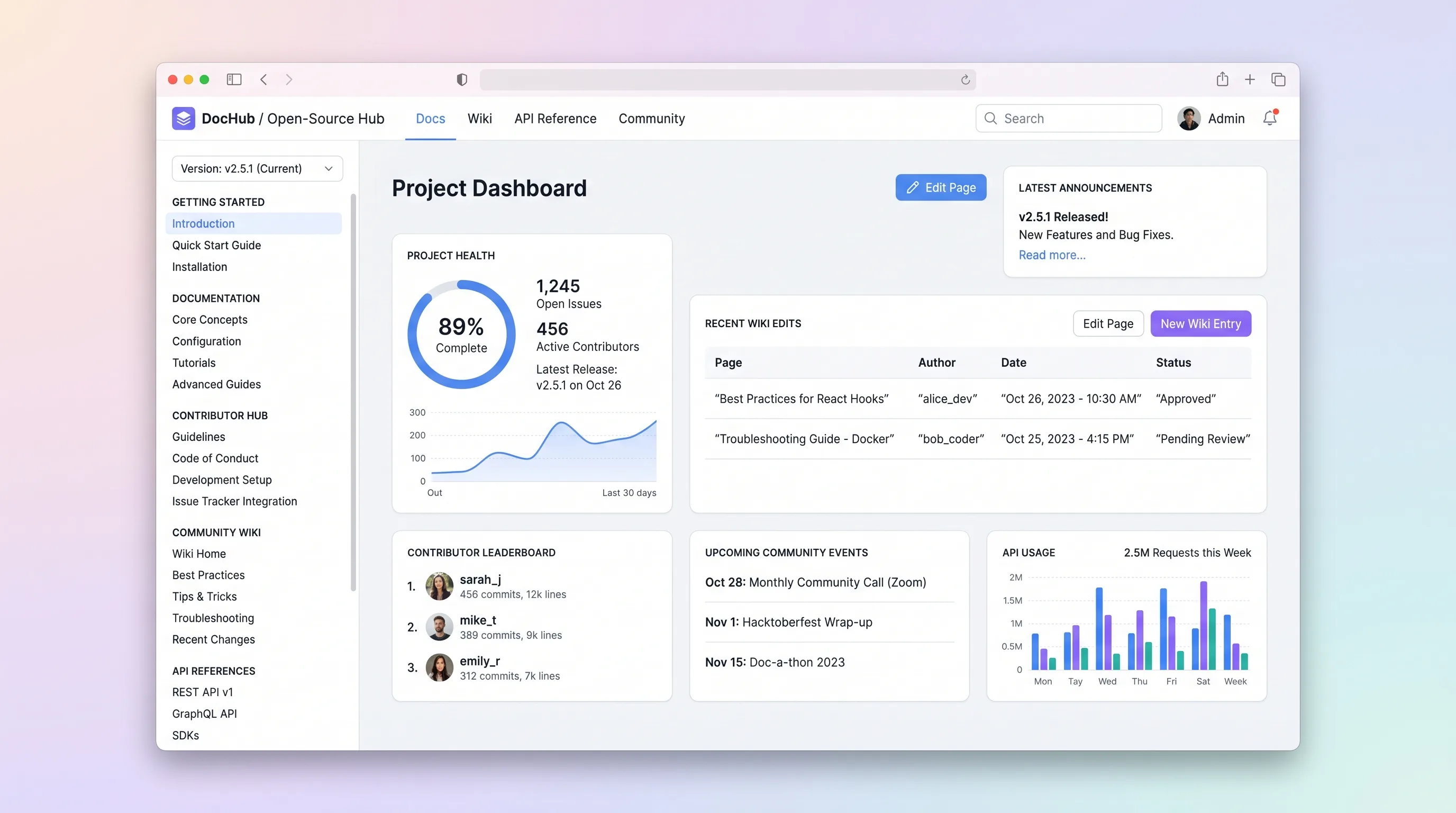
SaaS WorkflowDeveloper & IT Operations
A hosted documentation platform where open-source maintainers publish versioned docs and API references while community contributors submit wiki edits through a review queue.