Build this if
You can validate that target users will log expenses at least 3 times per week and that weekly AI coaching tips change spending behavior.
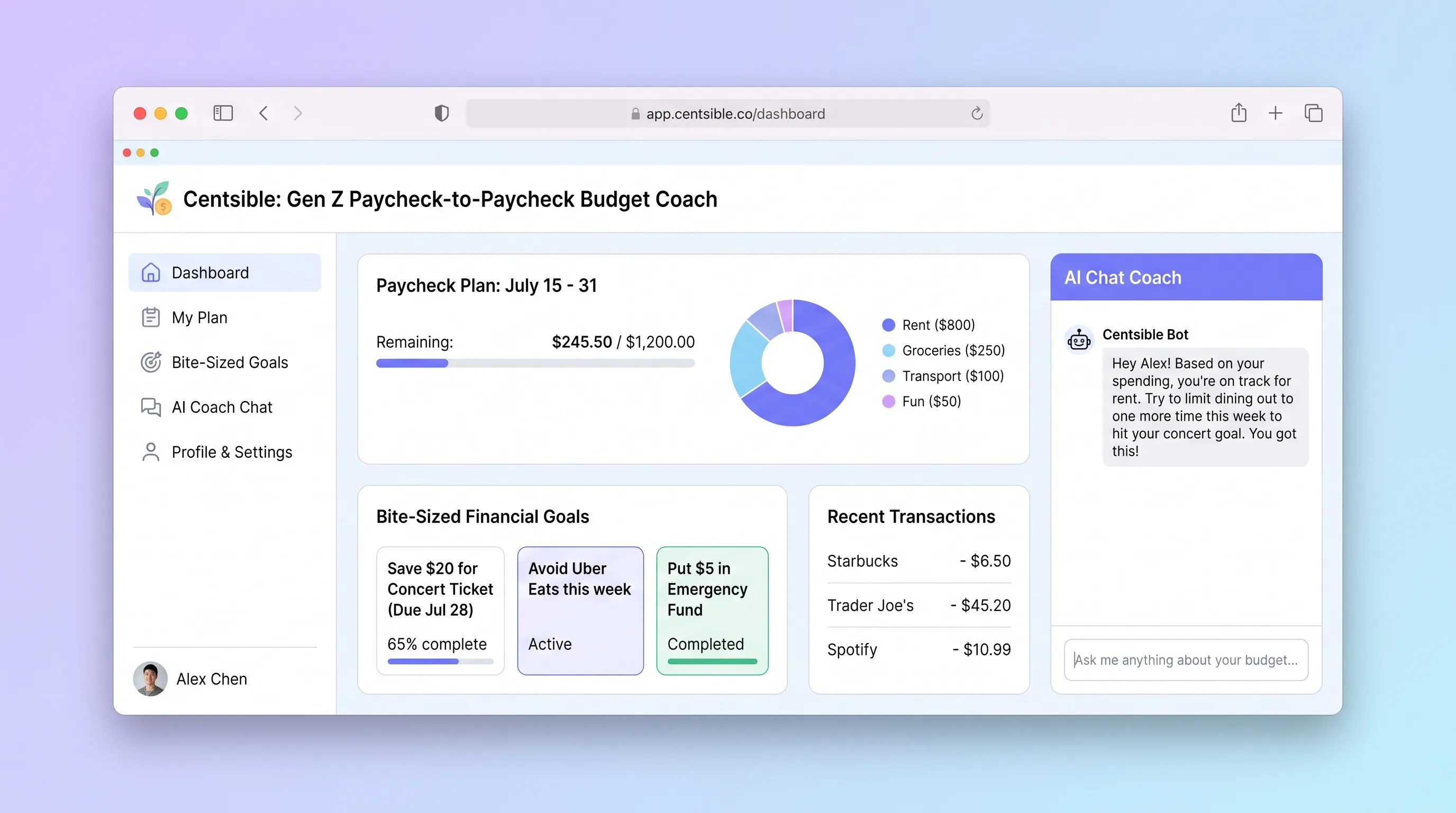
An AI-guided mobile budgeting app that helps Gen Z adults living paycheck to paycheck log expenses in seconds, understand their remaining budget instantly, and receive one plain-English money decision per week.
Decision snapshot
You can validate that target users will log expenses at least 3 times per week and that weekly AI coaching tips change spending behavior.
You cannot secure a reliable LLM API partner or users already track spending in a banking app they trust.
Recruit 20 Gen Z paycheck-to-paycheck users; measure daily log frequency and whether at least 60% act on at least one weekly coaching tip over 4 weeks.
Problem and target customer
Young adults with irregular spending habits lack a fast, judgment-free way to track expenses and understand whether they can afford their next purchase before payday arrives.
Gen Z adults aged 18–28 who live paycheck to paycheck, have variable income or spending, and check finances from their phone multiple times per week.
Monthly subscription with a free tier for basic expense logging and a paid tier for AI coaching tips and savings goal tracking.
Editorial note
Centsible targets a specific pain: Gen Z adults who live paycheck to paycheck and need to know whether they can afford dinner out before payday. The app strips budgeting to its essentials—log fast, see your number, get one useful tip per week.
The MVP deliberately excludes bank linking. Manual entry with large tap targets and emoji categories keeps friction low while avoiding the compliance and trust barriers of financial data aggregation. The AI coach runs once per week, not on every interaction, which keeps LLM costs bounded and makes the subscription math viable.
Validation hinges on habit formation. If users do not log expenses at least three times per week, the coaching tip has no data to work with. The four-week test with 20 users should measure both logging frequency and whether coaching tips translate into at least one changed spending decision.
Choose your next step
Evaluate the operating tradeoffs quickly, or inspect how to build the MVP.
Compare the three operating paths at the default workload before opening the full calculator.
See cost preview Build this ideaInspect the build blueprintReview MVP scope, workflow, states, data rules, architecture, and acceptance criteria.
Open blueprintEvaluation preview
Directional infrastructure estimates for the current 1,000 generated outputs assumption. Open the full calculator when you are ready to change it.
Managed app hosting, database, backups, and basic observability for the ai-generation workflow.
Lowest operating effortOne small VPS running the app, database, media volume, and backup job.
Lowest baseline costSeparate app, data, storage, and worker capacity for cleaner operations.
Most separation and controlBuild blueprint
Product goal
MVP scope
UX and user flow
Capture payday frequency, take-home amount, and fixed expenses
Log an expense in under 10 seconds with one hand
Show remaining balance, days to payday, and category breakdown
Create and track bite-sized savings targets
Display the latest AI-generated coaching tip with context
Core entity outline
Stores account and subscription status
Represents one pay period with income and fixed expenses
A single logged expense with category and amount
A bite-sized savings target with progress
Weekly AI-generated plain-English money advice
Architecture and data flow
Renders expense logging, dashboard, goals, and coaching tip screens
Handles auth, CRUD for cycles, expenses, goals, and serves coaching tips
Stores all user financial records with per-user row-level security
Summarizes spending data, calls LLM, and persists the coaching tip
Deliverables and acceptance
Recommended stack
Rapid mobile-first UI with large tap targets and emoji components; generates React code the team can extend.
Managed Postgres for paycheck cycles, expense entries, and savings goals with row-level security per user.
Generates weekly plain-English coaching tips from structured spending summaries; only called once per user per week to control cost.
Scheduled weekly scenario that pulls spending summaries, calls the LLM, and writes coaching tips back to the database.
Deploys the backend API and any scheduled workers alongside the database with minimal configuration.
The stack prioritizes mobile-first UX speed (Lovable), durable per-user financial records (Supabase Postgres), and a single weekly LLM call (OpenAI via Make) to keep AI costs predictable and tied to the subscription model.
Copy the build prompt, model the operating cost, and choose where to deploy.
Execution
Once the blueprint is clear, use the prompt, cost model, and deployment options to start building.
Build prompt
Lovable
Build prompt
Open the prompt pack whenever you are ready to take this blueprint into your builder.
Build prompt ready
Copy the prompt into your builder, then use the cost model below to choose how you want to run it.
Use the cost model to choose a deployment path that matches the build plan.
Cost calculator
A technical run-cost estimate for the first production version. Team, acquisition, payment fees, and business COGS are excluded.
$17-$48 per 500 generated outputs
Low and high values allow for usage variance and plan headroom.
Managed app hosting, database, backups, and basic observability for the ai-generation workflow.
50K generated outputs included, then $8-$20 per 100K generated outputsLLM API is implied by the source workflow or feature list.
1K generated outputs x 2.5K input + 700 output tokensObject storage is implied by the source workflow or feature list.
Monthly allowance from this idea's operating profileThe estimate combines the selected infrastructure path, required operating modules, selected optional modules, and usage above included monthly allowances. Taxes and regional uplifts are excluded.
Deployment options
Choose based on operating preference, not only the headline price.
Fast Docker deployment for the app, database, worker, and preview workflow without managing a VPS.
Usage billing needs active monitoring as traffic and jobs grow.
Run the app, worker, and database on one small Vultr VPS with Docker Compose and explicit backups.
You own patching, backups, monitoring, and incident response.
Separate application, worker, data, storage, and backup responsibilities as the workload grows.
You own server setup, patching, backups, and operational monitoring.
Start building
Build the expense logging screen, dashboard with balance ring, savings goal tracker, and weekly coach card using Lovable's mobile-first React output with large tap targets and emoji category buttons.
Open Lovable 02AutomationWeekly Coaching ScenarioConfigure a Make scenario that runs every 7 days, queries each user's expense entries from Supabase, summarizes spending by category, calls OpenAI for a plain-English tip, and writes the result back to the coaching_tips table.
Open Make 03DeployAPI & Scheduled WorkerDeploy a lightweight API on Railway for auth, expense CRUD, and goal management; host the Make webhook receiver or any scheduled job that triggers the weekly coaching flow.
Open RailwayKeep exploring
SaaS WorkflowDeveloper & IT Operations
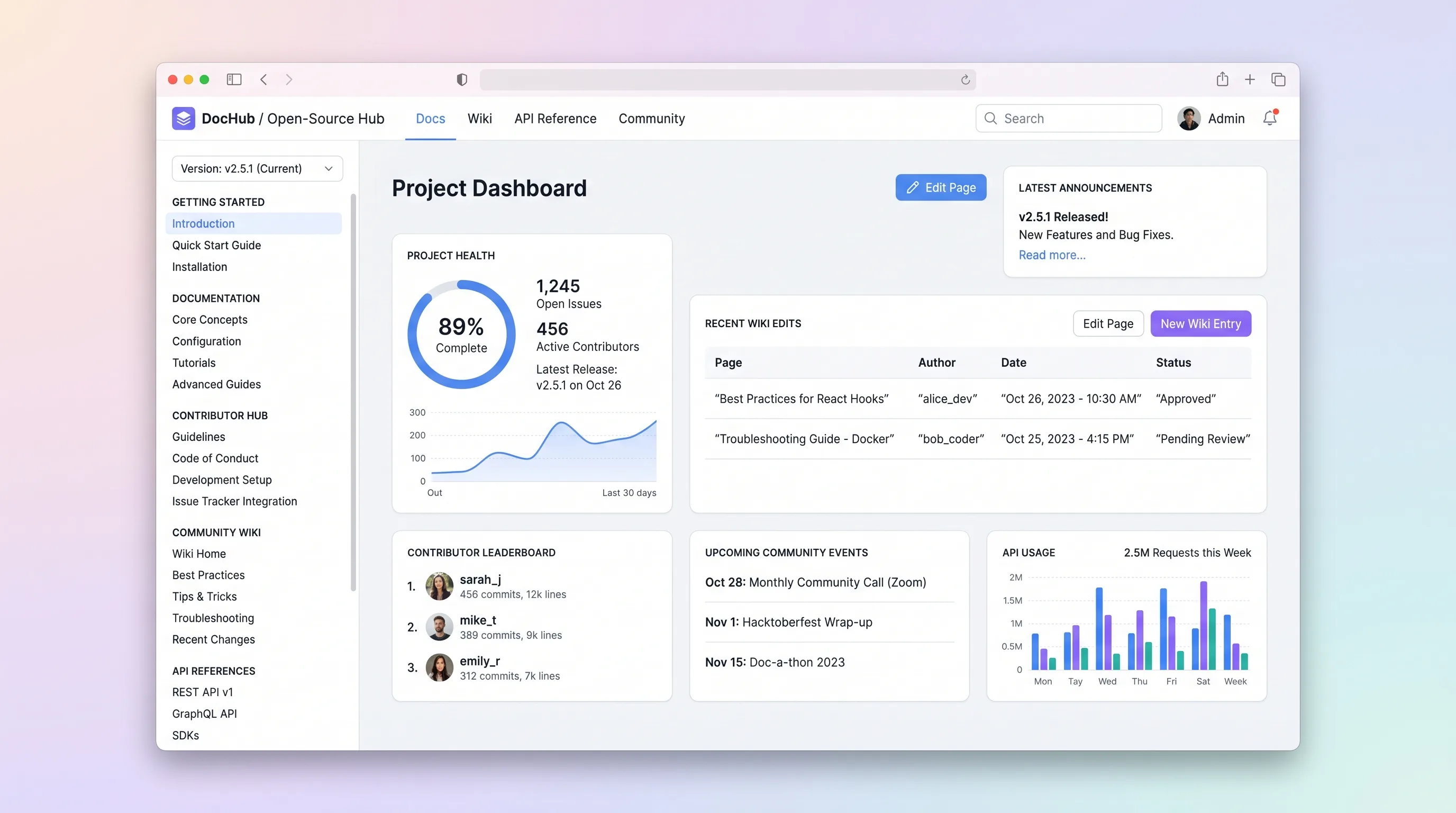
A hosted documentation platform where open-source maintainers publish versioned docs and API references while community contributors submit wiki edits through a review queue.
SaaS WorkflowEvents & Community
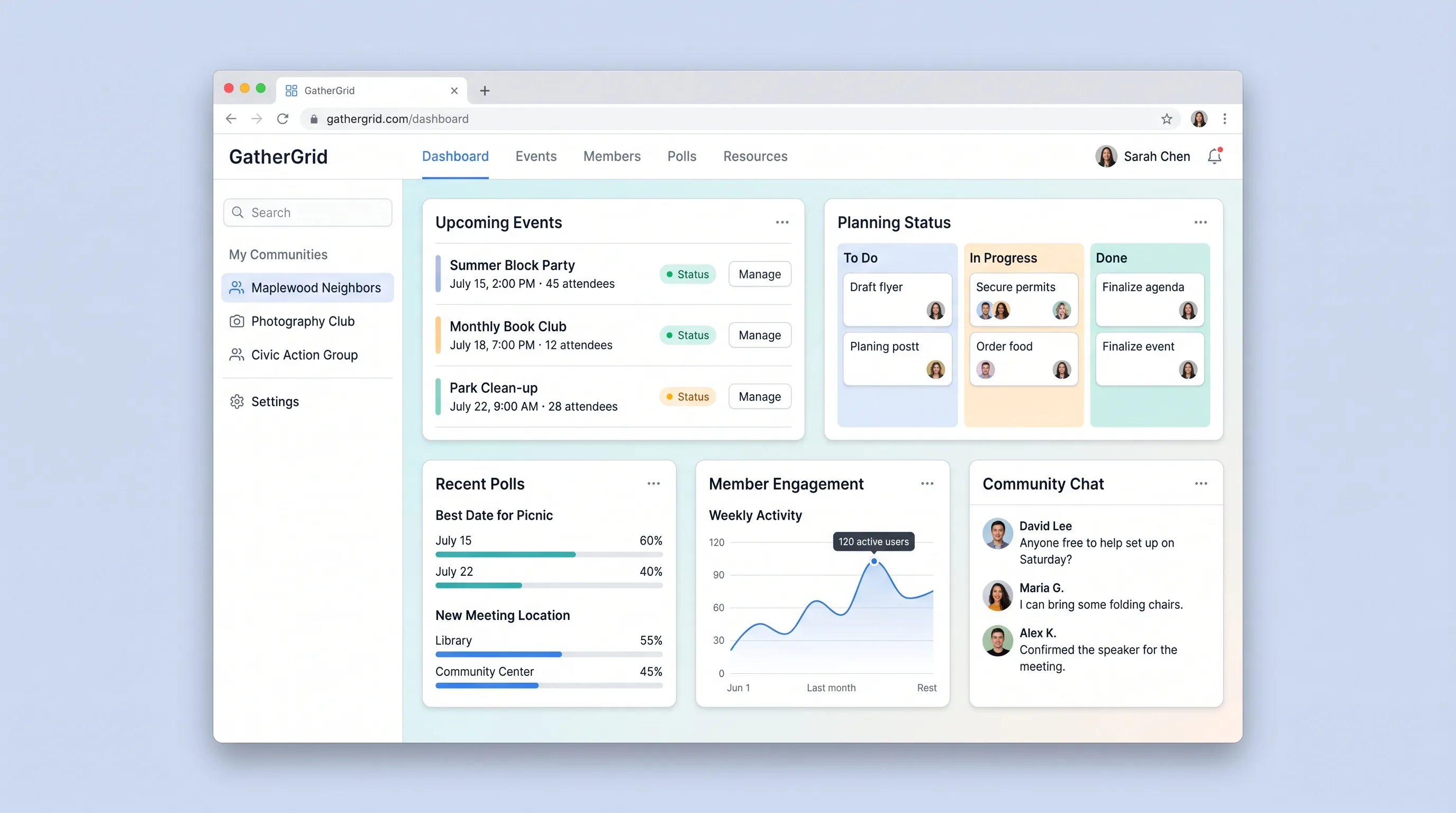
A focused event coordination tool for neighborhood associations, hobby clubs, and civic groups to propose dates, poll members, confirm gatherings, and manage RSVPs in one place.
AI ToolBusiness Operations
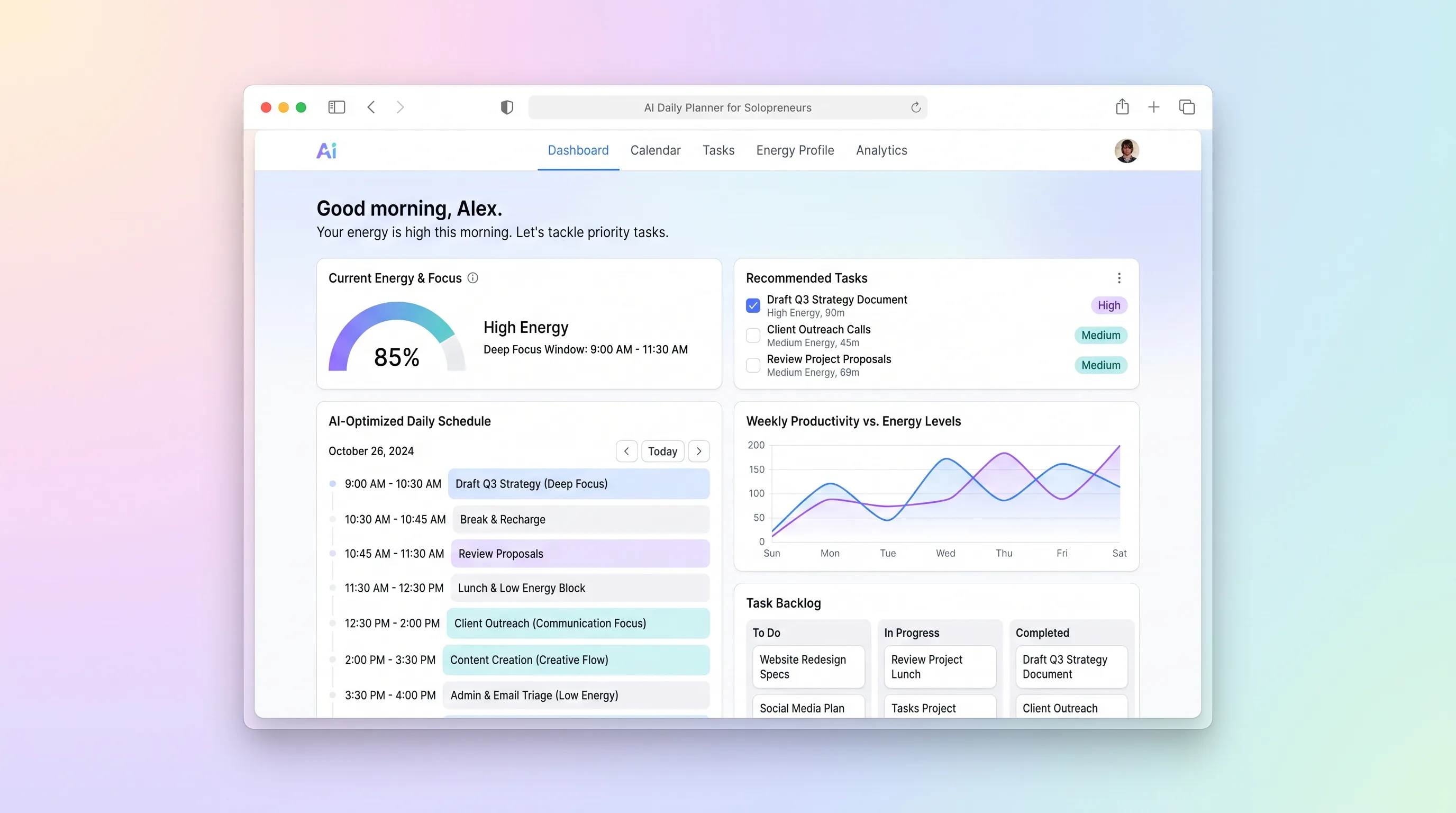
A daily planning tool that maps solopreneur tasks to personal energy windows using AI prioritization, calendar sync, and CSV import from existing task tools.
AI ToolBusiness Operations
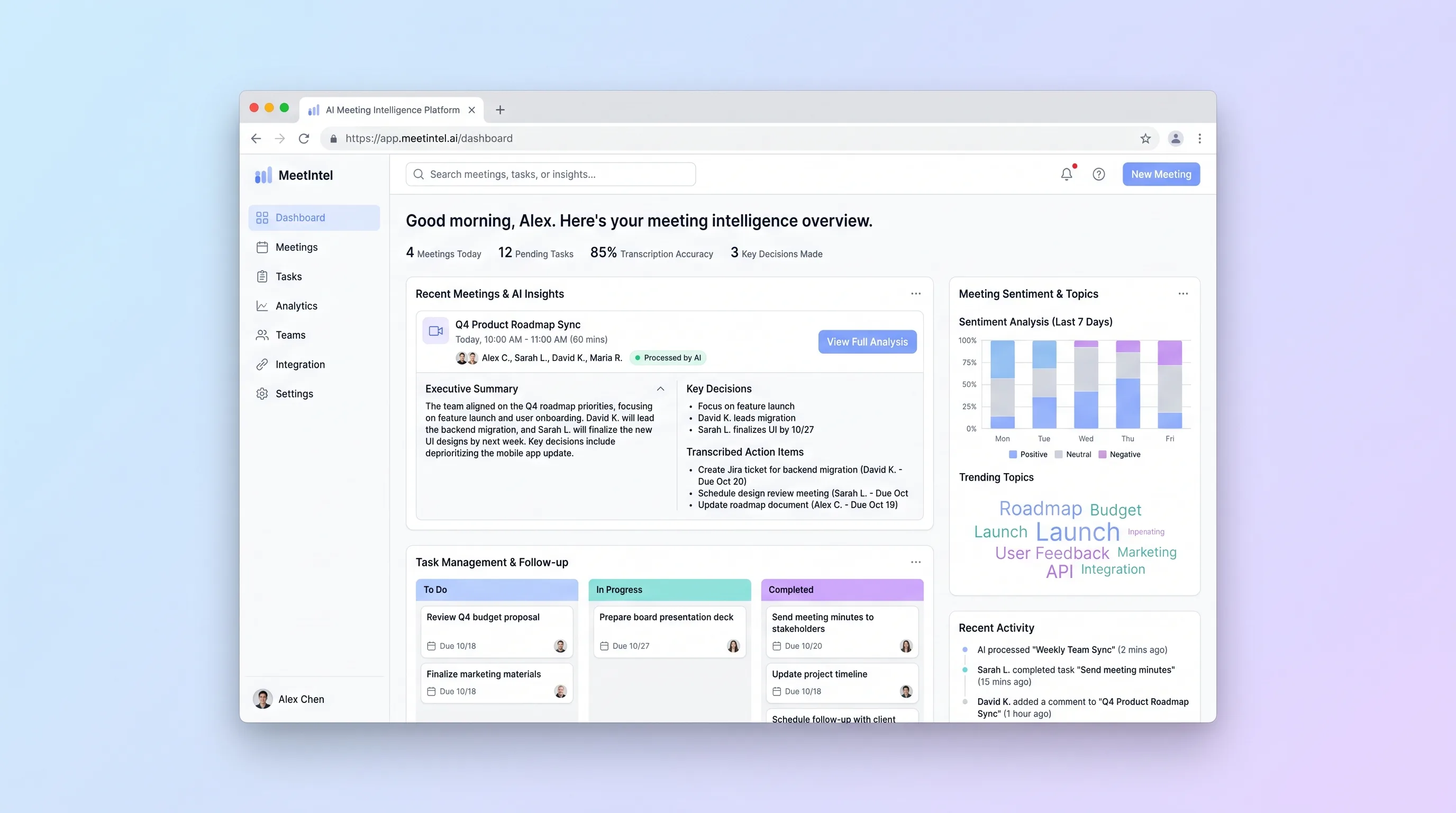
An upload-first processor for teams that need a dependable transcript, editable call summary, and assignable actions from a recorded video meeting.
AI ToolBusiness Operations
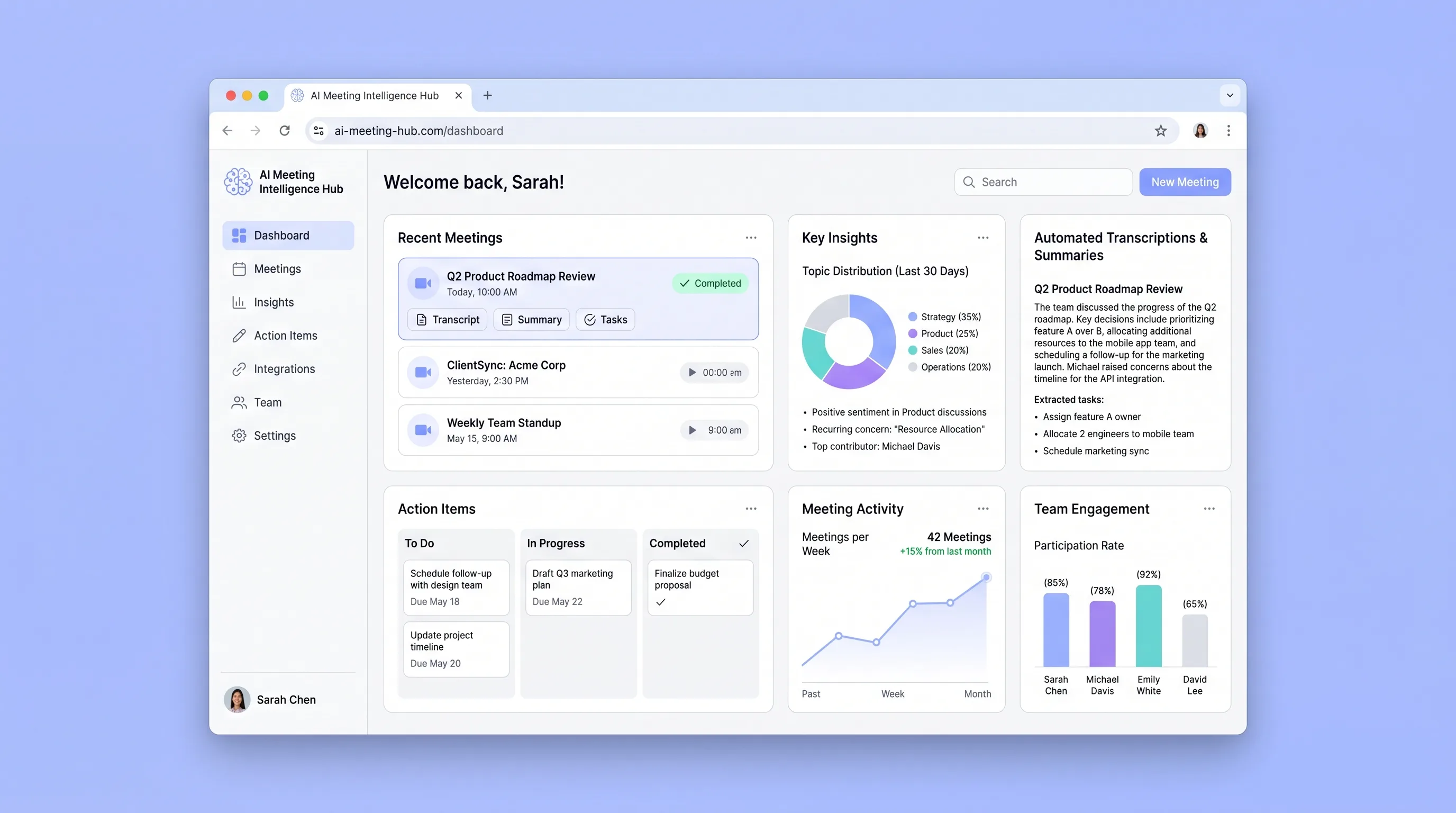
A connected team library that turns recurring meetings into searchable transcripts, cited summaries, and action items with clear ownership.
AI ToolBusiness Operations
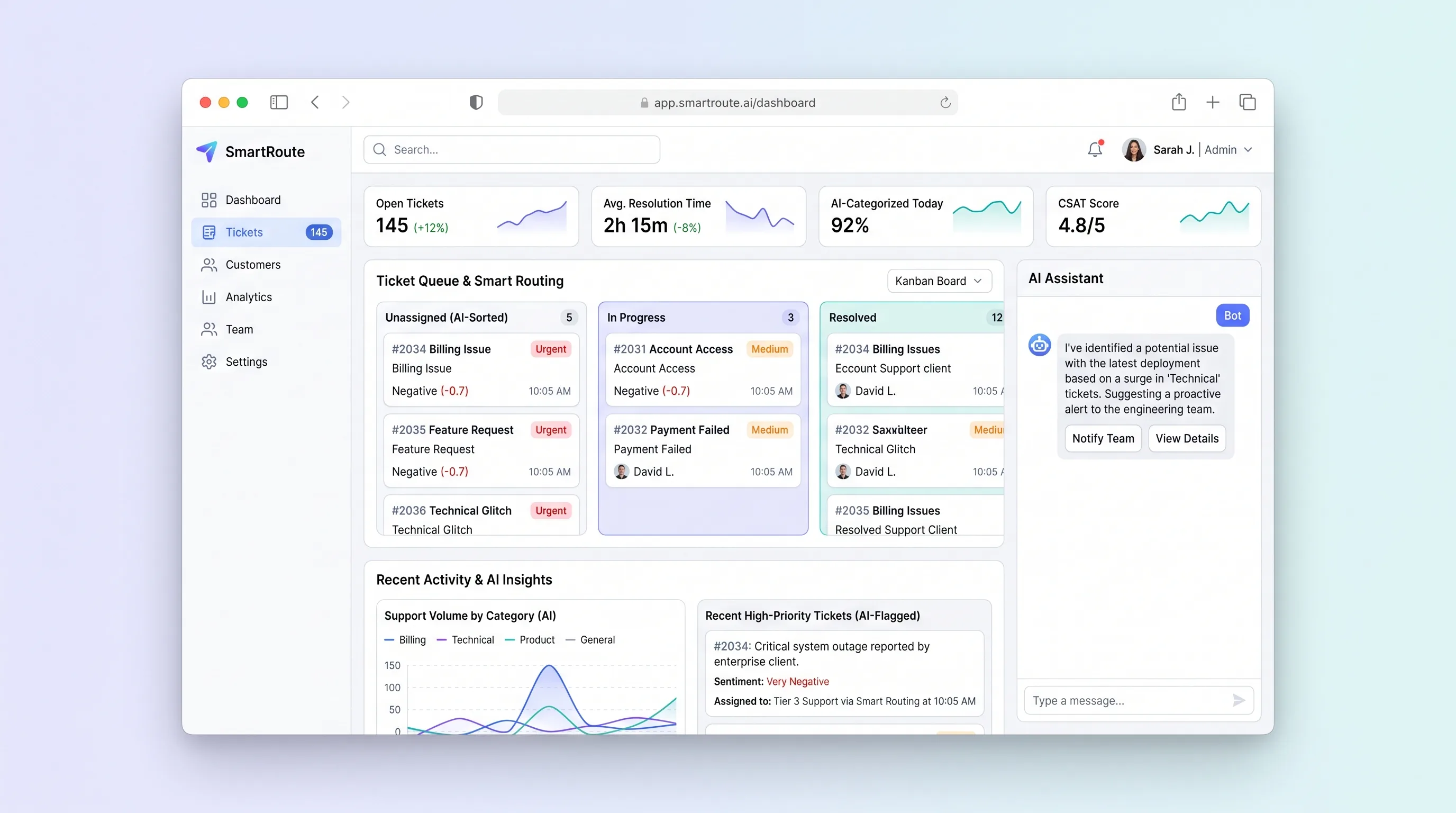
A shared support inbox that suggests ticket category, urgency, and the best available agent while keeping routing reasons and customer replies reviewable.