Build this if
A shared email support team has defined categories and agent skills but loses time to manual triage and uneven assignment.
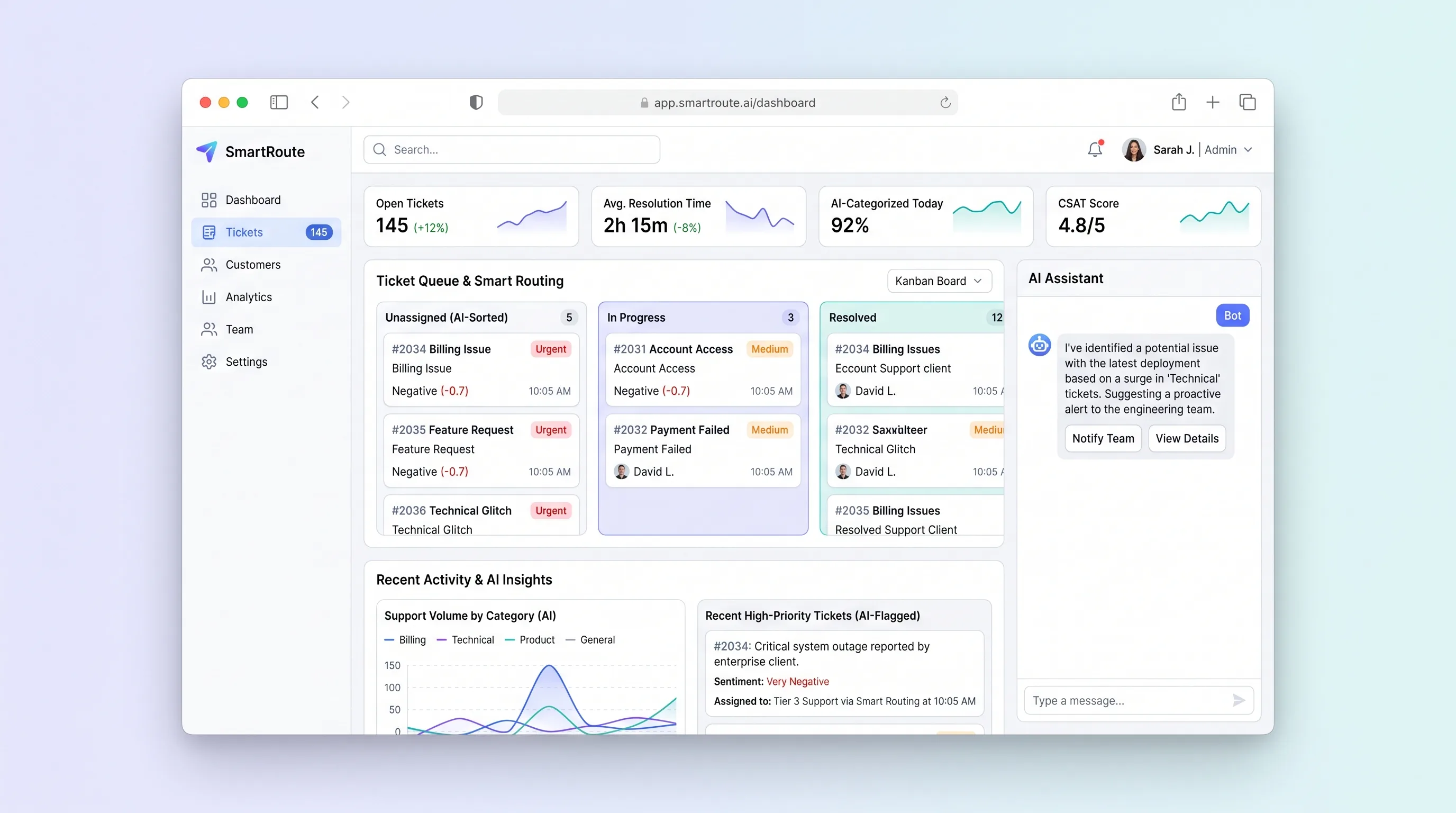
A shared support inbox that suggests ticket category, urgency, and the best available agent while keeping routing reasons and customer replies reviewable.
Decision snapshot
A shared email support team has defined categories and agent skills but loses time to manual triage and uneven assignment.
The business needs omnichannel contact center infrastructure or expects AI to answer customers without agent review.
Replay 500 redacted tickets through suggestions and routing, then compare agent overrides, first-response time, backlog balance, and safe behavior during injected failures.
Problem and target customer
Growing support teams manually read and assign every inbound request. Category, urgency, sentiment, and agent expertise are applied inconsistently, causing queue imbalance and slow escalation while customer history remains scattered.
Small customer support teams handling a shared email queue where agents have different skills and a lead still reviews sensitive escalations.
Monthly subscription priced by support seats with an included ticket volume.
Editorial note
Smart routing should be split into two inspectable decisions. The model suggests what kind of help the message needs; published team policy decides which available person is eligible to handle it.
Overrides are not failures to hide. They reveal missing skills, poor category definitions, urgency mistakes, or workload rules that should inform the next policy version and model evaluation.
A useful beta still works when AI is unavailable. Tickets remain visible, manually classifiable, assignable, and replyable, so a provider outage degrades triage speed without stopping customer support.
Choose your next step
Evaluate the operating tradeoffs quickly, or inspect how to build the MVP.
Compare the three operating paths at the default workload before opening the full calculator.
See cost preview Build this ideaInspect the build blueprintReview MVP scope, workflow, states, data rules, architecture, and acceptance criteria.
Open blueprintEvaluation preview
Directional infrastructure estimates for the current 5,000 support tickets assumption. Open the full calculator when you are ready to change it.
Managed app, database, queue, intake, and classification workers.
Lowest operating effortOne operator-managed server runs ticket operations and background jobs.
Lowest baseline costSeparate app, data, intake, and classification capacity for a larger queue.
Most separation and controlBuild blueprint
Product goal
MVP scope
UX and user flow
Show unassigned and active tickets with urgency, age, suggestion state, and assignee.
Combine the conversation, customer history, classification reasons, assignment, notes, and reply composer.
Manage categories, agent skills, availability, load limits, and escalation rules.
Summarize ticket volume, first response, reopen count, overrides, and unresolved backlog.
Core entity outline
The requester identity and conversation-history boundary.
One support issue and its assignment and resolution lifecycle.
A sanitized inbound, outbound, or private support entry.
An explicit category capability and proficiency used by assignment.
A model suggestion, deterministic ranking, acceptance, or override record.
Architecture and data flow
Present queues, conversations, routing explanations, replies, policies, and reports.
Verify inbound webhooks, normalize threads, sanitize content, store attachments, and send idempotent replies.
Call the model with bounded ticket text, validate controlled labels, and save suggestions and evidence.
Rank eligible agents using published skills, availability, caps, and rotation.
Persist customer and ticket history while keeping validated attachments private.
Deliverables and acceptance
Recommended stack
Support fast queue navigation, dense ticket history, and routing controls.
Model threads, routing decisions, policies, assignments, and delivery state transactionally.
Separate intake follow-up, classification, send retries, and report work.
Constrain suggestions to known categories and return evidence fields the agent can inspect.
Handle support email and keep permitted attachment bytes private.
The model interprets ticket language, while assignment remains a testable policy over skills and workload. This separation provides an AI benefit without granting the model authority over staffing, escalation, or customer communication.
Copy the build prompt, model the operating cost, and choose where to deploy.
Execution
Once the blueprint is clear, use the prompt, cost model, and deployment options to start building.
Build prompt
Build a Next.js support application with PostgreSQL, inbound and outbound email, a queued structured-classification call, and deterministic assignment rules that consume model suggestions but allow agent override.
Build prompt
Open the prompt pack whenever you are ready to take this blueprint into your builder.
Build prompt ready
Copy the prompt into your builder, then use the cost model below to choose how you want to run it.
Use the cost model to choose a deployment path that matches the build plan.
Cost calculator
A technical run-cost estimate for the first production version. Team, acquisition, payment fees, and business COGS are excluded.
$2.43-$7.14 per 1,000 support tickets
Low and high values allow for usage variance and plan headroom.
Managed app, database, queue, intake, and classification workers.
20K support tickets included, then $5-$15 per 20K support ticketsOne bounded classification and sentiment suggestion per processed support ticket.
5K support tickets x 1K input + 150 output tokensInbound and outbound ticket messages, approximated against ticket volume.
3K included, then $0.9 per 1K support ticketsThe estimate combines the selected infrastructure path, required operating modules, selected optional modules, and usage above included monthly allowances. Taxes and regional uplifts are excluded.
Deployment options
Choose based on operating preference, not only the headline price.
Run the inbox, database, Redis, and classification and email workers in one managed project.
Persistent workers and growing ticket history can raise resource usage.
Run the app, worker, and database on one small Vultr VPS with Docker Compose and explicit backups.
Email reliability, queue monitoring, backups, and patching are self-managed.
Separate application, worker, data, storage, and backup responsibilities as the workload grows.
The added topology needs stronger operations and does not remove provider dependencies.
Start building
Use Lovable to test queue filters, suggestion explanations, assignment override, customer history, response composition, and escalation states.
Open Lovable 02AutomationNotify on confirmed escalationsUse Make as optional glue to post high-priority escalations to Slack after an agent or policy confirms them; do not outsource routing state.
Open Make 03DeployRun intake and routing workersDeploy the inbox API, database, email intake, queue, and classification worker on Railway while attachments remain private.
Open RailwayKeep exploring
AI ToolSales & Marketing
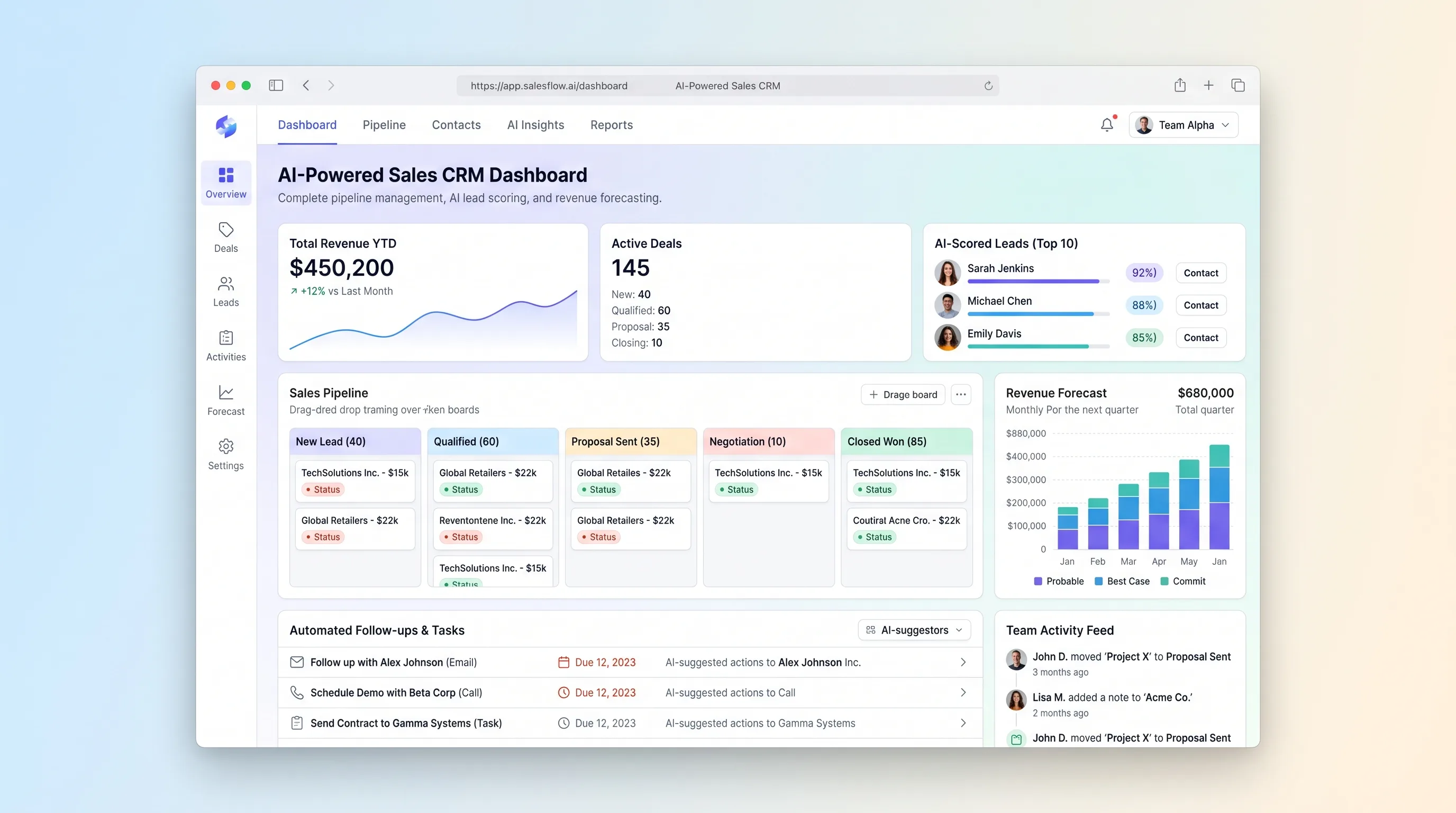
A focused sales pipeline that explains lead priority, flags stalled deals, drafts the next follow-up, and rolls qualified opportunities into a transparent forecast.
AI ToolSales & Marketing
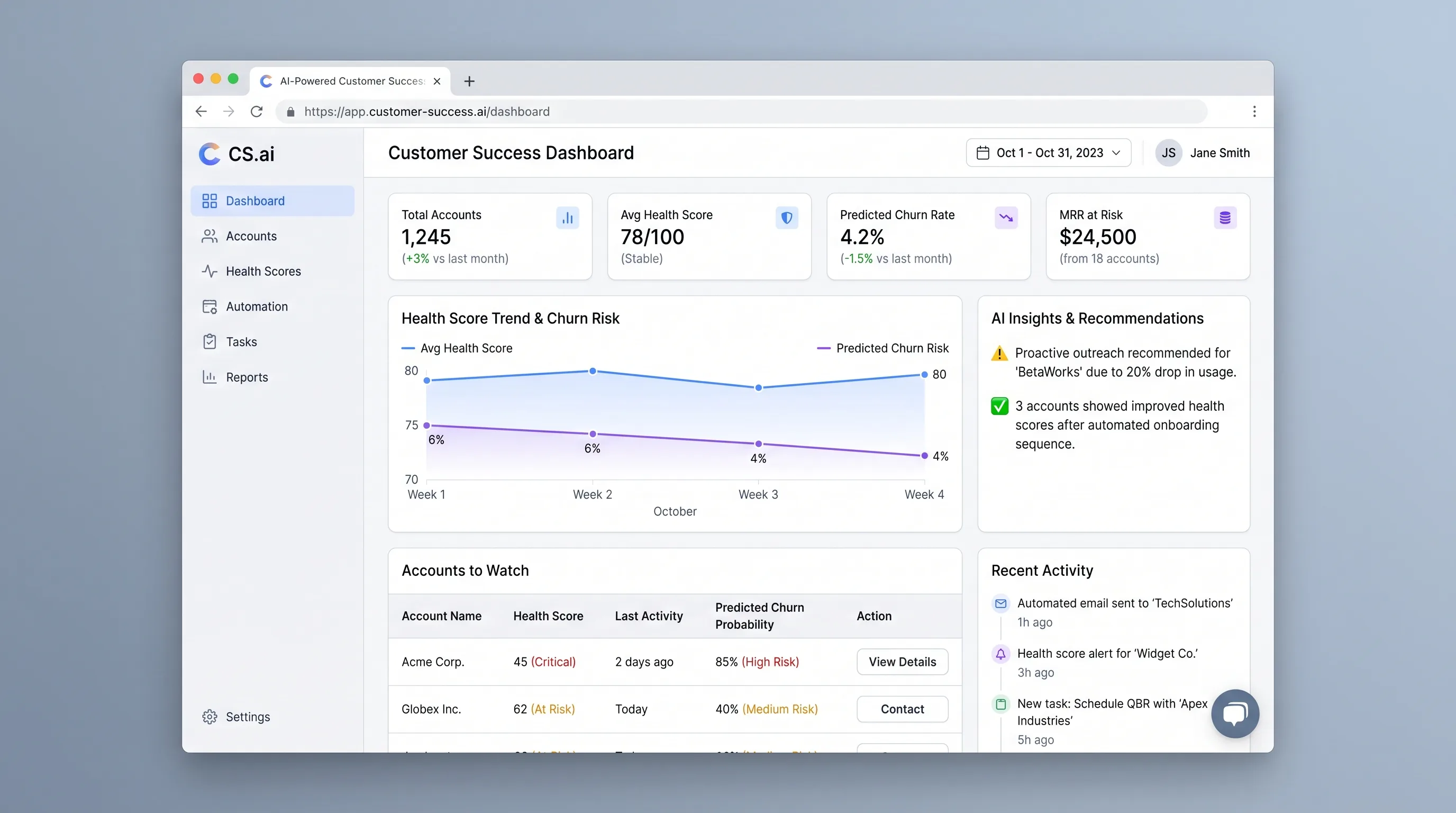
An at-risk account queue that combines configurable health rules with context-aware outreach drafts, giving customer success managers a clear next action.
AI ToolBusiness Operations
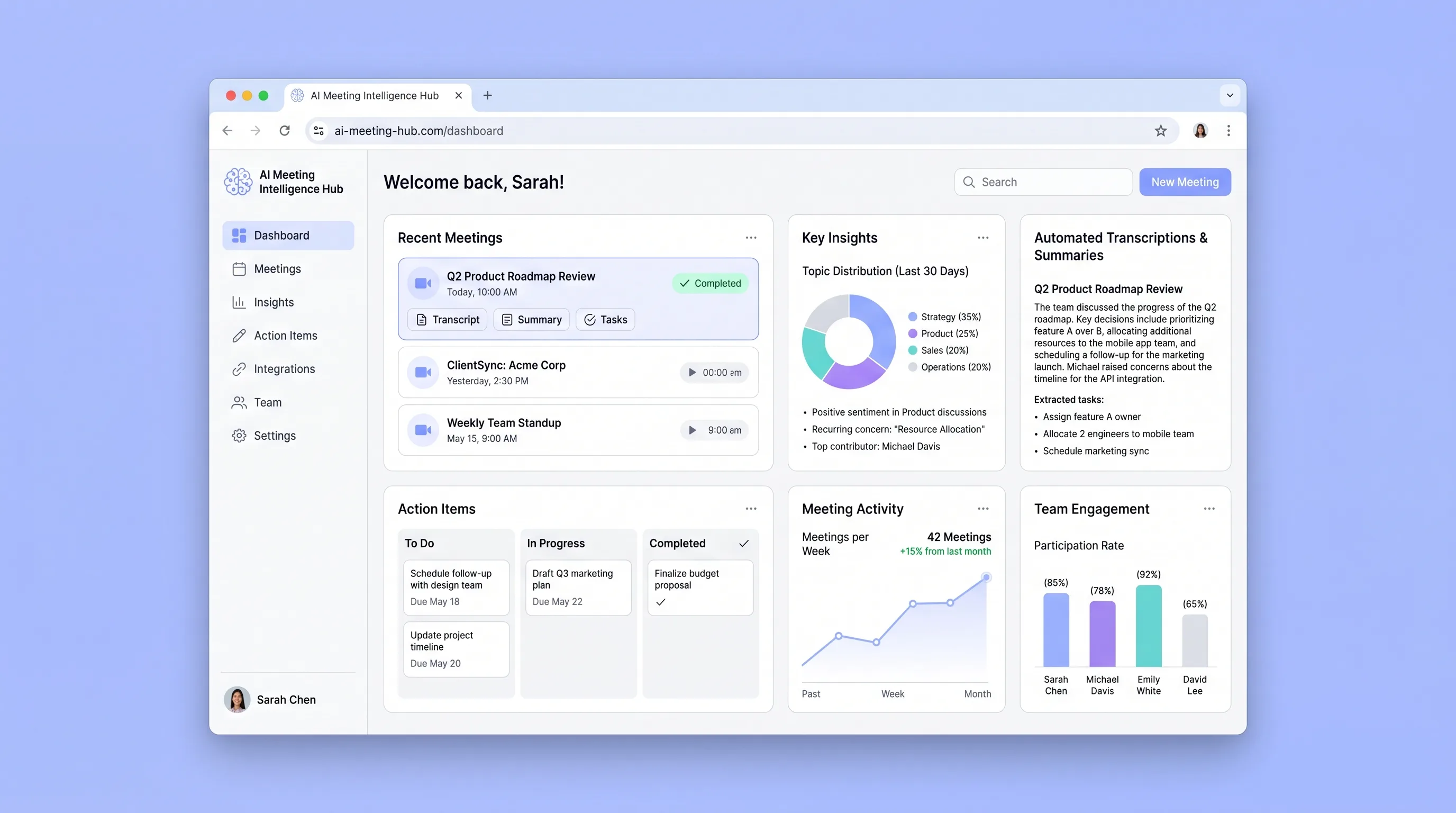
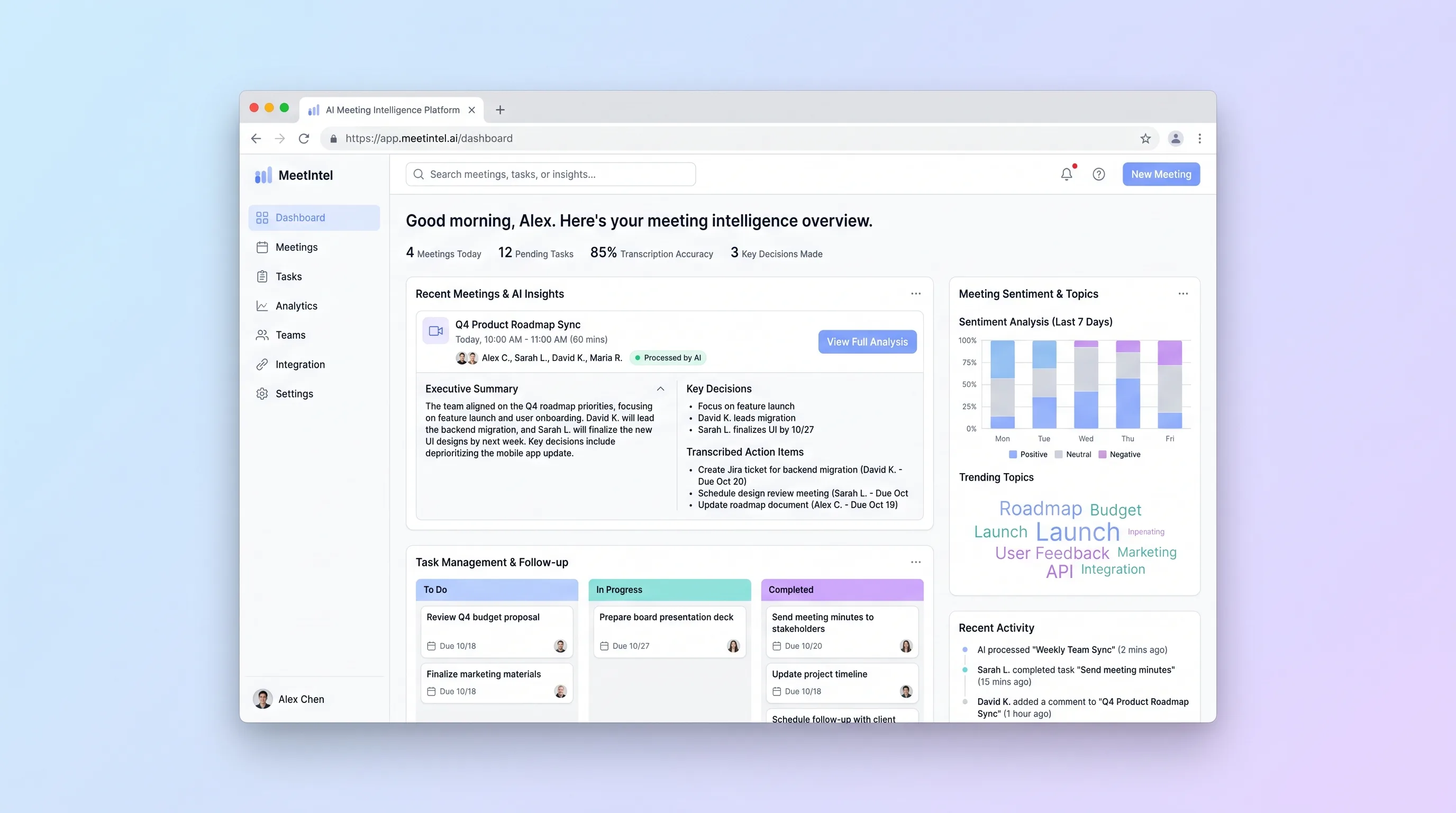
A connected team library that turns recurring meetings into searchable transcripts, cited summaries, and action items with clear ownership.
AI ToolBusiness Operations
An upload-first processor for teams that need a dependable transcript, editable call summary, and assignable actions from a recorded video meeting.
AI ToolBusiness Operations
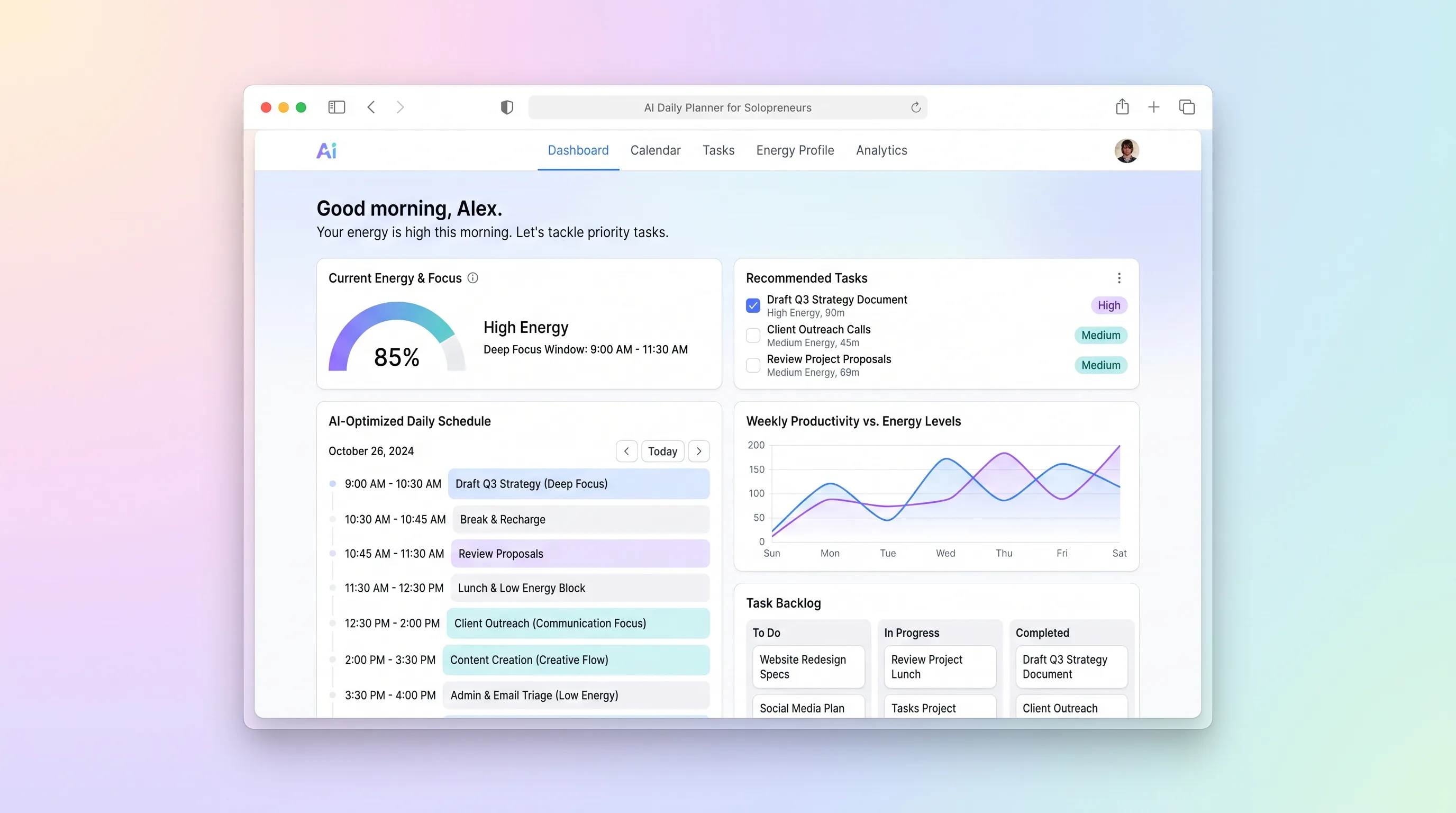
A daily planning tool that maps solopreneur tasks to personal energy windows using AI prioritization, calendar sync, and CSV import from existing task tools.
AI ToolBusiness Operations
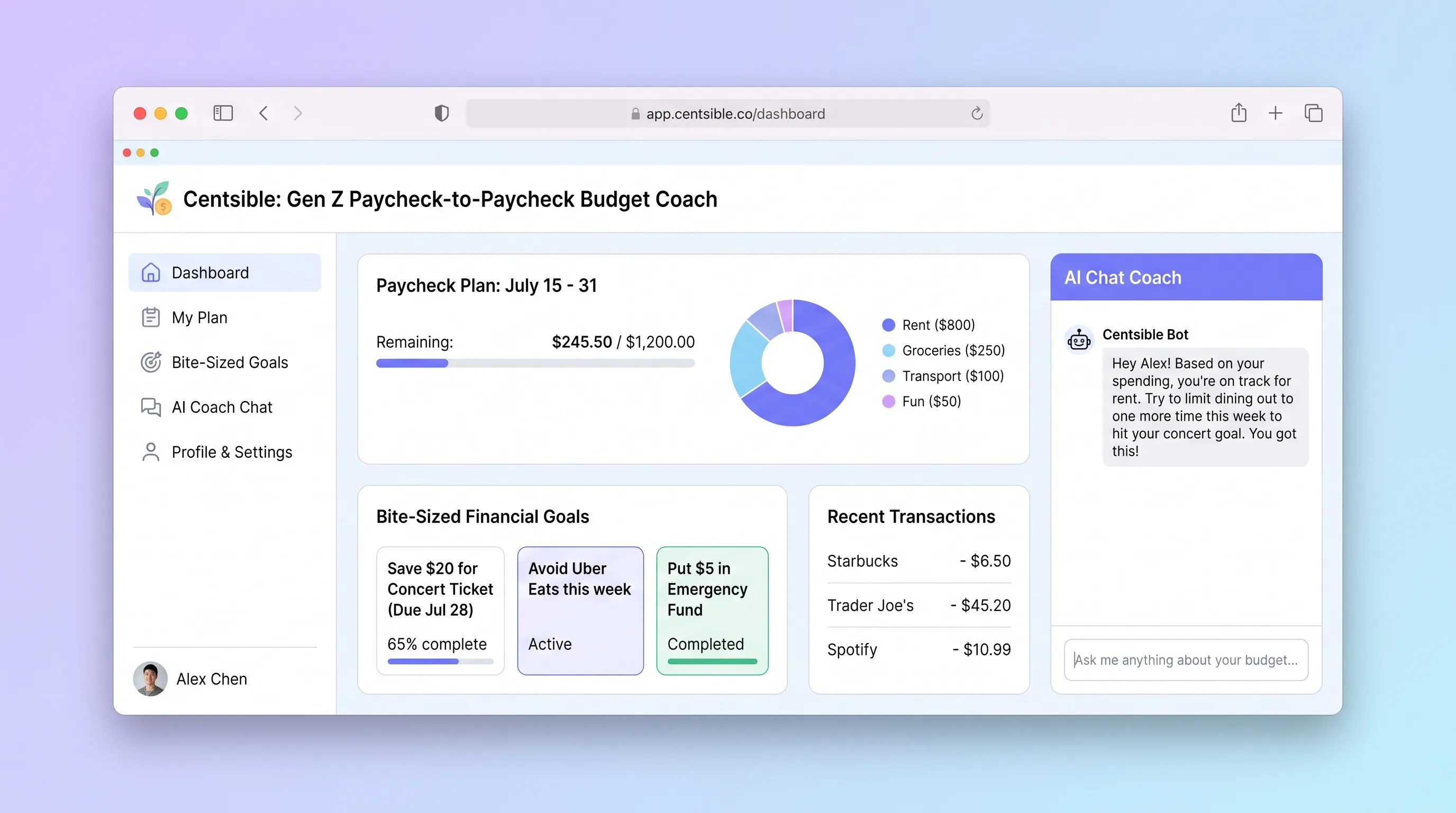
An AI-guided mobile budgeting app that helps Gen Z adults living paycheck to paycheck log expenses in seconds, understand their remaining budget instantly, and receive one plain-English money decision per week.