Build this if
You can reach neighborhood association leaders and club coordinators through community networks and they express frustration with date coordination specifically.
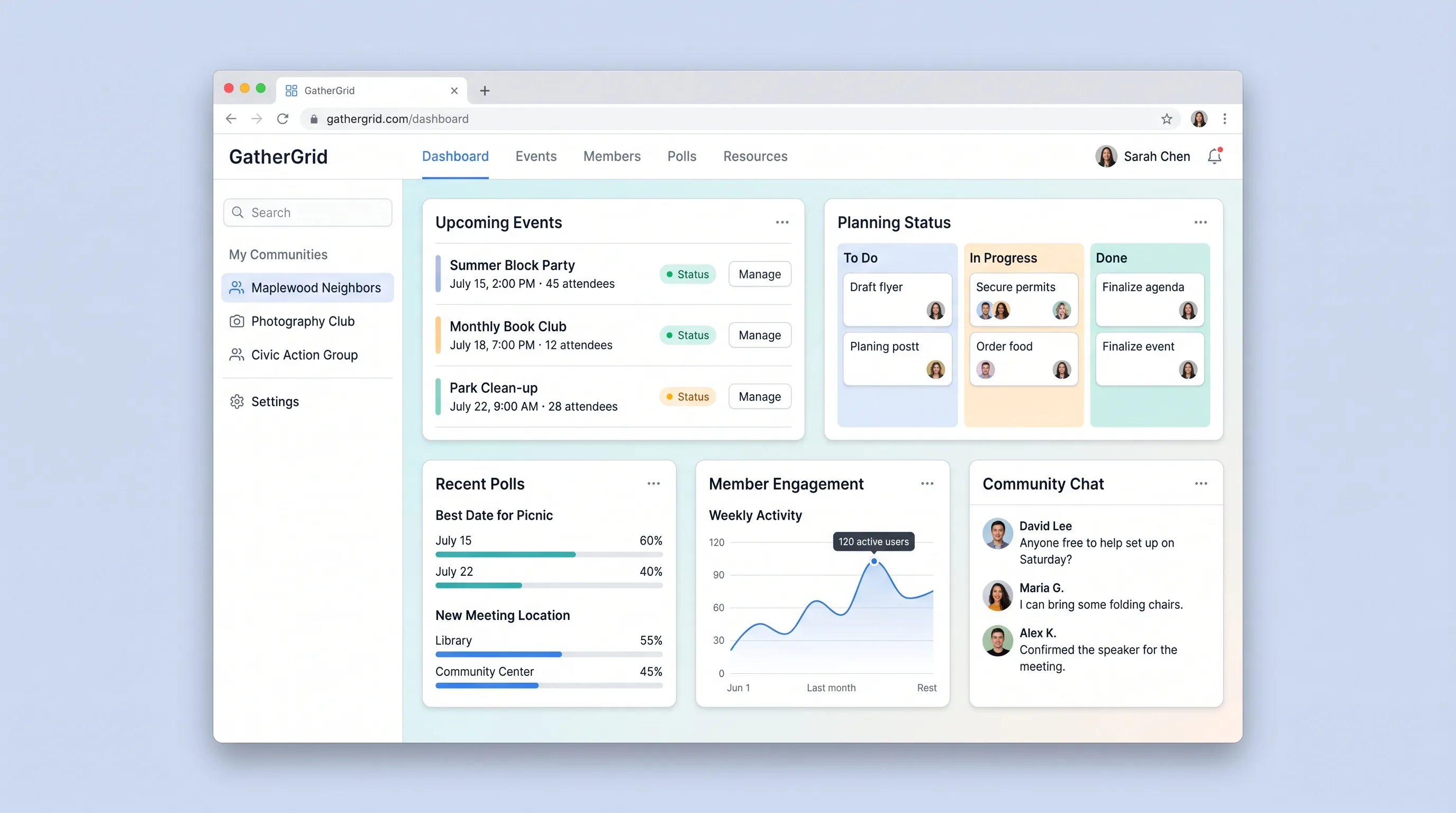
A focused event coordination tool for neighborhood associations, hobby clubs, and civic groups to propose dates, poll members, confirm gatherings, and manage RSVPs in one place.
Decision snapshot
You can reach neighborhood association leaders and club coordinators through community networks and they express frustration with date coordination specifically.
Target users are satisfied with existing group chat polls or free scheduling tools and show no willingness to pay for a dedicated workflow.
Recruit 5 neighborhood association leaders, have each create a group and run one real date poll for an upcoming gathering, then measure whether they confirm the event through the tool rather than reverting to group chat.
Problem and target customer
Neighborhood association leaders and club organizers coordinate gatherings across group chats, spreadsheets, and manual follow-up. Date selection is chaotic, RSVPs are unreliable, and no single record exists for who confirmed what.
Neighborhood association presidents, hobby club coordinators, and civic group organizers who manage recurring gatherings for 20-200 members and need a structured tool instead of scattered group chats.
Monthly subscription with a free tier for single groups and a paid workspace tier for multi-group management with higher member limits.
Editorial note
GatherGrid targets a specific pain point: neighborhood association leaders and club coordinators who lose hours reconciling date availability across group chats and spreadsheets. The MVP narrows to one workflow—propose dates, collect votes, confirm, and track RSVPs—so organizers have a single record of who agreed to what.
The date poll is the core domain object. Members vote without creating an account, lowering friction for civic groups where technical comfort varies. Once the organizer confirms a date, the event transitions from polling to RSVP mode, and transactional email carries the confirmed details with a maps link to the gathering location.
The paid workspace tier unlocks multi-group management for organizers running several associations or clubs. The free tier supports a single group with member limits, giving organizers a reason to upgrade as their community grows.
Choose your next step
Evaluate the operating tradeoffs quickly, or inspect how to build the MVP.
Compare the three operating paths at the default workload before opening the full calculator.
See cost preview Build this ideaInspect the build blueprintReview MVP scope, workflow, states, data rules, architecture, and acceptance criteria.
Open blueprintEvaluation preview
Directional infrastructure estimates for the current 300 processed meetings assumption. Open the full calculator when you are ready to change it.
Managed app hosting, database, backups, and basic observability for the meeting workflow.
Lowest operating effortOne small VPS running the app, database, media volume, and backup job.
Lowest baseline costSeparate app, data, storage, and worker capacity for cleaner operations.
Most separation and controlBuild blueprint
Product goal
MVP scope
UX and user flow
Central hub showing active groups, pending date polls, and upcoming confirmed events with RSVP counts
Form to name a community group, add description, and generate a shareable invite link
Member-facing page showing proposed dates where members vote without creating an account
Member-facing page after date confirmation where members mark attending or declining
Shows event location with maps link, confirmed date, current RSVP status, and attendee count for organizer
Core entity outline
Represents a community group with members and a shareable invite link
Represents a planned gathering with location, proposed dates, and current state
Holds up to three candidate dates and tracks vote counts for each option
Records a member's date preference submitted anonymously via invite link
Records a member's attending or declining status after date confirmation
Architecture and data flow
Renders organizer dashboard, group creation, date poll voting, and RSVP pages
Stores groups, events, date polls, votes, and RSVPs with member-scoped row-level security
Sends invitation emails when a poll is created and confirmation emails when a date is confirmed
Generates a location link on the event detail page using the stored address
Deliverables and acceptance
Recommended stack
Rapidly build card-based group and event pages with invite link flows and vote tally UI without custom frontend code.
Provides relational storage for groups, events, polls, votes, and RSVPs with row-level security for member-scoped access.
Glues Supabase record changes to transactional email sending when invitations are created or dates are confirmed.
Hosts any custom backend services or scheduled jobs for vote tallying and RSVP deadline reminders.
Lovable handles the member-facing card UI and organizer dashboard. Supabase stores the relational data model with member-scoped access control. Make bridges database events to email delivery without custom webhook code. Railway hosts supplementary services if scheduled reminders or background jobs are needed beyond MVP.
Copy the build prompt, model the operating cost, and choose where to deploy.
Execution
Once the blueprint is clear, use the prompt, cost model, and deployment options to start building.
Build prompt
lovable
Build prompt
Open the prompt pack whenever you are ready to take this blueprint into your builder.
Build prompt ready
Copy the prompt into your builder, then use the cost model below to choose how you want to run it.
Use the cost model to choose a deployment path that matches the build plan.
Cost calculator
A technical run-cost estimate for the first production version. Team, acquisition, payment fees, and business COGS are excluded.
$15-$45 per 150 processed meetings
Low and high values allow for usage variance and plan headroom.
Managed app hosting, database, backups, and basic observability for the meeting workflow.
50K processed meetings included, then $8-$20 per 100K processed meetingsObject storage is implied by the source workflow or feature list.
Monthly allowance from this idea's operating profileThe estimate combines the selected infrastructure path, required operating modules, selected optional modules, and usage above included monthly allowances. Taxes and regional uplifts are excluded.
Deployment options
Choose based on operating preference, not only the headline price.
Fast Docker deployment for the app, database, worker, and preview workflow without managing a VPS.
Usage billing needs active monitoring as traffic and jobs grow.
Run the app, worker, and database on one small Vultr VPS with Docker Compose and explicit backups.
You own patching, backups, monitoring, and incident response.
Separate application, worker, data, storage, and backup responsibilities as the workload grows.
You own server setup, patching, backups, and operational monitoring.
Start building
Create the organizer dashboard, group creation form, date poll voting page, RSVP confirmation page, and event detail page with maps link using Lovable's card-based layout.
Open Lovable 02AutomationConnect Email NotificationsSet up Make scenarios that trigger transactional emails when a group invite is generated, a date is confirmed, or an RSVP deadline approaches, using Supabase record changes as the trigger.
Open Make 03DeployHost Background JobsDeploy a lightweight service on Railway to handle scheduled RSVP deadline reminders and vote tally finalization if Make scenarios are insufficient for time-based triggers.
Open RailwayKeep exploring
SaaS WorkflowHealthcare & Wellness
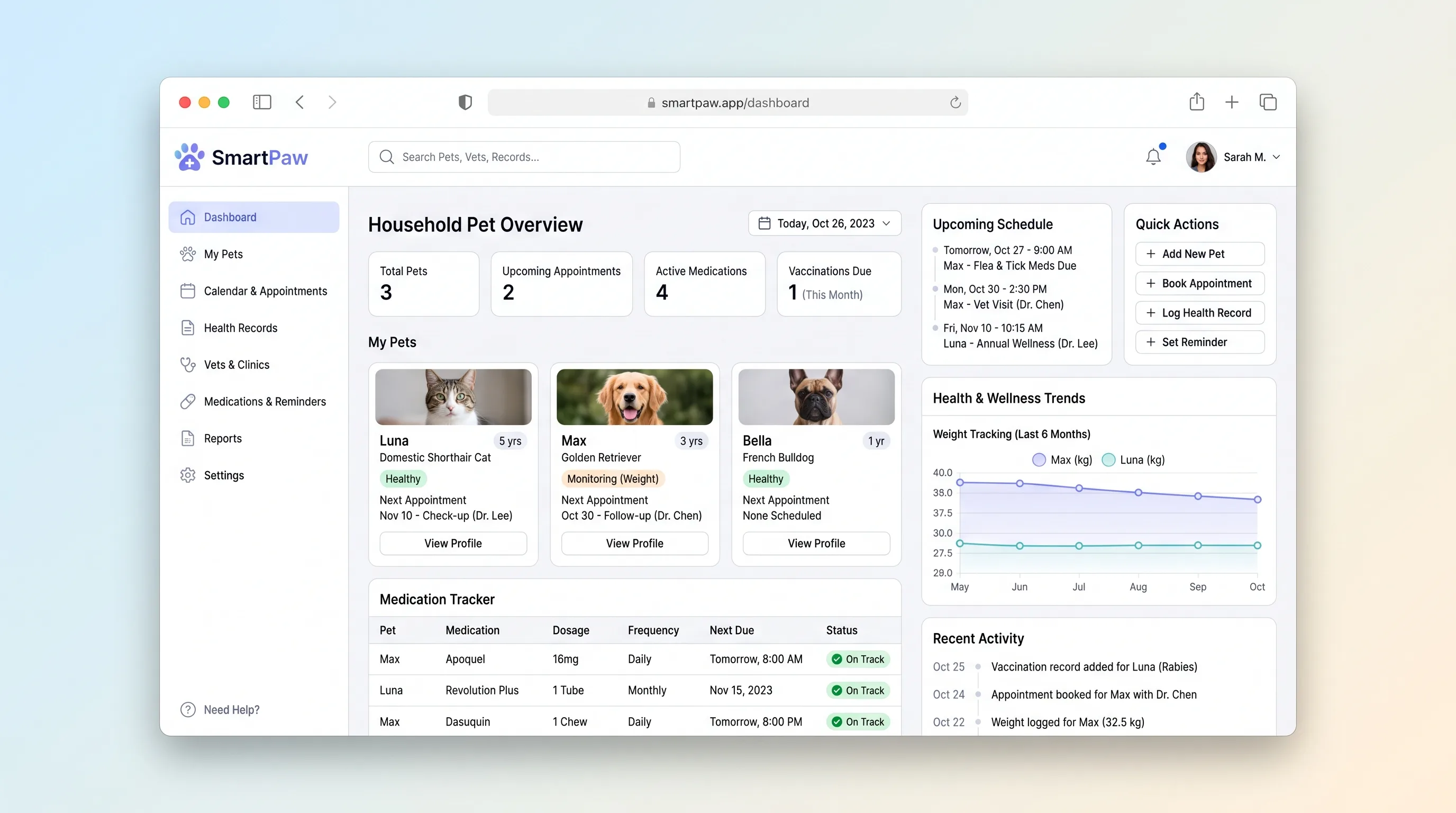
A household pet health hub where multi-pet owners track vaccination schedules, log medications, review vet visit history, book appointments, and share emergency care cards with sitters.
SaaS WorkflowDeveloper & IT Operations
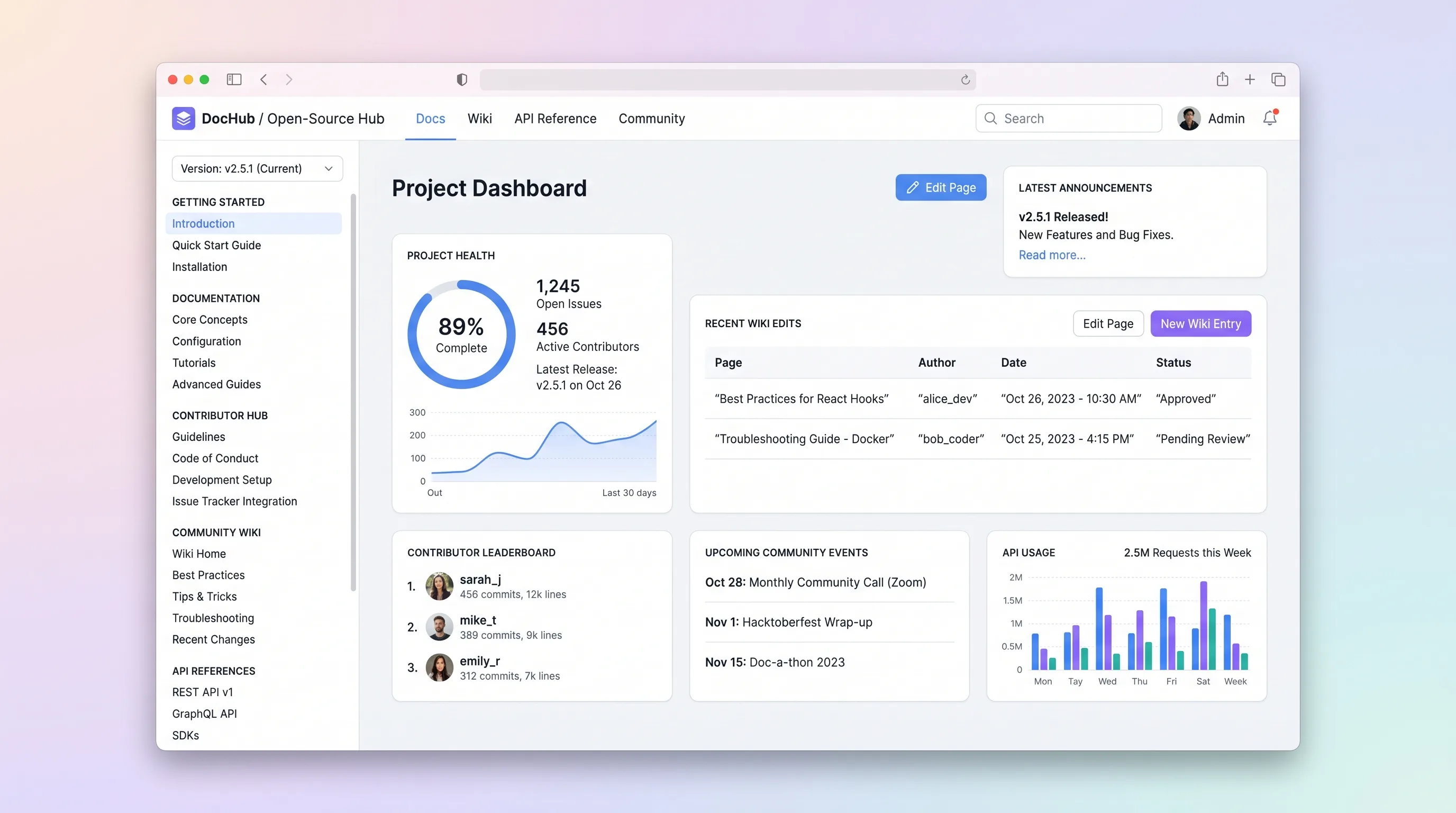
A hosted documentation platform where open-source maintainers publish versioned docs and API references while community contributors submit wiki edits through a review queue.
SaaS WorkflowReal Estate
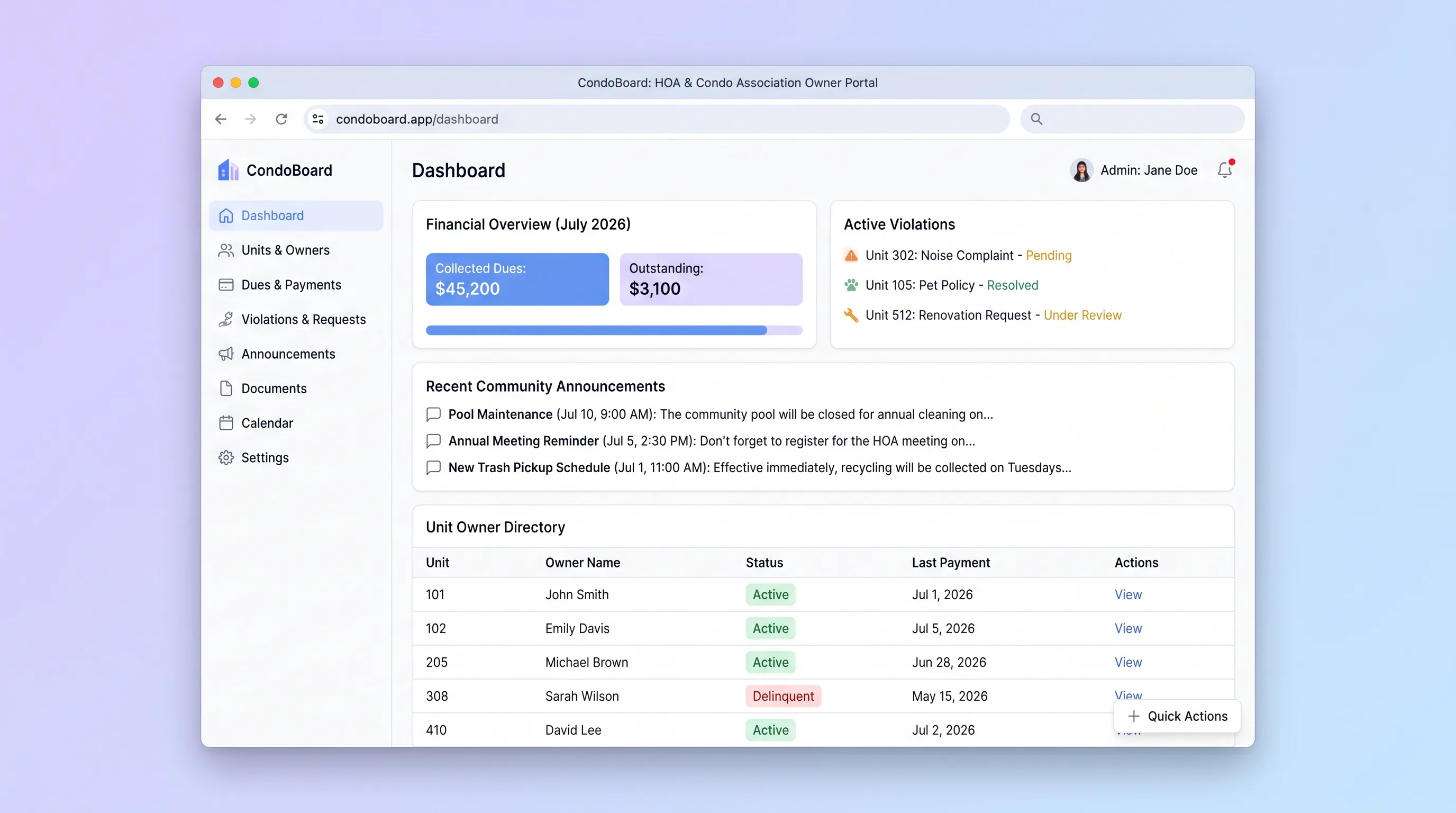
Self-service portal where condo association boards manage unit owners, track dues payments, log violations, and publish community announcements without spreadsheets or email threads.
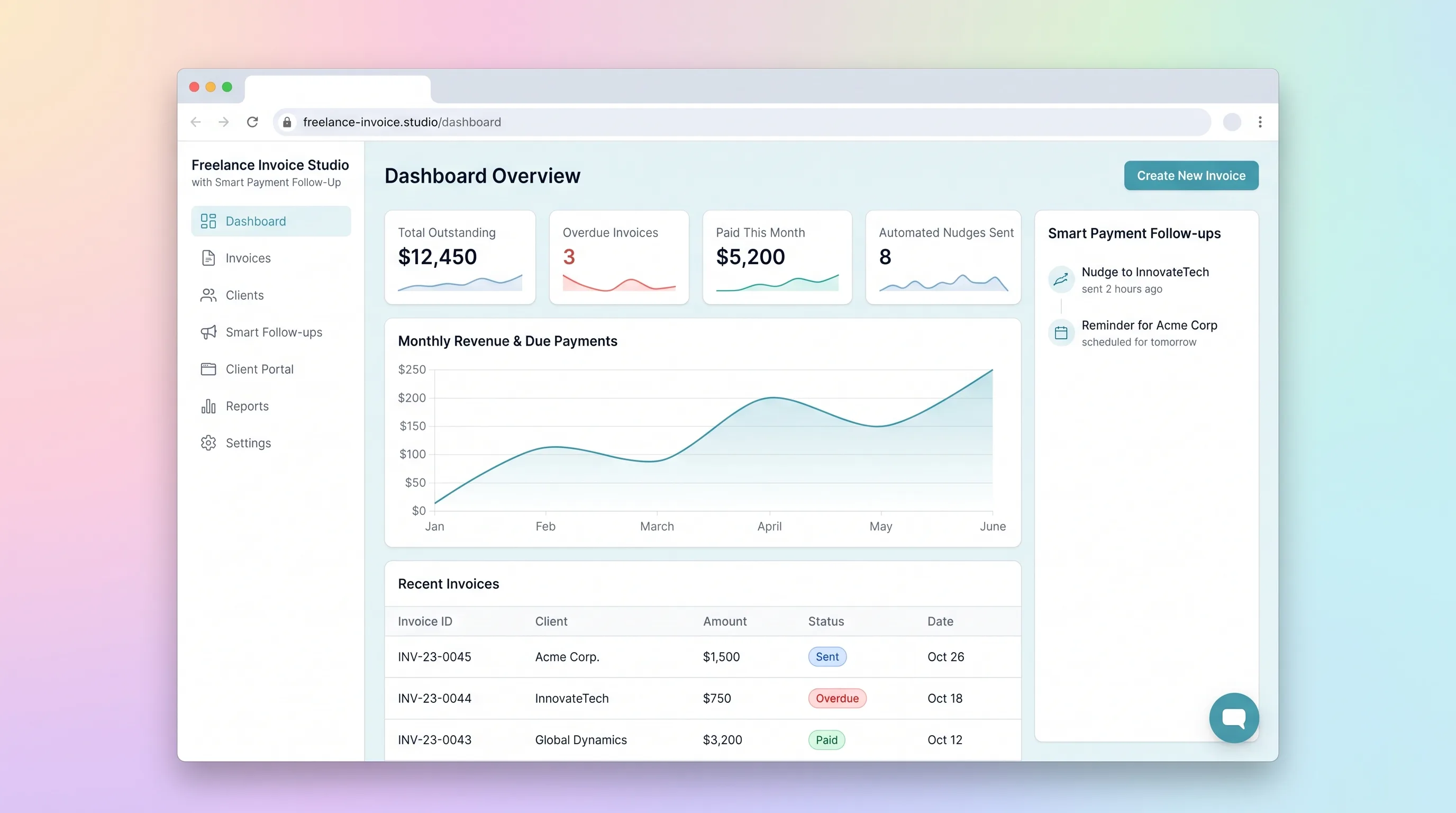
SaaS WorkflowBusiness Operations
A focused invoicing workflow for freelancers to create, send, and track invoices with automated late-payment reminders and a client-facing payment portal.
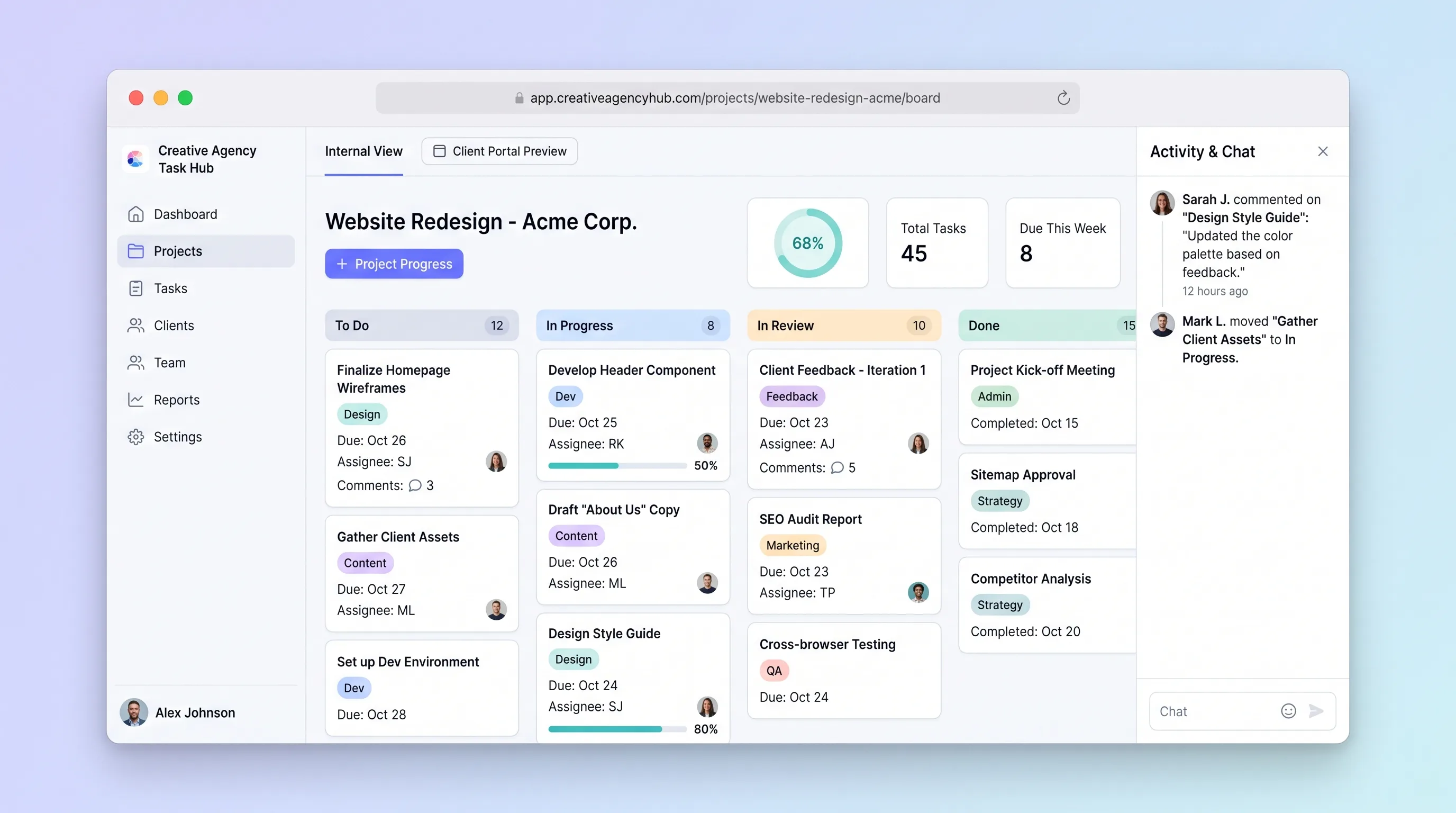
SaaS WorkflowProfessional Services
A focused project tracker where small creative agencies manage deliverables on an internal kanban board and share branded client portals for progress review and approvals without email chains.
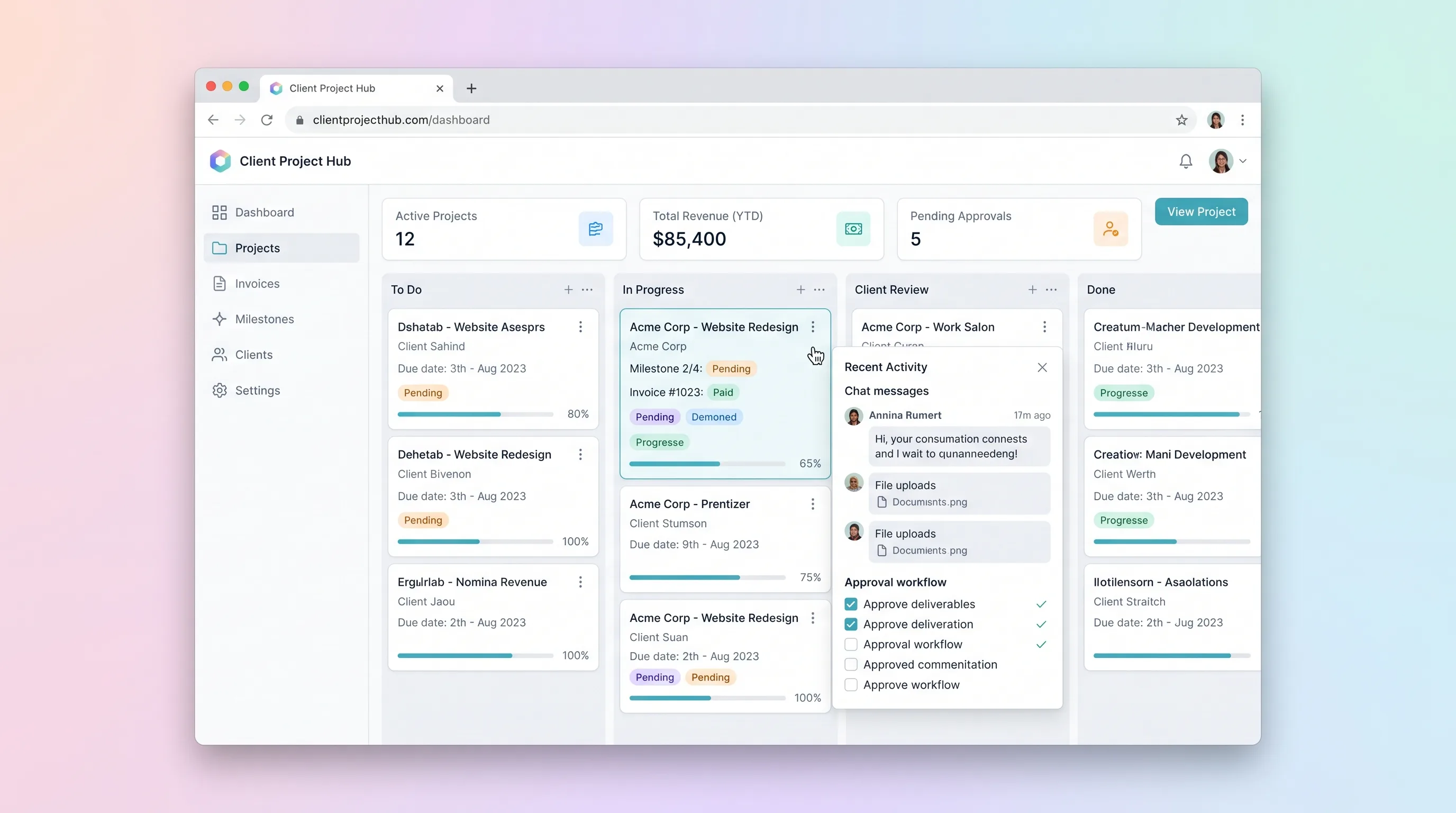
SaaS WorkflowProfessional Services
A kanban-driven workspace where freelancers and small agencies track client project milestones, route deliverables through an approval workflow, and auto-generate invoices upon approval.