Build this if
You sell or distribute industrial parts and your buyers repeatedly ask for quotes, spec sheets, and reorder lists by email.
A procurement portal where maintenance and operations buyers search industrial parts by part number, compare specs, request quotes, and reorder a past job's full parts list without leaving the workspace.
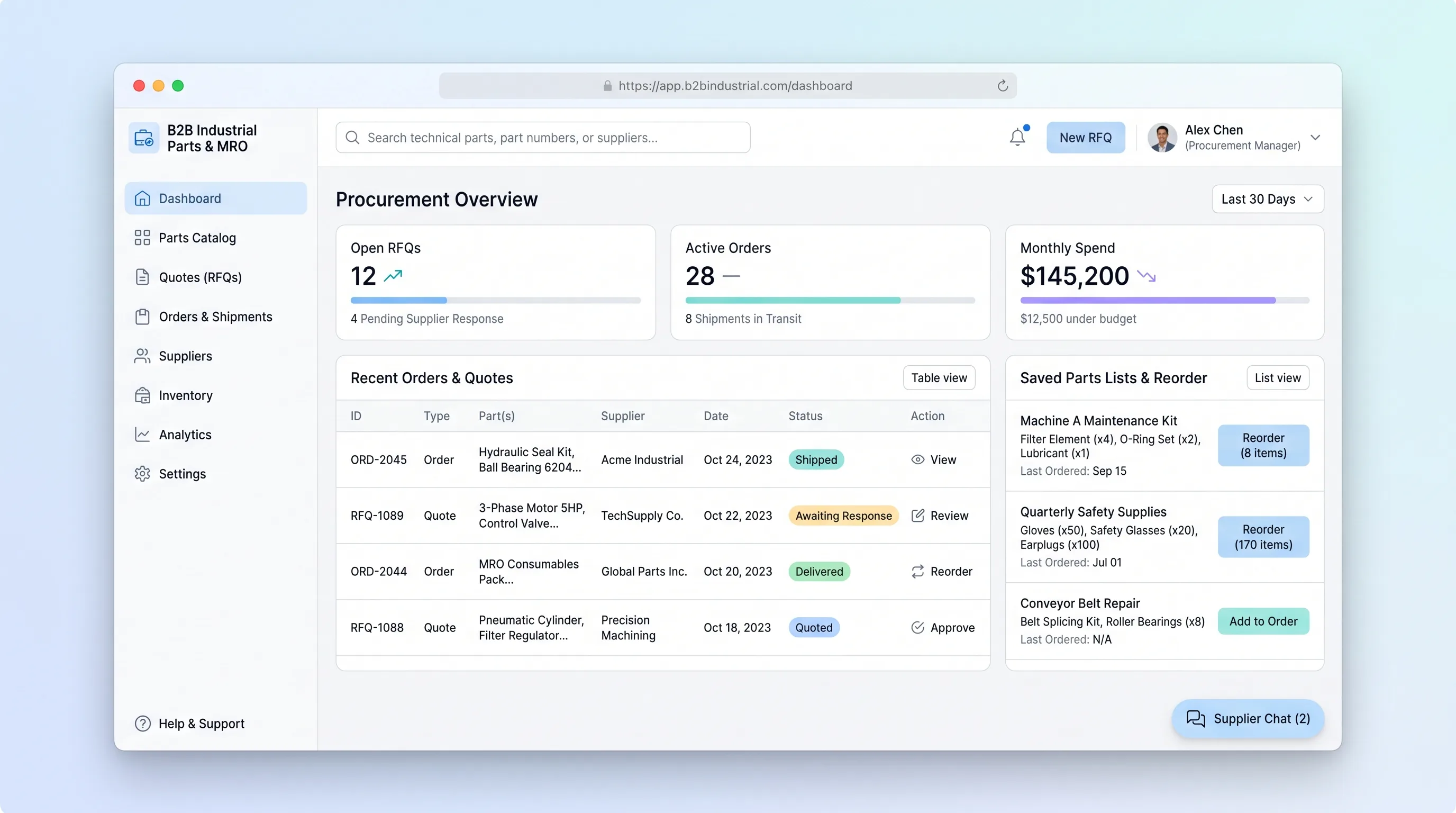
Decision snapshot
You sell or distribute industrial parts and your buyers repeatedly ask for quotes, spec sheets, and reorder lists by email.
Your buyers purchase commodity parts through large distributors with established EDI integrations or you lack a curated parts catalog.
Five procurement managers each complete one quote request and one reorder from a saved list within a single demo session without vendor follow-up.
Problem and target customer
Maintenance and operations buyers waste hours juggling vendor PDFs, spreadsheets, and email threads to find the right industrial part, confirm specs, get a quote, and restock repeat items. The current process is fragmented, slow, and error-prone for non-expert purchasers.
Maintenance, repair, and operations (MRO) procurement managers at small and mid-sized industrial businesses who buy replacement parts, consumables, and repair components on a recurring basis.
Paid workspace subscription billed monthly per buyer seat, with a free read-only catalog tier for occasional purchasers.
Editorial note
Industrial MRO buyers lose hours per reorder chasing the same parts list across email and spreadsheets. A focused catalog that ties part number search, quote requests, and saved reorder lists into one workspace removes the manual stitching that slows maintenance purchasing.
The MVP is intentionally narrow: one buyer, one supplier relationship per workspace, and one repeatable path from search to reorder. Anything that does not serve that path is excluded so the first version can ship and be tested with real procurement managers.
Acceptance is measured by a buyer completing a quote request and a saved-list reorder inside a single session without contacting the supplier by phone or email.
Choose your next step
Evaluate the operating tradeoffs quickly, or inspect how to build the MVP.
Compare the three operating paths at the default workload before opening the full calculator.
See cost preview Build this ideaInspect the build blueprintReview MVP scope, workflow, states, data rules, architecture, and acceptance criteria.
Open blueprintEvaluation preview
Directional infrastructure estimates for the current 400 orders assumption. Open the full calculator when you are ready to change it.
Managed app hosting, database, backups, and basic observability for the ecommerce workflow.
Lowest operating effortOne small VPS running the app, database, media volume, and backup job.
Lowest baseline costSeparate app, data, storage, and worker capacity for cleaner operations.
Most separation and controlBuild blueprint
Product goal
MVP scope
UX and user flow
Catalog search with part number input and result list
Part detail page with spec sheet and add-to-list action
Quote request form with line items, quantity, and required-by date
Saved lists page with reorder button
Order detail page with status timeline
Core entity outline
Part
SavedList
SavedListItem
QuoteRequest
QuoteLineItem
Order
Architecture and data flow
Lovable front-end pages for catalog, quote, and order screens
Railway Postgres database for parts, quotes, orders, and saved lists
Railway object storage for spec sheet PDFs
Make scenarios for supplier email and webhook glue
Scheduled Railway job for quote follow-up reminders
Deliverables and acceptance
Recommended stack
Lovable for the buyer-facing catalog, quote, and order pages
Railway for the relational database, file storage, and background jobs
Make for routing quote request emails and order status webhooks between the catalog and supplier inbox
Lovable ships the buyer workspace quickly with auth and forms, Railway holds durable order and quote records with object storage for spec sheets, and Make handles the bounded email and webhook glue to suppliers without inventing a custom integration layer.
Copy the build prompt, model the operating cost, and choose where to deploy.
Execution
Once the blueprint is clear, use the prompt, cost model, and deployment options to start building.
Build prompt
lovable
Build prompt
Open the prompt pack whenever you are ready to take this blueprint into your builder.
Build prompt ready
Copy the prompt into your builder, then use the cost model below to choose how you want to run it.
Use the cost model to choose a deployment path that matches the build plan.
Cost calculator
A technical run-cost estimate for the first production version. Team, acquisition, payment fees, and business COGS are excluded.
$15-$45 per 200 orders
Low and high values allow for usage variance and plan headroom.
Managed app hosting, database, backups, and basic observability for the ecommerce workflow.
50K orders included, then $8-$20 per 100K ordersObject storage is implied by the source workflow or feature list.
Monthly allowance from this idea's operating profileThe estimate combines the selected infrastructure path, required operating modules, selected optional modules, and usage above included monthly allowances. Taxes and regional uplifts are excluded.
Deployment options
Choose based on operating preference, not only the headline price.
Fast Docker deployment for the app, database, worker, and preview workflow without managing a VPS.
Usage billing needs active monitoring as traffic and jobs grow.
Run the app, worker, and database on one small Vultr VPS with Docker Compose and explicit backups.
You own patching, backups, monitoring, and incident response.
Separate application, worker, data, storage, and backup responsibilities as the workload grows.
You own server setup, patching, backups, and operational monitoring.
Start building
Create the part number search page, spec comparison view, quote request form, saved lists panel, and order status timeline as authenticated Lovable pages backed by the Railway database.
Open Lovable 02AutomationWire supplier email and webhook glue in MakeConfigure Make scenarios that forward new quote requests to the supplier inbox, capture supplier replies, and post order status webhooks back to the catalog.
Open Make 03DeployRun the catalog database and storage on RailwayProvision the Railway Postgres database for parts, quotes, orders, and saved lists, plus object storage for spec sheet PDFs and a scheduled job for quote follow-up reminders.
Open RailwayKeep exploring
EcommerceBeauty & Fashion
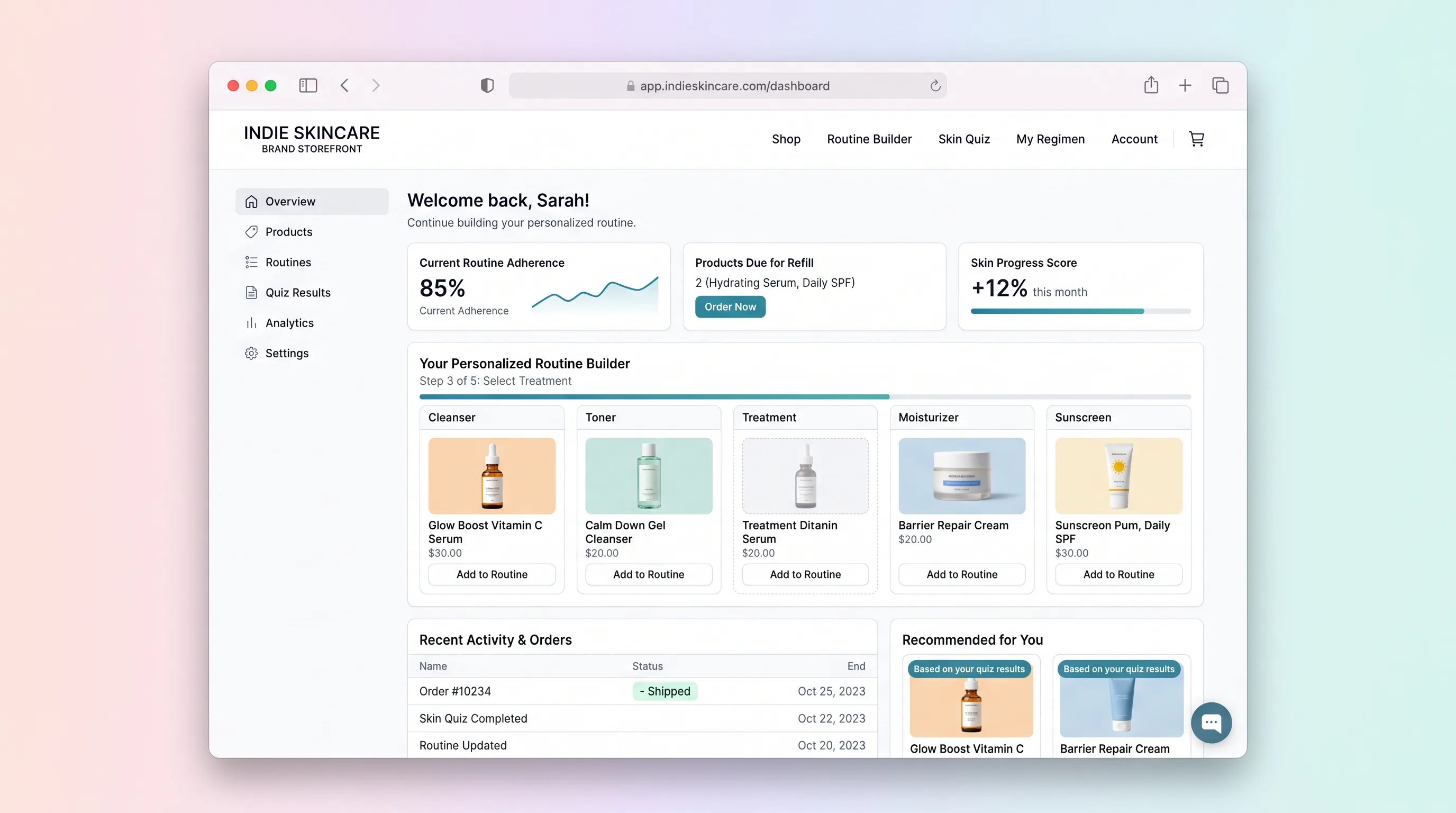
A quiz-led skincare shop that assembles an explainable morning and evening routine from the live catalog, then lets the shopper edit the kit before checkout.
EcommerceRetail
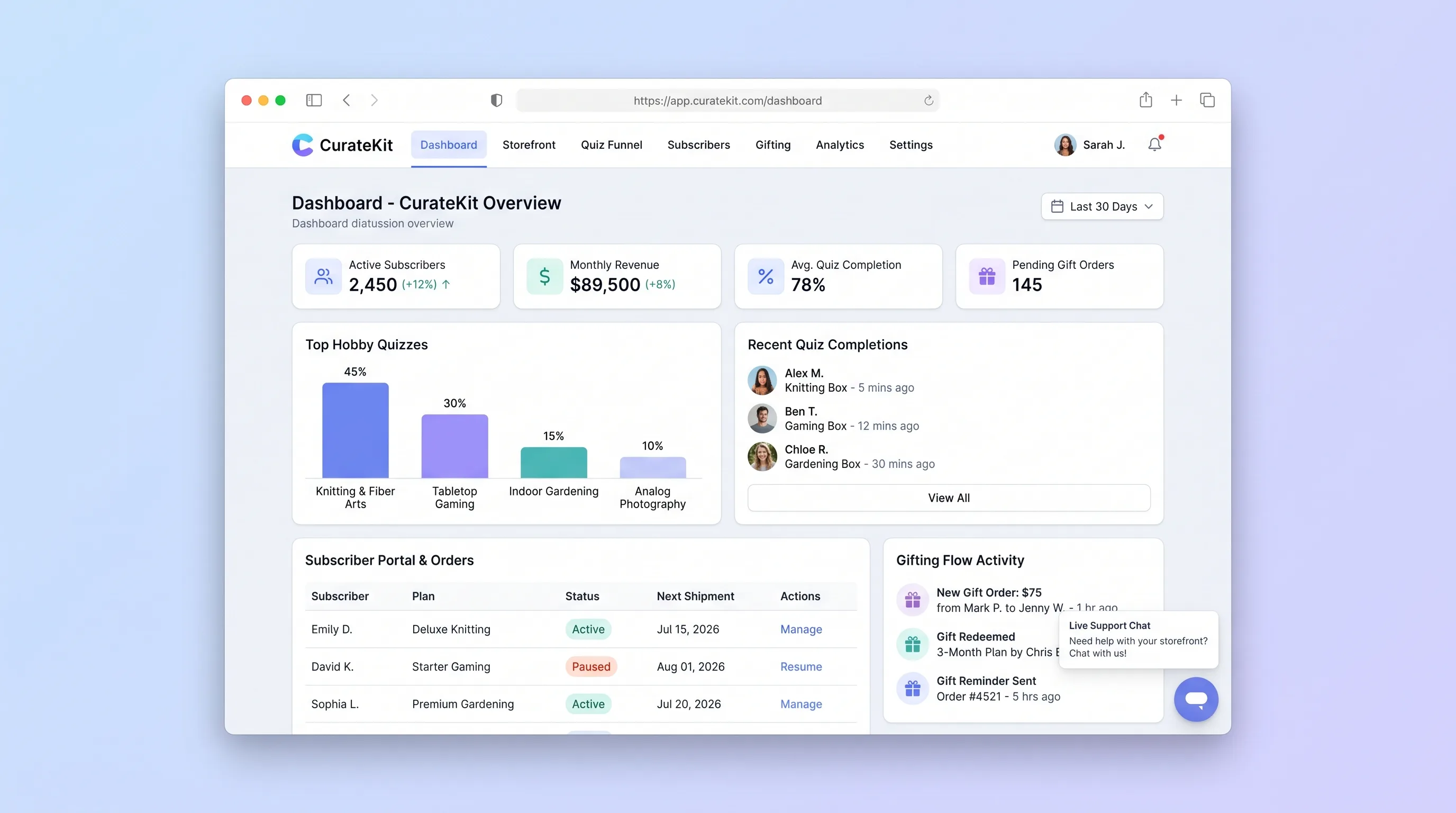
A direct-to-consumer storefront that turns hobby preferences into an explainable box recommendation, then supports recurring subscriptions, gifts, and basic account changes.
EcommerceRetail
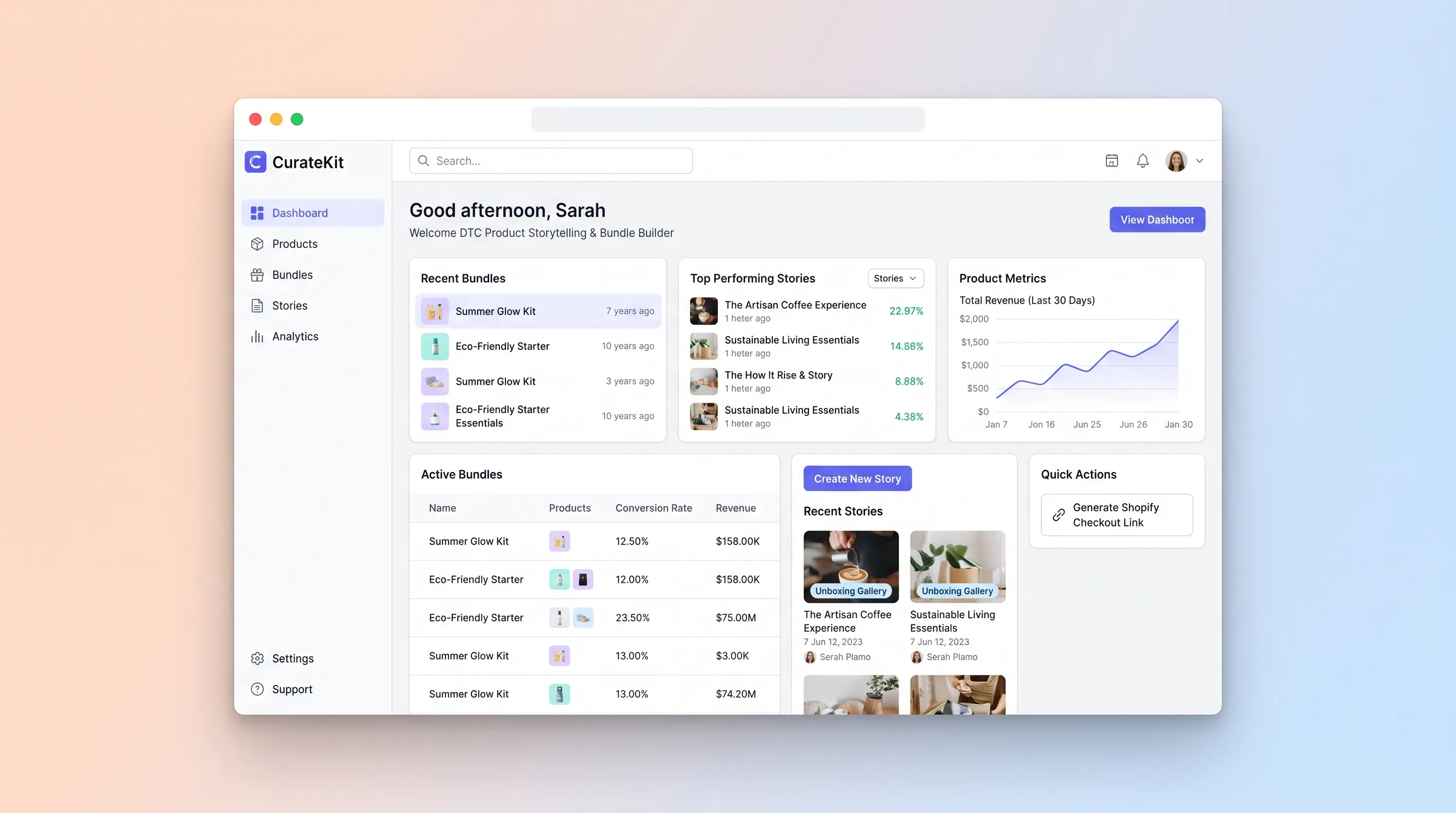
A no-code workspace where DTC brand owners assemble editorial product story pages with bundle configurators and UGC galleries, then publish Shopify-ready checkout links.
EcommerceBeauty & Fashion
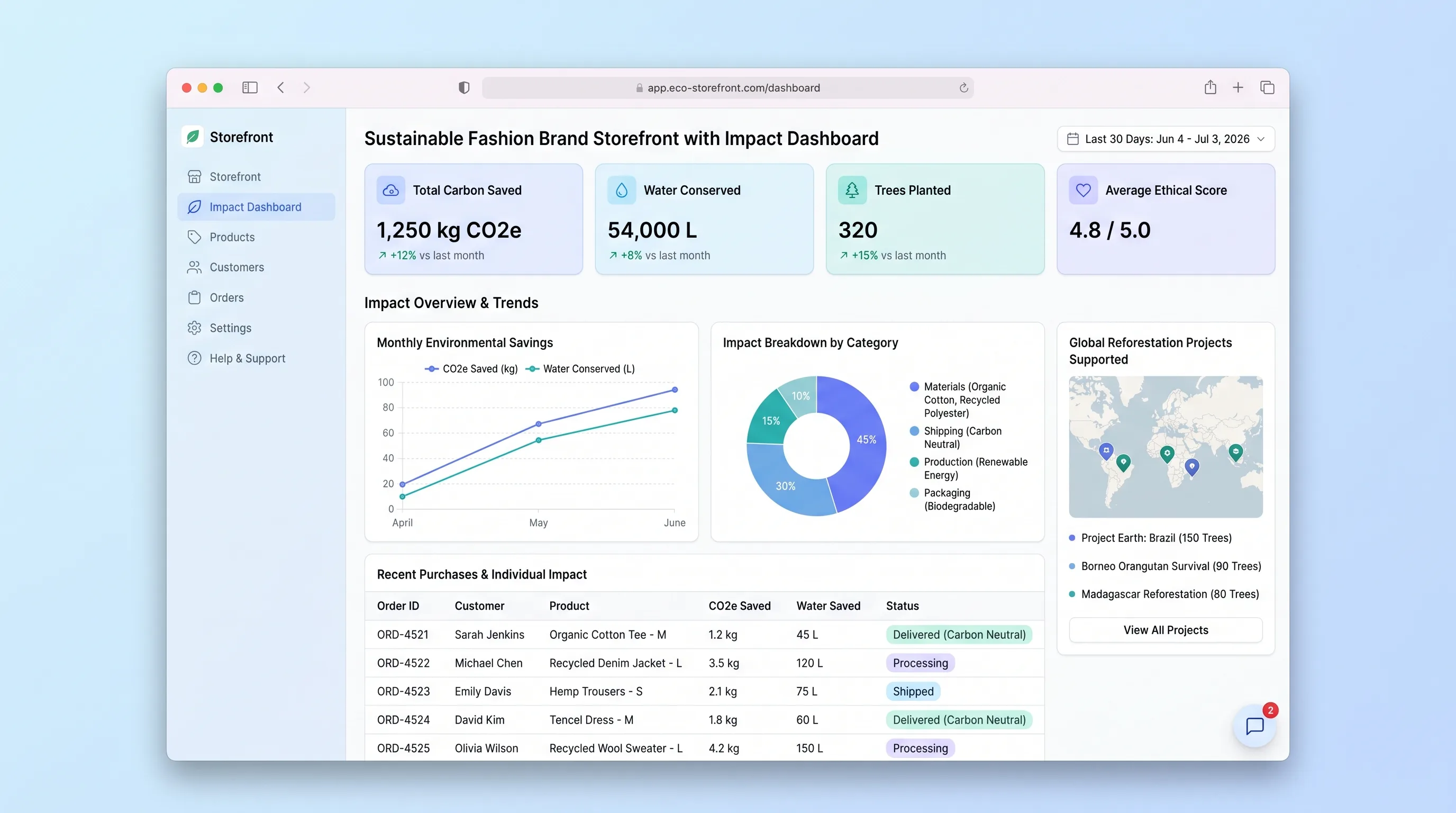
A conscious fashion storefront where shoppers browse curated eco collections, complete checkout, and then see their personal environmental impact dashboard accumulate CO2 saved, water conserved, and waste diverted across every order.
EcommerceBeauty & Fashion
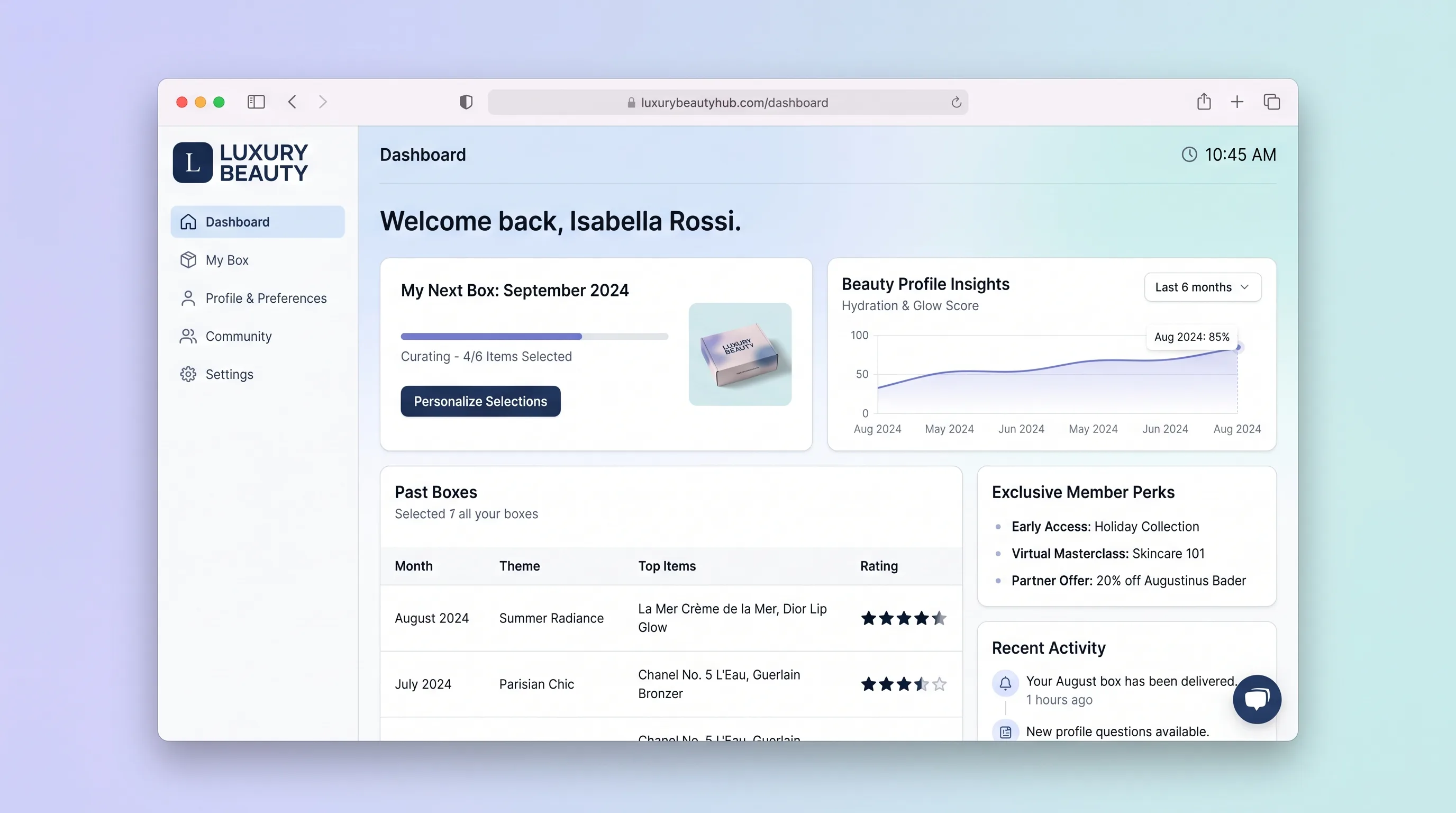
A premium beauty subscription platform where members complete a beauty quiz, personalize their monthly box, rate received products, shop full sizes, and manage their subscription in one curated hub.
EcommerceRetail
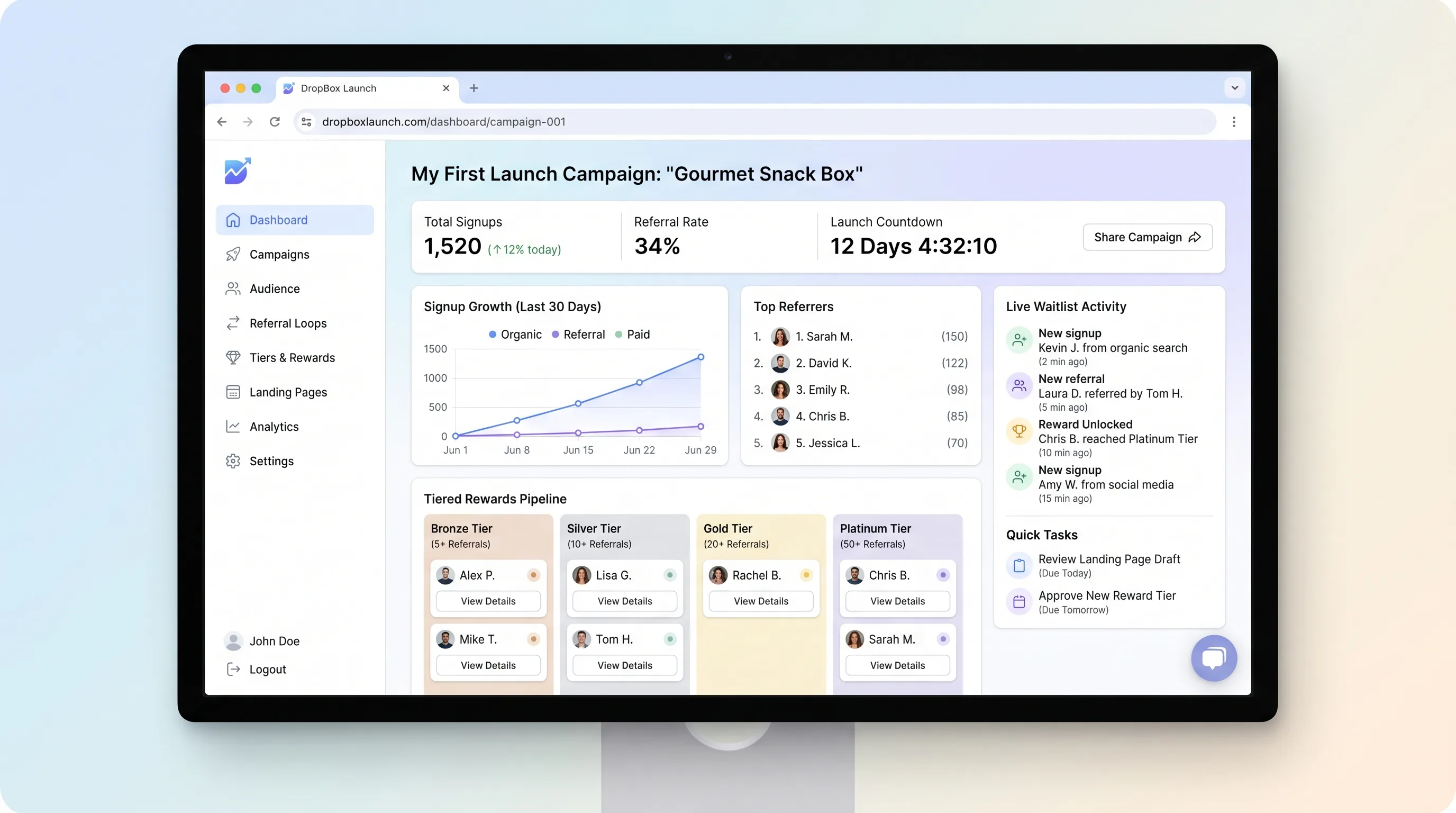
A focused landing page builder that lets creators publish a pre-launch page with countdown timers, email capture, and referral-based tiered waitlist rewards, then export segmented subscribers for launch-day campaigns.