Build this if
You can validate demand with 5-10 DTC brands willing to pay for faster product page launches with bundled checkout.
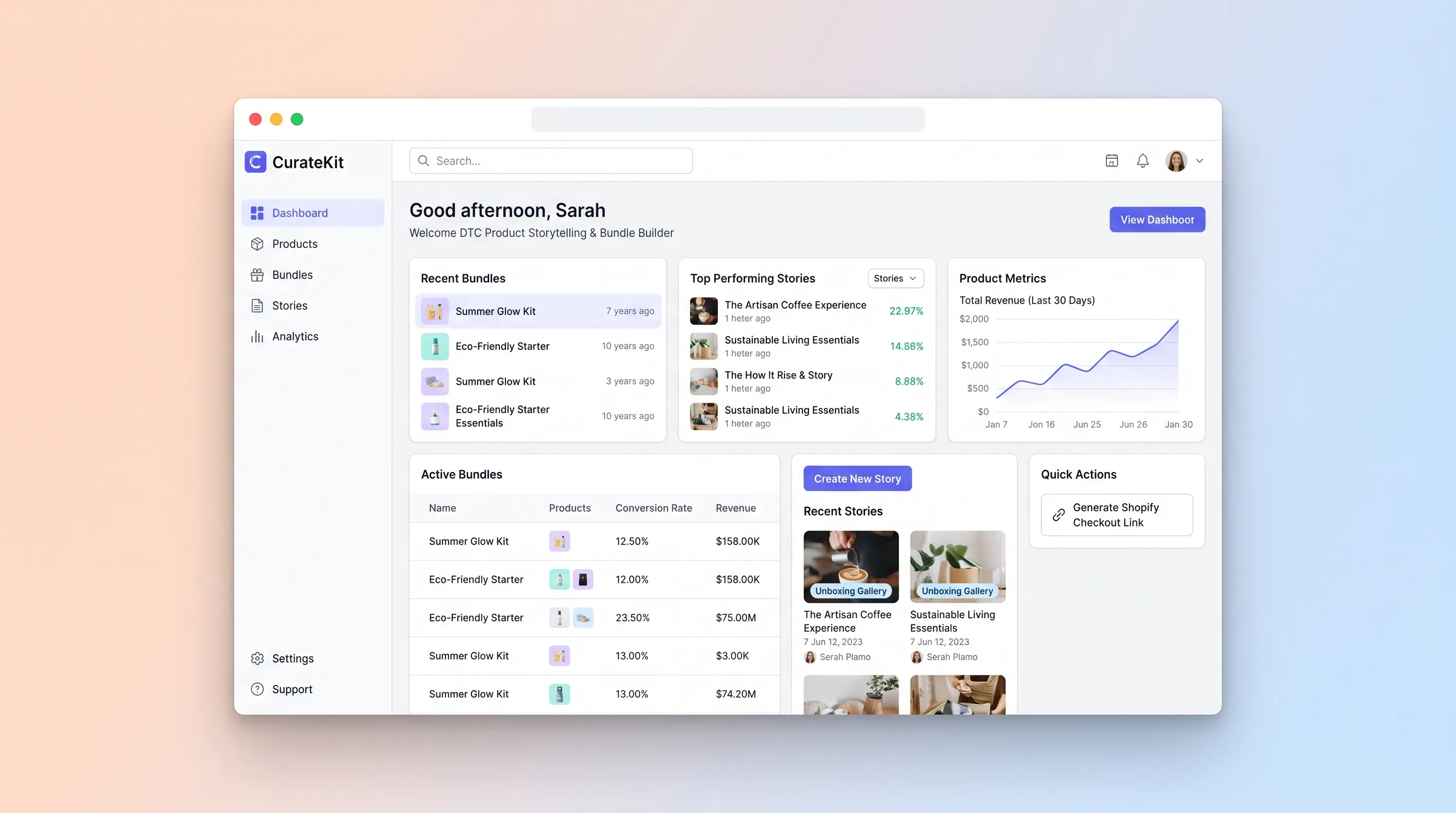
A no-code workspace where DTC brand owners assemble editorial product story pages with bundle configurators and UGC galleries, then publish Shopify-ready checkout links.
Decision snapshot
You can validate demand with 5-10 DTC brands willing to pay for faster product page launches with bundled checkout.
Your target customers already use Shopify's native bundle features and custom Liquid templates effectively.
Recruit 8 DTC brands to publish one product story page with a bundle configurator and measure time-to-launch versus their current process.
Problem and target customer
DTC brand owners lack a focused tool to combine product storytelling, bundle configuration, and unboxing galleries into a single shoppable page. They stitch together page builders, spreadsheets, and manual Shopify setup, resulting in disjointed customer experiences and slow launches.
Indie DTC brand owners and small ecommerce operators who need production-ready product story pages without custom development.
Monthly subscription with a paid workspace tier for brands managing multiple product stories and bundles.
Editorial note
CurateKit targets a specific gap in DTC ecommerce: the product story page. Most page builders optimize for speed or conversion widgets, not editorial narrative. CurateKit gives brand owners serif-heading templates, earthy palettes, and generous image layouts that feel like a magazine spread rather than a product grid.
The bundle configurator is the commerce engine inside the story. A customer reads the narrative, scrolls through unboxing photos, and selects product variants directly on the page. One click sends them to Shopify checkout with the full bundle pre-loaded. No cart, no redirect to a category page.
The MVP keeps scope tight: one workspace, one Shopify connection, and one published story page at a time. Multi-store management, A/B testing, and analytics wait until the core workflow proves that brands can launch a story page faster than their current manual process.
Choose your next step
Evaluate the operating tradeoffs quickly, or inspect how to build the MVP.
Compare the three operating paths at the default workload before opening the full calculator.
See cost preview Build this ideaInspect the build blueprintReview MVP scope, workflow, states, data rules, architecture, and acceptance criteria.
Open blueprintEvaluation preview
Directional infrastructure estimates for the current 400 orders assumption. Open the full calculator when you are ready to change it.
Managed app hosting, database, backups, and basic observability for the ecommerce workflow.
Lowest operating effortOne small VPS running the app, database, media volume, and backup job.
Lowest baseline costSeparate app, data, storage, and worker capacity for cleaner operations.
Most separation and controlBuild blueprint
Product goal
MVP scope
UX and user flow
List all story pages with draft and published statuses, quick-create button.
Editorial layout editor with serif headings, narrative sections, and hero image placement.
Select products from Shopify import, set bundle pricing, define selectable variants.
Drag-and-drop unboxing photo upload with caption editing and grid arrangement.
Full-page preview with live bundle configurator and one-click publish to branded URL with Shopify checkout link.
Core entity outline
Root record for a product story page with editorial content, status, and published URL.
Collection of products offered together with combined pricing on the story page.
Individual product imported from Shopify with variants available for bundle selection.
UGC unboxing photo displayed in the story page gallery grid.
Tenant container for a brand's story pages, Shopify connection, and settings.
Architecture and data flow
CRUD operations for story pages, bundles, gallery items, and publish workflow.
OAuth handshake, product import, and checkout link generation via Shopify API.
Accept gallery and hero image uploads, store in R2, return CDN URLs.
Serve published story pages as static HTML at branded URLs.
Deliverables and acceptance
Recommended stack
Visual builder for editorial story page layouts with serif typography, image galleries, and bundle configurator UI without custom frontend code.
Hosts the Node or Python API for story page CRUD, bundle logic, Shopify sync, and serves published pages from a relational database.
Stores products, bundles, gallery items, and story page states with relational integrity for bundle-to-product links.
Optional webhook handler for Shopify product sync triggers and image upload post-processing without building custom background workers.
Stores uploaded unboxing gallery images and hero imagery with CDN delivery for fast story page loads.
Lovable handles the editorial visual layer where design quality matters most. Railway provides durable backend hosting for the relational data model and Shopify integration. Make fills narrow automation gaps for Shopify webhooks. R2 handles image-heavy gallery storage without per-request egress costs.
Copy the build prompt, model the operating cost, and choose where to deploy.
Execution
Once the blueprint is clear, use the prompt, cost model, and deployment options to start building.
Build prompt
Lovable
Build prompt
Open the prompt pack whenever you are ready to take this blueprint into your builder.
Build prompt ready
Copy the prompt into your builder, then use the cost model below to choose how you want to run it.
Use the cost model to choose a deployment path that matches the build plan.
Cost calculator
A technical run-cost estimate for the first production version. Team, acquisition, payment fees, and business COGS are excluded.
$15-$45 per 200 orders
Low and high values allow for usage variance and plan headroom.
Managed app hosting, database, backups, and basic observability for the ecommerce workflow.
50K orders included, then $8-$20 per 100K ordersObject storage is implied by the source workflow or feature list.
Monthly allowance from this idea's operating profileThe estimate combines the selected infrastructure path, required operating modules, selected optional modules, and usage above included monthly allowances. Taxes and regional uplifts are excluded.
Deployment options
Choose based on operating preference, not only the headline price.
Fast Docker deployment for the app, database, worker, and preview workflow without managing a VPS.
Usage billing needs active monitoring as traffic and jobs grow.
Run the app, worker, and database on one small Vultr VPS with Docker Compose and explicit backups.
You own patching, backups, monitoring, and incident response.
Separate application, worker, data, storage, and backup responsibilities as the workload grows.
You own server setup, patching, backups, and operational monitoring.
Start building
Build the editorial story page editor with serif typography, image gallery grid, and bundle variant selection panel. Include a preview mode and a publish button that calls the backend API.
Open Lovable 02AutomationShopify webhook and image sync glueSet up a Make scenario that listens for Shopify product webhooks and pushes updated product data to the Railway backend. Add an optional scenario for post-processing uploaded gallery images.
Open Make 03DeployBackend API, database, and page servingDeploy the API handling story page CRUD, bundle pricing logic, Shopify OAuth and product import, checkout link generation, and published page serving from Postgres.
Open RailwayKeep exploring
SaaS WorkflowProfessional Services
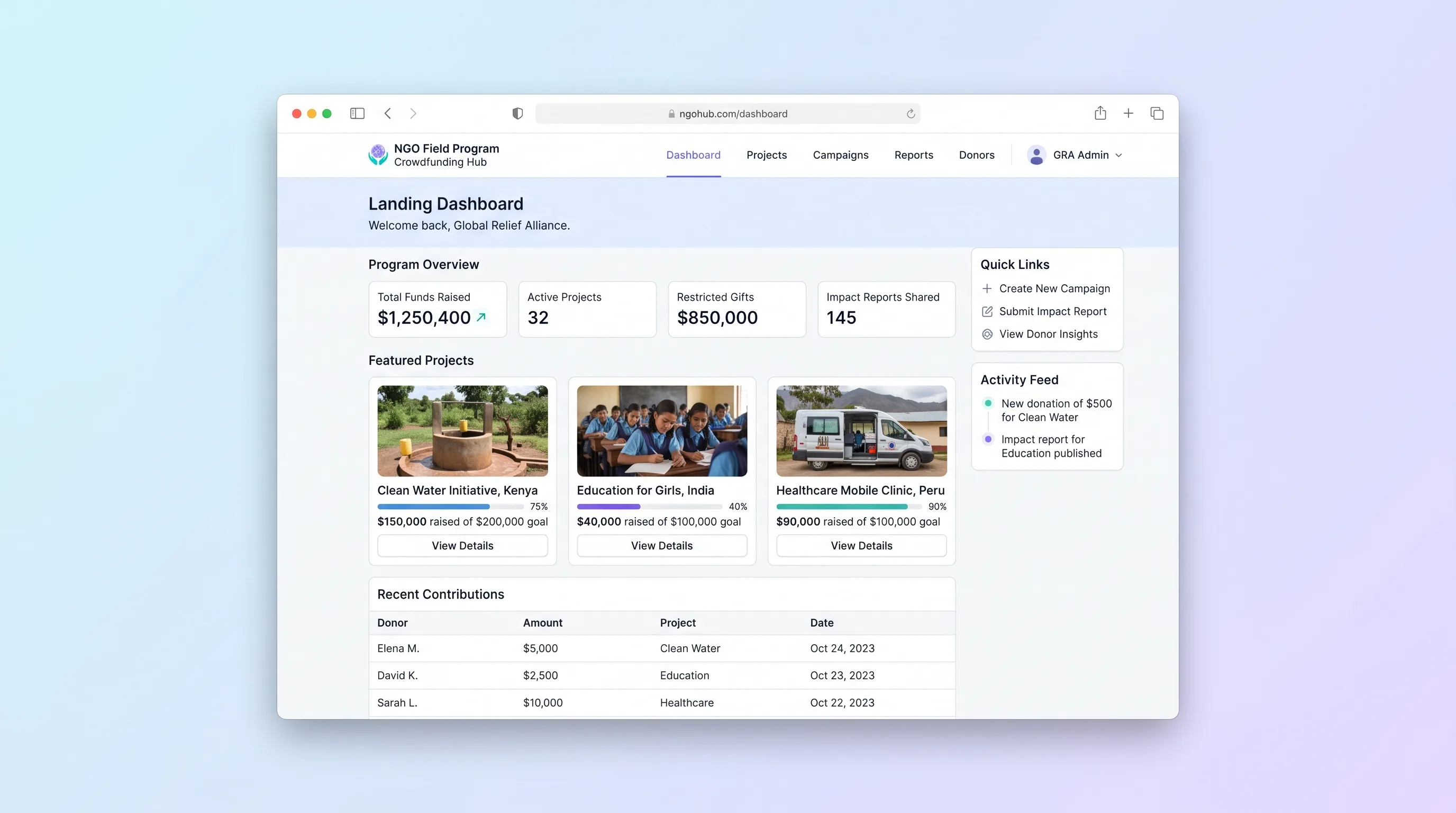
A multi-project crowdfunding portal where NGOs publish field programs, collect restricted gifts with donor dedications, and send field updates back to funders through a branded donor portal.
SaaS WorkflowRetail
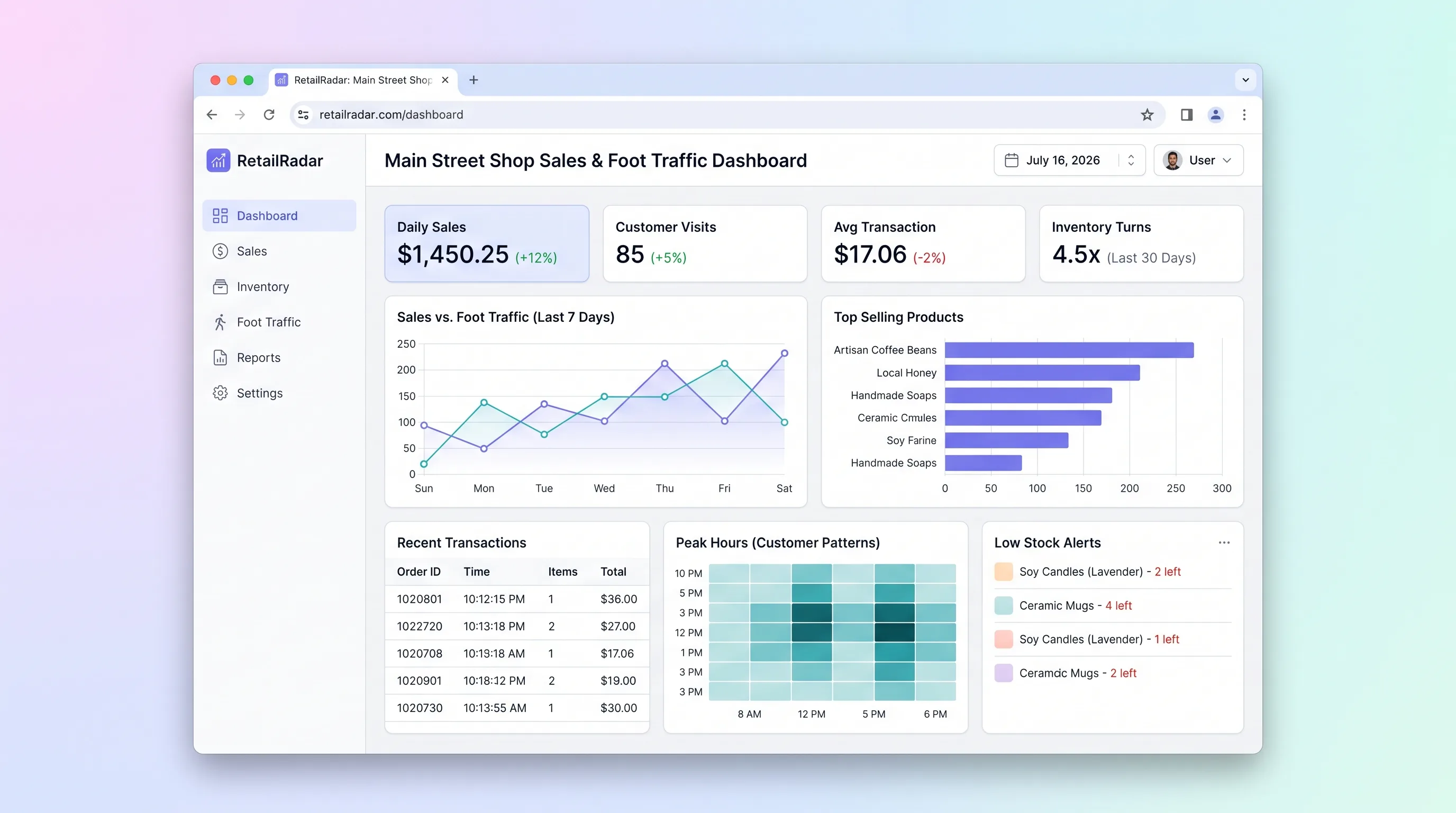
Analytics hub for independent retail store owners to import daily sales data, visualize best and worst performing days and products, flag low-stock SKUs, and set revenue goals.
SaaS WorkflowCreator Economy & Media
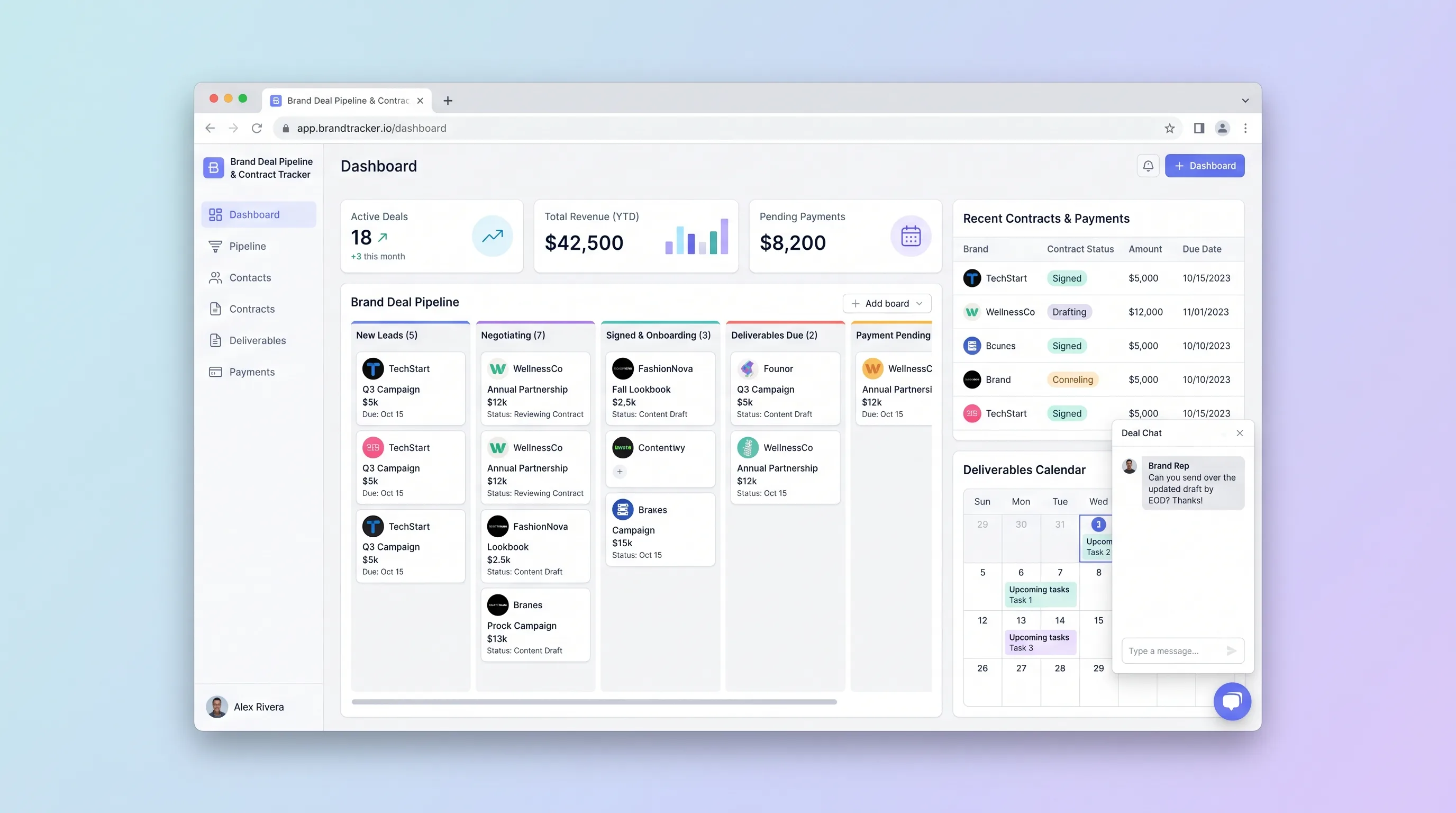
A focused CRM where solo influencers and small creator teams manage sponsorship leads from first pitch through signed contract, deliverable deadlines, and payment reconciliation.
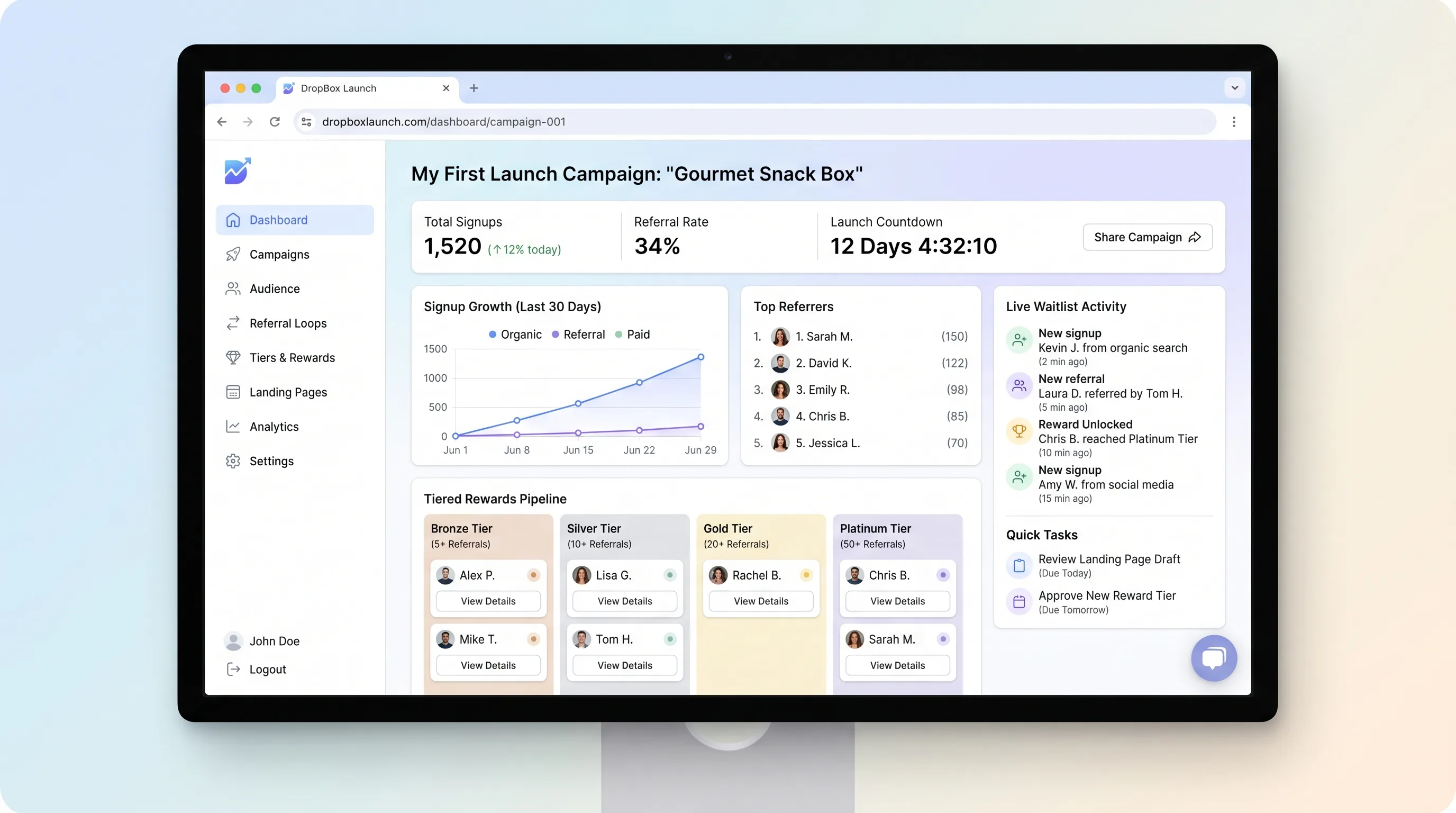
EcommerceRetail
A focused landing page builder that lets creators publish a pre-launch page with countdown timers, email capture, and referral-based tiered waitlist rewards, then export segmented subscribers for launch-day campaigns.
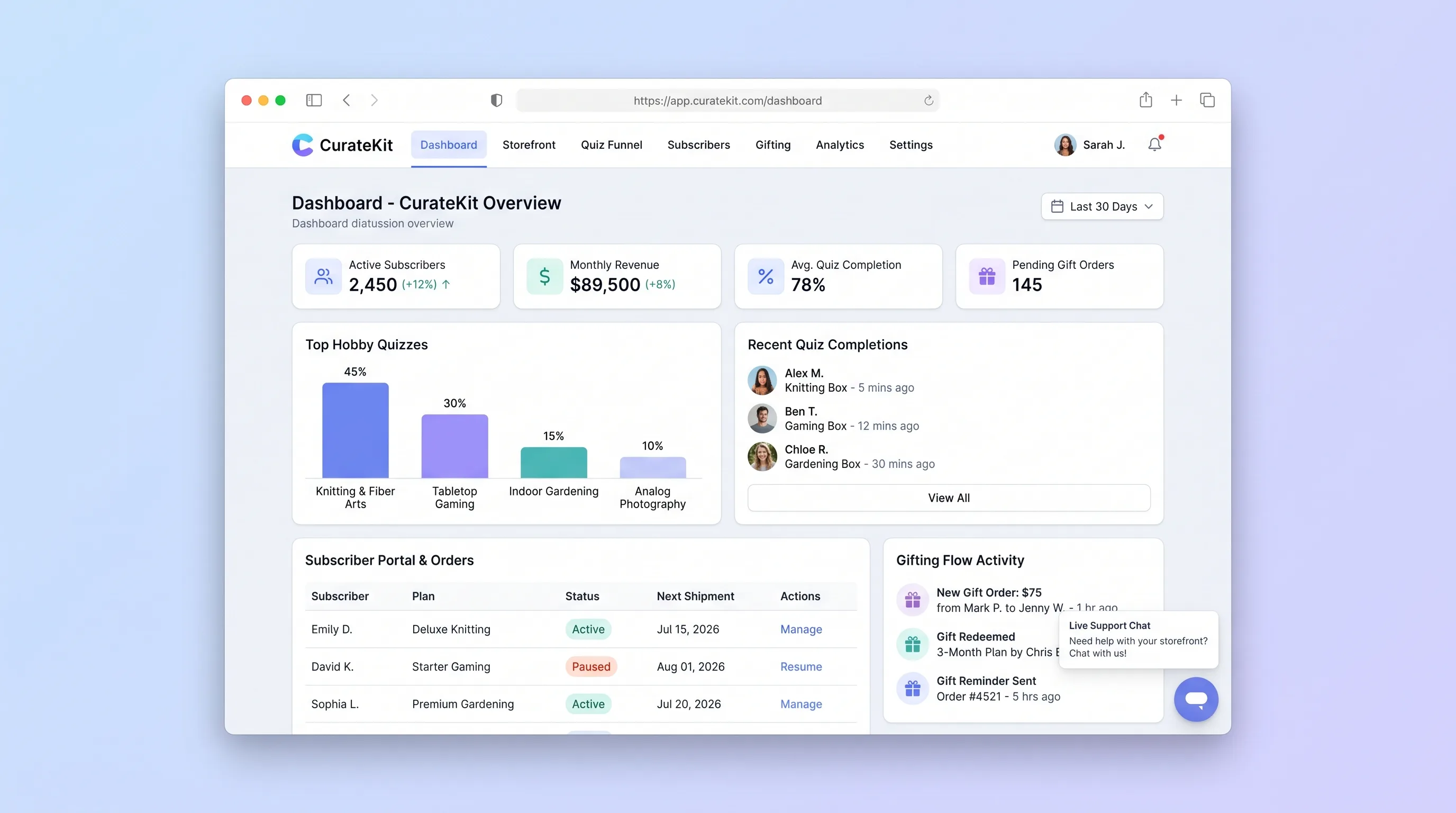
EcommerceRetail
A direct-to-consumer storefront that turns hobby preferences into an explainable box recommendation, then supports recurring subscriptions, gifts, and basic account changes.
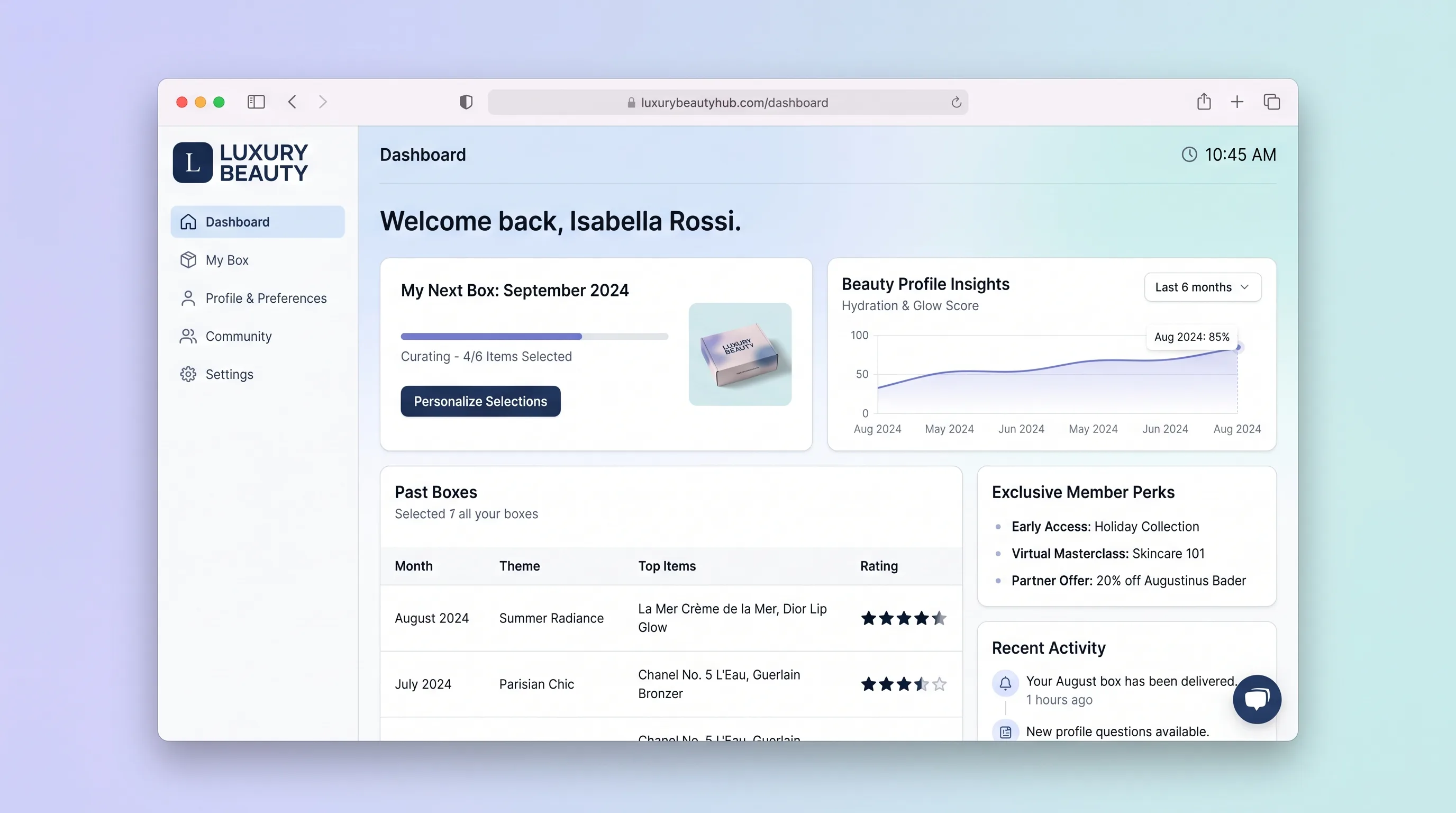
EcommerceBeauty & Fashion
A premium beauty subscription platform where members complete a beauty quiz, personalize their monthly box, rate received products, shop full sizes, and manage their subscription in one curated hub.