Build this if
A beauty brand can supply accurate shade assets, product attributes, and a cosmetic-only recommendation policy that shoppers understand.
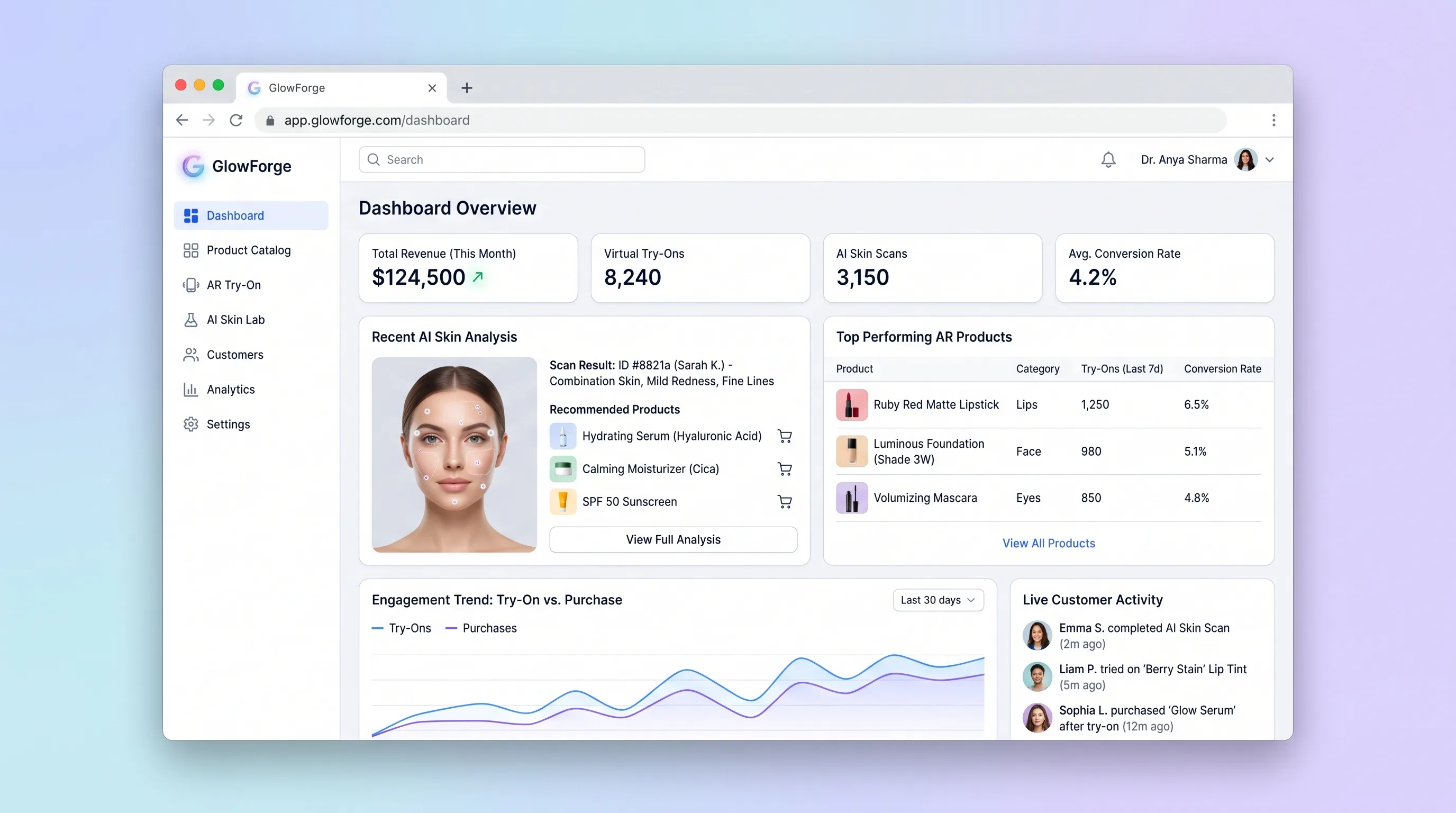
A direct beauty storefront that previews selected shades on-camera and turns an optional cosmetic skin scan into reviewable product suggestions.
Decision snapshot
A beauty brand can supply accurate shade assets, product attributes, and a cosmetic-only recommendation policy that shoppers understand.
The product must diagnose skin conditions, guarantee treatment results, or deliver photorealistic AR across unsupported devices in the first release.
Test 100 guided sessions on supported devices and verify that shoppers understand the non-medical boundary, can reject suggestions, and can reach a product detail from a usable result.
Problem and target customer
Online beauty shoppers cannot test shade appearance and receive generic skincare recommendations, increasing uncertainty while exposing brands to risky claims if image analysis is presented as diagnosis.
Direct-to-consumer beauty brands with a defined cosmetic catalog and shoppers willing to use camera or image input for non-medical guidance.
Direct product sales through the brand storefront, with the try-on and analysis experience supporting conversion rather than a separate subscription.
Editorial note
The MVP combines two different trust problems: whether an overlay feels useful and whether image-based guidance stays safely cosmetic. Keeping video local and making every recommendation dismissible gives the shopper meaningful control.
Do not market a vision model as a dermatologist. The first release should cover a small, well-prepared shade catalog and a conservative observation vocabulary, then measure usability and comprehension rather than promising skin outcomes.
Choose your next step
Evaluate the operating tradeoffs quickly, or inspect how to build the MVP.
Compare the three operating paths at the default workload before opening the full calculator.
See cost preview Build this ideaInspect the build blueprintReview MVP scope, workflow, states, data rules, architecture, and acceptance criteria.
Open blueprintEvaluation preview
Directional infrastructure estimates for the current 1,000 guided try-on sessions assumption. Open the full calculator when you are ready to change it.
App, database, backups, and logs for catalog browsing, temporary cosmetic analysis, and recommendation review with minimal platform operations.
Lowest operating effortA small cloud server runs catalog browsing, temporary cosmetic analysis, and recommendation review, PostgreSQL, and scheduled backups.
Lowest baseline costSeparate web, data, and background capacity for catalog browsing, temporary cosmetic analysis, and recommendation review when operational isolation matters.
Most separation and controlBuild blueprint
Product goal
MVP scope
UX and user flow
Explain available experiences, permissions, and cosmetic-only limits.
Preview supported shades with clear capture and device states.
Show editable suggestions with reasons, uncertainty, and product variants.
Core entity outline
Defines purchasable shade, formula attributes, price, and inventory status.
Tracks consent, processing state, expiry, and structured cosmetic observations without retaining the image by default.
Maps an allowed observation or selected goal to a catalog variant with a visible reason.
Architecture and data flow
Check capability and render supported overlays locally from facial landmarks.
Accept one consented still, request structured observations, apply safety rules, and discard input.
Map allowed attributes to available variants through deterministic rules.
Deliverables and acceptance
Recommended stack
Combines catalog, device checks, try-on, analysis consent, and checkout handoff.
Runs landmark-based overlays in the browser for a controlled shade set without uploading video.
Produces structured cosmetic observations and catalog attributes under a strict non-diagnostic prompt.
Keeps product variants authoritative and delegates card handling to hosted checkout.
Client-side landmarks keep the first try-on bounded and privacy-conscious. Model output is treated as uncertain cosmetic guidance, mapped through explicit product attributes, and never allowed to name a condition.
Copy the build prompt, model the operating cost, and choose where to deploy.
Execution
Once the blueprint is clear, use the prompt, cost model, and deployment options to start building.
Build prompt
Use a TypeScript storefront with client-side landmark rendering and a server-side structured vision call; validate devices and safety copy before expanding product coverage.
Build prompt
Open the prompt pack whenever you are ready to take this blueprint into your builder.
Build prompt ready
Copy the prompt into your builder, then use the cost model below to choose how you want to run it.
Use the cost model to choose a deployment path that matches the build plan.
Cost calculator
A technical run-cost estimate for the first production version. Team, acquisition, payment fees, and business COGS are excluded.
$12-$35 per 500 guided try-on sessions
Low and high values allow for usage variance and plan headroom.
App, database, backups, and logs for catalog browsing, temporary cosmetic analysis, and recommendation review with minimal platform operations.
50K guided try-on sessions included, then $8-$20 per 50K guided try-on sessionsProcesses an expressly accepted still image into structured, non-medical cosmetic observations and product attributes.
1K guided try-on sessions x 2.5K input + 500 output tokensThe estimate combines the selected infrastructure path, required operating modules, selected optional modules, and usage above included monthly allowances. Taxes and regional uplifts are excluded.
Deployment options
Choose based on operating preference, not only the headline price.
Deploy the beauty catalog, analysis gateway, and checkout service with managed services, environment variables, logs, and a short path from prototype to beta.
Usage-based compute needs budget alerts as activity grows.
Run the app, worker, and database on one small Vultr VPS with Docker Compose and explicit backups.
The operator owns database maintenance and incident response.
Separate application, worker, data, storage, and backup responsibilities as the workload grows.
More moving parts increase setup and observability work.
Start building
Design goal selection, camera permission, unsupported-device, preview, analysis, recommendation, and product states.
Open Lovable 02AutomationKeep commerce handoffs boundedUse Make only for non-sensitive order or merchandising notifications; never send face images or cosmetic observations through it.
Open Make 03DeployDeploy the analysis gatewayHost the storefront, product database, and controlled model endpoint with short timeouts, spend caps, and no default image retention.
Open RailwayKeep exploring
MarketplaceBeauty & Fashion
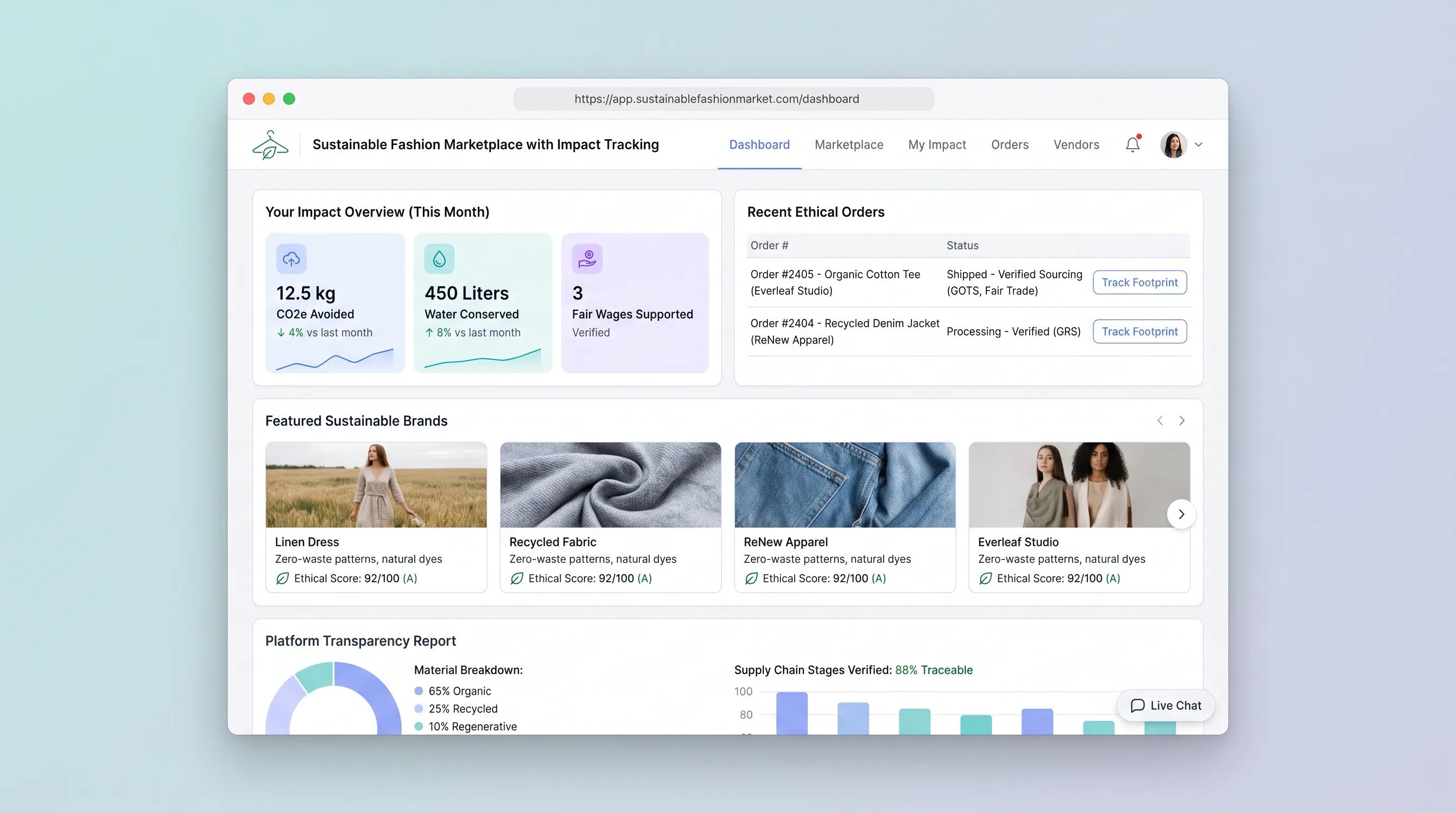
A curated storefront where independent fashion brands publish product evidence and shoppers compare item-level impact details before purchasing.
EcommerceBeauty & Fashion
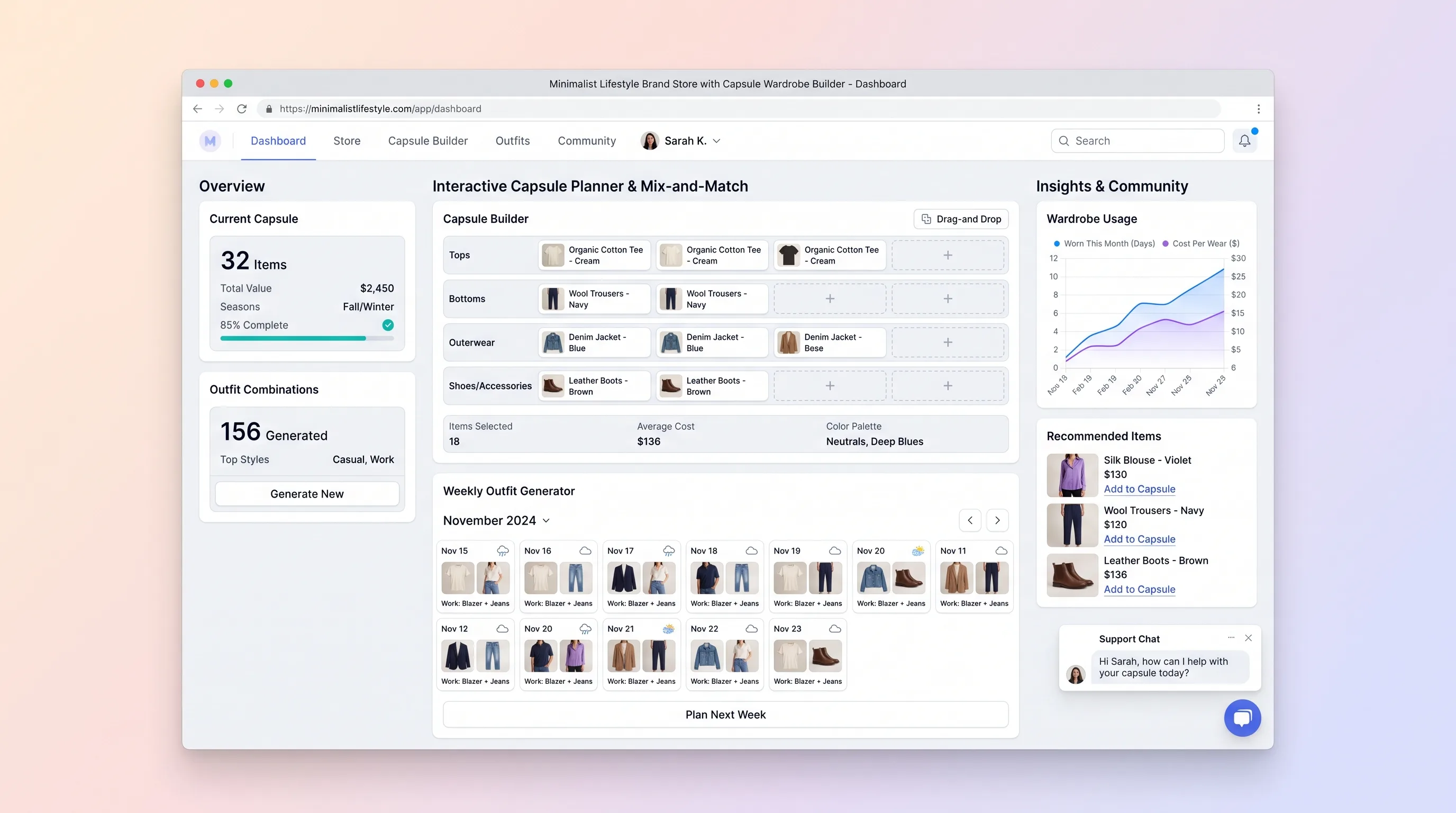
A guided fashion store that assembles a compact, compatible wardrobe from live variants, previews real outfit combinations, and keeps the set within budget.
EcommerceBeauty & Fashion
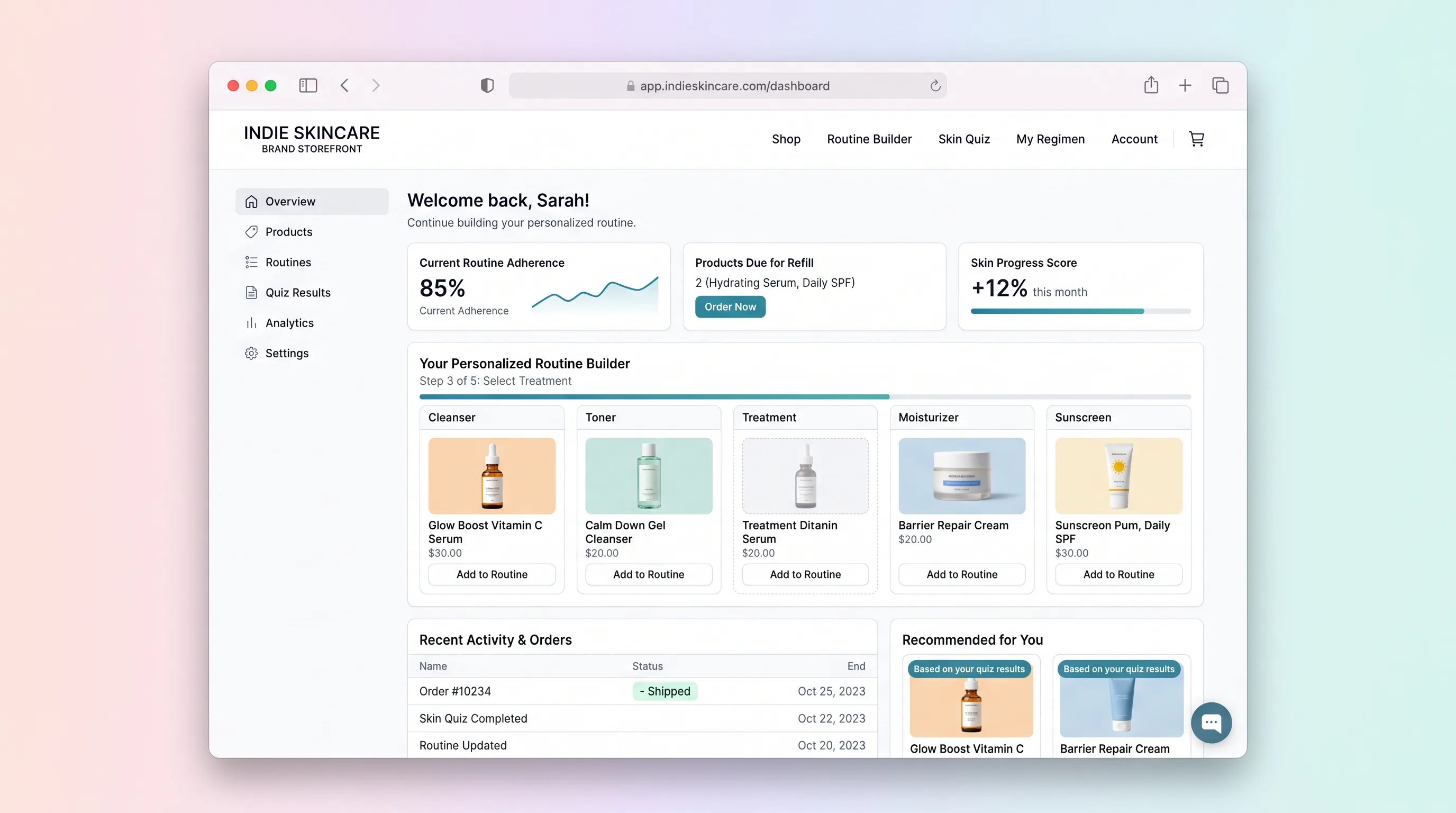
A quiz-led skincare shop that assembles an explainable morning and evening routine from the live catalog, then lets the shopper edit the kit before checkout.
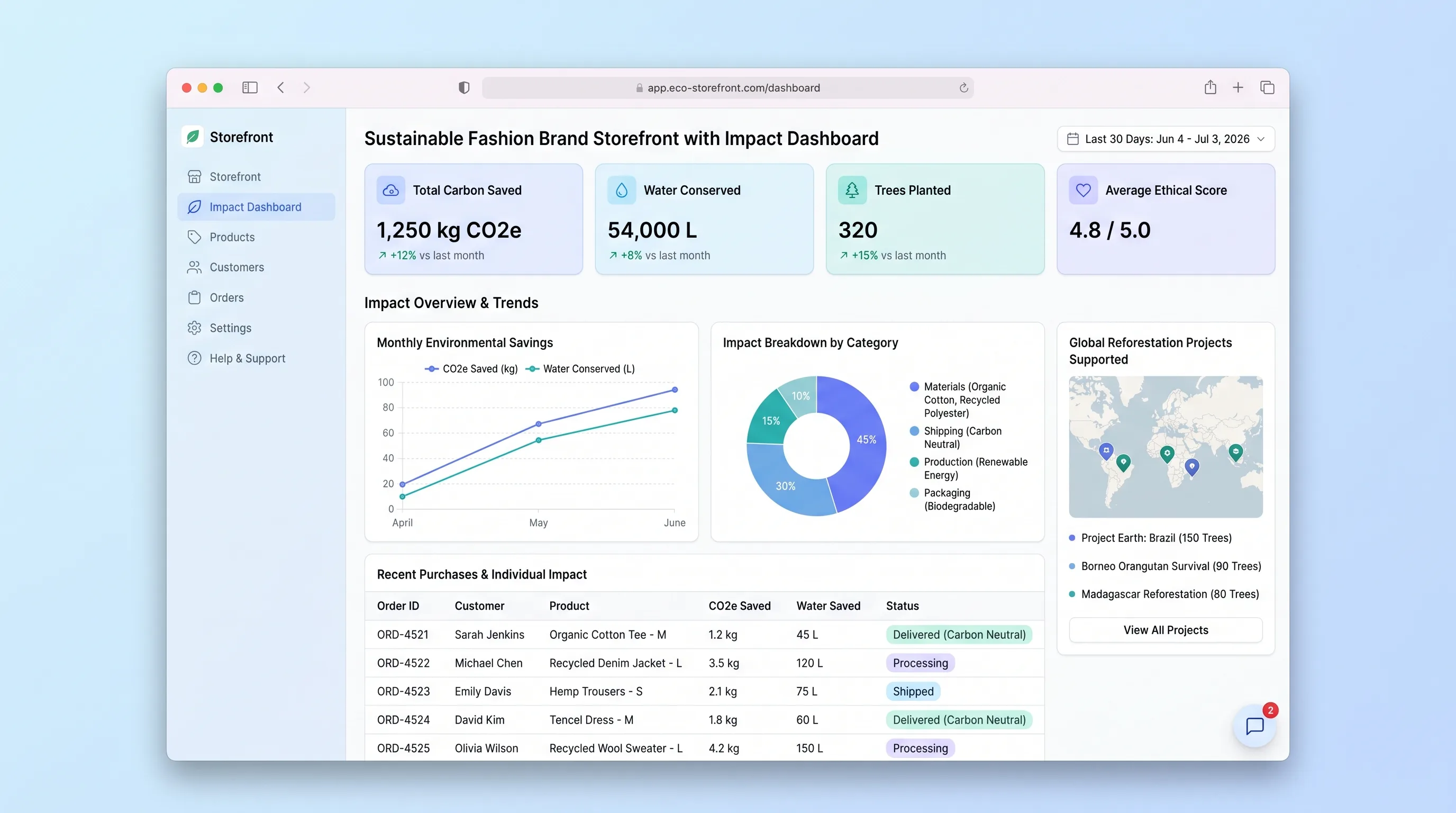
EcommerceBeauty & Fashion
A conscious fashion storefront where shoppers browse curated eco collections, complete checkout, and then see their personal environmental impact dashboard accumulate CO2 saved, water conserved, and waste diverted across every order.
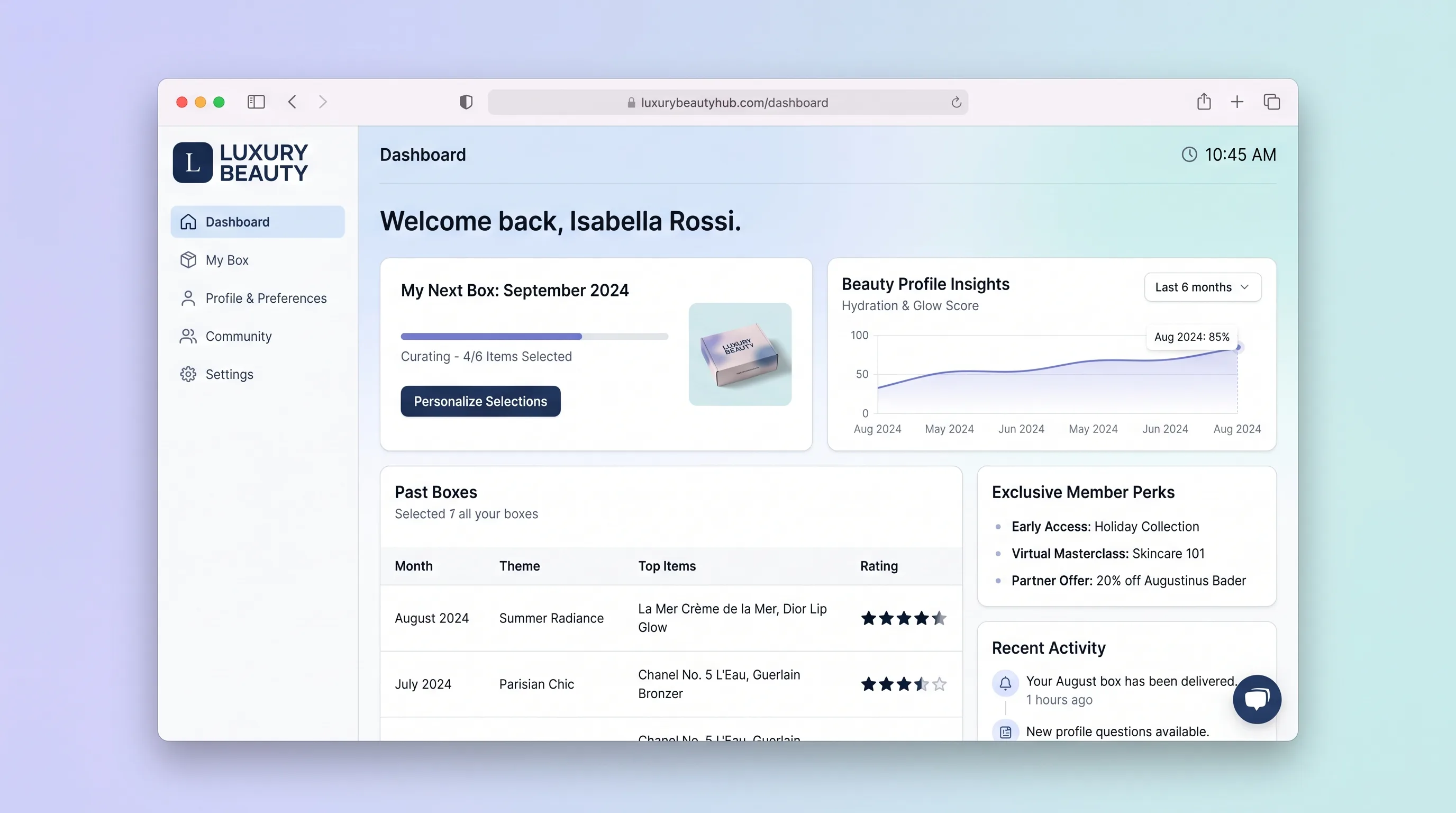
EcommerceBeauty & Fashion
A premium beauty subscription platform where members complete a beauty quiz, personalize their monthly box, rate received products, shop full sizes, and manage their subscription in one curated hub.
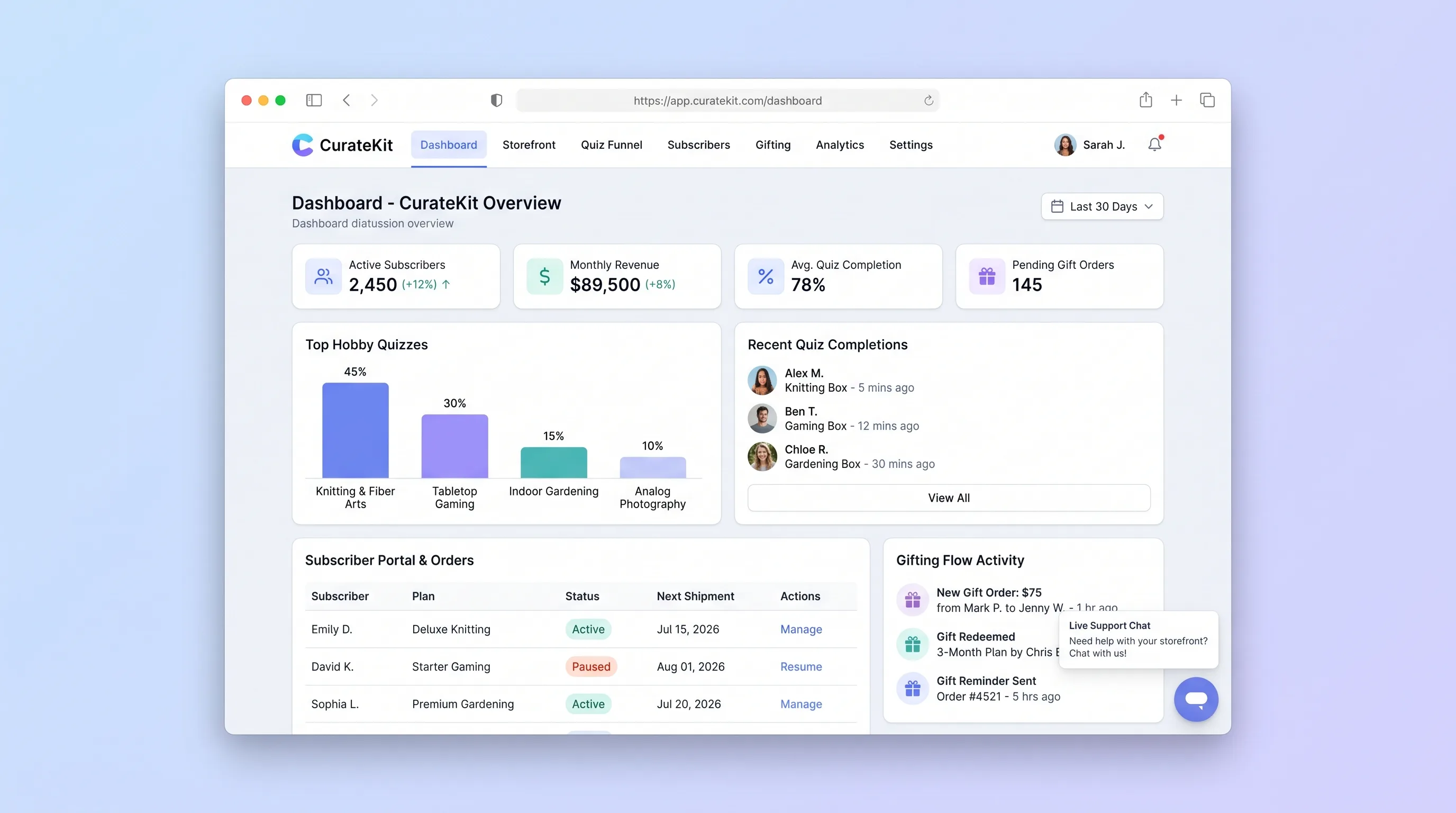
EcommerceRetail
A direct-to-consumer storefront that turns hobby preferences into an explainable box recommendation, then supports recurring subscriptions, gifts, and basic account changes.