
Start with the job
Why this workflow exists
Client updates require manually summarizing pipeline activity from multiple records.
Late or vague updates weaken client trust and create status-chasing work.
A weekly search update is due.
Evidence and assumptions
What this playbook assumes
Client updates require manually summarizing pipeline activity from multiple records.
The account manager already has access to the source system and can approve the output.
AI does not make the final customer, candidate, property, campaign, or client-facing decision.
Last reviewed: 2026-08-05
AI workflow
Where AI helps, and where a person decides
The workflow is useful because each automation step ends at a named human checkpoint.
Collect search activity
Assemble current pipeline facts.
- Input
- ATS activity and recruiter notes
- AI action
- Group activity by stage and flag missing updates.
- Human checkpoint
- Delivery lead checks counts and dates.
- Output
- Search activity packet
Draft update
Explain progress and blockers neutrally.
- Input
- Search activity packet
- AI action
- Draft progress, risks, and questions for the client.
- Human checkpoint
- Recruiter validates candidate-safe wording.
- Output
- Client update draft
Approve and send
Close the reporting loop.
- Input
- Validated draft
- AI action
- Format the update and next meeting agenda.
- Human checkpoint
- Account manager sends the update.
- Output
- Client update
Choose with context
What should your team do next?
Answer three questions to find the most practical next step for your current system, capability, and strategic need.
Answer the questions to choose a path for this workflow.
Strengthen team capability
The team wants faster updates without changing the ATS.
Trade-off: Requires consistent activity notes.
Open the capability routeUse an existing tool
The ATS already has client reporting for your plan.
Trade-off: Less control over narrative and review prompts.
Check your current systemCreate a custom workflow
You run many searches with a stable update format.
Trade-off: More integration and data governance effort.
Review the custom workflow routeRecommended next move
Start with the capability map below. It connects the selected workflow step to a focused resource and a concrete deliverable.
Open the capability routeKeep your current system if it can preserve source context, expose missing data, allow human editing, and keep observed facts separate from generated interpretation.
Bullhorn · Recruitment operations platform
Compare Bullhorn for this workflow
- Best when
- Your current system cannot preserve the required workflow inputs, controls, or review states.
- Avoid when
- Your existing system already satisfies the workflow requirements and keeps the data in one place.
- Why it fits
- Compare Bullhorn when the current system fails one of the workflow requirements.
- Limitation
- Provider defaults may not match your fields, permissions, or review policy.
- Trade-off
- Faster setup with less control over vendor-specific workflow behavior.
Related template or use case: Open provider guidance
Alternative: Use the automation feature in your current platform · Last checked 2026-08-05
Create a custom workflow when the process is differentiated, integration-heavy, or sensitive enough to require ownership of data boundaries, approvals, and maintenance.
Make · Automation layer
Create this workflow with Make
- Best when
- The workflow repeats often enough to justify visible automation and an owned handoff.
- Avoid when
- The workflow is still changing or the team has not agreed on source ownership and human approval.
- Why it fits
- Make can support the workflow's explicit handoffs before a custom backend is justified.
- Limitation
- The team still owns configuration, monitoring, and the final human checkpoint.
- Trade-off
- More control than a fixed product, with more setup and maintenance responsibility.
Related template or use case: Open provider guidance
We may earn a commission if you sign up through this link.Alternative: Use the automation feature in your current platform · Last checked 2026-08-05
Railway · Application and infrastructure layer
Create this workflow with Railway
- Best when
- The workflow repeats often enough to justify visible automation and an owned handoff.
- Avoid when
- The workflow is still changing or the team has not agreed on source ownership and human approval.
- Why it fits
- Railway can support the workflow's explicit handoffs before a custom backend is justified.
- Limitation
- The team still owns configuration, monitoring, and the final human checkpoint.
- Trade-off
- More control than a fixed product, with more setup and maintenance responsibility.
Alternative: Use the automation feature in your current platform · Last checked 2026-08-05
Capability map
What does your team need to operate this workflow?
Choose a step and your current level to see the shortest route to a useful deliverable.
Grounded status drafting
Client updates must stay tied to recorded activity.
Recommended learning route
Using AI in Make
Learn the workflow building blocks, then anchor every status sentence to ATS activity.
Ready-to-use artifact
Search update
This is the complete operating template for the workflow: input contract, runbook, automation handoff, human review, escalation, and a test case.
Workflow template
Open the complete operating runbook
The full Markdown stays out of the page until you ask for it. Open it when you are ready to adapt this workflow to your team.
What happens next
- Collect search activityGroup activity by stage and flag missing updates.
- Draft updateDraft progress, risks, and questions for the client.
- Approve and sendFormat the update and next meeting agenda.
Check before action
- Collect search activityDelivery lead checks counts and dates.
- Draft updateRecruiter validates candidate-safe wording.
- Approve and sendAccount manager sends the update.
Client update
Test the filled template on one real but non-sensitive example. Keep the source context and approval decision with the team that owns this workflow.
Implementation stack
What the workflow needs
Automation and AI usage
ATS and portal subscriptions · Recruiter review time
Explore the product angle
Ideas connected to this workflow
Use this workflow inside an agency, or explore product ideas built around the same operational problem.
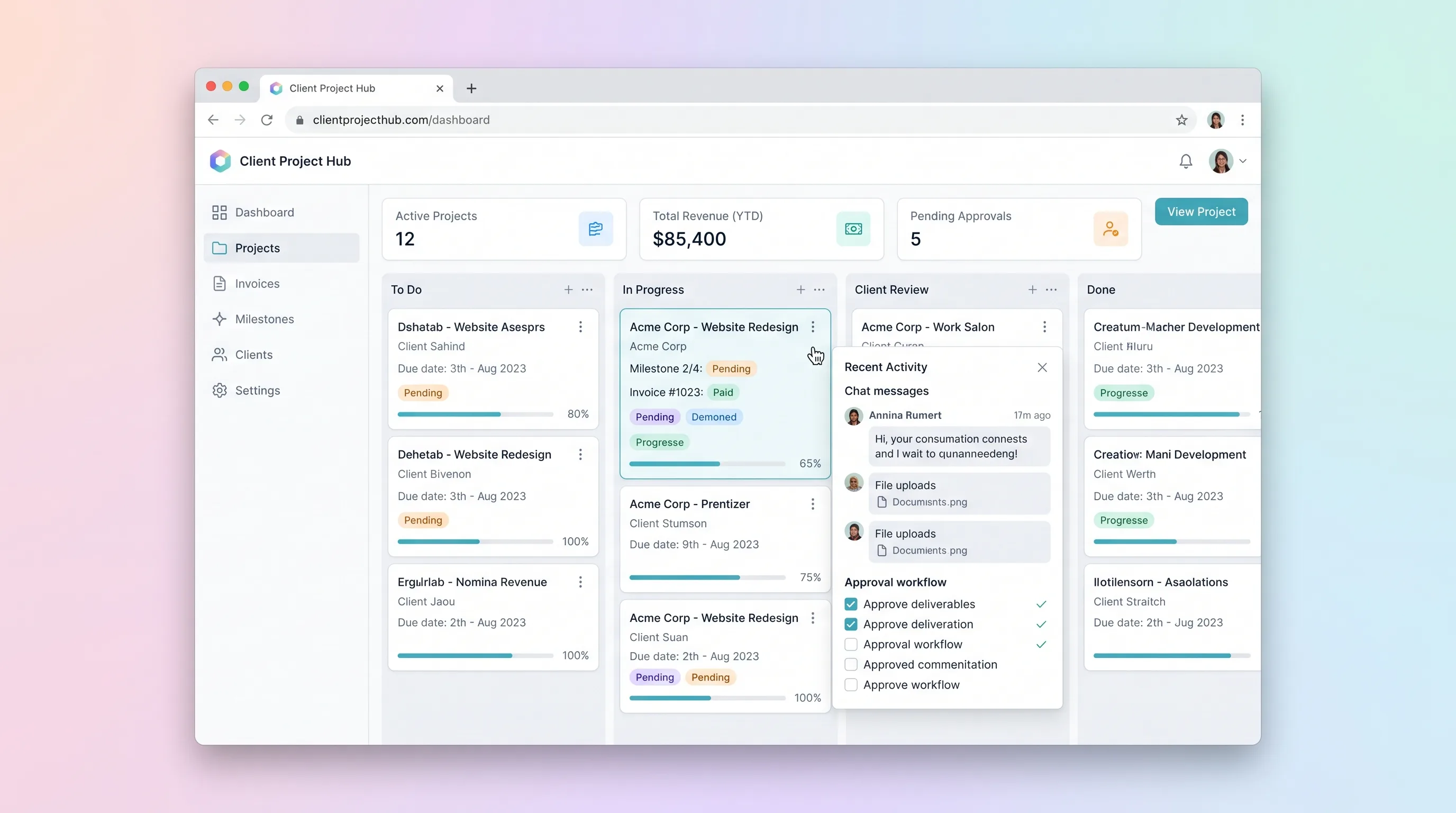
SaaS WorkflowProfessional Services
Client Project Hub with Invoice & Milestone Tracking
A kanban-driven workspace where freelancers and small agencies track client project milestones, route deliverables through an approval workflow, and auto-generate invoices upon approval.
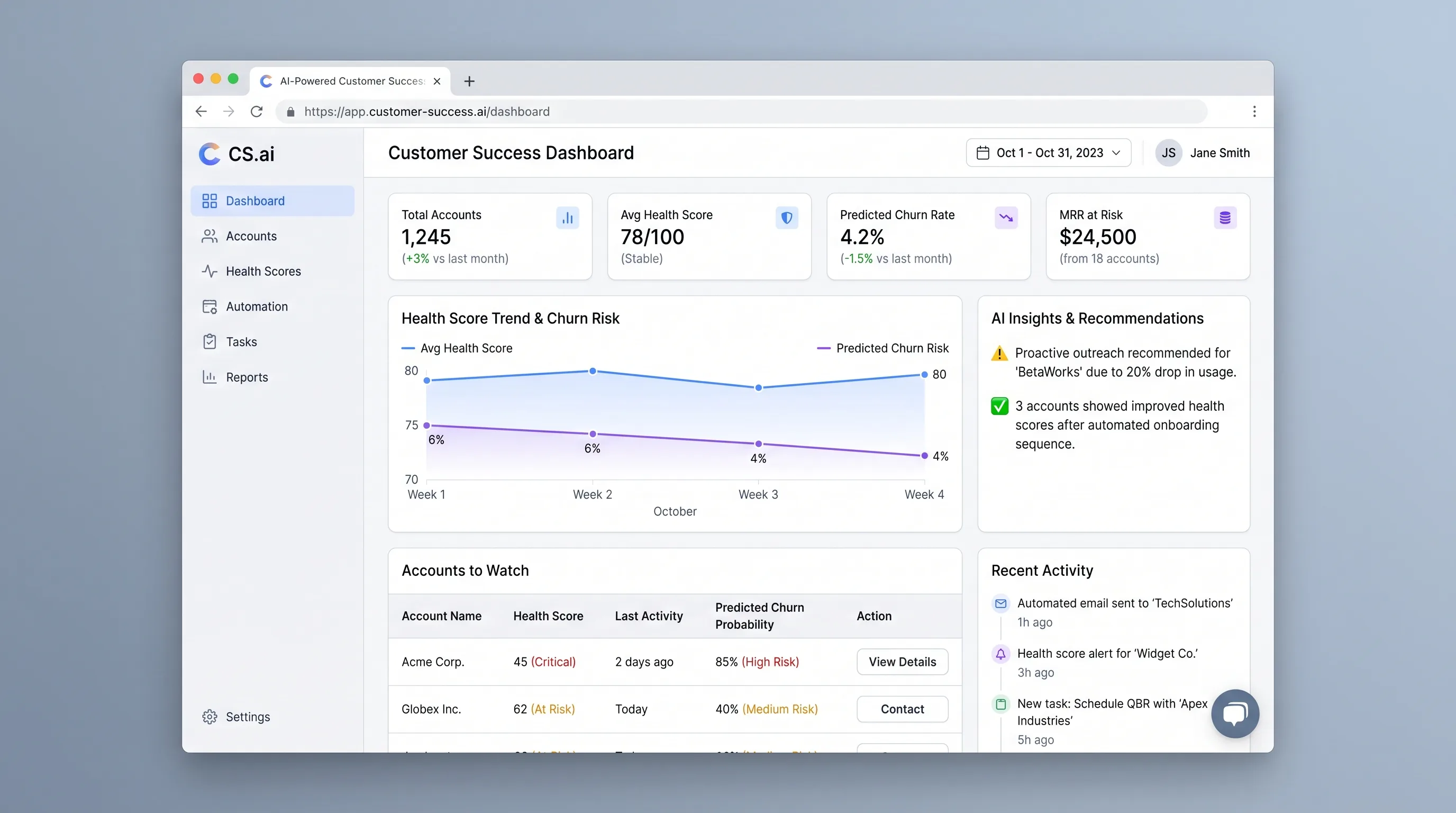
AI ToolSales & Marketing
AI Customer Success Dashboard for SaaS Teams
An at-risk account queue that combines configurable health rules with context-aware outreach drafts, giving customer success managers a clear next action.
Next workflows
Related playbooks

RecruitmentRecruitment agencies
Recruiter outreach personalization
Prepare relevant outreach drafts from a role brief and candidate context, with recruiters approving every message.

RecruitmentRecruitment agencies
Candidate intake and shortlist preparation
Turn candidate materials into a structured, reviewable shortlist while keeping hiring decisions with recruiters.