Build this if
A content team currently uses separate tools for drafting, SEO, and approvals and wants a single pipeline for articles up to 2000 words.
A team writing workspace where each piece moves from AI draft through human editing, SEO review, and approval without switching tools.
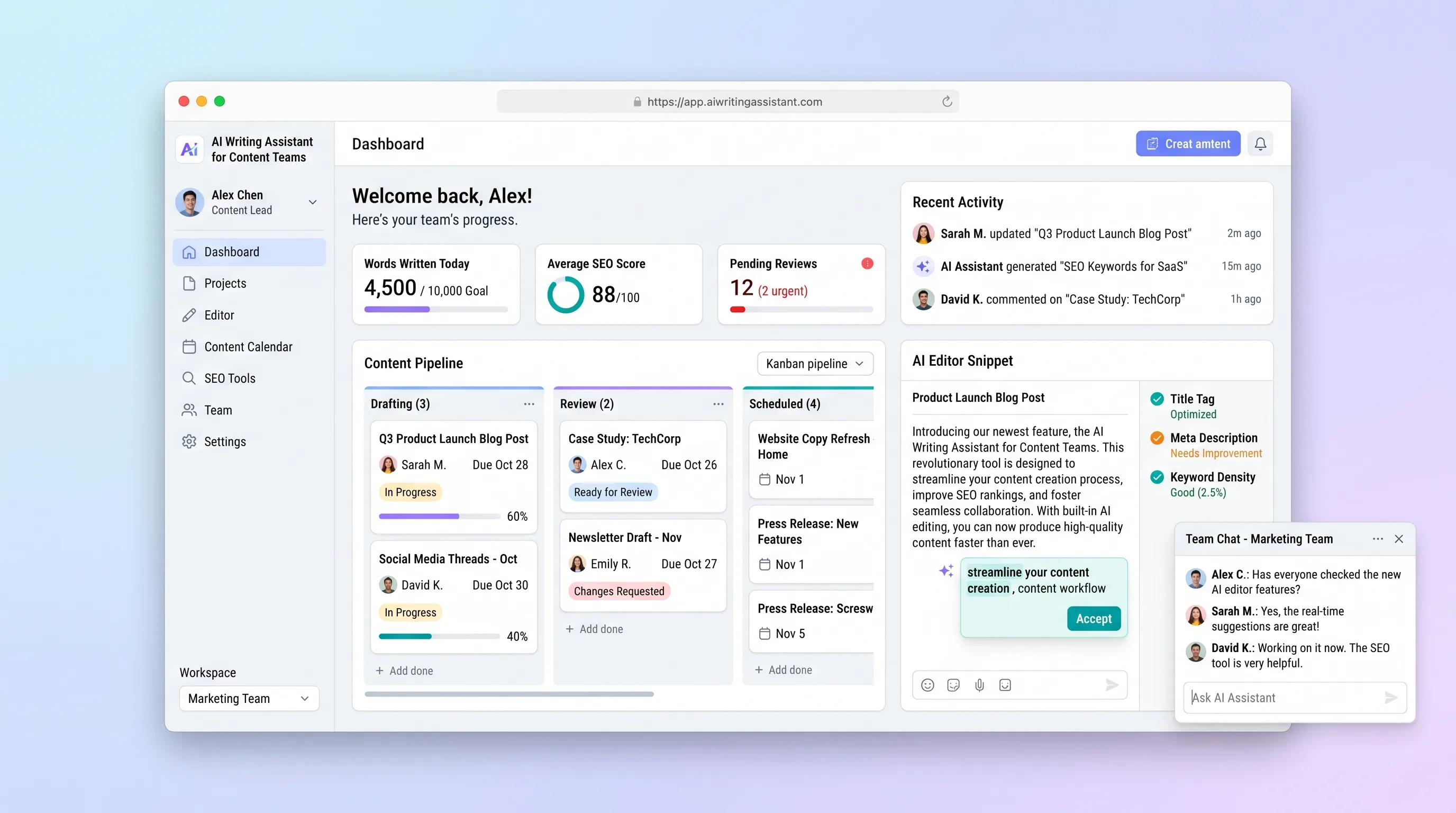
Decision snapshot
A content team currently uses separate tools for drafting, SEO, and approvals and wants a single pipeline for articles up to 2000 words.
The team needs multi-language translation, social media scheduling, or integrated image generation as a core requirement.
Give three writers and one editor access. Each writer produces one article from brief through approved export in one session without opening an external tool.
Problem and target customer
Marketing teams draft in a writing tool, optimize SEO in another, manage revisions over email, and track approvals on a separate board. Each handoff loses context, and the final article carries no audit of who changed what or whether SEO checks were applied.
Content teams of 3-15 people in marketing departments or agencies that produce multiple articles per week and currently manage the cycle through shared documents and spreadsheets.
Monthly per-seat subscription with a shared team pipeline and included AI generation credits.
Editorial note
The product earns its place when a team no longer needs to copy draft text into a separate SEO tool and then paste approval emails into a tracker. The pipeline from brief to export owns the full lifecycle.
AI generation should produce a usable draft from a brief, not a polished final piece. The value is starting from a substantive structure rather than a blank page. Writers edit and own the published outcome.
A narrow pilot can test whether the single-pipeline model reduces revision cycles. Multi-language translation, CMS sync, and image generation should wait until the core draft-to-approval behavior is consistent.
Choose your next step
Evaluate the operating tradeoffs quickly, or inspect how to build the MVP.
Compare the three operating paths at the default workload before opening the full calculator.
See cost preview Build this ideaInspect the build blueprintReview MVP scope, workflow, states, data rules, architecture, and acceptance criteria.
Open blueprintEvaluation preview
Directional infrastructure estimates for the current 50 articles assumption. Open the full calculator when you are ready to change it.
Managed application, database, queue, and generation worker for a content team.
Lowest operating effortOne operator-managed server runs the editor and background jobs.
Lowest baseline costSeparate web, database, and generation capacity for larger content teams.
Most separation and controlBuild blueprint
Product goal
MVP scope
UX and user flow
View all articles by status: draft, in review, approved, or published.
Write, generate, edit, and check SEO on a single article with version history.
Compare versions, add comments, and approve or request changes.
Review per-article SEO scores and suggested improvements.
Core entity outline
The primary content record through its lifecycle.
Snapshot of article body at each save or generation event.
Stores each SEO analysis result for an article.
Tracks the review assignment, status, and outcome.
A user within a content team workspace.
An organizational workspace owning articles.
Architecture and data flow
Article editor, SEO results display, review panel, team management UI.
Articles, versions, SEO checks, reviews, team membership.
Storing version body snapshots as rendered HTML.
Run AI draft generation and SEO analysis as background jobs.
Score article body for keyword density, heading structure, and readability metrics.
Deliverables and acceptance
Recommended stack
TipTap provides a WYSIWYG surface that can render AI-generated content inline and capture version snapshots on save.
Keep articles, versions, SEO checks, reviews, and team membership in consistent relational schema.
Run generation and SEO analysis as background jobs so the editor stays responsive during API calls.
Return draft sections and SEO suggestions as typed JSON that the editor can render and the analyzer can score independently.
Store version body snapshots as rendered HTML for diff display and export.
The editor is the central surface. TipTap handles rich inline editing. PostgreSQL owns the content lifecycle. Background jobs keep generation and SEO analysis from blocking the writer. Version snapshots provide audit visibility for the review step.
Copy the build prompt, model the operating cost, and choose where to deploy.
Execution
Once the blueprint is clear, use the prompt, cost model, and deployment options to start building.
Build prompt
Build a Next.js application with PostgreSQL, server-side article rendering, a background job queue for AI generation and SEO analysis, and a structured LLM call that returns draft sections and SEO suggestions separately.
Build prompt
Open the prompt pack whenever you are ready to take this blueprint into your builder.
Build prompt ready
Copy the prompt into your builder, then use the cost model below to choose how you want to run it.
Use the cost model to choose a deployment path that matches the build plan.
Cost calculator
A technical run-cost estimate for the first production version. Team, acquisition, payment fees, and business COGS are excluded.
$5.45-$26 per 50 articles
Low and high values allow for usage variance and plan headroom.
Managed application, database, queue, and generation worker for a content team.
500 articles included, then $5-$15 per 500 articlesOne full-article generation (input: brief, outline, instructions; output: draft) plus one SEO analysis pass.
50 articles x 4K input + 2K output tokensThe estimate combines the selected infrastructure path, required operating modules, selected optional modules, and usage above included monthly allowances. Taxes and regional uplifts are excluded.
Deployment options
Choose based on operating preference, not only the headline price.
Run the web application, database, queue, and generation worker with managed deployment.
Persistent queue services and larger article storage increase resource usage.
Run the app, worker, and database on one small Vultr VPS with Docker Compose and explicit backups.
The team owns backups, patching, worker monitoring, and email reliability.
Separate application, worker, data, storage, and backup responsibilities as the workload grows.
More services add operations before the content workflow itself is validated.
Start building
Use Lovable to test AI draft generation, inline editing, SEO scoring, version history, and a lightweight team approval flow with a content team of 3-5.
Open Lovable 02AutomationNotify teams and export published contentUse Make as optional glue to send Slack review requests when a draft is ready and push approved copy to a CMS after the final approval step.
Open Make 03DeployRun generation and scheduled SEO checksDeploy the editor, database, file storage, generation queue, and scheduled SEO re-scoring on Railway.
Open RailwayKeep exploring
AI ToolBusiness Operations
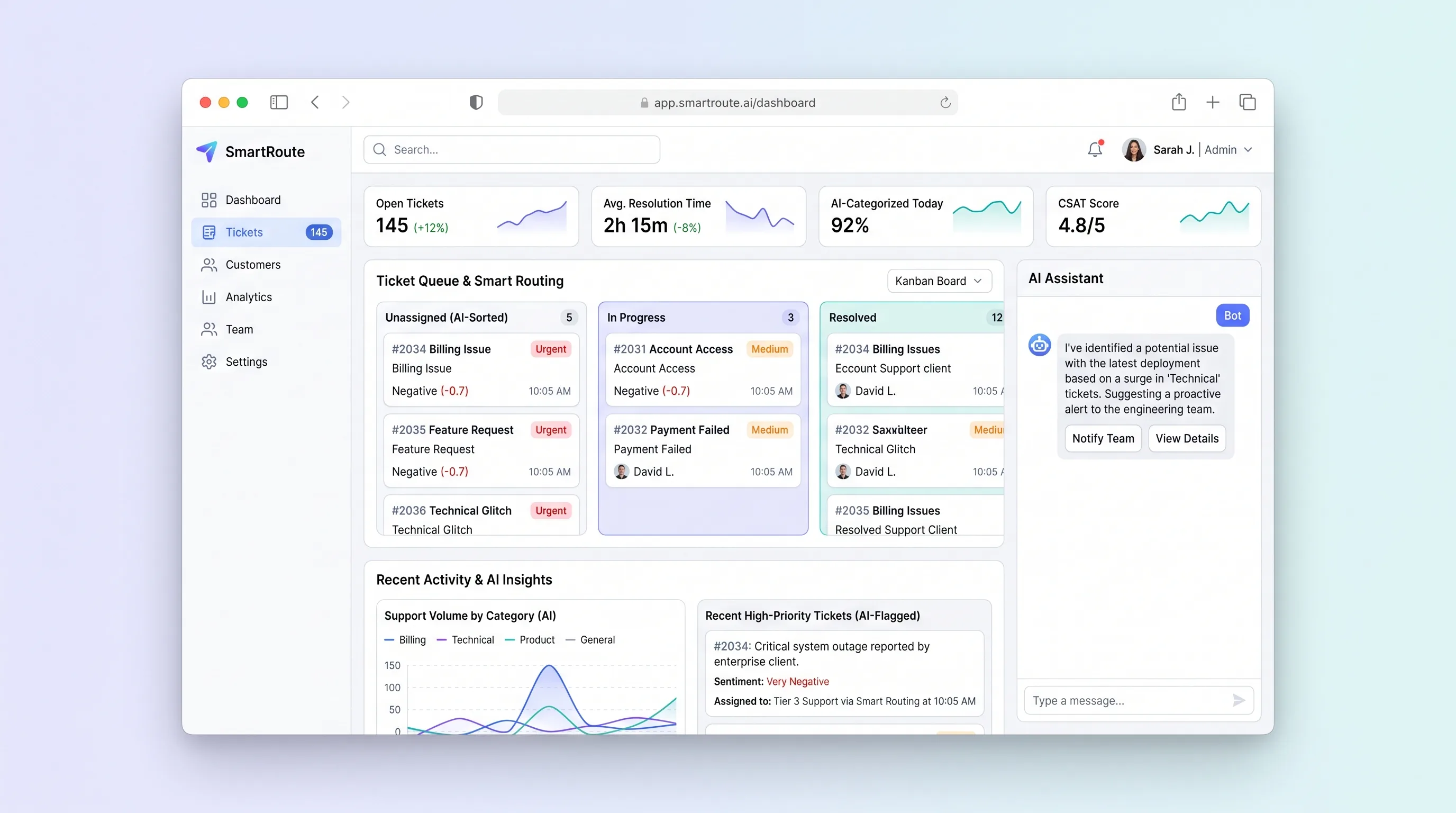
A shared support inbox that suggests ticket category, urgency, and the best available agent while keeping routing reasons and customer replies reviewable.
AI ToolBusiness Operations
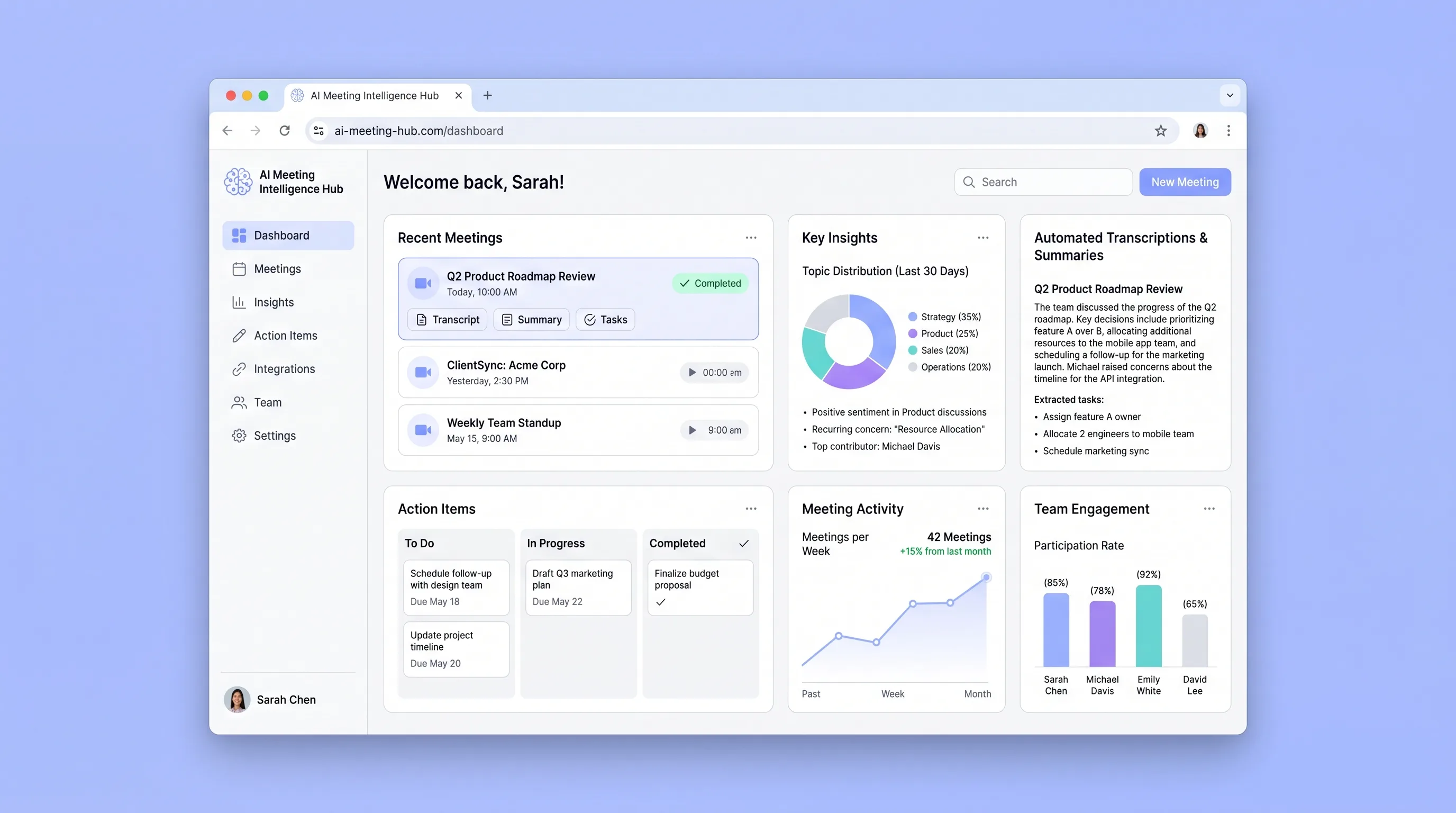
A connected team library that turns recurring meetings into searchable transcripts, cited summaries, and action items with clear ownership.
AI ToolSales & Marketing
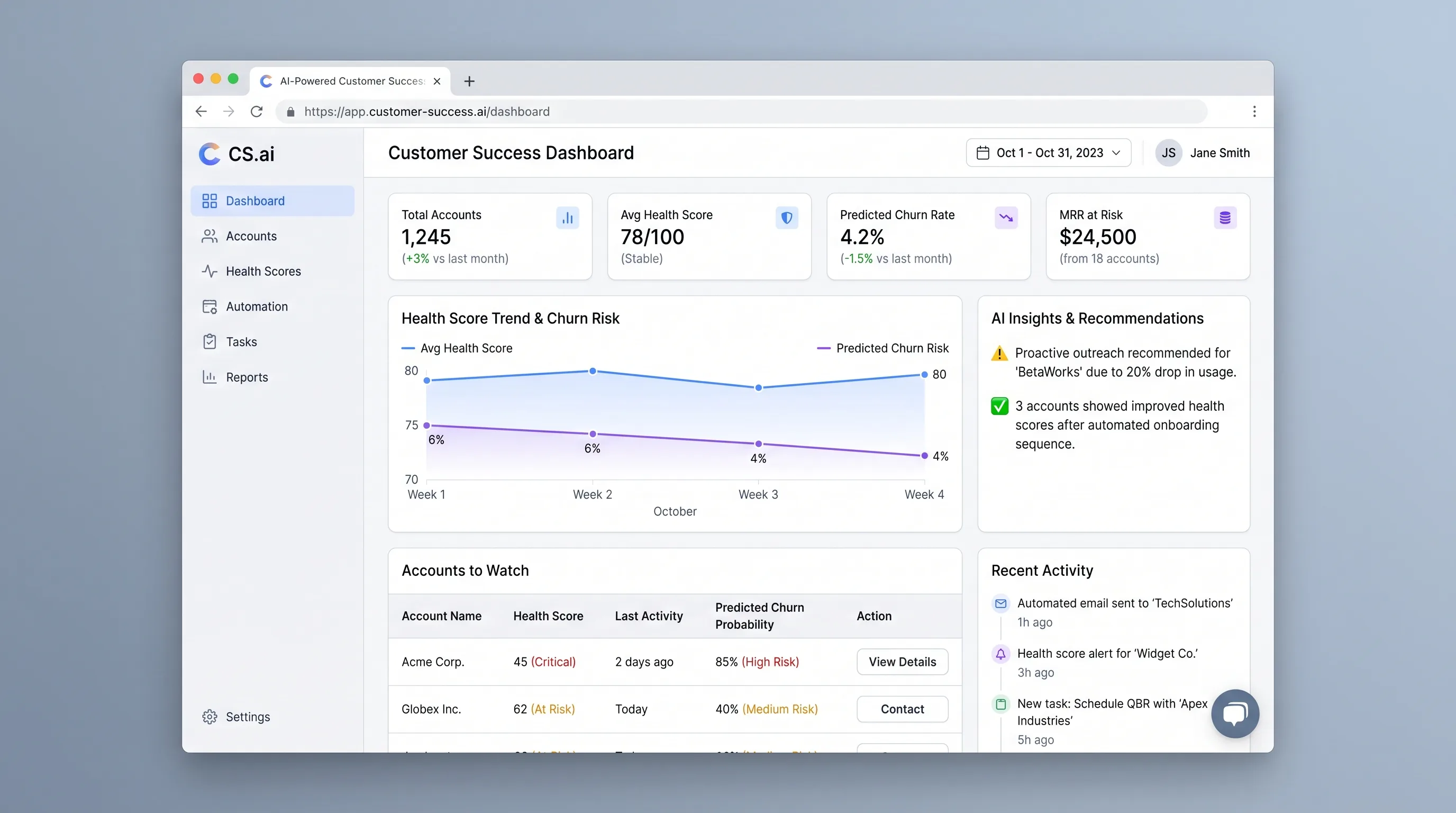
An at-risk account queue that combines configurable health rules with context-aware outreach drafts, giving customer success managers a clear next action.
AI ToolSales & Marketing
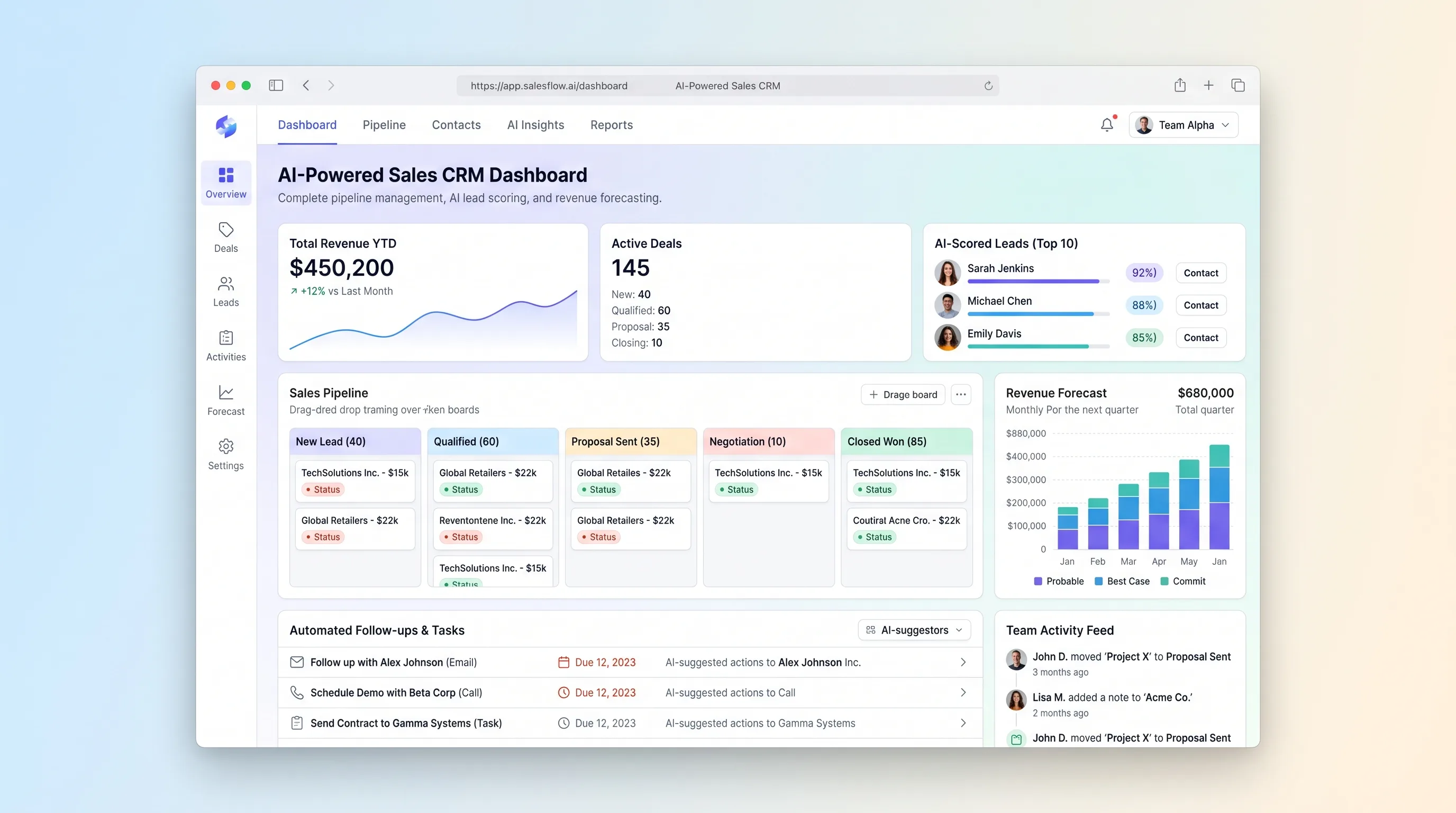
A focused sales pipeline that explains lead priority, flags stalled deals, drafts the next follow-up, and rolls qualified opportunities into a transparent forecast.
AI ToolSales & Marketing
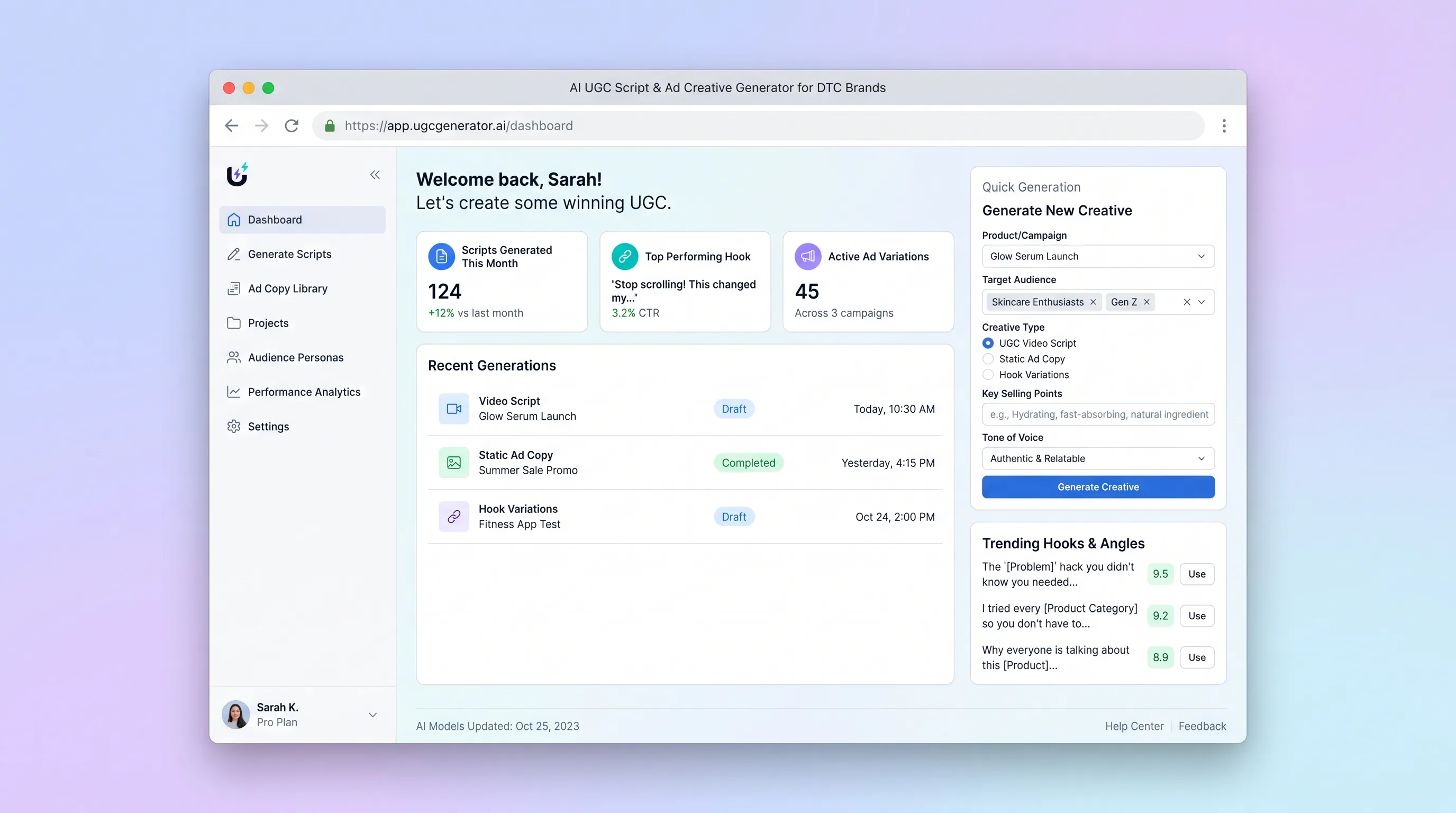
A brand-safe creative workspace that transforms approved product facts and audience personas into editable UGC scripts, hooks, static copy, and creator briefs.
AI ToolSales & Marketing
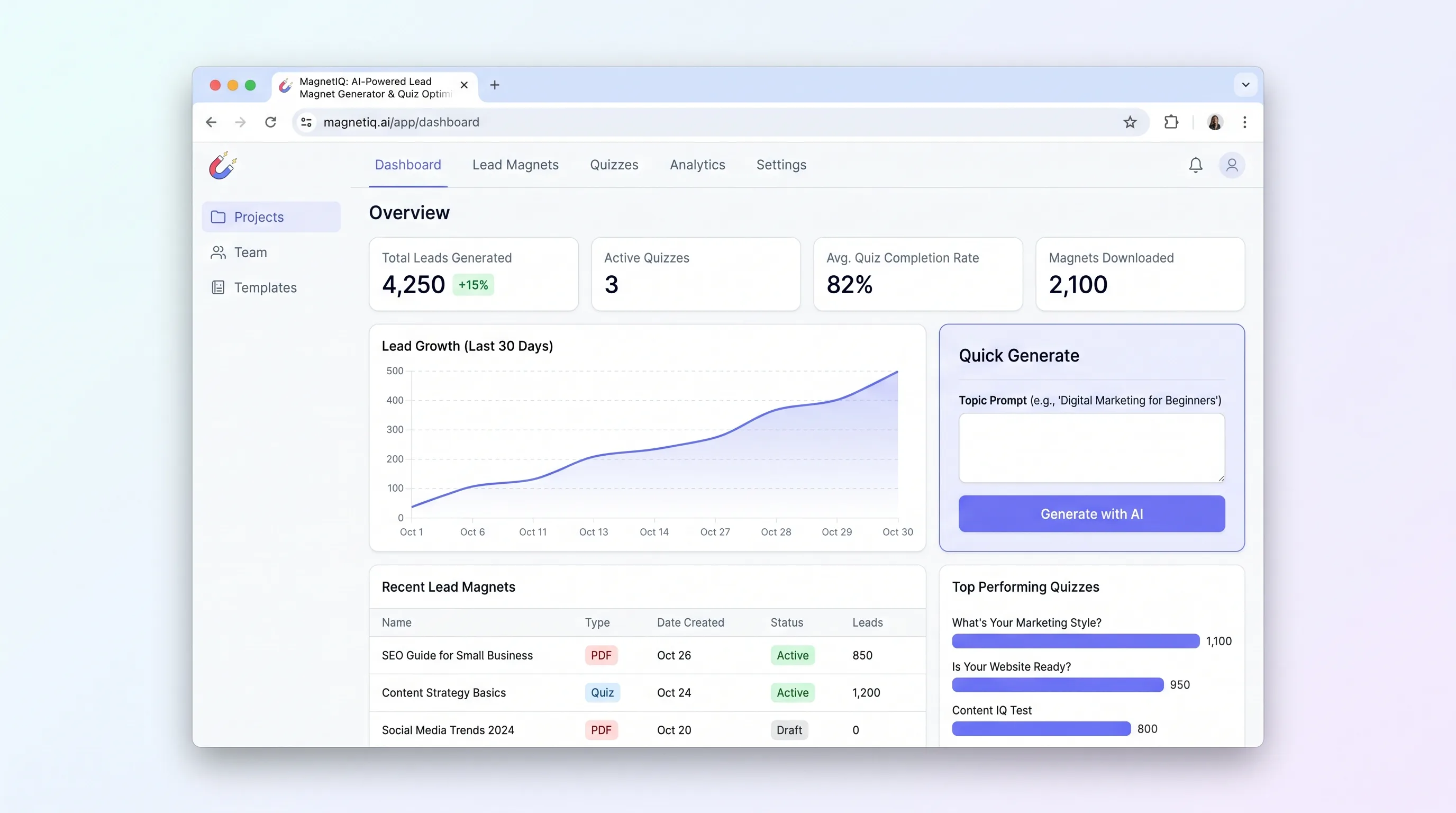
Enter one topic prompt and get a multi-question quiz with segmented result copy and matching downloadable lead magnets, ready to publish and capture leads.