Build this if
The cafe has repeat pickup demand, a stable menu, and staff capacity to maintain a separate paid-order queue.
A single-cafe mobile ordering flow that gives customers reliable pickup timing while staff manage preparation and award loyalty beans after collection.
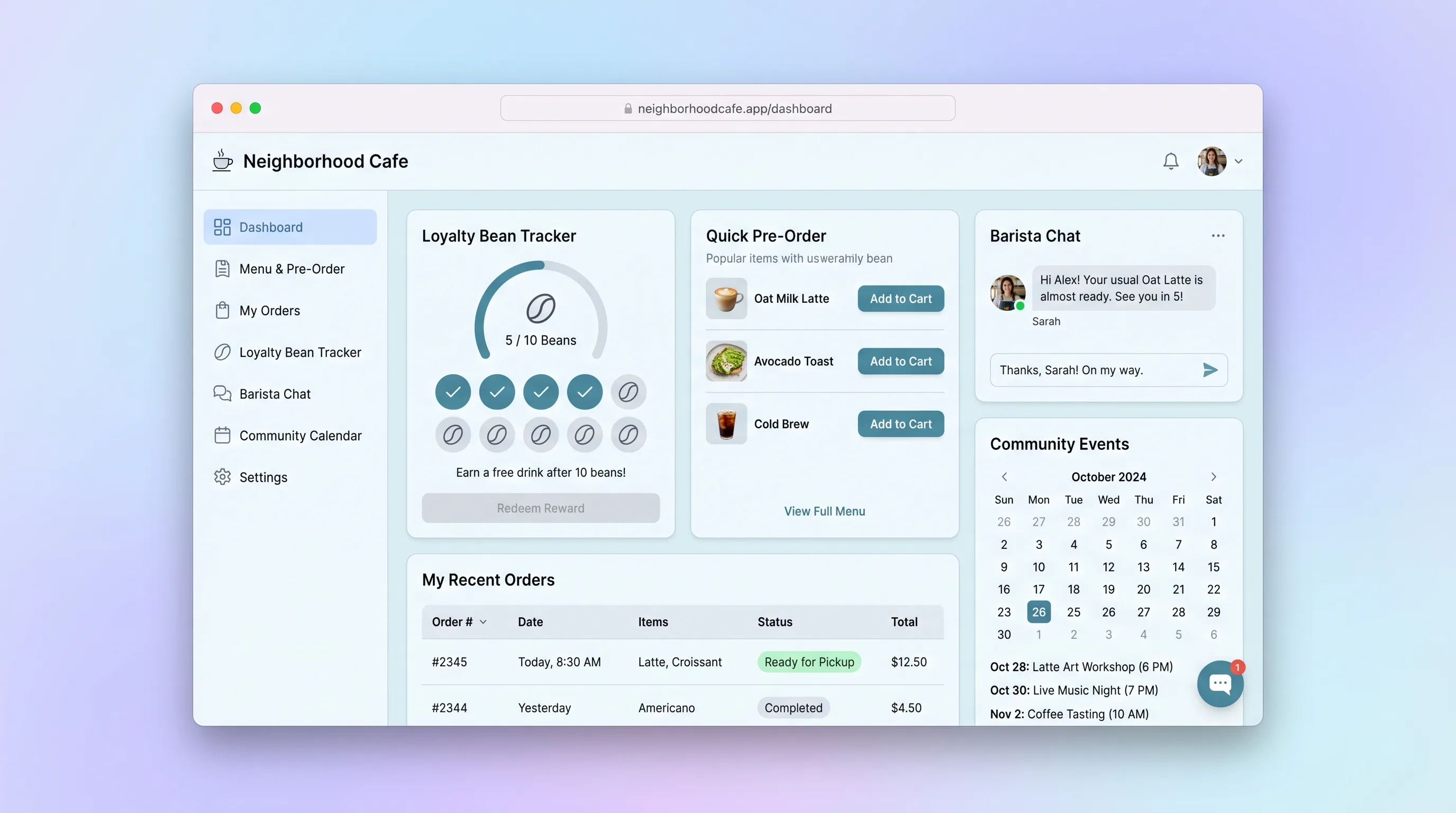
Decision snapshot
The cafe has repeat pickup demand, a stable menu, and staff capacity to maintain a separate paid-order queue.
The primary need is delivery, multi-location inventory, event management, or customer messaging.
Run fifty real or staff-simulated pickup orders through the morning rush and verify slot capacity, modifier accuracy, preparation order, and one-time loyalty earning.
Problem and target customer
Regulars wait in the same line as complex walk-in orders, while phone pre-orders lose customization details and disrupt the barista queue. Paper stamp cards are easy to forget and do not connect rewards to completed purchases.
Independent neighborhood cafes with repeat morning traffic, a stable menu, and staff who can maintain a dedicated order-ahead preparation queue.
Monthly software license for one cafe location plus payment-processing fees charged by the connected provider.
Editorial note
The cafe needs a reliable paid-order queue before it needs chat, events, or sophisticated gamification. Pickup capacity is the operational promise that connects the customer experience to what baristas can actually prepare.
Rewards should follow collection rather than checkout. That boundary prevents abandoned, cancelled, or refunded purchases from inflating the bean balance and gives staff a clear final action.
A beta should be judged during a rush: modifiers must survive payment, the queue order must be understandable at a glance, and delayed provider events must recover without duplicate drinks or credits.
Choose your next step
Evaluate the operating tradeoffs quickly, or inspect how to build the MVP.
Compare the three operating paths at the default workload before opening the full calculator.
See cost preview Build this ideaInspect the build blueprintReview MVP scope, workflow, states, data rules, architecture, and acceptance criteria.
Open blueprintEvaluation preview
Directional infrastructure estimates for the current 2,000 paid pickup orders assumption. Open the full calculator when you are ready to change it.
Managed runtime and database for ordering, staff queue, and payment events.
Lowest operating effortOne operator-managed server runs storefront, queue, and database.
Lowest baseline costSeparate application and database capacity for a busier pickup operation.
Most separation and controlBuild blueprint
Product goal
MVP scope
UX and user flow
Show available drinks and food with the earliest pickup window.
Apply valid size and modifier choices and show the resulting price before adding.
Collect contact and payment, then show the latest preparation state and pickup code.
Order paid tickets by pickup slot and expose modifiers, notes, elapsed time, and transition controls.
Show earned beans, available reward, and immutable earning and redemption entries.
Core entity outline
Defines a sellable cafe item and current availability.
Represents an allowed customization and price adjustment within a group.
Limits accepted order volume for a time window.
Stores customer, payment, pickup, totals, code, and preparation state.
An immutable bean earning or redemption adjustment tied to a reason.
Architecture and data flow
Render menu, customization, checkout return, order status, and bean wallet.
Manage availability, pickup capacity, and valid order transitions.
Price carts, reserve slots, create checkout sessions, and enforce loyalty rules.
Store catalog, order snapshots, payment events, status history, and loyalty ledger.
Verify and process payment and refund events idempotently.
Deliverables and acceptance
Recommended stack
Deliver fast mobile ordering and a tablet queue from one codebase.
Keep catalog rules, capacity, order history, and staff permissions consistent.
Handle card entry outside the app and expose signed payment and refund events.
Send receipts and pickup notices with observable delivery status.
Serve optimized menu images without bloating relational backups.
Order integrity depends on server-side pricing, capacity checks, and idempotent payment events. The loyalty ledger belongs in the same relational boundary so collection and earning cannot drift apart.
Copy the build prompt, model the operating cost, and choose where to deploy.
Execution
Once the blueprint is clear, use the prompt, cost model, and deployment options to start building.
Build prompt
Build a mobile-first Next.js storefront and tablet-friendly staff queue with PostgreSQL and Stripe Checkout. Treat payment webhooks as authoritative and keep rewards deterministic.
Build prompt
Open the prompt pack whenever you are ready to take this blueprint into your builder.
Build prompt ready
Copy the prompt into your builder, then use the cost model below to choose how you want to run it.
Use the cost model to choose a deployment path that matches the build plan.
Cost calculator
A technical run-cost estimate for the first production version. Team, acquisition, payment fees, and business COGS are excluded.
$5-$25 per 2,000 paid pickup orders
Low and high values allow for usage variance and plan headroom.
Managed runtime and database for ordering, staff queue, and payment events.
10K paid pickup orders included, then $5-$15 per 10K paid pickup ordersThe estimate combines the selected infrastructure path, required operating modules, selected optional modules, and usage above included monthly allowances. Taxes and regional uplifts are excluded.
Deployment options
Choose based on operating preference, not only the headline price.
Host ordering, staff queue, database, and webhook processing with minimal setup.
Sustained peak traffic may require higher resource usage.
Run the app, worker, and database on one small Vultr VPS with Docker Compose and explicit backups.
Patching, monitoring, and recovery are not handled for the cafe.
Separate application, worker, data, storage, and backup responsibilities as the workload grows.
Extra components increase operational effort.
Start building
Use Lovable to test menu browsing, modifier choices, pickup slots, checkout, order status, and the compact barista queue on phone and tablet layouts.
Open Lovable 02AutomationAdd bounded cafe notificationsUse Make only as optional glue to copy sold-out or high-volume alerts into the cafe's existing staff channel after the in-app queue is reliable.
Open Make 03DeployRun ordering and the barista queue togetherDeploy the storefront, staff console, database, and payment webhook receiver on Railway so customer and barista states use one backend.
Open RailwayKeep exploring
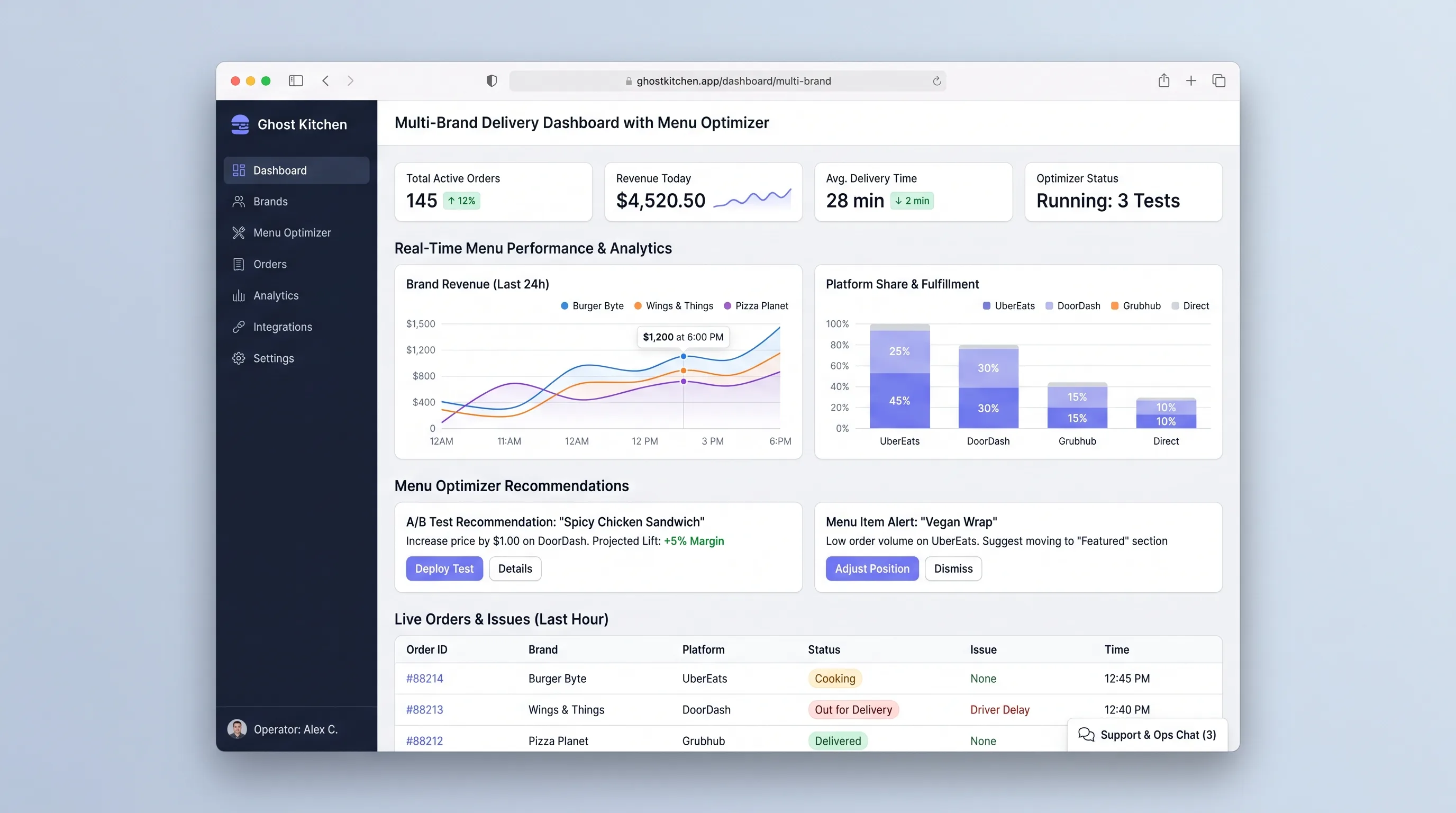
Internal ToolFood & Beverage
An operator console that combines delivery orders across virtual brands, calculates item contribution and fulfillment signals, and surfaces menu changes for human approval.
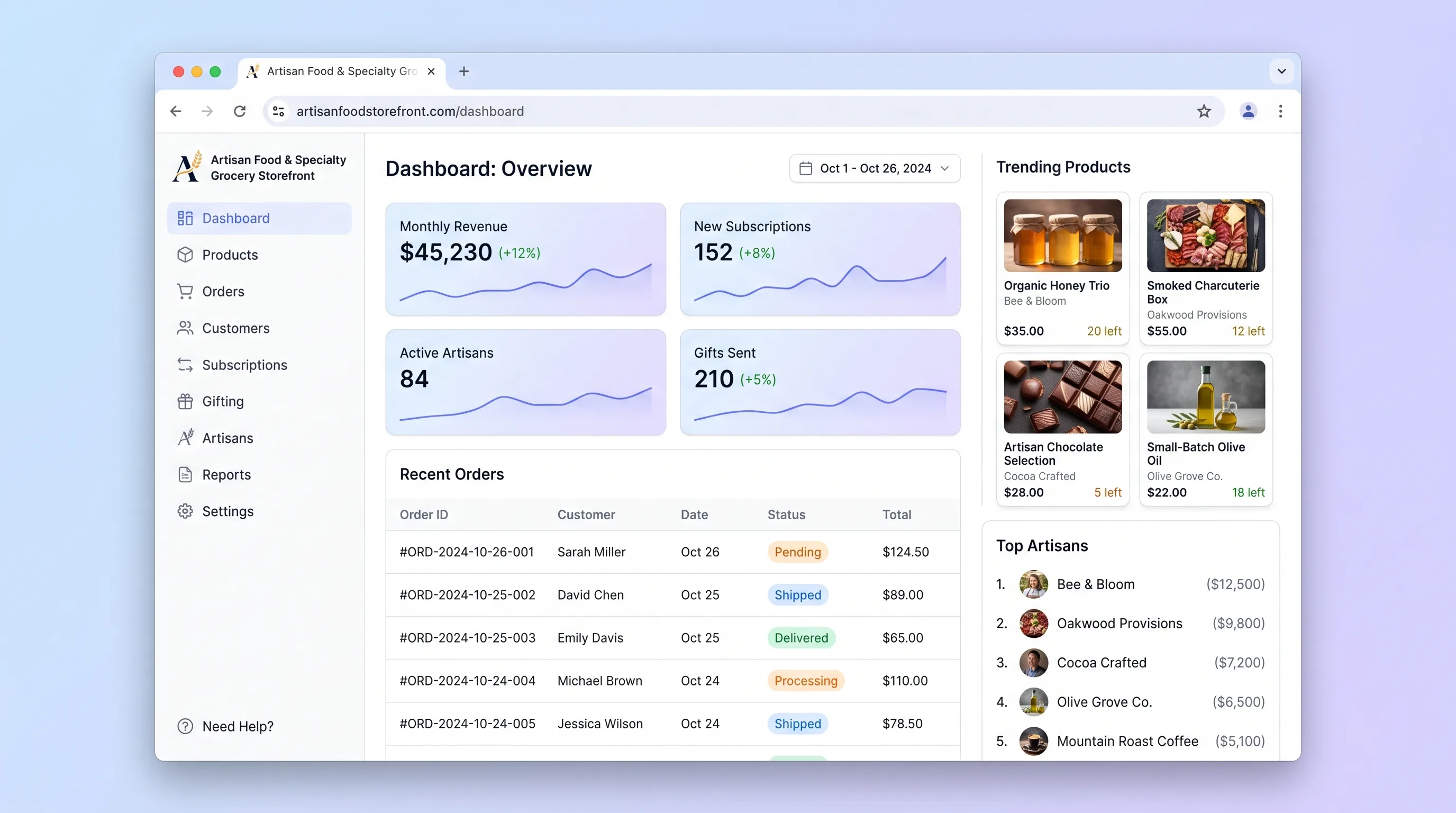
EcommerceFood & Beverage
A curated ecommerce storefront where small-batch food makers list specialty goods, shoppers filter by dietary need, build subscription boxes, and send gifts in one checkout.
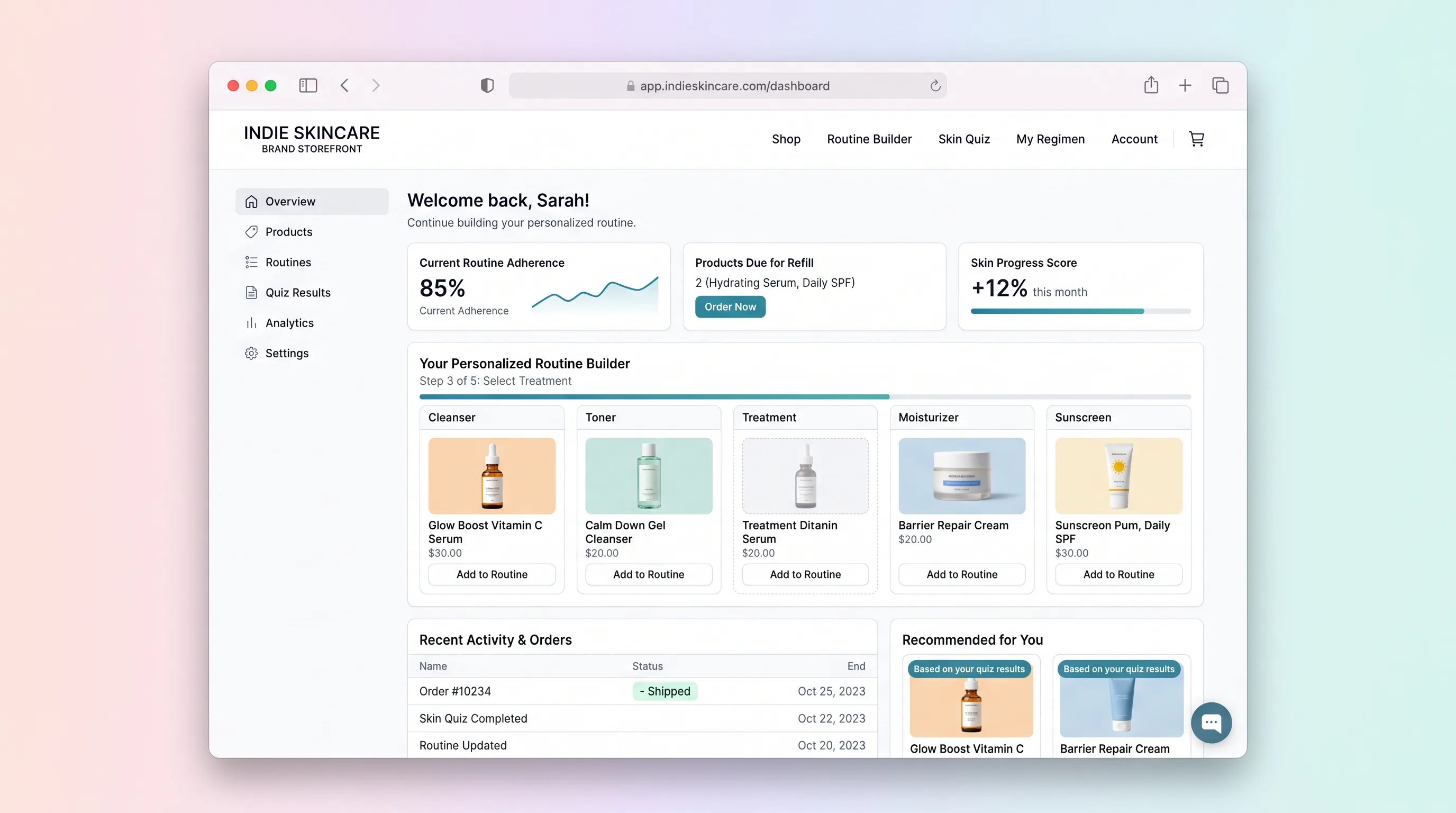
EcommerceBeauty & Fashion
A quiz-led skincare shop that assembles an explainable morning and evening routine from the live catalog, then lets the shopper edit the kit before checkout.
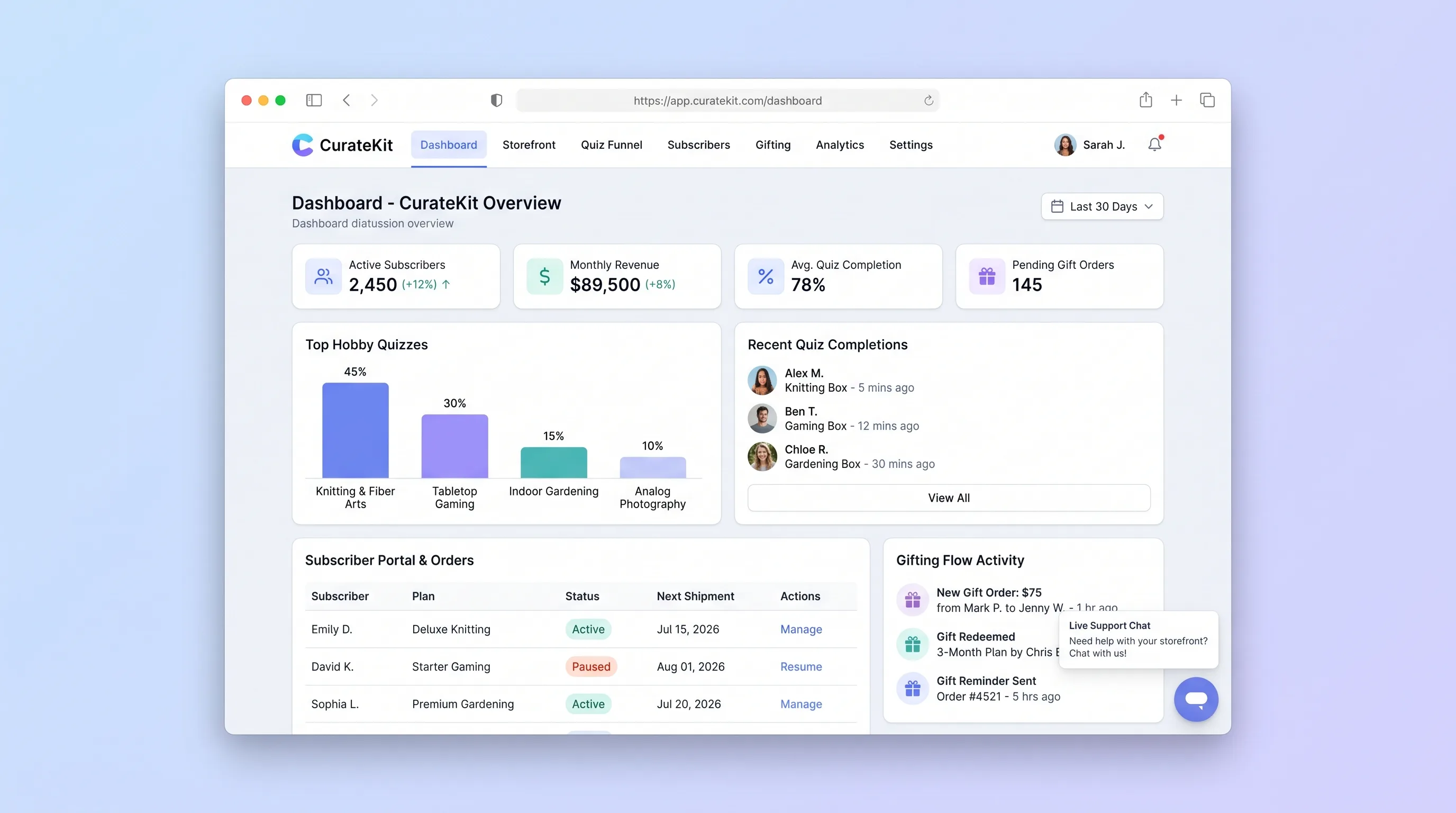
EcommerceRetail
A direct-to-consumer storefront that turns hobby preferences into an explainable box recommendation, then supports recurring subscriptions, gifts, and basic account changes.
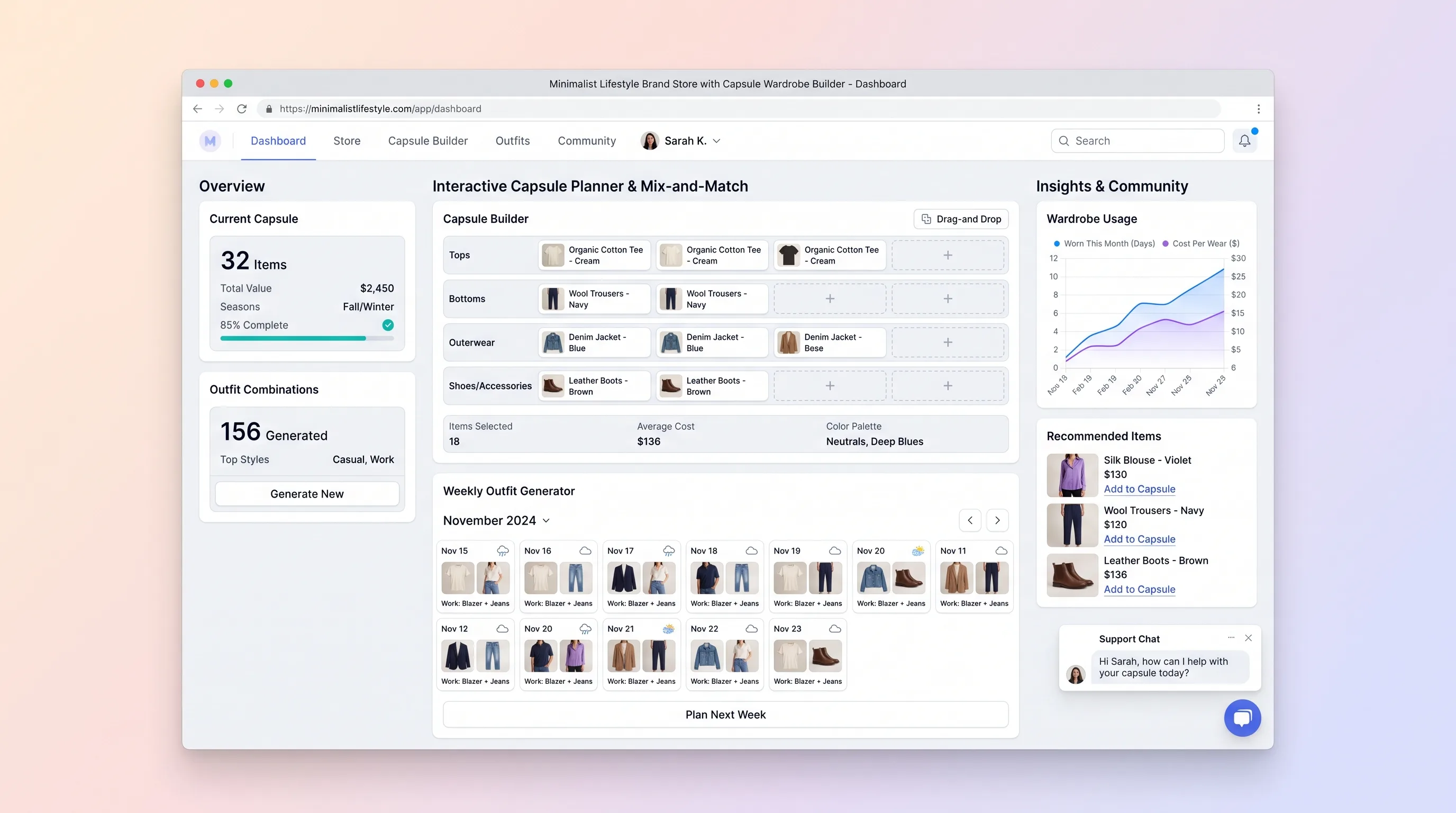
EcommerceBeauty & Fashion
A guided fashion store that assembles a compact, compatible wardrobe from live variants, previews real outfit combinations, and keeps the set within budget.
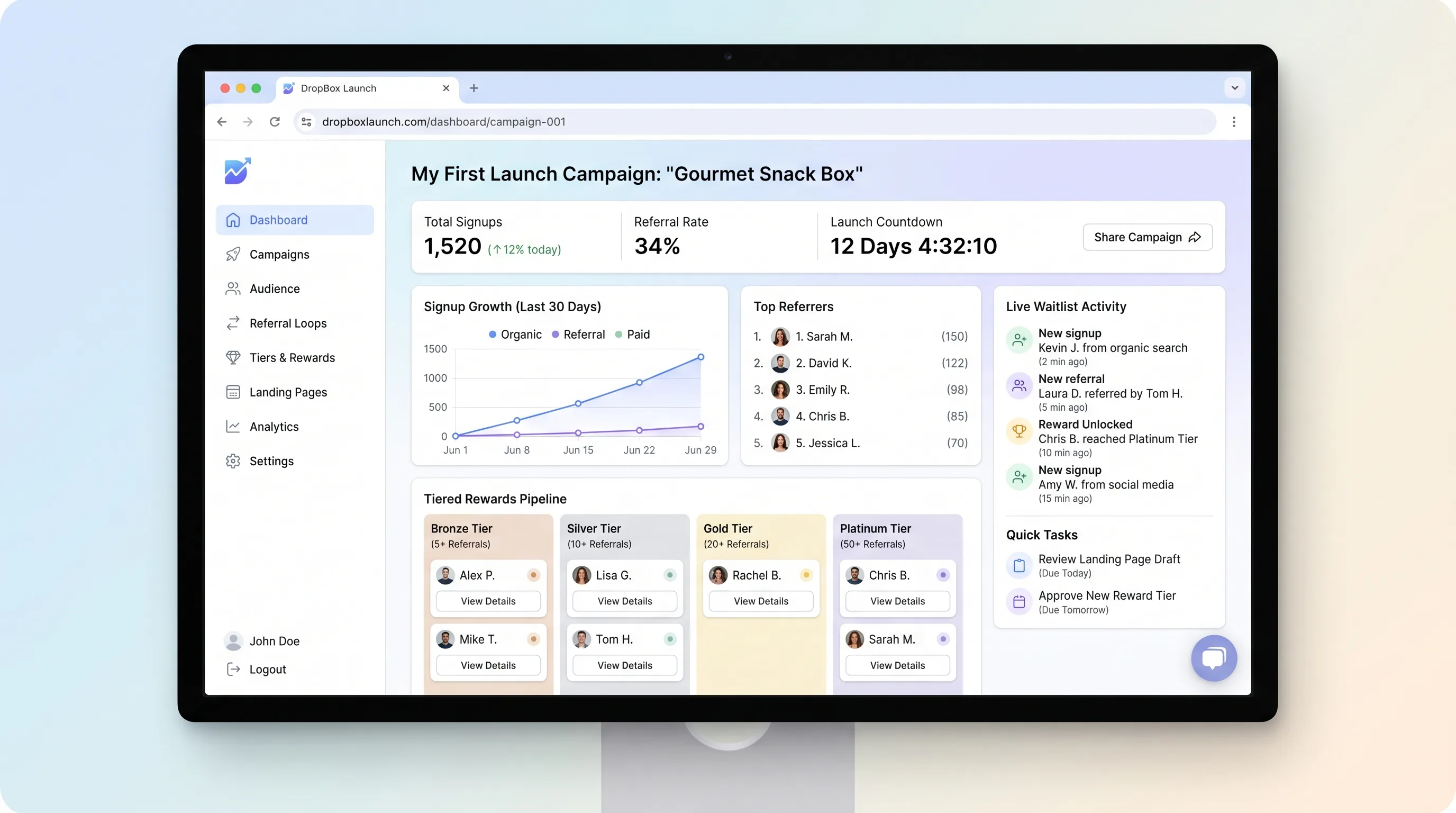
EcommerceRetail
A focused landing page builder that lets creators publish a pre-launch page with countdown timers, email capture, and referral-based tiered waitlist rewards, then export segmented subscribers for launch-day campaigns.