Build this if
You manage multiple delivery brands and spend hours normalizing exports before making menu decisions.
An operator console that combines delivery orders across virtual brands, calculates item contribution and fulfillment signals, and surfaces menu changes for human approval.
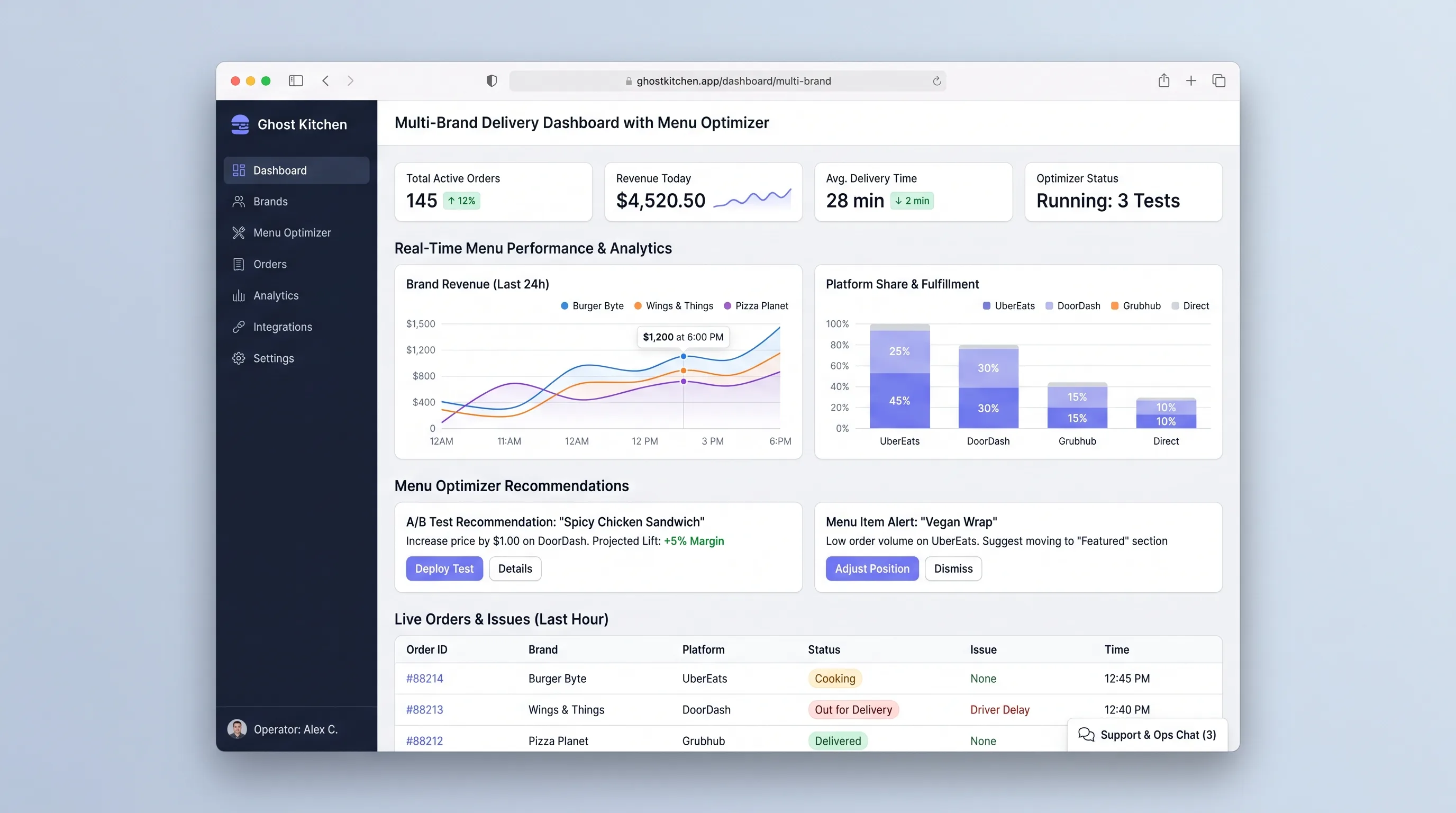
Decision snapshot
You manage multiple delivery brands and spend hours normalizing exports before making menu decisions.
You primarily need live order routing, inventory purchasing, courier dispatch, or guaranteed delivery-platform APIs.
Import four weeks from two channels and verify the operator can reconcile at least 95% of order lines and identifies three actionable menu decisions supported by trusted calculations.
Problem and target customer
Ghost-kitchen operators run several storefront brands from one production line, but delivery exports use different item names and status formats. They cannot compare item margin, prep burden, cancellations, and availability without manual spreadsheet cleanup.
Independent cloud-kitchen operators managing multiple virtual brands and receiving orders through more than one delivery channel.
Monthly subscription tiered by kitchen location, brand count, and imported orders.
Editorial note
A menu optimizer is only as credible as its product mapping and cost assumptions. The first release should spend more design effort on unmatched items, fee allocation, and low-sample warnings than on producing confident recommendations.
CSV is a deliberate starting boundary. It proves that normalized cross-brand evidence changes decisions before the product depends on delivery APIs whose access, fields, and update permissions vary by market.
Choose your next step
Evaluate the operating tradeoffs quickly, or inspect how to build the MVP.
Compare the three operating paths at the default workload before opening the full calculator.
See cost preview Build this ideaInspect the build blueprintReview MVP scope, workflow, states, data rules, architecture, and acceptance criteria.
Open blueprintEvaluation preview
Directional infrastructure estimates for the current 10,000 orders imported assumption. Open the full calculator when you are ready to change it.
Railway hosts the app, database, and import worker.
Lowest operating effortA Hetzner cloud server processes pilot exports.
Lowest baseline costDedicated or larger instances isolate batch work from dashboard traffic.
Most separation and controlBuild blueprint
Product goal
MVP scope
UX and user flow
Validate a file, resolve duplicate orders, and map unknown brands or items.
Compare order volume, net sales, cancellations, and prep time by brand and channel.
Rank item signals and record an operator's action with evidence.
Core entity outline
Represents one kitchen item across brand and channel listings.
Maps one channel item identifier to a canonical menu item with effective dates.
Stores normalized timestamps, brand, channel, totals, fees, status, and preparation duration.
Records the metric window, proposed action, rationale, and operator decision.
Architecture and data flow
Serve imports, mappings, brand comparison, and menu-decision views.
Parse files, validate rows, detect duplicates, and stage mappings.
Aggregate order, margin, cancellation, and preparation signals by item and brand.
Persist canonical catalog, mappings, orders, costs, and decisions.
Deliverables and acceptance
Recommended stack
Supports data-heavy operator views and upload workflows.
Canonical mappings, idempotency, and metric periods require relational constraints.
Large files need durable staged processing and retries.
Dense brand and item comparisons benefit from interactive operational charts.
The hard problem is trustworthy normalization, not AI. Stage every import, make mappings explicit, and show assumptions behind each recommendation before adding direct channel APIs.
Copy the build prompt, model the operating cost, and choose where to deploy.
Execution
Once the blueprint is clear, use the prompt, cost model, and deployment options to start building.
Build prompt
Build a TypeScript operations app with PostgreSQL and a durable import worker; start with CSV exports because delivery-platform API access varies by operator and market.
Build prompt
Open the prompt pack whenever you are ready to take this blueprint into your builder.
Build prompt ready
Copy the prompt into your builder, then use the cost model below to choose how you want to run it.
Use the cost model to choose a deployment path that matches the build plan.
Cost calculator
A technical run-cost estimate for the first production version. Team, acquisition, payment fees, and business COGS are excluded.
$5-$40 per 10,000 orders imported
Low and high values allow for usage variance and plan headroom.
Railway hosts the app, database, and import worker.
20K orders imported included, then $3-$10 per 20K orders importedThe estimate combines the selected infrastructure path, required operating modules, selected optional modules, and usage above included monthly allowances. Taxes and regional uplifts are excluded.
Deployment options
Choose based on operating preference, not only the headline price.
Deploy the console, database, and import worker quickly.
Large imports and retained data can raise usage costs.
Run the app, worker, and database on one small Vultr VPS with Docker Compose and explicit backups.
You own backups, worker monitoring, and disk planning.
Separate application, worker, data, storage, and backup responsibilities as the workload grows.
Higher operations burden.
Start building
Use Lovable to test brand filters, unmatched-item review, menu performance cards, and change approval with kitchen operators.
Open Lovable 02AutomationAutomate scheduled export intakeUse Make only to move supported delivery exports into the import endpoint; normalization and menu decisions stay inside the dashboard.
Open Make 03DeployDeploy order normalization and analyticsRun the console, database, import worker, and scheduled metric jobs together on Railway.
Open RailwayKeep exploring
Internal ToolBusiness Operations
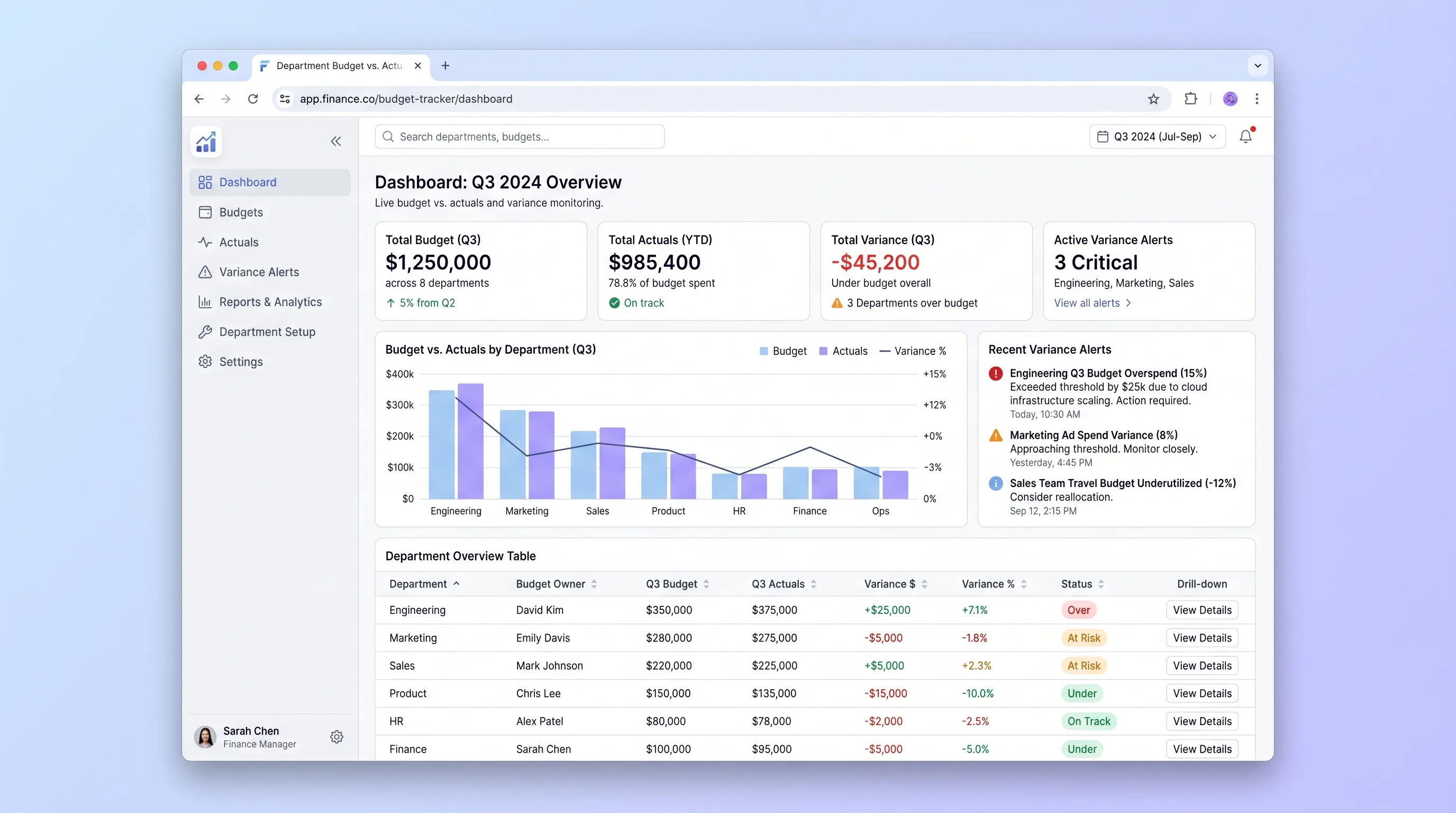
An internal tool that lets finance teams import annual budgets via CSV and gives department heads self-serve visibility into spend against budget with drill-down variance views and same-day threshold alerts.
Internal ToolDeveloper & IT Operations
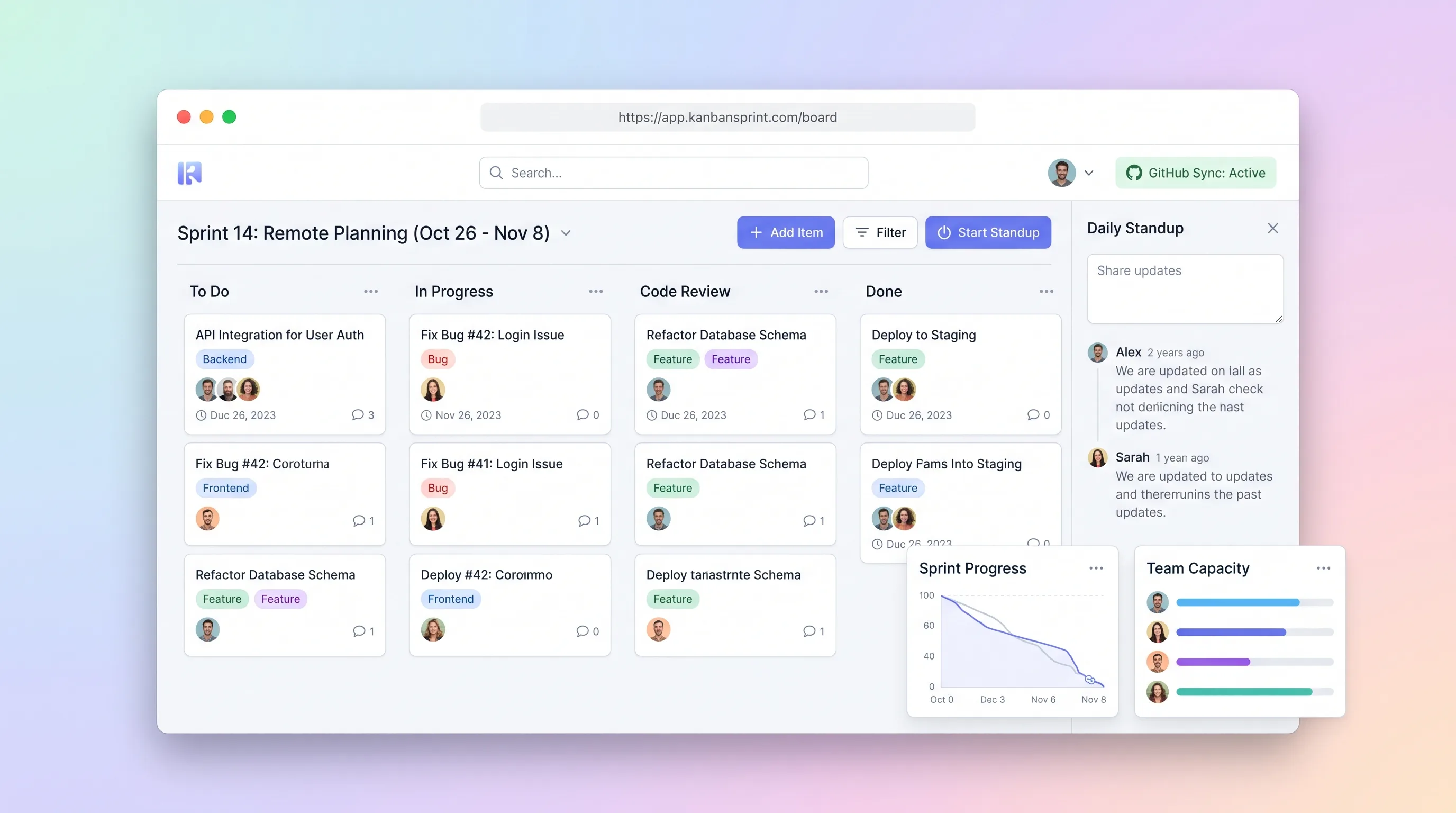
A compact planning workspace that keeps sprint commitments, GitHub issue state, board movement, daily blockers, and end-of-sprint carryover aligned.
Internal ToolBusiness Operations
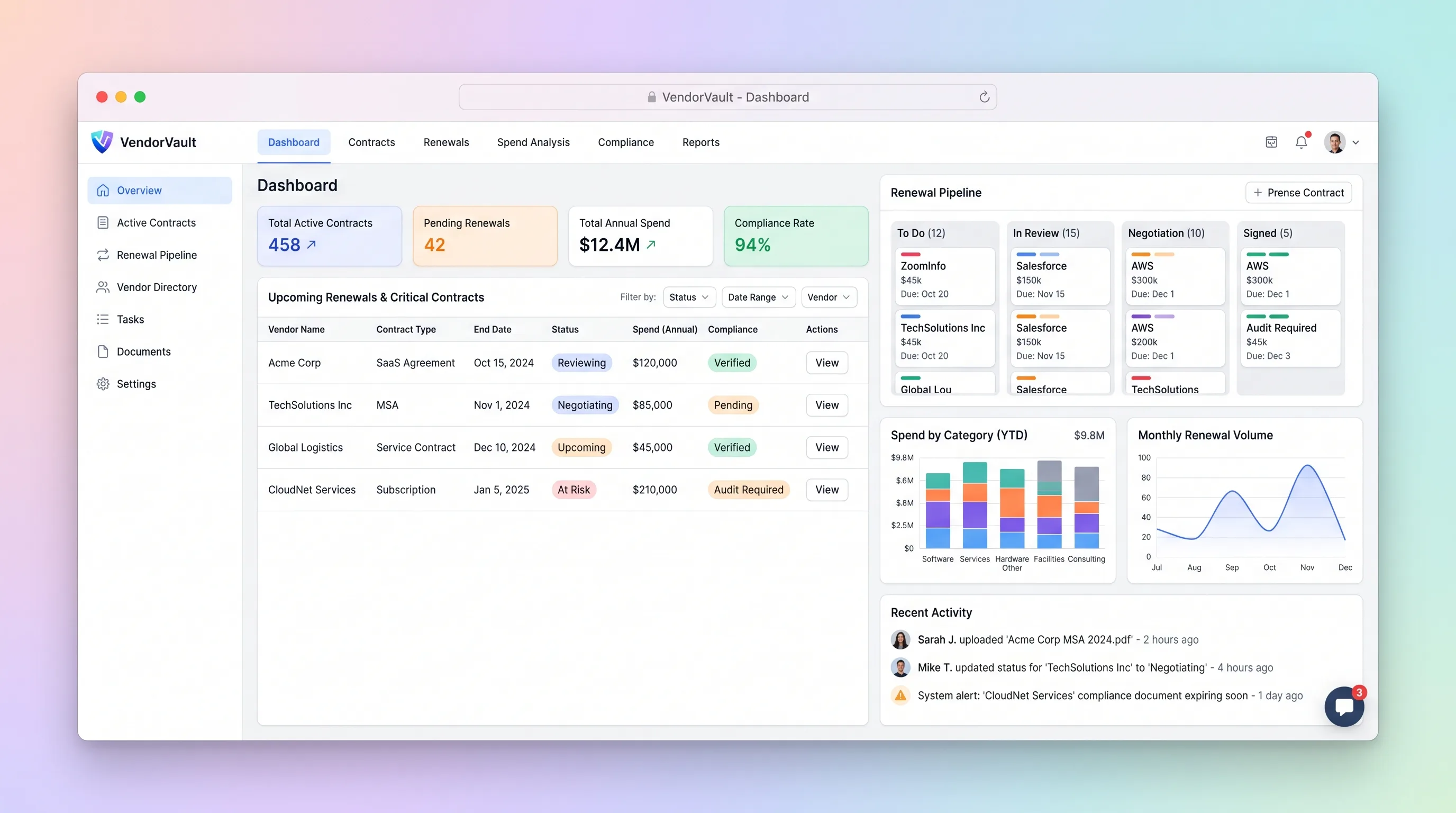
A procurement workspace that ties supplier contracts, renewal deadlines, owners, spend, and required documents to one accountable renewal pipeline.
Internal ToolDeveloper & IT Operations
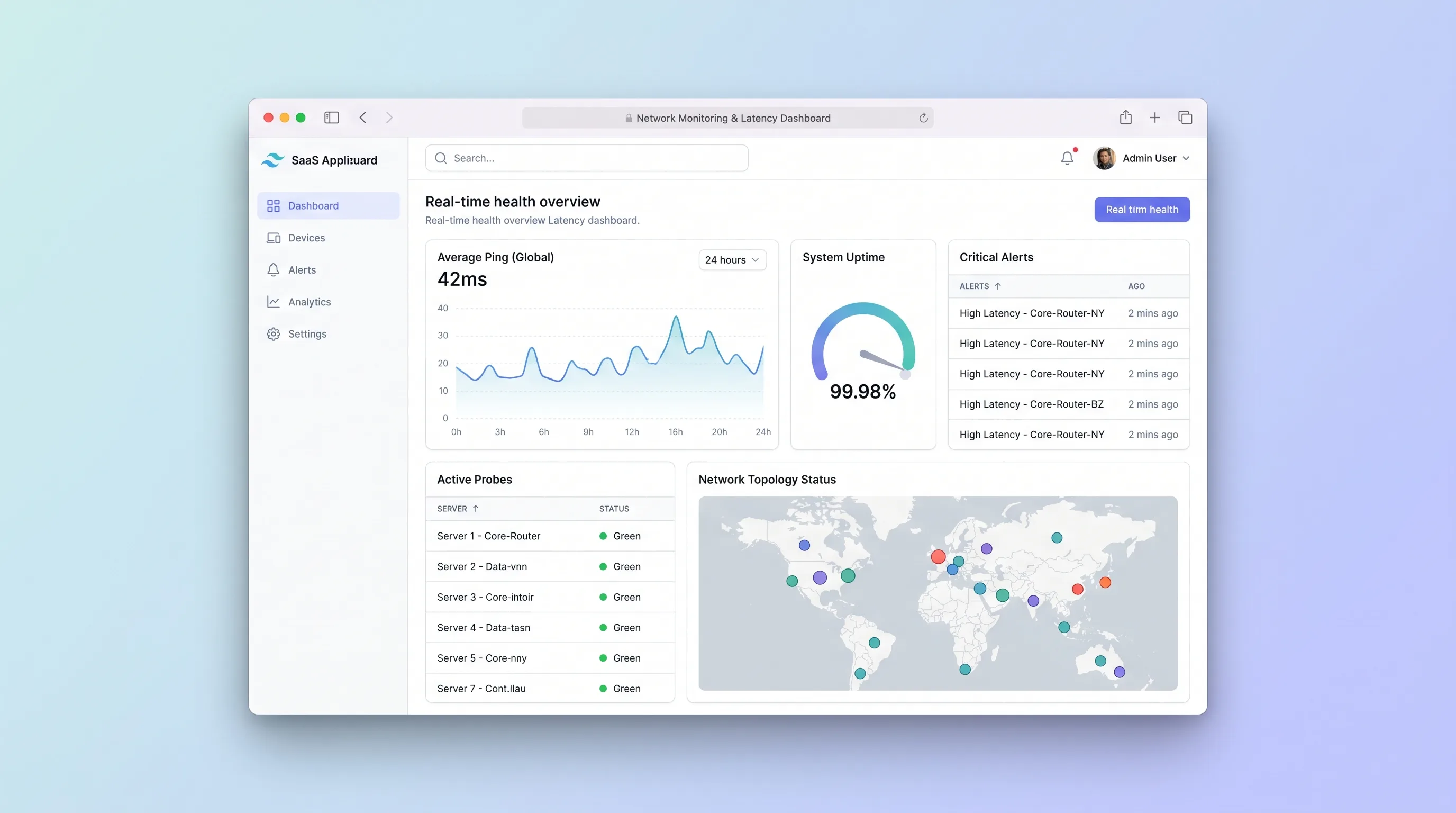
A focused uptime monitor for small IT teams that schedules endpoint checks, separates transient failures from incidents, and preserves alert and latency history.
Internal ToolEvents & Community
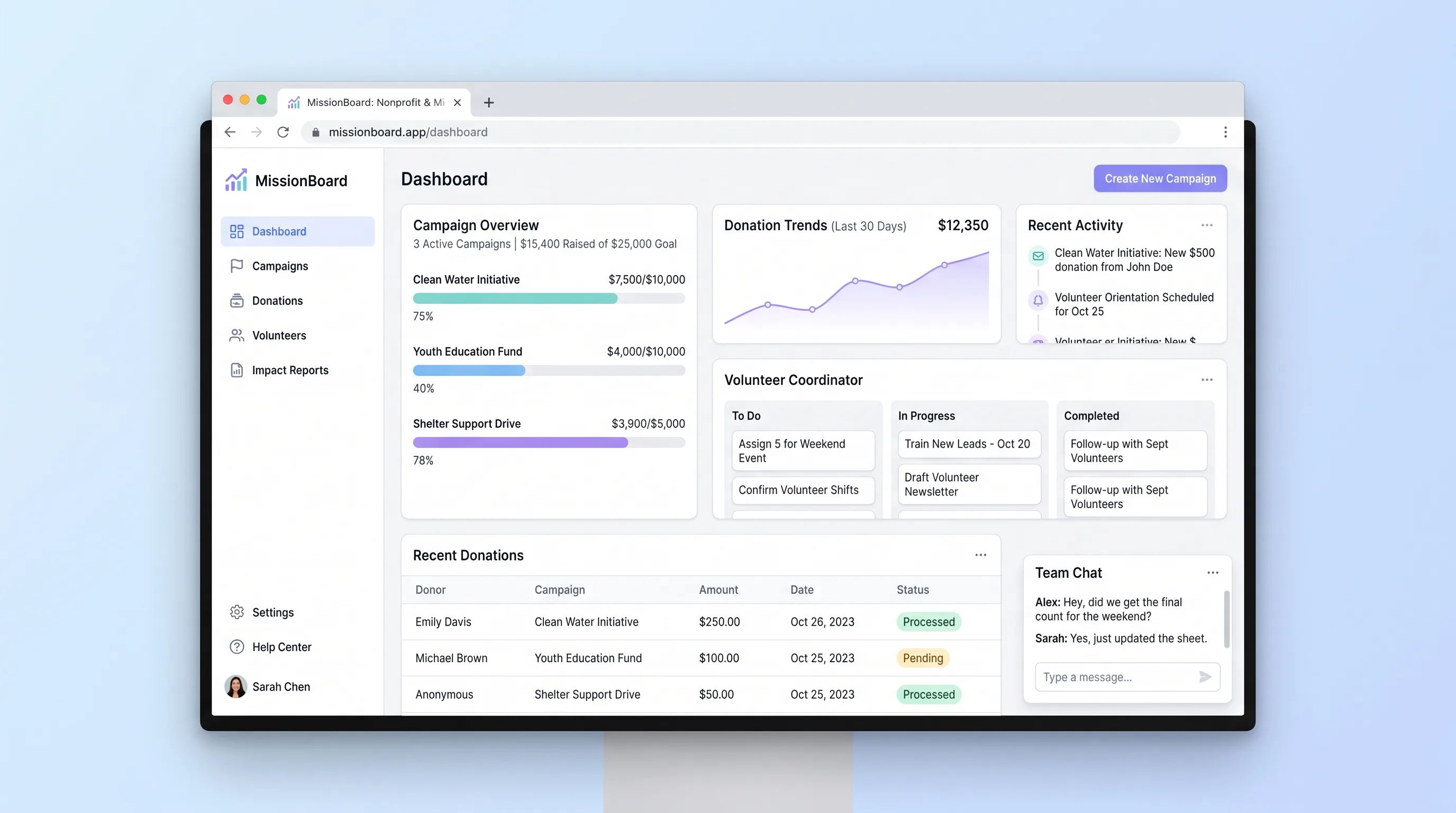
A shared operations hub for small nonprofits and ministry teams to coordinate campaigns, reconcile contributions and volunteer work, and report outcomes.
Internal ToolHealthcare & Wellness
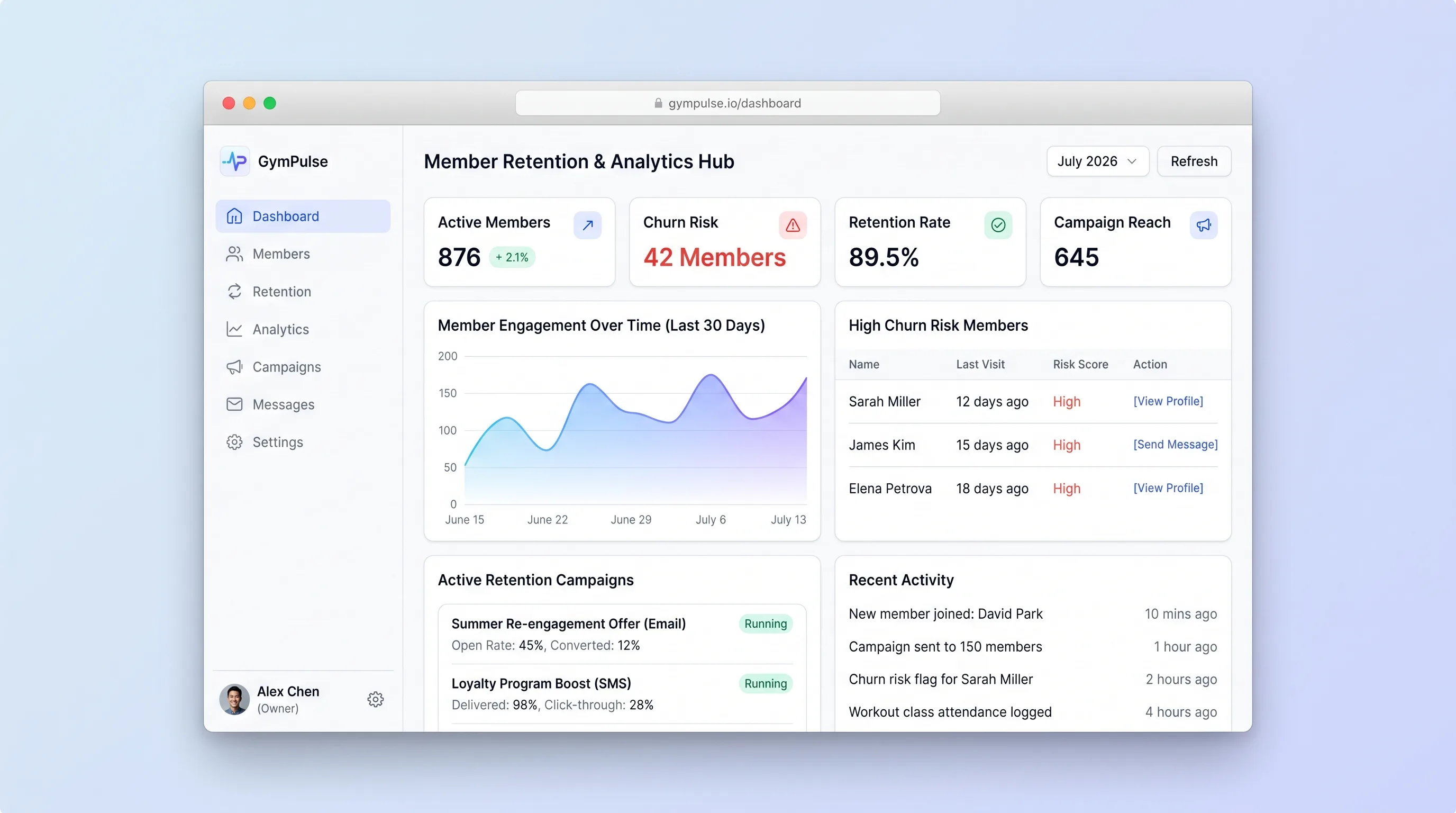
A manager-facing hub that explains attendance-based risk flags, supports consent-checked outreach, and records member responses in one place.