Build this if
Contractors confirm they lose track of bid follow-ups and spend over two hours weekly coordinating leads across email and spreadsheets.
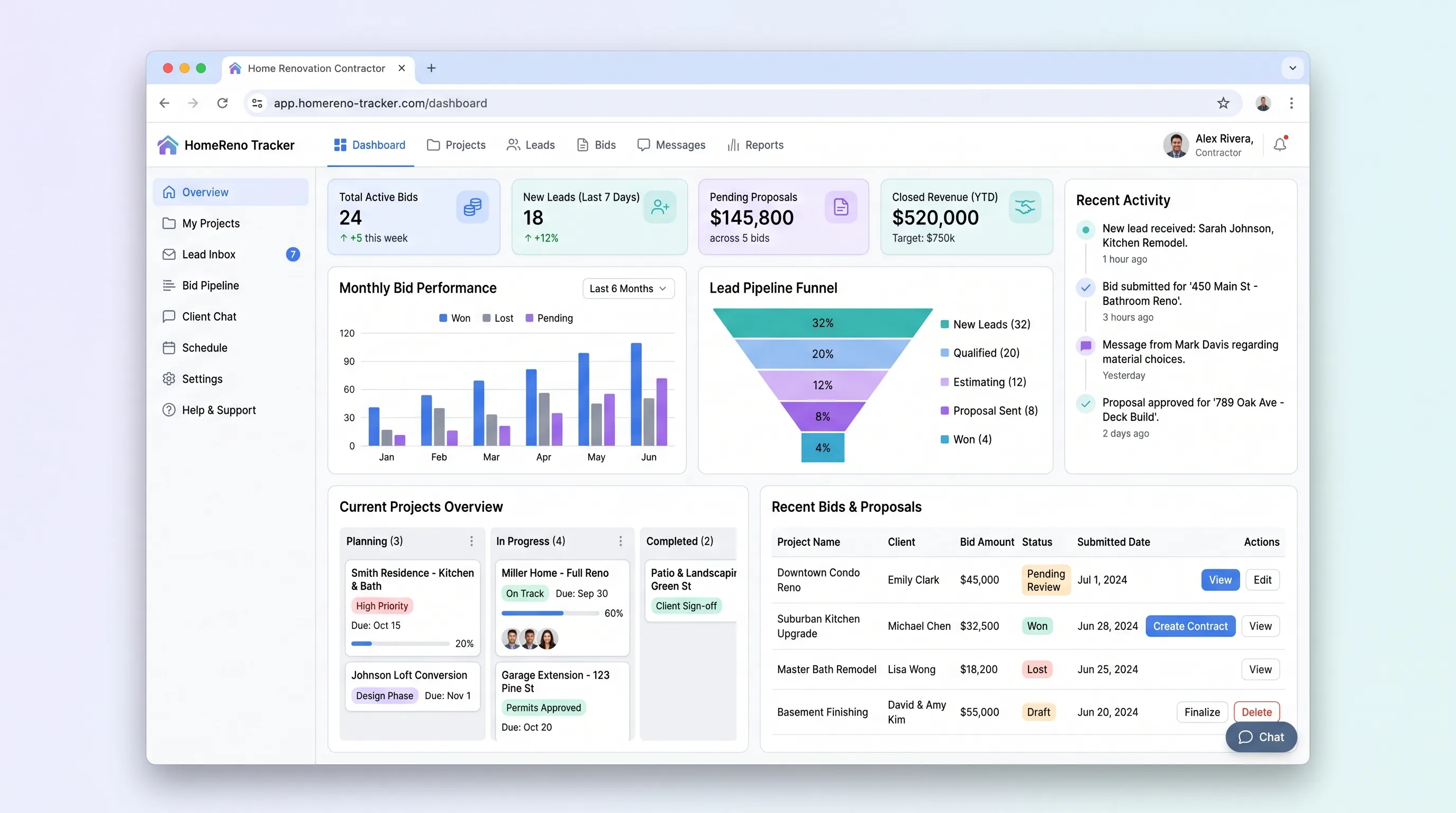
A focused SaaS workflow for indie renovation contractors to display past projects, capture homeowner project inquiries in under four minutes, and track bid requests through a status pipeline with email notifications.
Decision snapshot
Contractors confirm they lose track of bid follow-ups and spend over two hours weekly coordinating leads across email and spreadsheets.
Target contractors already use a construction-specific CRM they are unwilling to switch from.
Landing page offering a 14-day trial with a project showcase template; measure sign-ups and first lead submission within 48 hours.
Problem and target customer
Indie renovation contractors juggle project showcases, homeowner inquiries, and bid follow-ups across spreadsheets and generic tools, losing leads and missing bid deadlines with no single source of truth.
Independent home renovation contractors and small builder operators managing 10-50 active leads and bids per month without dedicated CRM software.
Monthly subscription with a paid workspace tier for contractors who need multiple team members or higher lead volume.
Editorial note
Independent renovation contractors lose bids not because their work is poor, but because leads slip through email threads and spreadsheet tabs. This tool gives them one pipeline from project showcase to bid dispatch, with enough structure to follow up without drowning in software.
The MVP keeps a single workflow: a homeowner finds a contractor's showcase, submits an inquiry, and the contractor moves that lead through a bid pipeline with email touchpoints. Everything outside that path—payments, scheduling, messaging—is deliberately excluded until the core loop proves valuable.
Choose your next step
Evaluate the operating tradeoffs quickly, or inspect how to build the MVP.
Compare the three operating paths at the default workload before opening the full calculator.
See cost preview Build this ideaInspect the build blueprintReview MVP scope, workflow, states, data rules, architecture, and acceptance criteria.
Open blueprintEvaluation preview
Directional infrastructure estimates for the current 1,500 relationship records assumption. Open the full calculator when you are ready to change it.
Managed app hosting, database, backups, and basic observability for the crm workflow.
Lowest operating effortOne small VPS running the app, database, media volume, and backup job.
Lowest baseline costSeparate app, data, storage, and worker capacity for cleaner operations.
Most separation and controlBuild blueprint
Product goal
MVP scope
UX and user flow
Public page displaying contractor's past renovation projects with photos, scope, and location.
Capture homeowner project details in under four minutes.
Central view of incoming leads and active bids with status pipeline.
Create and edit bid details with LLM-assisted scope text.
Core entity outline
Showcase entry for a completed renovation with photos and details.
Homeowner project inquiry submitted from the public showcase.
Contractor's proposal sent to a homeowner in response to a lead.
Contractor organization container for projects, leads, and bids.
Architecture and data flow
Public-facing project gallery and inquiry form served to homeowners.
Authenticated interface for lead review, bid management, and project editing.
Enforces bid status state machine and triggers email notifications on transitions.
Accepts lead details and returns draft scope text for contractor review.
Deliverables and acceptance
Recommended stack
Rapid build of contractor dashboard, public showcase pages, and inquiry form with built-in auth and database.
Orchestrate email notifications on bid status changes and webhook handling for Maps API geocoding without custom server code.
Relational database for leads, bids, and projects with persistent application hosting for the contractor workflow.
Lovable handles the full-stack contractor interface and public showcase with minimal setup. Make bridges transactional email and geocoding webhooks as bounded automation. Railway provides durable relational storage and hosting for bid records that must persist across sessions.
Copy the build prompt, model the operating cost, and choose where to deploy.
Execution
Once the blueprint is clear, use the prompt, cost model, and deployment options to start building.
Build prompt
Lovable
Build prompt
Open the prompt pack whenever you are ready to take this blueprint into your builder.
Build prompt ready
Copy the prompt into your builder, then use the cost model below to choose how you want to run it.
Use the cost model to choose a deployment path that matches the build plan.
Cost calculator
A technical run-cost estimate for the first production version. Team, acquisition, payment fees, and business COGS are excluded.
$13-$33 per 750 relationship records
Low and high values allow for usage variance and plan headroom.
Managed app hosting, database, backups, and basic observability for the crm workflow.
50K relationship records included, then $8-$20 per 100K relationship recordsTransactional email is implied by the source workflow or feature list.
3K relationship records includedThe estimate combines the selected infrastructure path, required operating modules, selected optional modules, and usage above included monthly allowances. Taxes and regional uplifts are excluded.
Deployment options
Choose based on operating preference, not only the headline price.
Fast Docker deployment for the app, database, worker, and preview workflow without managing a VPS.
Usage billing needs active monitoring as traffic and jobs grow.
Run the app, worker, and database on one small Vultr VPS with Docker Compose and explicit backups.
You own patching, backups, monitoring, and incident response.
Separate application, worker, data, storage, and backup responsibilities as the workload grows.
You own server setup, patching, backups, and operational monitoring.
Start building
Create the project showcase page, homeowner inquiry form, and contractor bid pipeline dashboard with Supabase auth and database tables for projects, leads, and bids.
Open Lovable 02AutomationWire email and geocoding automationSet up Make scenarios to send transactional emails on bid status changes and process Maps API geocoding for homeowner addresses, bounded to notification and location tasks only.
Open Make 03DeployDeploy persistent backend and databaseHost the relational database and application runtime on Railway for durable bid records, lead data, and project images with environment-managed secrets for API keys.
Open RailwayKeep exploring
MarketplaceHome & Local Services
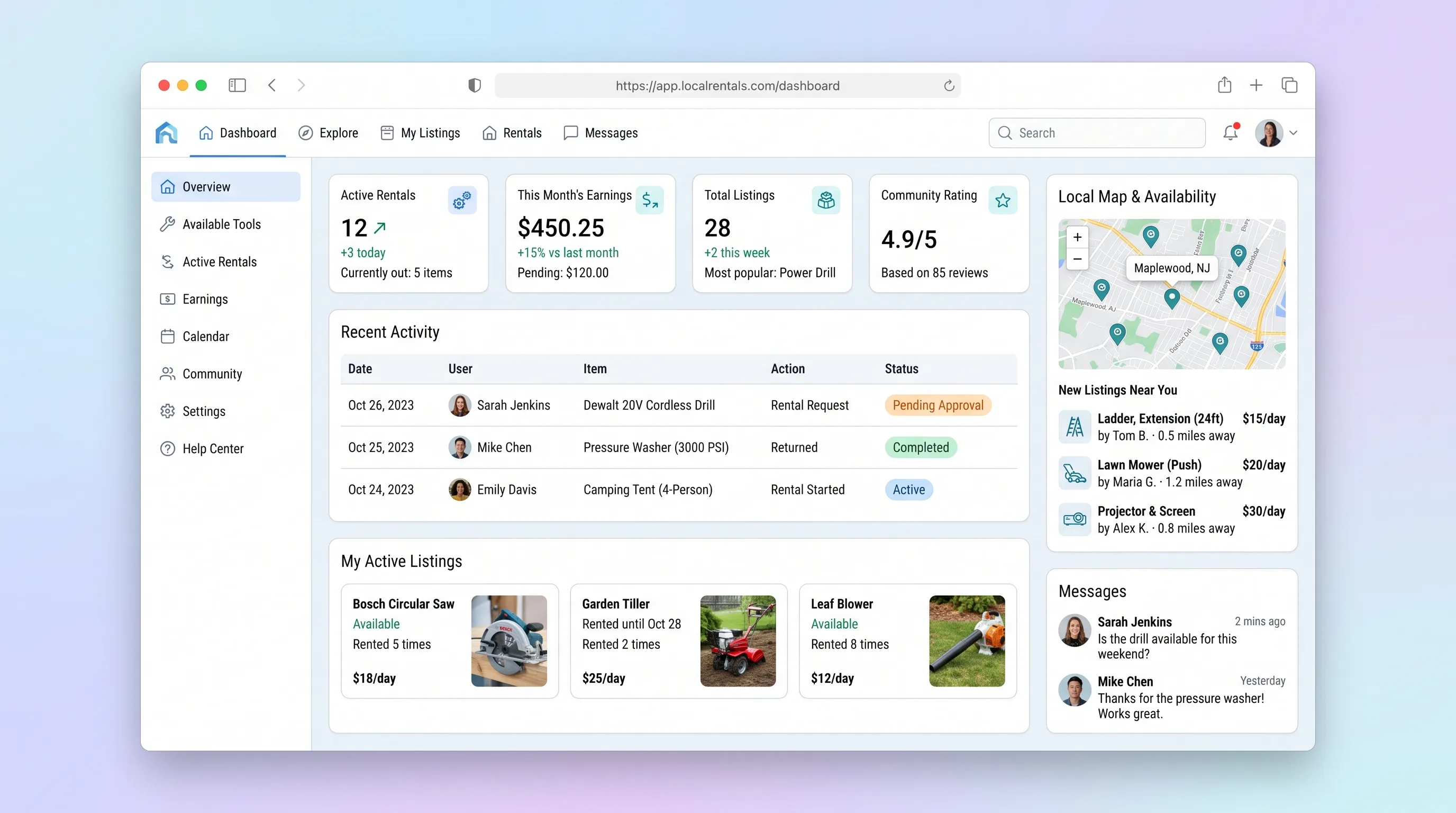
A hyper-local marketplace where homeowners list tools and equipment for short-term rental, neighbors search by radius, book through a calendar, pay securely, and owners receive automatic payout once the renter confirms return.
Website & Lead GenerationHome & Local Services
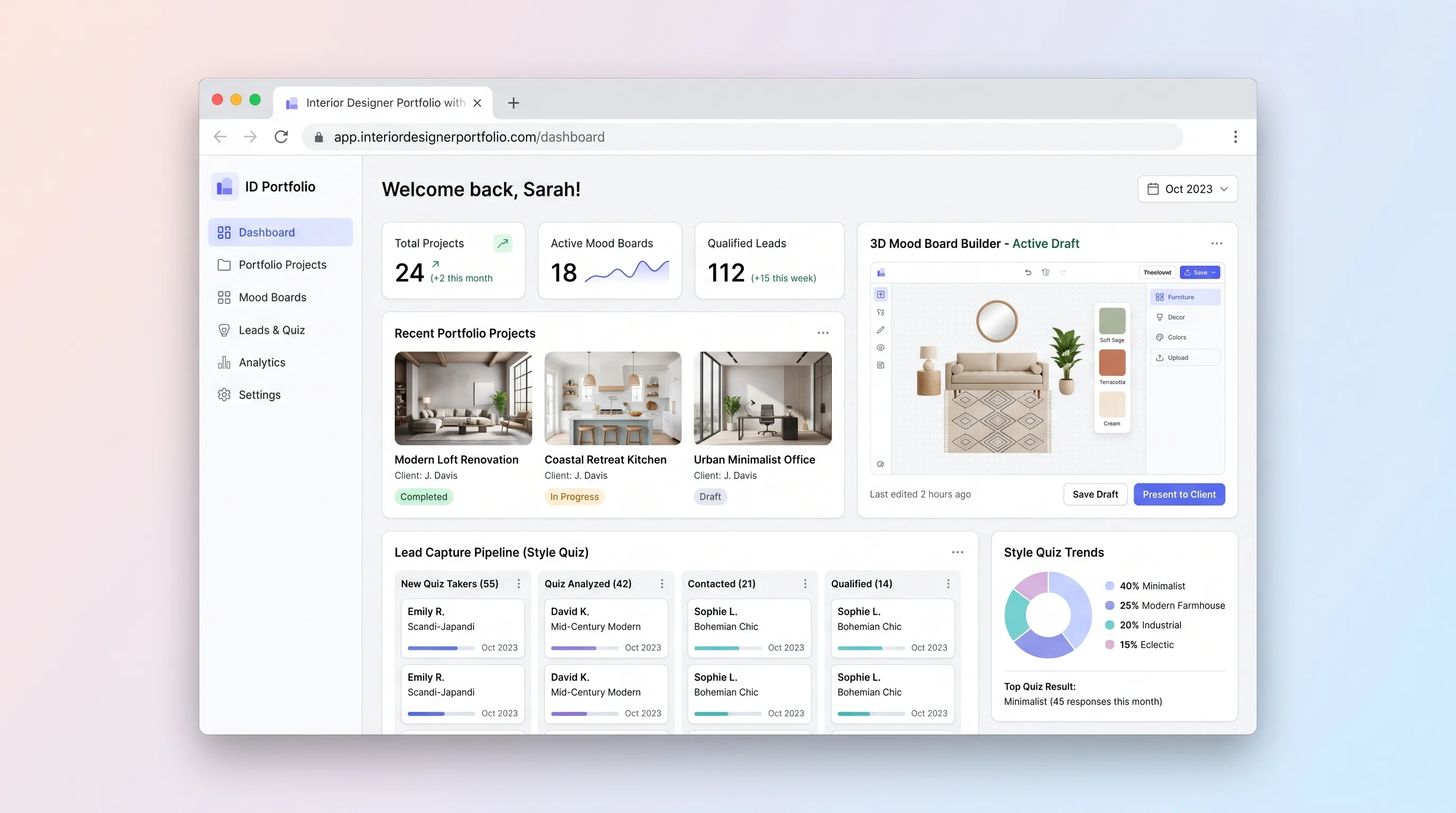
A portfolio website for independent interior designers that lets visitors explore projects, assemble 3D mood boards, complete a style quiz, and submit qualified inquiries—all in one session.
SaaS WorkflowProfessional Services
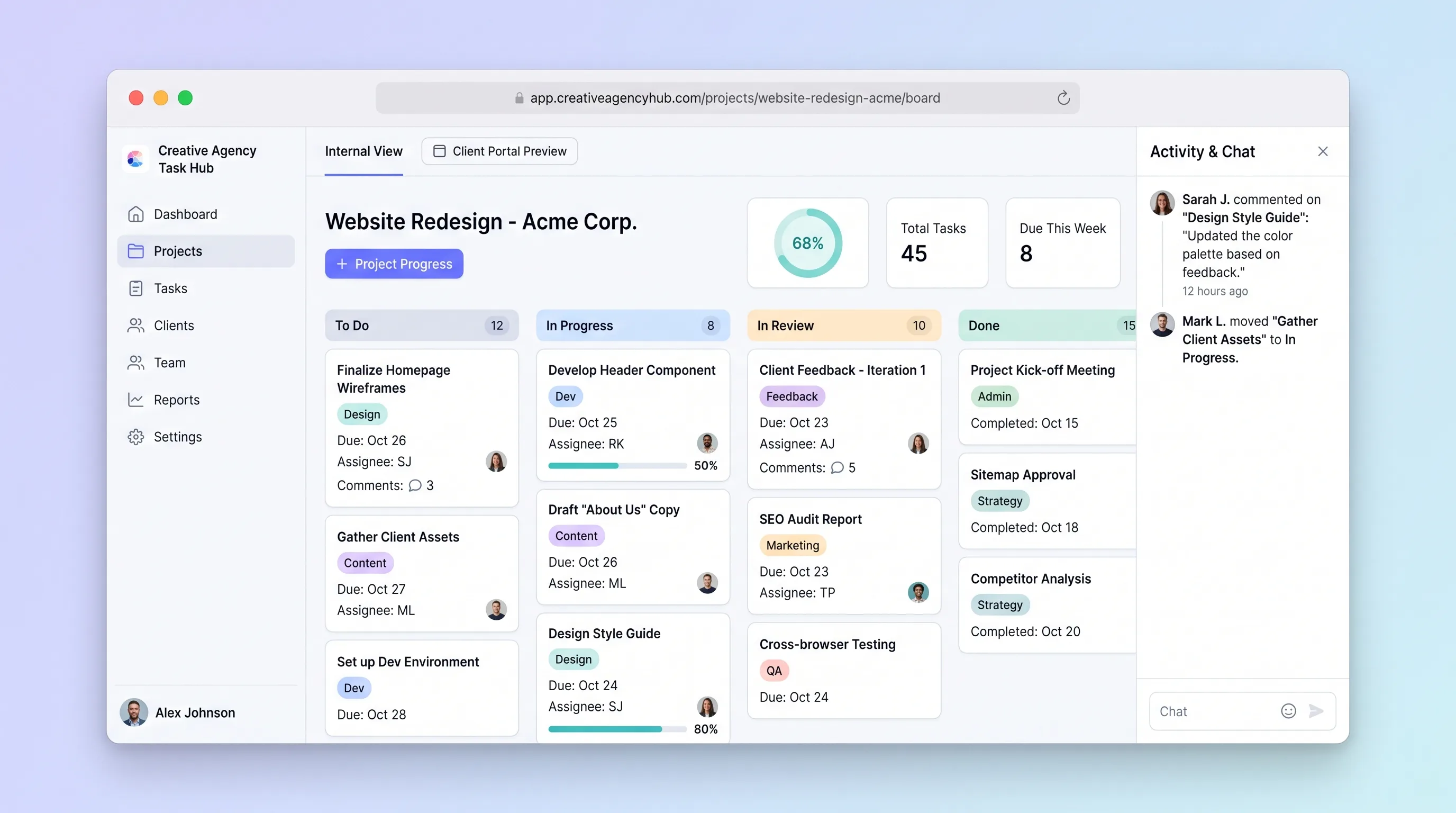
A focused project tracker where small creative agencies manage deliverables on an internal kanban board and share branded client portals for progress review and approvals without email chains.
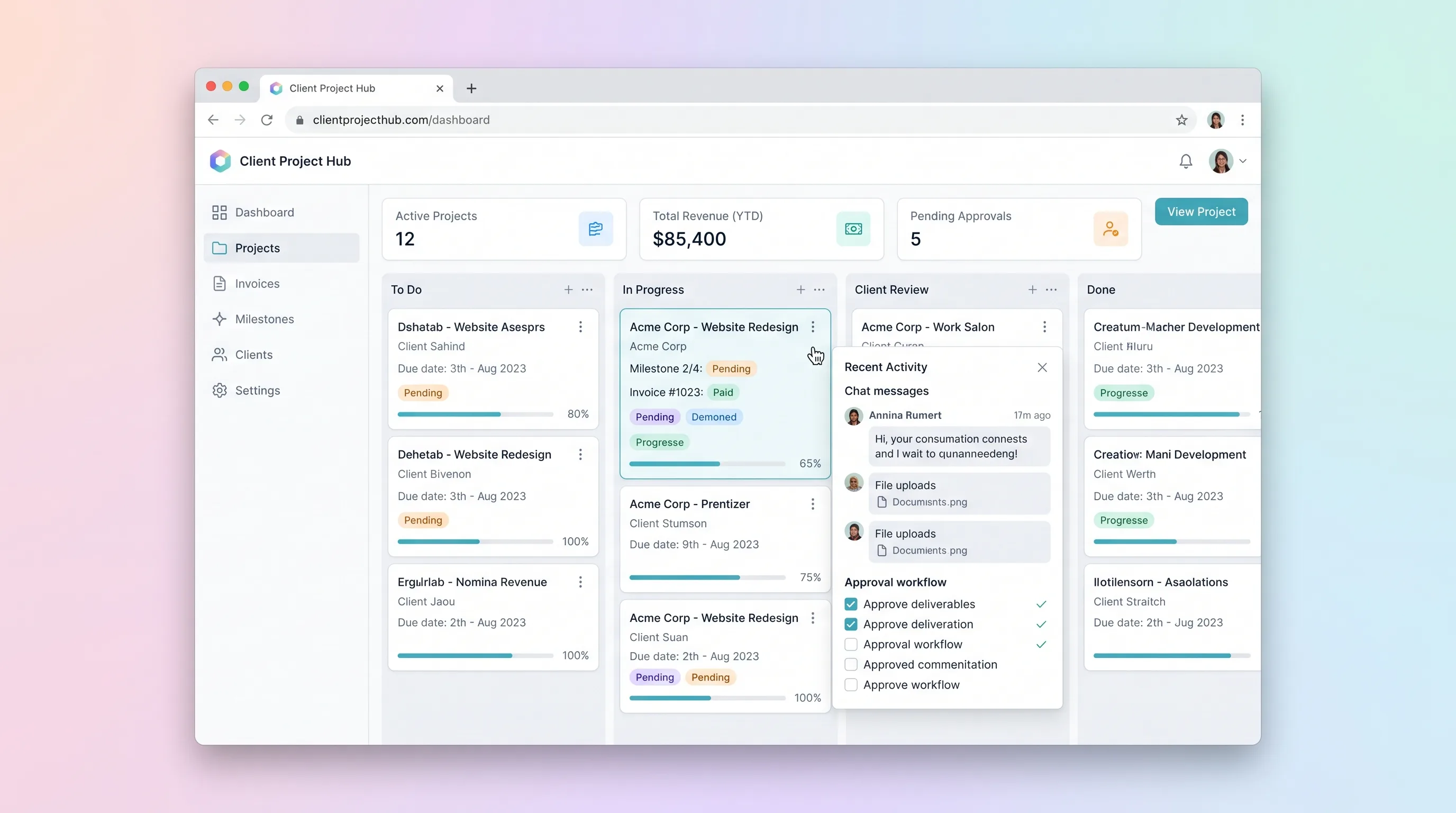
SaaS WorkflowProfessional Services
A kanban-driven workspace where freelancers and small agencies track client project milestones, route deliverables through an approval workflow, and auto-generate invoices upon approval.
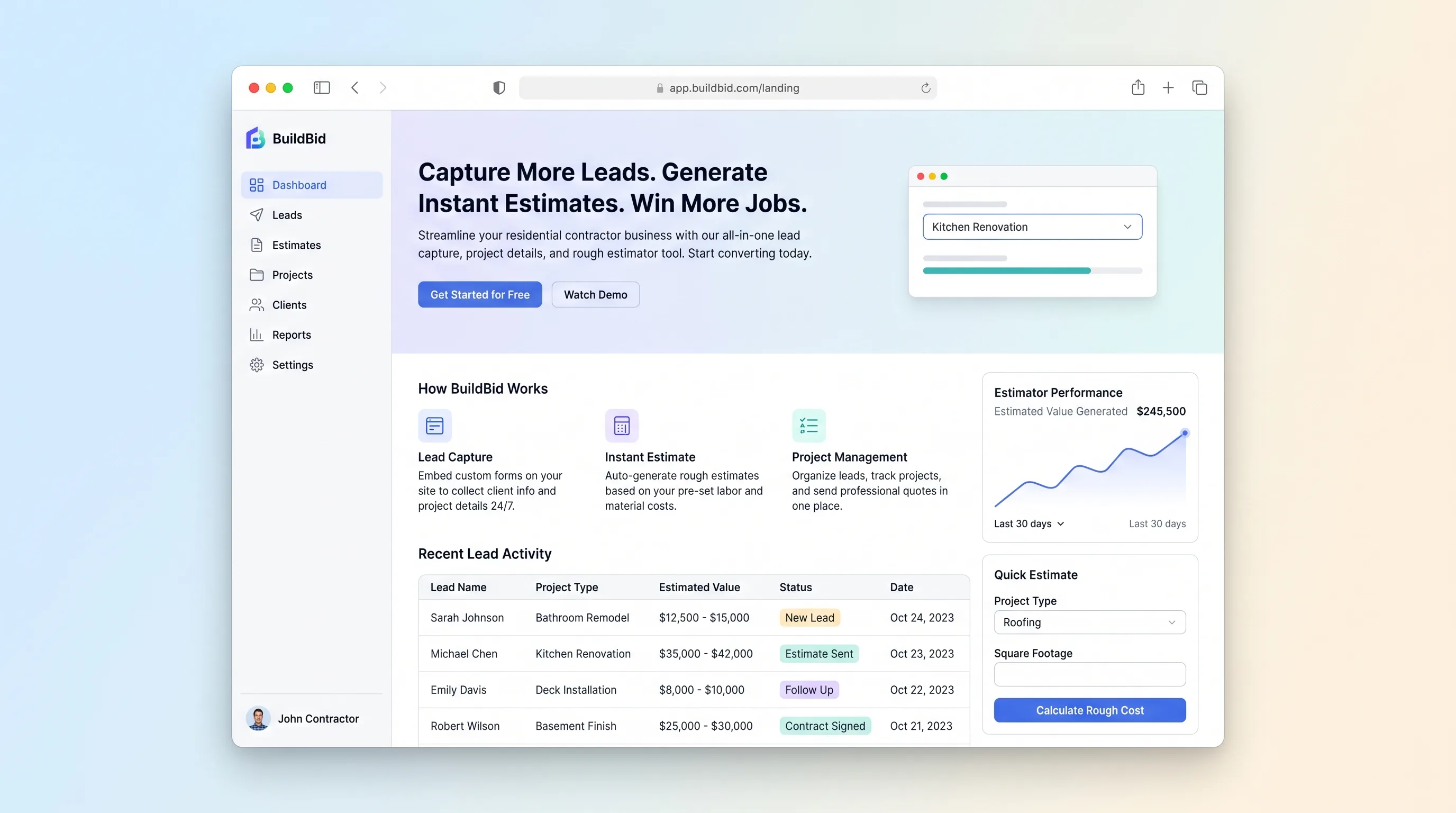
Website & Lead GenerationHome & Local Services
A conversion-focused lead capture site where homeowners submit project details in under two minutes and receive an instant rough estimate, while contractors review qualified leads in a dashboard within seconds.
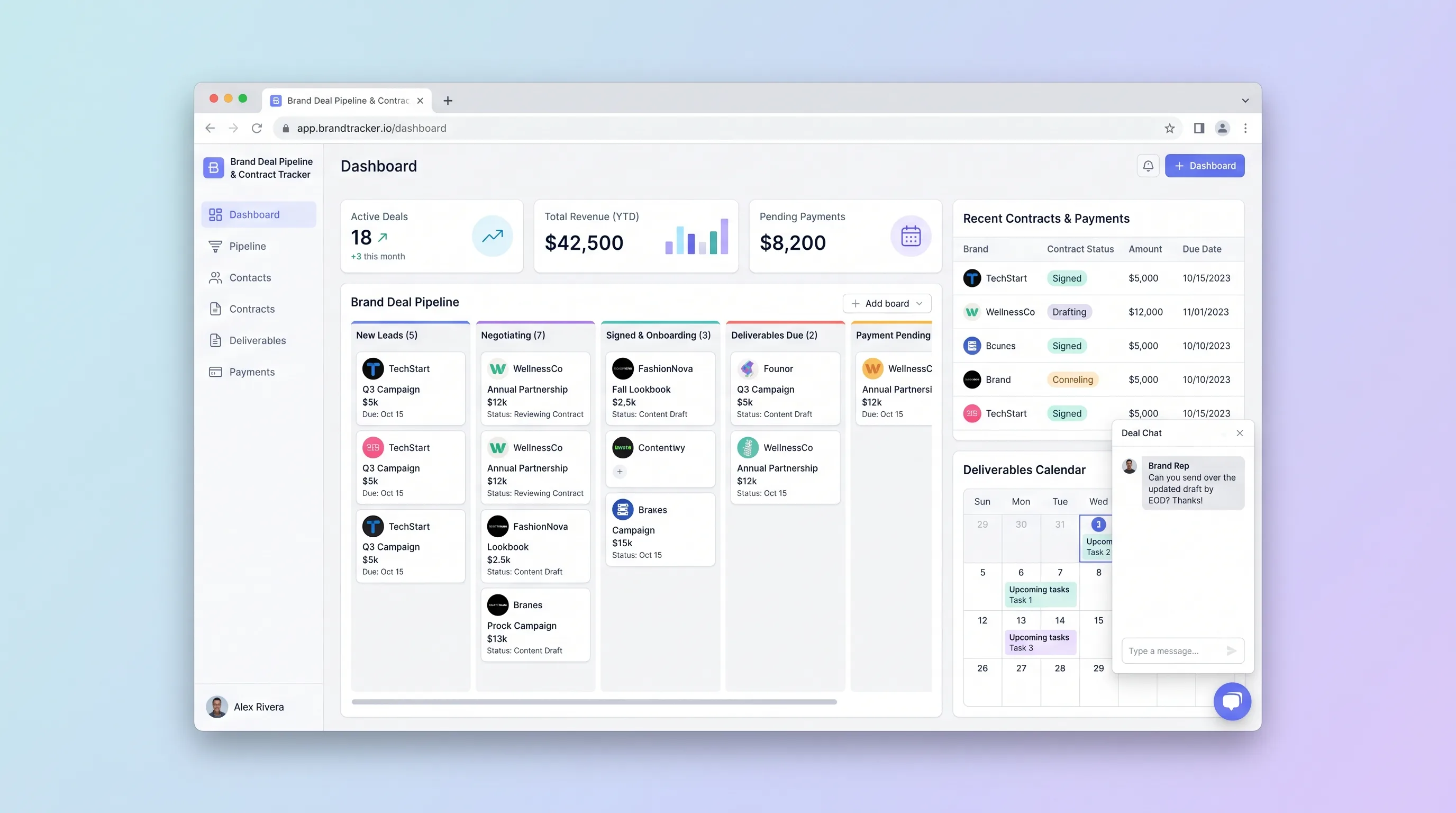
SaaS WorkflowCreator Economy & Media
A focused CRM where solo influencers and small creator teams manage sponsorship leads from first pitch through signed contract, deliverable deadlines, and payment reconciliation.