Build this if
You are an interior designer losing qualified prospects because static galleries capture no intent data.
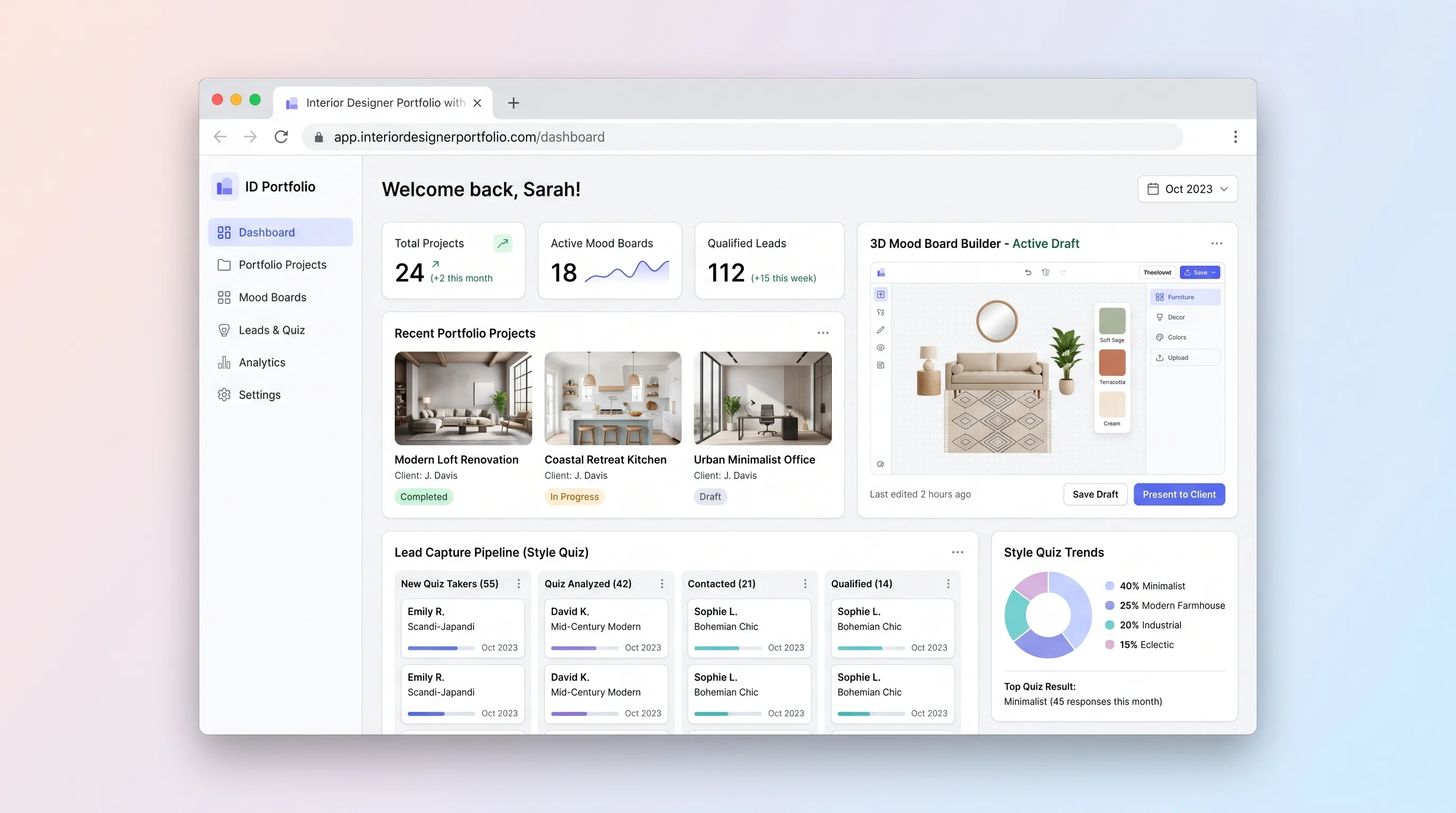
A portfolio website for independent interior designers that lets visitors explore projects, assemble 3D mood boards, complete a style quiz, and submit qualified inquiries—all in one session.
Decision snapshot
You are an interior designer losing qualified prospects because static galleries capture no intent data.
You need multi-user collaboration, invoicing, or procurement—those belong in a separate practice management tool.
Launch with five projects and a quiz; if 10% of unique visitors complete a mood board and submit an inquiry within two weeks, the lead-capture loop works.
Problem and target customer
Independent interior designers rely on generic portfolio platforms or static galleries that do not capture visitor intent. Prospects browse and leave without expressing their style preferences, so designers cannot prioritize qualified leads or tailor follow-up conversations.
Independent interior designers and small design studios who need a production-ready portfolio site that converts browsing visitors into qualified project inquiries.
A monthly subscription giving the designer a hosted portfolio with mood board builder, style quiz, and lead inbox. A paid tier adds custom branding, multiple projects, and lead export.
Editorial note
This portfolio site turns passive browsing into qualified intent. Visitors assemble a 3D mood board from the designer's curated swatches and furniture items, then complete a short style quiz that maps their answers to design tags. When they submit an inquiry, the designer receives a lead with a mood board snapshot and quiz summary—enough context to prioritize follow-up without a discovery call.
The MVP keeps one workflow: browse, build, quiz, submit. Multi-user collaboration, invoicing, and proposal generation are out of scope. The quiz uses deterministic scoring against design tags rather than an LLM, so the first version ships without generative API dependencies.
Choose your next step
Evaluate the operating tradeoffs quickly, or inspect how to build the MVP.
Compare the three operating paths at the default workload before opening the full calculator.
See cost preview Build this ideaInspect the build blueprintReview MVP scope, workflow, states, data rules, architecture, and acceptance criteria.
Open blueprintEvaluation preview
Directional infrastructure estimates for the current 1,500 relationship records assumption. Open the full calculator when you are ready to change it.
Managed app hosting, database, backups, and basic observability for the crm workflow.
Lowest operating effortOne small VPS running the app, database, media volume, and backup job.
Lowest baseline costSeparate app, data, storage, and worker capacity for cleaner operations.
Most separation and controlBuild blueprint
Product goal
MVP scope
UX and user flow
Showcase project gallery grid with hero image and designer bio
Display project photos, description, and materials with a lead capture CTA
3D canvas where visitors drag swatches and furniture items to express style
Five-question quiz mapping answers to design tags
Designer view of captured leads with quiz summary and mood board image
Core entity outline
Portfolio entry with images, description, and materials
Visitor-assembled canvas of swatches and furniture items
Scored style quiz answers mapped to design tags
Captured visitor inquiry with mood board and quiz context
Curated swatch or furniture item available in the mood board builder
Architecture and data flow
Render gallery, project details, mood board canvas, quiz, and lead form
Accept quiz answers and return scored design tags
Capture canvas state and generate snapshot image for storage
Create lead records with attached mood board and quiz references
Send designer a notification when a new lead is captured
Deliverables and acceptance
Recommended stack
Rapid visual portfolio and mood board canvas with React components and Tailwind styling.
Postgres for leads, mood boards, and projects plus storage for uploaded images.
Glue layer to send lead notification emails and sync mood board snapshots to the designer inbox.
Deploy the backend API and scheduled jobs with simple environment management.
Lovable handles the visual portfolio and interactive mood board canvas without custom 3D engineering. Supabase provides durable records for leads and mood boards with built-in object storage for images. Make sends transactional emails when a lead is captured. Railway hosts any server-side logic or scheduled tasks that fall outside Supabase's edge functions.
Copy the build prompt, model the operating cost, and choose where to deploy.
Execution
Once the blueprint is clear, use the prompt, cost model, and deployment options to start building.
Build prompt
Lovable
Build prompt
Open the prompt pack whenever you are ready to take this blueprint into your builder.
Build prompt ready
Copy the prompt into your builder, then use the cost model below to choose how you want to run it.
Use the cost model to choose a deployment path that matches the build plan.
Cost calculator
A technical run-cost estimate for the first production version. Team, acquisition, payment fees, and business COGS are excluded.
$13-$33 per 750 relationship records
Low and high values allow for usage variance and plan headroom.
Managed app hosting, database, backups, and basic observability for the crm workflow.
50K relationship records included, then $8-$20 per 100K relationship recordsTransactional email is implied by the source workflow or feature list.
3K relationship records includedThe estimate combines the selected infrastructure path, required operating modules, selected optional modules, and usage above included monthly allowances. Taxes and regional uplifts are excluded.
Deployment options
Choose based on operating preference, not only the headline price.
Fast Docker deployment for the app, database, worker, and preview workflow without managing a VPS.
Usage billing needs active monitoring as traffic and jobs grow.
Run the app, worker, and database on one small Vultr VPS with Docker Compose and explicit backups.
You own patching, backups, monitoring, and incident response.
Separate application, worker, data, storage, and backup responsibilities as the workload grows.
You own server setup, patching, backups, and operational monitoring.
Start building
Build the project gallery, project detail pages, 3D mood board canvas with draggable items, style quiz, and lead form in Lovable with Tailwind and warm off-white serif styling.
Open Lovable 02AutomationLead notification automationConfigure a Make scenario that triggers on new lead creation in Supabase, sends a notification email to the designer, and optionally posts a summary to a webhook for the inbox view.
Open Make 03DeployBackend API and scheduled jobsDeploy a lightweight Node or Python service on Railway to handle quiz scoring, mood board image rendering, and any scheduled cleanup of anonymous mood board drafts.
Open RailwayKeep exploring
SaaS WorkflowHealthcare & Wellness
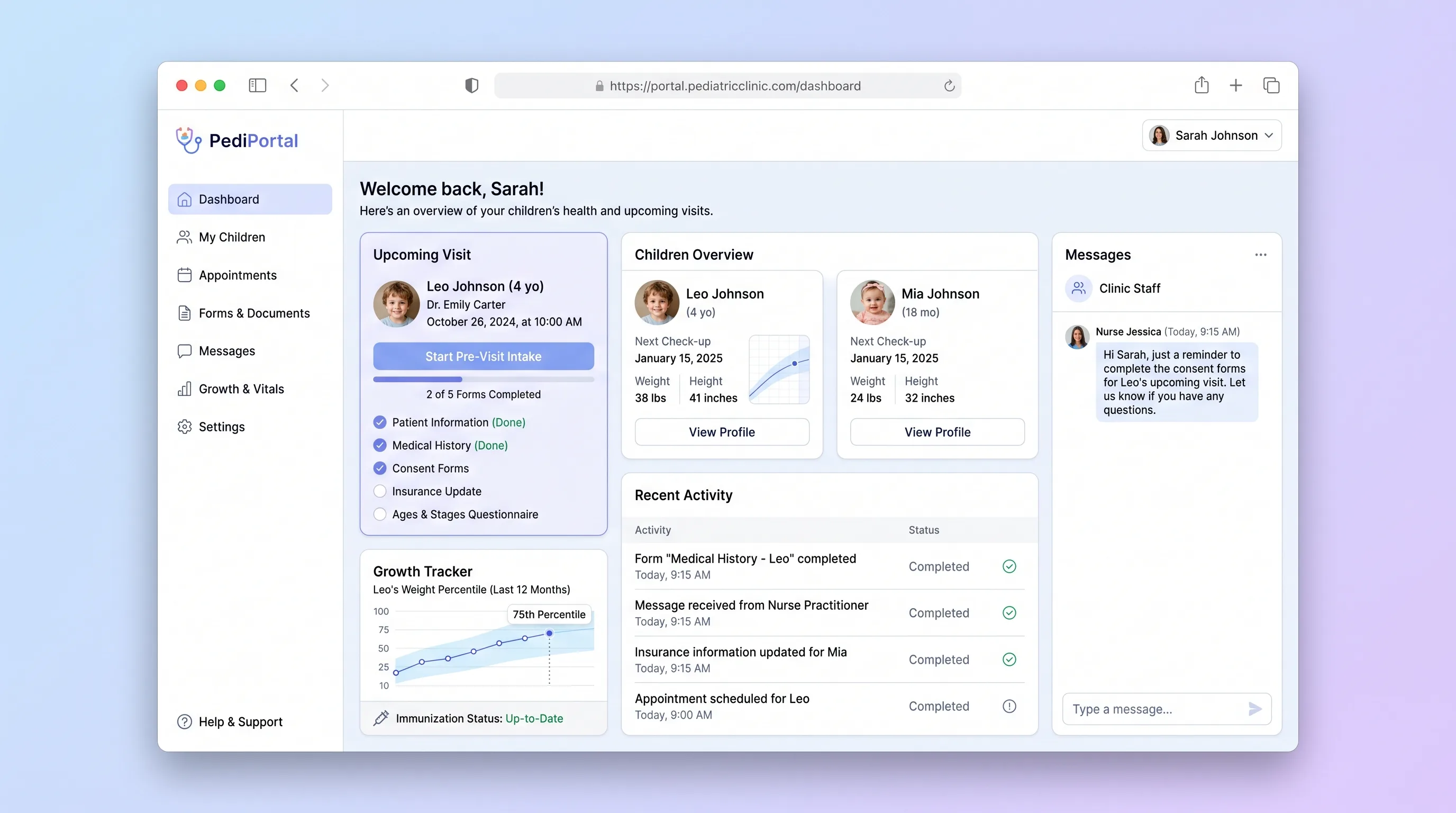
A parent-facing intake portal for pediatric clinics that digitizes pre-visit forms, tracks child immunization status, and delivers a visit prep checklist before families arrive.
SaaS WorkflowHome & Local Services
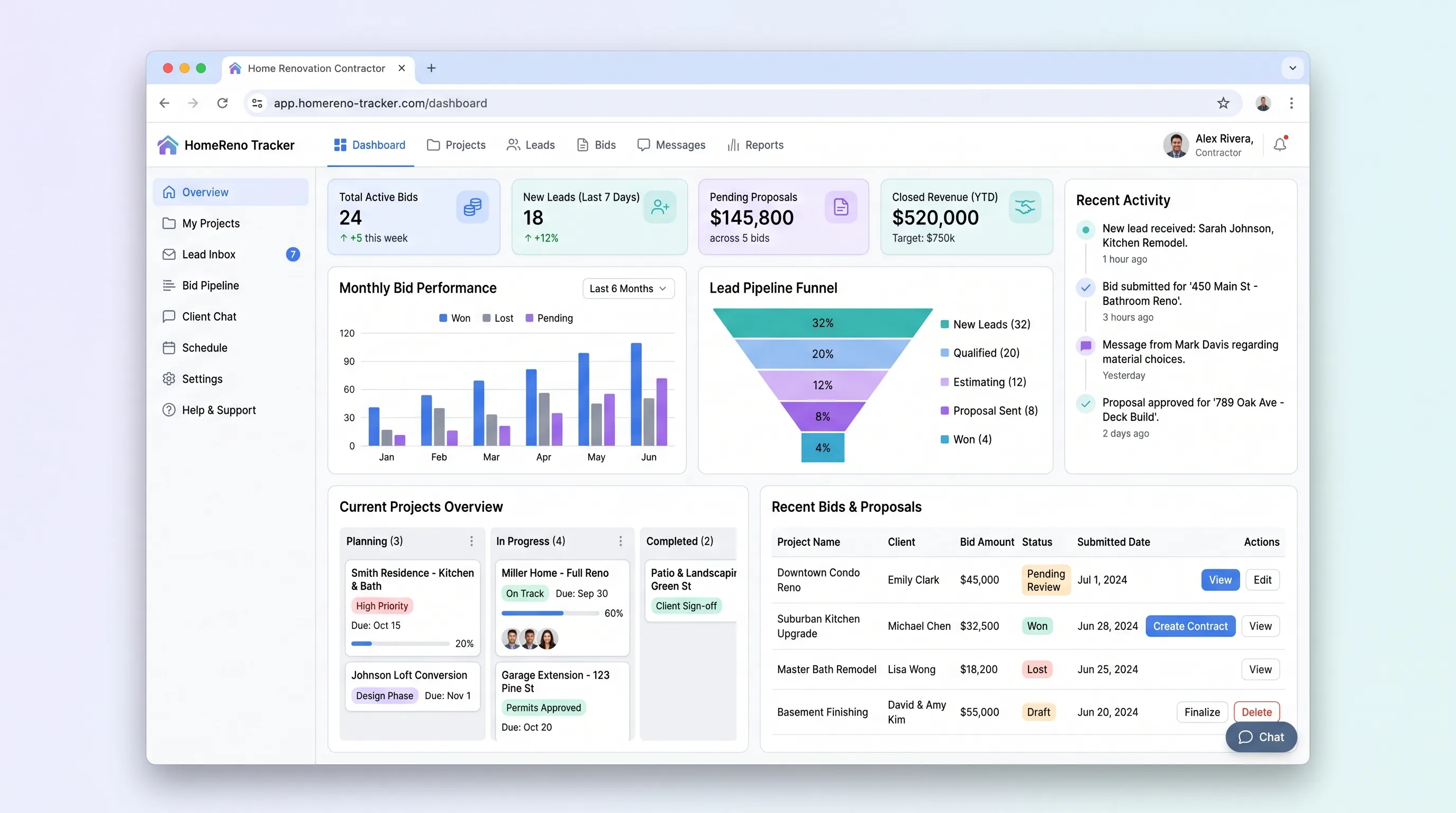
A focused SaaS workflow for indie renovation contractors to display past projects, capture homeowner project inquiries in under four minutes, and track bid requests through a status pipeline with email notifications.
SaaS WorkflowProfessional Services
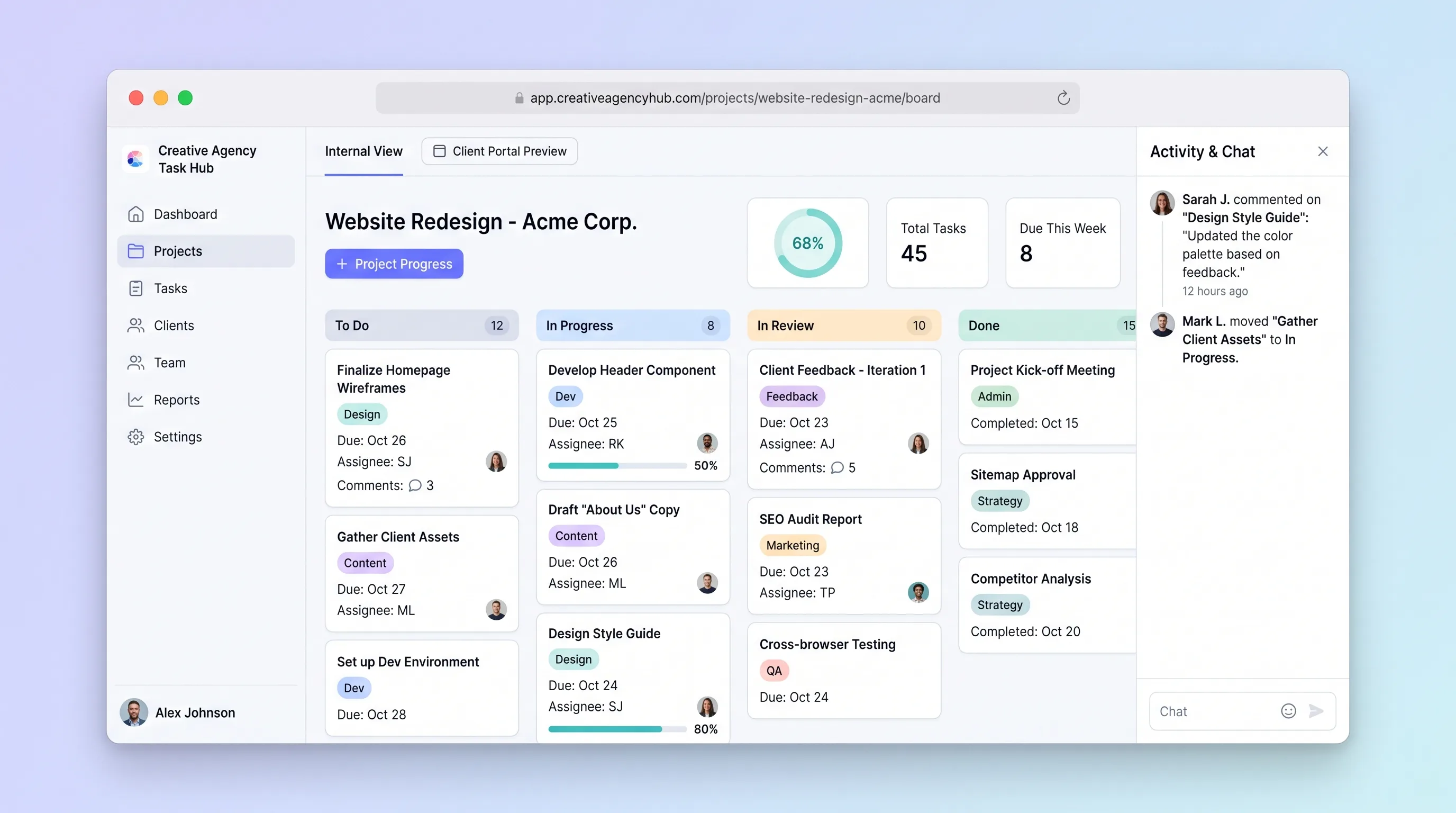
A focused project tracker where small creative agencies manage deliverables on an internal kanban board and share branded client portals for progress review and approvals without email chains.
Website & Lead GenerationHome & Local Services
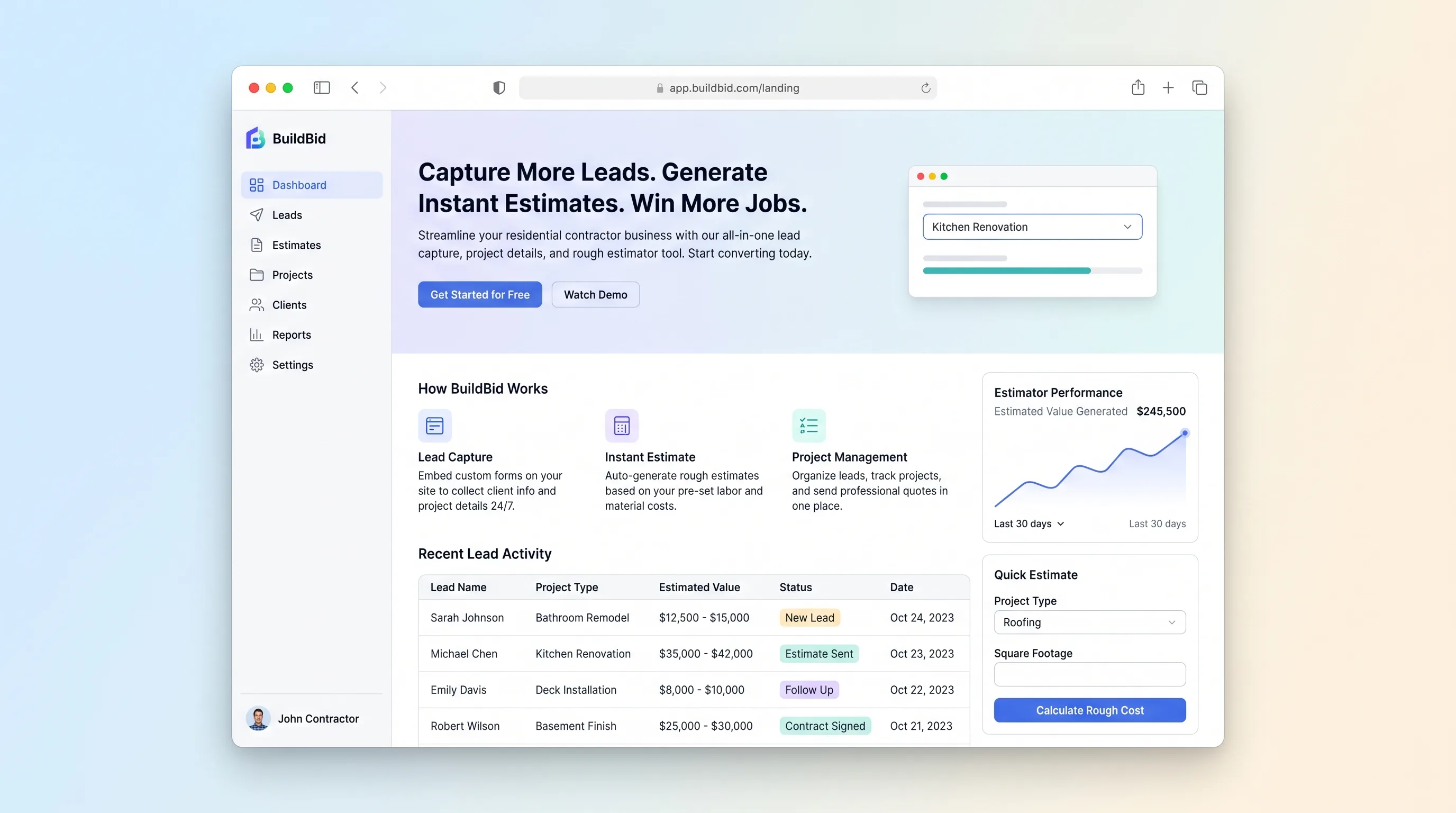
A conversion-focused lead capture site where homeowners submit project details in under two minutes and receive an instant rough estimate, while contractors review qualified leads in a dashboard within seconds.
Website & Lead GenerationHome & Local Services
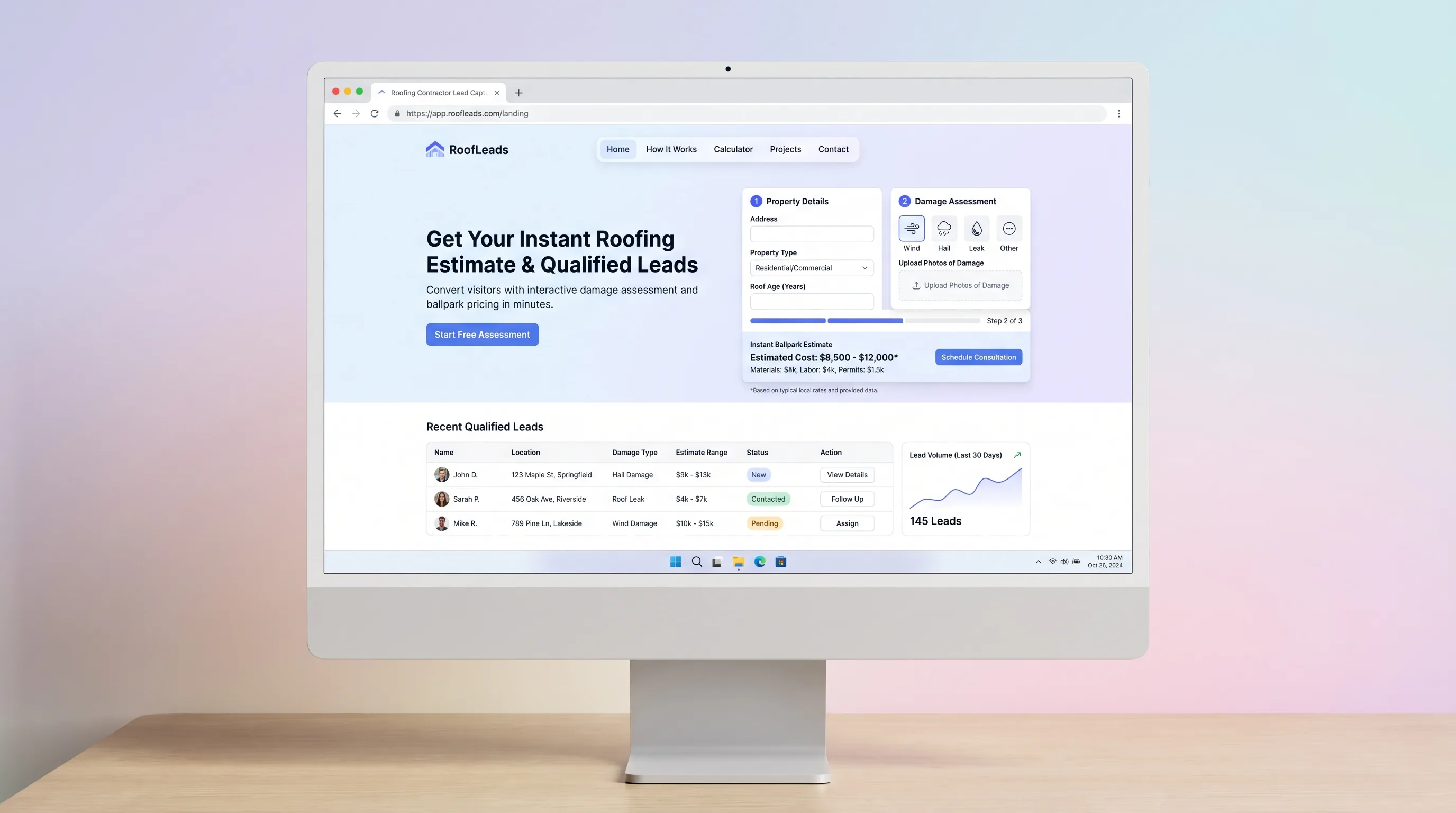
A local roofing website that turns damage details, roof facts, and photos into a clearly qualified lead with a contractor-configured ballpark range.
Website & Lead GenerationHome & Local Services
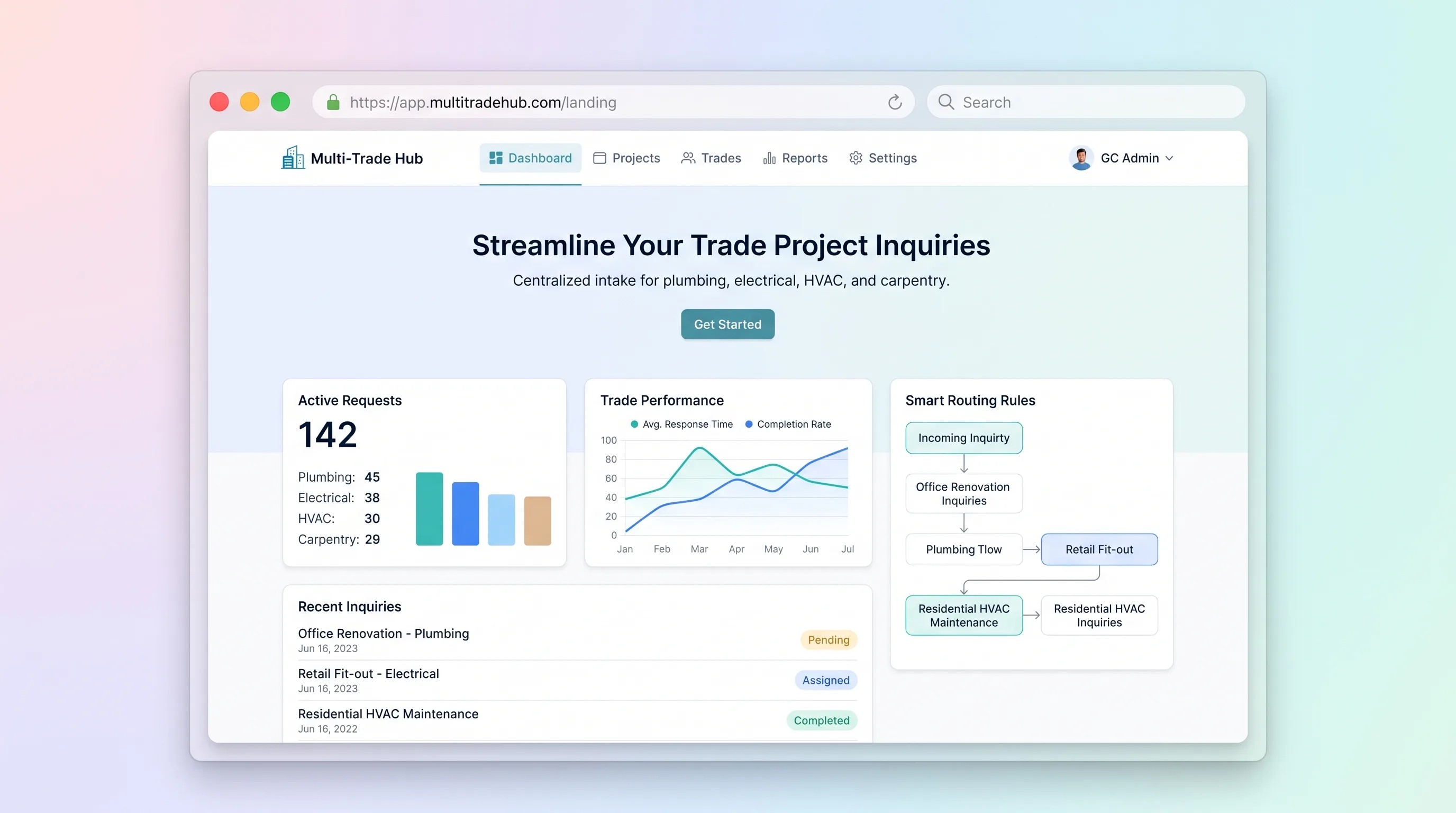
A structured inquiry and estimating handoff for general contractors handling plumbing, electrical, HVAC, and carpentry requests across one project.