Build this if
Your team reviews large changesets in CI and needs deterministic file selection plus rule-bounded LLM findings rather than broad, noisy agent output.
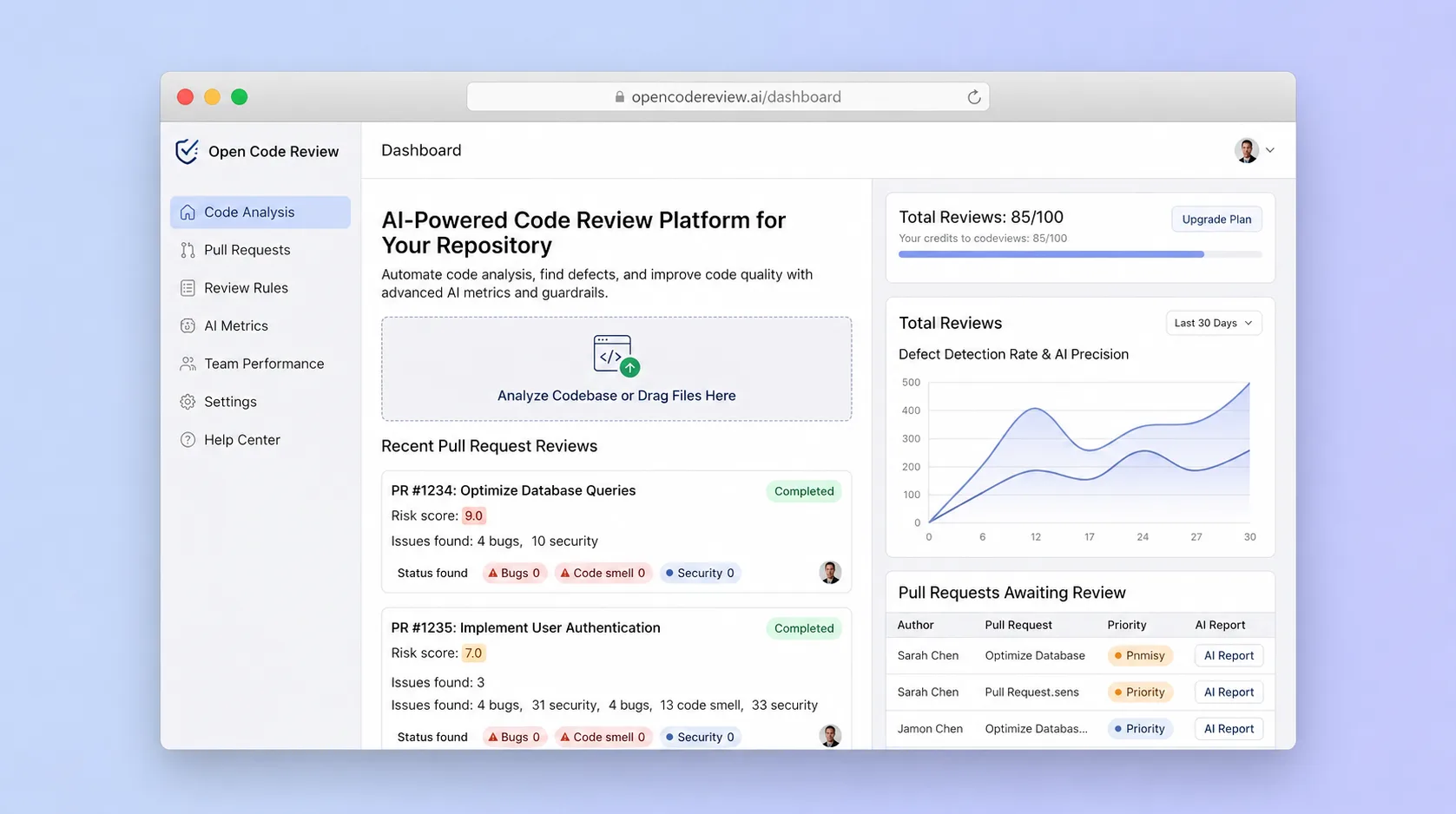
A precision-oriented code review workspace that combines deterministic file selection and rule matching with an LLM agent to produce stable, line-level findings for pull requests and CI pipelines.
Decision snapshot
Your team reviews large changesets in CI and needs deterministic file selection plus rule-bounded LLM findings rather than broad, noisy agent output.
Your repository is small enough for thorough human review or your team has no appetite for managing LLM endpoints and rule configuration.
Run the tool on 50 merged pull requests with known defects and measure whether findings land on the correct file and line at least 80% of the time with fewer than 15% false positives.
Problem and target customer
General-purpose code review agents miss changed files, produce unstable findings across runs, and place comments at incorrect code locations, eroding developer trust in automated review.
Engineering organizations maintaining large repositories that need repeatable, line-accurate code review quality across pull requests and CI without noisy broad-recall output.
Self-hosted core for adoption; paid managed review runner priced by repository or review volume, with artifact retention, policy packs, and organization-level analytics.
Editorial note
OpenCodeReview is a precision-oriented review system for teams that are dissatisfied with broad, noisy agent reviews. It narrows the model context to changed files and matched rules, then returns findings with a file, line, severity, and rule reference that a developer can triage.
The commercial service runs the review pipeline for teams that do not want to operate workers, model credentials, artifact storage, and policy configuration. Pricing can follow repositories or review volume, with retained findings and organization analytics as paid operational features rather than requirements for the core reviewer.
The MVP should focus on GitHub pull requests and a local CLI path. Its first proof is placement precision and useful signal on real changesets, not a promise to replace human review or catch every defect.
Choose your next step
Evaluate the operating tradeoffs quickly, or inspect how to build the MVP.
Compare the three operating paths at the default workload before opening the full calculator.
See cost preview Build this ideaInspect the build blueprintReview MVP scope, workflow, states, data rules, architecture, and acceptance criteria.
Open blueprintEvaluation preview
Directional infrastructure estimates for the current 200 pull-request reviews assumption. Open the full calculator when you are ready to change it.
Managed app, database, and worker capacity for the beta workload.
Lowest operating effortA lower fixed-cost deployment with more setup and maintenance.
Lowest baseline costMore control over service placement and operational capacity.
Most separation and controlBuild blueprint
Product goal
MVP scope
UX and user flow
Connect a GitHub repository and configure the model endpoint.
Display the diff with highlighted changed lines alongside findings.
Show a single finding with file, line, rule reference, and suggested fix.
List and enable review rules for the connected repository.
Core entity outline
Represents a connected Git repository with provider metadata.
Represents a PR under review with diff metadata.
Represents a file in the diff with path and hunk data.
Represents a rule matched against changed files to constrain LLM context.
Represents a line-level review issue produced by the LLM or deterministic check.
Architecture and data flow
Clone or fetch the repository and compute the changed file set from the pull request diff.
Match changed files against configured rules and bundle related files for LLM context.
Invoke the configured model endpoint with constrained context and return structured findings.
Map findings to diff hunks and post line-level comments to the Git provider.
Deliverables and acceptance
Recommended stack
Build a review workspace UI showing diffs, findings, and rule references without hand-coding React components.
Optional webhook routing between GitHub pull request events and the review runner, bounded to event dispatch only.
Host the review execution service that clones repos, runs rule matching, invokes the LLM, and publishes findings.
Lovable accelerates the review workspace UI for diff and findings display. Make handles optional webhook glue between Git providers and the runner. Railway provides a repeatable container environment for repository inspection, LLM calls, and comment publication.
Copy the build prompt, model the operating cost, and choose where to deploy.
Execution
Once the blueprint is clear, use the prompt, cost model, and deployment options to start building.
Build prompt
Lovable
Build prompt
Open the prompt pack whenever you are ready to take this blueprint into your builder.
Build prompt ready
Copy the prompt into your builder, then use the cost model below to choose how you want to run it.
Use the cost model to choose a deployment path that matches the build plan.
Cost calculator
A technical run-cost estimate for the first production version. Team, acquisition, payment fees, and business COGS are excluded.
$3.3-$14 per 100 pull-request reviews
Low and high values allow for usage variance and plan headroom.
Managed app, database, and worker capacity for the beta workload.
400 pull-request reviews included, then $5-$20 per 400 pull-request reviewsModel analysis for bounded code context and structured findings.
200 pull-request reviews x 7K input + 1.2K output tokensThe estimate combines the selected infrastructure path, required operating modules, selected optional modules, and usage above included monthly allowances. Taxes and regional uplifts are excluded.
Deployment options
Choose based on operating preference, not only the headline price.
Run the web app, database, and background jobs with a small operational footprint.
Service usage and background workloads can exceed the base plan.
Run the app, worker, and database on one small Vultr VPS with Docker Compose and explicit backups.
You manage more setup, backups, monitoring, and upgrades.
Separate application, worker, data, storage, and backup responsibilities as the workload grows.
Security updates, backups, observability, and scaling remain your responsibility.
Start building
Build a split-pane interface that renders git diffs with highlighted changed lines and a findings panel listing line-level comments with severity badges and rule references.
Open Lovable 02AutomationPR webhook routingOptionally route GitHub pull request webhook events to the Railway-hosted review runner and return publication status back to the workspace.
Open Make 03DeployReview execution runnerDeploy the backend service that clones the repository, extracts the diff, matches rules, invokes the LLM endpoint, positions findings, and publishes comments to the pull request.
Open RailwayKeep exploring
AI ToolDeveloper & IT Operations
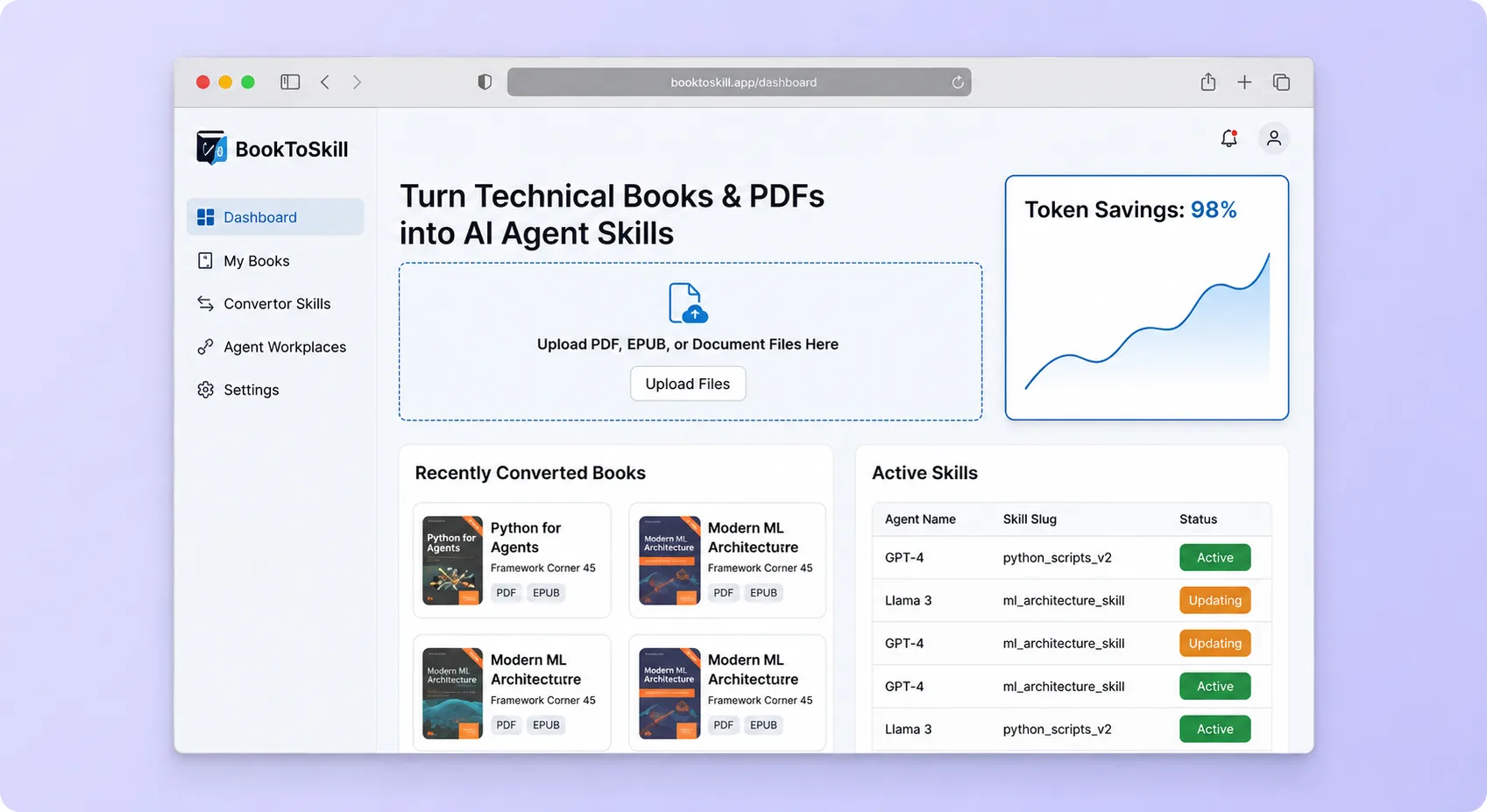
A document-processing workflow that converts technical books and source collections into structured, reusable agent skills optimized for repeated retrieval instead of full-context loading.
AI ToolDeveloper & IT Operations
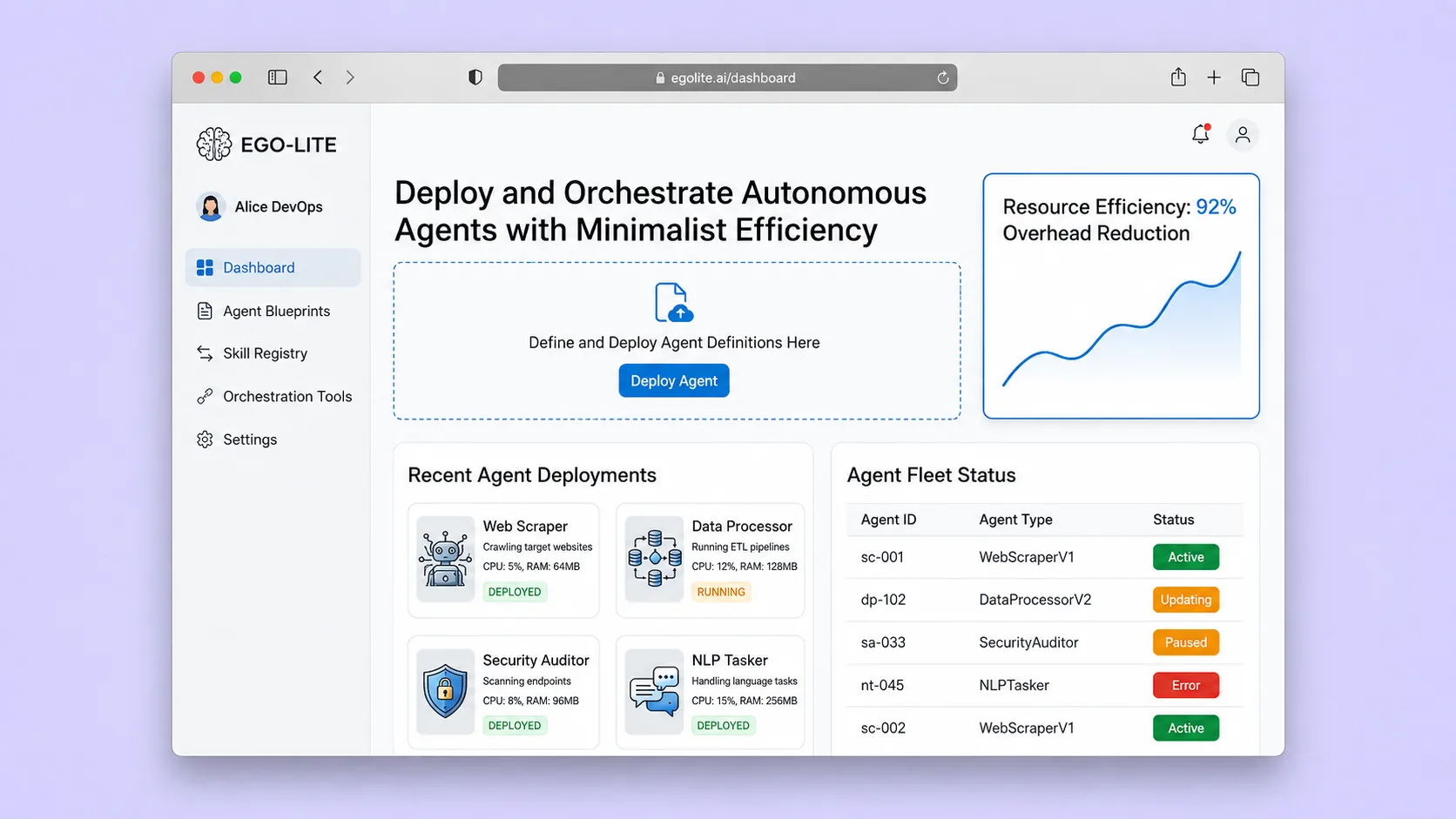
A macOS browser that lets AI coding agents operate in isolated Spaces using the user's authenticated browser state, so agents and humans never compete for the same tabs.
AI ToolBusiness Operations
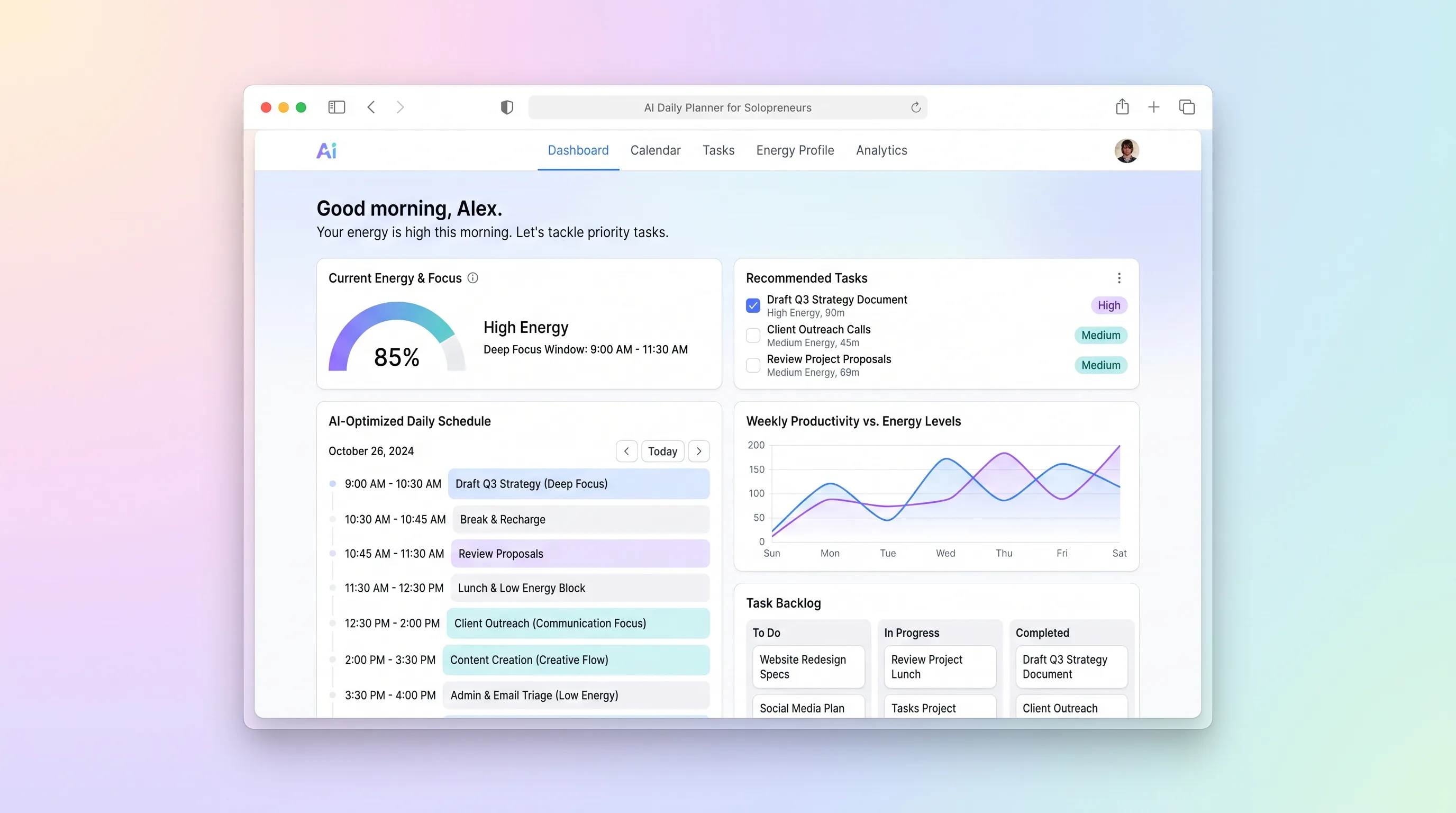
A daily planning tool that maps solopreneur tasks to personal energy windows using AI prioritization, calendar sync, and CSV import from existing task tools.
AI ToolProfessional Services
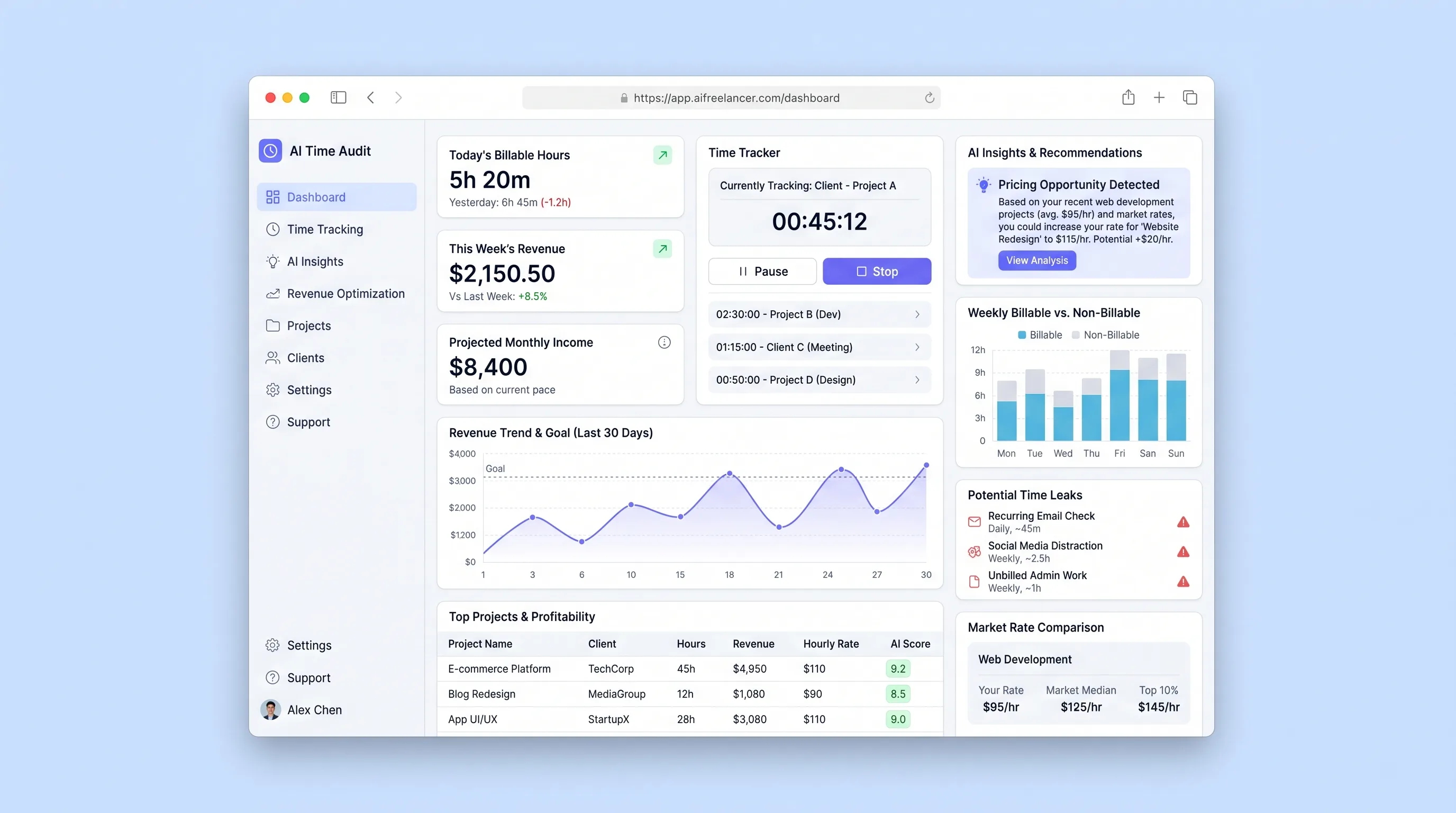
A focused tool that imports freelancer activity logs, uses LLM analysis to categorize work patterns, surfaces billable-hour leaks, and recommends rate adjustments based on detected work patterns and market-rate benchmarks.
AI ToolBusiness Operations
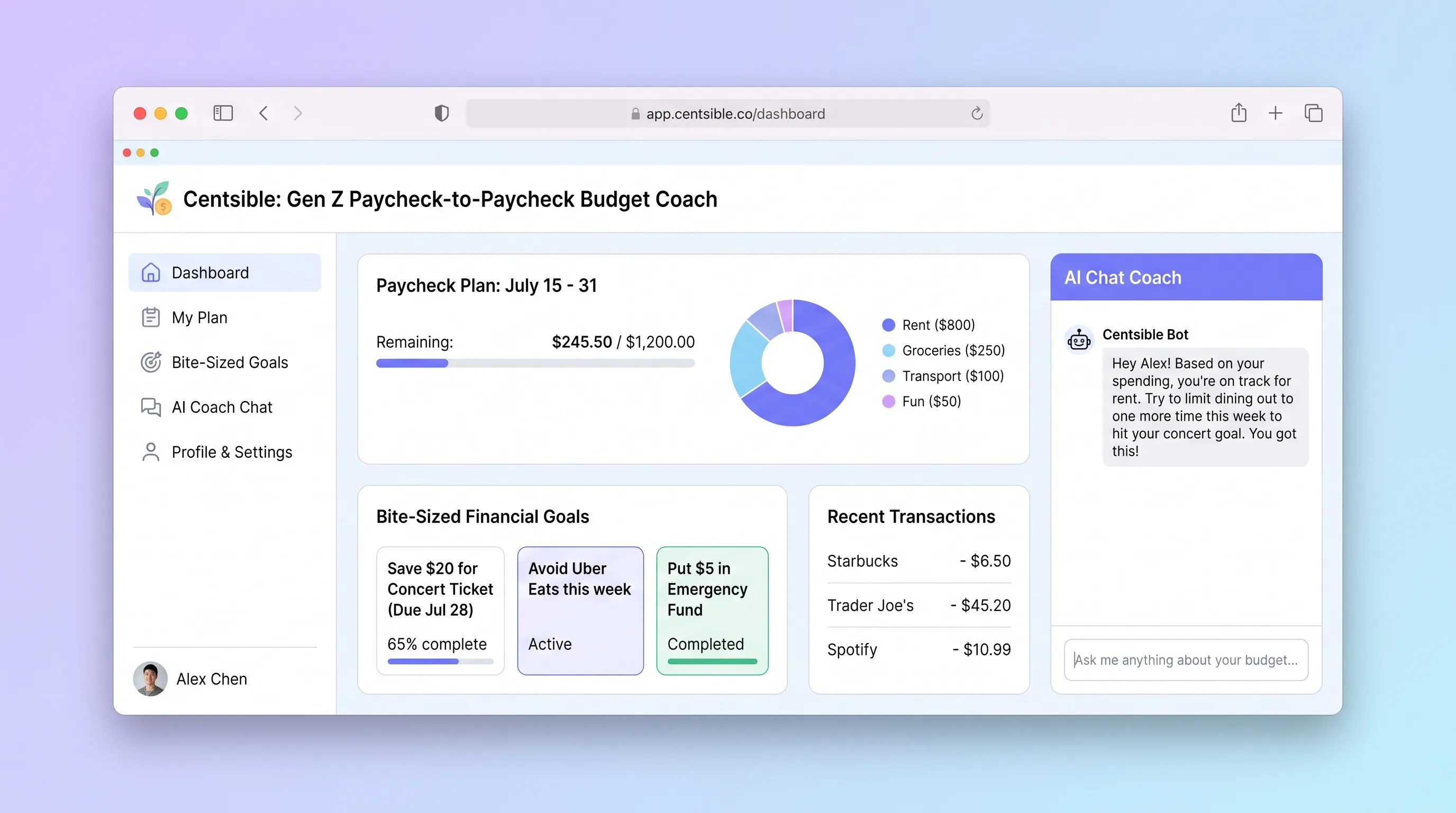
An AI-guided mobile budgeting app that helps Gen Z adults living paycheck to paycheck log expenses in seconds, understand their remaining budget instantly, and receive one plain-English money decision per week.
AI ToolSales & Marketing
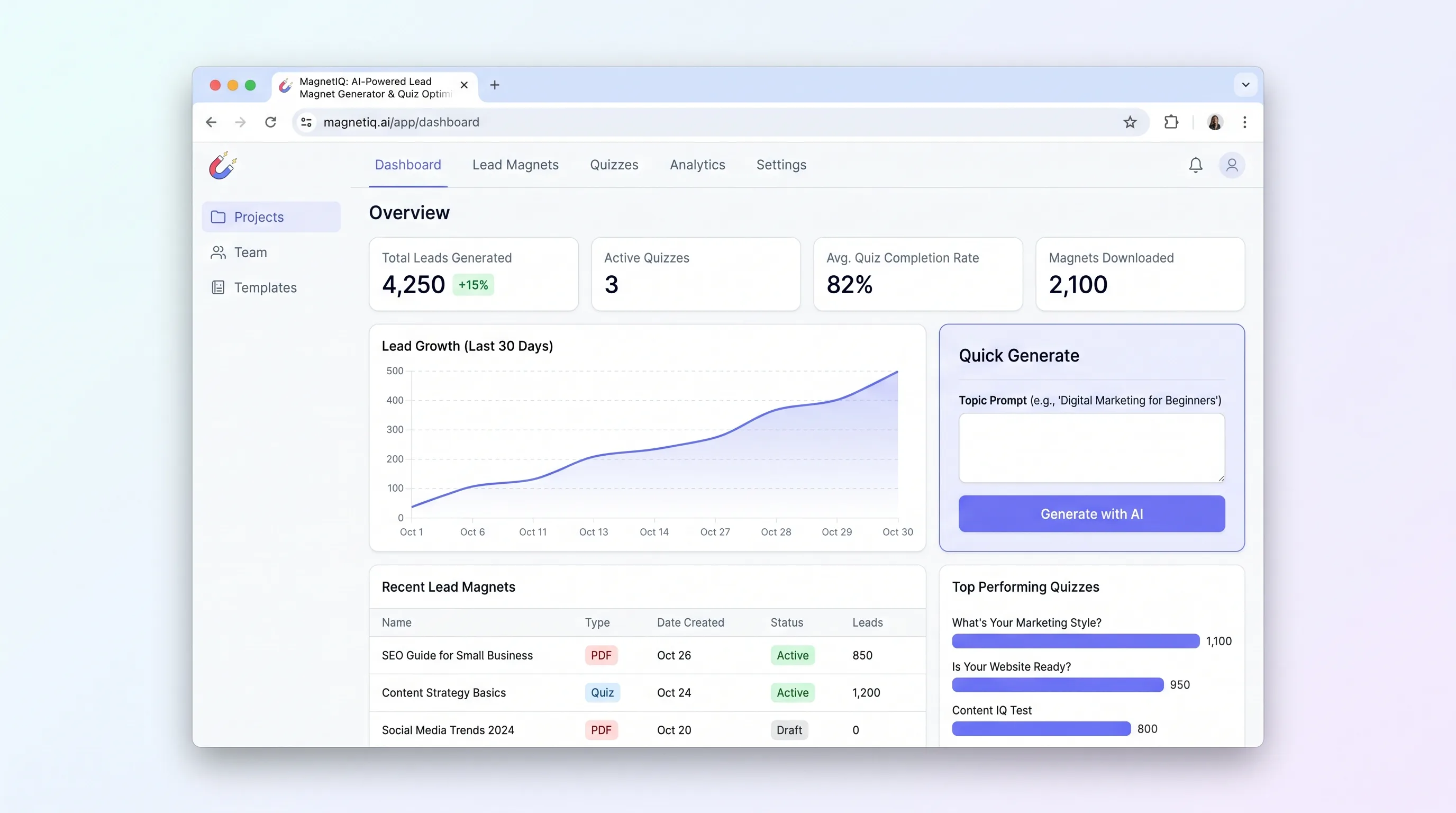
Enter one topic prompt and get a multi-question quiz with segmented result copy and matching downloadable lead magnets, ready to publish and capture leads.