Build this if
Your team runs coding agents that need authenticated web workflows on macOS and you want isolation without losing login sessions.
A macOS browser that lets AI coding agents operate in isolated Spaces using the user's authenticated browser state, so agents and humans never compete for the same tabs.
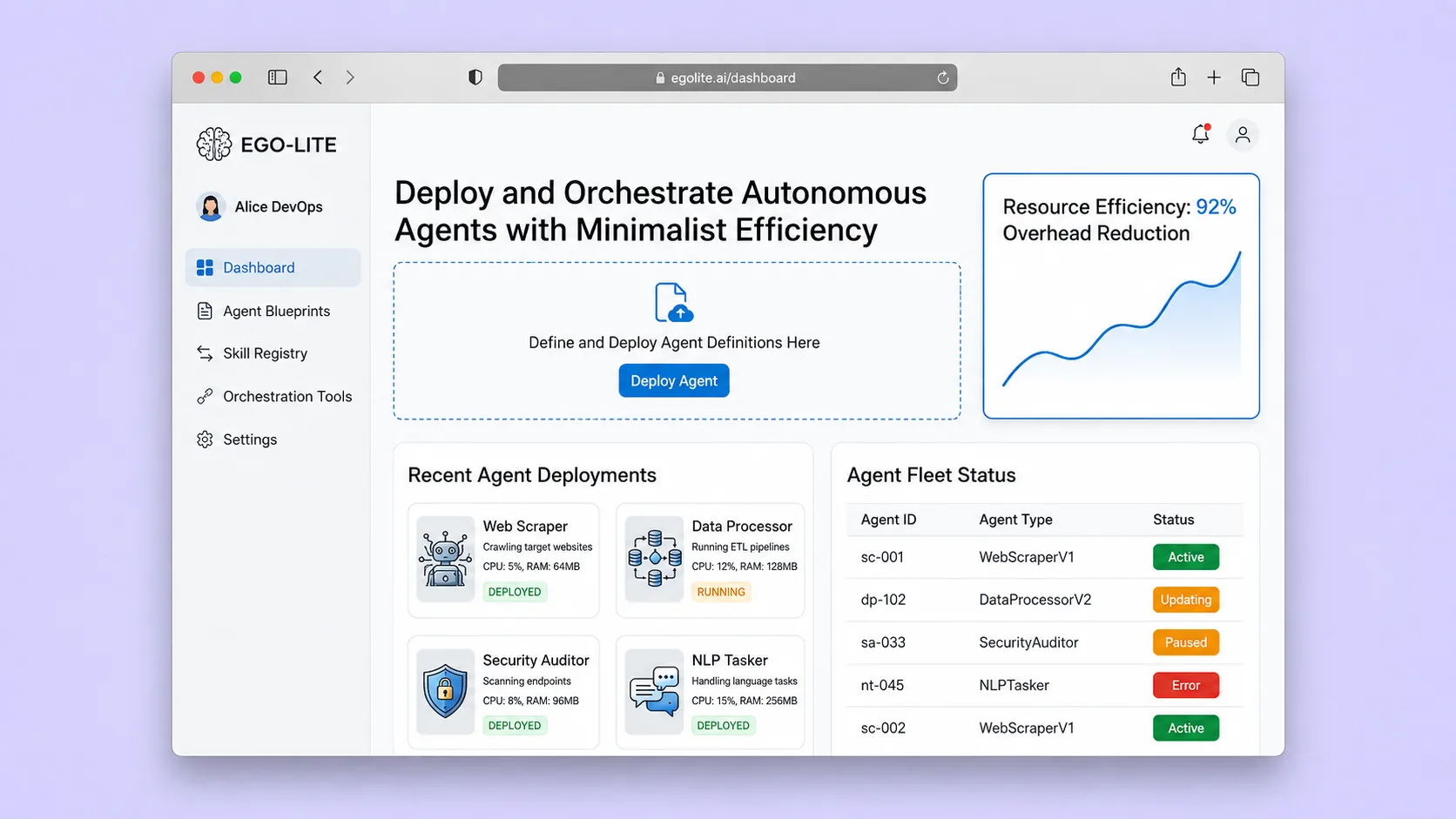
Decision snapshot
Your team runs coding agents that need authenticated web workflows on macOS and you want isolation without losing login sessions.
You need cross-platform Windows or Linux support today, or you require a documented enterprise security model for cookie and domain-level permissions.
Install ego lite on macOS, connect a Claude Code agent, create a Space, and verify the agent can navigate an authenticated site via snapshot while the user keeps browsing in separate tabs.
Problem and target customer
Browser automation tools force agents into a separate browser that loses login state, or they share the user's active tabs and create contention between human and agent workflows.
Developers and operations teams using coding agents like Codex, Claude Code, or Cursor who need authenticated browser automation with parallel task isolation on macOS.
Free macOS runtime for individual developers; paid team plans for concurrent Spaces, managed browser-state storage, domain approvals, audit history, and enterprise administration.
Editorial note
Ego Lite removes a specific collision in browser automation: a clean browser has no authenticated state, while an agent that takes over the user's active tabs interrupts the developer. Isolated Spaces let an agent work with approved sessions while the developer keeps using the main browser.
The paid product is built around team capacity and control. Individual developers can use the local runtime, while teams pay for more concurrent Spaces, managed browser-state storage, shared domain approvals, audit history, and administrative controls. The product should treat session data as sensitive infrastructure, not as a generic storage upsell.
The MVP stays on macOS, uses a domain approval list as its first guardrail, and proves parallel authenticated workflows. Cross-platform support and a full enterprise policy engine should follow only after the session boundary is documented and tested.
Choose your next step
Evaluate the operating tradeoffs quickly, or inspect how to build the MVP.
Compare the three operating paths at the default workload before opening the full calculator.
See cost preview Build this ideaInspect the build blueprintReview MVP scope, workflow, states, data rules, architecture, and acceptance criteria.
Open blueprintEvaluation preview
Directional infrastructure estimates for the current 1,000 browser tasks assumption. Open the full calculator when you are ready to change it.
Managed app, database, and worker capacity for the beta workload.
Lowest operating effortA lower fixed-cost deployment with more setup and maintenance.
Lowest baseline costMore control over service placement and operational capacity.
Most separation and controlBuild blueprint
Product goal
MVP scope
UX and user flow
Shows user's active tabs and a sidebar listing agent Spaces.
Configure a new agent Space with approved domains and inherited login sessions.
Displays agent navigation, snapshots, and task status in an isolated context.
Renders a captured page snapshot with agent annotations for review.
Core entity outline
Represents the user's authenticated browser state shared with Spaces.
An isolated agent workspace with its own tab context and domain approvals.
A unit of agent work within a Space, such as navigating or scraping a page.
A captured render of a page at a point in time for agent or user inspection.
Tracks the coding agent connection and skill version active in a Space.
Architecture and data flow
Renders user tabs and isolated agent Spaces, manages shared profile state.
Creates, pauses, and archives Spaces; enforces domain approval rules.
Captures and stores page snapshots for each task navigation step.
Exposes JavaScript browser tools to coding agents via the ego-browser skill package.
Deliverables and acceptance
Recommended stack
Provides the browser runtime that exposes user profile state and renders isolated agent Spaces.
Defines the code-oriented browser functions agents call instead of repeated CLI invocations.
Persists browser profiles, Space metadata, task logs, and page snapshots locally on the user's machine.
Optional webhook bridge to route task-completion notifications from agent Spaces to external team channels.
The core product is a local macOS browser runtime with an agent skill layer; no cloud backend is required for the MVP. SQLite keeps sensitive authenticated state on-device. Make is optional glue for notifications, not a core dependency.
Copy the build prompt, model the operating cost, and choose where to deploy.
Execution
Once the blueprint is clear, use the prompt, cost model, and deployment options to start building.
Build prompt
lovable
Build prompt
Open the prompt pack whenever you are ready to take this blueprint into your builder.
Build prompt ready
Copy the prompt into your builder, then use the cost model below to choose how you want to run it.
Use the cost model to choose a deployment path that matches the build plan.
Cost calculator
A technical run-cost estimate for the first production version. Team, acquisition, payment fees, and business COGS are excluded.
$2.5-$19 per 500 browser tasks
Low and high values allow for usage variance and plan headroom.
Managed app, database, and worker capacity for the beta workload.
2K browser tasks included, then $5-$20 per 2K browser tasksDesktop runtime for isolated browser Spaces and controlled page interaction.
Monthly allowance from this idea's operating profileThe estimate combines the selected infrastructure path, required operating modules, selected optional modules, and usage above included monthly allowances. Taxes and regional uplifts are excluded.
Deployment options
Choose based on operating preference, not only the headline price.
Run the web app, database, and background jobs with a small operational footprint.
Service usage and background workloads can exceed the base plan.
Run the app, worker, and database on one small Vultr VPS with Docker Compose and explicit backups.
You manage more setup, backups, monitoring, and upgrades.
Separate application, worker, data, storage, and backup responsibilities as the workload grows.
Security updates, backups, observability, and scaling remain your responsibility.
Start building
Build the desktop interface for creating agent Spaces, selecting approved domains, viewing snapshots, and inspecting task status alongside the user's normal browser tabs.
Open Lovable 02AutomationTask notification bridgeOptionally connect Space task-completion webhooks to Slack or email so teams know when an agent finishes a browser task.
Open Make 03DeploySnapshot and task storageDeploy a managed SQLite-compatible persistence layer for teams that need shared Space logs and snapshot history beyond a single machine.
Open RailwayKeep exploring
AI ToolDeveloper & IT Operations
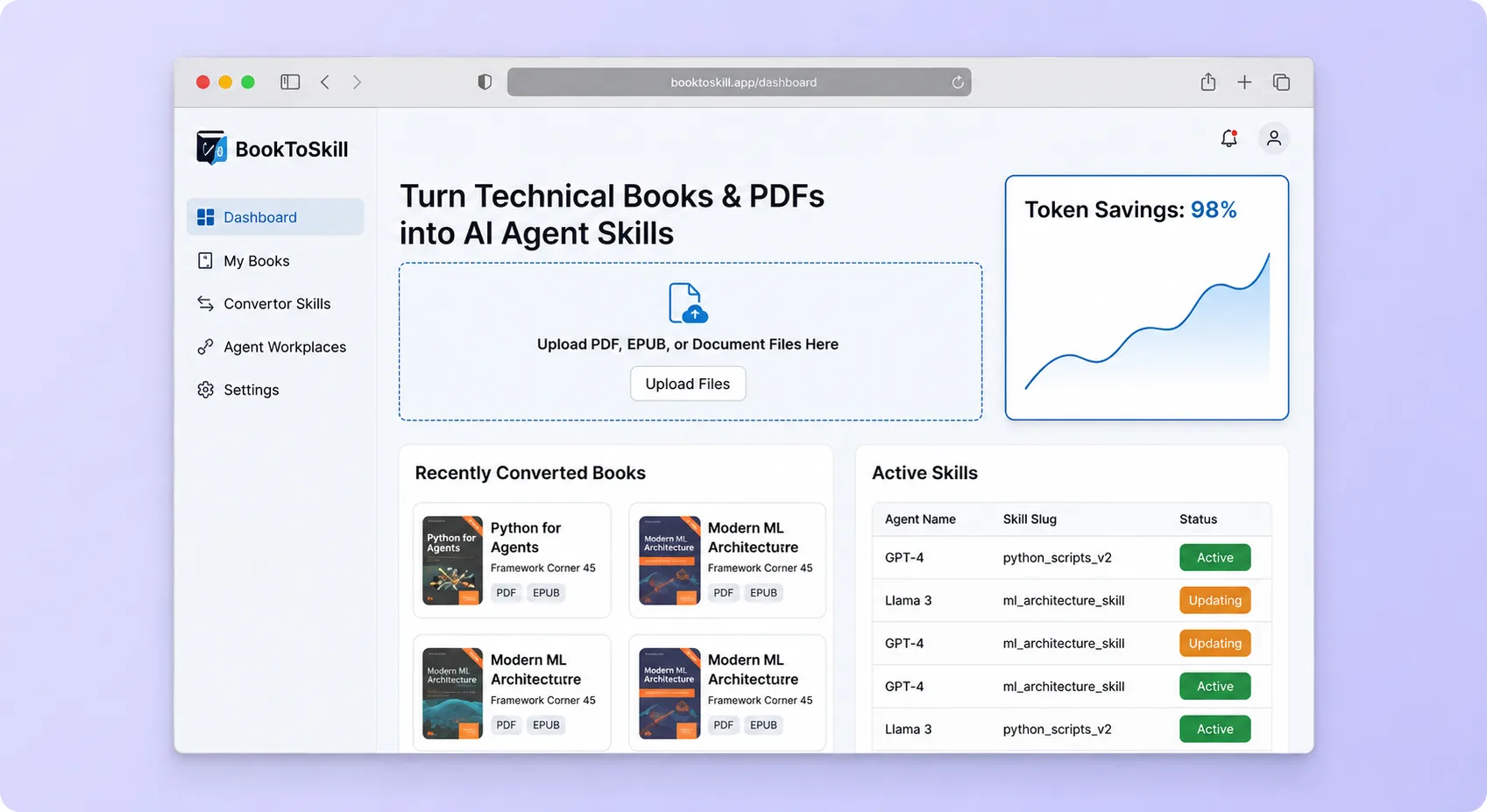
A document-processing workflow that converts technical books and source collections into structured, reusable agent skills optimized for repeated retrieval instead of full-context loading.
AI ToolDeveloper & IT Operations
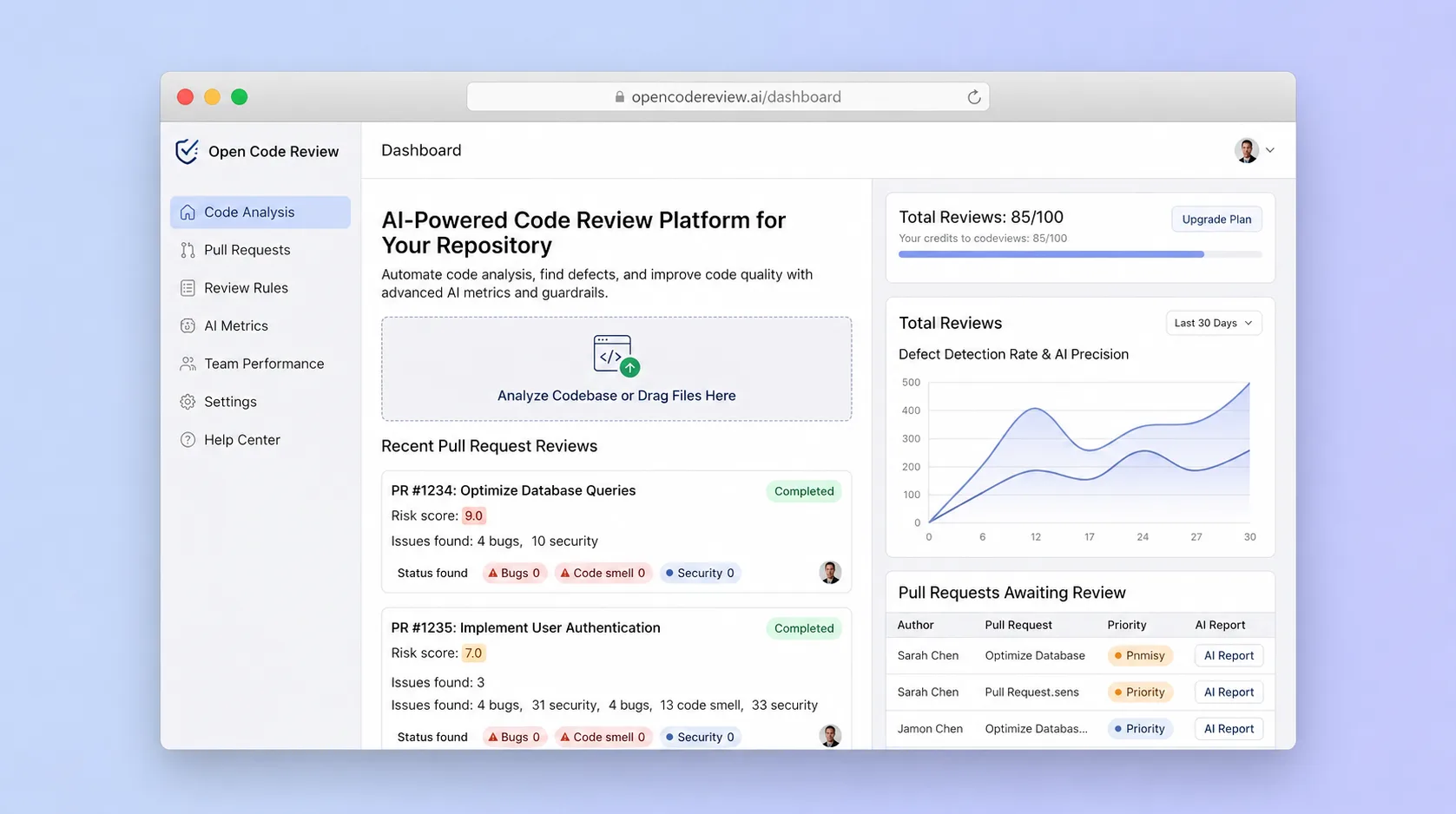
A precision-oriented code review workspace that combines deterministic file selection and rule matching with an LLM agent to produce stable, line-level findings for pull requests and CI pipelines.
Internal ToolDeveloper & IT Operations
A self-hostable project workspace where humans and AI agents collaborate in signed rooms that unify conversation, code patches, workflow events, and approvals into one searchable, auditable event log.
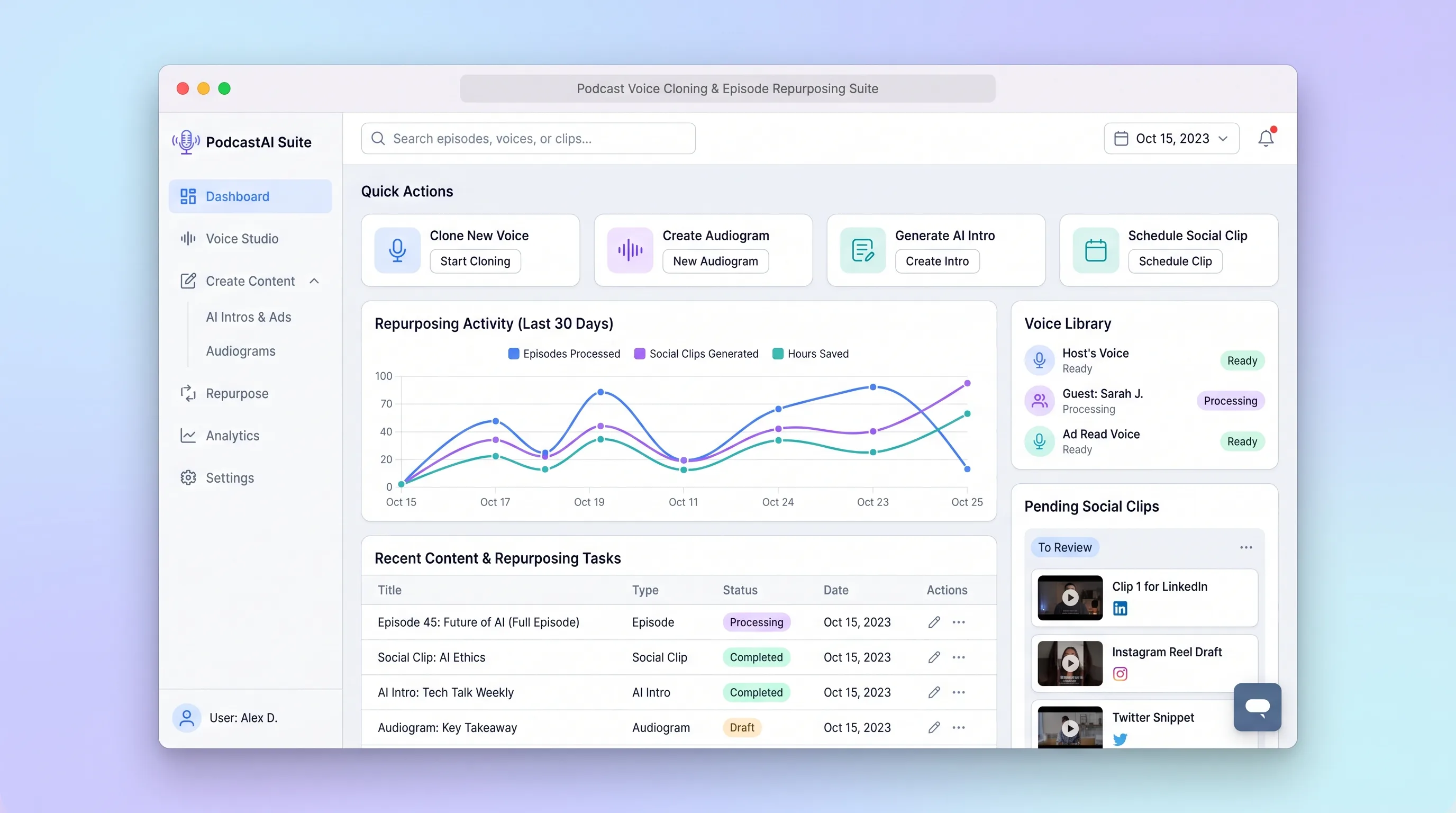
AI ToolCreator Economy & Media
A production workspace for podcasters to transcribe an episode, create consented voice assets, select clip moments, and review channel-ready copy in one run.
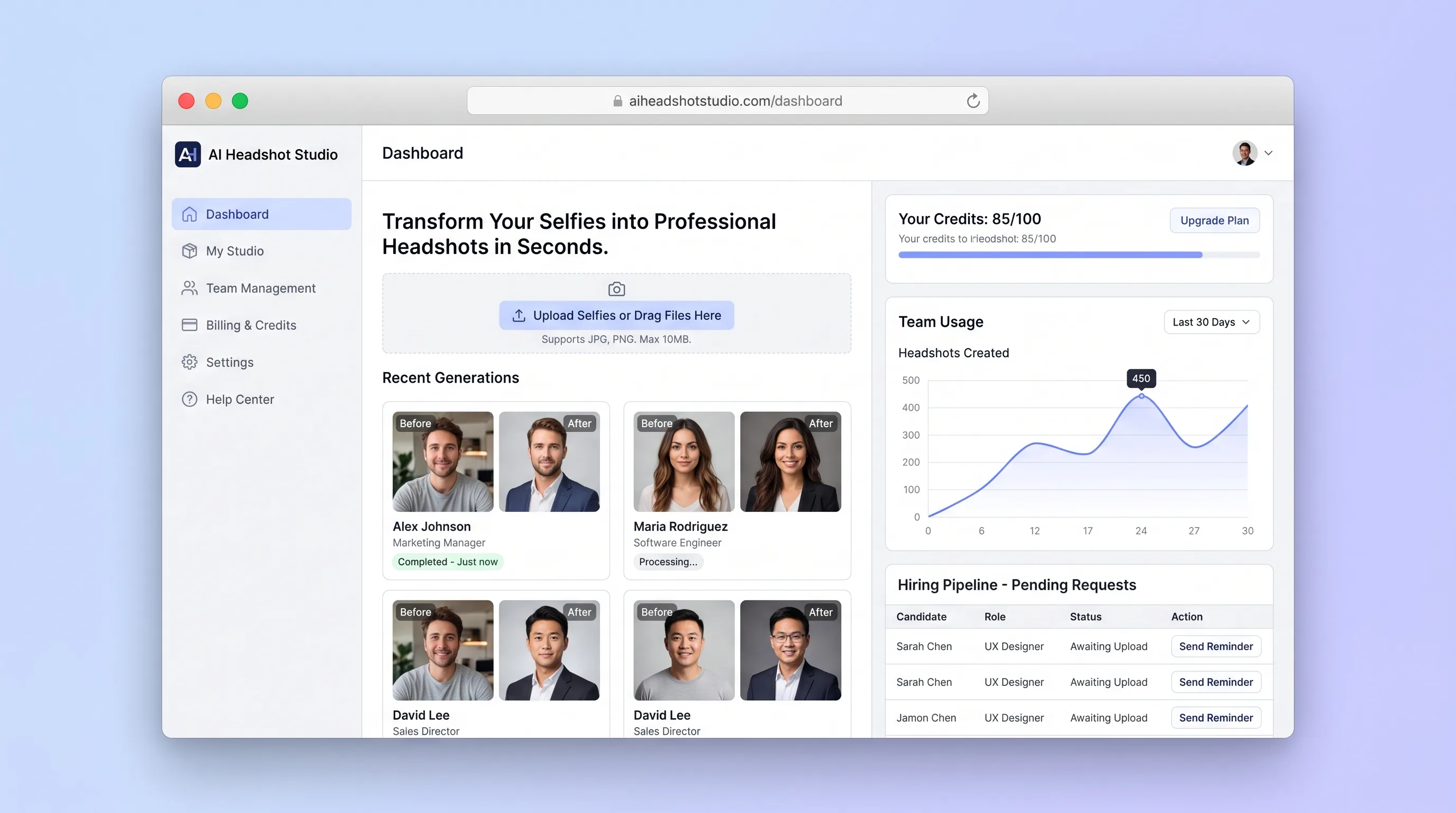
AI ToolHR & Recruiting
A guided portrait studio that validates source selfies, generates consistent professional headshots, and lets individuals or team admins manage favorites and credits.
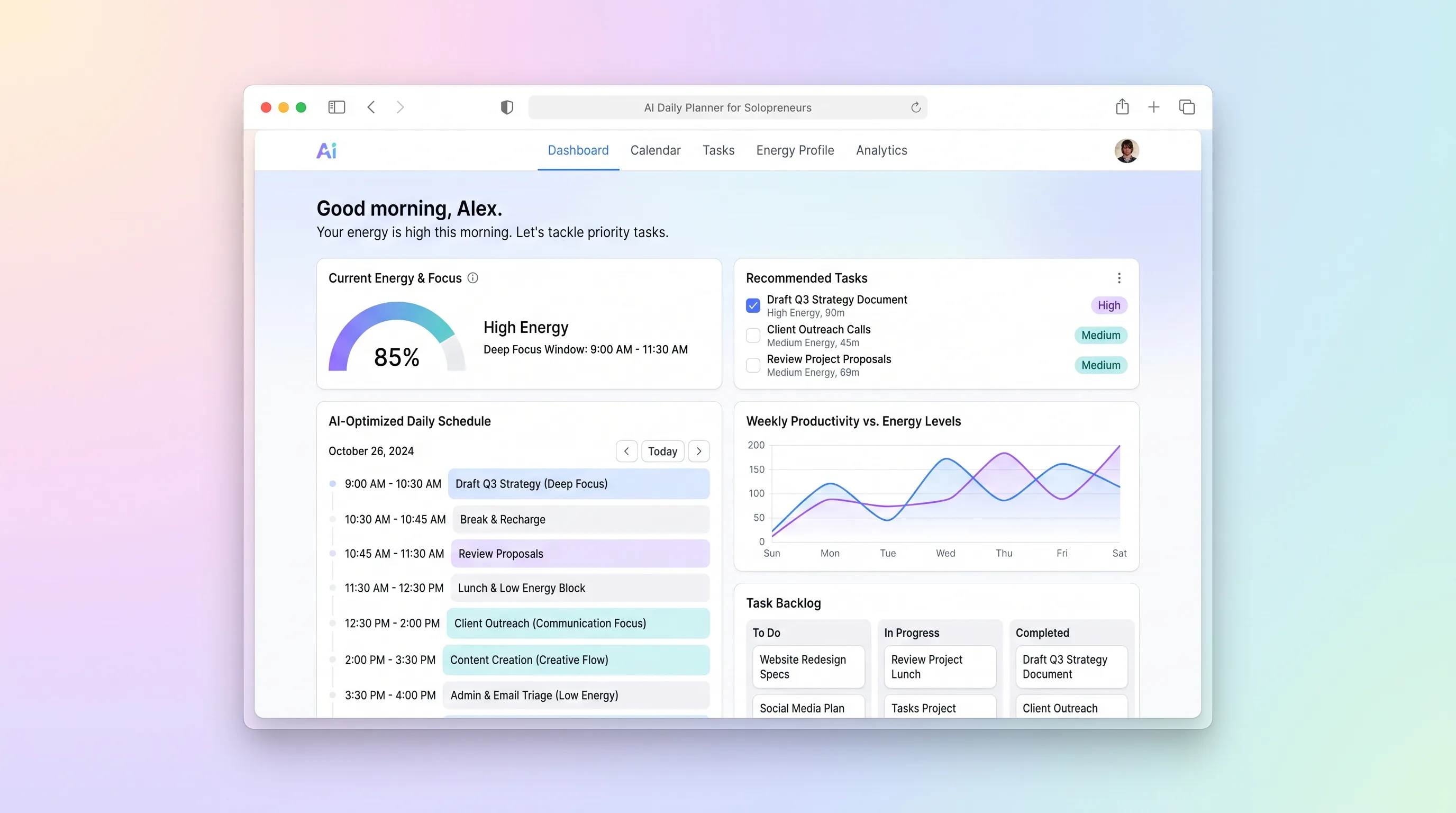
AI ToolBusiness Operations
A daily planning tool that maps solopreneur tasks to personal energy windows using AI prioritization, calendar sync, and CSV import from existing task tools.