Build this if
Freelancers confirm they currently track time manually and cannot quantify weekly time leaks or justify rate increases.
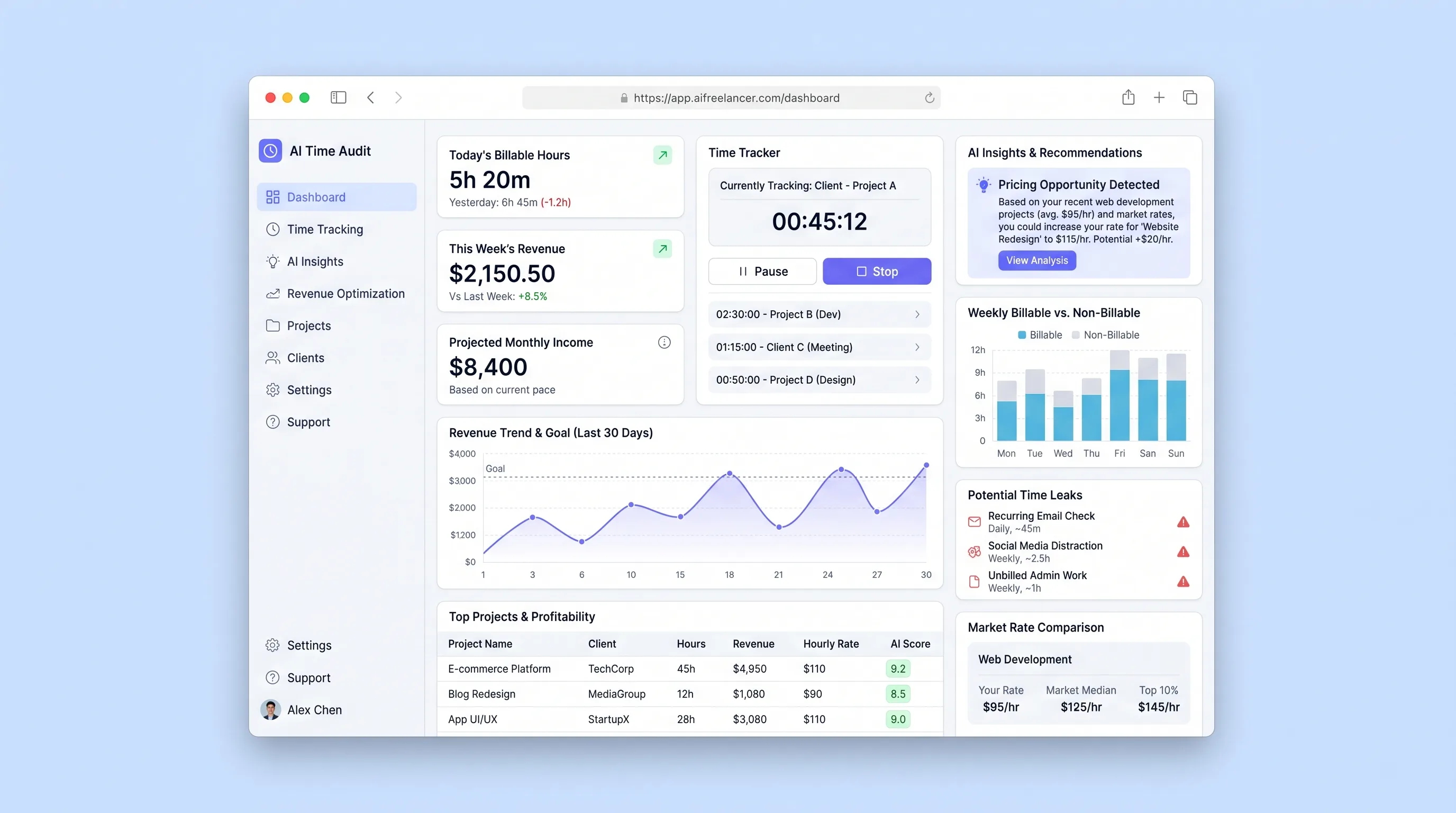
A focused tool that imports freelancer activity logs, uses LLM analysis to categorize work patterns, surfaces billable-hour leaks, and recommends rate adjustments based on detected work patterns and market-rate benchmarks.
Decision snapshot
Freelancers confirm they currently track time manually and cannot quantify weekly time leaks or justify rate increases.
Target users already use full-featured invoicing suites with built-in time analytics and pricing insights.
Recruit 10 hourly freelancers, import one week of calendar activity, and measure whether the LLM categorization reaches 85% accuracy against manual labels.
Problem and target customer
Freelancers lose 8-12 hours per week to uncategorized or under-billed work and rarely adjust rates because they lack evidence of where time goes and how their pricing compares to market rates.
Independent freelancers and solo consultants billing hourly who need structured time analysis and data-backed rate recommendations without building custom tracking software.
Monthly subscription with a paid workspace tier for ongoing time audits and pricing recommendations.
Editorial note
Freelancers routinely underprice their work because they cannot see where their hours actually go. This tool imports calendar activity, uses an LLM to categorize each block, and quantifies the gap between billed time and real effort.
The core value is not time tracking itself but the audit layer: surfacing 8-12 hours of weekly leaks and translating that evidence into a concrete rate recommendation backed by market benchmarks.
The MVP deliberately excludes invoicing and project management. Those belong in tools freelancers already use. This product's job is to analyze time data and produce a defensible pricing argument.
Choose your next step
Evaluate the operating tradeoffs quickly, or inspect how to build the MVP.
Compare the three operating paths at the default workload before opening the full calculator.
See cost preview Build this ideaInspect the build blueprintReview MVP scope, workflow, states, data rules, architecture, and acceptance criteria.
Open blueprintEvaluation preview
Directional infrastructure estimates for the current 1,000 generated outputs assumption. Open the full calculator when you are ready to change it.
Managed app hosting, database, backups, and basic observability for the ai-generation workflow.
Lowest operating effortOne small VPS running the app, database, media volume, and backup job.
Lowest baseline costSeparate app, data, storage, and worker capacity for cleaner operations.
Most separation and controlBuild blueprint
Product goal
MVP scope
UX and user flow
Connect calendar or upload CSV to ingest activity blocks
Review and correct LLM-assigned categories for each activity block
Display weekly summary of billable vs non-billable hours and identified leaks
Show suggested rate adjustment with supporting audit evidence
Core entity outline
Represents a single freelancer's audit environment
Stores an individual time block with LLM-assigned category and correction history
Weekly compilation of categorized activities, leak totals, and pricing recommendation
Defines the taxonomy of activity types for a workspace
Architecture and data flow
Ingests calendar events or CSV rows and normalizes them into ActivityLog records.
Sends activity blocks to the LLM API, receives category assignments, and persists results with confidence scores.
Compiles weekly AuditReport from categorized ActivityLogs, calculates leak hours, and triggers pricing recommendation.
Compares workspace utilization and category mix against market-rate benchmarks to produce a recommended rate.
Deliverables and acceptance
Recommended stack
Rapid build of the freelancer dashboard, activity review interface, and pricing recommendation cards without custom frontend scaffolding.
Orchestrates calendar import triggers and routes activity blocks to the LLM categorization endpoint.
Hosts the API server, PostgreSQL database for activity logs and audit reports, and scheduled report generation jobs.
Lovable handles the review-heavy dashboard where freelancers spend most of their time. Make bridges calendar ingestion and LLM calls without writing custom cron jobs. Railway provides durable storage for activity records and audit history plus a runtime for the categorization API.
Copy the build prompt, model the operating cost, and choose where to deploy.
Execution
Once the blueprint is clear, use the prompt, cost model, and deployment options to start building.
Build prompt
Lovable
Build prompt
Open the prompt pack whenever you are ready to take this blueprint into your builder.
Build prompt ready
Copy the prompt into your builder, then use the cost model below to choose how you want to run it.
Use the cost model to choose a deployment path that matches the build plan.
Cost calculator
A technical run-cost estimate for the first production version. Team, acquisition, payment fees, and business COGS are excluded.
$14-$36 per 500 generated outputs
Low and high values allow for usage variance and plan headroom.
Managed app hosting, database, backups, and basic observability for the ai-generation workflow.
50K generated outputs included, then $8-$20 per 100K generated outputsMaps API is implied by the source workflow or feature list.
1K generated outputs includedLLM API is implied by the source workflow or feature list.
1K generated outputs x 2.5K input + 700 output tokensThe estimate combines the selected infrastructure path, required operating modules, selected optional modules, and usage above included monthly allowances. Taxes and regional uplifts are excluded.
Deployment options
Choose based on operating preference, not only the headline price.
Fast Docker deployment for the app, database, worker, and preview workflow without managing a VPS.
Usage billing needs active monitoring as traffic and jobs grow.
Run the app, worker, and database on one small Vultr VPS with Docker Compose and explicit backups.
You own patching, backups, monitoring, and incident response.
Separate application, worker, data, storage, and backup responsibilities as the workload grows.
You own server setup, patching, backups, and operational monitoring.
Start building
Build the activity review screen, time-leak heatmap, and pricing recommendation card with Lovable's visual editor. Wire forms to a REST API for importing and correcting activity entries.
Open Lovable 02AutomationCalendar Ingest and LLM Categorization FlowConfigure a Make scenario that pulls calendar events on a schedule, sends each block to the LLM categorization endpoint, and writes results back to the Railway database.
Open Make 03DeployAPI Server and PostgreSQL DatabaseDeploy a Node or Python API on Railway with a PostgreSQL database storing activity logs, categories, audit reports, and pricing recommendations. Add a scheduled job for weekly report generation.
Open RailwayKeep exploring
Website & Lead GenerationHome & Local Services
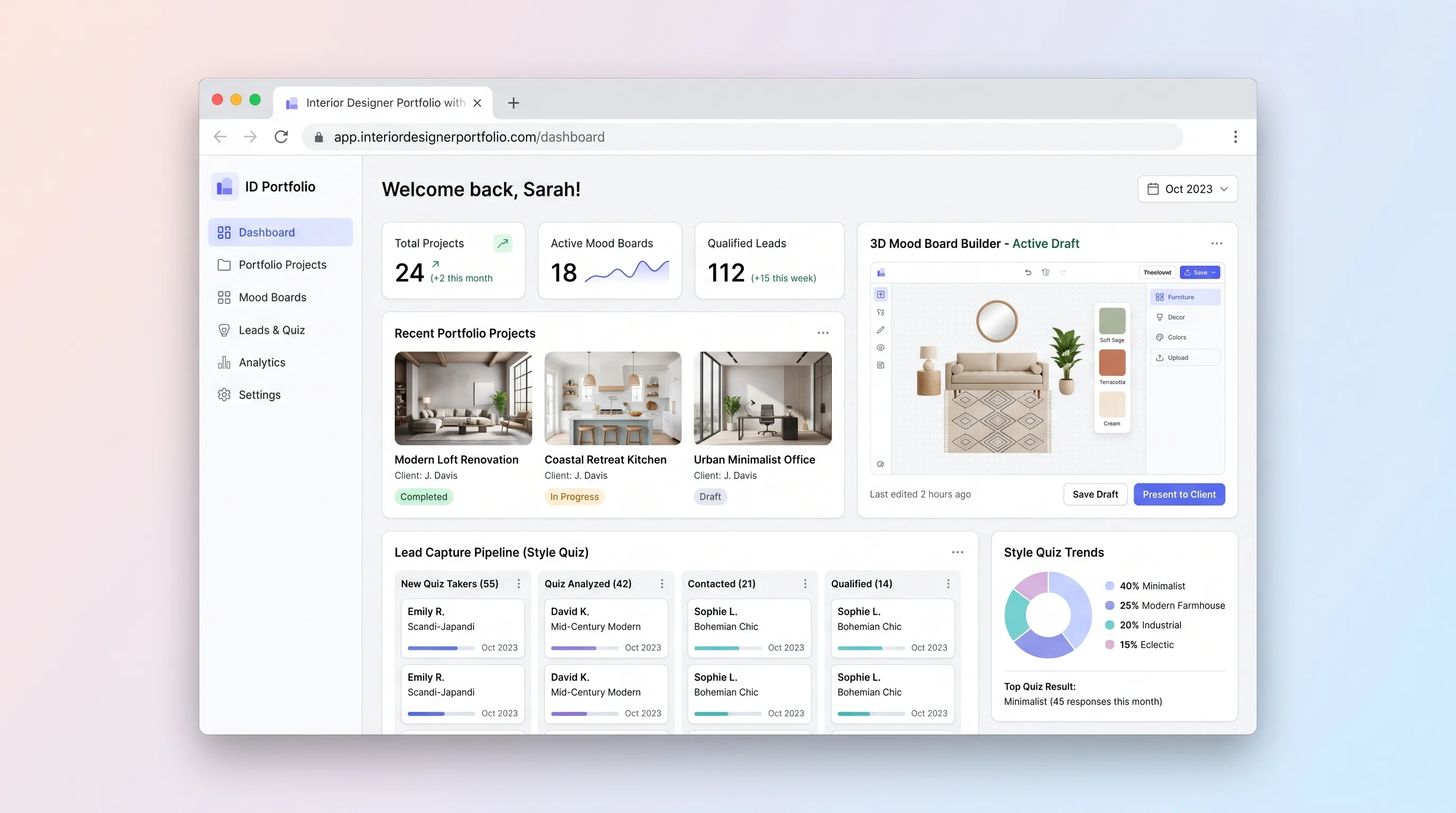
A portfolio website for independent interior designers that lets visitors explore projects, assemble 3D mood boards, complete a style quiz, and submit qualified inquiries—all in one session.
SaaS WorkflowHome & Local Services
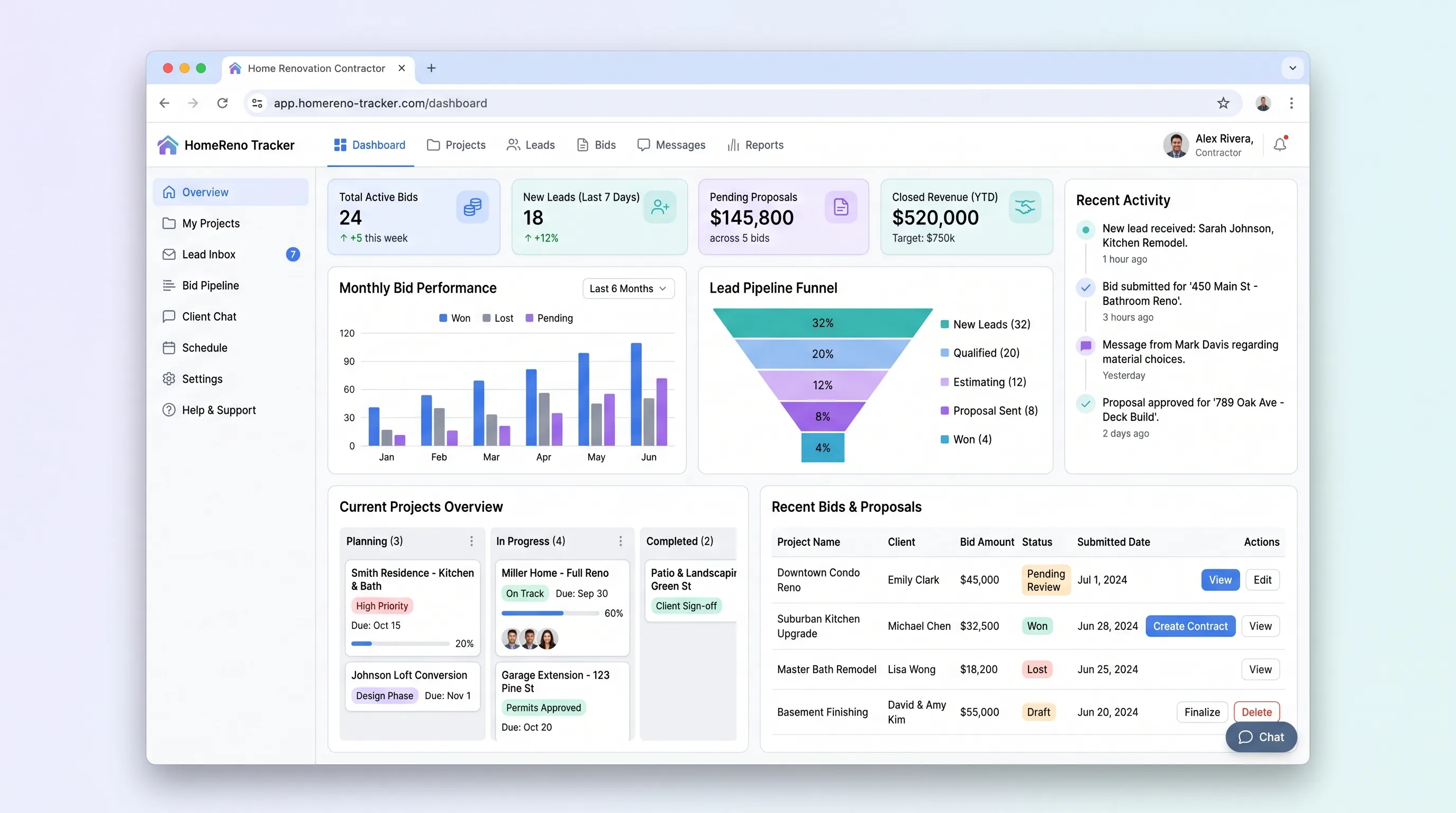
A focused SaaS workflow for indie renovation contractors to display past projects, capture homeowner project inquiries in under four minutes, and track bid requests through a status pipeline with email notifications.
SaaS WorkflowProfessional Services
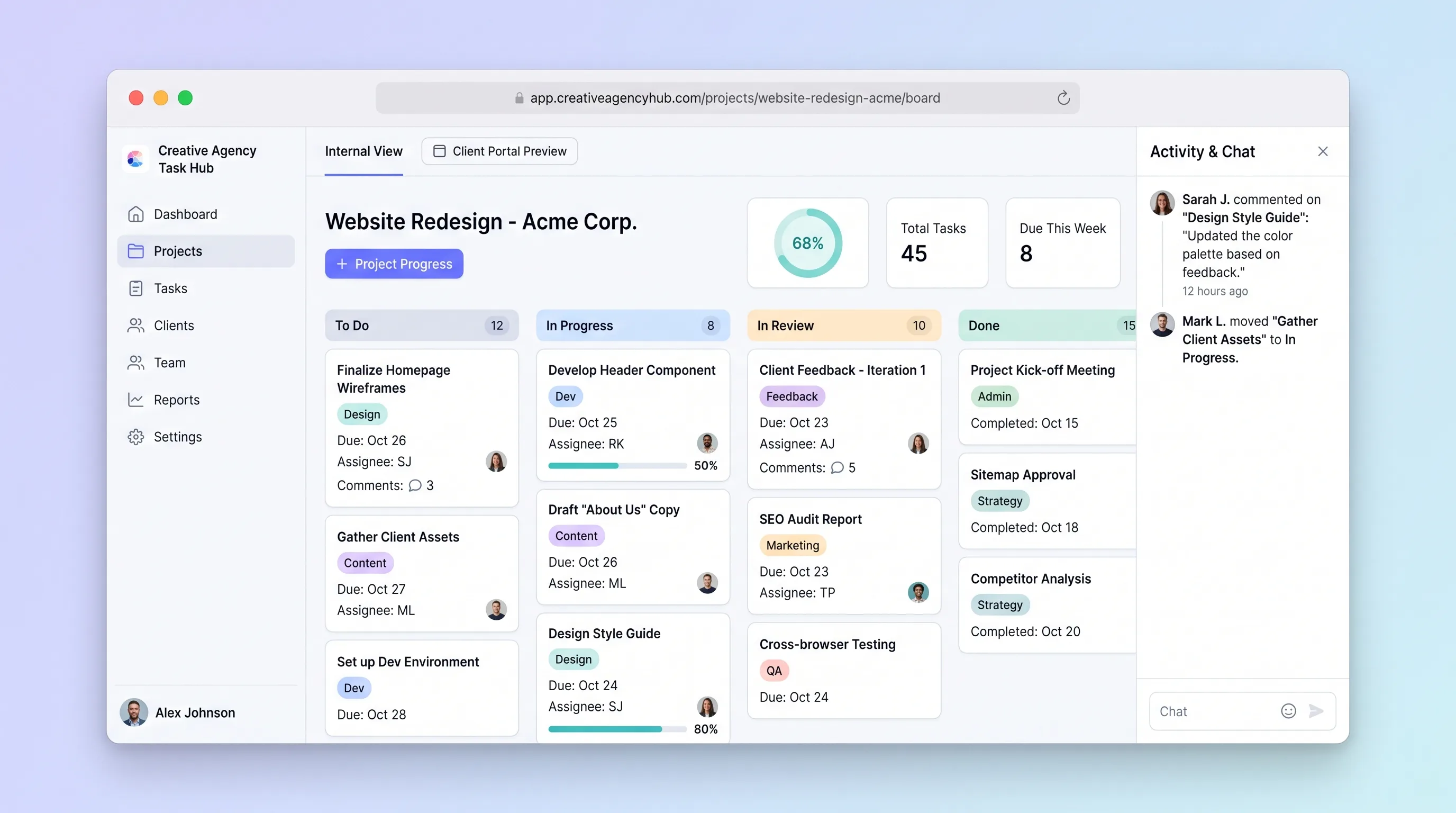
A focused project tracker where small creative agencies manage deliverables on an internal kanban board and share branded client portals for progress review and approvals without email chains.
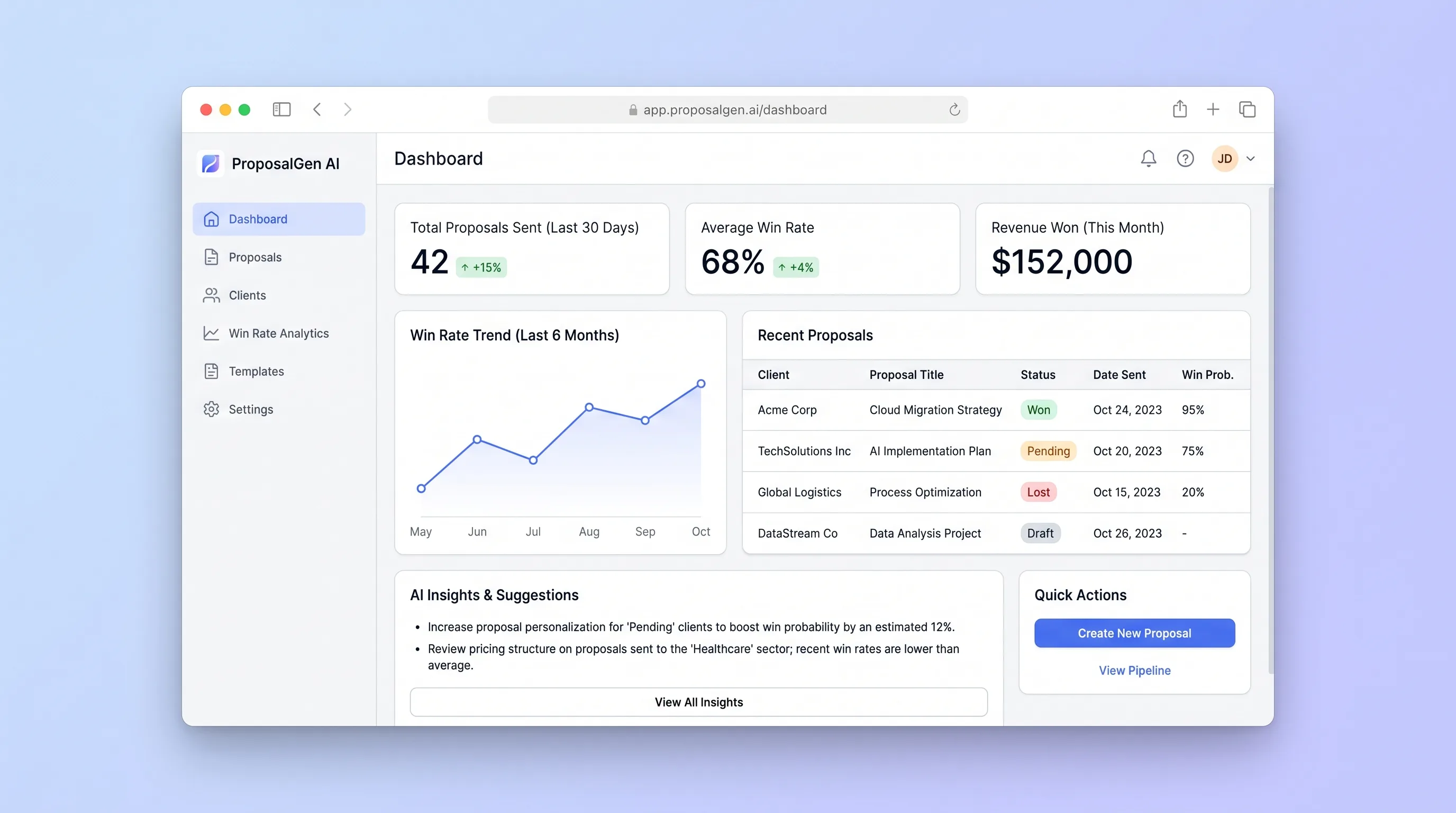
AI ToolProfessional Services
A consultant workspace for turning structured discovery notes into an editable proposal, sending a versioned client link, and learning from accepted or lost outcomes.
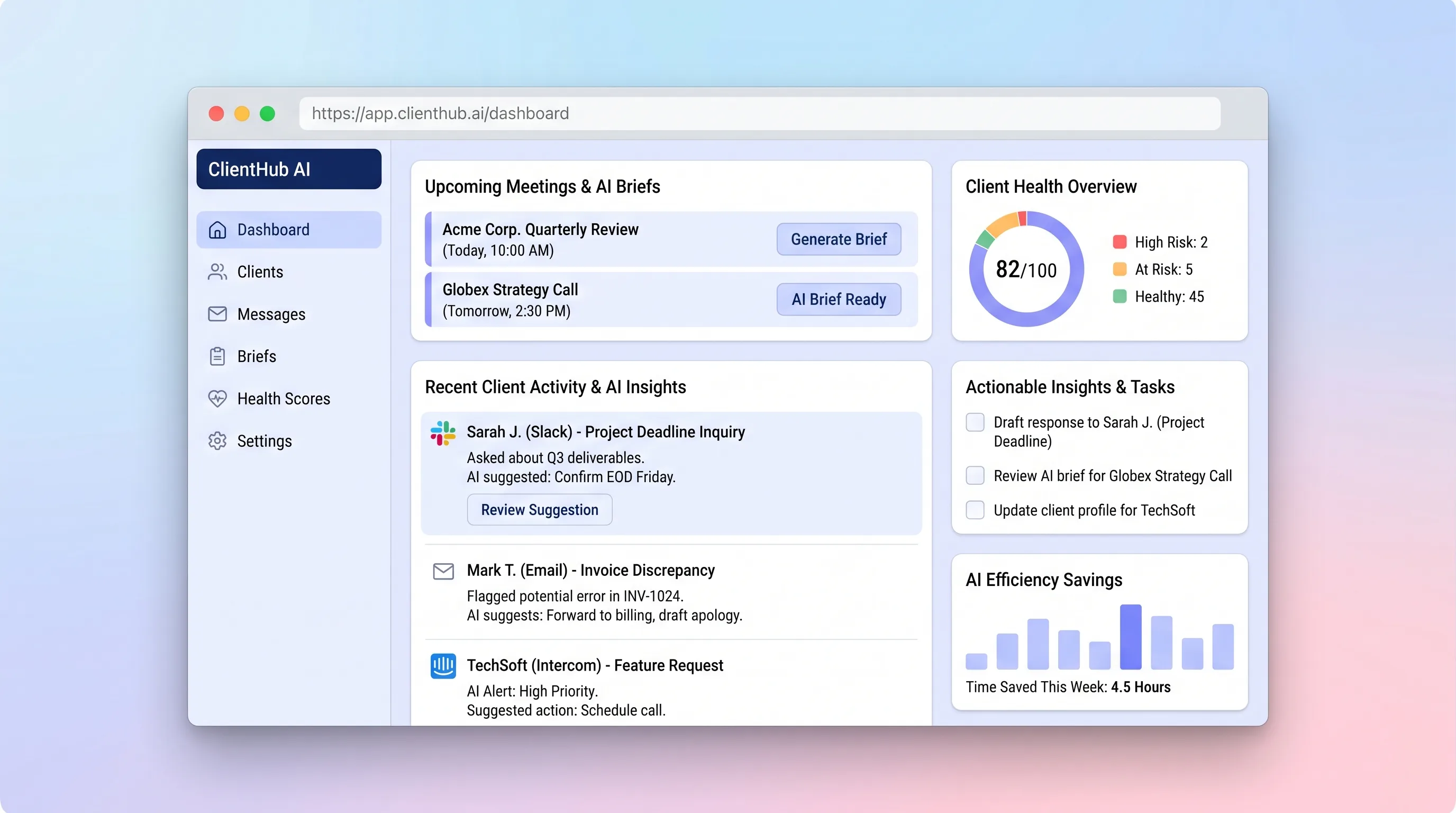
AI ToolProfessional Services
A shared client timeline that turns recent messages, decisions, and open commitments into an editable brief before the next conversation.
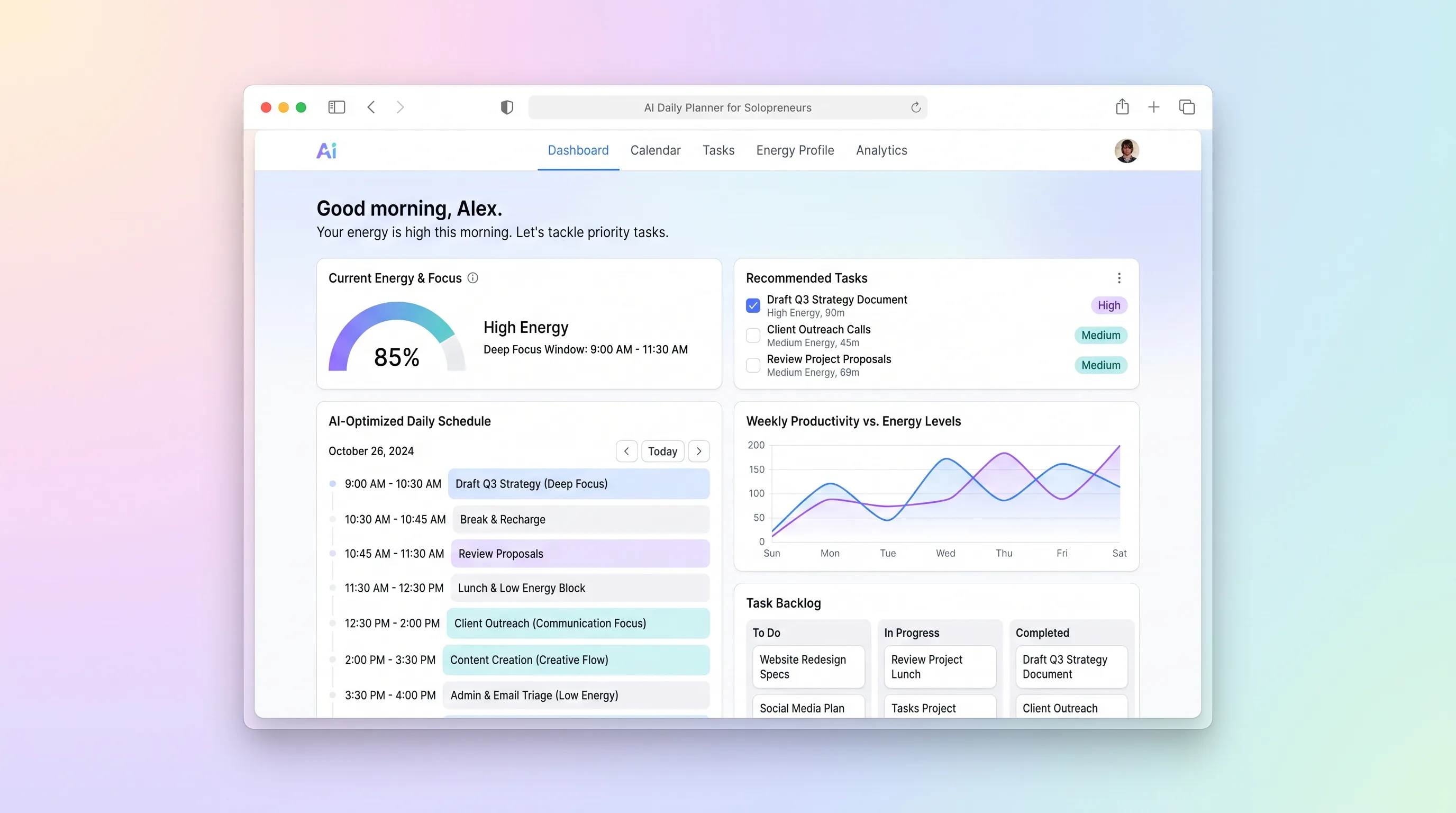
AI ToolBusiness Operations
A daily planning tool that maps solopreneur tasks to personal energy windows using AI prioritization, calendar sync, and CSV import from existing task tools.