Build this if
Client teams repeatedly prepare for recurring conversations from scattered history and will review generated context before using it.
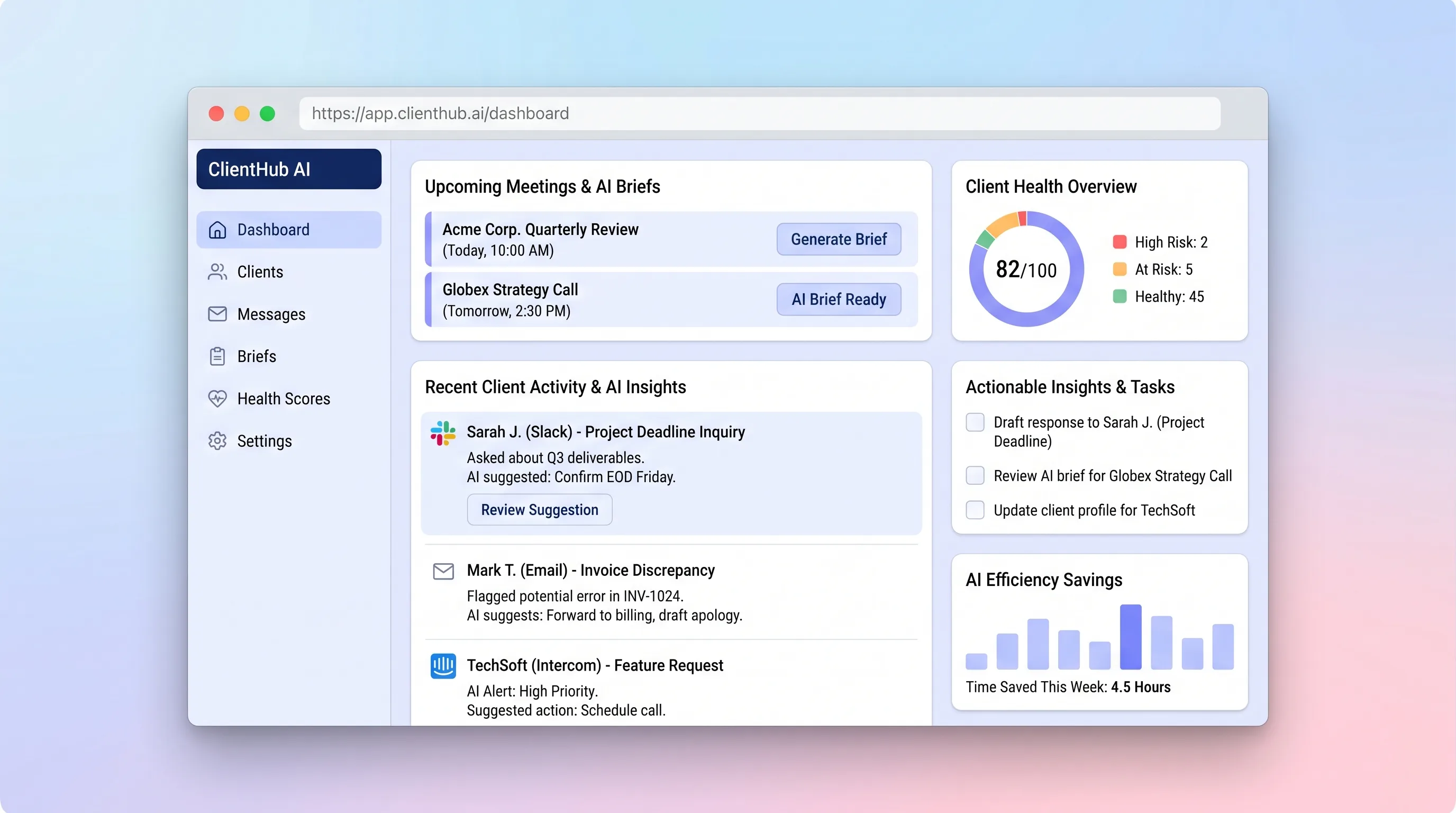
A shared client timeline that turns recent messages, decisions, and open commitments into an editable brief before the next conversation.
Decision snapshot
Client teams repeatedly prepare for recurring conversations from scattered history and will review generated context before using it.
The real requirement is a sales pipeline, autonomous inbox agent, or call recorder rather than relationship briefing.
Use ten historical client timelines to compare manual preparation with cited draft briefs, measuring review time and factual corrections.
Problem and target customer
Account owners prepare for client calls by searching inboxes, notes, and past meetings. Important promises and unresolved concerns are easy to miss, and colleagues taking over an account lack the relationship context needed to respond consistently.
Client services teams at small agencies and consultancies where several account owners need reliable context before recurring customer conversations.
Monthly subscription priced by active client portfolio or account-team workspace.
Editorial note
This product is not another inbox. Its useful unit is a reviewable brief assembled for one client conversation, with communication entries serving as evidence rather than becoming a new place to send every message.
Citations and stale-state handling matter more than a polished summary. An account owner must be able to challenge a statement, open its source, correct it, and know when later communication changed the preparation context.
A pilot should test whether reviewed briefs reduce searching and missed commitments. It should not claim that a simple relationship indicator predicts churn or let generated reply text reach a client without human judgment.
Choose your next step
Evaluate the operating tradeoffs quickly, or inspect how to build the MVP.
Compare the three operating paths at the default workload before opening the full calculator.
See cost preview Build this ideaInspect the build blueprintReview MVP scope, workflow, states, data rules, architecture, and acceptance criteria.
Open blueprintEvaluation preview
Directional infrastructure estimates for the current 500 client briefs assumption. Open the full calculator when you are ready to change it.
Managed runtime, database, and queue for communication capture and brief jobs.
Lowest operating effortOne small server runs the app, database, and worker with manual operations.
Lowest baseline costSeparate runtime, database, and worker capacity for sensitive client portfolios.
Most separation and controlBuild blueprint
Product goal
MVP scope
UX and user flow
Show upcoming conversations, unresolved commitments, and explainable relationship indicators.
Combine messages, notes, decisions, and commitments in chronological context.
Generate and review a meeting brief with source links and uncertainty labels.
Draft a response to one selected message using approved client context.
Core entity outline
The relationship boundary for communication and brief context.
One message, note, decision, or meeting observation available for review.
A promised action with an owner and due state.
A versioned pre-meeting document reviewed by a human.
A discrete brief statement with provenance and confidence.
Architecture and data flow
Present client navigation, timelines, commitments, brief review, and reply drafting.
Authorize client-scoped reads and writes, normalize inbound communication, and schedule generation.
Assemble bounded context, call the LLM, validate structured output, and persist citations and failure state.
Store clients, entries, commitments, brief versions, source links, and review actions.
Deliverables and acceptance
Recommended stack
Support dense timelines and focused review screens in one responsive application.
Model client ownership, immutable entries, citations, brief versions, and commitments relationally.
Run brief generation outside requests and preserve retry and failure states.
Produce bounded draft sections whose referenced entry IDs can be validated before display.
Accept a narrow forwarding address and notify owners without synchronizing entire inboxes.
The sensitive boundary is retrieval and provenance, not a complex model stack. Relational client scoping, queued generation, structured outputs, and mandatory review make the generated brief inspectable and recoverable.
Copy the build prompt, model the operating cost, and choose where to deploy.
Execution
Once the blueprint is clear, use the prompt, cost model, and deployment options to start building.
Build prompt
Build a Next.js application with PostgreSQL, background brief generation, and a server-side LLM adapter. Treat generated briefs and reply suggestions as drafts that an account owner must review.
Build prompt
Open the prompt pack whenever you are ready to take this blueprint into your builder.
Build prompt ready
Copy the prompt into your builder, then use the cost model below to choose how you want to run it.
Use the cost model to choose a deployment path that matches the build plan.
Cost calculator
A technical run-cost estimate for the first production version. Team, acquisition, payment fees, and business COGS are excluded.
$8.71-$31 per 500 client briefs
Low and high values allow for usage variance and plan headroom.
Managed runtime, database, and queue for communication capture and brief jobs.
2K client briefs included, then $5-$15 per 2K client briefsModel tokens for one cited brief or comparable reviewed draft at the selected client context size.
500 client briefs x 6K input + 1.2K output tokensInbound forwarding and system notifications associated with client context capture.
3K client briefs includedThe estimate combines the selected infrastructure path, required operating modules, selected optional modules, and usage above included monthly allowances. Taxes and regional uplifts are excluded.
Deployment options
Choose based on operating preference, not only the headline price.
Run the app, relational data, Redis, and generation worker with minimal service setup.
Costs rise with continuously running worker and Redis usage.
Run the app, worker, and database on one small Vultr VPS with Docker Compose and explicit backups.
Backups, security updates, queue durability, and monitoring are the operator's responsibility.
Separate application, worker, data, storage, and backup responsibilities as the workload grows.
Extra components require more deployment and observability work.
Start building
Use Lovable to test the client timeline, message capture, brief review, commitment list, and account-health explanation with account managers.
Open Lovable 02AutomationFeed approved communication sourcesUse Make as optional glue to copy selected mailbox or form events into a client's timeline after the team proves which sources are useful and permitted.
Open Make 03DeployRun brief generation behind one APIDeploy the web app, database, generation worker, and encrypted provider credentials on Railway for a compact production setup.
Open RailwayKeep exploring
AI ToolSales & Marketing
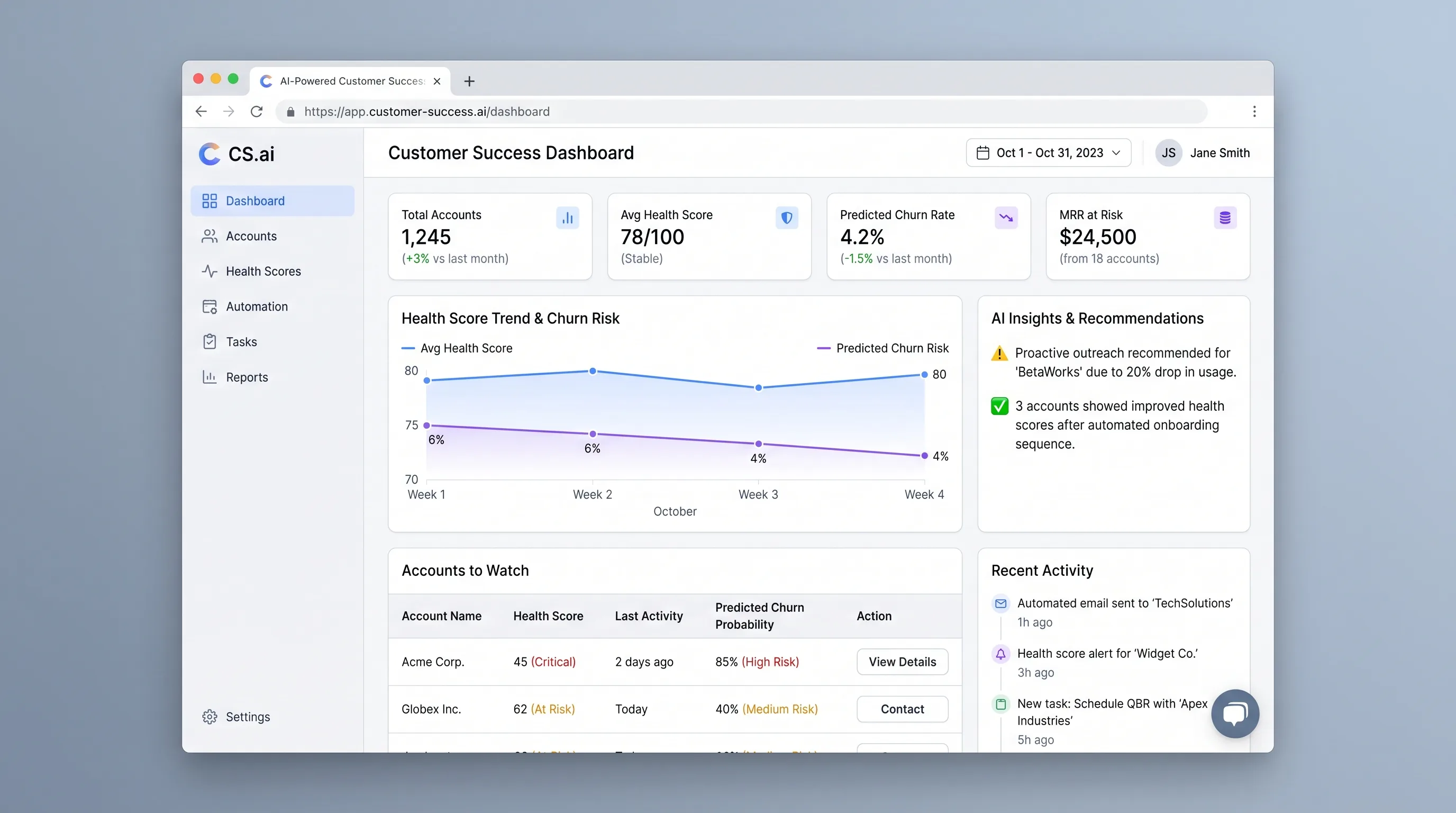
An at-risk account queue that combines configurable health rules with context-aware outreach drafts, giving customer success managers a clear next action.
AI ToolBusiness Operations
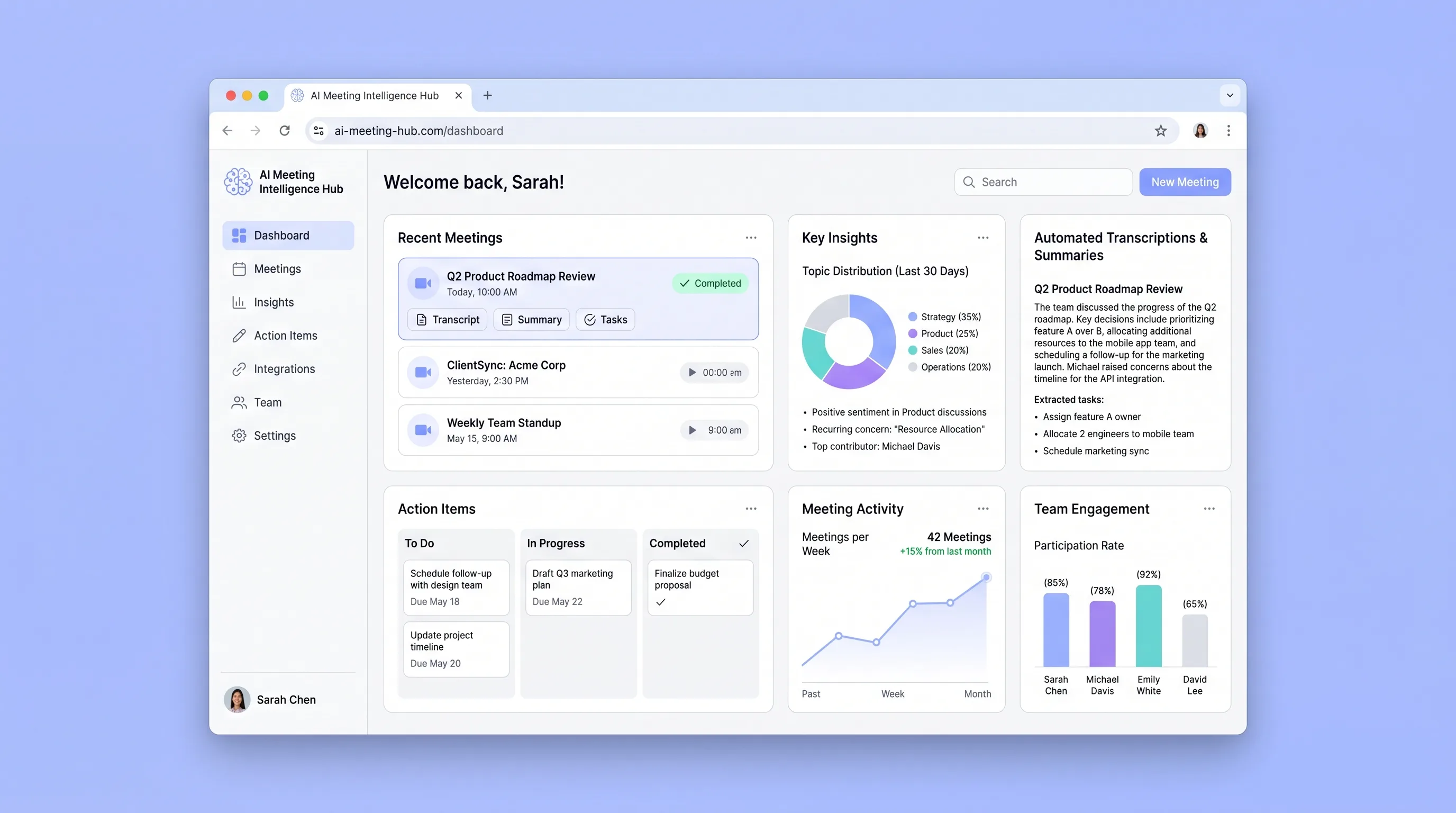
A connected team library that turns recurring meetings into searchable transcripts, cited summaries, and action items with clear ownership.
AI ToolProfessional Services
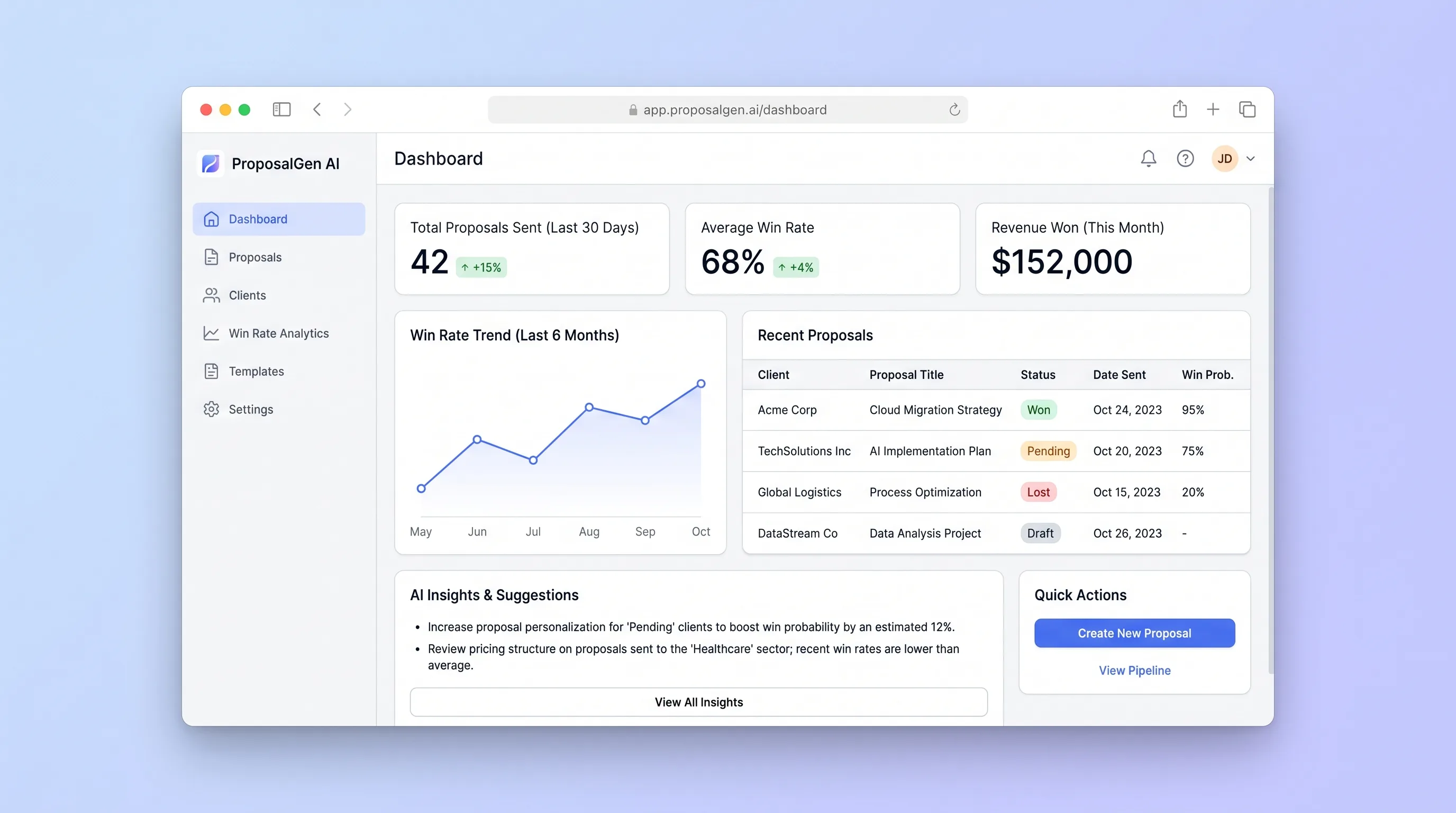
A consultant workspace for turning structured discovery notes into an editable proposal, sending a versioned client link, and learning from accepted or lost outcomes.
AI ToolProfessional Services
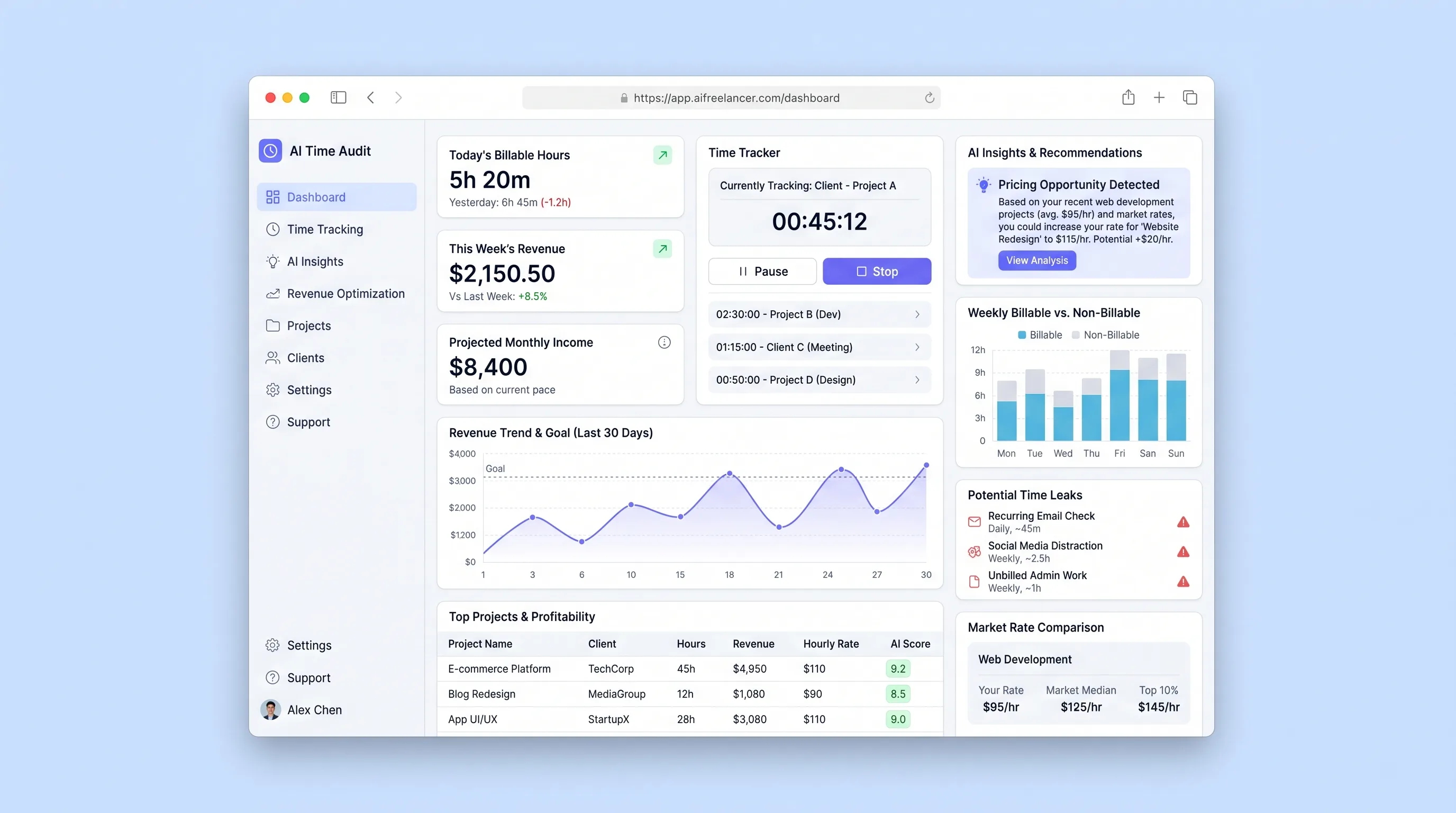
A focused tool that imports freelancer activity logs, uses LLM analysis to categorize work patterns, surfaces billable-hour leaks, and recommends rate adjustments based on detected work patterns and market-rate benchmarks.
AI ToolSales & Marketing
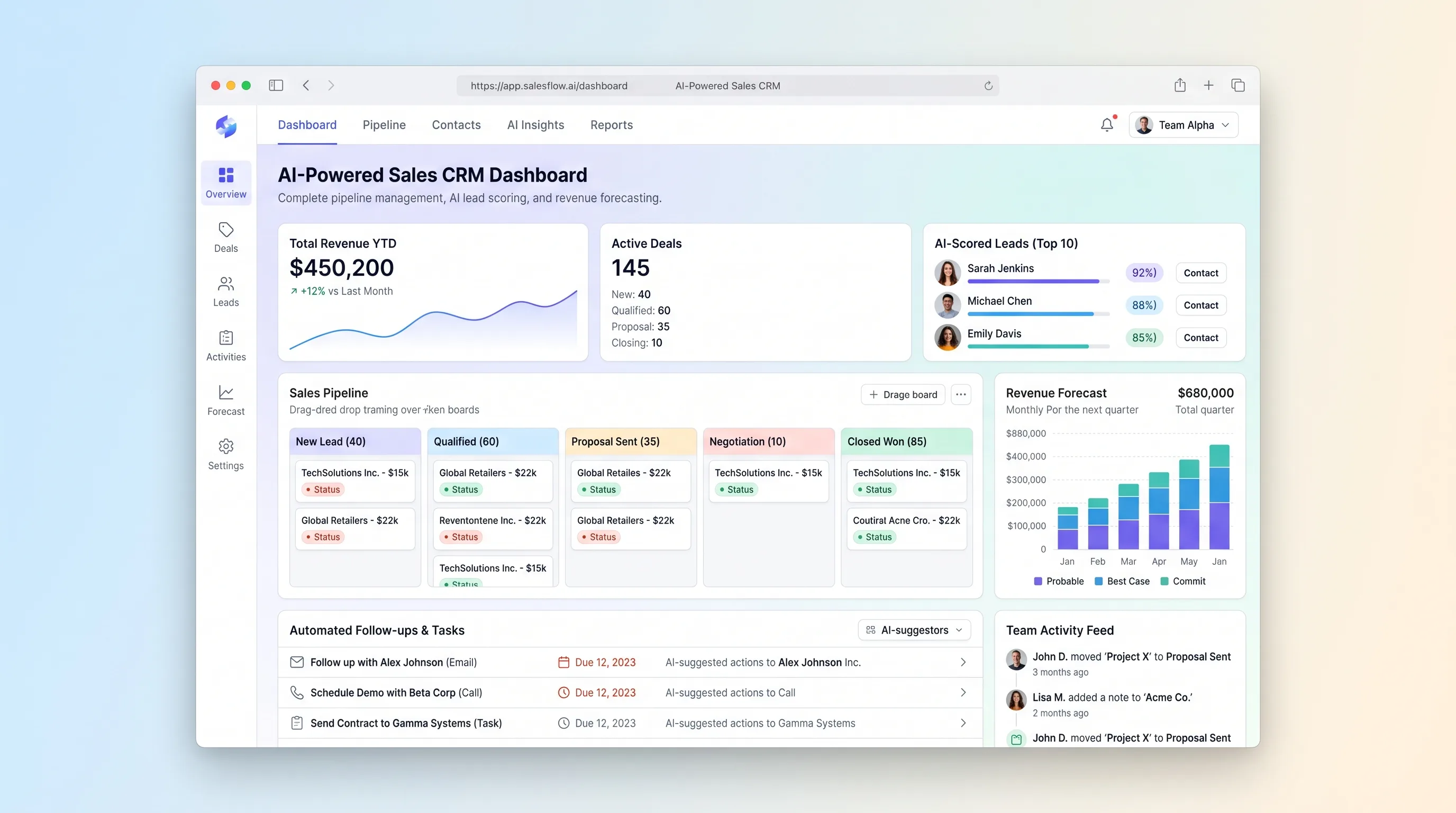
A focused sales pipeline that explains lead priority, flags stalled deals, drafts the next follow-up, and rolls qualified opportunities into a transparent forecast.
AI ToolSales & Marketing
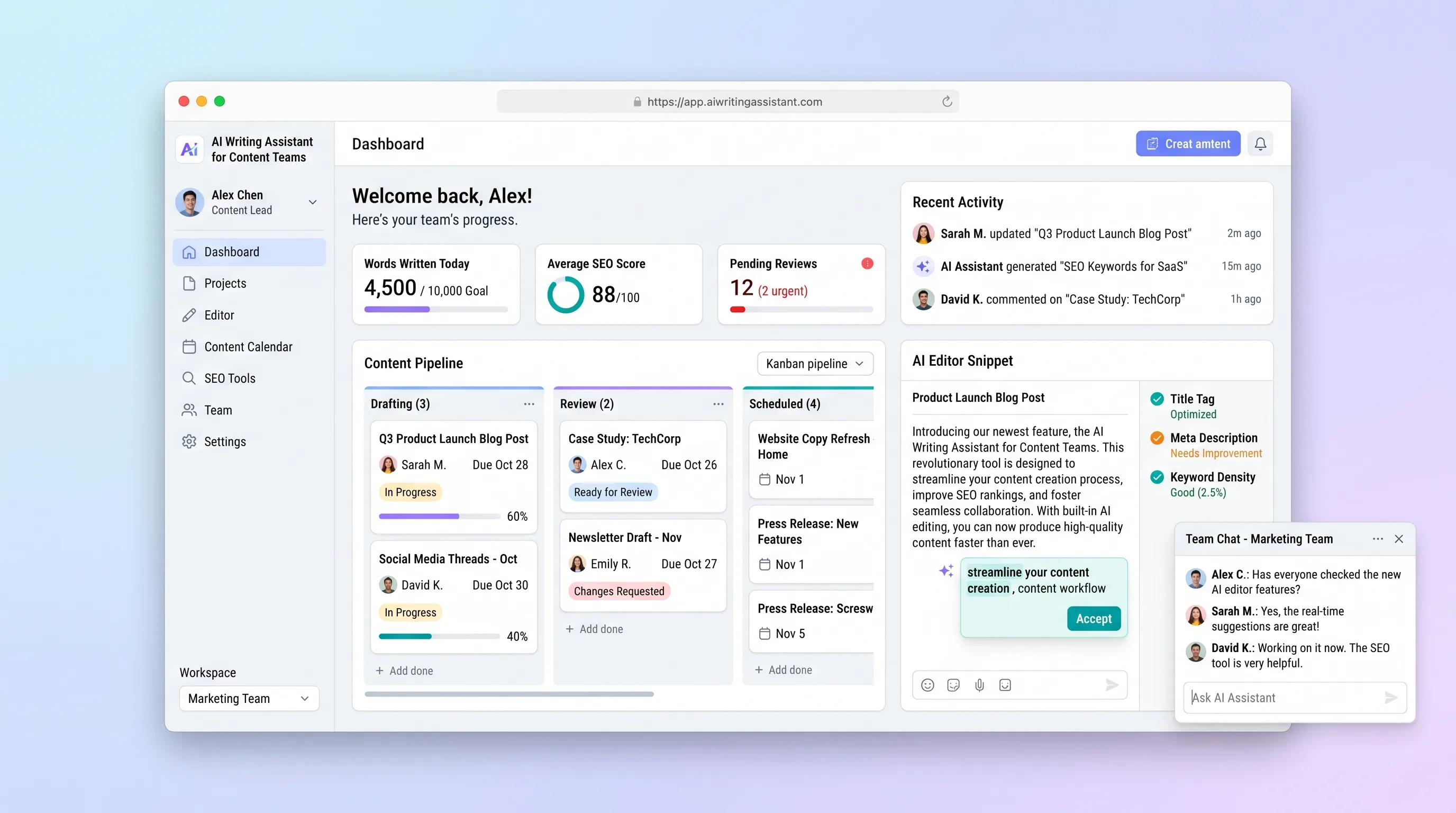
A team writing workspace where each piece moves from AI draft through human editing, SEO review, and approval without switching tools.