Build this if
The studio has strong project photography and relies on agent referrals but lacks a path from visual proof to an attributed seller consultation.
A publishing and lead-capture tool for home stagers to turn room projects into shoppable lookbooks and trace seller consultations back to agent referrals.
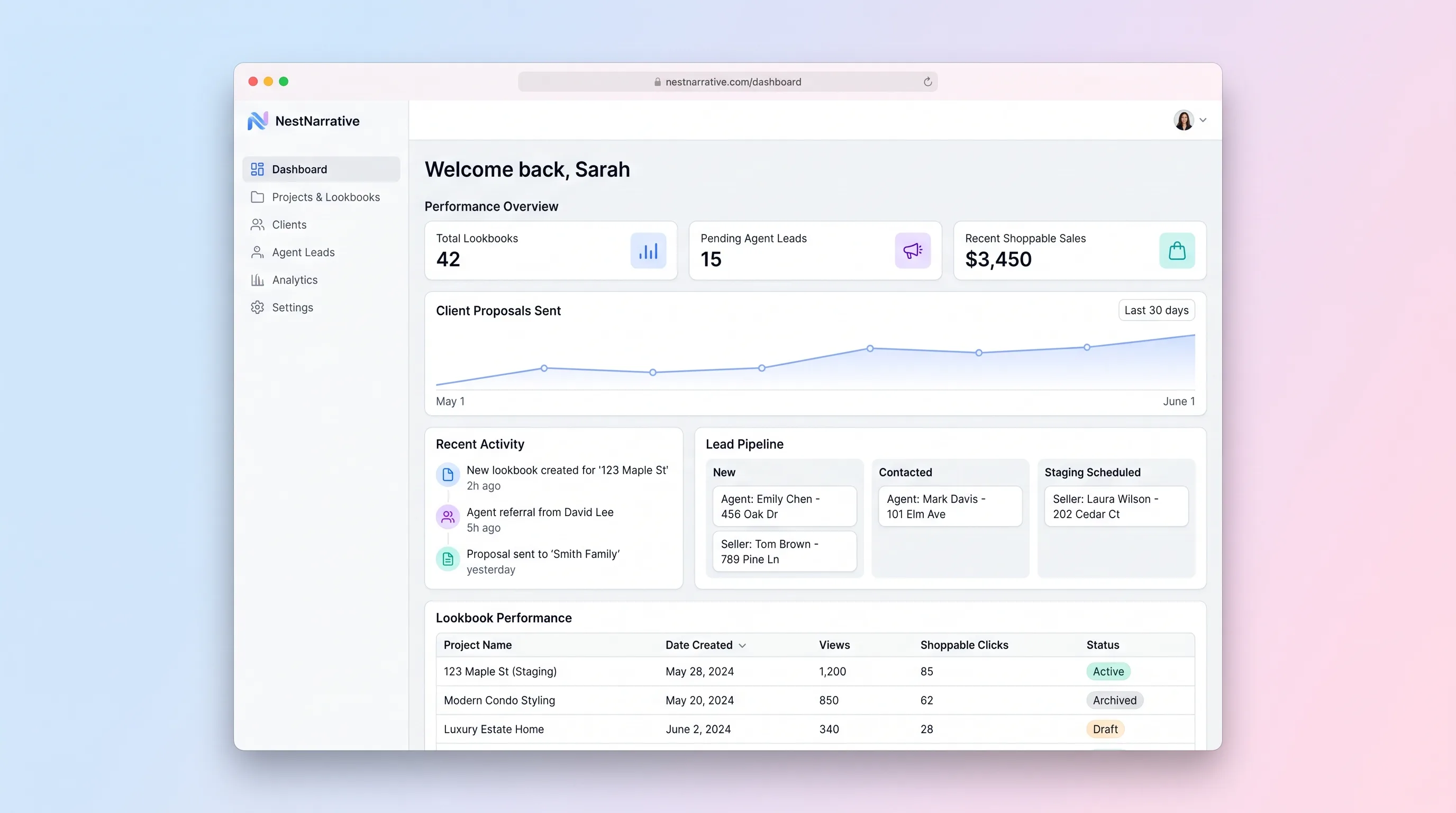
Decision snapshot
The studio has strong project photography and relies on agent referrals but lacks a path from visual proof to an attributed seller consultation.
The main need is AI virtual staging, interior project delivery, ecommerce checkout, or retailer inventory synchronization.
Publish three real project lookbooks and ask five sellers to find a relevant room, inspect products, and submit a consultation while confirming referral attribution is intact.
Problem and target customer
Stagers assemble project photos, product links, and service explanations in separate design files and social posts. Seller prospects can admire the work but cannot explore a coherent room story or submit a consultation tied to the agent who referred them.
Independent home stagers and small interior styling studios that win seller work through real-estate agent referrals and visual portfolios.
Monthly studio subscription with limits based on published lookbooks, collaborators, and retained lead history.
Editorial note
The core decision is to turn finished project photography into navigable proof, not to simulate rooms. Manual product tags preserve the stager's judgment and make the public page useful without claiming live retailer data.
Referral context belongs on the consultation, not in a separate spreadsheet. Capturing the agent code and originating lookbook together lets the studio understand which visual story moved a seller to act.
A compelling gallery alone is not validation. The beta should show that sellers can connect a room to their own property need and give the studio enough context for a productive first conversation.
Choose your next step
Evaluate the operating tradeoffs quickly, or inspect how to build the MVP.
Compare the three operating paths at the default workload before opening the full calculator.
See cost preview Build this ideaInspect the build blueprintReview MVP scope, workflow, states, data rules, architecture, and acceptance criteria.
Open blueprintEvaluation preview
Directional infrastructure estimates for the current 250 room images assumption. Open the full calculator when you are ready to change it.
Managed runtime, database, and image job for lookbook publishing and lead capture.
Lowest operating effortOne operator-managed server handles the app, database, and image processing.
Lowest baseline costSeparate application, database, and media capacity for a larger public portfolio.
Most separation and controlBuild blueprint
Product goal
MVP scope
UX and user flow
Let studio staff create, duplicate, preview, publish, and archive room stories.
Arrange photography, write context, and place product hotspots within image bounds.
Present the staging story and reveal tagged furnishings without obscuring the photography.
Show seller context, property timing, lookbook origin, referral code, owner, and follow-up state.
Core entity outline
Defines one public staging story and its publication metadata.
Stores an ordered scene and its editorial context.
Describes a furnishing or decor item referenced by a hotspot.
Maps a product to a normalized point on a room image.
Captures seller needs and the lookbook and agent path that produced the inquiry.
Architecture and data flow
Render optimized lookbooks, room navigation, product overlays, and consultation entry.
Protect media, hotspot, publication, referral, and lead operations.
Validate publication, normalize hotspot data, capture attribution, and enforce lead transitions.
Store lookbook structure, products, referrals, leads, and status history.
Keep originals and generate responsive room variants.
Deliverables and acceptance
Recommended stack
Combine fast public lookbooks with a protected visual editor.
Represent ordered rooms, shared products, referrals, and lead ownership relationally.
Store originals and create responsive room variants with controlled cost.
Confirm consultation submissions and record failed studio notifications.
The product is driven by image publishing, spatial tags, and source attribution. A server-rendered portfolio with relational editorial data and an explicit media pipeline is sufficient; generated imagery would weaken the trust boundary.
Copy the build prompt, model the operating cost, and choose where to deploy.
Execution
Once the blueprint is clear, use the prompt, cost model, and deployment options to start building.
Build prompt
Build a media-forward Next.js application with a protected studio editor, PostgreSQL, and object storage. Keep product tagging manual and do not add AI room generation.
Build prompt
Open the prompt pack whenever you are ready to take this blueprint into your builder.
Build prompt ready
Copy the prompt into your builder, then use the cost model below to choose how you want to run it.
Use the cost model to choose a deployment path that matches the build plan.
Cost calculator
A technical run-cost estimate for the first production version. Team, acquisition, payment fees, and business COGS are excluded.
$5-$30 per 250 room images
Low and high values allow for usage variance and plan headroom.
Managed runtime, database, and image job for lookbook publishing and lead capture.
2.5K room images included, then $5-$15 per 2.5K room imagesObject storage and operations for room originals and responsive variants after the free allowance.
Monthly allowance from this idea's operating profileThe estimate combines the selected infrastructure path, required operating modules, selected optional modules, and usage above included monthly allowances. Taxes and regional uplifts are excluded.
Deployment options
Choose based on operating preference, not only the headline price.
Host the public portfolio, editor, database, and image job with a short setup path.
Image processing and storage traffic can increase usage charges.
Run the app, worker, and database on one small Vultr VPS with Docker Compose and explicit backups.
The studio or contractor owns backups, patching, and media-job monitoring.
Separate application, worker, data, storage, and backup responsibilities as the workload grows.
More services require more configuration and observability.
Start building
Use Lovable to test lookbook editing, hotspot placement, public room browsing, product detail, referral capture, and the studio lead inbox.
Open Lovable 02AutomationHandoff qualified consultationsUse Make as optional glue to send a complete consultation request to the studio's existing CRM or notify the referring agent after staff approval.
Open Make 03DeployPublish lookbooks and manage leads togetherDeploy the public portfolio, protected studio editor, database, and media credentials on Railway as one maintainable application.
Open RailwayKeep exploring
SaaS WorkflowProfessional Services
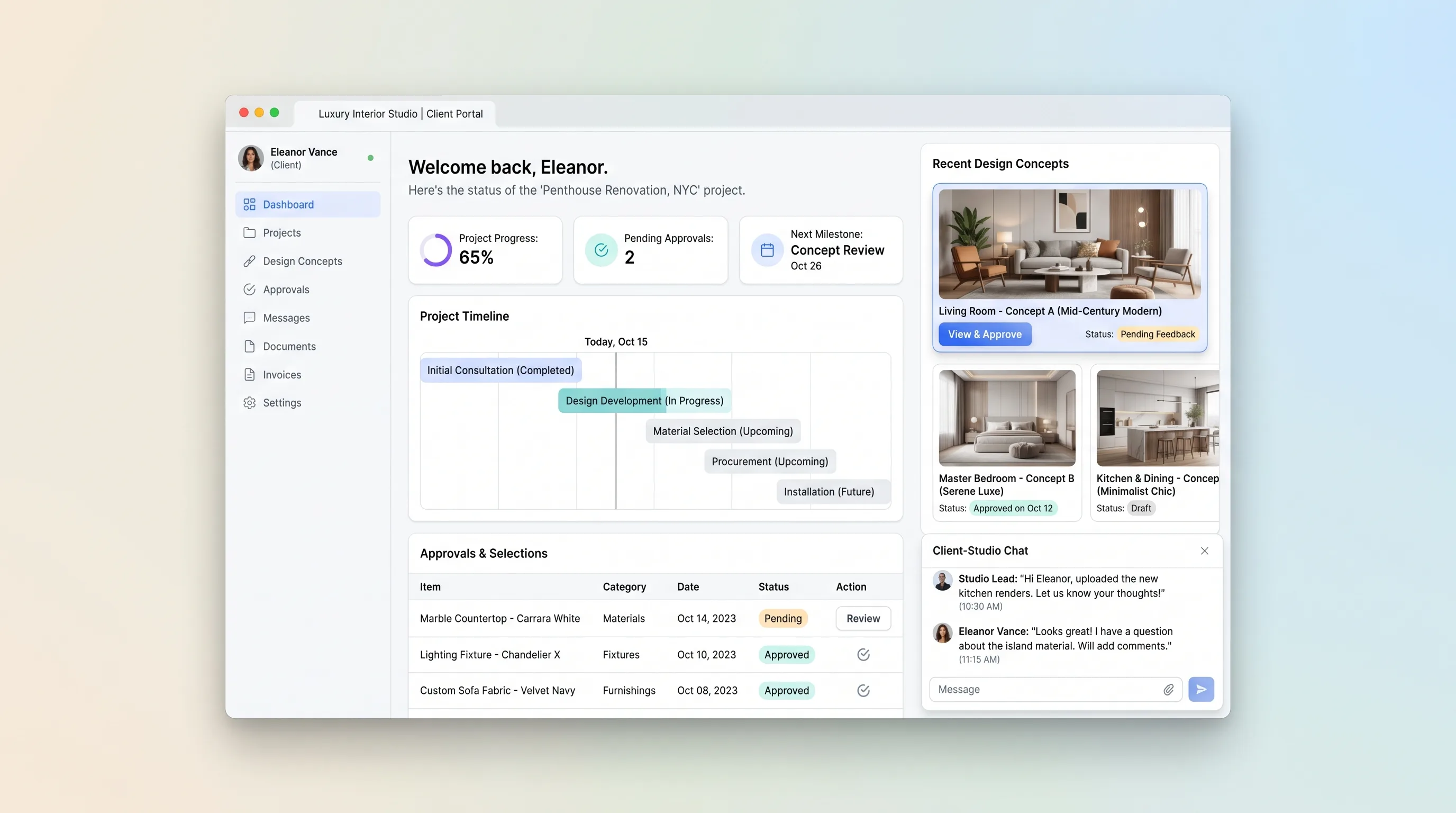
A private project space where interior studios publish concept versions, clients make item-level decisions, and both track milestones and procurement exceptions.
Website & Lead GenerationReal Estate
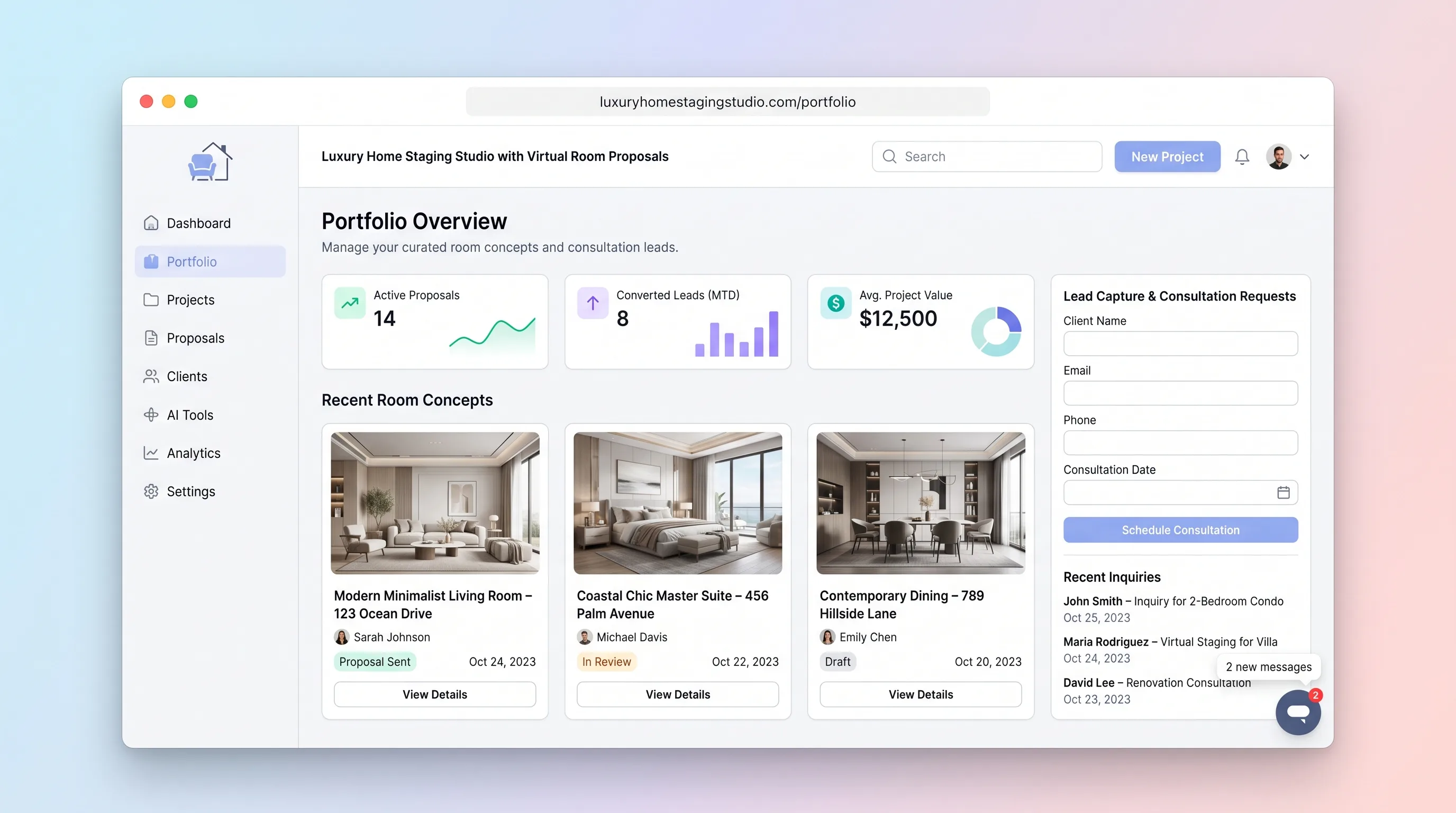
A premium studio site and private proposal flow for turning room photos and consultation details into curated, reviewable staging concepts.
Website & Lead GenerationReal Estate
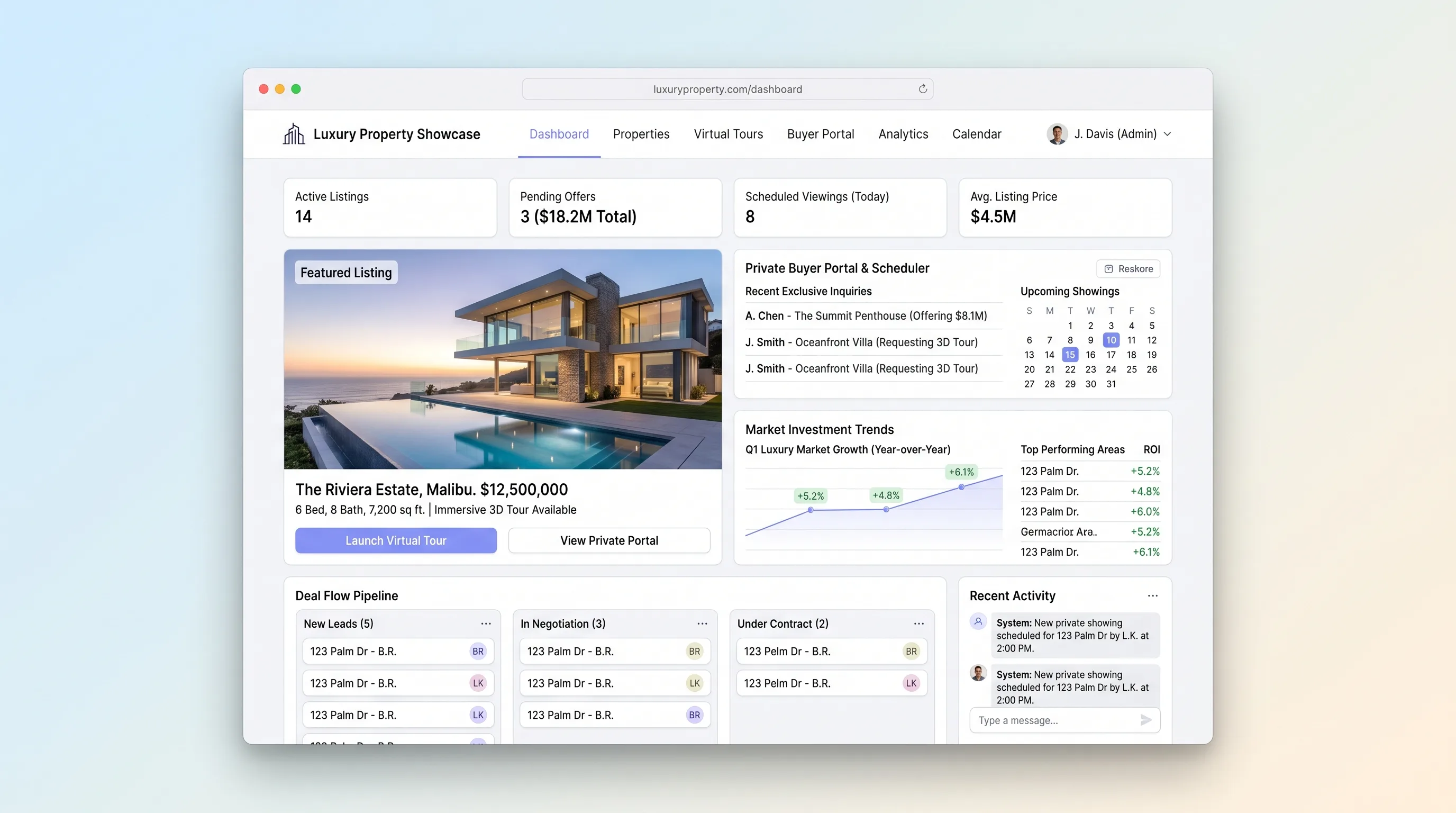
A premium listing site that gates private property materials, embeds immersive tours, records buyer access decisions, and coordinates showings.
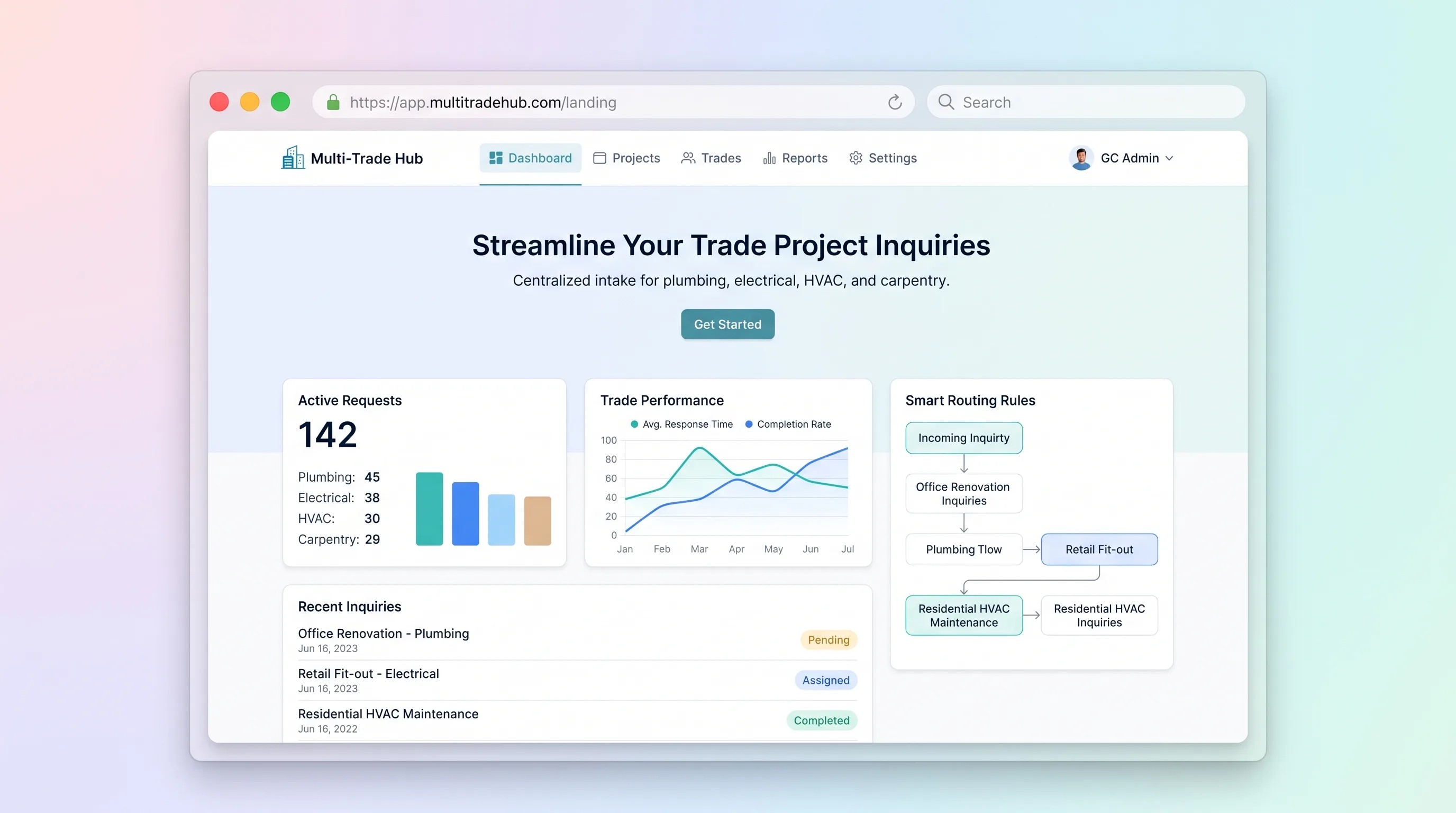
Website & Lead GenerationHome & Local Services
A structured inquiry and estimating handoff for general contractors handling plumbing, electrical, HVAC, and carpentry requests across one project.
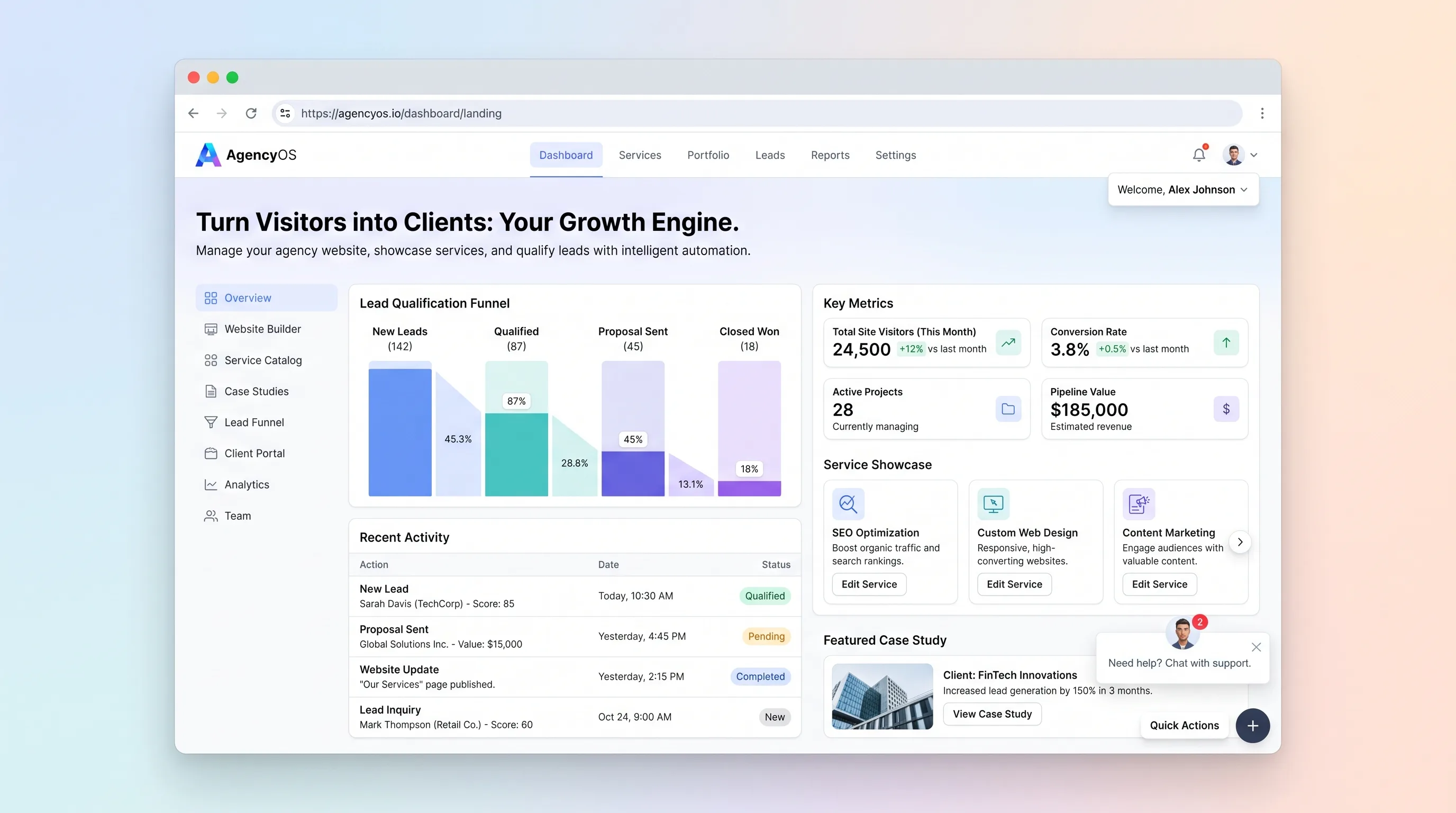
Website & Lead GenerationProfessional Services
A conversion-focused site for digital agencies that turns service research and case-study browsing into structured, qualified discovery inquiries.
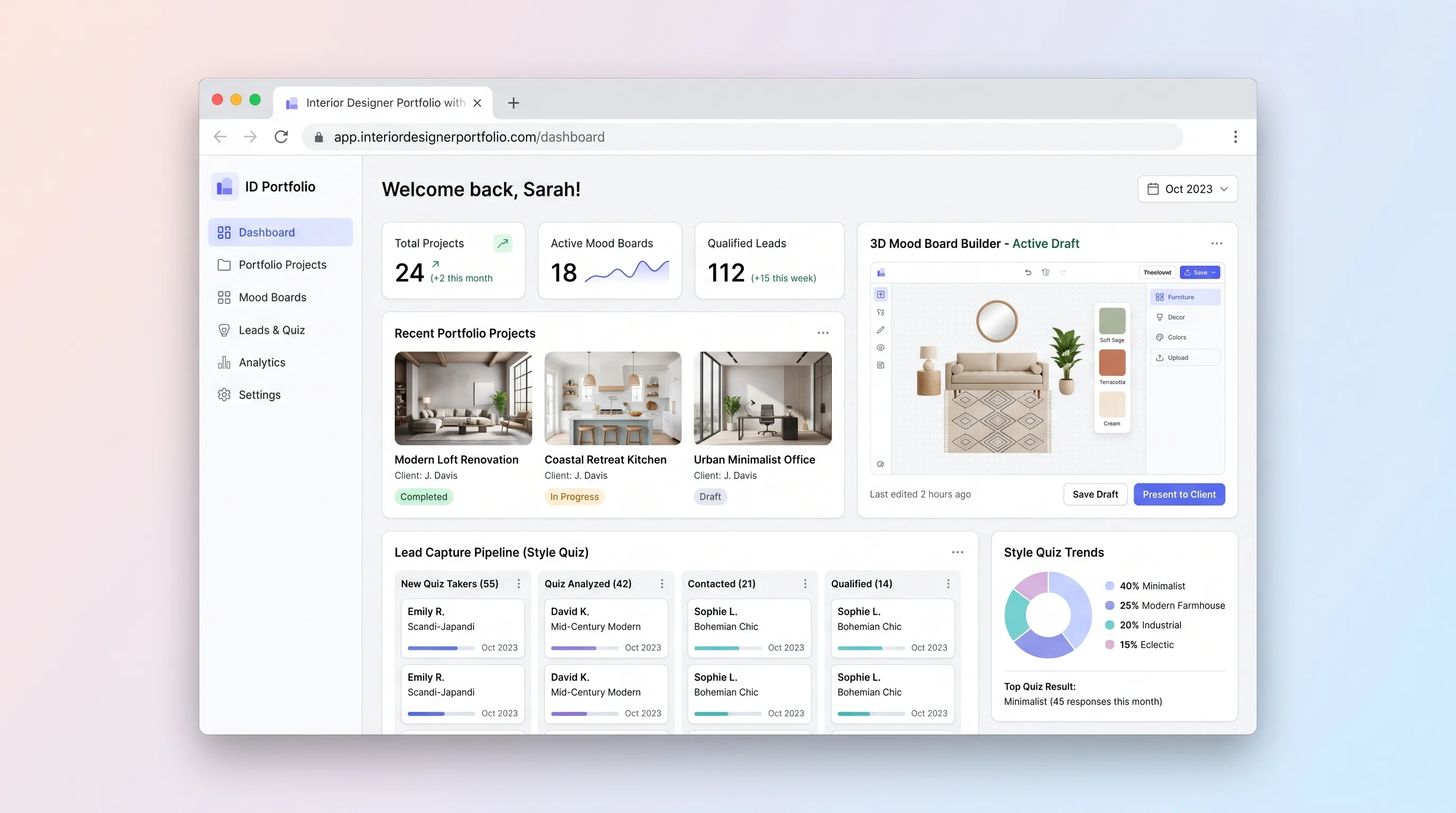
Website & Lead GenerationHome & Local Services
A portfolio website for independent interior designers that lets visitors explore projects, assemble 3D mood boards, complete a style quiz, and submit qualified inquiries—all in one session.