Build this if
You already operate or want to launch a niche marketplace for kids coding tutors and need a parent-facing booking flow plus a tutor-facing progress log in one product.
A focused booking and progress hub where parents schedule 1-on-1 coding tutors for children aged 7-17, follow project milestones, and collect skill badges.
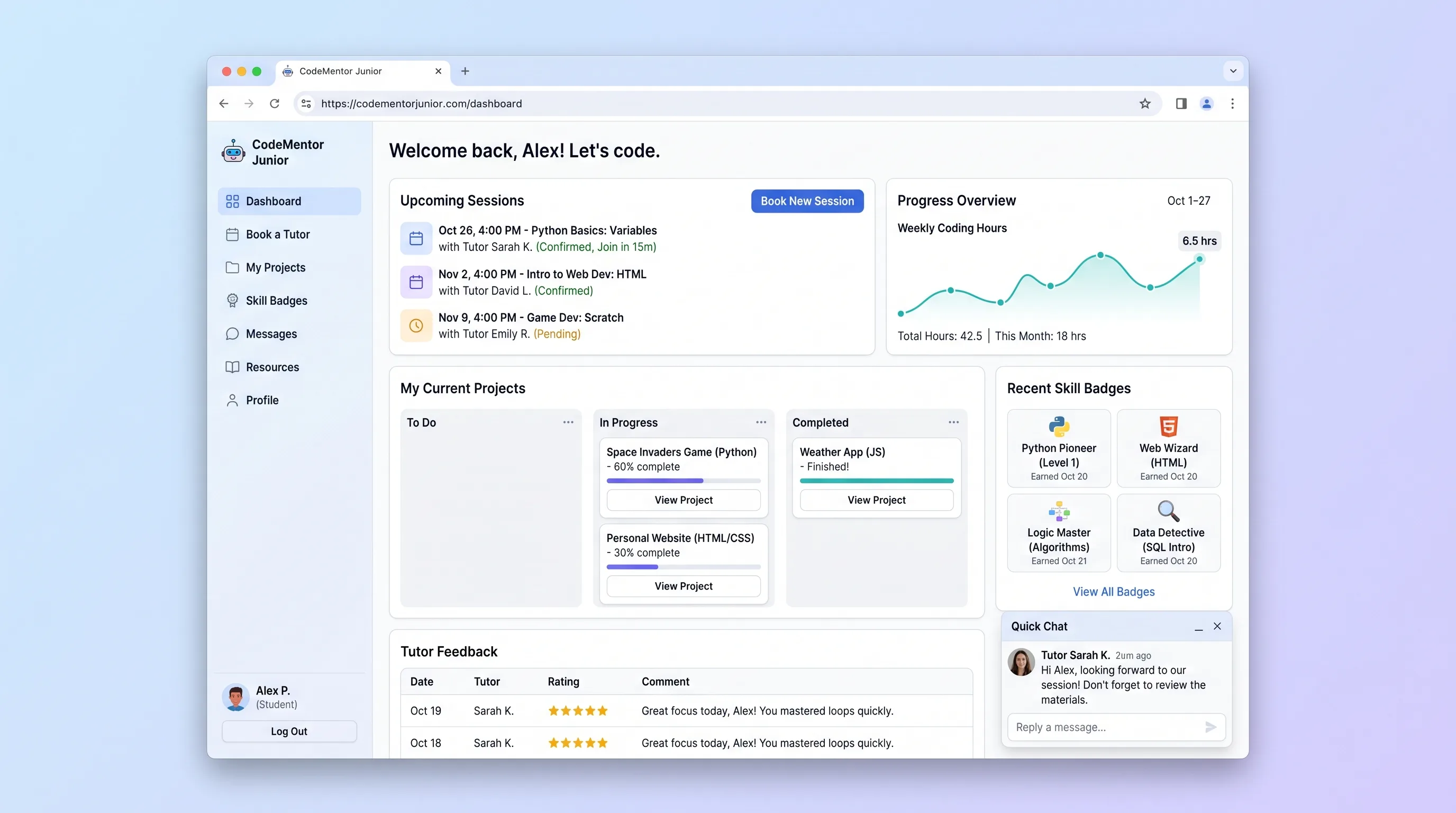
Decision snapshot
You already operate or want to launch a niche marketplace for kids coding tutors and need a parent-facing booking flow plus a tutor-facing progress log in one product.
Your customers only need a generic scheduling tool or a generic LMS, because the value of this product is the kids-coding-specific project and badge vocabulary.
Run a 4-week pilot with two tutoring studios and 30 parent sign-ups; require at least 60% of parents to book a second session and at least 40% of children to earn one new badge before scaling.
Problem and target customer
Parents of kids learning to code juggle tutor discovery, scheduling, and progress tracking across email, spreadsheets, and chat, with no single record of which projects a child has finished or which skills a tutor has covered.
Parents of children aged 7-17 who want a structured 1-on-1 coding tutor, plus the small tutoring studios that run those sessions.
Transaction fee on each booked session, plus a monthly subscription for tutoring studios that manage their own tutor roster and progress notes.
Editorial note
Why a kids-coding-specific booking hub beats a generic scheduling tool for parents and studios
How progress notes turn into skill badges without manual grading
What to ship first: the parent booking flow, the tutor progress note, or the studio dashboard
Choose your next step
Evaluate the operating tradeoffs quickly, or inspect how to build the MVP.
Compare the three operating paths at the default workload before opening the full calculator.
See cost preview Build this ideaInspect the build blueprintReview MVP scope, workflow, states, data rules, architecture, and acceptance criteria.
Open blueprintEvaluation preview
Directional infrastructure estimates for the current 500 bookings assumption. Open the full calculator when you are ready to change it.
Managed app hosting, database, backups, and basic observability for the booking workflow.
Lowest operating effortOne small VPS running the app, database, media volume, and backup job.
Lowest baseline costSeparate app, data, storage, and worker capacity for cleaner operations.
Most separation and controlBuild blueprint
Product goal
MVP scope
UX and user flow
Parent registration and child profile setup
Tutor directory with language and age-band filters
Slot picker showing 30, 45, and 60 minute options
Booking confirmation with calendar invite
Tutor progress note form
Child progress card with earned badges
Studio operator dashboard
Core entity outline
Child
Tutor
Session
ProgressNote
SkillBadge
Architecture and data flow
Lovable front-end for parent, tutor, and studio screens
Railway-hosted Postgres for children, tutors, sessions, progress notes, and badges
Railway object storage for project screenshots attached to progress notes
Stripe for per-booking payment capture and refunds
Google Calendar API for tutor availability and session invites
Make scenario for posting confirmed bookings into the studio CRM
Deliverables and acceptance
Recommended stack
Lovable for the parent and tutor front-end pages, booking modal, and progress dashboards
Railway for the Postgres database, file storage for project screenshots, and scheduled jobs for badge evaluation
Stripe for per-booking payment capture and refund handling
Google Calendar API for sending session invites and pulling tutor availability
Make for one bounded glue flow that posts a new booking into the studio's existing CRM when a session is confirmed
Lovable covers the parent-facing booking and tutor-facing progress screens quickly; Railway hosts the relational records that tie children, tutors, sessions, and badges together; Stripe and Google Calendar handle the two external dependencies the source calls out; Make stays limited to a single CRM hand-off so it does not become invented core functionality.
Copy the build prompt, model the operating cost, and choose where to deploy.
Execution
Once the blueprint is clear, use the prompt, cost model, and deployment options to start building.
Build prompt
Lovable
Build prompt
Open the prompt pack whenever you are ready to take this blueprint into your builder.
Build prompt ready
Copy the prompt into your builder, then use the cost model below to choose how you want to run it.
Use the cost model to choose a deployment path that matches the build plan.
Cost calculator
A technical run-cost estimate for the first production version. Team, acquisition, payment fees, and business COGS are excluded.
$13-$53 per 250 bookings
Low and high values allow for usage variance and plan headroom.
Managed app hosting, database, backups, and basic observability for the booking workflow.
50K bookings included, then $8-$20 per 100K bookingsPayment processor is implied by the source workflow or feature list.
100 included, then $0-$5 per 100 bookingsCalendar API is implied by the source workflow or feature list.
Monthly allowance from this idea's operating profileThe estimate combines the selected infrastructure path, required operating modules, selected optional modules, and usage above included monthly allowances. Taxes and regional uplifts are excluded.
Deployment options
Choose based on operating preference, not only the headline price.
Fast Docker deployment for the app, database, worker, and preview workflow without managing a VPS.
Usage billing needs active monitoring as traffic and jobs grow.
Run the app, worker, and database on one small Vultr VPS with Docker Compose and explicit backups.
You own patching, backups, monitoring, and incident response.
Separate application, worker, data, storage, and backup responsibilities as the workload grows.
You own server setup, patching, backups, and operational monitoring.
Start building
Use Lovable to assemble the child profile form, tutor directory with language and age-band filters, slot picker for 30/45/60 minute sessions, progress note form, and the child progress card showing earned badges.
Open Lovable 02AutomationWire one CRM hand-off in MakeConfigure a single Make scenario that watches for confirmed bookings and posts the session record, child name, and tutor name into the studio's existing CRM so operators do not re-type data.
Open Make 03DeployRun the backend on RailwayDeploy the Postgres schema for children, tutors, sessions, progress notes, and badges on Railway, attach object storage for project screenshots, and schedule a nightly job that evaluates which badges should be awarded from new progress notes.
Open RailwayKeep exploring
Learning PlatformEducation
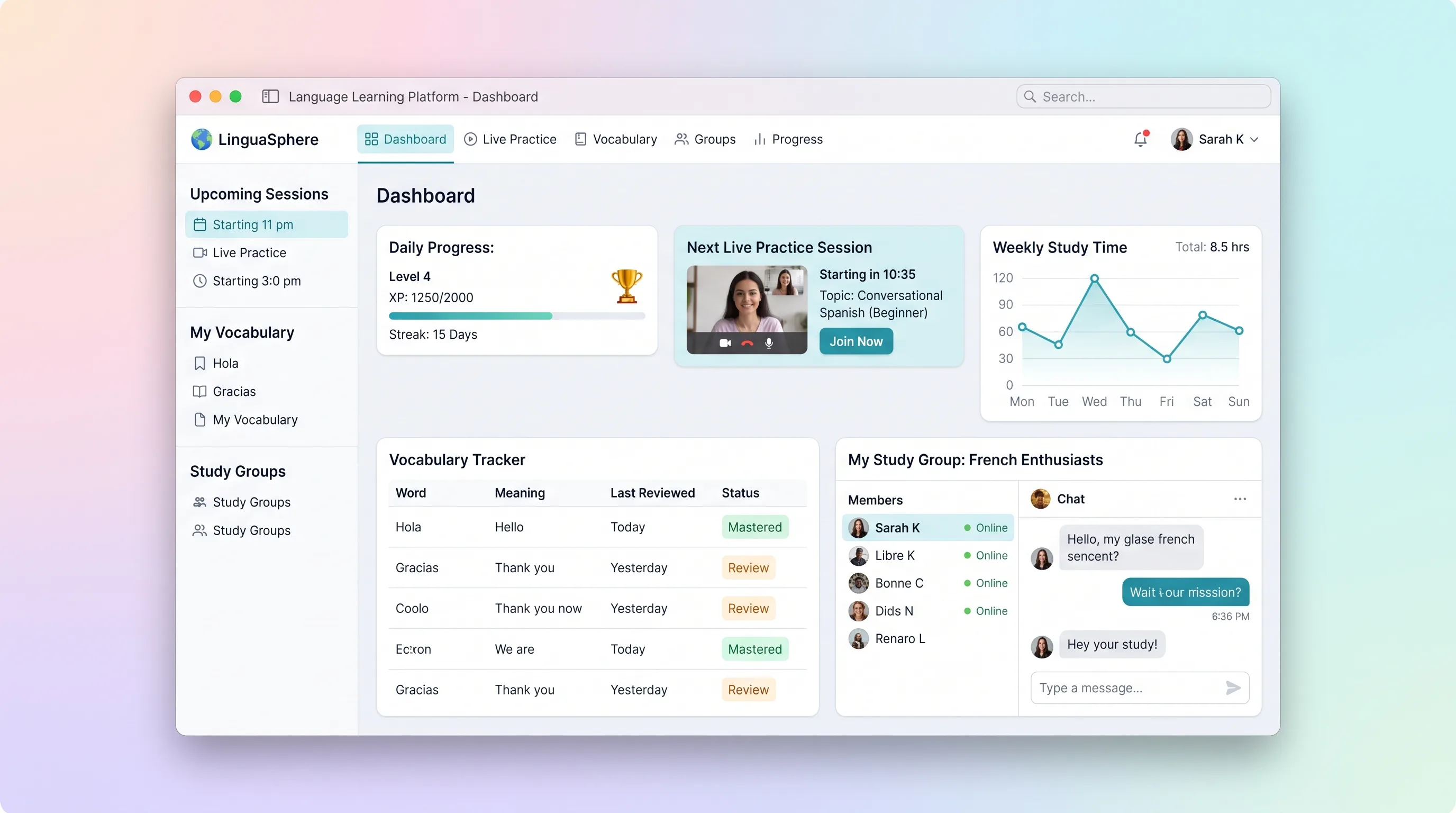
A practice-focused learning space that connects vocabulary review, timezone-safe session booking, embedded conversation rooms, and weekly progress.
Learning PlatformEducation
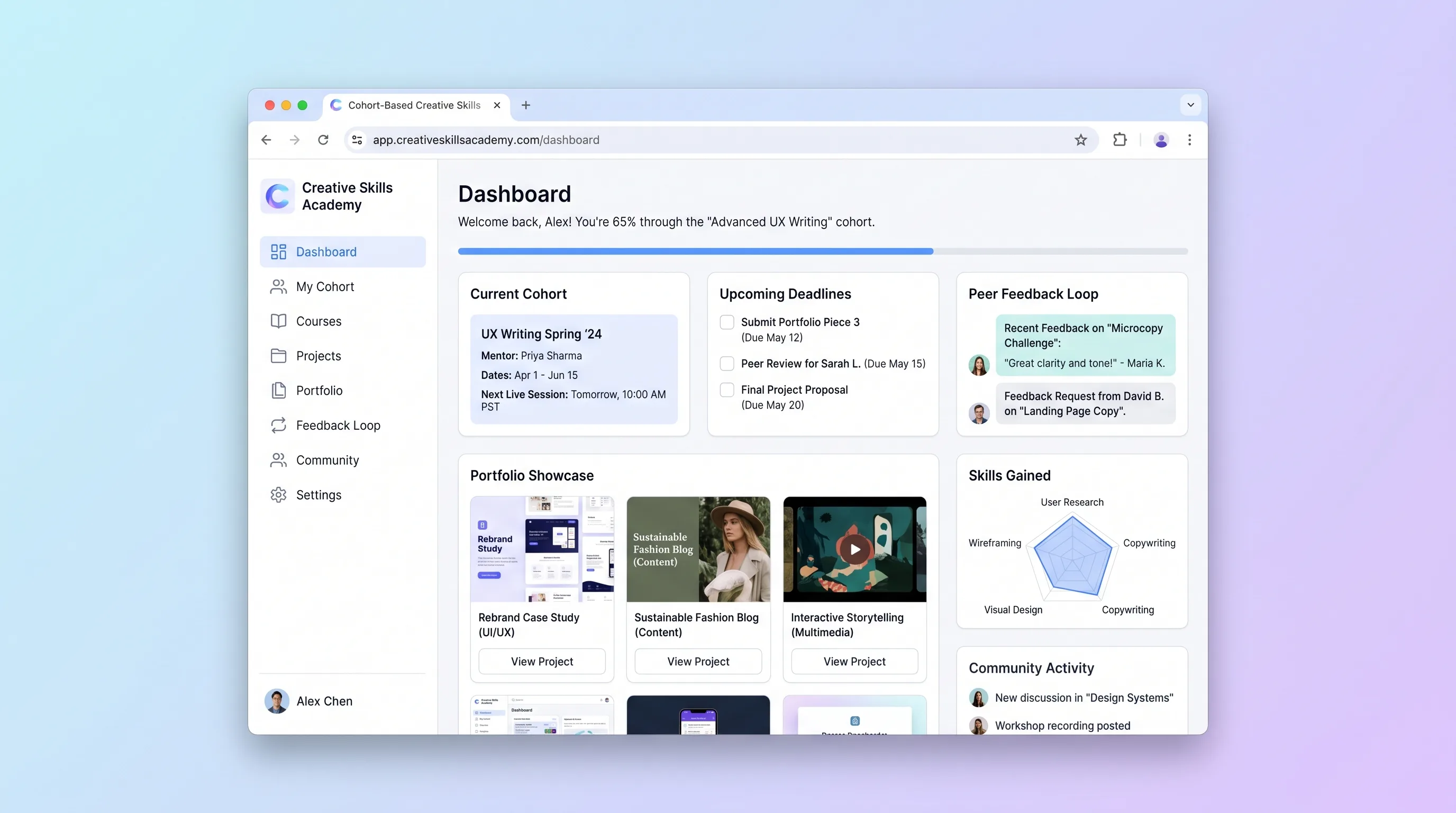
A course workspace for independent creative educators to run timed cohorts, organize peer critiques, and turn approved student work into public portfolios.
Booking PlatformEducation
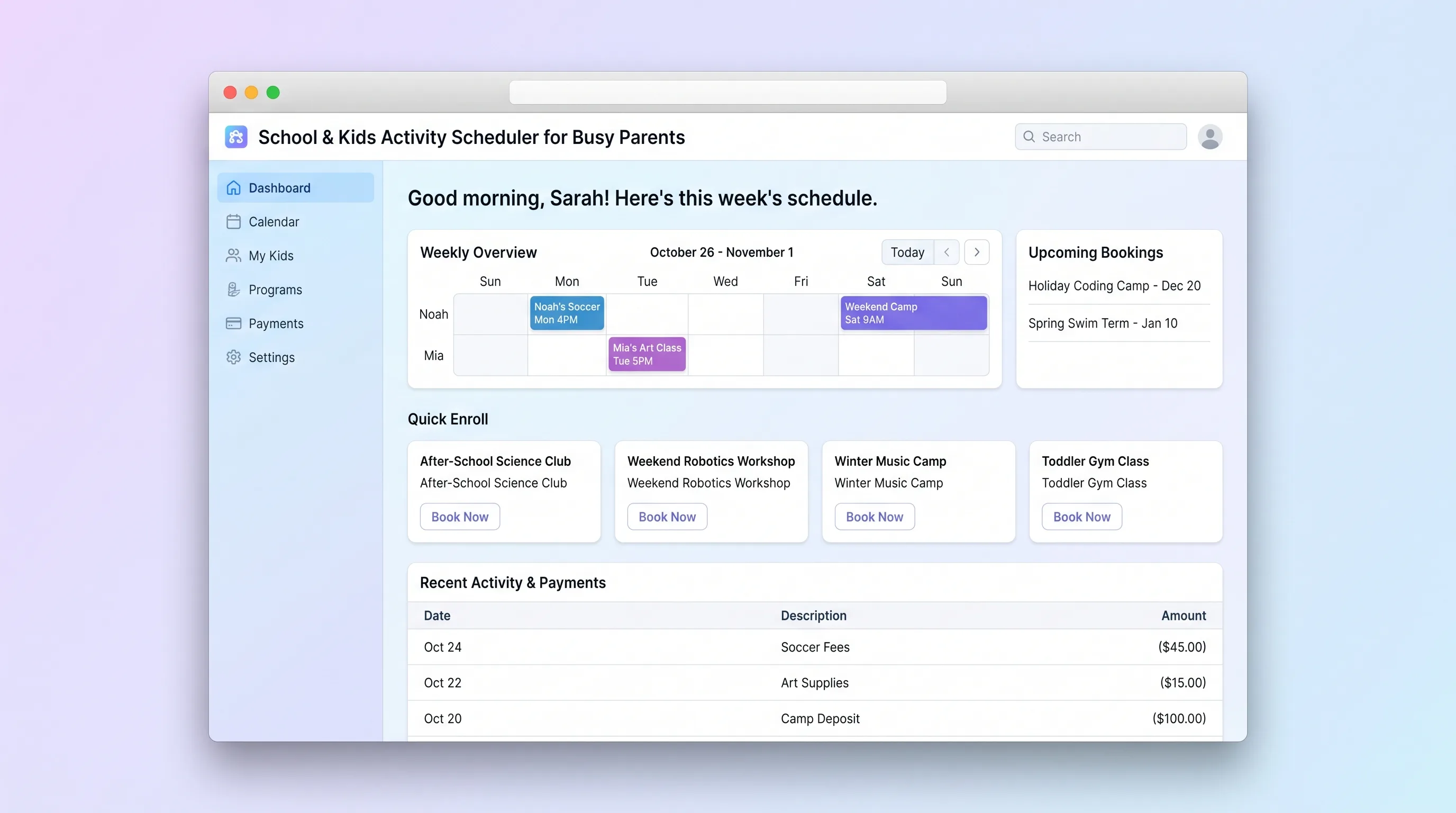
A focused booking platform where parents discover, enroll in, and pay for children's after-school programs, holiday camps, and weekend classes, while operators manage class listings, capacities, and enrollments.
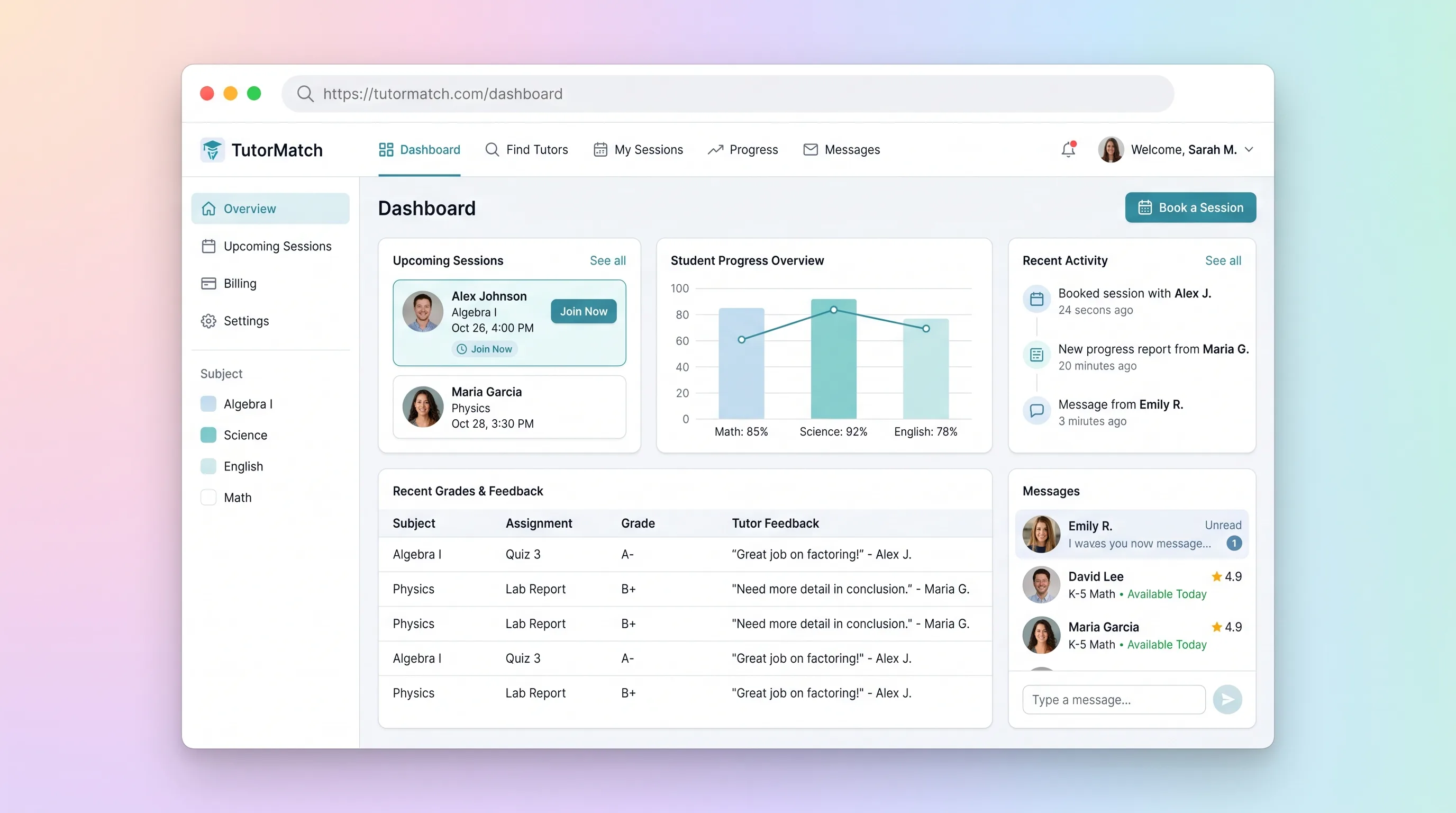
MarketplaceEducation
A tutor marketplace where parents compare vetted subject specialists, book and pay for sessions, then review tutor-authored progress notes.
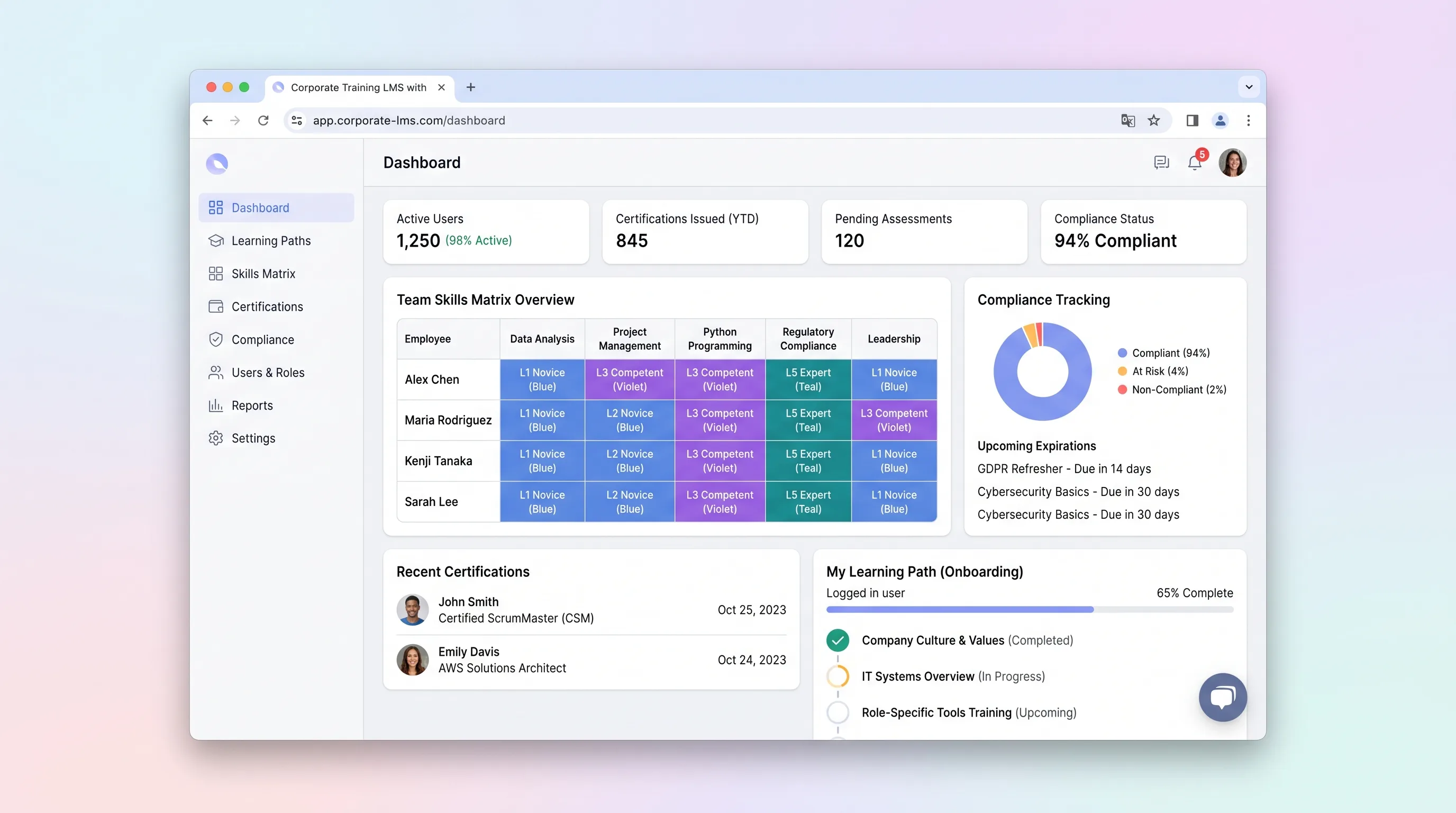
Learning PlatformHR & Recruiting
An internal learning system that maps role requirements to employee skills, assigns targeted training, and gives program managers evidence of certification status.
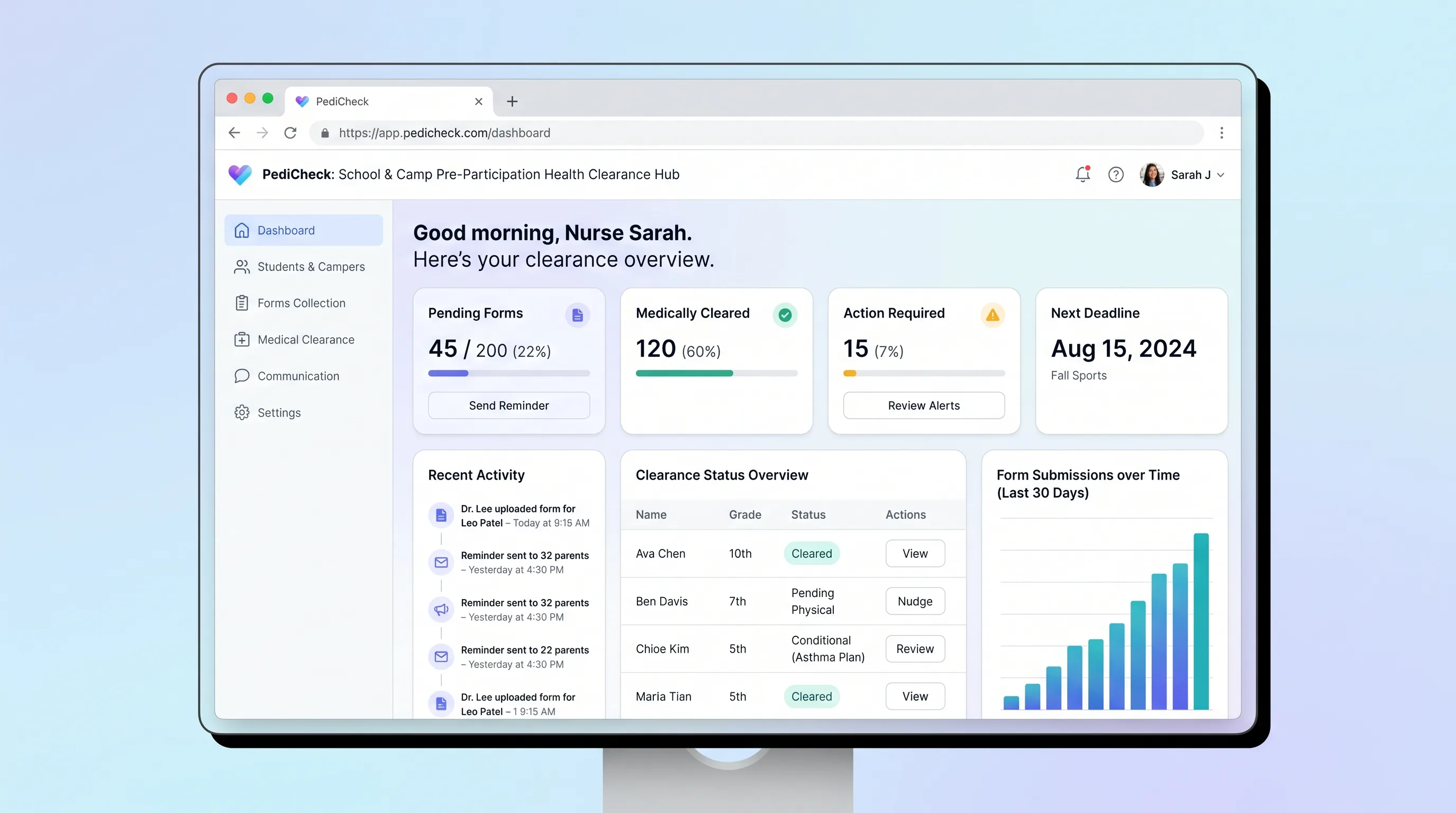
SaaS WorkflowEducation
A secure packet and review workflow for schools and camps to collect family-submitted health forms and track clinician-recorded participation decisions.