Build this if
Learners already seek recurring conversation practice and group hosts can supply a reliable initial session schedule.
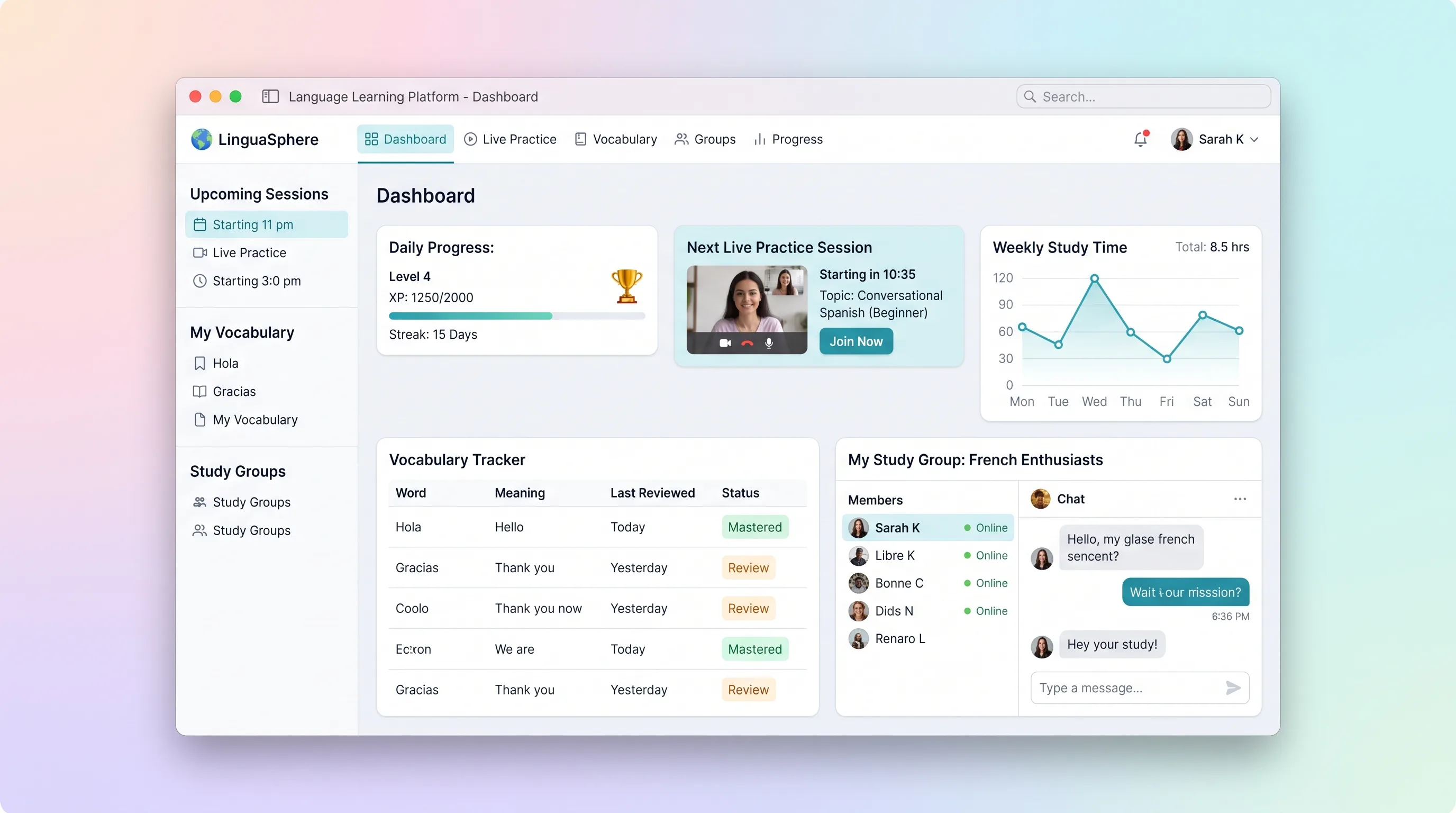
A practice-focused learning space that connects vocabulary review, timezone-safe session booking, embedded conversation rooms, and weekly progress.
Decision snapshot
Learners already seek recurring conversation practice and group hosts can supply a reliable initial session schedule.
The business depends on an unrestricted tutor marketplace or automated language assessment in the first release.
Run four weeks with one language cohort and track booking completion, repeat attendance, and vocabulary saved from actual sessions.
Problem and target customer
Learners often collect vocabulary without using it in conversation because partner discovery, scheduling, live practice, and reflection are disconnected.
Self-directed language learners and small study communities that organize recurring peer conversation sessions.
Freemium learner subscription with paid group features
Editorial note
The narrow promise is regular human practice with useful follow-through, not a complete language curriculum. Vocabulary matters here because it travels into and out of a scheduled conversation.
Attendance events are evidence, not truth. The beta should expose pending or corrected attendance so streaks remain understandable when a provider webhook arrives late.
Choose your next step
Evaluate the operating tradeoffs quickly, or inspect how to build the MVP.
Compare the three operating paths at the default workload before opening the full calculator.
See cost preview Build this ideaInspect the build blueprintReview MVP scope, workflow, states, data rules, architecture, and acceptance criteria.
Open blueprintEvaluation preview
Directional infrastructure estimates for the current 8,000 participant minutes assumption. Open the full calculator when you are ready to change it.
Run the web app and Postgres as managed services with capacity for the first participant minutes.
Lowest operating effortOperate the app, database, and scheduled jobs on one small server with manual backups.
Lowest baseline costSeparate application and data capacity, add managed database backups, and retain room for a worker.
Most separation and controlBuild blueprint
Product goal
MVP scope
UX and user flow
Show the next vocabulary review, upcoming practice, streak status, and one clear next action.
Add words with meaning and example, then mark review confidence.
Filter upcoming rooms by language, level, timezone, and available seats.
Join the embedded call with prompts and a private vocabulary scratchpad.
Summarize attendance, completed reviews, streak rules, and group activity by week.
Core entity outline
Stores language, level, timezone, goals, and privacy preferences.
Keeps a learner's word, context, and simple review state.
Defines one hosted conversation room with eligibility and capacity.
Reserves one learner seat and records attendance.
Captures a learner's private post-session note and perceived confidence.
Architecture and data flow
Provides profiles, vocabulary, booking, live-room, reflection, and progress experiences.
Enforces eligibility, capacity, cancellation, and waitlist transitions transactionally.
Stores learner-owned vocabulary, sessions, bookings, attendance, and reflections.
Creates Daily rooms and short-lived meeting tokens, then consumes attendance webhooks.
Schedules booking reminders and recalculates progress after attendance changes.
Deliverables and acceptance
Recommended stack
Combines learner dashboards, booking interactions, and authenticated live-room routes.
Supports transactional capacity, learner privacy, and relationship-heavy progress records.
Provides embeddable calls, room tokens, and attendance events without building media infrastructure.
Handles reminders, waitlist promotion notifications, and delayed attendance reconciliation.
Booking and learning records belong in the relational core, while a dedicated video provider handles the expensive real-time media boundary and returns events that remain reviewable.
Copy the build prompt, model the operating cost, and choose where to deploy.
Execution
Once the blueprint is clear, use the prompt, cost model, and deployment options to start building.
Build prompt
Use Lovable to prototype the learner journey around choosing, attending, and reflecting on one practice session; integrate a production video SDK only after the room flow is validated.
Build prompt
Open the prompt pack whenever you are ready to take this blueprint into your builder.
Build prompt ready
Copy the prompt into your builder, then use the cost model below to choose how you want to run it.
Use the cost model to choose a deployment path that matches the build plan.
Cost calculator
A technical run-cost estimate for the first production version. Team, acquisition, payment fees, and business COGS are excluded.
$1.88-$6.25 per 1,000 participant minutes
Low and high values allow for usage variance and plan headroom.
Run the web app and Postgres as managed services with capacity for the first participant minutes.
5K participant minutes included, then $5-$15 per 5K participant minutesCovers participant minutes for live video after the provider's monthly free allowance.
10K participant minutes includedThe estimate combines the selected infrastructure path, required operating modules, selected optional modules, and usage above included monthly allowances. Taxes and regional uplifts are excluded.
Deployment options
Choose based on operating preference, not only the headline price.
Deploy the live language practice service with managed runtime, Postgres, environment variables, and logs in one project.
Usage-based compute can become less predictable as traffic grows.
Run the app, worker, and database on one small Vultr VPS with Docker Compose and explicit backups.
The operator owns database maintenance, monitoring, and recovery drills.
Separate application, worker, data, storage, and backup responsibilities as the workload grows.
More components increase setup and operational work.
Start building
Build session discovery, scheduling, a guided live room, vocabulary capture, and weekly progress views for learners and groups.
Open Lovable 02AutomationSend bounded session remindersUse Make only for optional calendar or reminder handoffs after a learner books; attendance and vocabulary remain authoritative in the app.
Open Make 03DeployDeploy the learning serviceRun authentication, scheduling, progress calculations, Daily room creation, and webhook processing on Railway.
Open RailwayKeep exploring
Learning PlatformEducation
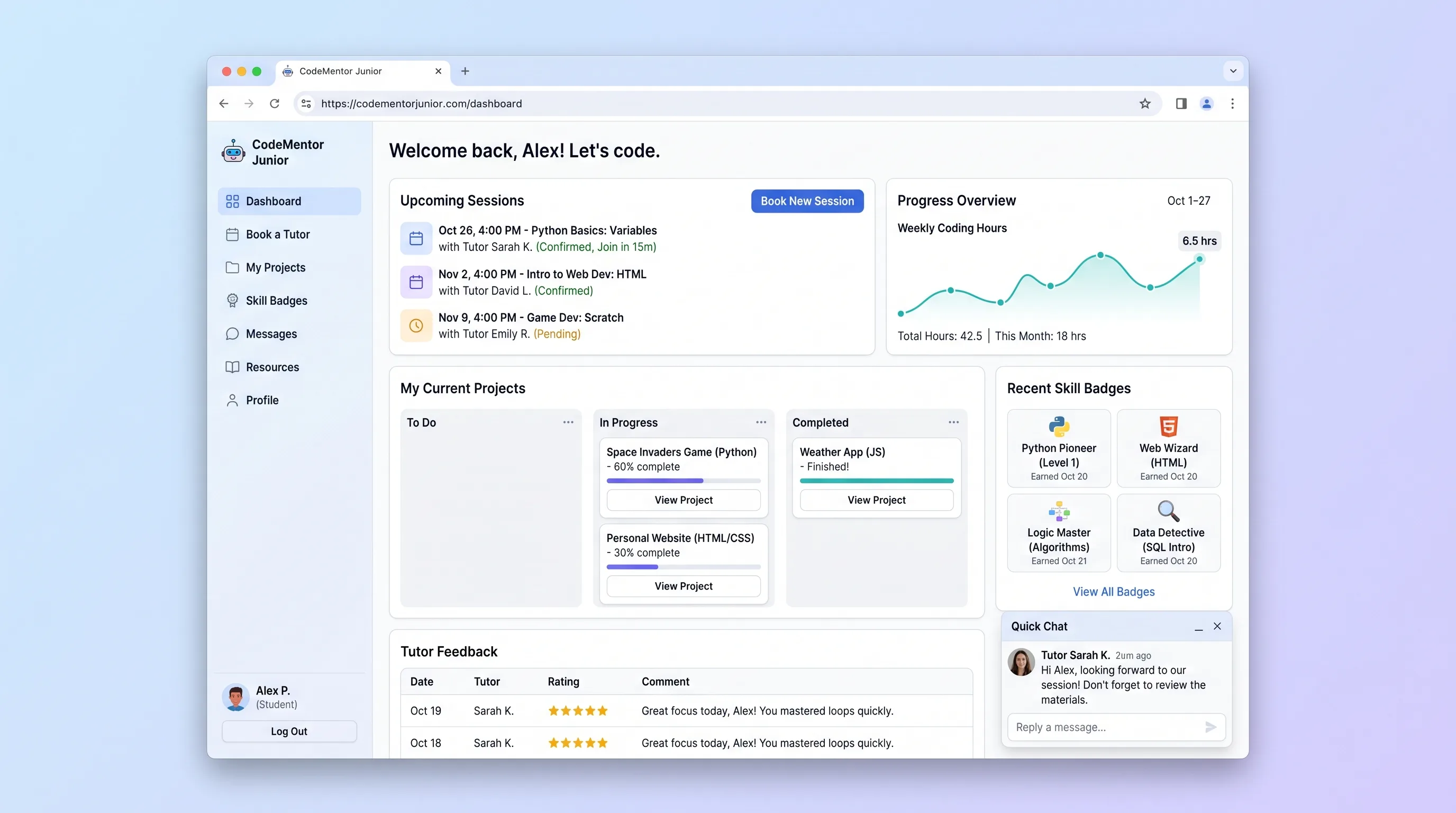
A focused booking and progress hub where parents schedule 1-on-1 coding tutors for children aged 7-17, follow project milestones, and collect skill badges.
Learning PlatformEducation
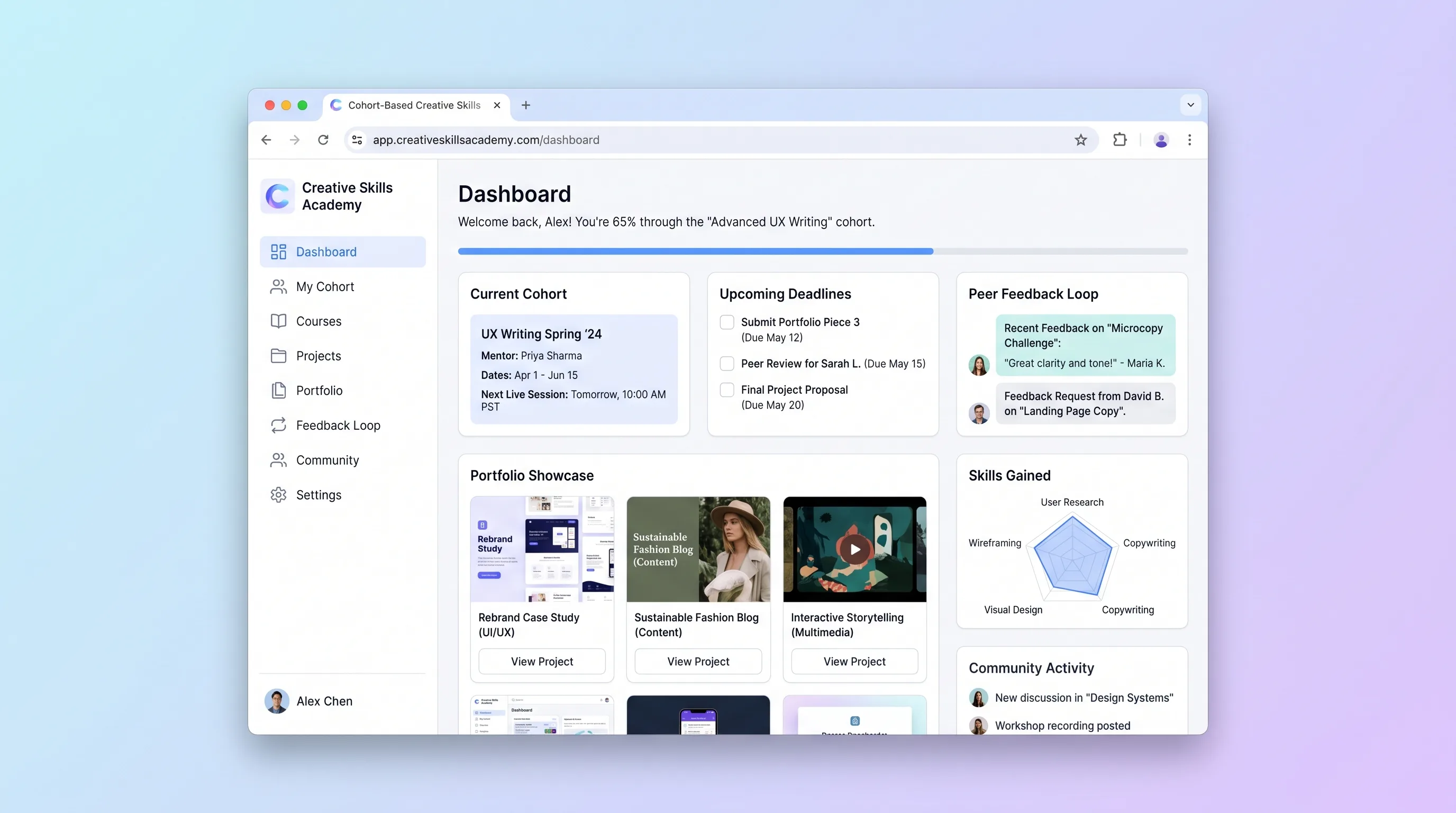
A course workspace for independent creative educators to run timed cohorts, organize peer critiques, and turn approved student work into public portfolios.
MarketplaceEducation
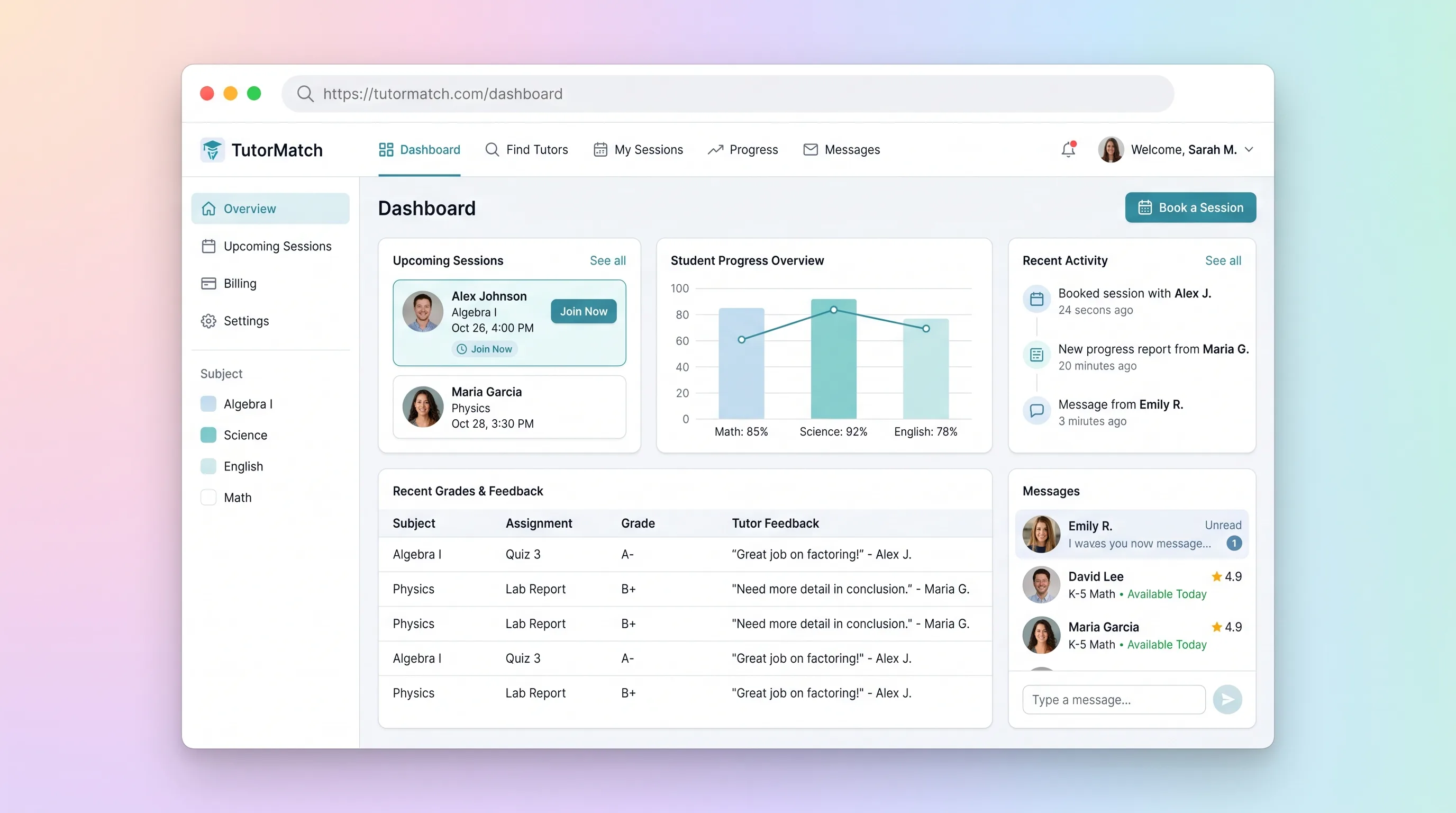
A tutor marketplace where parents compare vetted subject specialists, book and pay for sessions, then review tutor-authored progress notes.
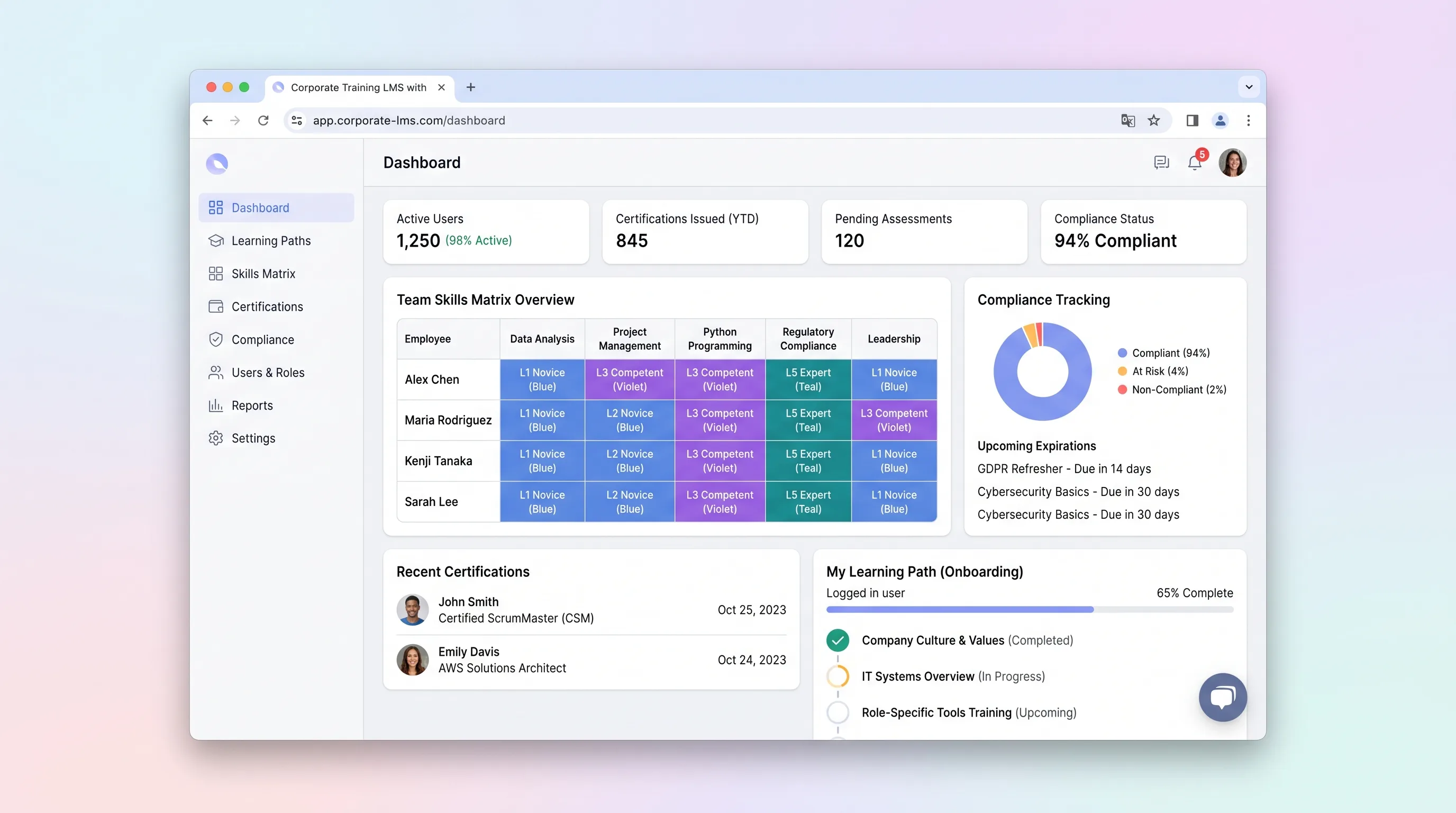
Learning PlatformHR & Recruiting
An internal learning system that maps role requirements to employee skills, assigns targeted training, and gives program managers evidence of certification status.
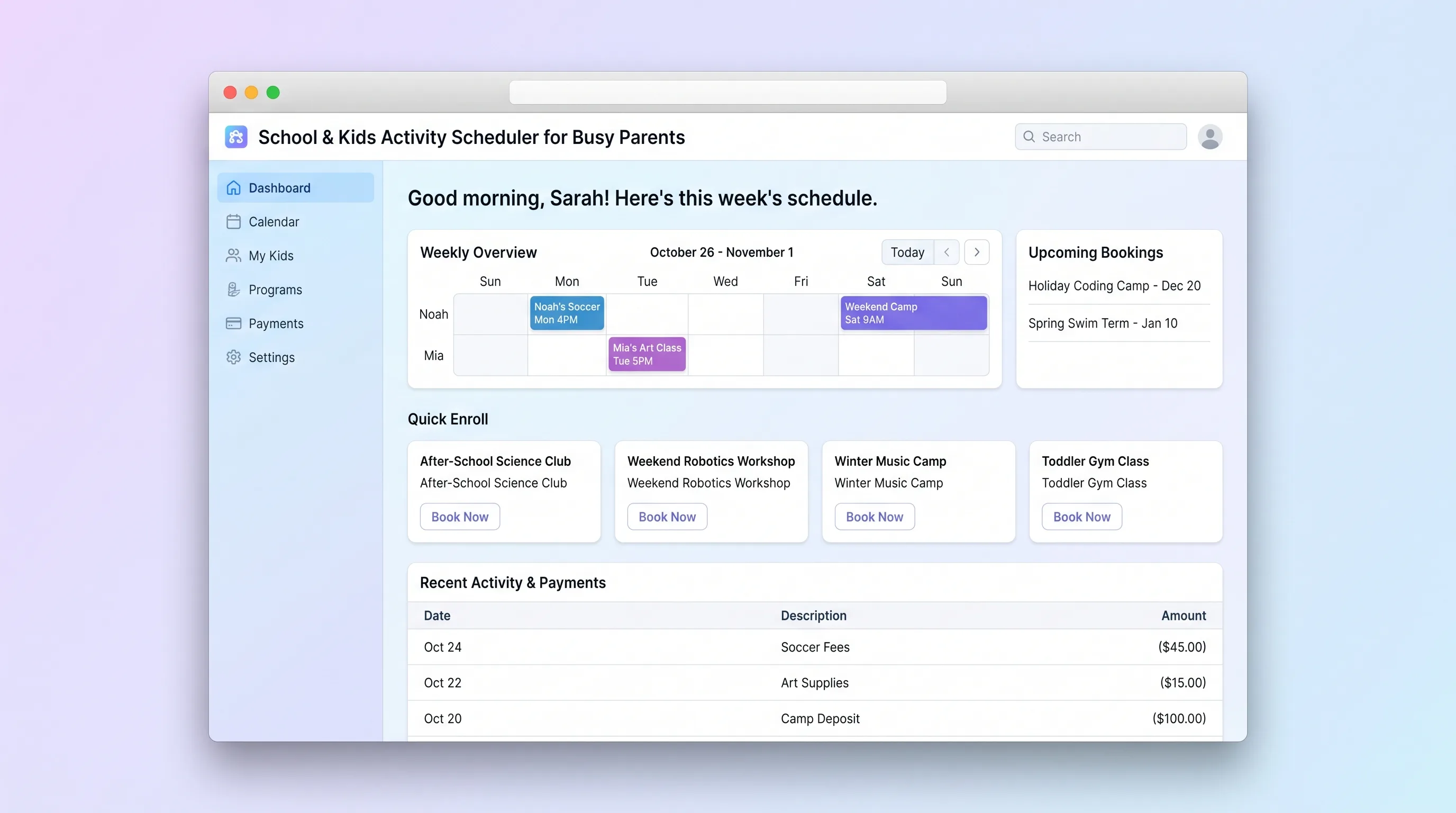
Booking PlatformEducation
A focused booking platform where parents discover, enroll in, and pay for children's after-school programs, holiday camps, and weekend classes, while operators manage class listings, capacities, and enrollments.
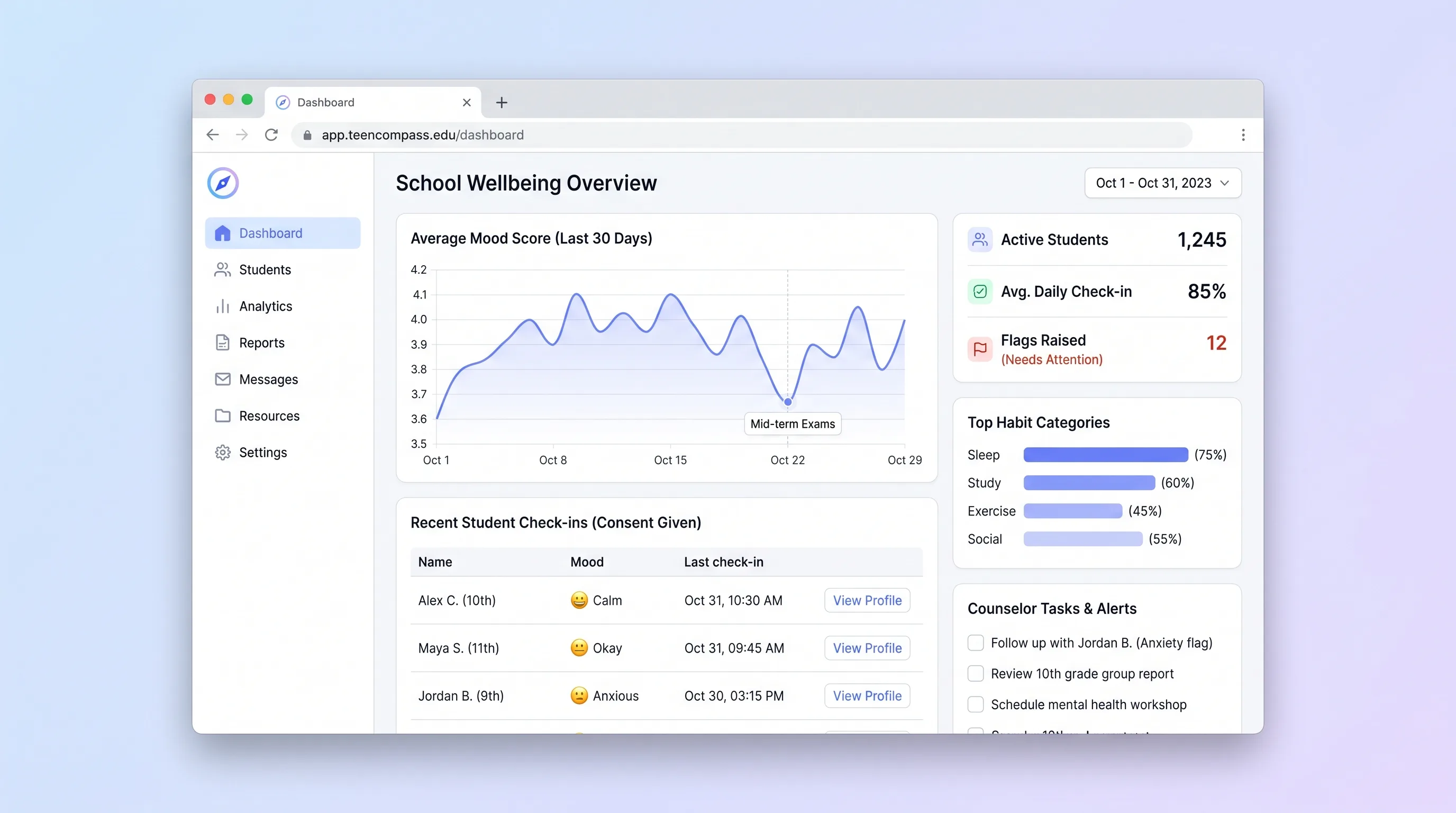
SaaS WorkflowEducation
A consent-based school check-in tool that helps counselors review student-reported mood and habit patterns, document follow-up, and protect privacy.