Build this if
A school has a written consent model, a staffed review routine, and a clear response policy for concerning self-reports.
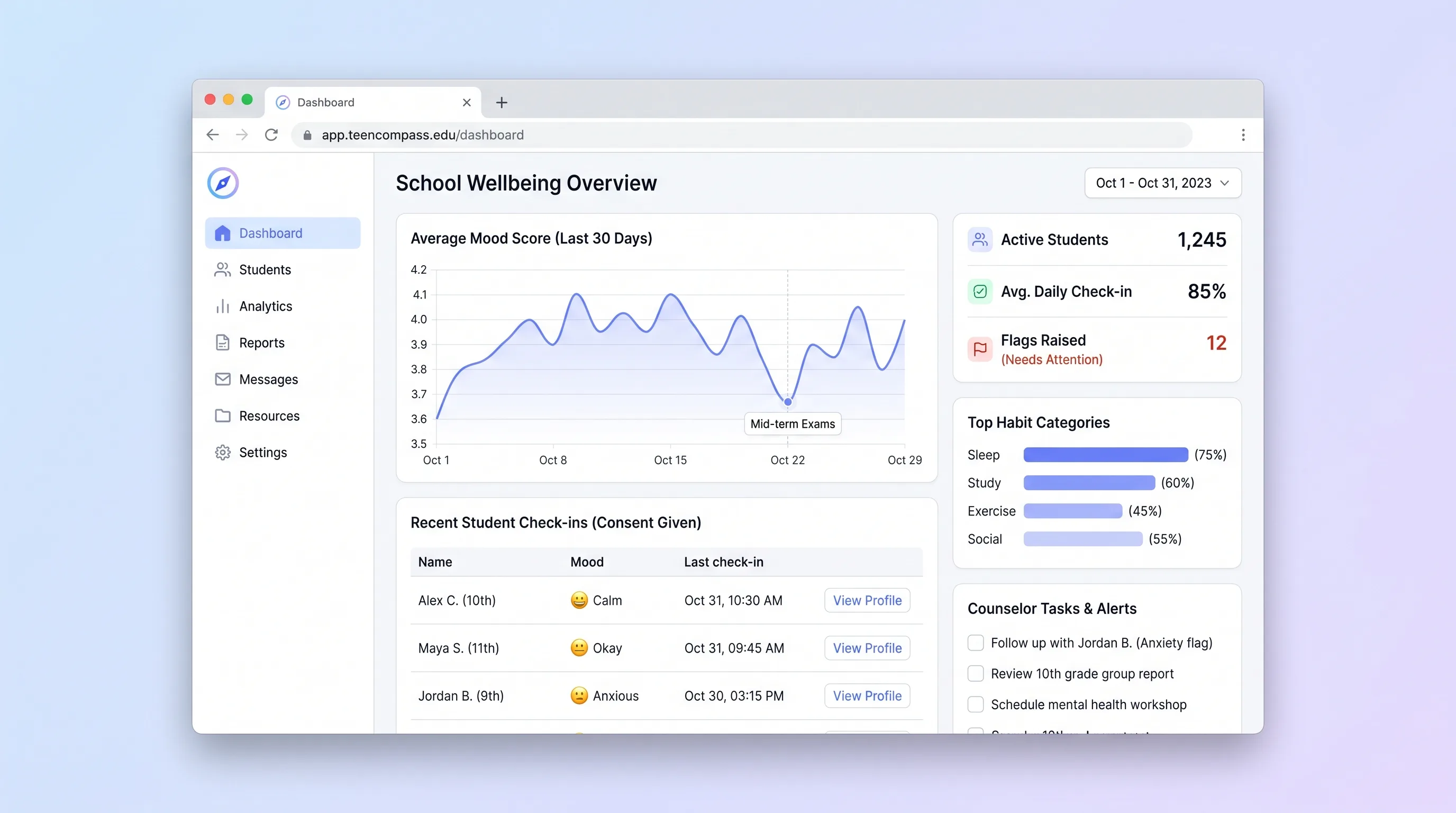
A consent-based school check-in tool that helps counselors review student-reported mood and habit patterns, document follow-up, and protect privacy.
Decision snapshot
A school has a written consent model, a staffed review routine, and a clear response policy for concerning self-reports.
The buyer expects automated diagnosis, passive surveillance, or an app to replace qualified safeguarding staff.
Run a four-week pilot with one counselor cohort and verify that students understand consent, staff review within policy windows, and every flagged check-in receives a documented disposition.
Problem and target customer
Periodic surveys and scattered notes hide changes between counselor visits, but continuous monitoring can become unsafe if students lack consent controls or staff treat self-reports as diagnoses.
School counseling teams serving secondary-school students with an approved wellbeing check-in program and defined escalation policy.
Annual school license priced by campus or enrolled program cohort, with onboarding and policy configuration included.
Editorial note
The defensible product is a consented self-report history with accountable human review. It should help a counselor notice change and organize follow-up without presenting an algorithm as a clinician.
A school must supply the operating policy the software enforces: who reviews, how quickly, what happens after a concerning response, and how withdrawal works. Without that staffing and governance, the interface creates a false promise of safety.
Choose your next step
Evaluate the operating tradeoffs quickly, or inspect how to build the MVP.
Compare the three operating paths at the default workload before opening the full calculator.
See cost preview Build this ideaInspect the build blueprintReview MVP scope, workflow, states, data rules, architecture, and acceptance criteria.
Open blueprintEvaluation preview
Directional infrastructure estimates for the current 3,000 student check-ins assumption. Open the full calculator when you are ready to change it.
App, database, backups, and logs for private student check-ins and counselor review with minimal platform operations.
Lowest operating effortA small cloud server runs private student check-ins and counselor review, PostgreSQL, and scheduled backups.
Lowest baseline costSeparate web, data, and background capacity for private student check-ins and counselor review when operational isolation matters.
Most separation and controlBuild blueprint
Product goal
MVP scope
UX and user flow
Explain the program, data use, limits, and current consent state.
Capture a small set of self-reported mood and routine signals.
Prioritize policy-triggered entries and document accountable follow-up.
Core entity outline
Captures who agreed to which program policy and whether participation remains active.
Stores timestamped self-report answers and an optional protected note.
Tracks the reason for counselor attention and the documented disposition.
Architecture and data flow
Present consent and accessible check-ins without exposing counselor notes.
Apply school-approved thresholds deterministically and explain why an item entered review.
Show trends, assignments, deadlines, and protected follow-up documentation.
Deliverables and acceptance
Recommended stack
Supports accessible student forms and a separate counselor workspace.
Keeps consent versions, check-ins, and restricted notes connected with retention rules.
Avoids shared credentials and binds counselor access to approved roles.
Records access and disposition changes without exposing check-in text in logs.
This MVP is a privacy-sensitive reporting workflow, not an AI product. Deterministic policy rules, scoped access, and human review are easier to explain and test than predictive risk scoring.
Copy the build prompt, model the operating cost, and choose where to deploy.
Execution
Once the blueprint is clear, use the prompt, cost model, and deployment options to start building.
Build prompt
Build a conventional TypeScript application with a relational database and explicit authorization; do not add model inference to the student or counselor path.
Build prompt
Open the prompt pack whenever you are ready to take this blueprint into your builder.
Build prompt ready
Copy the prompt into your builder, then use the cost model below to choose how you want to run it.
Use the cost model to choose a deployment path that matches the build plan.
Cost calculator
A technical run-cost estimate for the first production version. Team, acquisition, payment fees, and business COGS are excluded.
$6.67-$22 per 1,000 student check-ins
Low and high values allow for usage variance and plan headroom.
App, database, backups, and logs for private student check-ins and counselor review with minimal platform operations.
50K student check-ins included, then $8-$20 per 50K student check-insThe estimate combines the selected infrastructure path, required operating modules, selected optional modules, and usage above included monthly allowances. Taxes and regional uplifts are excluded.
Deployment options
Choose based on operating preference, not only the headline price.
Deploy the student check-in and counselor review service with managed services, environment variables, logs, and a short path from prototype to beta.
Usage-based compute needs budget alerts as activity grows.
Run the app, worker, and database on one small Vultr VPS with Docker Compose and explicit backups.
The operator owns database maintenance and incident response.
Separate application, worker, data, storage, and backup responsibilities as the workload grows.
More moving parts increase setup and observability work.
Start building
Design the consent explanation, short check-in, counselor trend, and follow-up states with accessibility testing.
Open Lovable 02AutomationRelay operational reminders carefullyUse Make only for staff reminders that contain no student wellbeing details and link back to the protected queue.
Open Make 03DeployDeploy the protected workflowHost the app and database with encrypted backups, strict secrets, audit logging, and a tested restore path.
Open RailwayKeep exploring
MarketplaceEducation
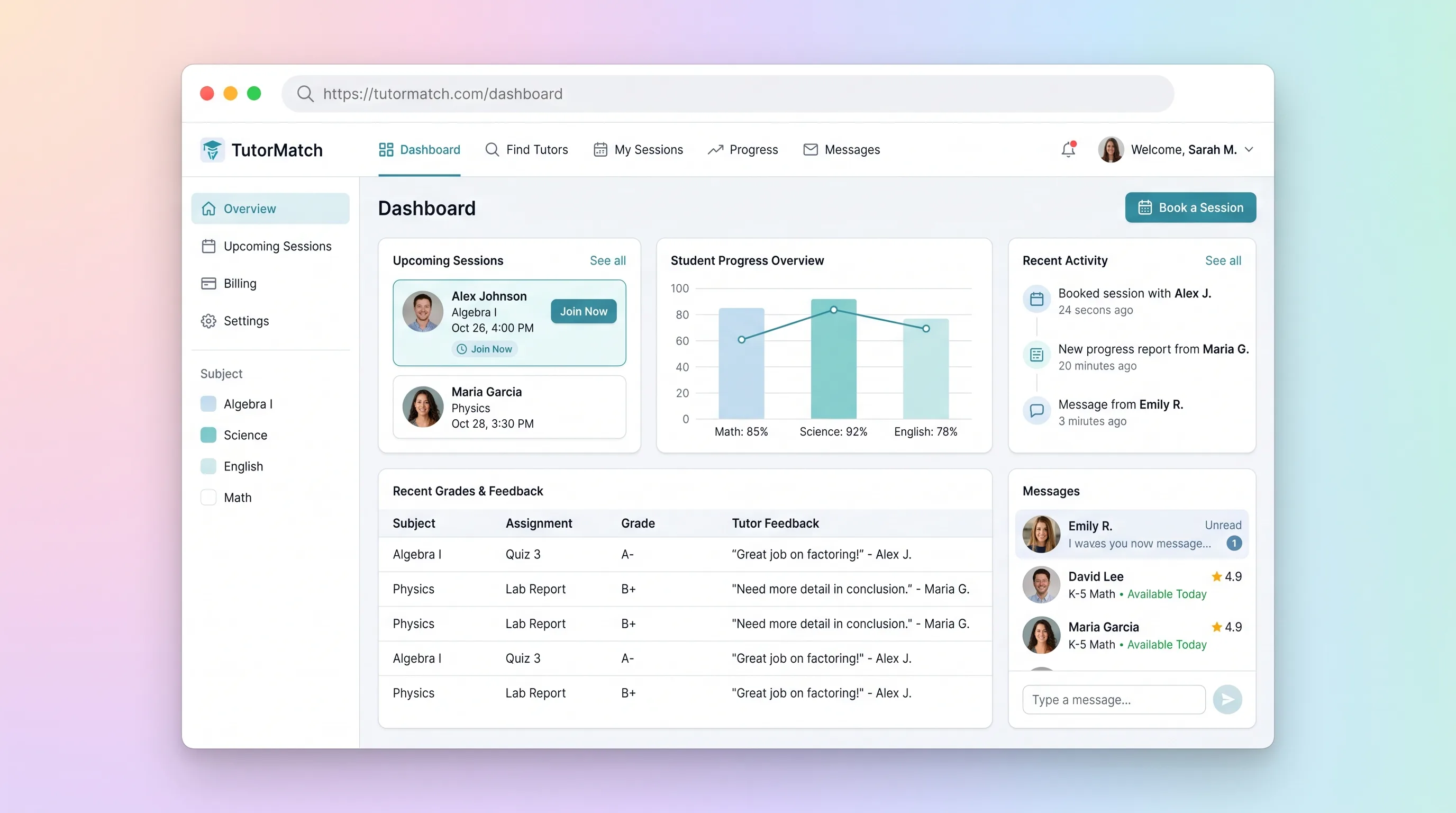
A tutor marketplace where parents compare vetted subject specialists, book and pay for sessions, then review tutor-authored progress notes.
SaaS WorkflowEducation
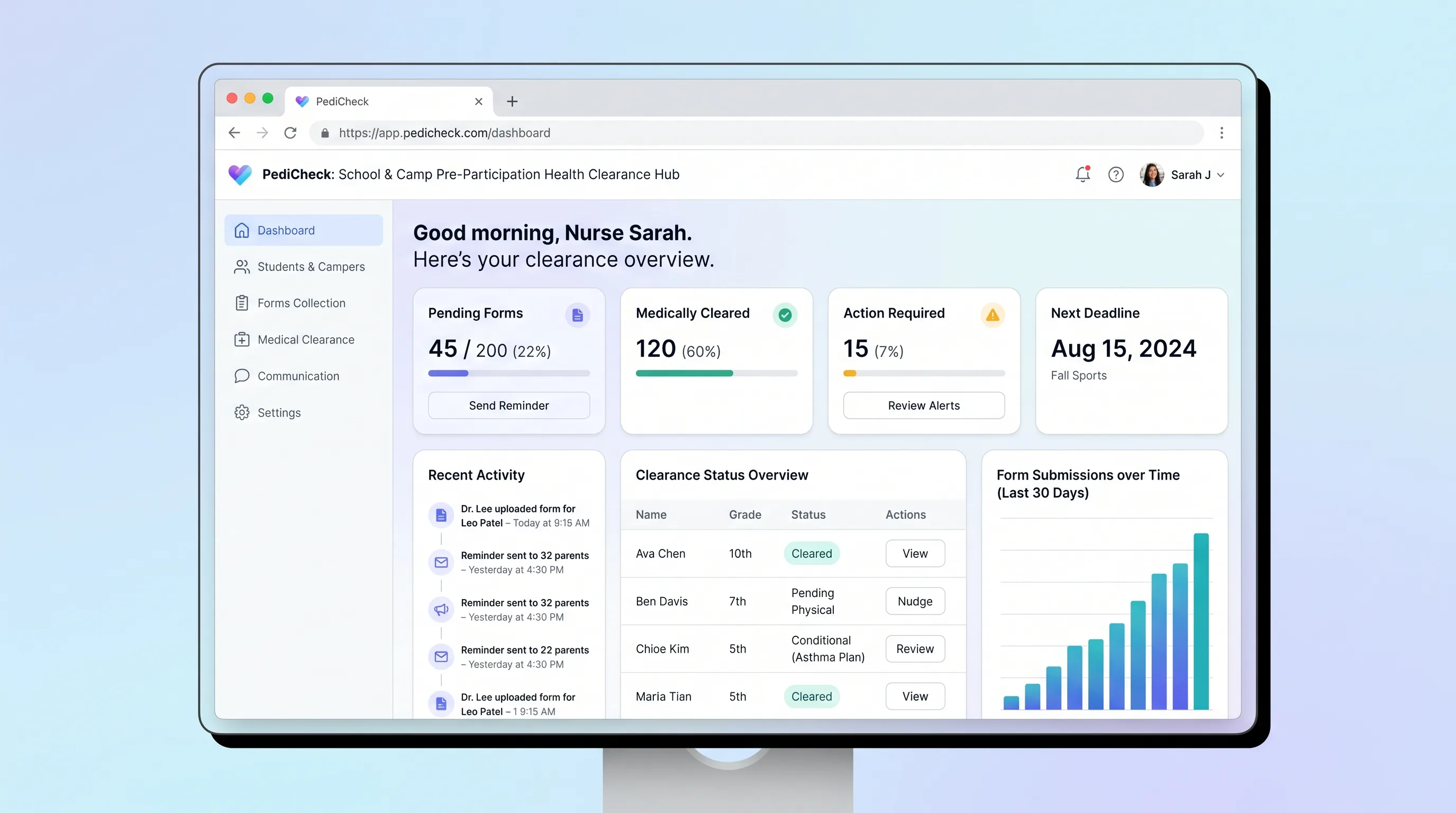
A secure packet and review workflow for schools and camps to collect family-submitted health forms and track clinician-recorded participation decisions.
SaaS WorkflowHealthcare & Wellness
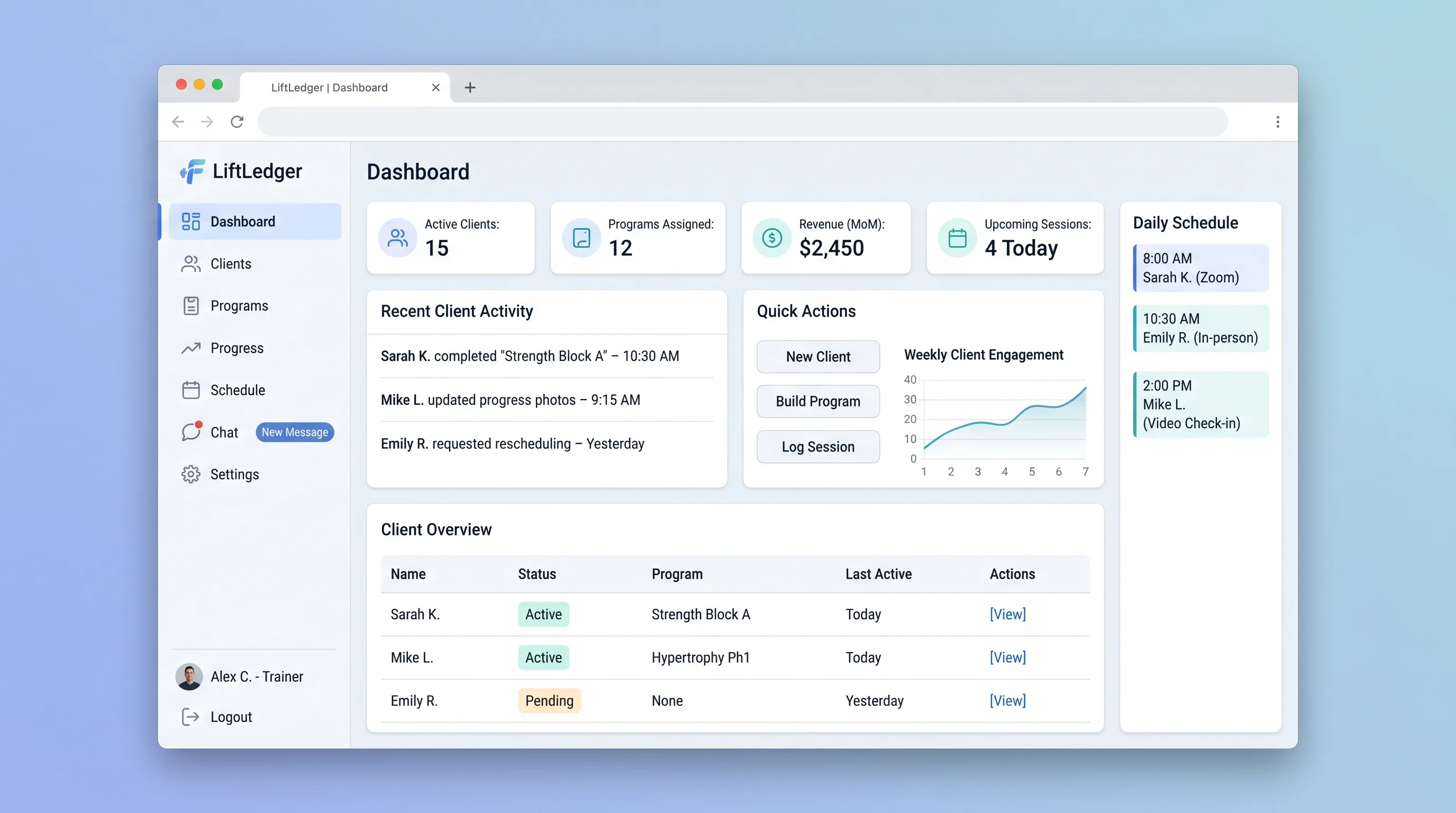
A two-sided coaching workspace where trainers publish versioned programs, clients log actual workouts, and both can review progress against the original plan.
SaaS WorkflowSales & Marketing
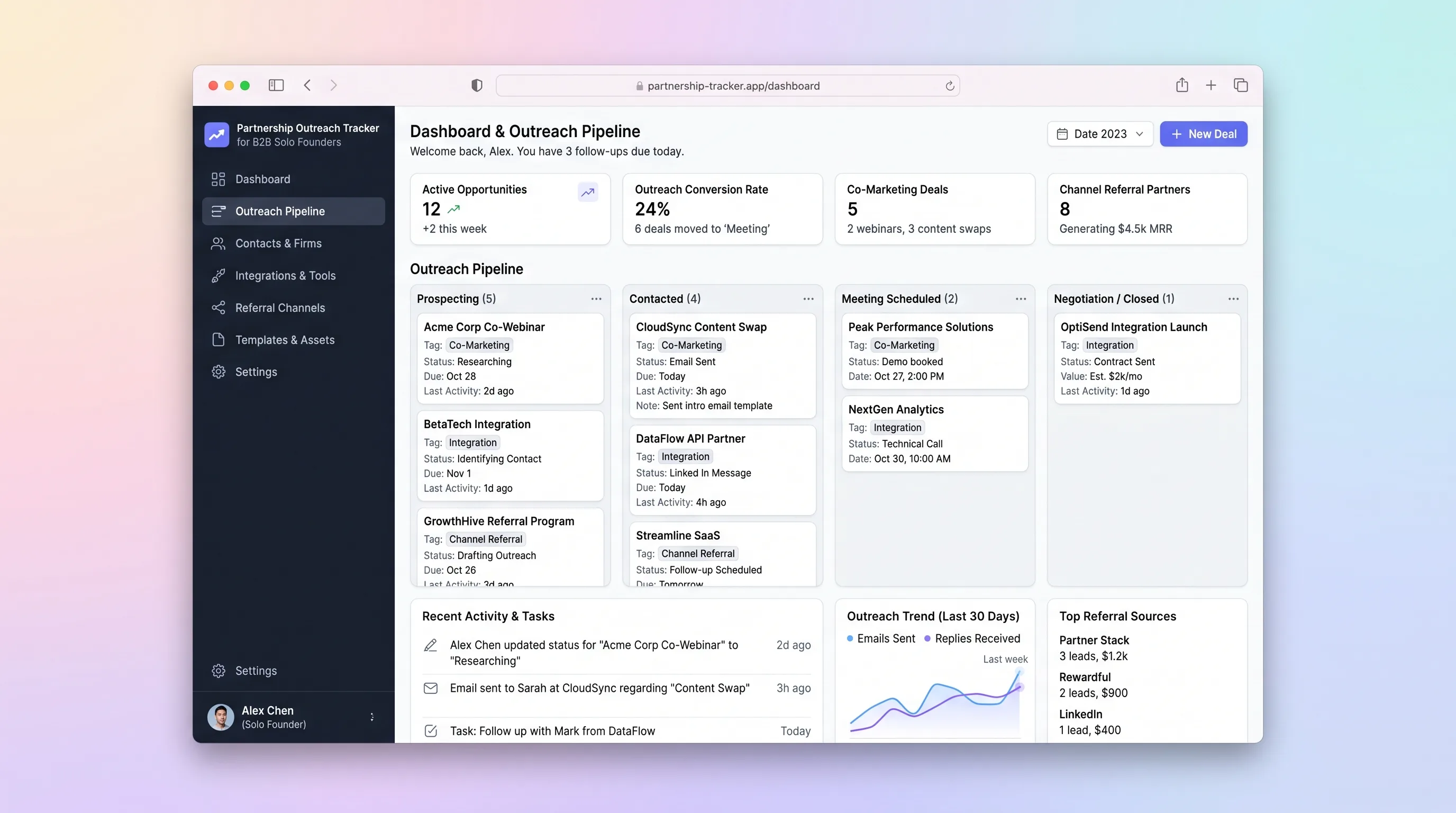
A single-workspace outreach tracker that lets a solo B2B founder run a 30-partner campaign, log email replies, schedule follow-ups, and close co-marketing or integration deals without juggling spreadsheets and Gmail.
SaaS WorkflowHealthcare & Wellness
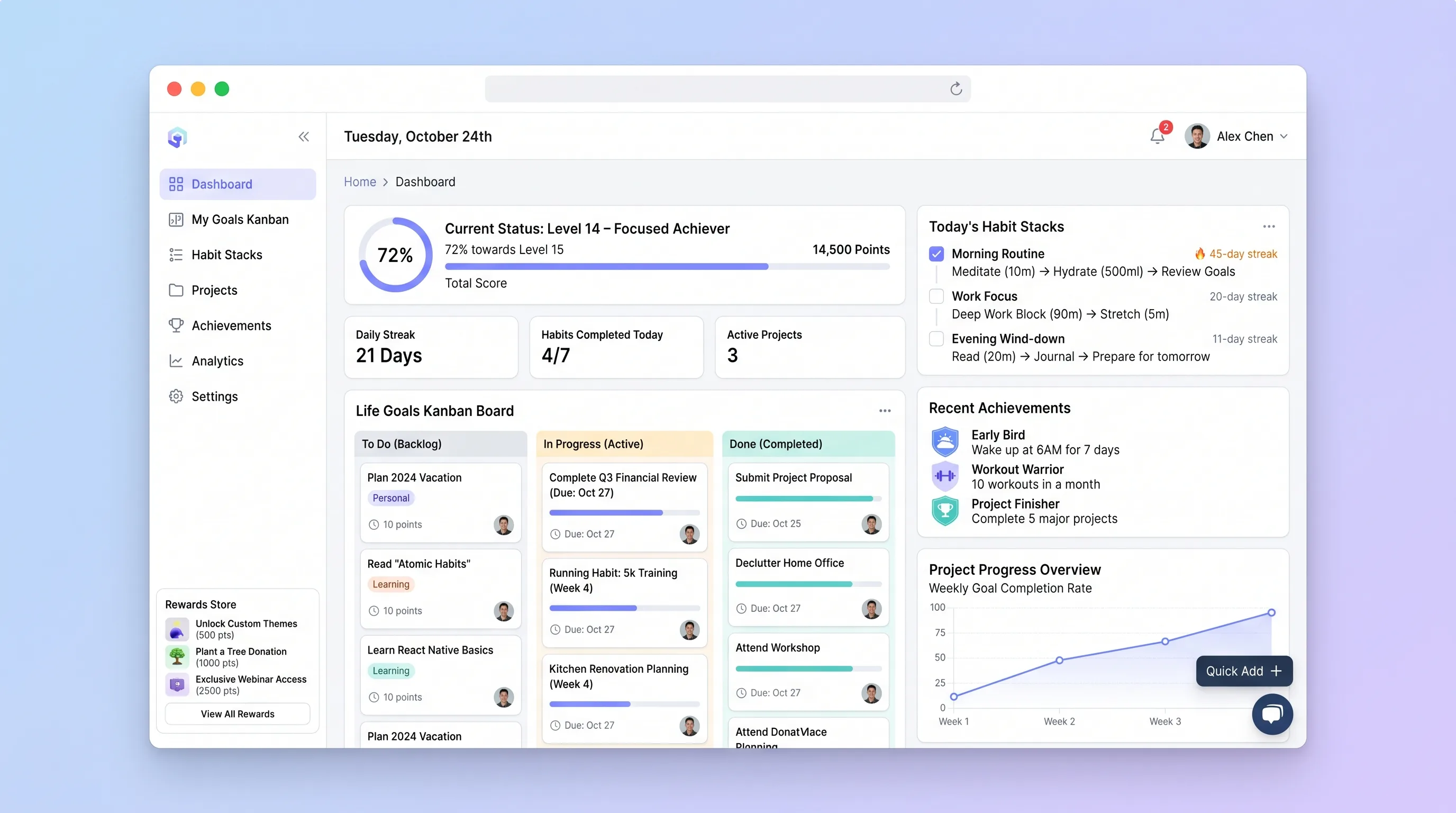
A private progress board that connects long-term goals to repeatable habit sequences, daily evidence, milestones, streaks, and user-defined rewards.
SaaS WorkflowProfessional Services
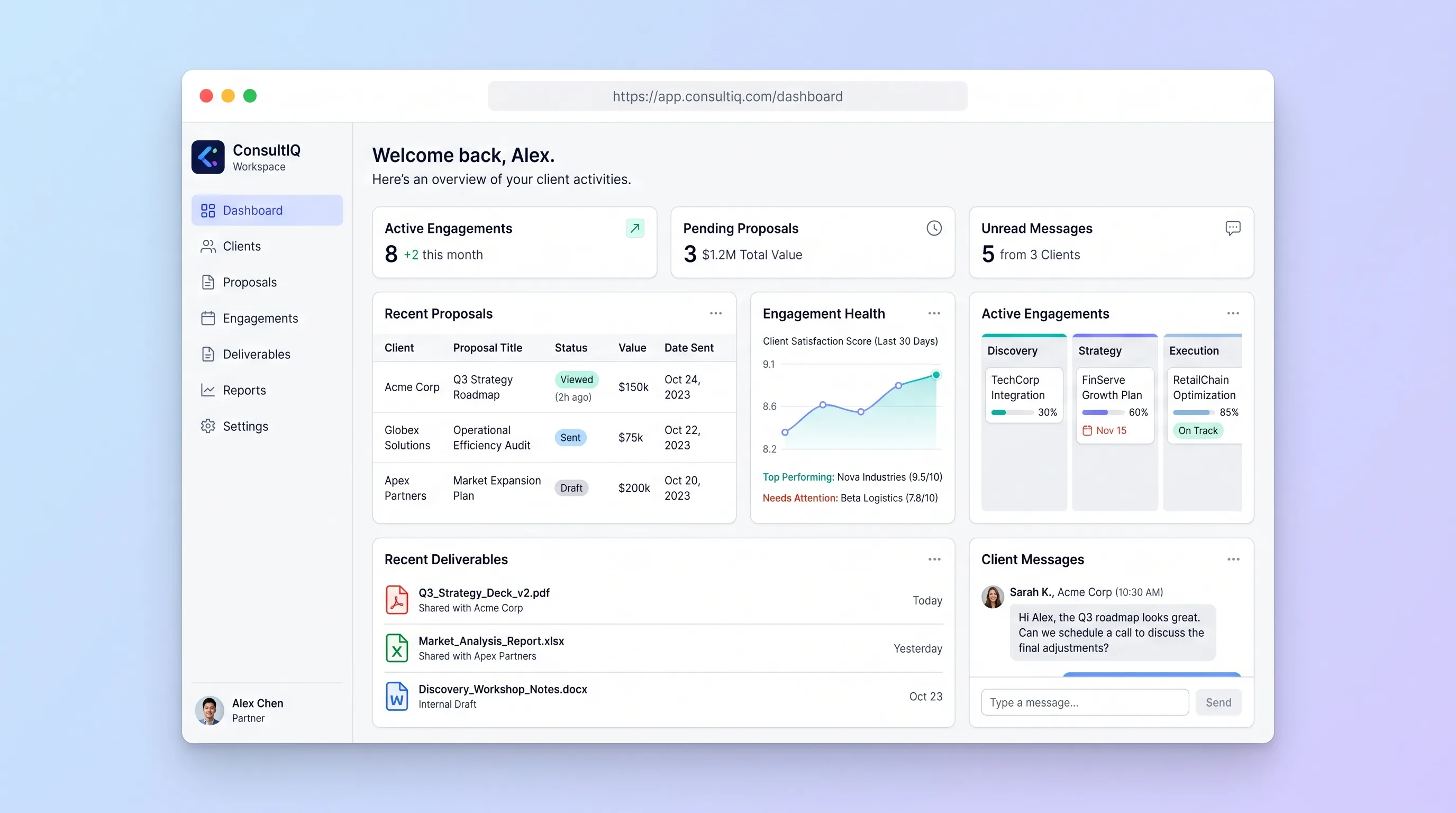
A branded workspace for boutique consultancies to move a prospect from proposal approval into a controlled engagement with milestones, files, and client sign-offs.